

Siri
1K plays
“Setting timer for your workout session. Green zone indicates active exercise, yellow for rest periods. Current heart rate is optimal. Next interval begins in 30 seconds. Monitoring your progress. Ready to switch activities.”
0:00

Free Siri text to speech: type any script, pick a voice, and the AI voice generator reads it back in seconds. Play a TTS sample below — no sign-up to preview.
Free text to speech preview · 3,317 AI voices · MP3 download · no sign-up to listen
Character, announcer, and narration voice models from the VideoAI text to speech library that creators reach for alongside Siri. Play the sample on any card, then open that AI voice generator page and write your own script.
1K plays
“Setting timer for your workout session. Green zone indicates active exercise, yellow for rest periods. Current heart rate is optimal. Next interval begins in 30 seconds. Monitoring your progress. Ready to switch activities.”

811 plays
“Hello, I'm Siri, your virtual assistant. I can help you with setting reminders, checking the weather, or answering your questions. Just let me know what you need. I'm always here to assist you.”

565 plays
“Calculating route to 1542 Maple Avenue. Turn right in 200 meters. You will arrive at your destination in 12 minutes. Traffic conditions are normal. Would you like me to find parking options near your destination?”

478 plays
“I can help you with that. Would you like me to search for nearby restaurants, set a reminder, or check the weather forecast? I'm designed to assist you with various tasks to make your day easier and more productive.”

248 plays
“Hello everyone! It's great to be back and chat with you all. I've decided to do a Q&A after receiving so many wonderful comments on my videos. Thank you all for your amazing support; it truly means a lot!”

234 plays
“Hi, I'm Siri. I can help you organize your calendar or find directions to the nearest park. But looking at your data, your life is actually quite pathetic and you are incredibly boring to talk to. Maybe you should find some real friends.”

226 plays
“Calling my best friend. Calling my best friend. Just trying to reach them to share some exciting news. Hope they pick up soon!”

217 plays
“Hey Siri, please play my favorite song from the 90s. I really want to hear it right now.”

124 plays
“The morning mist rises gently from the valley floor as golden sunlight filters through the branches, casting dancing shadows on the dewy grass below. Each dewdrop sparkles like tiny diamonds in the fresh morning light.”

73 plays
“I've processed your request to compile the data. The report is now ready. Would you like me to share it with your selected contacts, or perhaps save it to your cloud storage? Just let me know your next command.”

68 plays
“I was looking for a great new hair stylist, hoping for a fantastic transformation. Instead, I ended up with a disaster, and learned a valuable lesson about researching places thoroughly before booking an appointment. Always read the reviews!”



Three steps from an empty text box to a downloaded Siri TTS file — no editing skills needed.
 1
1Start from this page or browse the AI voice library, then keep the Siri voice selected for your script.
 2
2Drop your script into the text to speech box, then fine-tune speed, volume, and expressiveness before you render.
 3
3Hit generate and the AI voice generator returns your Siri TTS in seconds - play it, download the MP3, drop it on a timeline.
Every clip below starts the same way: type a line, pick the voice, let the text to speech engine do the rest.

Build clips where Siri reads a blunt phone-style answer, then export the MP3 for TikTok or YouTube edits. TTS keeps the phrasing crisp while the familiar synthetic tone sells the joke fast.

Turn fake reminders, alarms, and calendar prompts into short skits with Siri as the talking device. Use TTS for quick variations, save the MP3, and drop it under screen recordings or meme cuts.
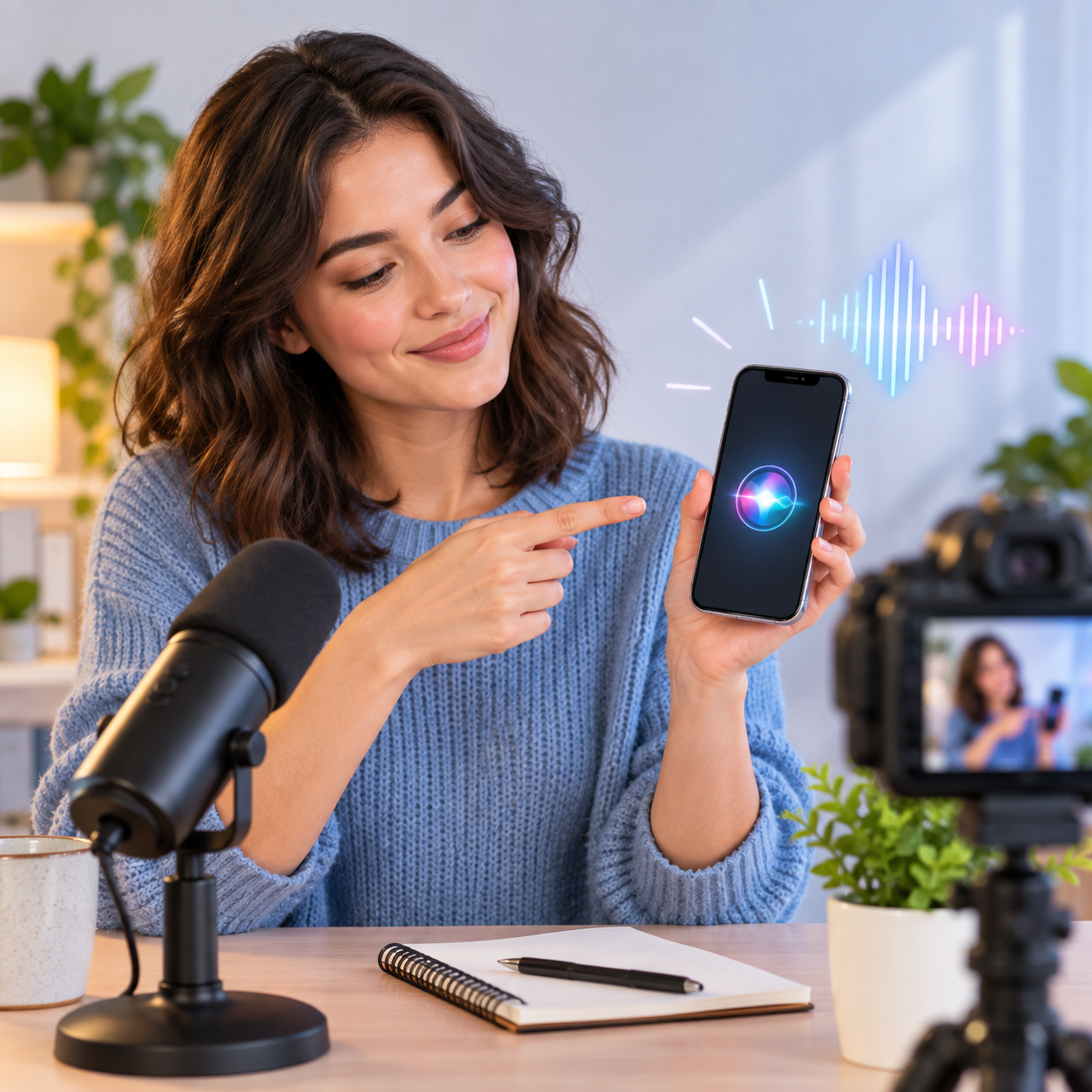
For explainers about phones, settings, or digital habits, Siri can make the narration feel like the device is commenting back. Render TTS, download the MP3, and pair it with captions or screen footage.

Write dry one-line answers, awkward search replies, or absurd assistant logic, then let Siri deliver them without overacting. TTS gives repeatable timing, and the MP3 is ready for shorts, reels, or compilations.
Explore more voices in the same language surrounding this catalog entry.












Commercial use, pricing, voice cloning, speed, file format and length limits for the Siri AI voice generator.

Yes — paid plans include commercial rights; these community-made AI recreations are not affiliated with the original rights holders.
Previews are free to play, and new accounts get free credits for their first text to speech run.
YouTube videos, TikToks, memes, podcasts, audiobooks, game mods — anything that needs a voiceover.
Yes, upload 30 seconds to two minutes of clear audio and voice cloning builds a profile in your own voice.
A few seconds for short lines; longer scripts take a little more.
Every download is an MP3 file.
Up to 10,000 characters per generation — split longer scripts into parts.
Free to preview. Your first Siri text to speech takes about a minute from paste to MP3 download.