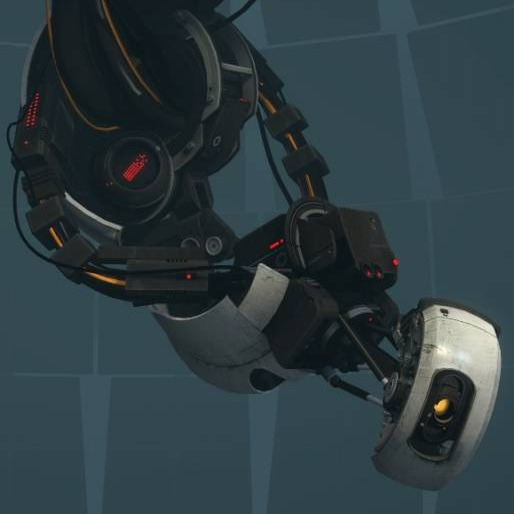
Free V1 text to speech: type any script, pick a voice, and the AI voice generator reads it back in seconds. Play a TTS sample below — no sign-up to preview.
V1 ultrakill by Marco Antonio · 73K plays on VideoAI · English
Free text to speech preview · 3,317 AI voices · MP3 download · no sign-up to listen
More AI Voice Models Similar to V1
Character, announcer, and narration voice models from the VideoAI text to speech library that creators reach for alongside V1. Play the sample on any card, then open that AI voice generator page and write your own script.
V1 ultrakill
8K plays
MaleMiddle Aged
“Every story begins with a small idea and a clear voice. Take a moment, set the scene, and let the words move naturally from one thought to the next. With the right pace and tone, even a simple message can feel vivid, warm, and memorable.”
“Today is a good day to try something new. Breathe, listen closely, and follow the rhythm of each sentence as it unfolds. A calm delivery can turn ordinary words into a message that feels confident, friendly, and easy to understand.”
“Today is a good day to try something new. Breathe, listen closely, and follow the rhythm of each sentence as it unfolds. A calm delivery can turn ordinary words into a message that feels confident, friendly, and easy to understand.”
“Omnis fabula a parva cogitatione et clara voce incipit. Paulum respira, numerum sententiarum audi, et verba naturaliter fluere sine. Iusta celeritas atque sonus etiam nuntium brevem vivum, gratum, et memoria dignum efficere possunt.”
“Every story begins with a small idea and a clear voice. Take a moment, set the scene, and let the words move naturally from one thought to the next. With the right pace and tone, even a simple message can feel vivid, warm, and memorable.”
“Today is a good day to try something new. Breathe, listen closely, and follow the rhythm of each sentence as it unfolds. A calm delivery can turn ordinary words into a message that feels confident, friendly, and easy to understand.”
“Imagine the lights coming up just before the first line is spoken. The room grows quiet, the moment feels close, and every word carries a little more meaning. This short sample is designed to reveal tone, clarity, pacing, and natural expression.”
“Today is a good day to try something new. Breathe, listen closely, and follow the rhythm of each sentence as it unfolds. A calm delivery can turn ordinary words into a message that feels confident, friendly, and easy to understand.”
Three steps from an empty text box to a downloaded V1 TTS file — no editing skills needed.
1
Select the V1 AI voice
Start from this page or browse the AI voice library, then keep the V1 voice selected for your script.
2
Type or Paste Your Text
Drop your script into the text to speech box, then fine-tune speed, volume, and expressiveness before you render.
3
Text to Speech
Hit generate and the AI voice generator returns your V1 TTS in seconds - play it, download the MP3, drop it on a timeline.
What Creators Make with the V1 AI Voice
Every clip below starts the same way: type a line, pick the voice, let the text to speech engine do the rest.
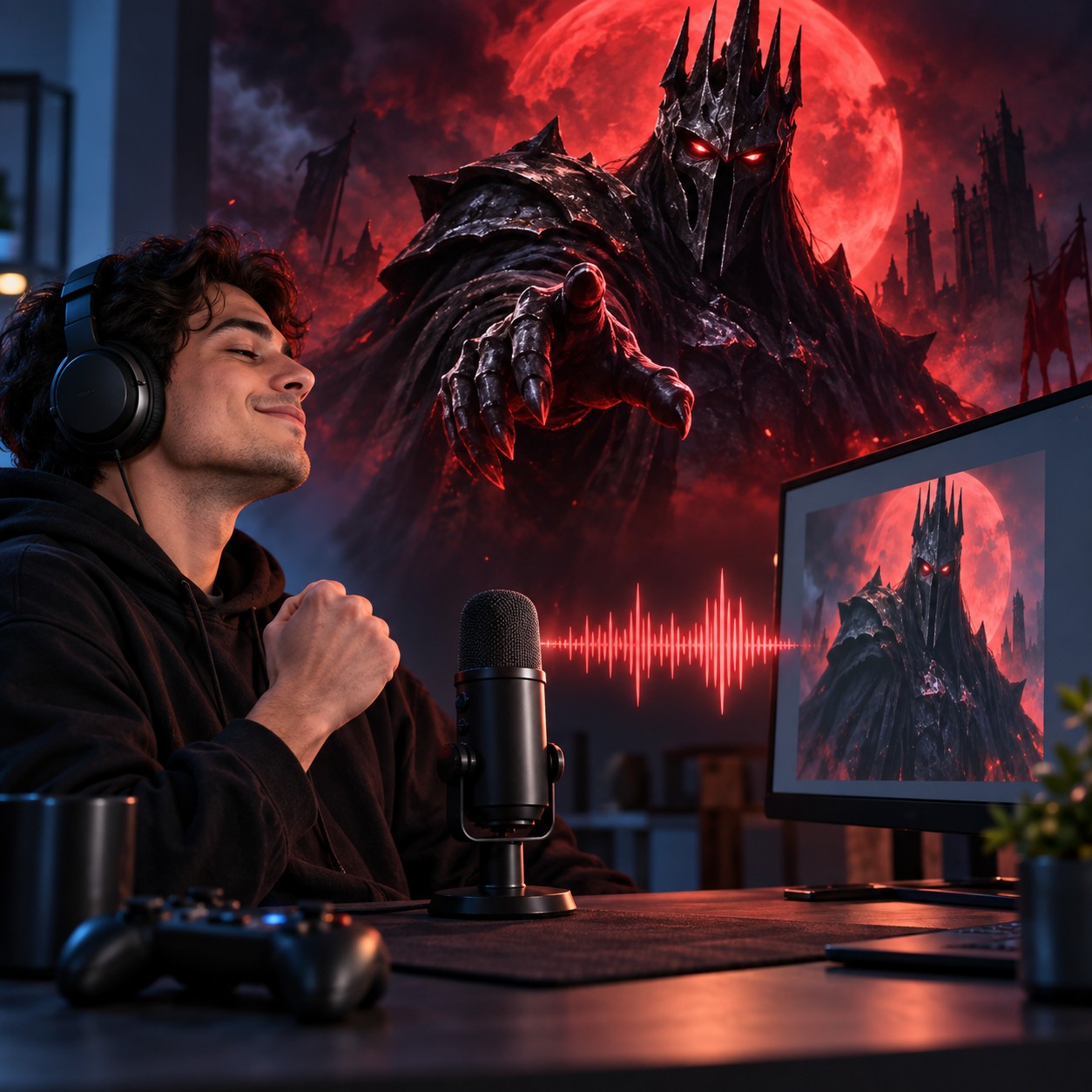
Blood-Fuelled Gameplay Edits
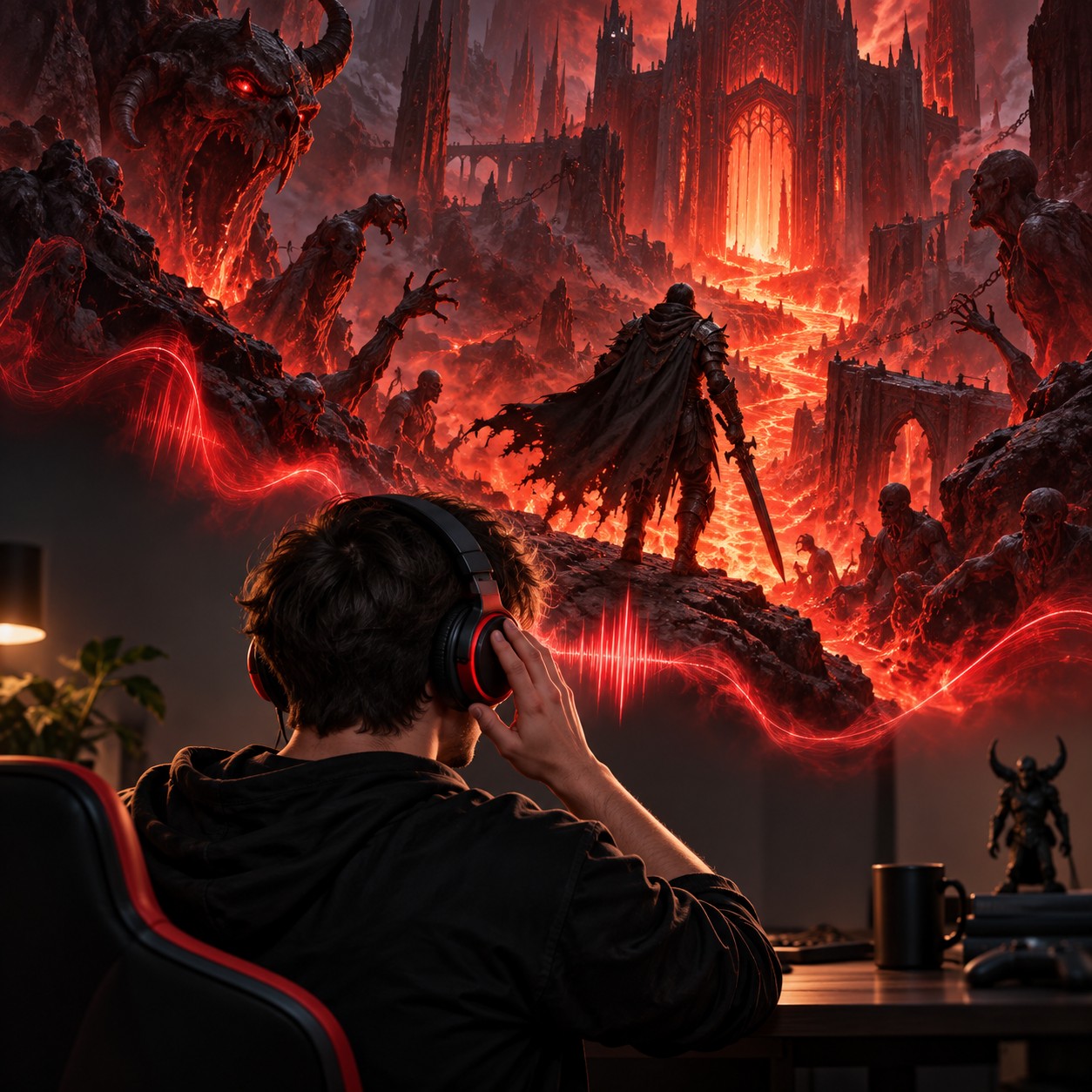
For gaming edits, pair V1 with TTS for a deep, dark, cinematic, menacing read of a descent through Hell, then export the result as an MP3 for YouTube or TikTok.
Menacing Meme Caption Cuts
Turn a gaming meme caption into V1 TTS, using its deep, dark, cinematic, menacing character for a short MP3 that fits YouTube or TikTok.
Hell Descent YouTube Edits
For a YouTube fan animation, give V1 TTS a short line about descending through Hell in search of blood, then render an MP3 with the community clone's deep, dark, cinematic, menacing sound.
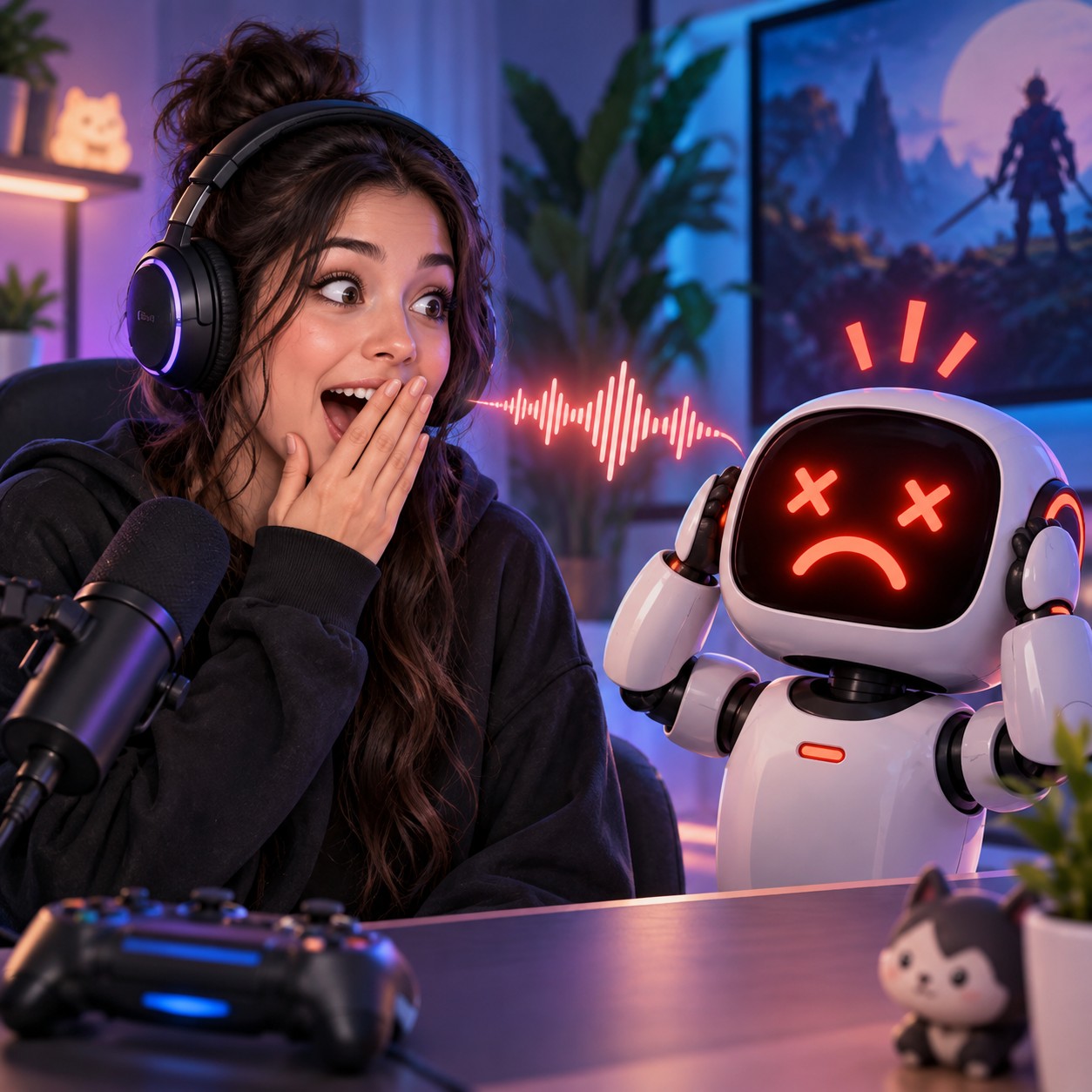
Machine Error Reaction Clips
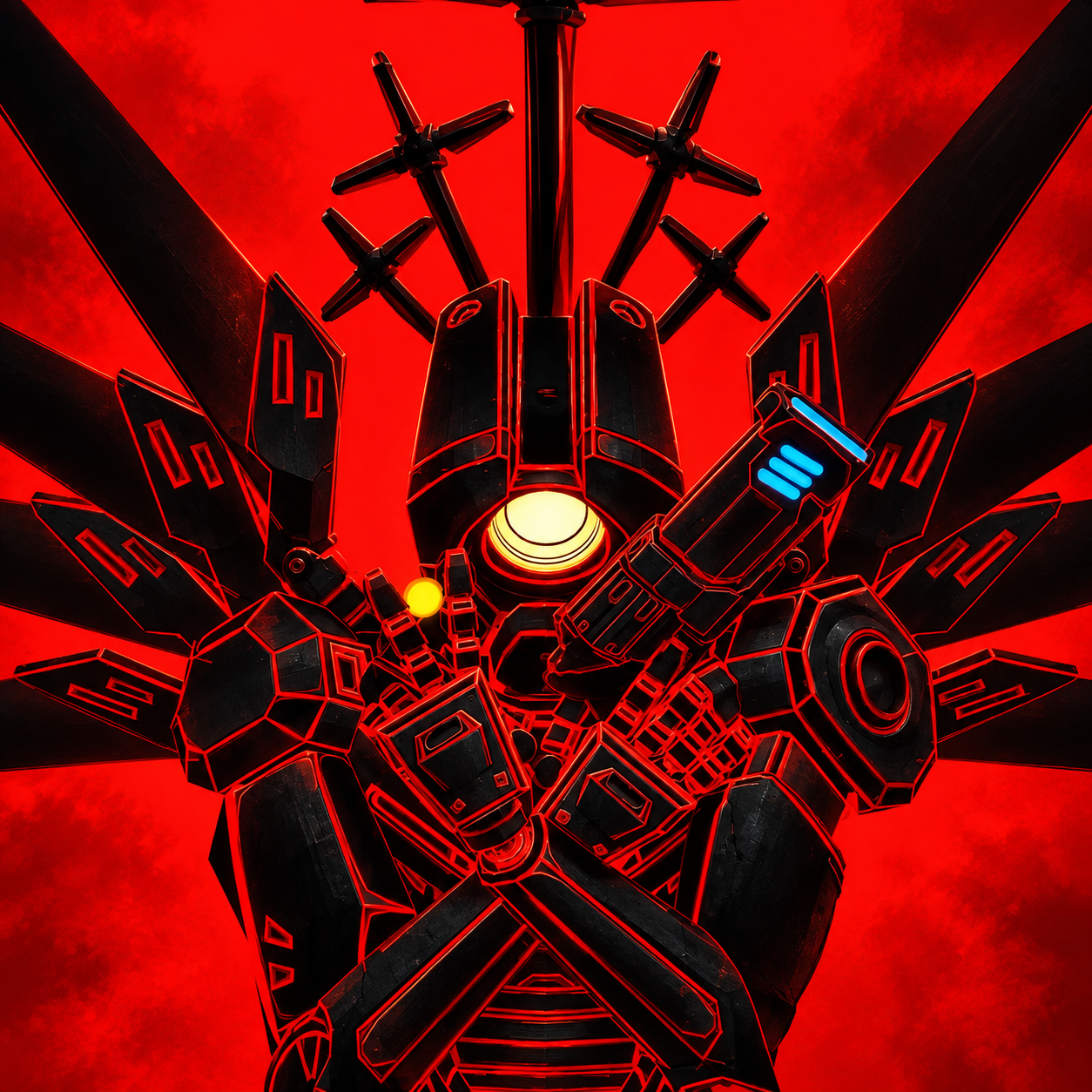
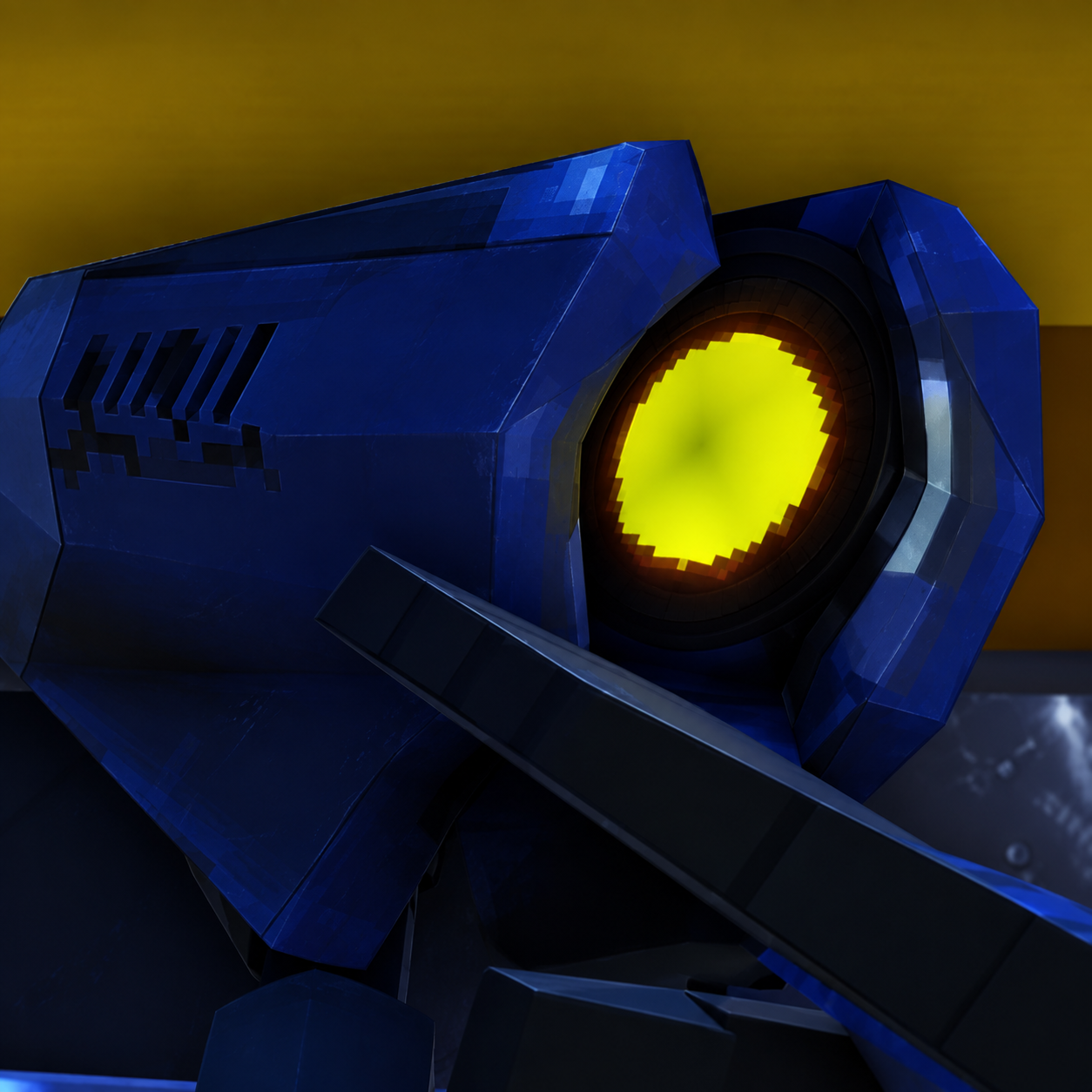
Build a TikTok reaction around the machine's ERROR: NO VOCAL INTERFACE DETECTED message: feed V1 into TTS, shape the dark delivery, and publish an MP3 for a gaming meme.
Discover More Male, Middle Aged, and Gaming Voices
Explore more voices in the same language surrounding this catalog entry.
Morgan FreemanMorgan Freeman Jason Sevilla
🇺🇸English
MaleOldNarration
Juno (Overwatch 2)Juno (Overwatch 2) ipsylon
🇺🇸English
NeutralYoungCharacter Voice
metal sonic?metal sonic? boy
🇺🇸English
MaleOldCharacter Voice
Klasky Csupo (BOING VOICE)Klasky Csupo (BOING VOICE) Super Mari Voice Model Trains
🇺🇸English
NeutralYoungCharacter Voice
Hatsune Miku! Hatsune Miku! Heaven Andrus
🇺🇸English
NeutralFemaleYoung
GLaDOSGLaDOS JiminP
🇺🇸English
1x1x1x11x1x1x1 Gusts Jurkjans
🇺🇸English
MaleOldCharacter Voice
Akita NeruAkita Neru Neru Akita
🇺🇸English
FemaleYoungAnime
Amazon AlexaAmazon Alexa mckensie Parker
🇺🇸English
FemaleOldConversational
Amy RoseAmy Rose Hank Phạm
🇺🇸English
FemaleYoungCharacter Voice
Andrew (bad things)Andrew (bad things) ソフィー
🇺🇸English
MaleMiddle AgedNarration
Arc RaidersArc Raiders Sebastian
🇺🇸English
FemaleMiddle AgedCharacter Voice
FAQ
V1 Text to Speech FAQ
Commercial use, pricing, voice cloning, speed, file format and length limits for the V1 AI voice generator.
01Can I use the V1 voice commercially?
Yes — paid plans include commercial rights; these community-made AI recreations are not affiliated with the original rights holders.
02Is the V1 AI voice generator free?
Previews are free to play, and new accounts get free credits for their first text to speech run.
03What can I create with the V1 AI voice?
YouTube videos, TikToks, memes, podcasts, audiobooks, game mods — anything that needs a voiceover.
04Can I clone my own voice instead of using the V1 voice?
Yes, upload 30 seconds to two minutes of clear audio and voice cloning builds a profile in your own voice.
05How long does it take to generate V1 TTS audio?
A few seconds for short lines; longer scripts take a little more.
06What audio format do V1 TTS downloads use?
Every download is an MP3 file.
07How many characters can the V1 text to speech read at once?
Up to 10,000 characters per generation — split longer scripts into parts.
Hear your script in the V1 AI voice
Free to preview. Your first V1 text to speech takes about a minute from paste to MP3 download.