






What Flux 2 Pro Gets Right

Four capabilities that decide whether an image ships or goes back for another round.

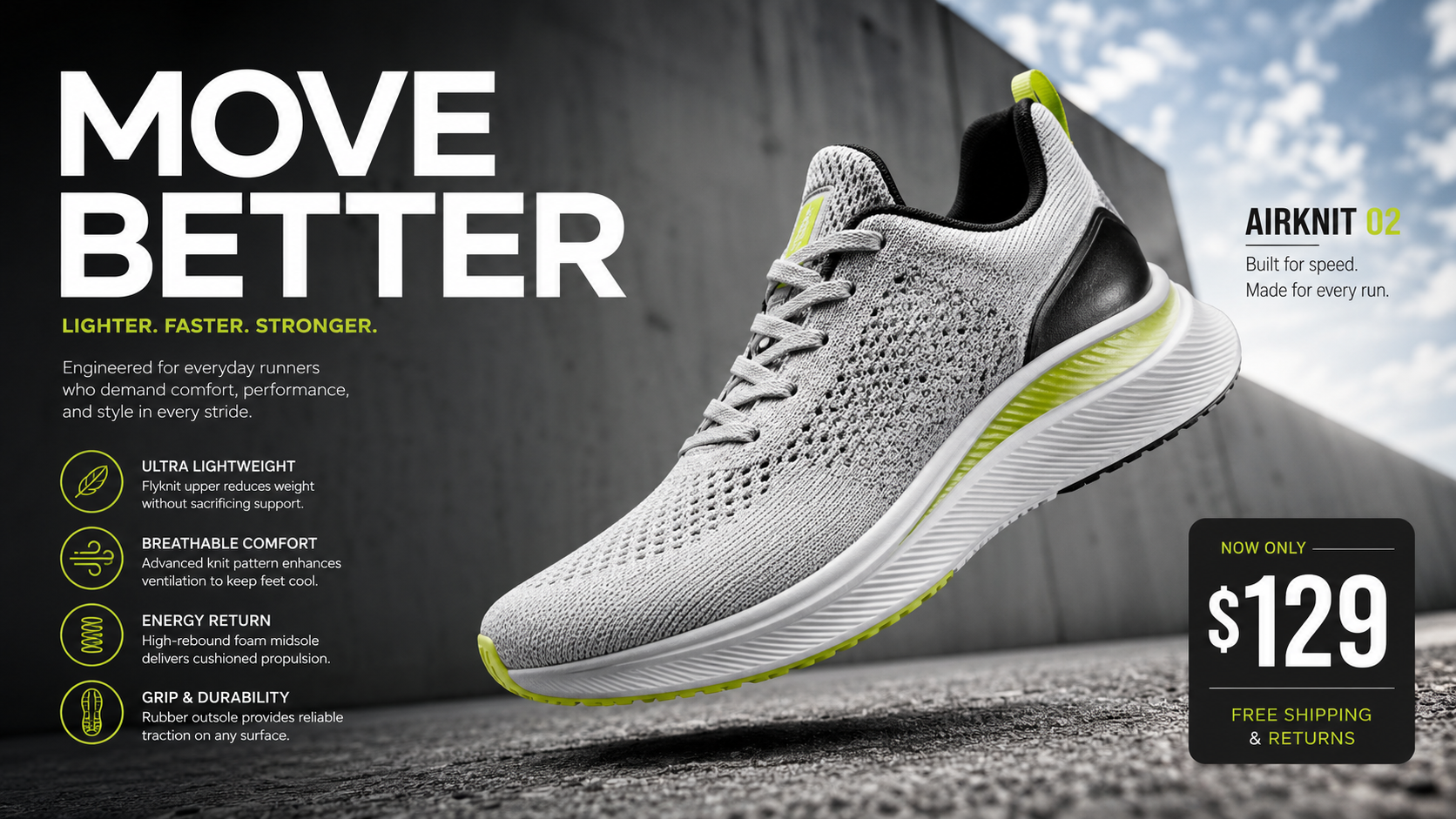
Legible Text Inside Every Image

Legible Text Inside Every Image

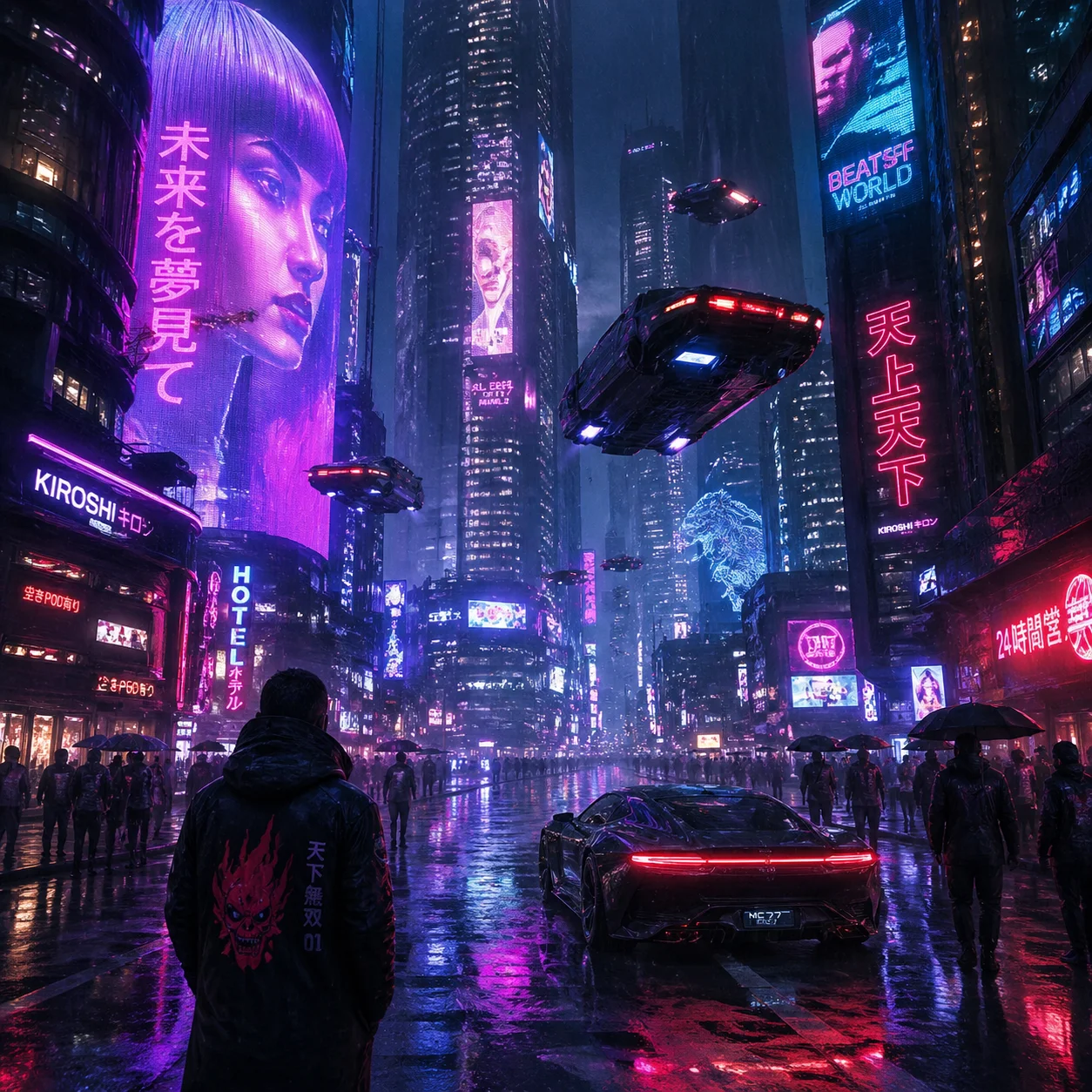
Thumbnail headlines stay sharp and small labels stay readable, because this Flux model handles complex typography, infographics, memes and UI mockups with fine text that holds up at full size. No rebuilding the wording in a photo editor afterwards.

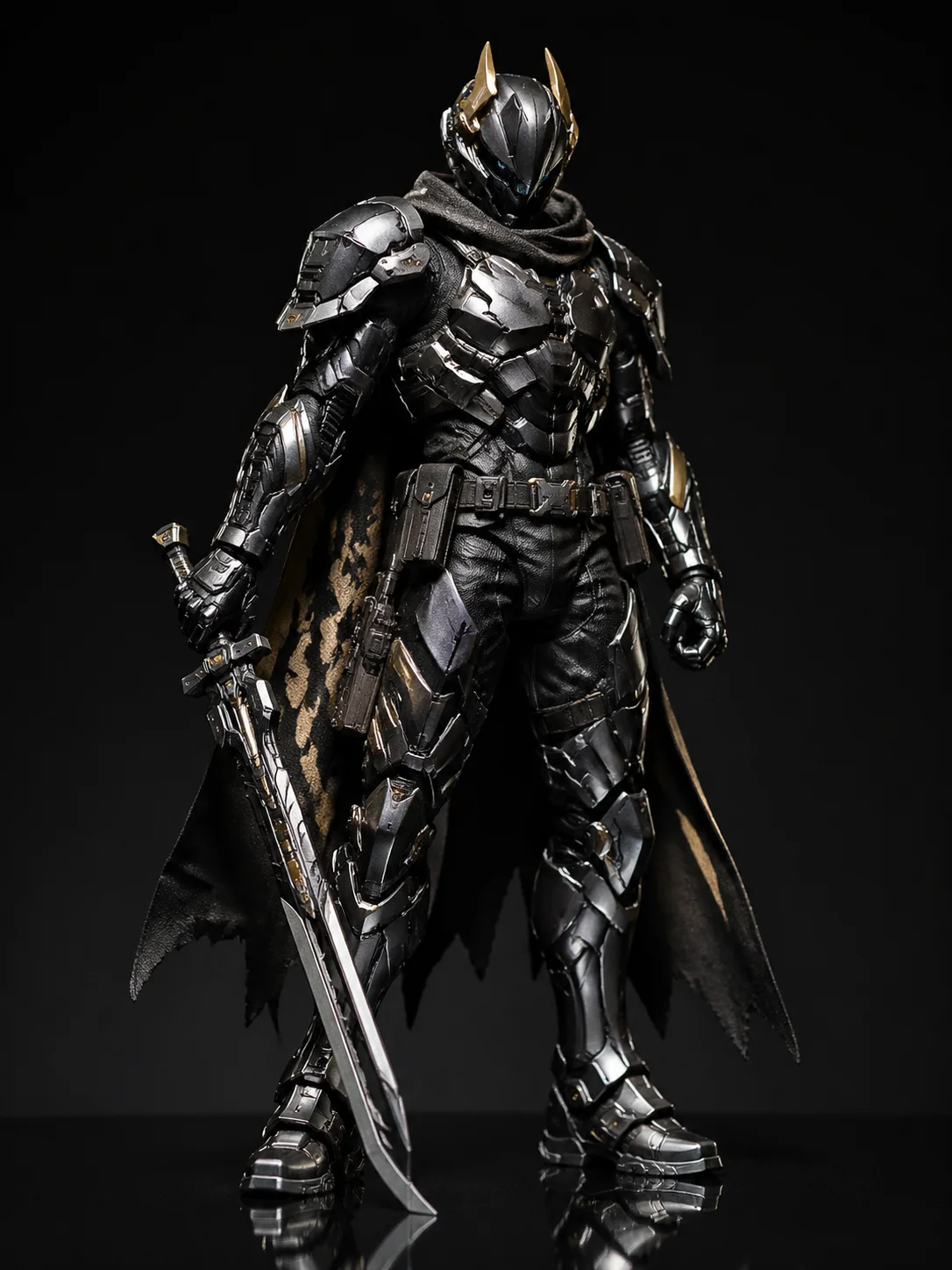
Photoreal Lighting And Materials

Photoreal Lighting And Materials

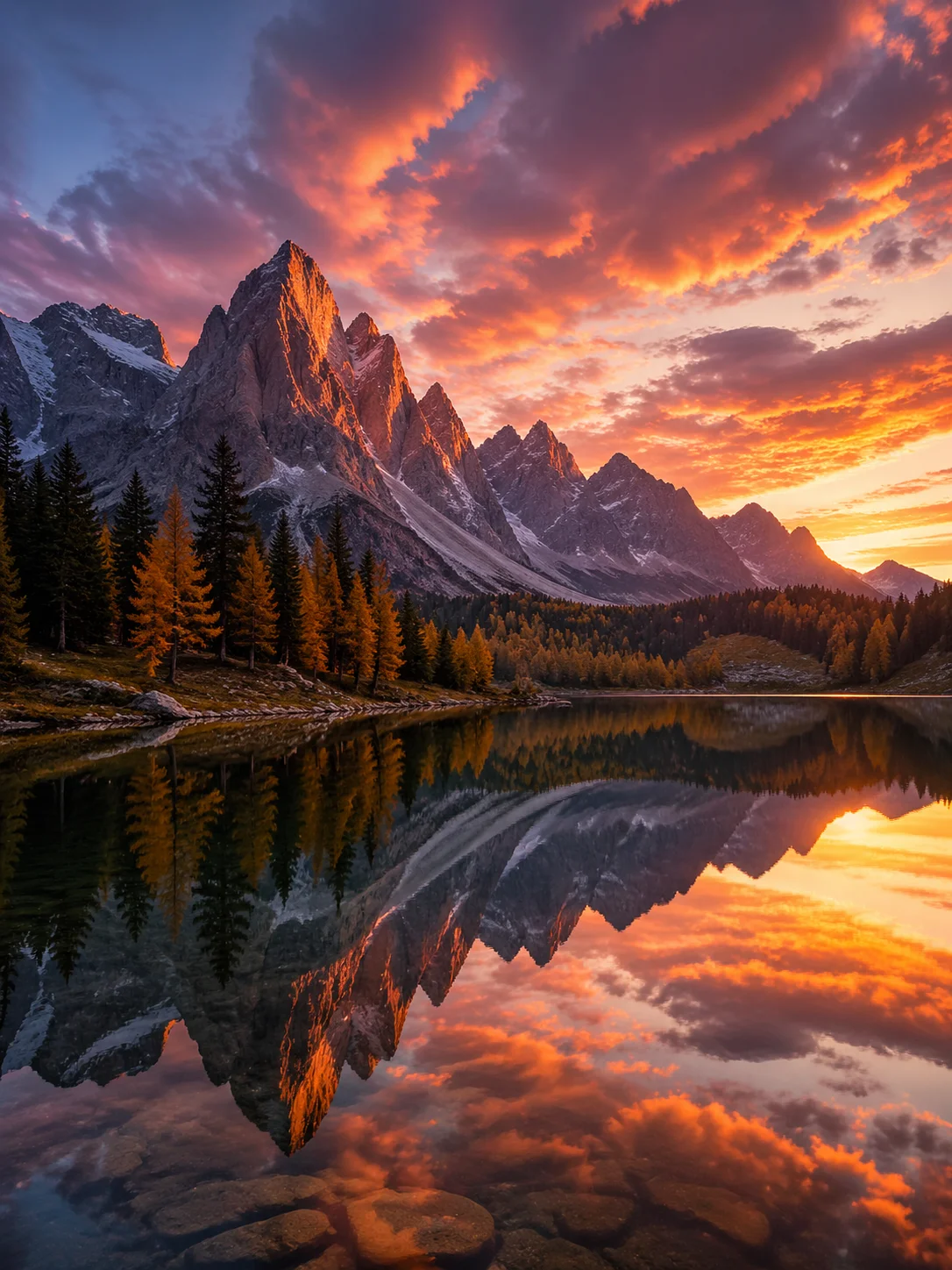
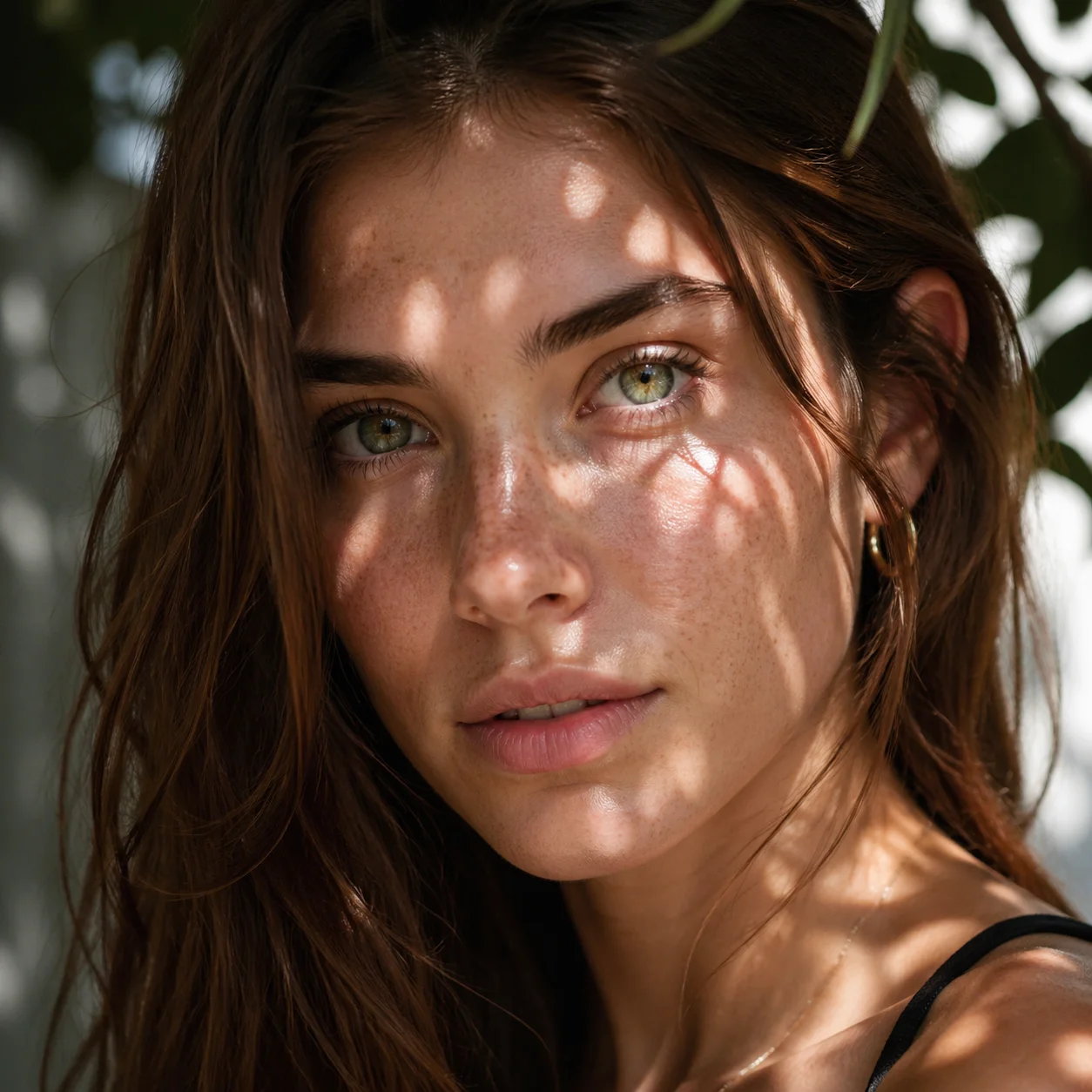
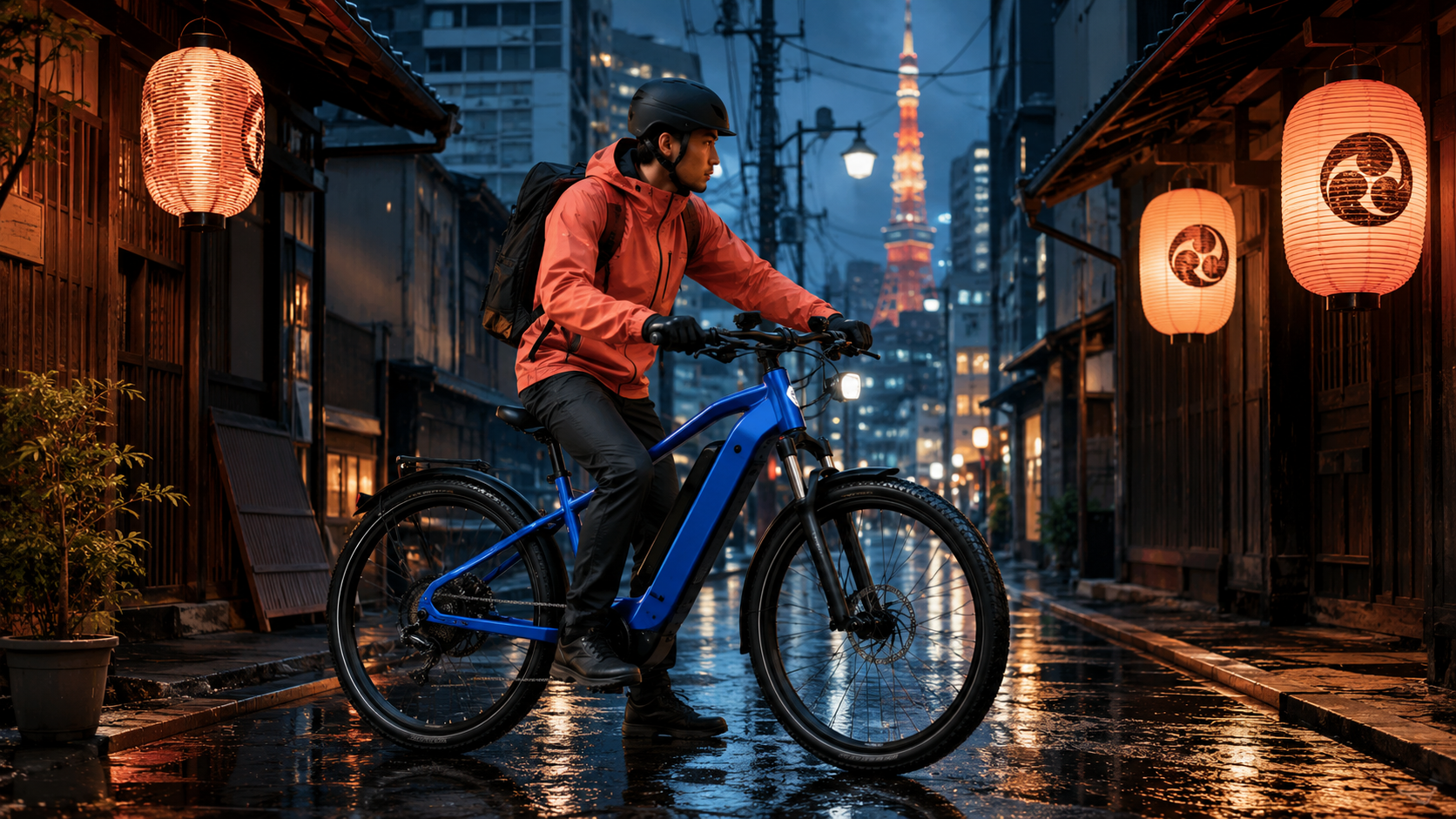
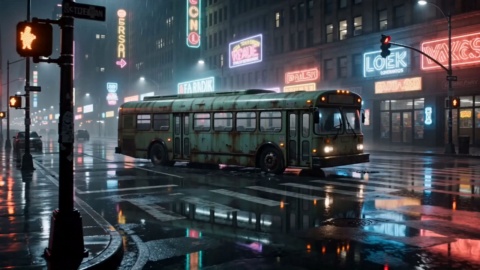
Skin, fabric and packaging read like a real photograph rather than a render. This Flux AI image quality comes from a stronger grasp of real world lighting, materials and spatial logic, which is what makes product shots usable for ads and listings.

Follows Long, Detailed Briefs

Follows Long, Detailed Briefs

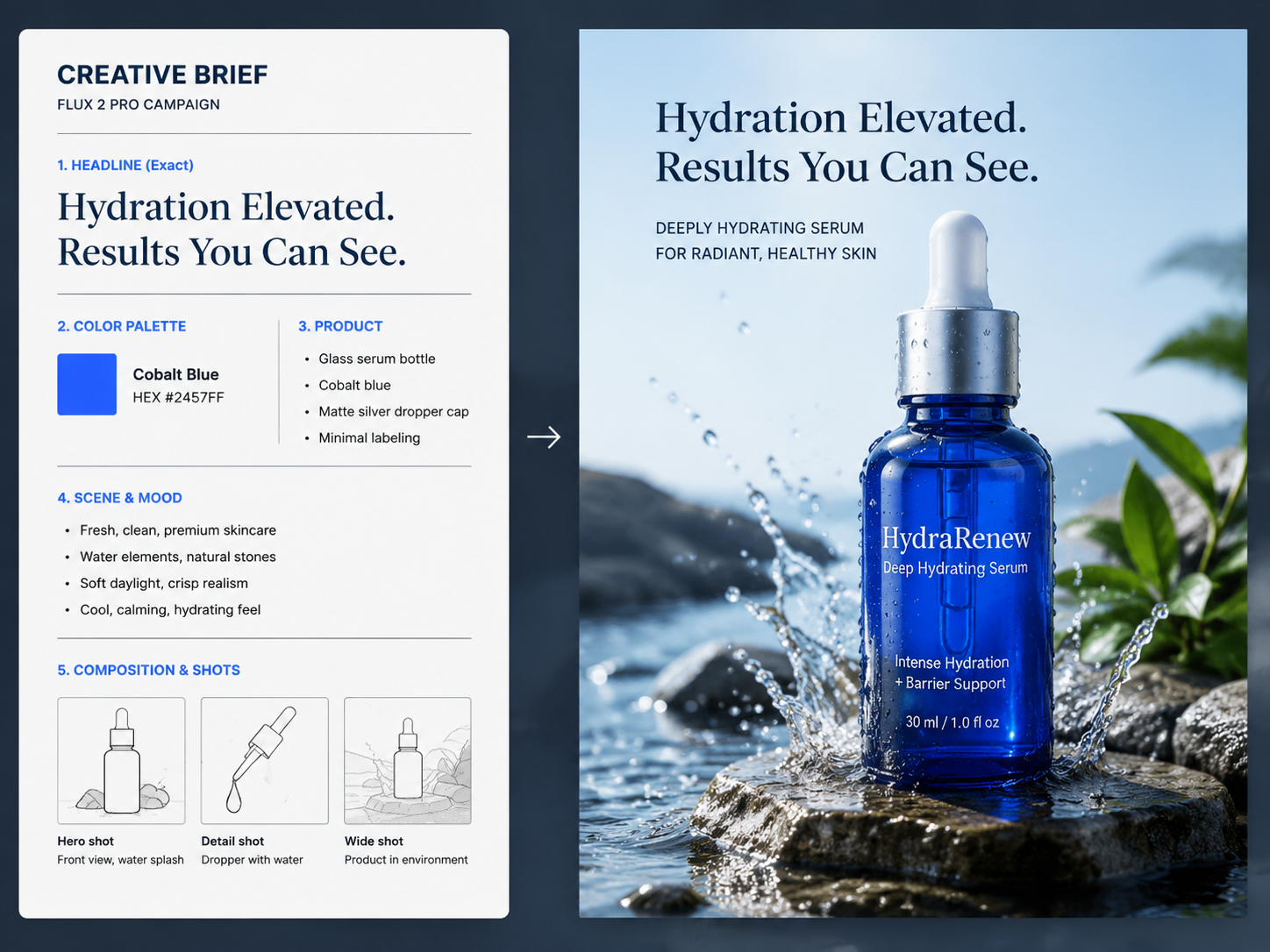
Hand over a brief with a product, a headline, a scene and a brand color in HEX, and Flux 2 Pro works through every part of it. Adherence to multi part, structured instructions is stronger here, so fewer rounds are spent chasing the one requirement that got dropped.

Up To 10 Reference Images

Up To 10 Reference Images

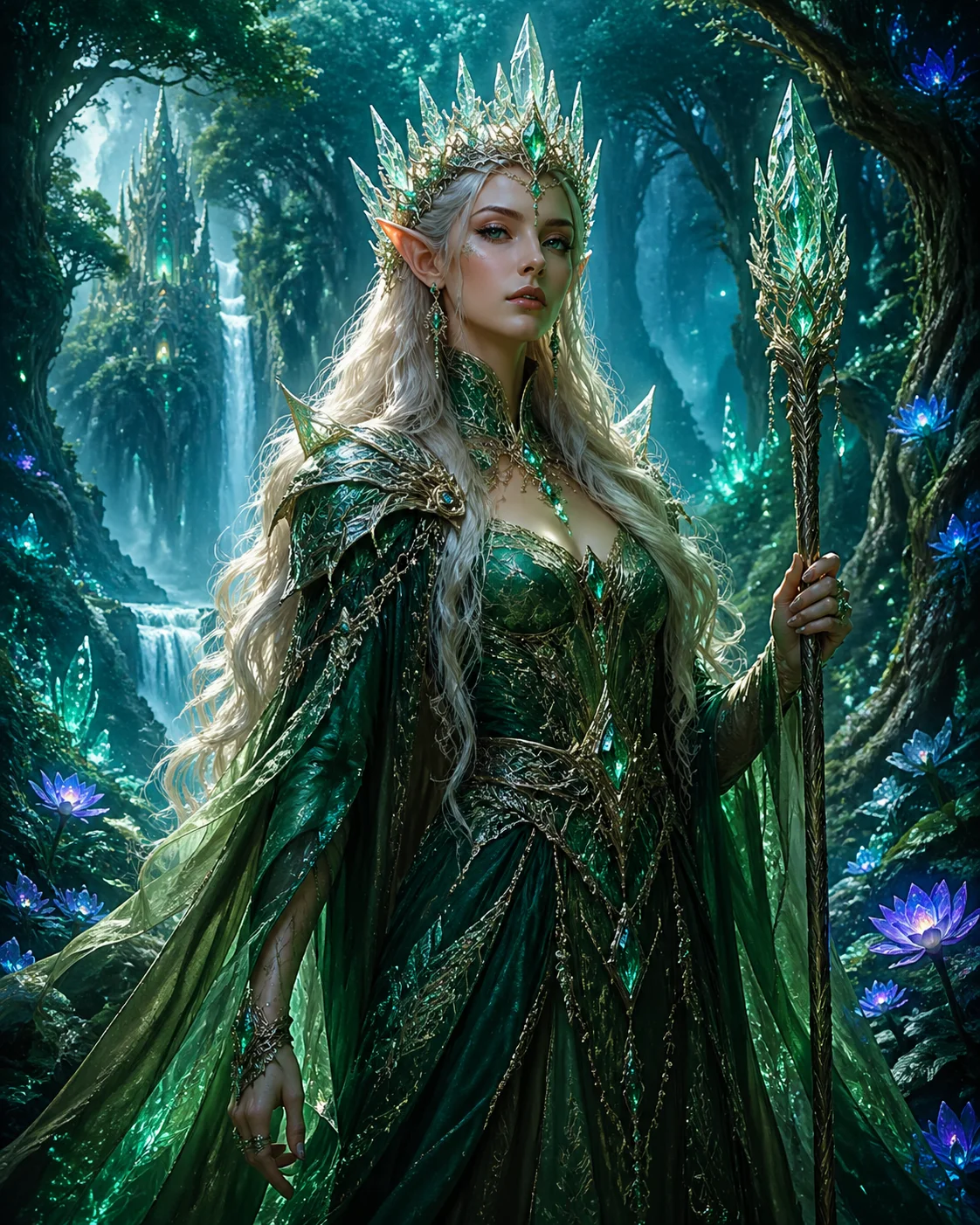
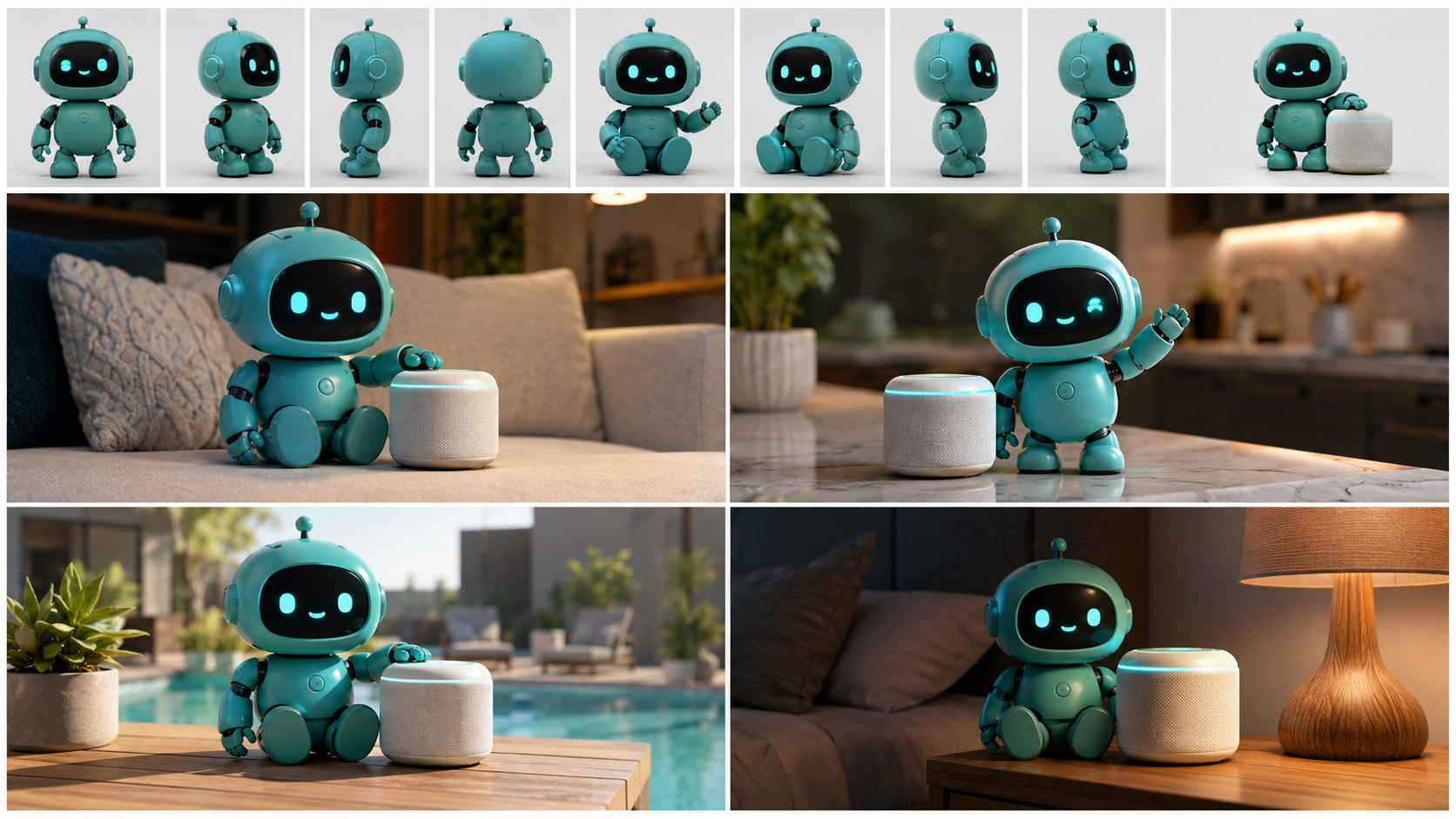
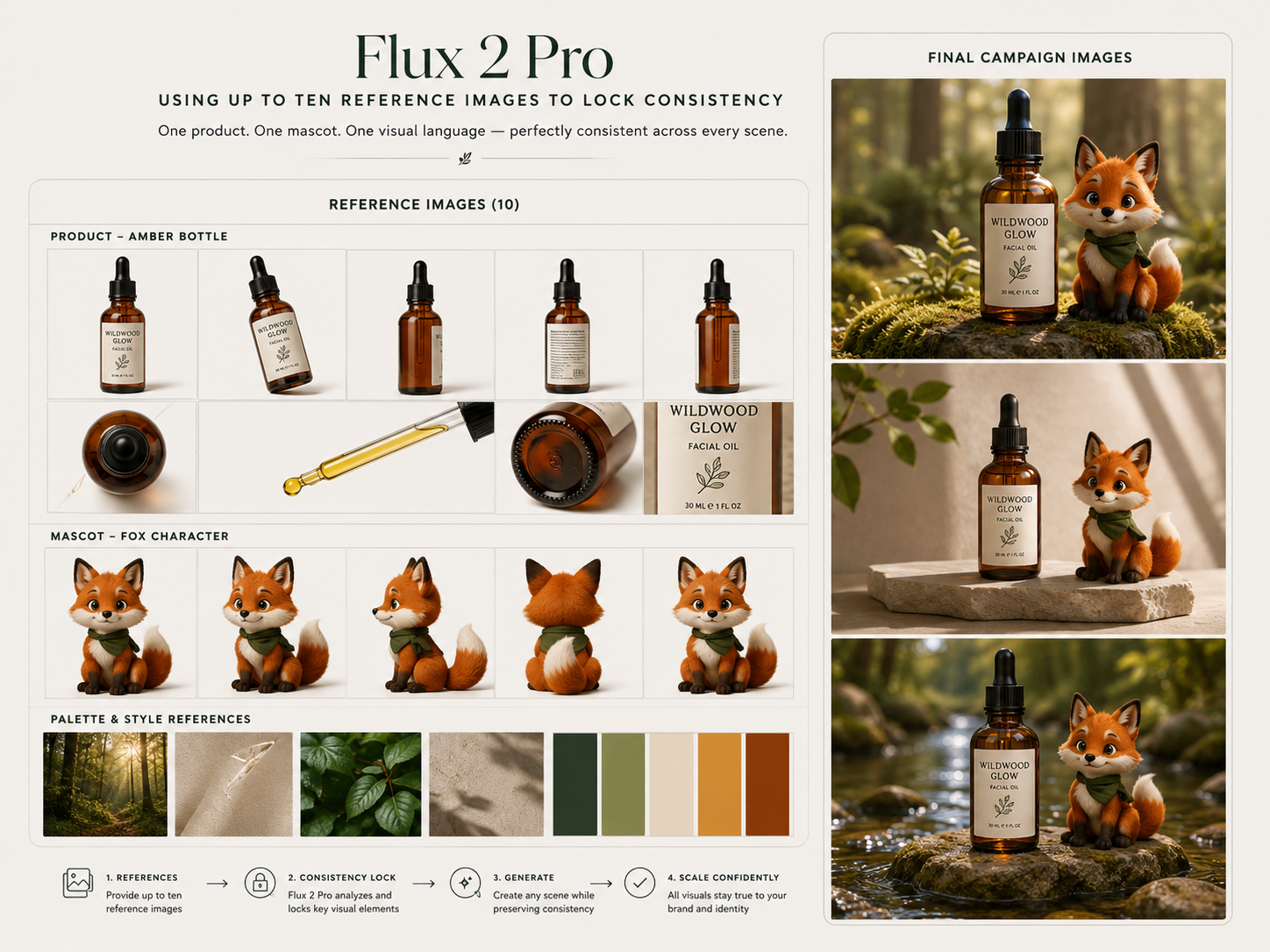
Your mascot keeps the same face and your product keeps the same shape across a whole campaign. Reference up to 10 images at once and Flux 2 Pro carries that character, product or style consistency into each new frame.

Going From Brief To Finished Image

Three steps from a written idea to a photoreal image you can edit in place.

Describe Or Paste Your Brief
STEP 01

Describe Or Paste Your Brief

Write what the picture should show in plain language: the exact wording you want printed on it, the photoreal look, and your brand color as a HEX value. A whole multi point ad brief works too, since Flux 2 Pro reads structured instructions rather than needing them trimmed to a keyword list.

Add References To Lock Consistency
STEP 02

Add References To Lock Consistency

When a character, a product or a visual style has to stay identical across a set, upload up to 10 reference images alongside your prompt. Those references are what keep the same mascot or the same bottle recognisable from one campaign visual to the next, so the set hangs together.

Generate, Then Edit In Place
STEP 03

Generate, Then Edit In Place

Pick Flux 2 Pro on VideoAI, generate, and edit the result with another prompt: swap the background, change the season, rewrite the on image line. Generating and editing run in the same model at up to 4 megapixels, so nothing moves to a second tool.

Explore Other Models

Browse additional AI models for image and video creation.

Put Flux 2 Pro To Work Today

Put Flux 2 Pro To Work Today

Write the wording you want, and see it rendered inside the picture.

Start Now

Questions About Flux 2 Pro

What is Flux, and what is Flux 2 Pro specifically?

Flux is a family of Flux AI models built by Black Forest Labs, and Flux 2 Pro is the hosted professional tier of the FLUX.2 generation released on 25 November 2025. It balances speed and quality, handles both generation and editing, and applies prompt upsampling internally so a plainly written description still turns into a detailed image. On VideoAI you pick it from the model list and start writing.

Can it render readable text inside an image, like a thumbnail title?

Yes. Complex typography, infographics, memes and UI mockups with fine text render legibly, which covers thumbnail headlines, poster slogans, button labels in an interface mockup and slogans on print on demand designs. That is the main reason creators reach for Flux 2 Pro instead of adding the words later.

How many reference images can I use to keep a product consistent?

Up to 10 at once. Feeding several angles of the same bottle, the same mascot or the same visual style gives the model more to work from when holding character, product and style consistency across a full campaign set.

Can I edit an existing image, such as swapping a product background?

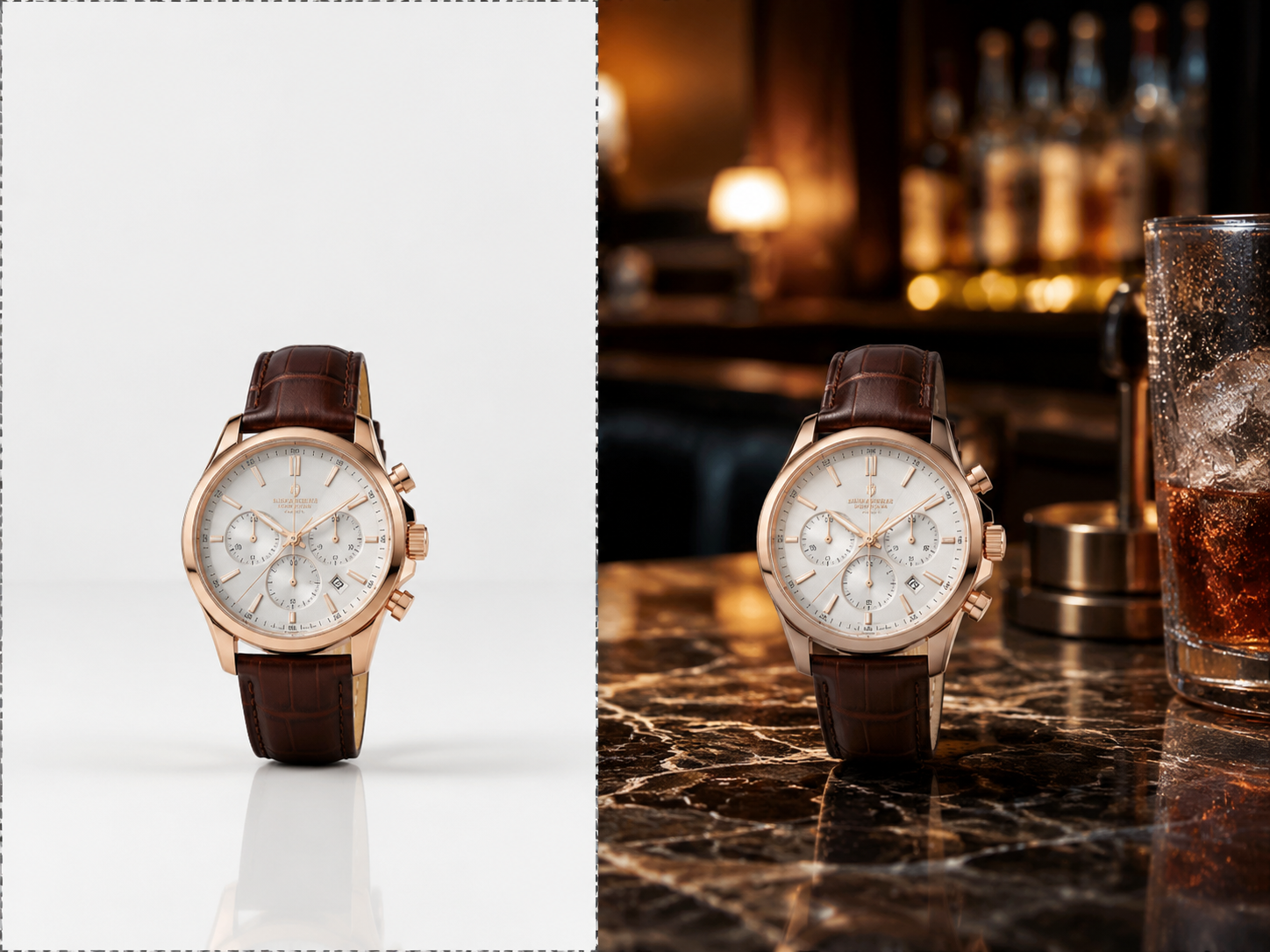
Editing is built into the same model, so an existing image can be re staged with a prompt: white background to a lifestyle scene, summer to winter, one headline to another. There is no separate editing model to switch to, and edits run at up to 4 megapixels, the same ceiling as generation.

What resolution do Flux 2 Pro images come out at?

Generation and editing both go up to 4 megapixels. Flux 2 Pro images export in common image formats and you can download them straight from VideoAI.

How is Flux 2 Pro different from other Flux versions?

Think of Flux pro AI as the hosted working tier: tuned for a practical mix of speed and image quality, with prompt upsampling handled for you so long natural language briefs land well. Other versions in the Flux 2 family are shaped for different needs.

Is Flux free to try, and do I need an account?

New users get 10 credits free on VideoAI, and that allowance covers this model, so your first images cost nothing. You do need to sign in to generate. Once the credits run out you can top up with a credit pack or move to a subscription plan.

Are the images watermarked, and can I sell what I make?

Nothing generated here carries a watermark, including images made with your free credits, and you can download them directly. Commercial use is allowed, so listings, ads and print products made with Flux 2 Pro on VideoAI are yours to sell.

Flux 2 Pro AI Image Generator With Readable Text - VideoAI