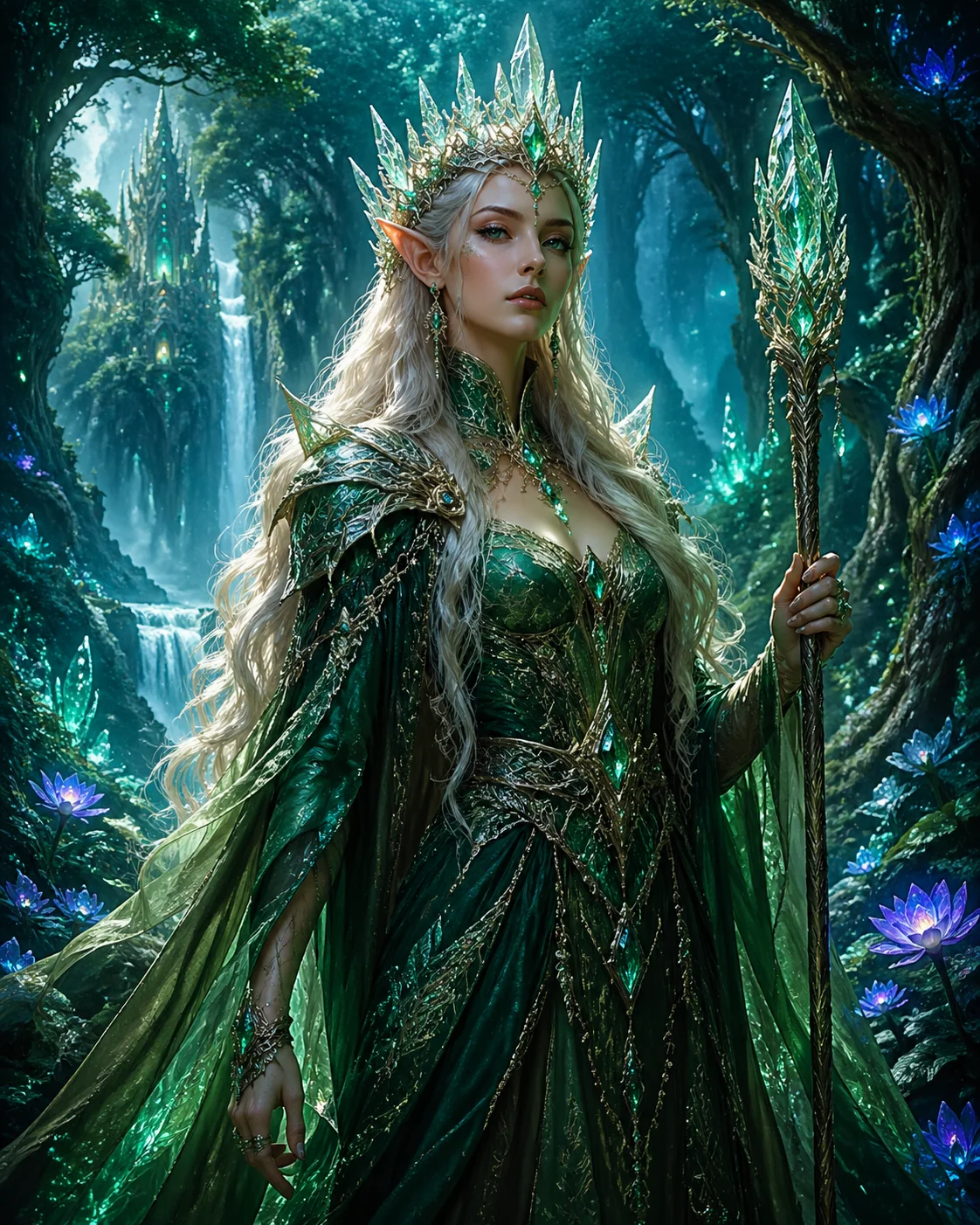
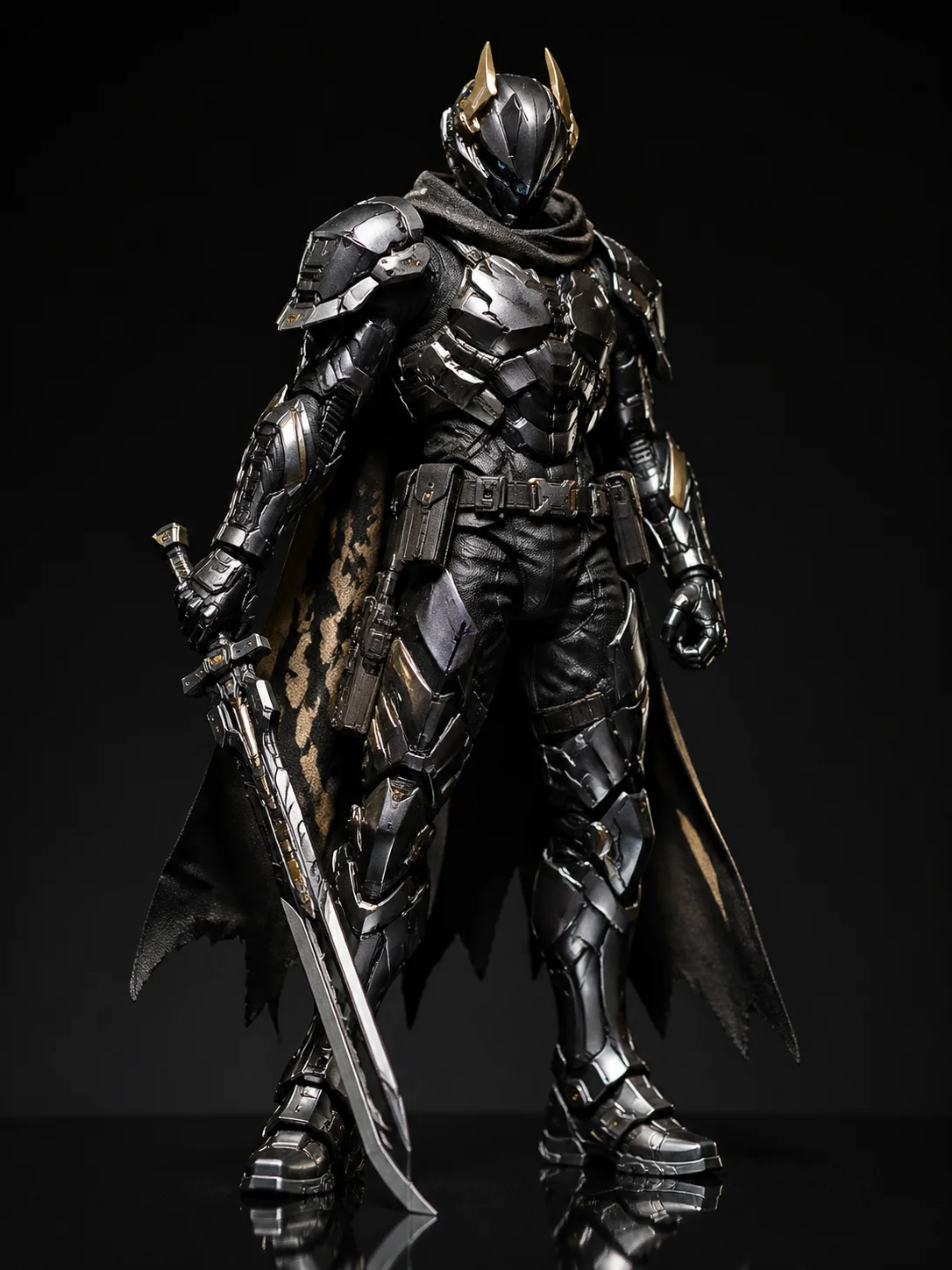
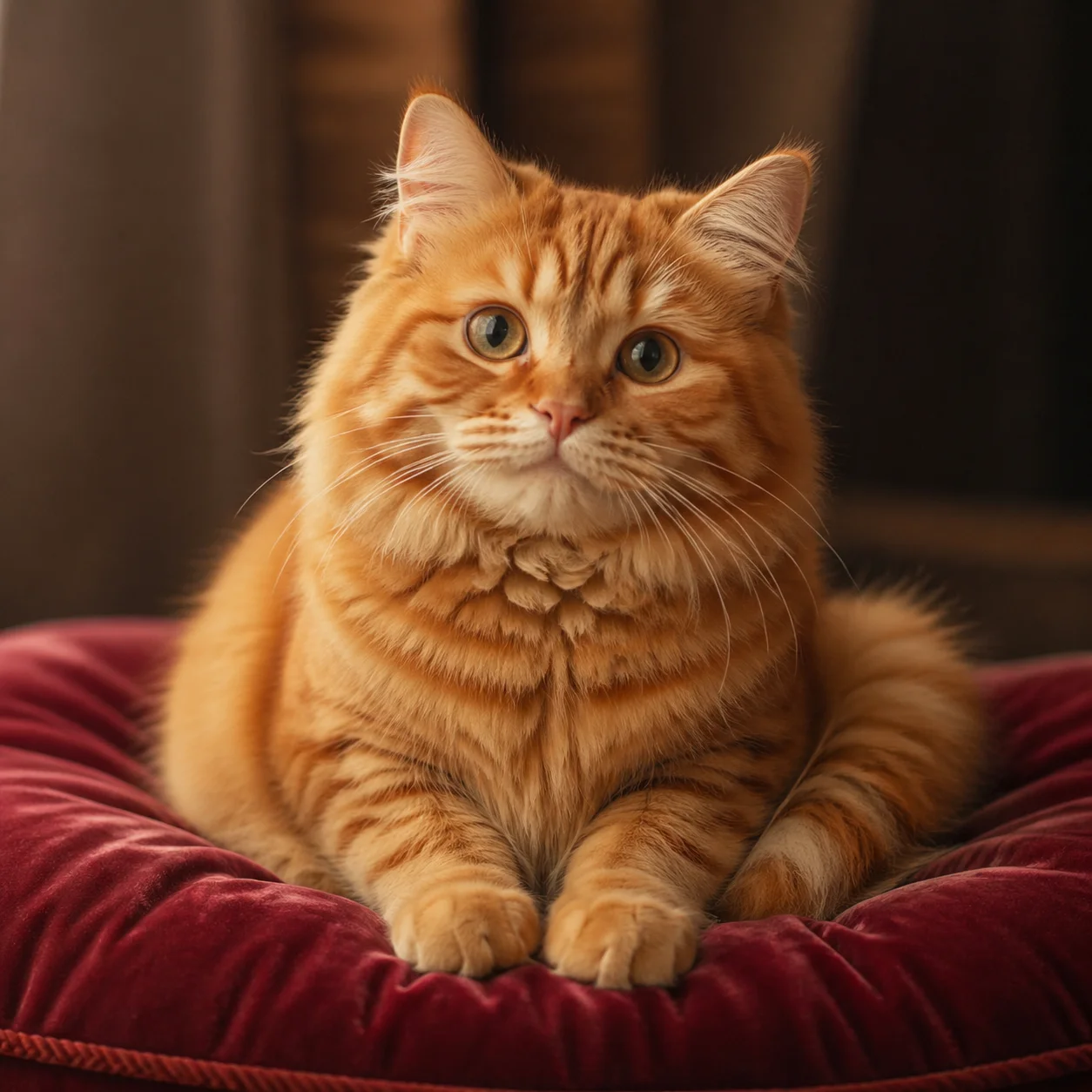
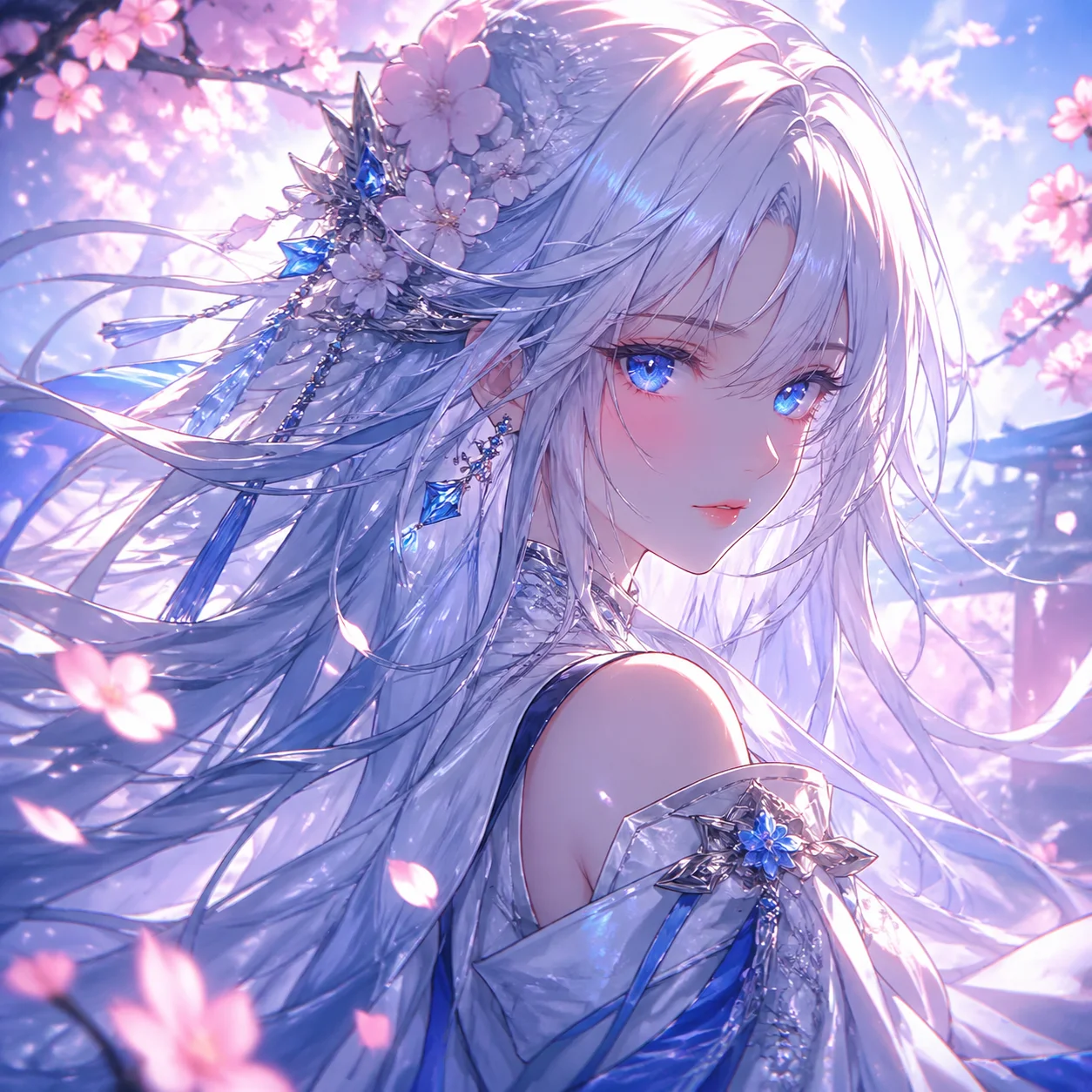
What is GPT Image 2.5?
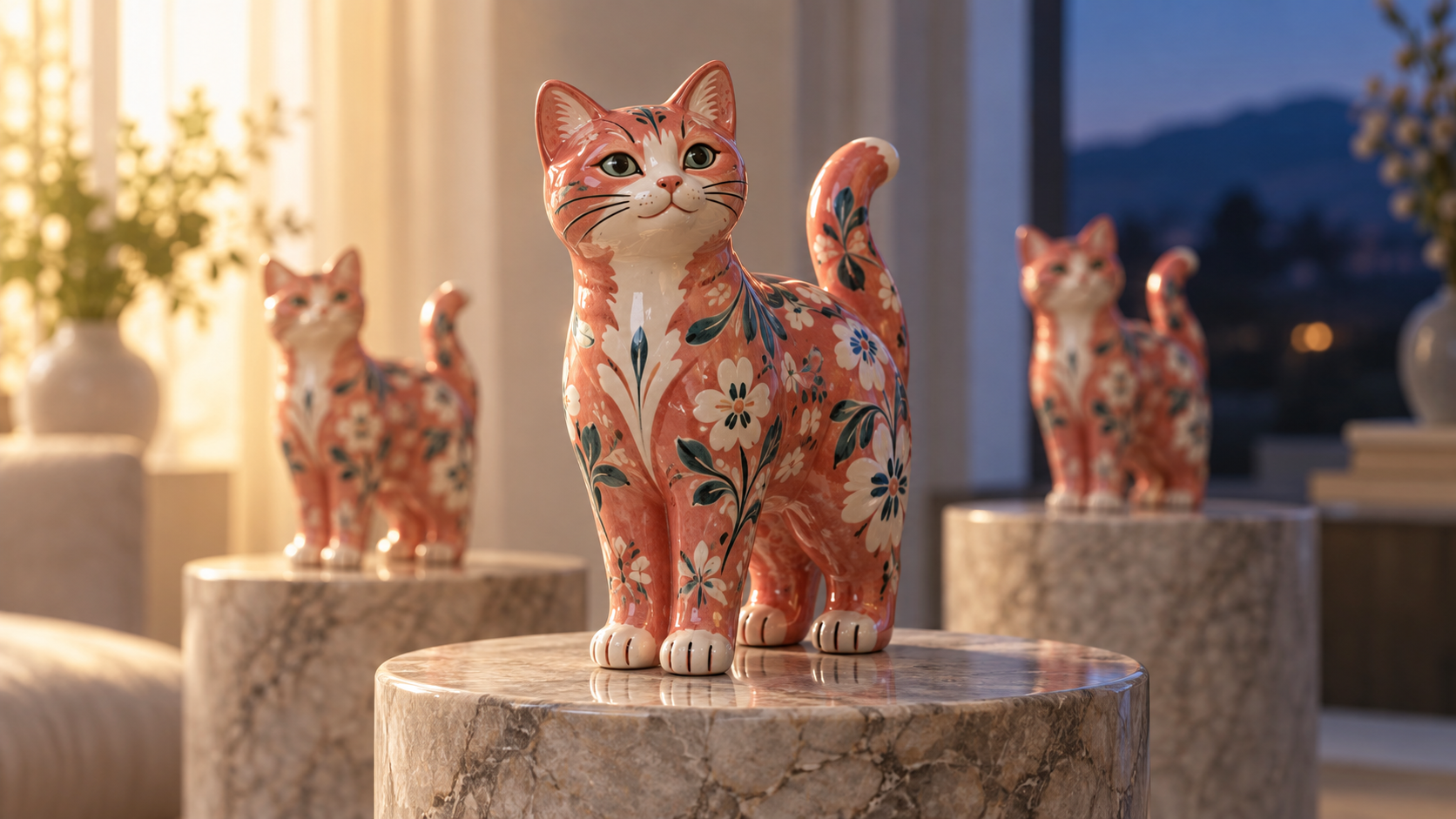
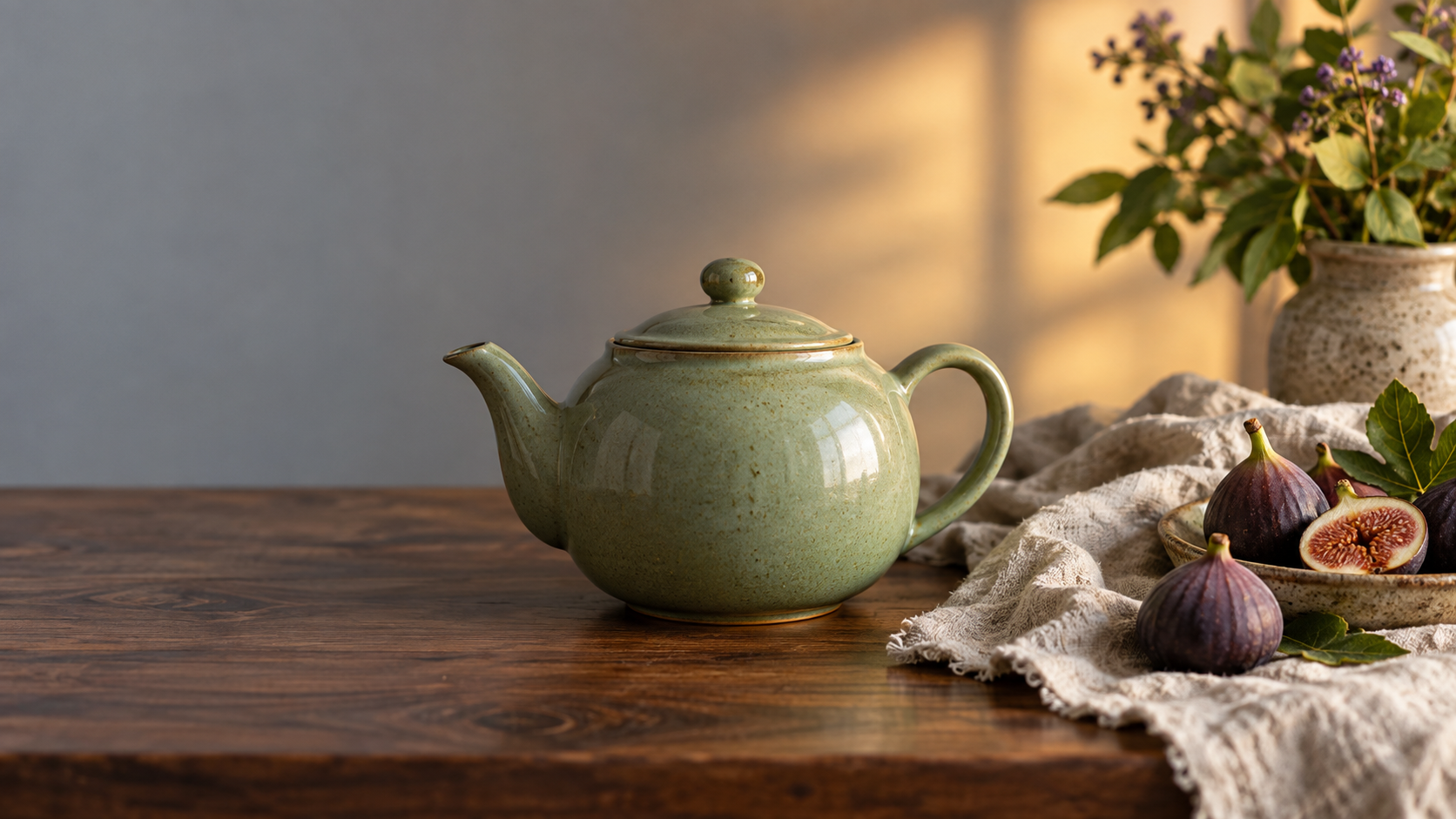
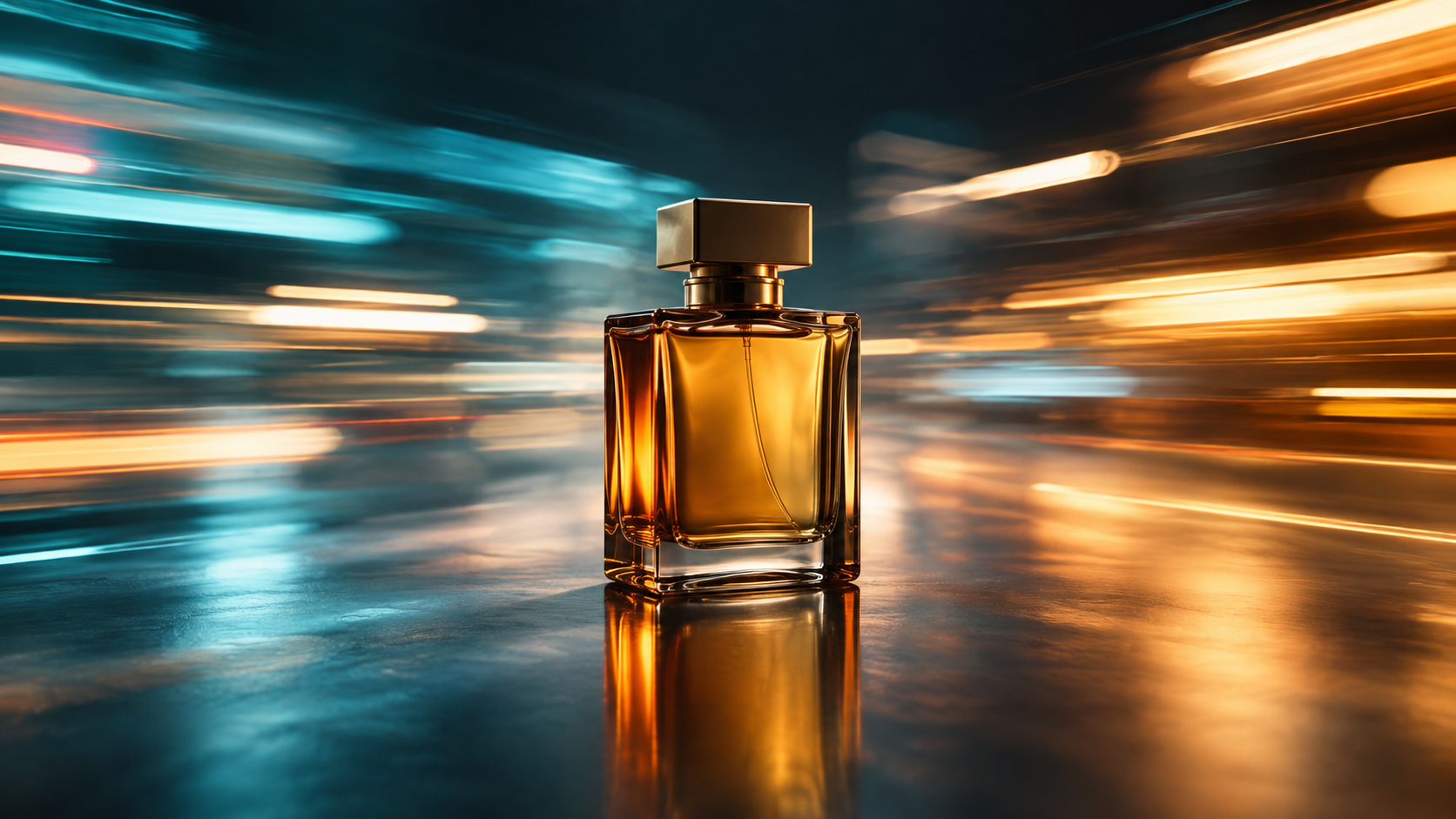
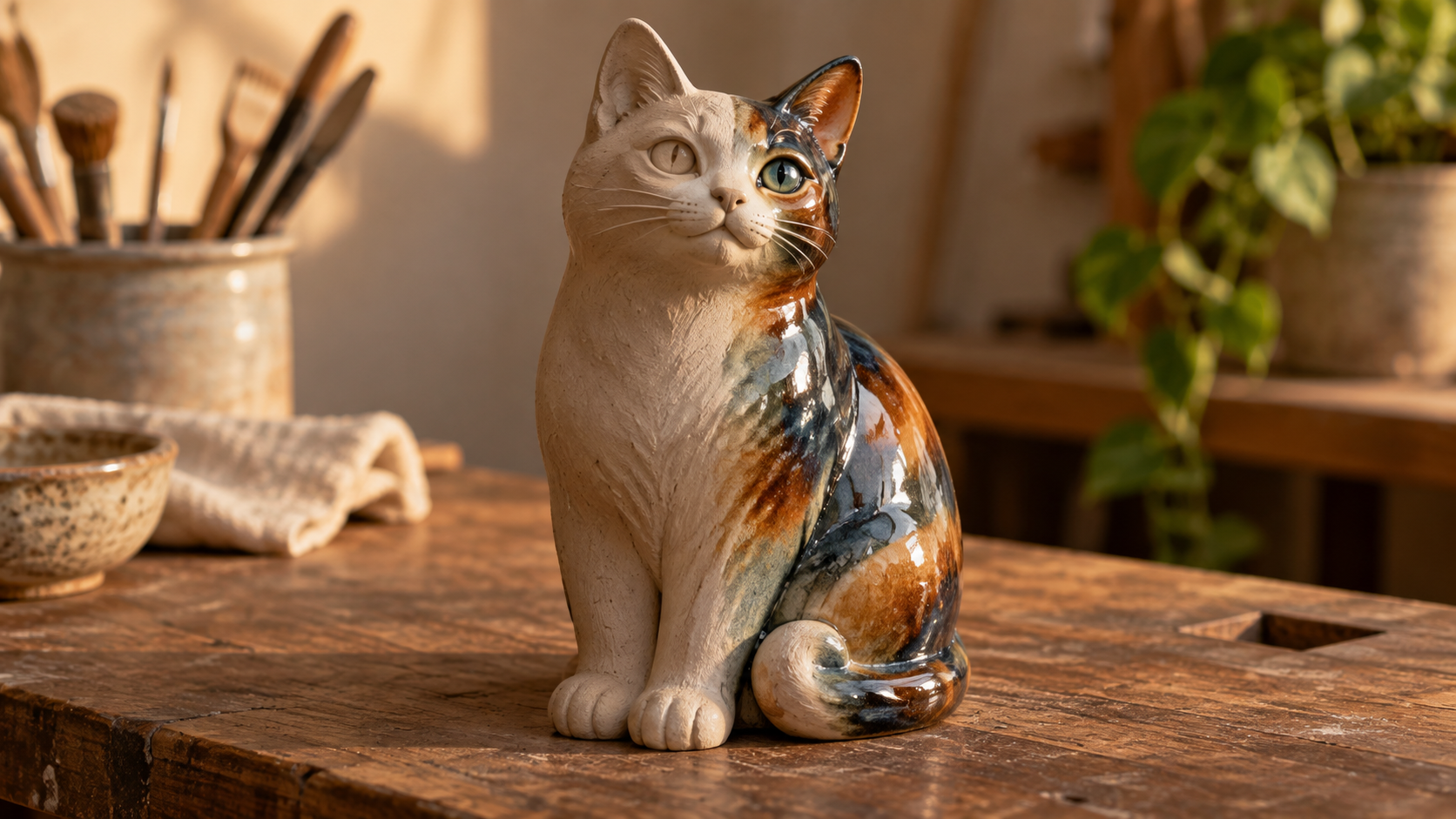
It is OpenAI's image generation and editing model, released September 2026. Compared with the previous generation it brings sharper detail, more precise edits, and faster output, and it handles both making an image from a prompt and editing one you upload. On VideoAI you pick it and generate right away.
When was the gpt image 2.5 release date?
OpenAI released it in September 2026 across desktop, mobile, and web. On VideoAI you can already select it and generate with it now, so there is nothing to wait for on this platform.
How to use gpt image 2.5 on VideoAI?
Sign in, open the gpt image 2.5 generator, then either upload a reference photo or describe the image in plain English. Pick an aspect ratio, turn on transparent background if you need it, and generate. From there you keep editing the same image with more instructions until it fits.
What is actually new versus GPT Image 2?
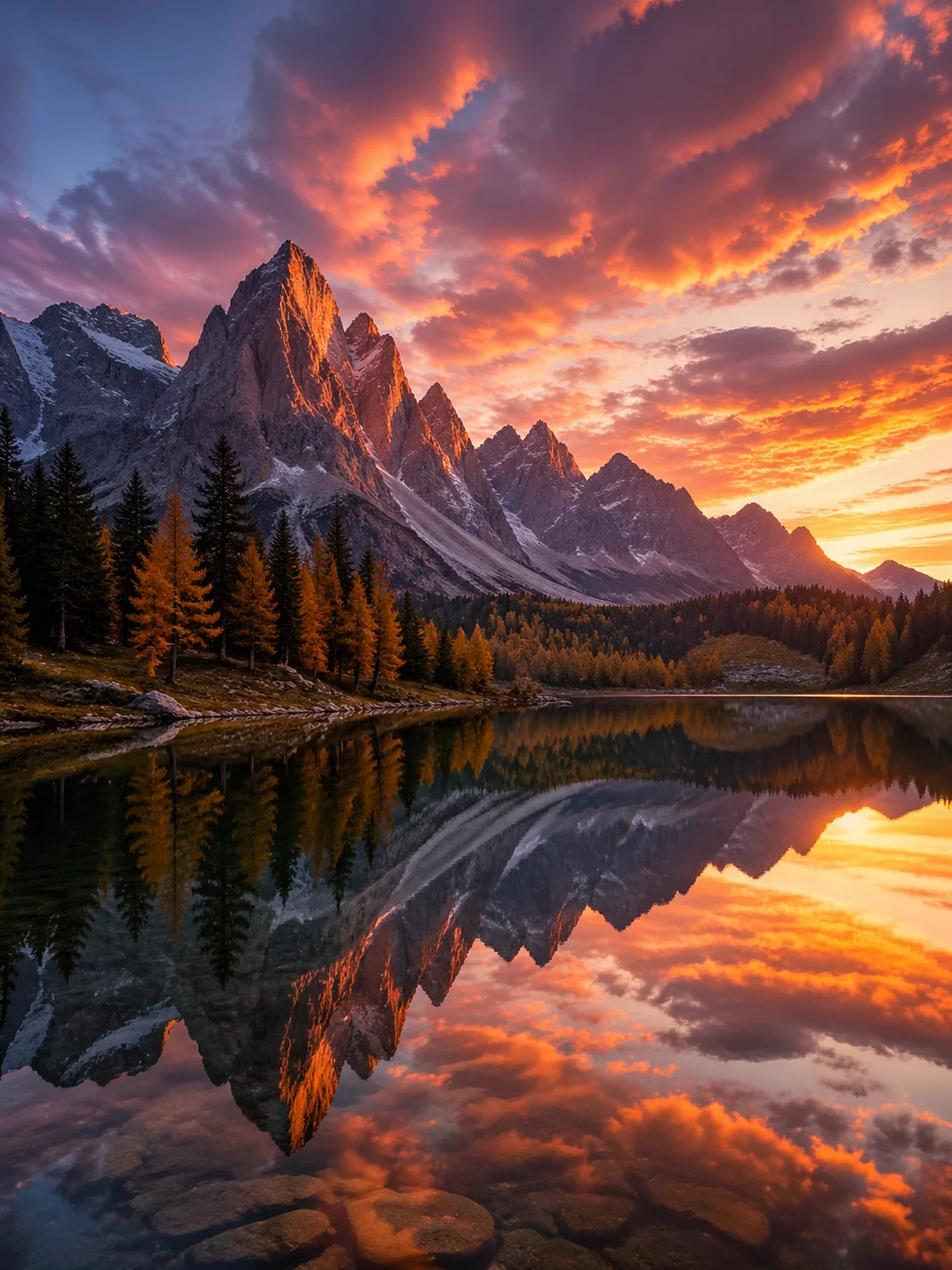
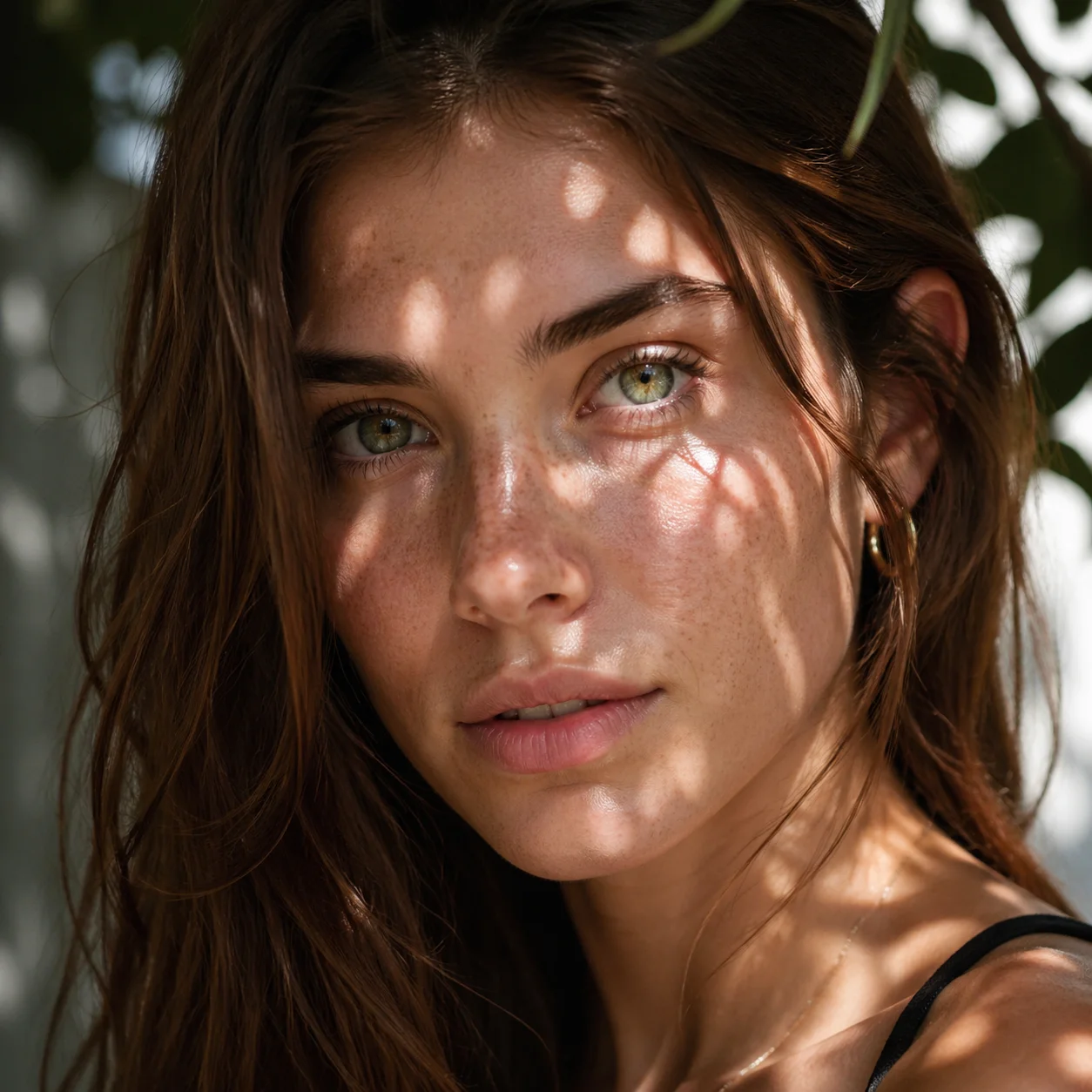
Subjects from a reference photo are more likely to stay recognizable, light and texture look more natural, multi turn edits are more reliable, and generation is faster, at about 50% lower latency than the previous generation.
Can gpt image 2.5 edit images, or only generate from a prompt?
Both. The same model creates an image from a text description and edits a photo you already have through natural language instructions, so you never switch between two separate tools to make and refine a visual.
Will my product, face, or mascot still look like itself across a set?
More often than before. Identifiable traits are more likely to be preserved and the subject is easier to recognize as you move it through new scenes, though this is a probability rather than a guarantee that every detail stays identical.
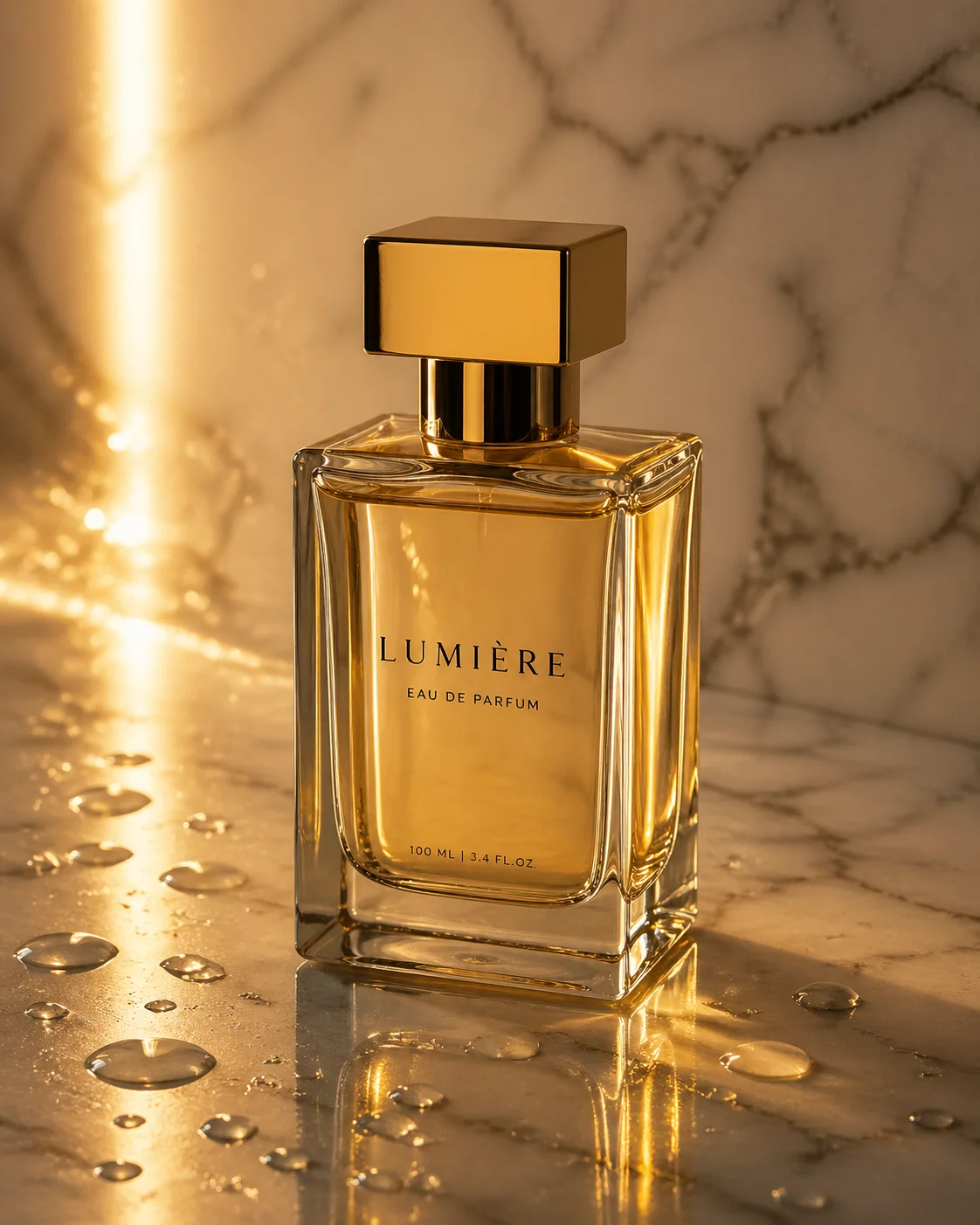
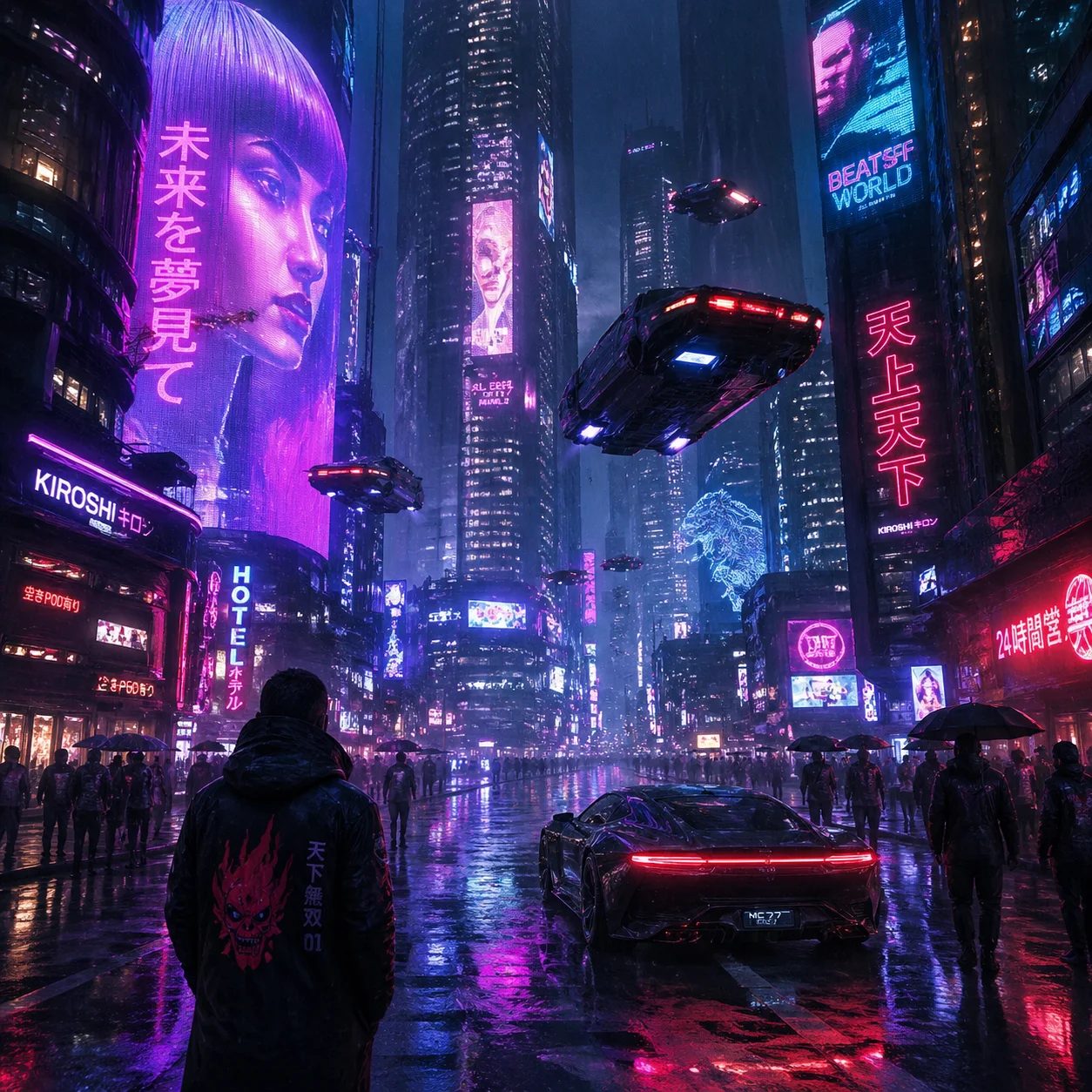
Does the gpt image 2.5 photo editor write text inside images?
Yes, and it supports several languages. It writes text inside images, so you can put words on a poster, a label, or a caption and ask for them in more than one language. Keep in mind that legibility is not guaranteed for every phrase, so treat readable in image text as something it can attempt rather than a sure result for every line.
Is this model the same as Microsoft's MAI Image 2.5?
No. They share a version number but come from different makers. It is from OpenAI's GPT Image family, while MAI Image 2.5 is Microsoft's model. This page covers openai gpt image 2.5 only and does not carry any specs from the Microsoft model.
Is gpt image 2.5 free on VideoAI, and do I need an account?
You need to sign in to generate. New users get 10 credits to try the gpt image 2.5 image generator directly, and images made on VideoAI have no watermark, download normally, and can be used commercially. When the starter credits run out, top up with a credit pack or a subscription plan.