STEP 01
Describe it or drop in a visual
Type an English prompt, or upload an illustration or character image you already have, and if you want a set style tap a template like Chibi and name the subject and mood in your Grok Imagine prompts.

Type a prompt or drop in your own image, get a stylized still, then turn it into a few second clip that already has audio.
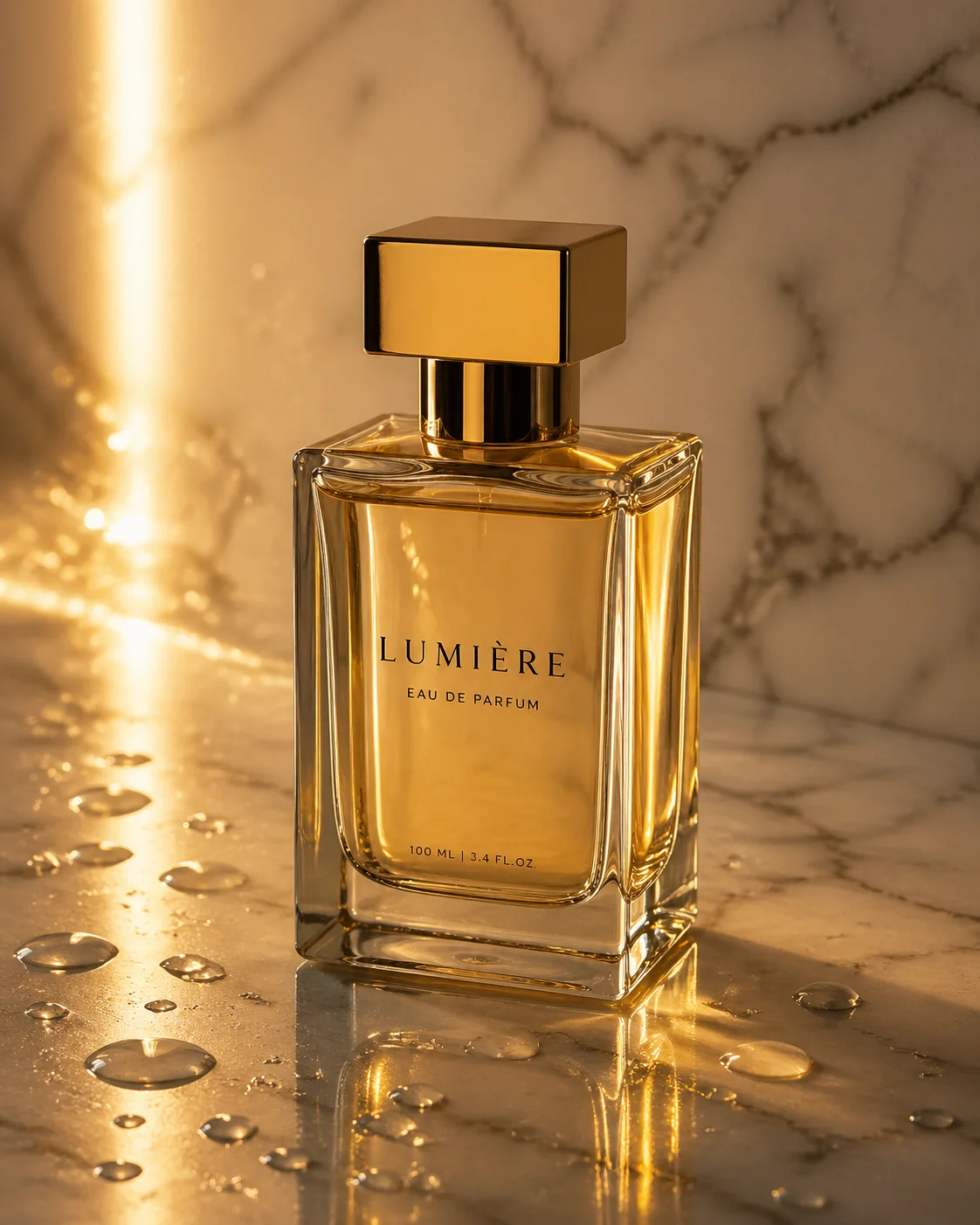
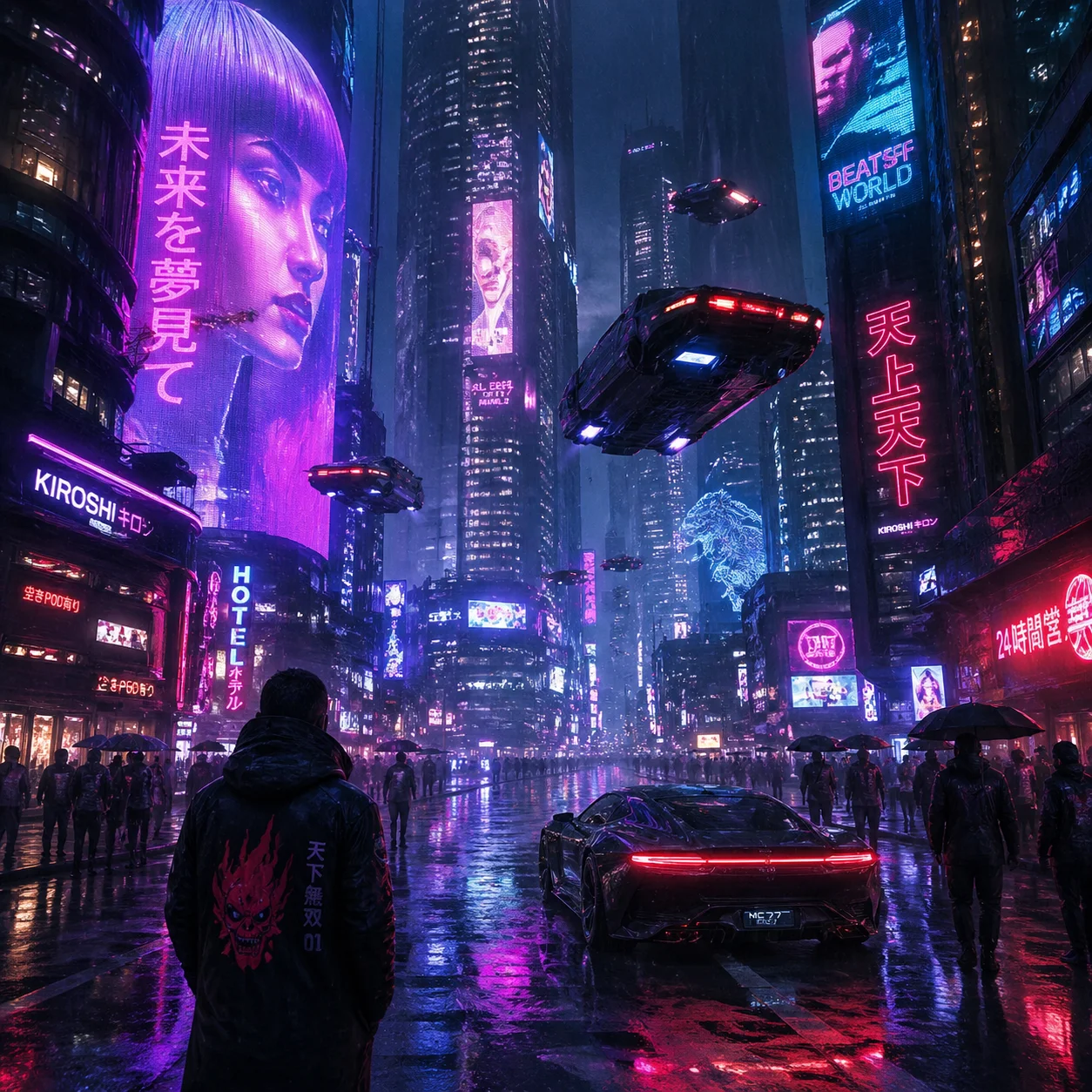
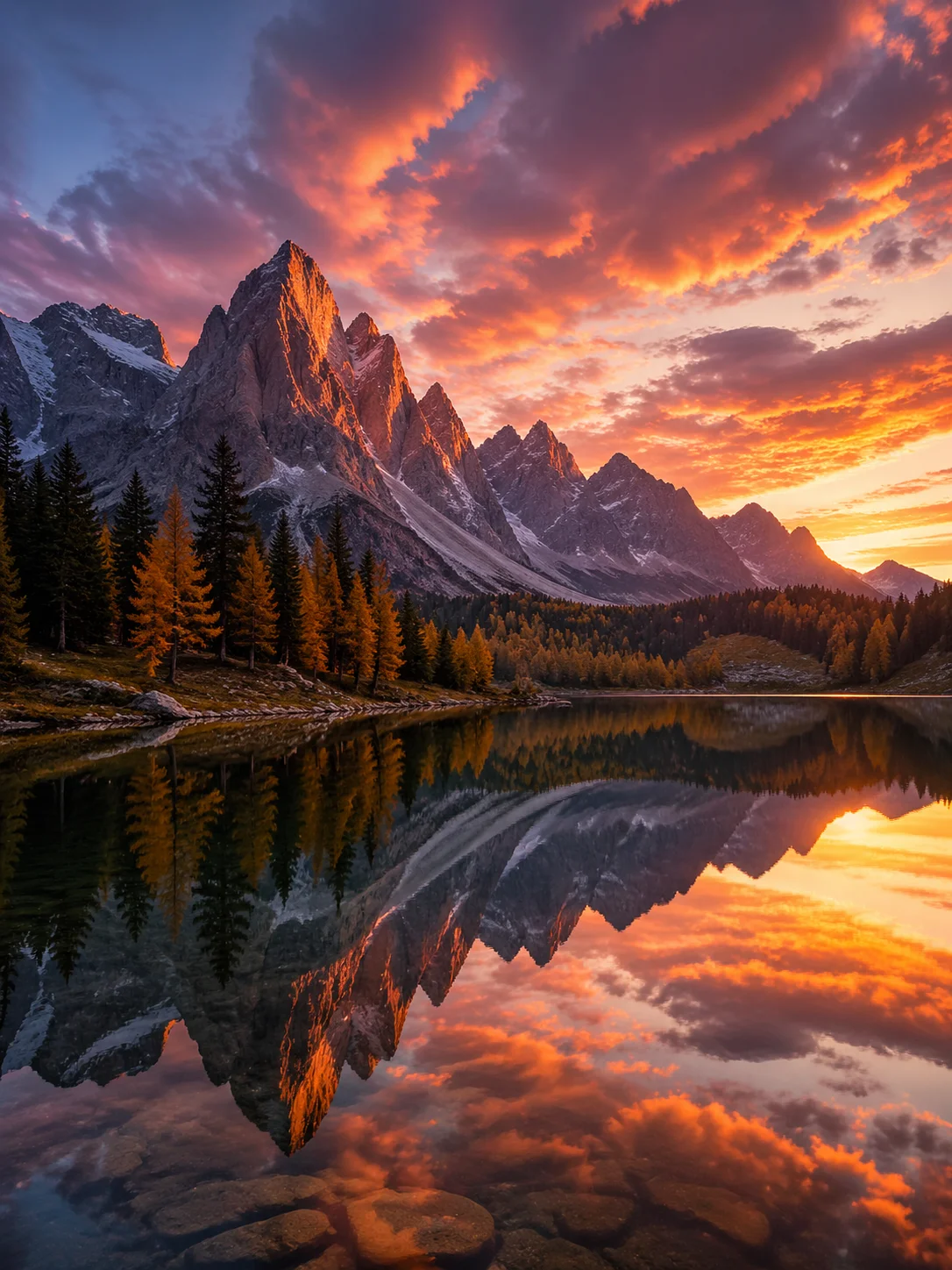
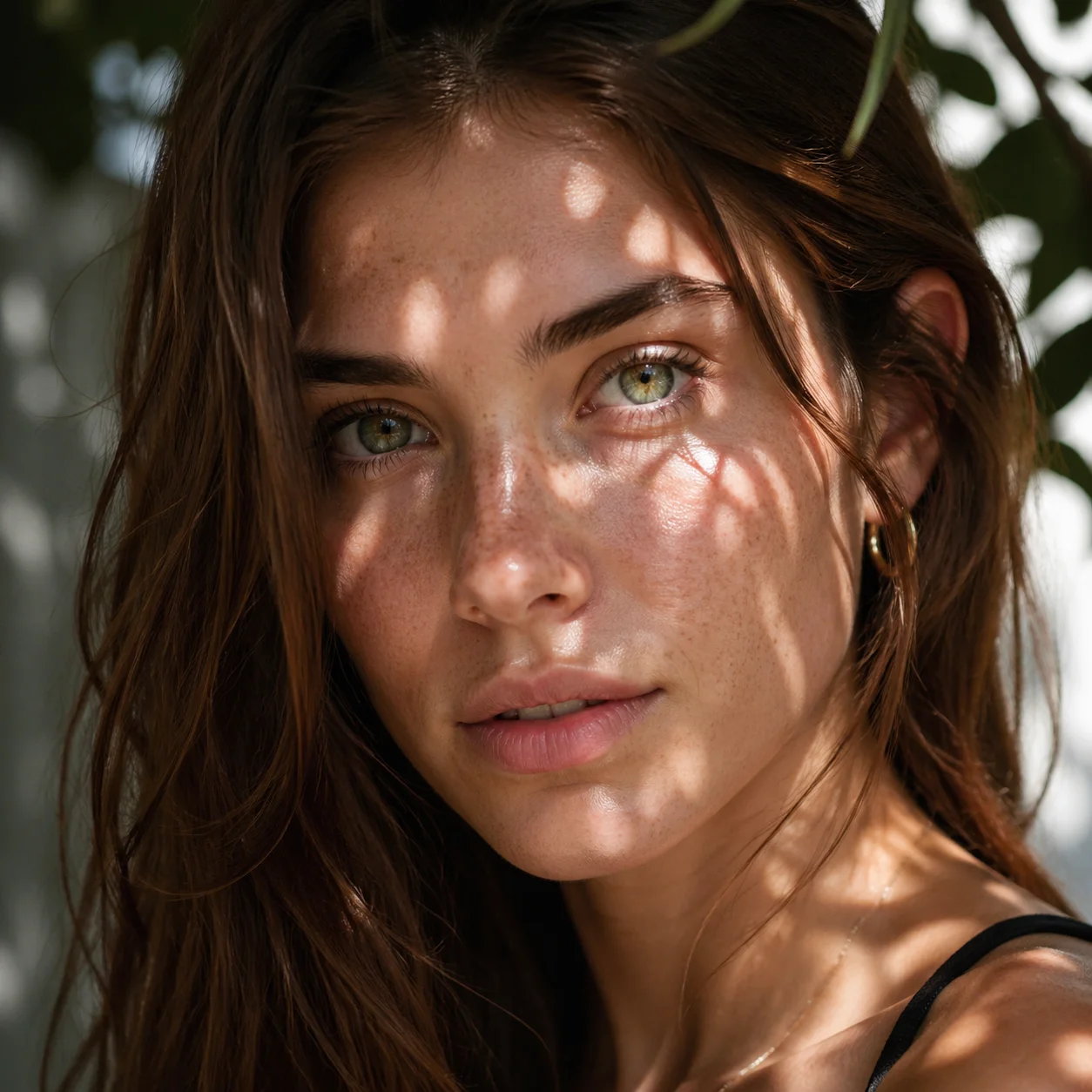
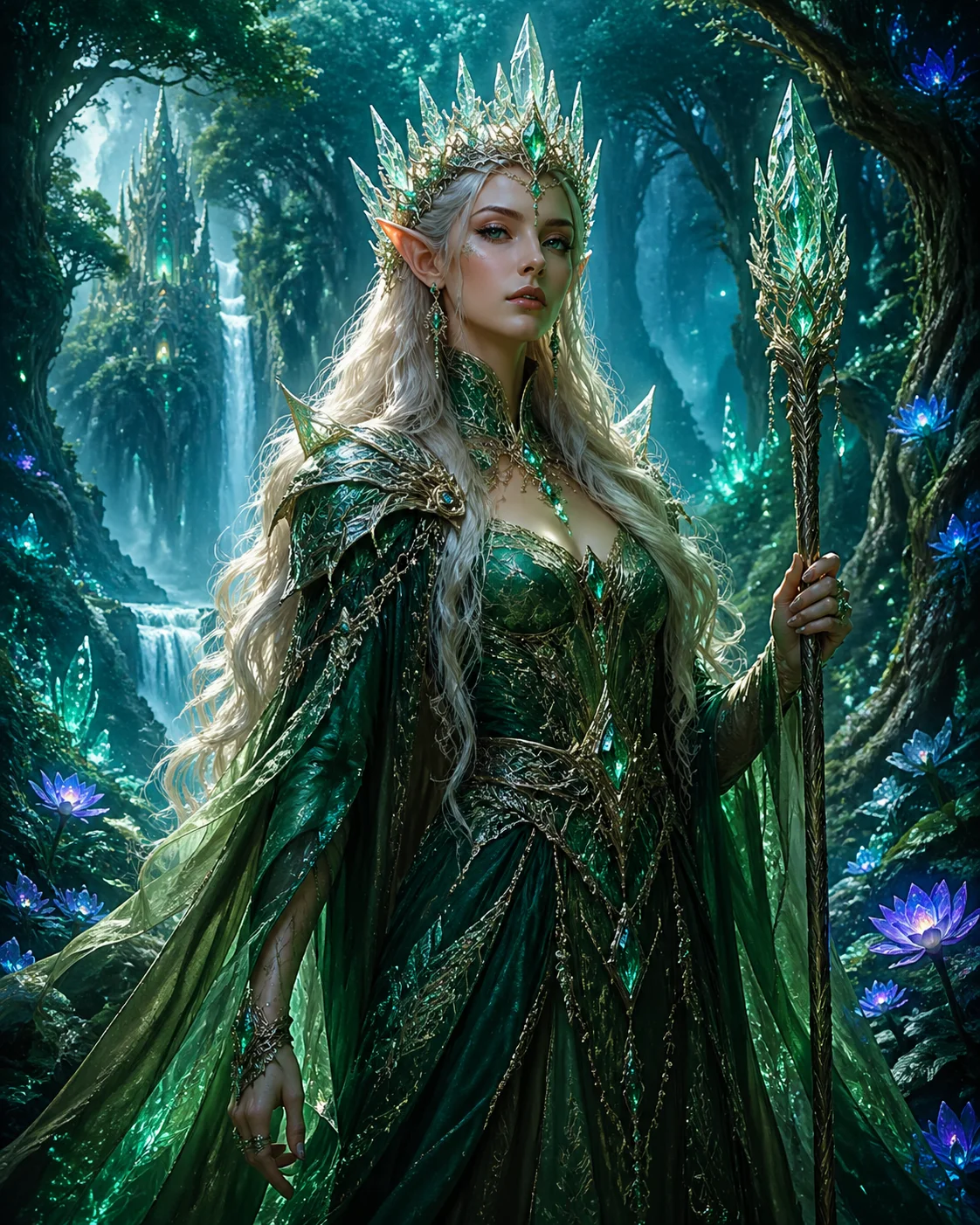
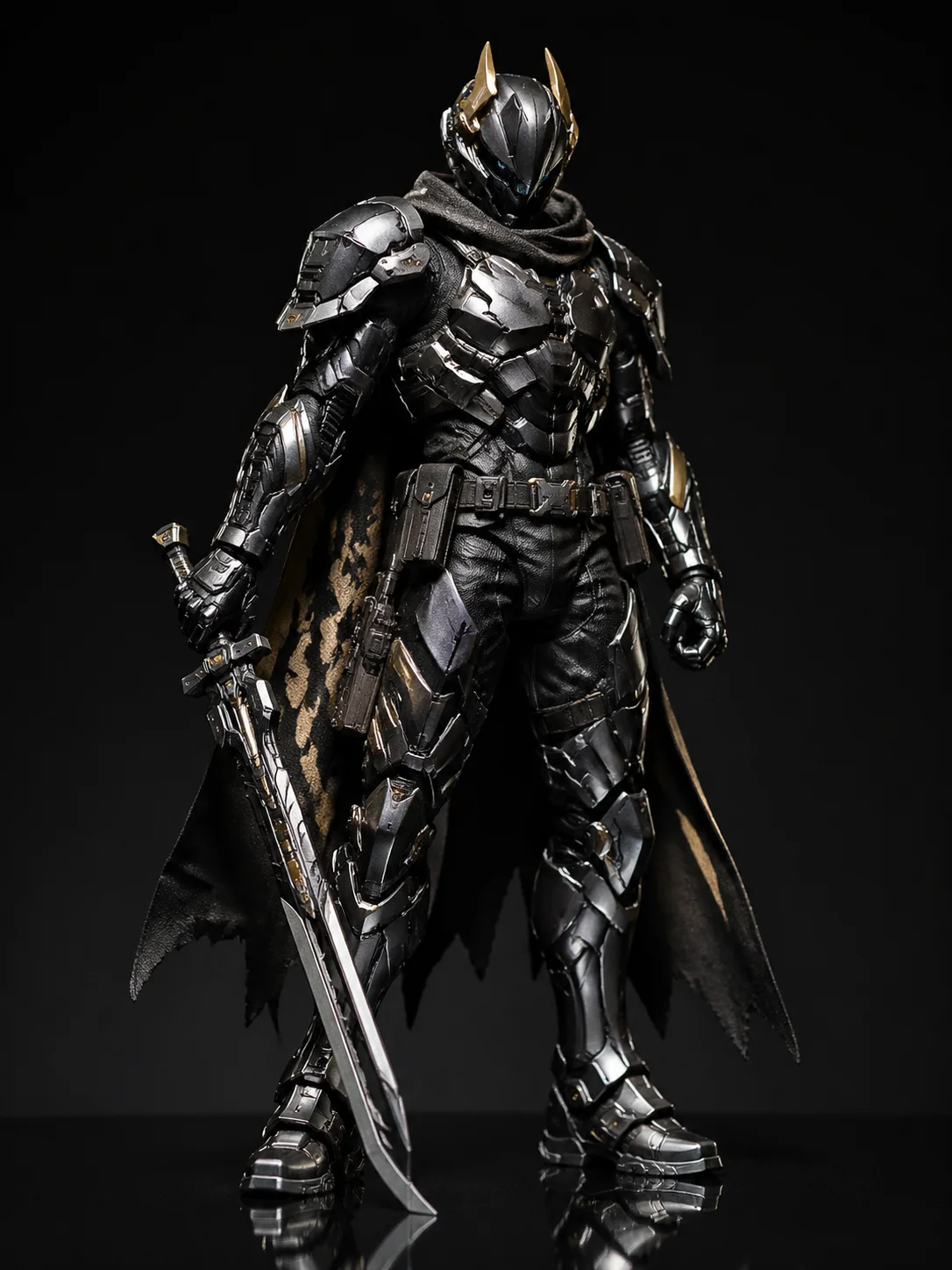

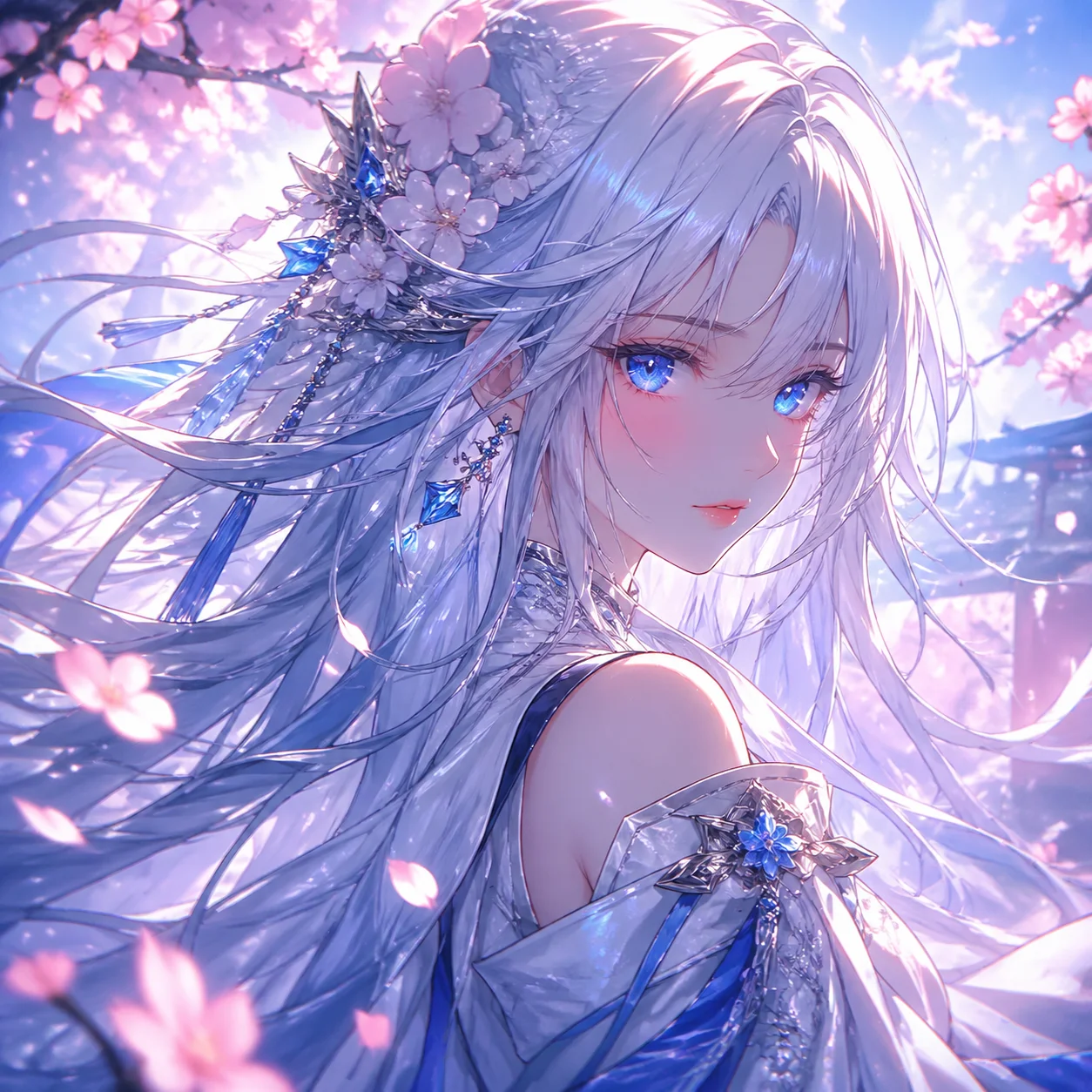
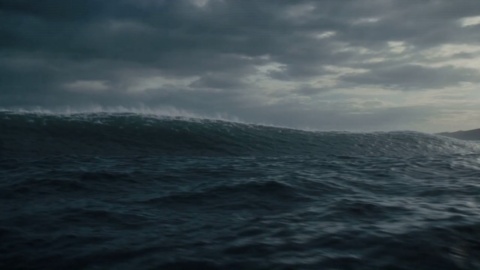
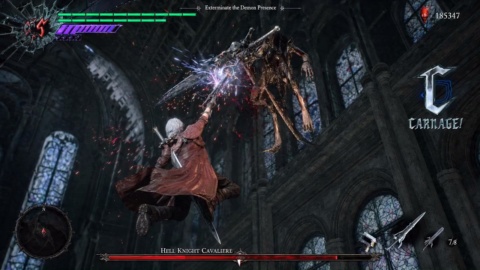
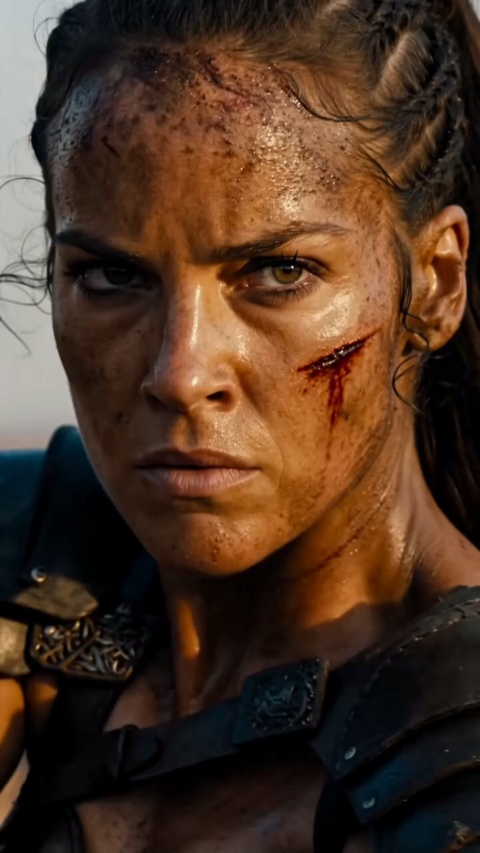
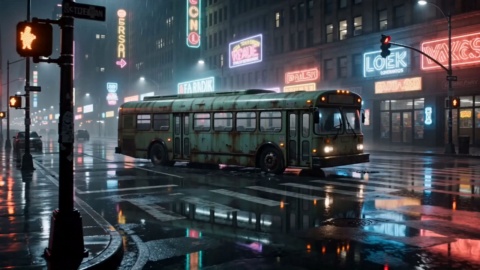
Four capabilities you can run directly on VideoAI, from a first prompt to a clip that arrives with sound.
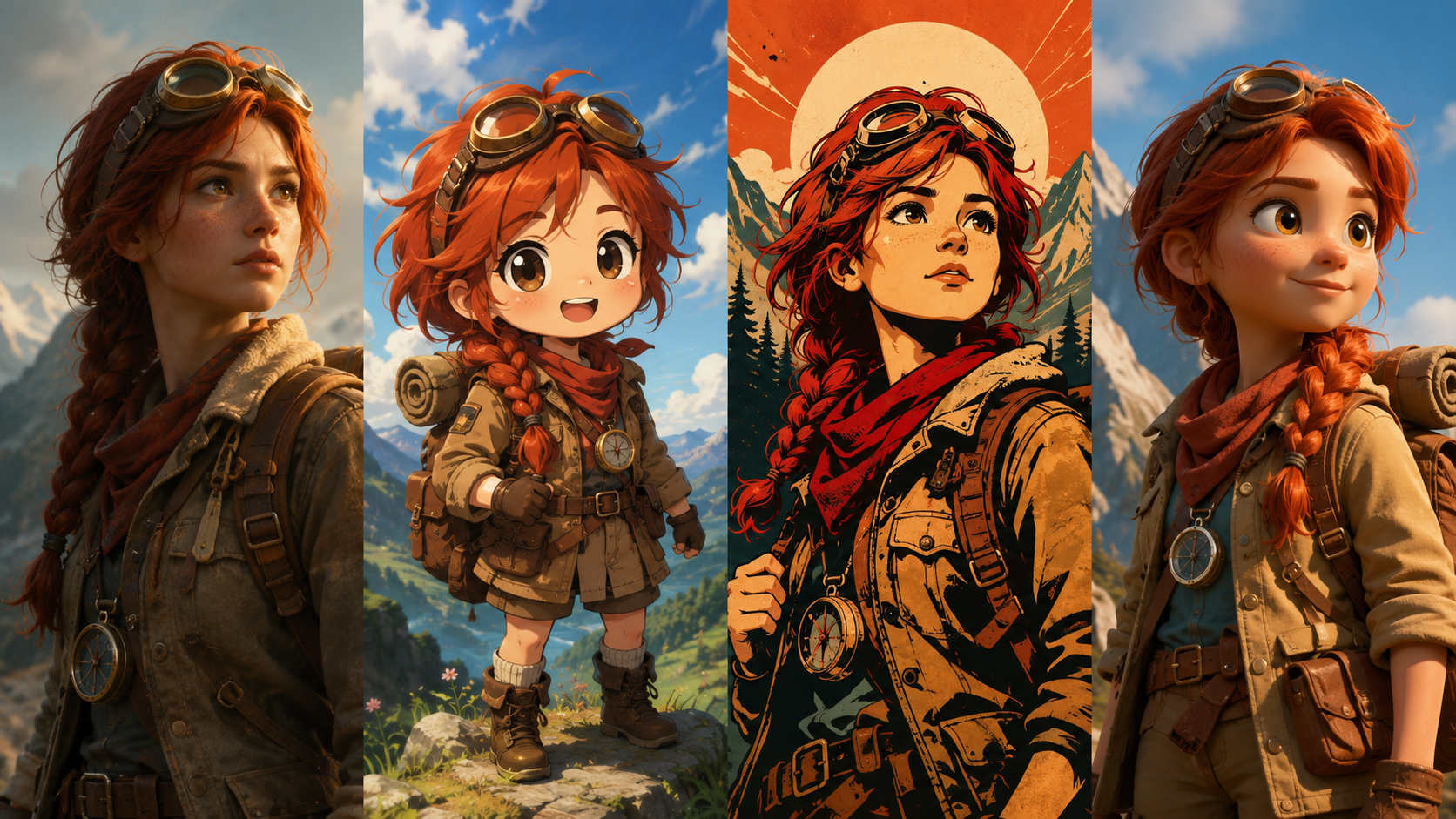
Write one line and Grok Imagine returns a set of stylized images, with style templates like Japanese Chibi ready to pick, so you settle the look before you have hunted down a single reference.
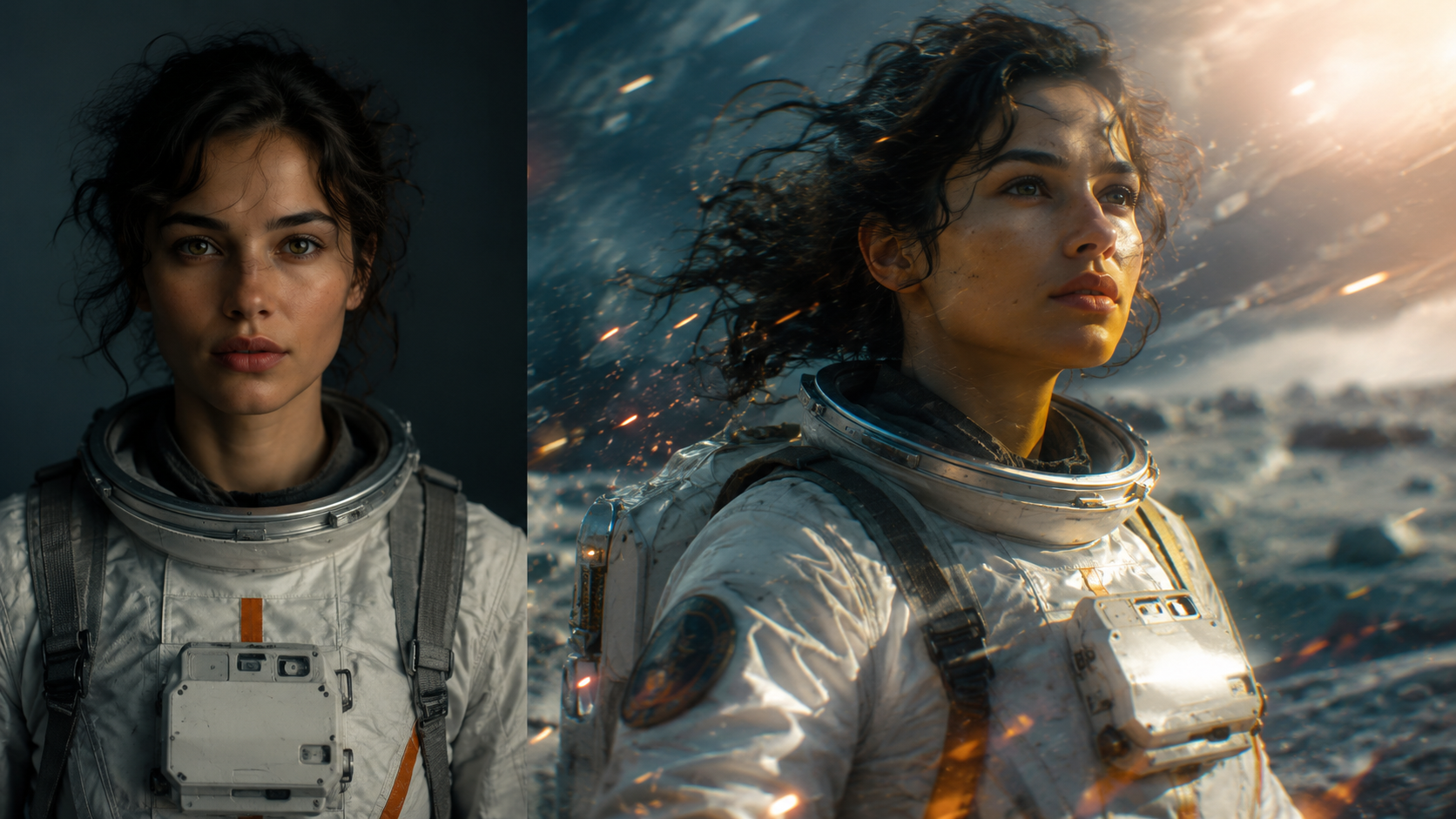
Add a line of motion or camera direction to a still and it animates into a short clip that keeps the original detail and lighting, while the audio is generated in the same pass.
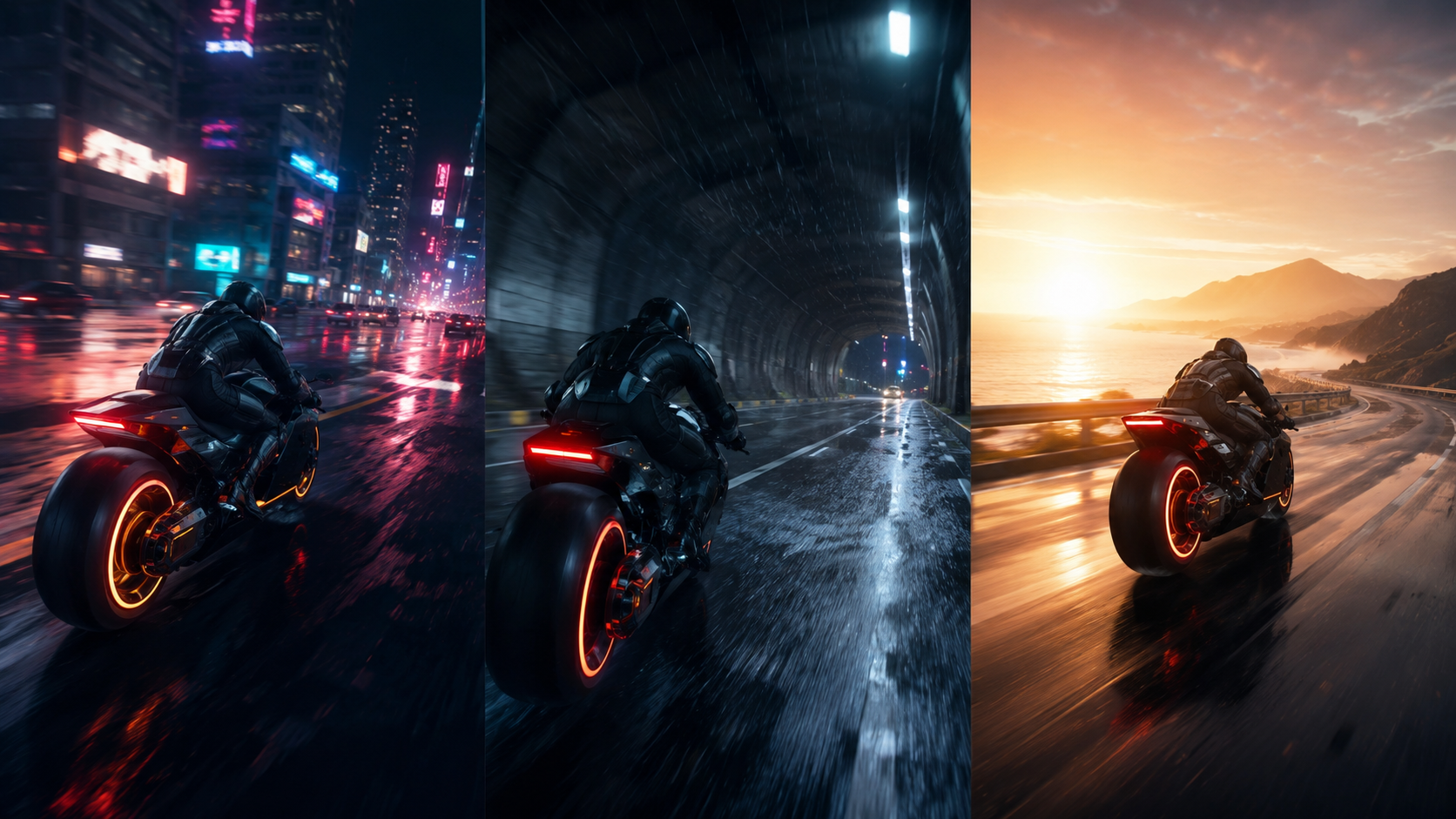
When you have no image yet, a text prompt on its own becomes a moving clip, which suits the moment you just want to watch an idea play out.
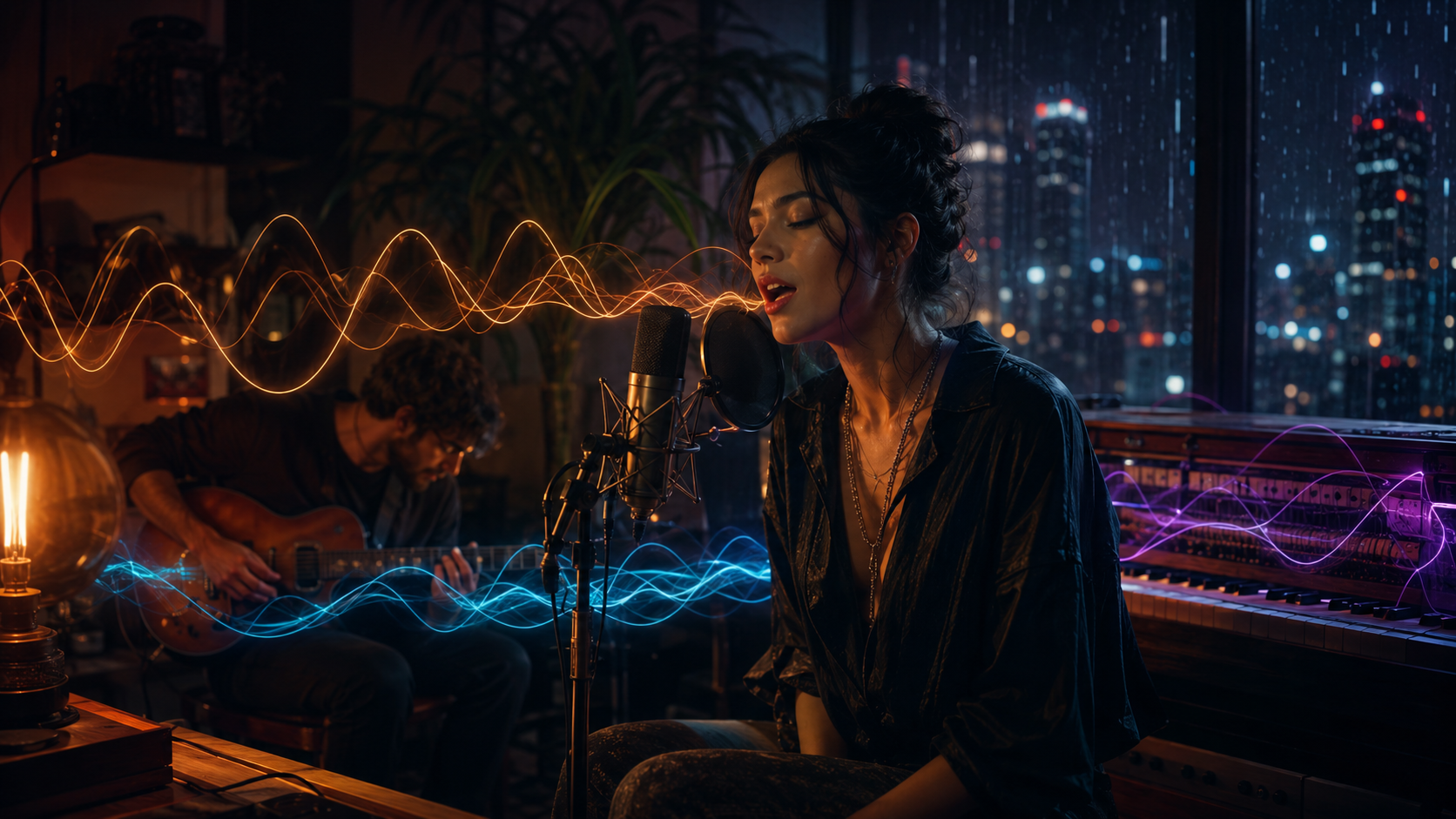
Dialogue, ambience, and effects come out with the picture, so a few second Grok Imagine video lands finished without a separate audio round.
Pick Grok Imagine on VideoAI, give it your input, then generate and adjust until the clip fits.
Type an English prompt, or upload an illustration or character image you already have, and if you want a set style tap a template like Chibi and name the subject and mood in your Grok Imagine prompts.
A set of images appears in seconds and you pick the single frame that fits, since this step is where you settle the look before deciding whether to animate it.
Add a line of motion or camera movement and the still becomes a 720p clip a few seconds long with native audio, sized for TikTok, Reels, Shorts, and X, where you name the ambience or effects you want.
Browse additional AI models for image and video creation.
Type a prompt, get a still, and animate it with sound, all in one place on VideoAI.
Get StartedPick the model on VideoAI, type a prompt or upload an image, generate a stylized still, then add a line of motion to animate it into a clip with sound. You log in first, and your 10 starter credits cover this model right away.
New accounts get 10 credits on VideoAI, and those credits cover this model, so you can generate a still and a clip before paying anything. Once the credits run out, you top up with a credit pack or move to a subscription plan.
Clips top out at 720p and run a few seconds each, which suits short social video rather than long form. You log in to generate, and each run draws from your credit balance.
Yes, this model does text to image, image to video, and text to video, so you can generate a still on its own or carry it straight into a moving clip. Both paths run on VideoAI without switching tools.
Audio is part of the same generation, so dialogue, ambience, and effects arrive with the picture. That means a Grok Imagine video lands with its own sound and you skip a separate scoring step.
Upload a still, add a short line describing the motion or camera move, and it animates while keeping the original detail and lighting. This image to video path is how most people bring an existing character or poster to life.
Output reaches up to 720p and each clip runs a few seconds, which is why it fits TikTok, Reels, and Shorts. Length and framing shift a little between versions, so treat the clip as a short social piece rather than a fixed spec.
No watermark sits on your results, and you can download them straight away in common image formats. What you generate here is cleared for commercial use, so client and brand work is fine.
Grok Imagine 1.0 refers to the image and overall release from xAI, while the later video work improved motion and audio. On this page you use Grok Imagine as one tool, picking image or video output as each project needs.