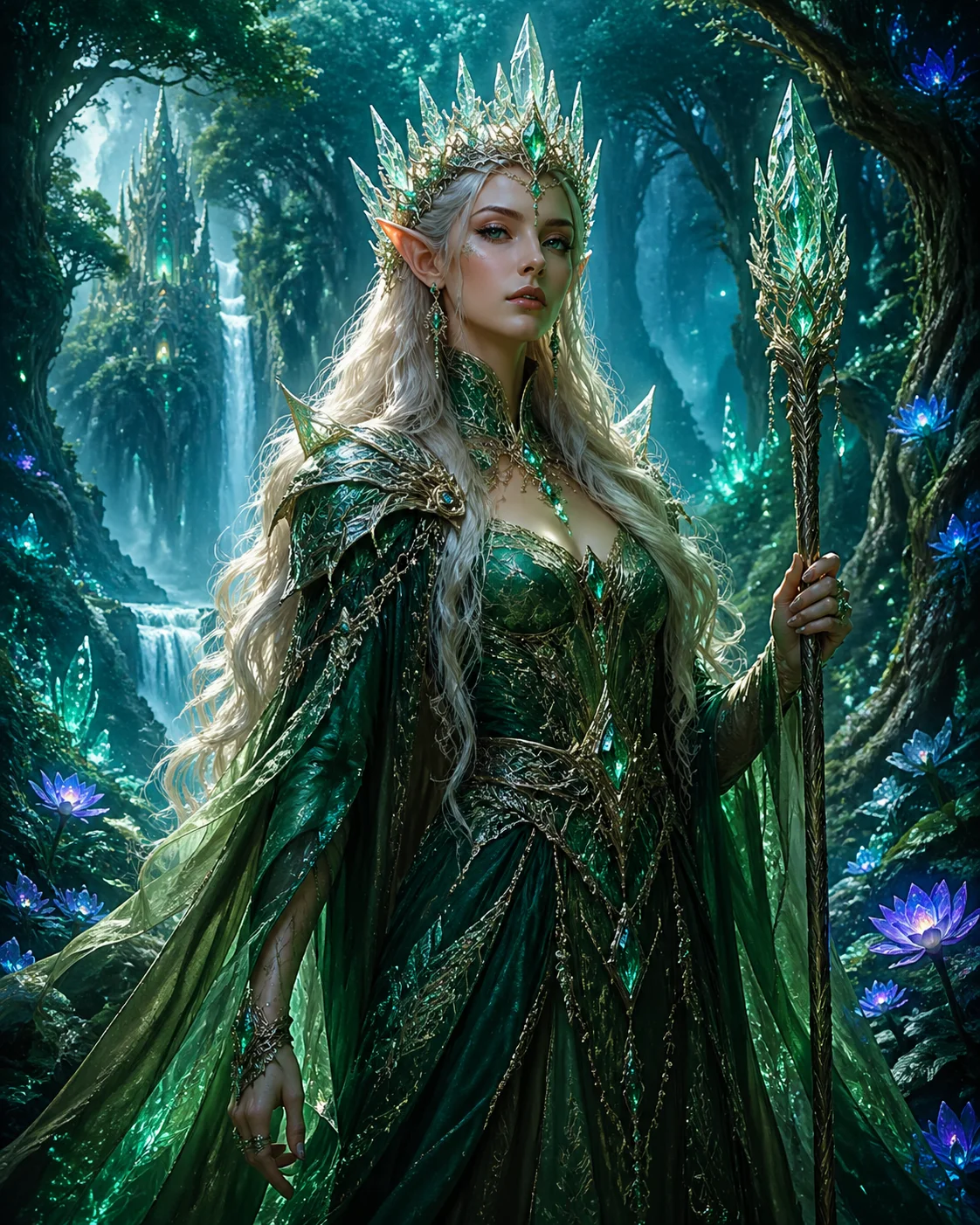
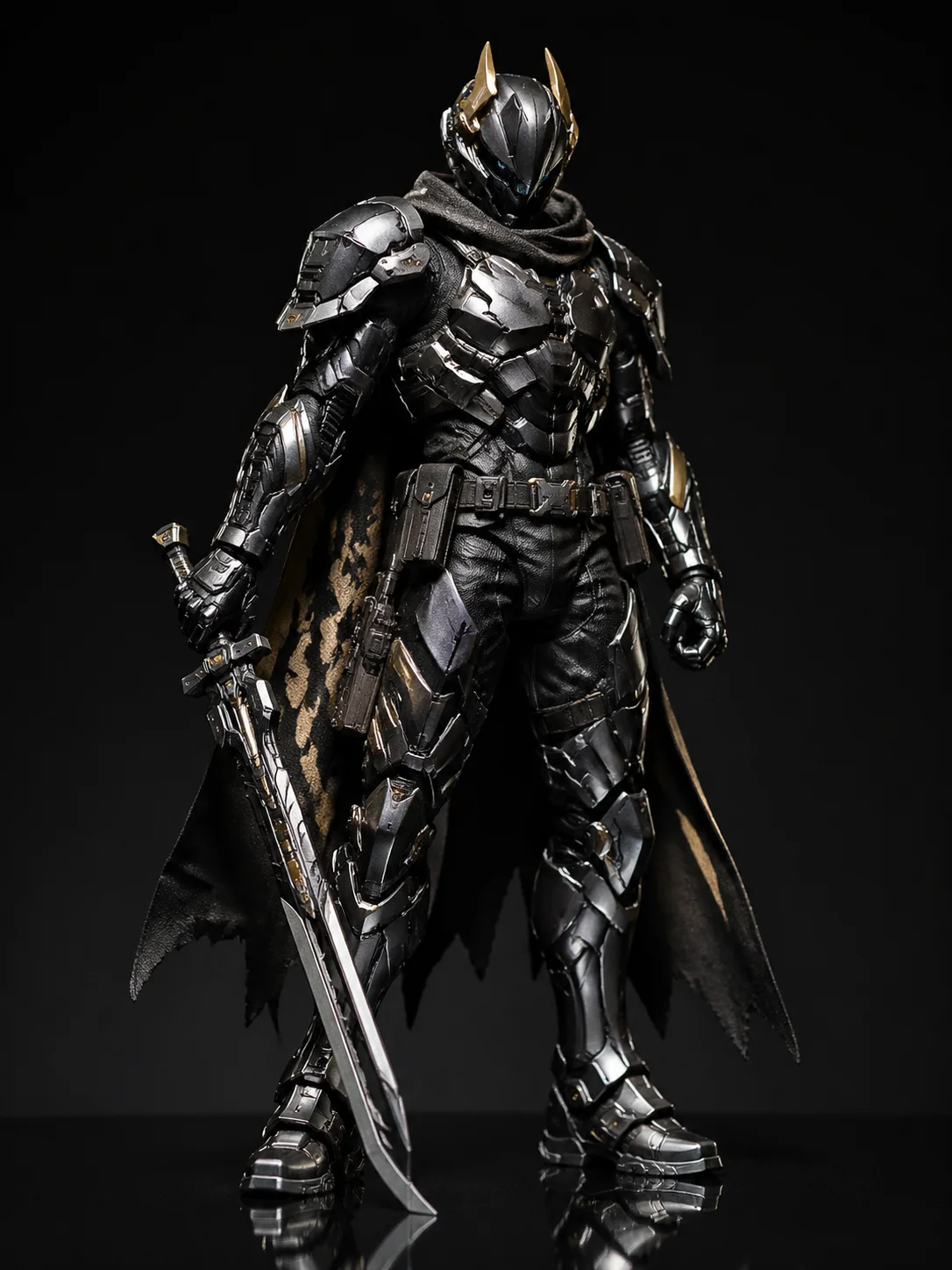
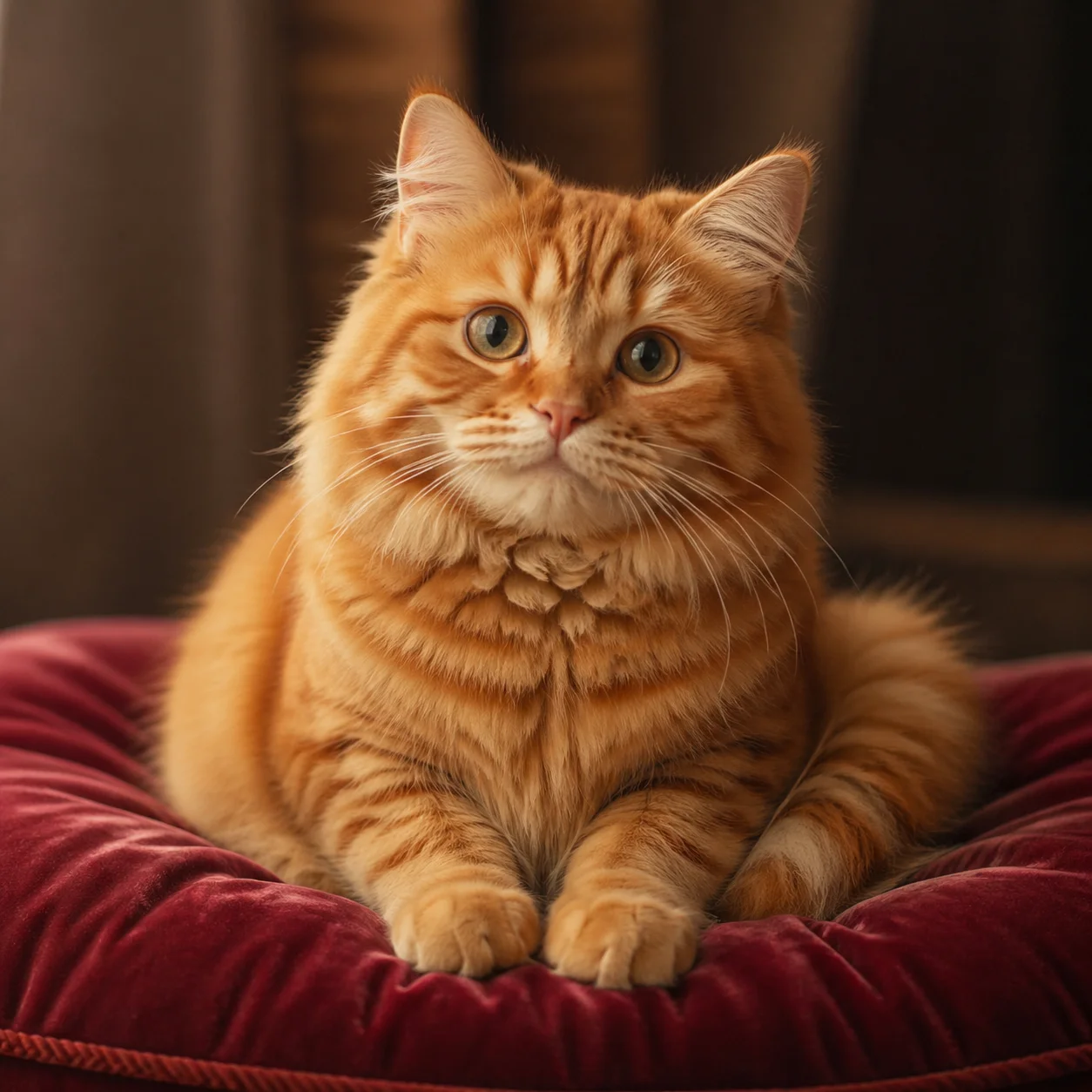
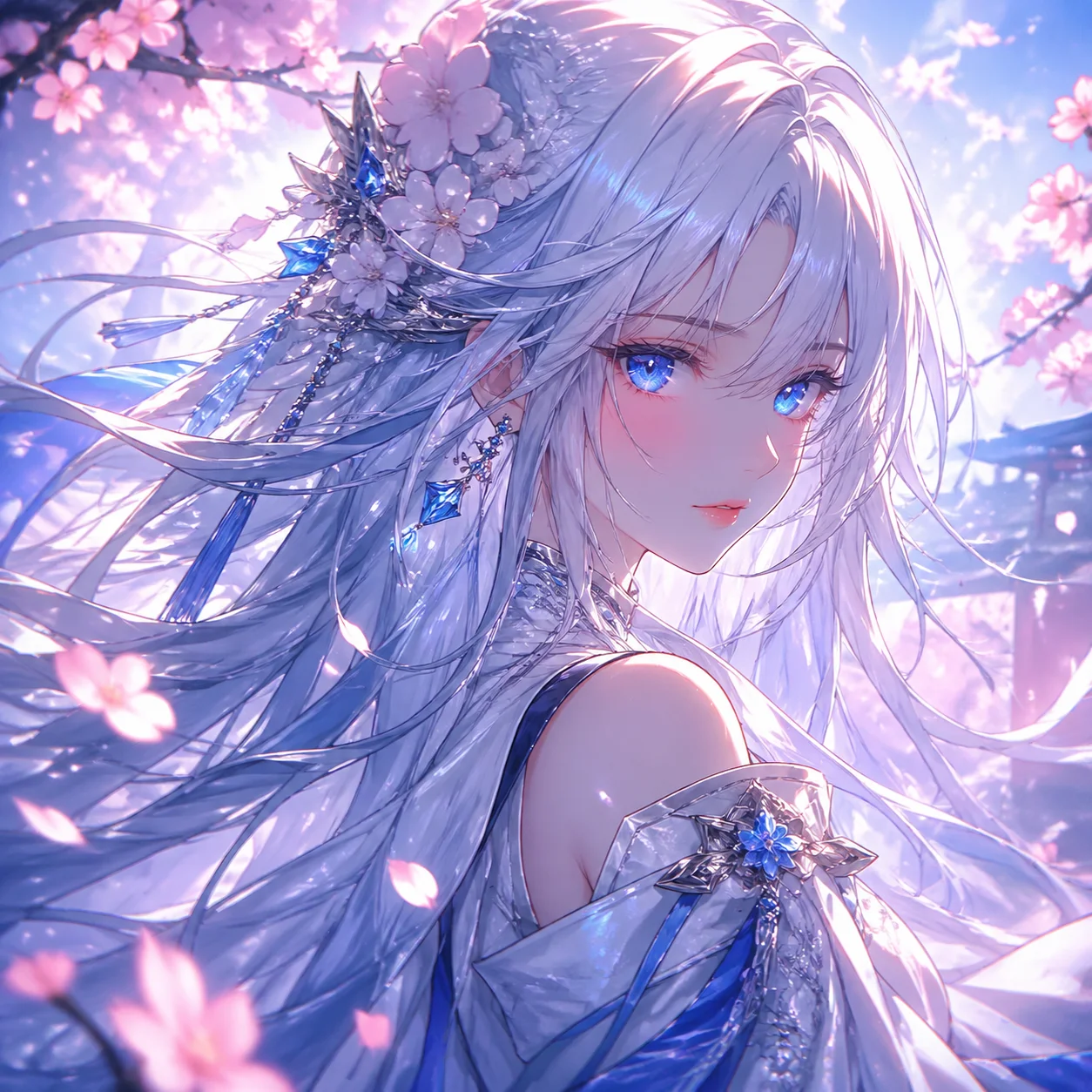
What is Midjourney, and why do people rate the look so highly?
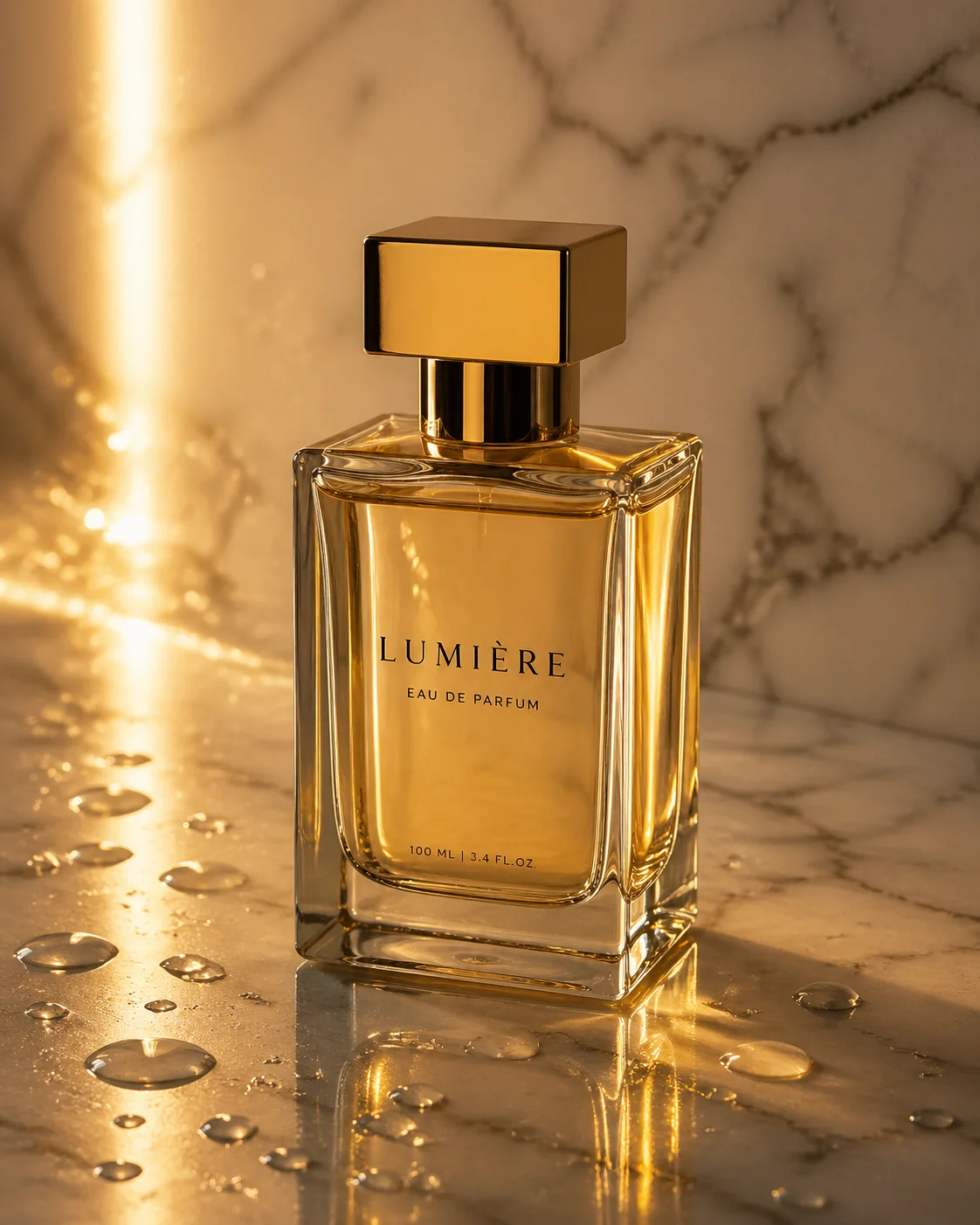
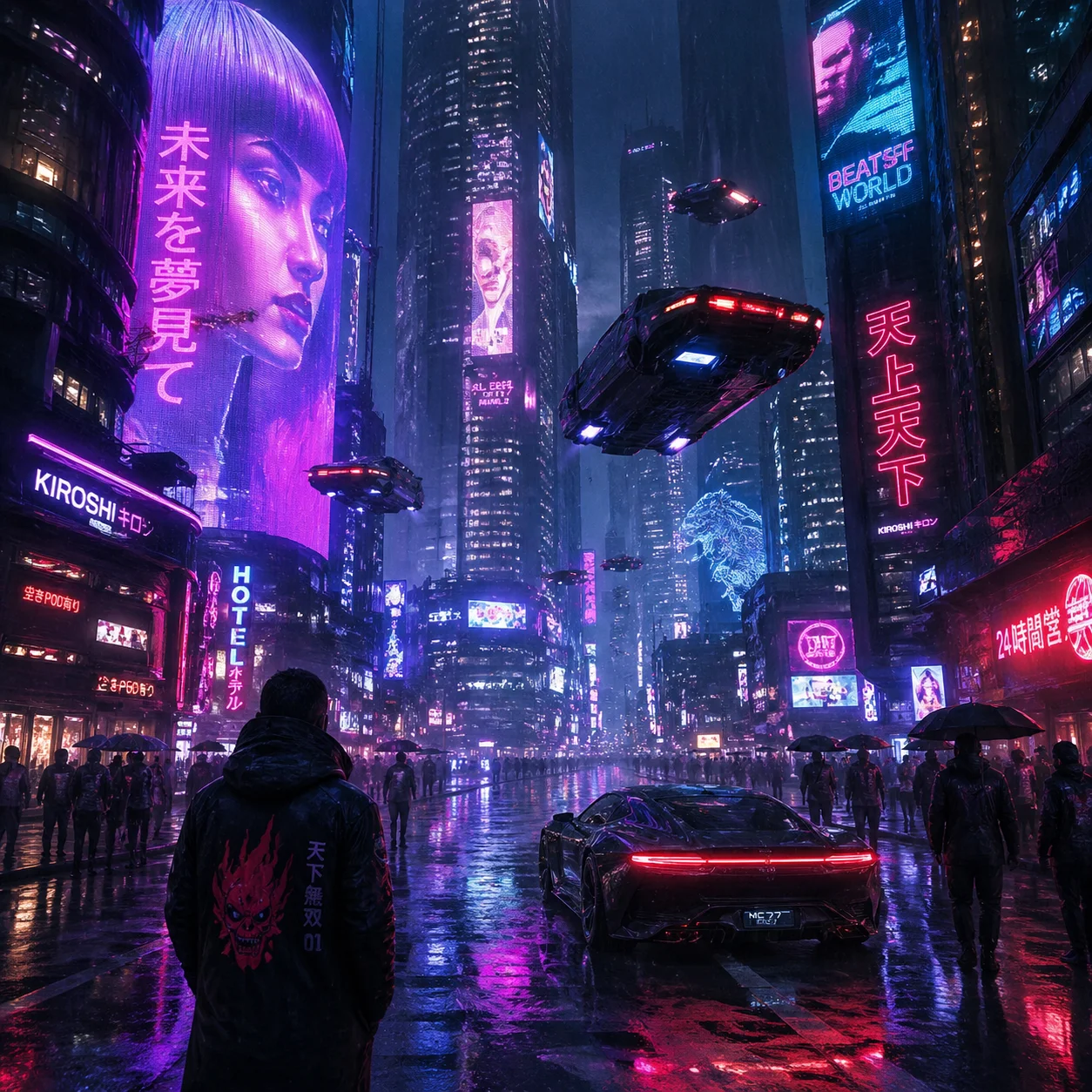
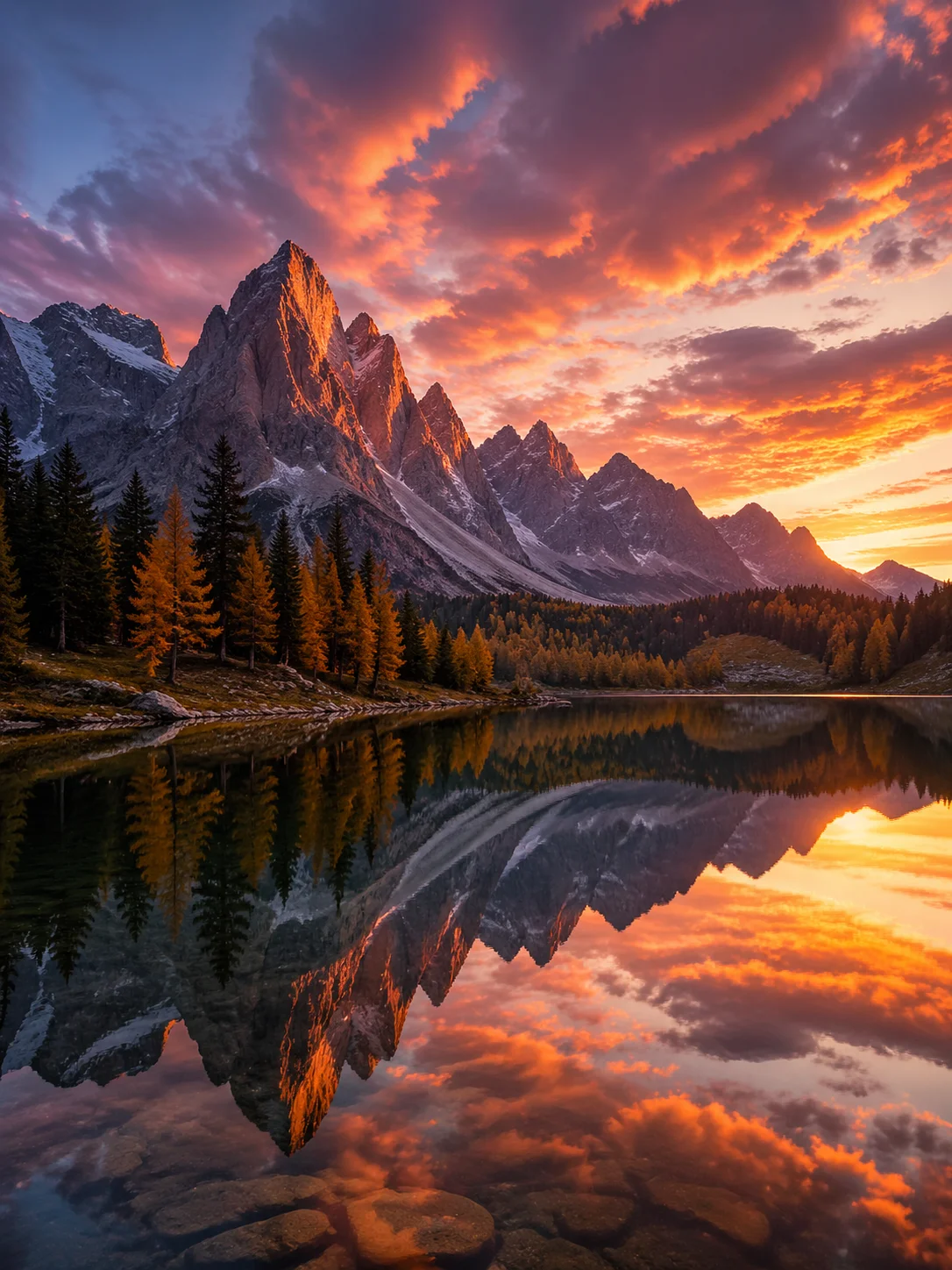
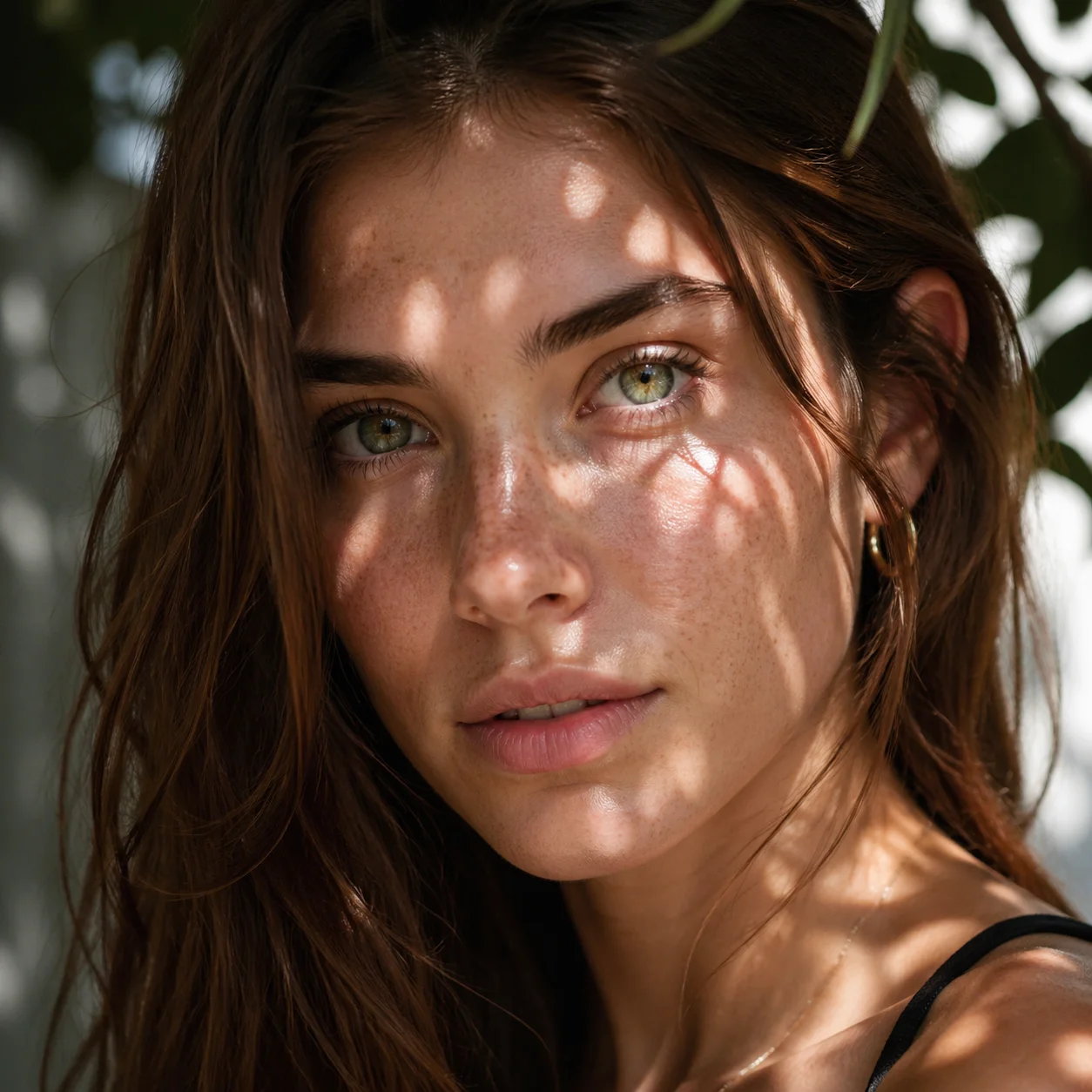
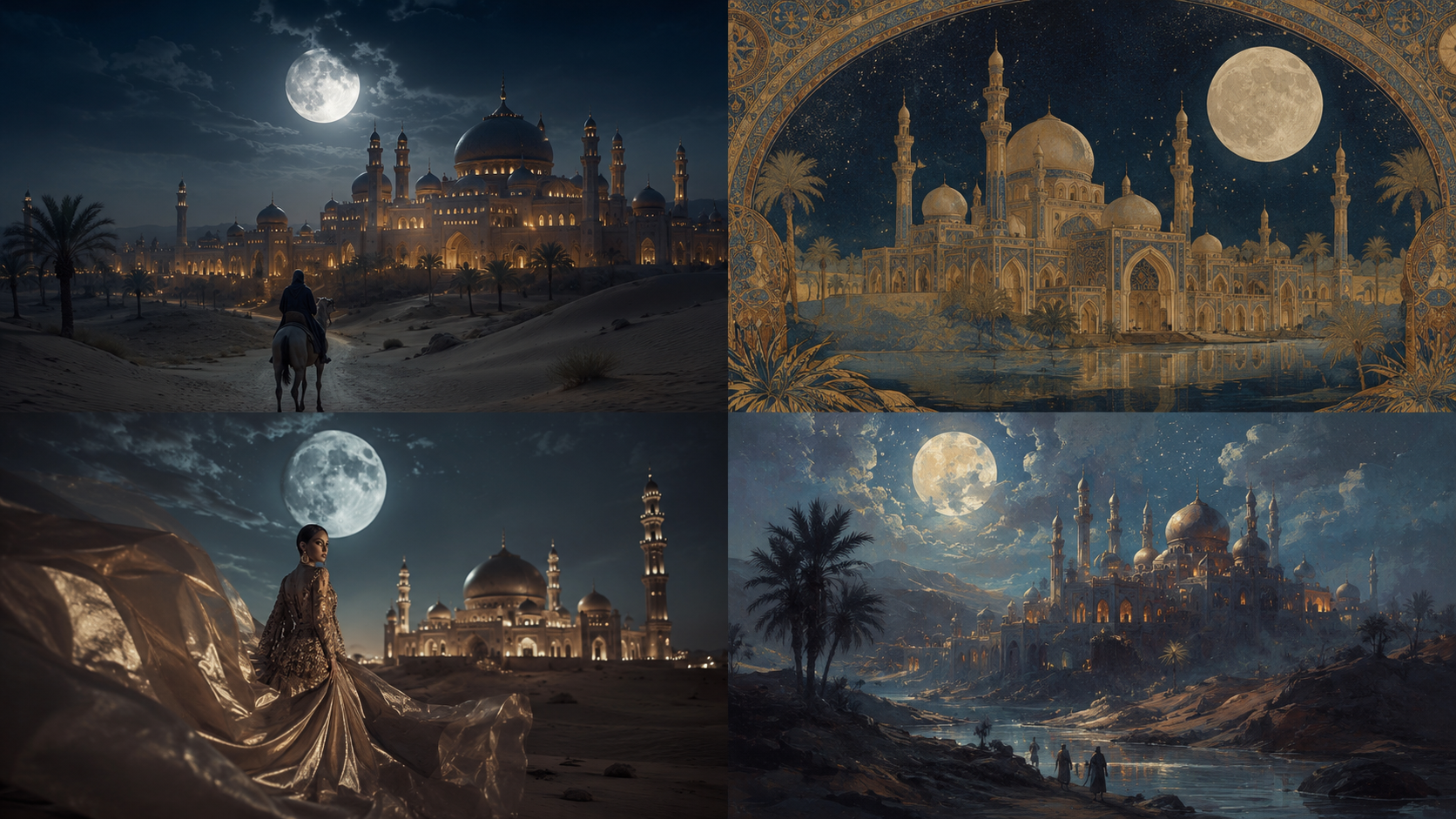
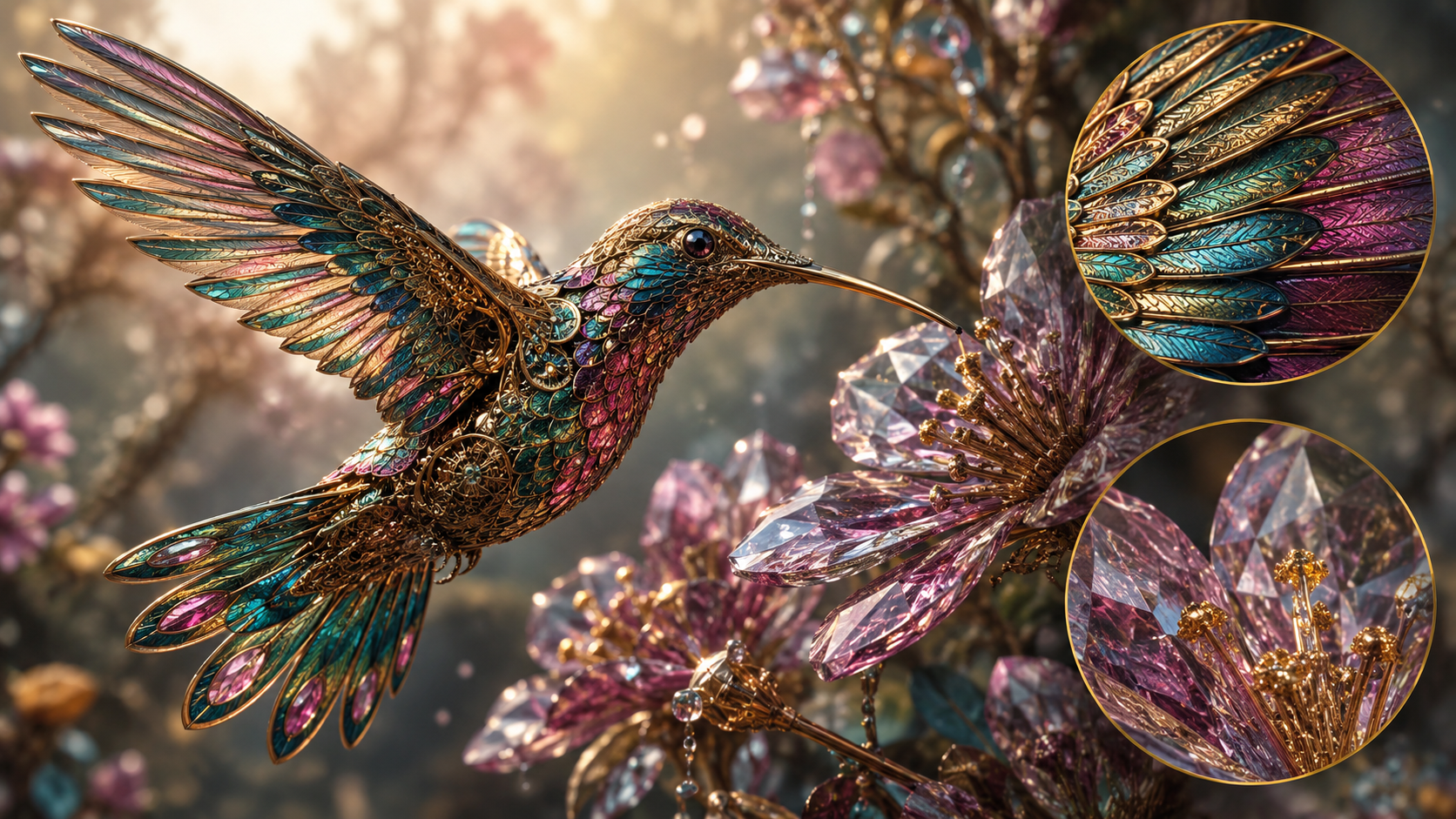
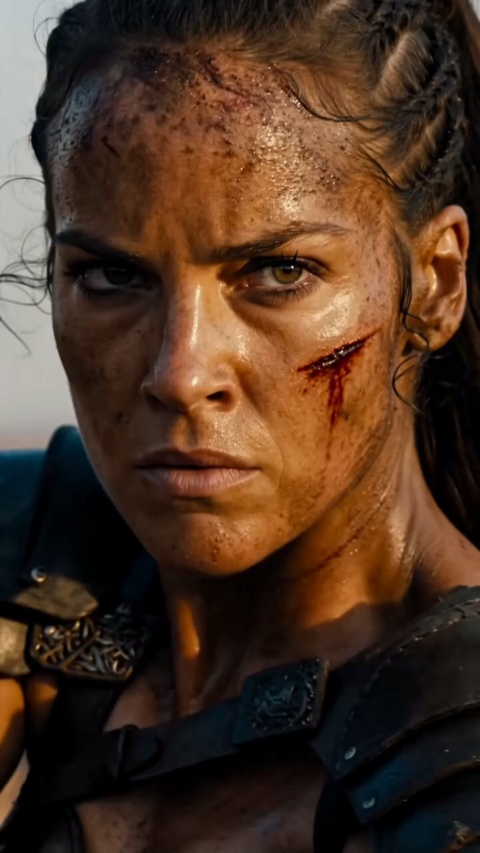
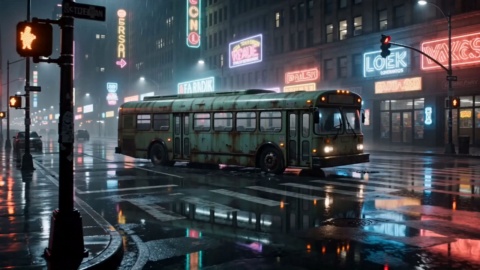
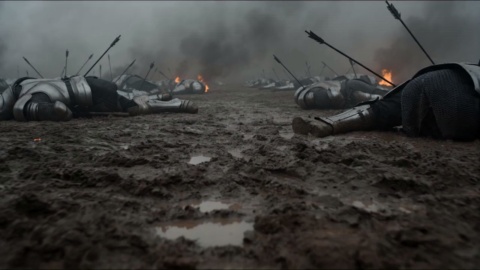
It is an AI image generation model and service from Midjourney, Inc., an independent research lab founded by David Holz. Its reputation rests on the default aesthetic: images tend to come out stylized and considered rather than flat, which is why concept artists and designers keep reaching for it. Alongside the image model, it offers an image to video capability for turning a still into a short clip.
How to use Midjourney on VideoAI if I have never touched it before?
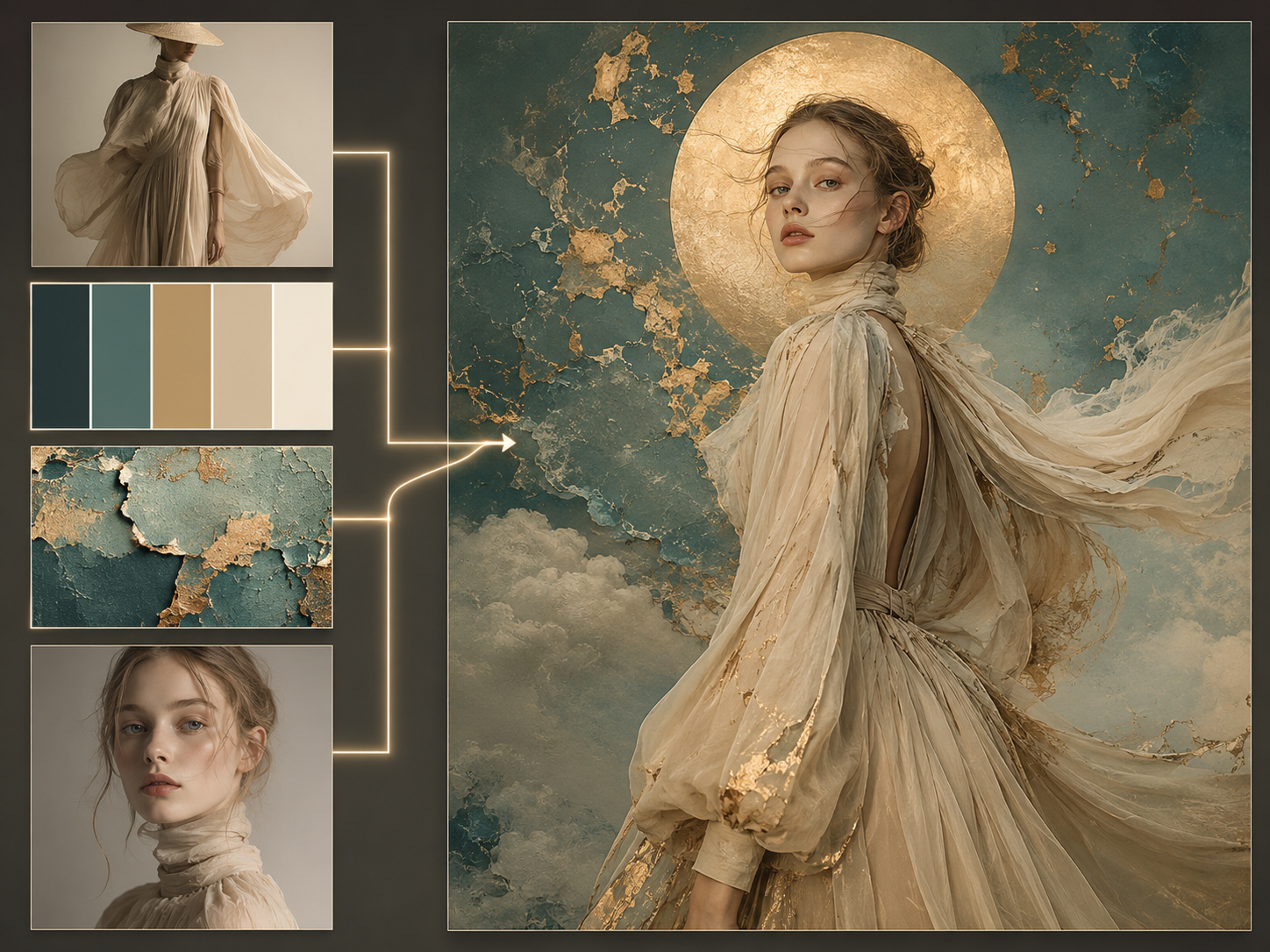
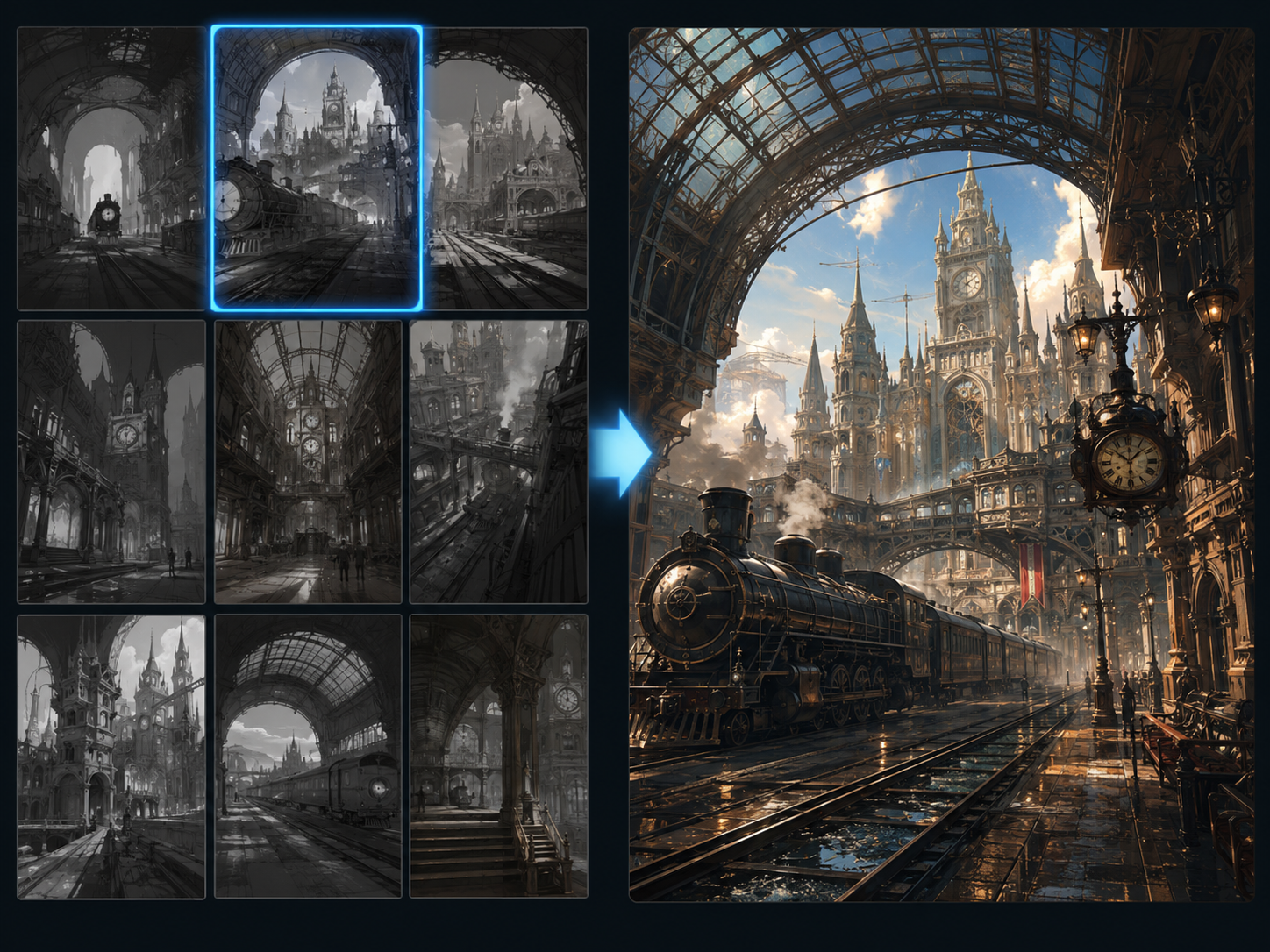
Select the Midjourney model, write a prompt describing the frame you want, and generate. Adding a reference image gives the model a look to match, Draft Mode lets you scan several directions before spending quality renders on one, and HD mode takes your chosen frame up to native 2K.
Is Midjourney free to use?
Two things are true here. The lab's own service runs on a subscription with four tiers named Basic, Standard, Pro and Mega, and it has had no long standing free tier since 2023. On VideoAI, new users get 10 credits at no cost, and those credits cover this model, so you can generate your first images before paying anything. After that, credit packs and subscription plans are both available.
Which version am I working with, and what changed?
The current default on the image line is V8.1, which became the default in mid 2026. It supports HD output up to native 2K and pairs with Draft Mode for fast, low cost exploration before you commit to a full render. Midjourney video runs on the separate V1 Video Model, which is its own line rather than part of the image versions.
Can the model make video, and how long and how sharp can a clip be?
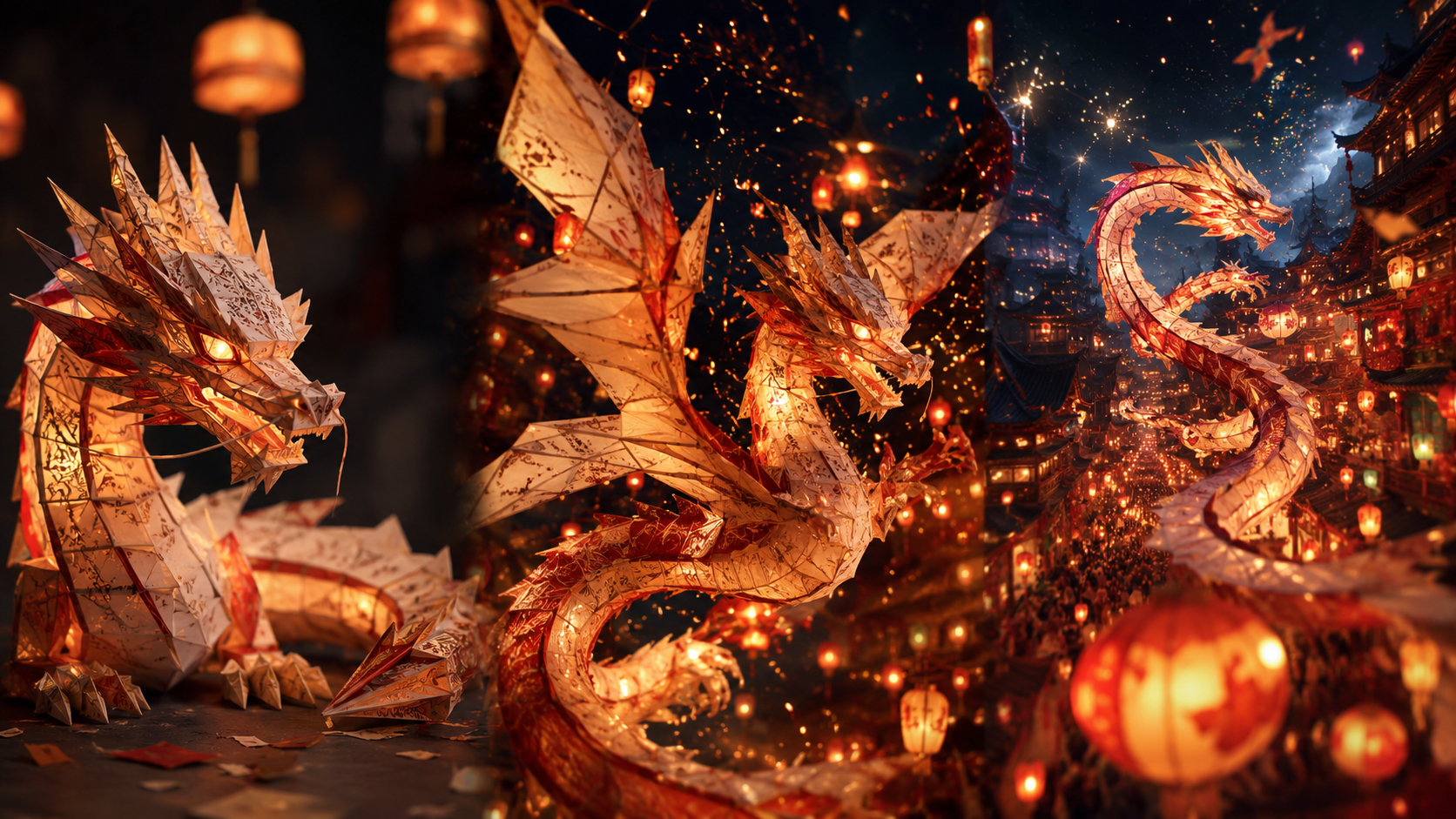
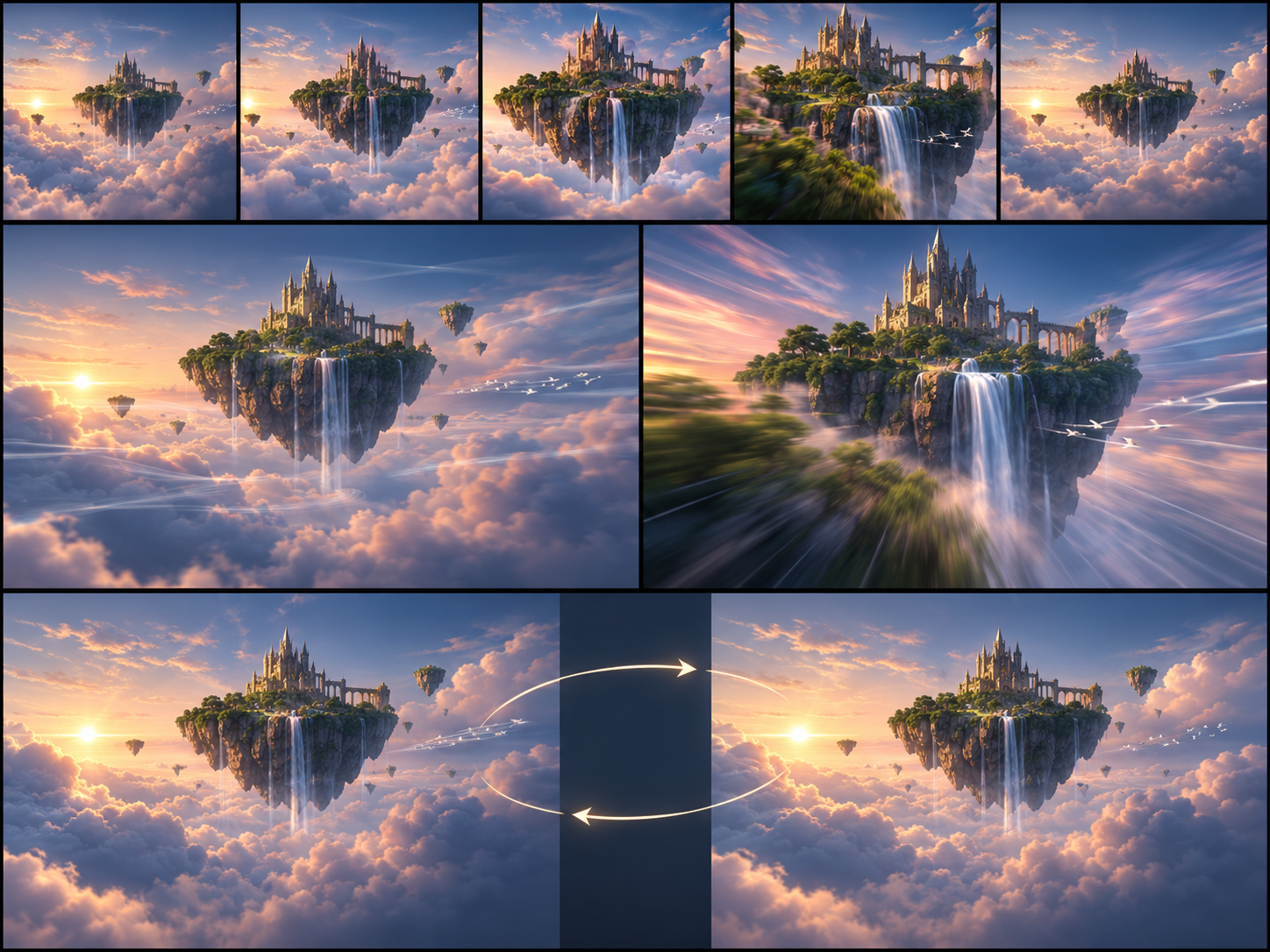
Yes. Animate turns any generated image or an uploaded still into a clip through the V1 Video Model, with automatic or manual motion descriptions and a low or high motion setting. Each clip starts at 5 seconds and can be extended in stages to roughly 20 seconds. Standard output is 480p, and HD mode gives native 720p. Loop and start or end frame controls are there when you need a tidy bumper.
How do I explore several looks before I commit to one?
Midjourney Draft Mode is built for exactly that. It returns a batch of low resolution drafts in a single pass, you read them together, and the direction you settle on gets re rendered at full quality. Because the draft step stays cheap, fanning out ten variations and keeping one is a practical way to work through a concept.
Can I carry the same character or object into new images?
Omni Reference, written as oref, is the feature built for pulling a character, object or vehicle from a reference image into a new one. It is documented as a V7 capability, and support on the current default version has not been confirmed, so treat it as something you reach for by selecting the earlier version.
Do I need to sign in, and will there be a watermark on my images?
Signing in with an account is required before you can generate on VideoAI, since credits and your work are tied to it. Nothing you make carries a watermark, including images generated on your starter credits, and you can download them straight away.
Can I download my results and use them in client or commercial work?
Downloads are direct and come in common image formats, with no watermark applied. What you generate on VideoAI can be used commercially, so client deliverables, product listings and paid channel work are all fair game.