MiniMax H3 - Consistent Shots From Your References

Start from text, a photo, a first and last frame pair, or mixed references, and get back a 2K, 24 fps shot that runs wide or vertical.

Made With MiniMax H3

The MiniMax H3 AI video generator on VideoAI covers narrative trailers, product ads, explainer shots, and vertical clips.

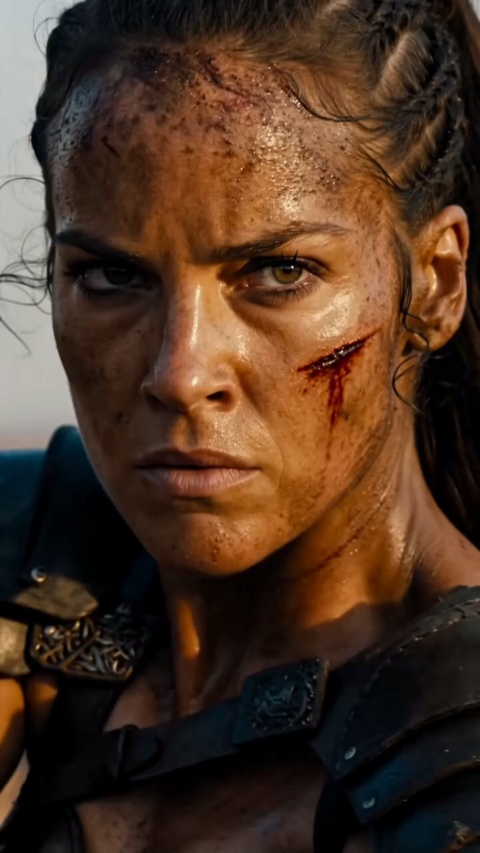
Leather And Fur Close-Up

Fashion Film

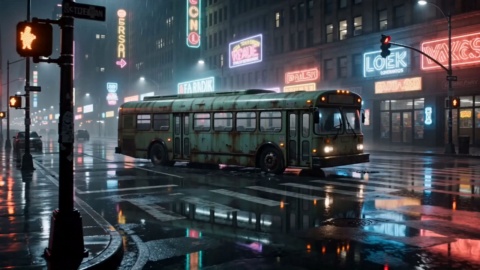
Night Rush Title Sequence

Cinematic Promo

Binocular Brand Reveal

Brand Promo

Sunlit Kitchen Still Life

Product Film

Popup Character Poster

Motion Poster

Firelight Leather Jacket

Product Film

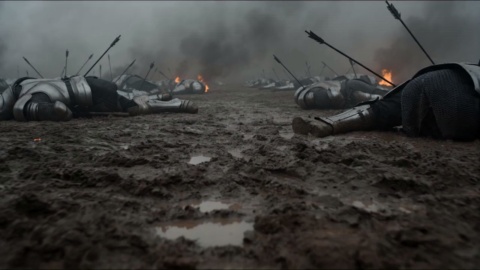
Gothic Manor Encounter

Cinematic Promo

Vertical Short Drama

Entertainment Promo

Everything You Direct With MiniMax H3

Four capabilities decide how your MiniMax H3 shot comes together inside VideoAI.

Multimodal Reference Input

Load your character sheets, scene boards, and reference clips into one generation, up to 9 reference images, 3 reference videos, and 3 reference audio files, and no more than 12 files together. Reference audio rides along with an image or video, so it is never added on its own.

Consistent Subject

Give the model a face, a product, or a style to lock onto, and that look holds steady across the whole shot. It stays more consistent frame to frame, though a single hard promise of zero drift is not something any video generation can make.

Editing Without Reshoots

Hand over a clip you already have and tell it what to change, or lift the motion from one video onto a new scene. This is Minimax H3 video editing built for reworks, so fixing a shot never means shooting the whole thing again.

Four Starting Points

Kick off with Minimax H3 text to video from one line, Minimax H3 image to video from a single photo, a first and last frame pair, or a mixed reference set. Whichever route you take, the sound is generated together with the picture, cutting a separate scoring pass.

Direct Your Shot In Three Steps

Pick a start point, describe the shot, and generate on VideoAI.

STEP 01

Pick A Start And Add References

Choose how you begin, whether that is a prompt, a single photo, an existing clip to reference or edit, or a first and last frame pair. Then add the references you want held steady, up to 9 images, 3 videos, and 3 audio files, with any audio paired to an image or video.
STEP 02

Describe The Shot And Ratio

Write what the shot should show, then pick your aspect ratio: 9:16 for TikTok, Shorts, and Reels, or 16:9 for YouTube, with 21:9, 4:3, 1:1, 3:4, and adaptive also on the list. The same idea can be generated again at another ratio to fit a second platform.

STEP 03

Generate And Download

Generate and watch your 2K clip render at 24 fps, up to 15 seconds long, with sound created alongside the picture. When it looks right, download it with no watermark and use it commercially.

Explore Other Models

Browse additional AI models for image and video creation.

Start Your First MiniMax H3 Shot

Start Your First MiniMax H3 Shot

Bring your references or a single idea, and the Minimax H3 video generator turns it into a finished, ready to post clip on VideoAI.

Get Started

MiniMax H3 Questions Creators Ask

What is MiniMax H3?

MiniMax H3 is a multimodal MiniMax video model that the MiniMax team released on July 31, 2026, reading text, image, video, and audio inputs together to power video generation, reference creation, and editing.

How to use MiniMax H3 to create my first clip?

Pick a starting point, add any references you want kept consistent, describe the shot, choose an aspect ratio, then generate; the minimax ai video generator walks you through each step on VideoAI, so your first clip is only a few choices away.

Is MiniMax H3 free to try on VideoAI?

Yes. New accounts get 10 credits to spend, and those free credits cover MiniMax H3 right away, so you can generate before paying; once they run out, VideoAI offers credit packs and subscription plans.

What can I start from with MiniMax H3?

Four routes are open: a line of text, a single photo, a first and last frame pair, or a mix of references. Audio can only join as a reference alongside an image or video, never as the sole input on its own.

How many reference files can I add at once?

Up to 9 reference images, 3 reference videos, and 3 reference audio files, with a combined cap of 12 files in one generation. Reference audio has to come with an image or video, so it is never uploaded alone.

What resolution and length does MiniMax H3 produce?

Every Minimax H3 2k video comes out at 2K and 24 fps, up to 15 seconds long, in ratios from 21:9 and 16:9 down to 3:4 and 9:16, plus an adaptive option.

Can I edit or restyle a video I already have?

Yes, hand MiniMax H3 an existing clip and describe the change, or move the motion from one video onto a new scene; this instruction based approach means a rework does not send you back to reshoot.

Do I need an account, and will my video have a watermark?

Signing in is required before you generate, which keeps your work tied to your account; the videos you make carry no watermark, can be downloaded directly, and are cleared for commercial use.

MiniMax H3 - AI Video Generator Online - VideoAI