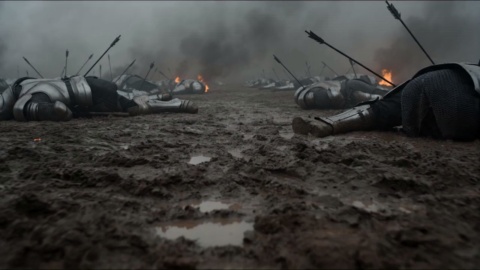
STEP 01
Pick the Model
Open the VideoAI image creator and pick Nano Banana 2 from the model menu to get started.

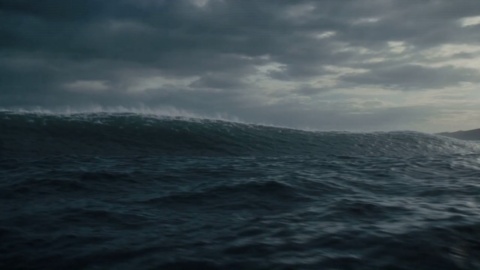
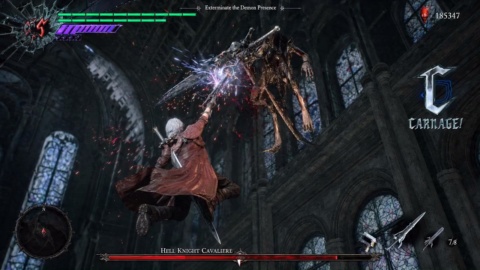
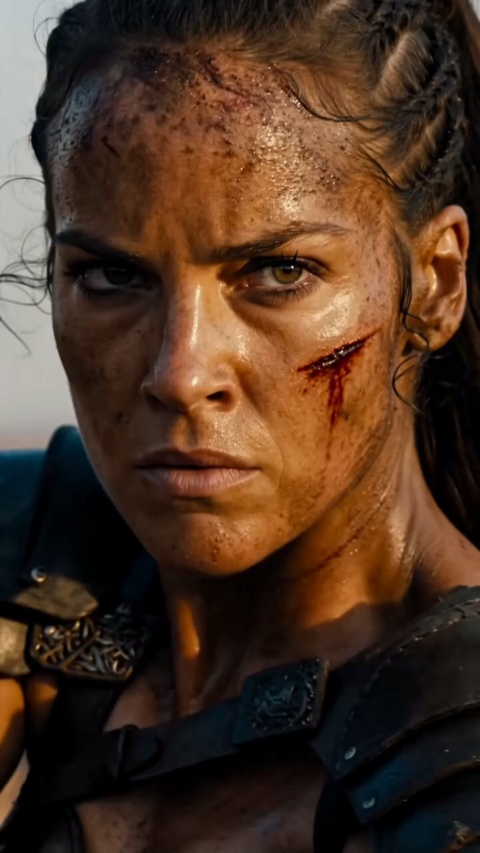
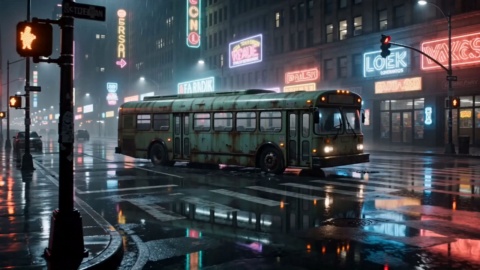
Turn a written prompt into high-resolution, photorealistic images, then refine them with plain-language edits. This image generator, built on the Gemini image model, keeps characters and text sharp across every image.
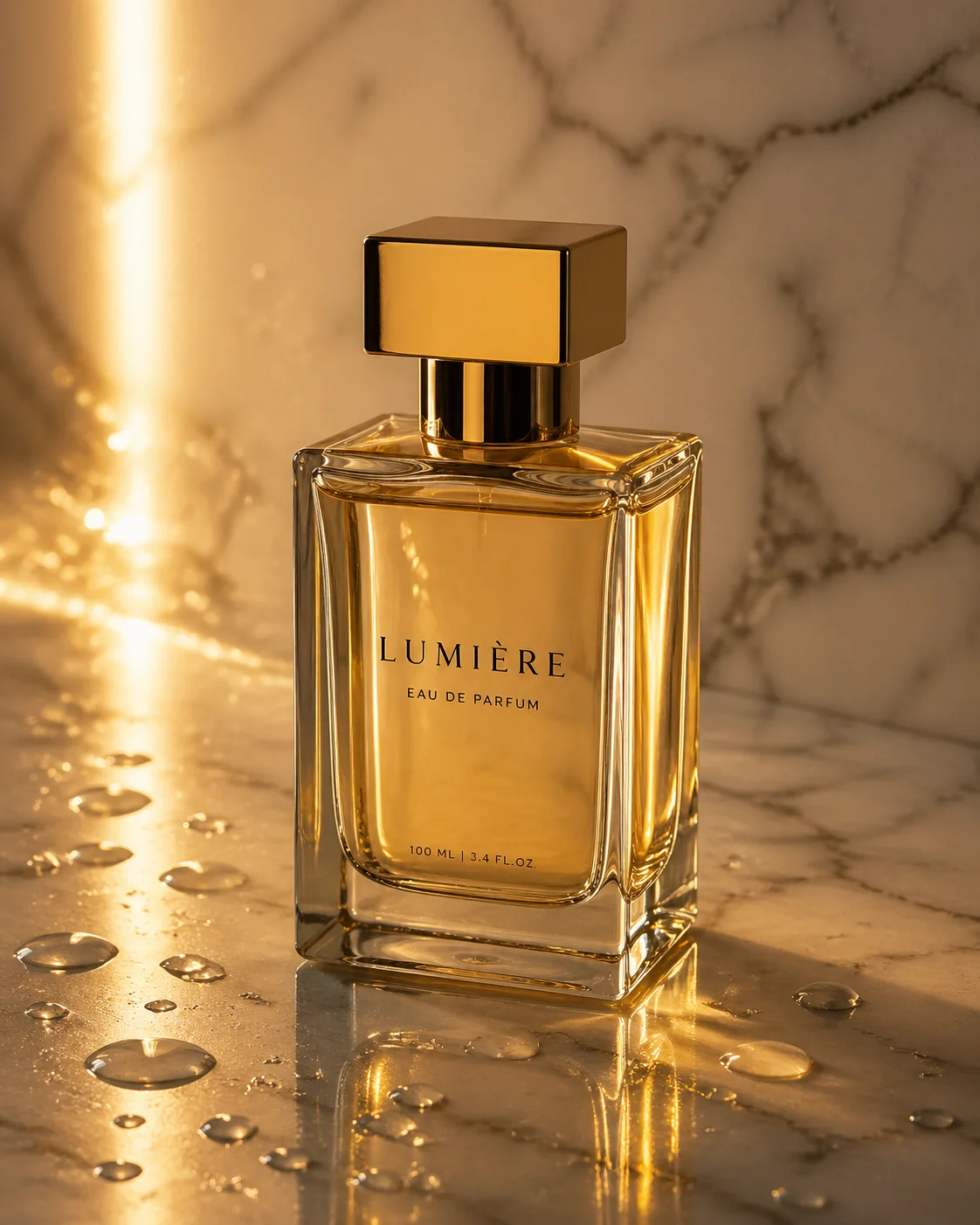
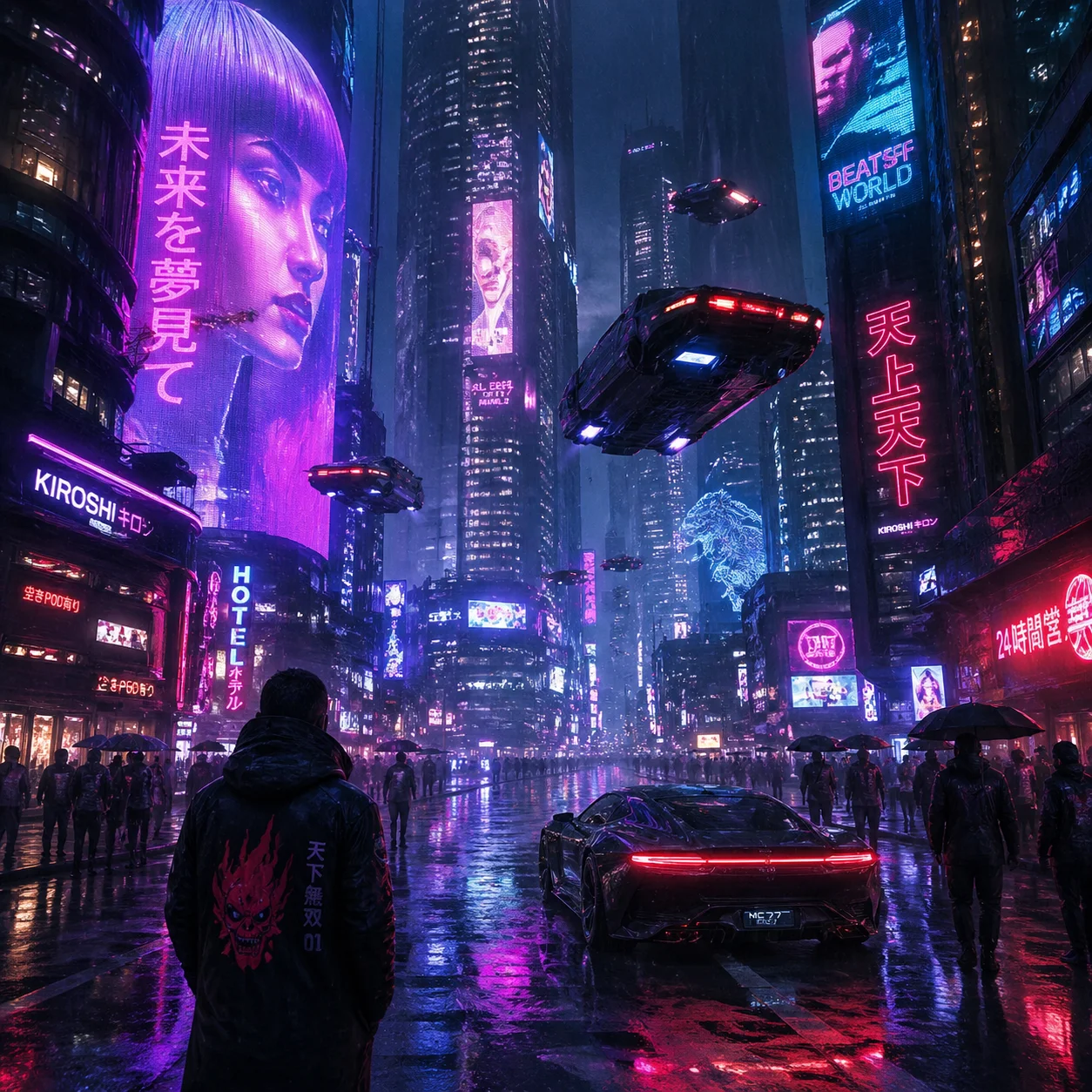
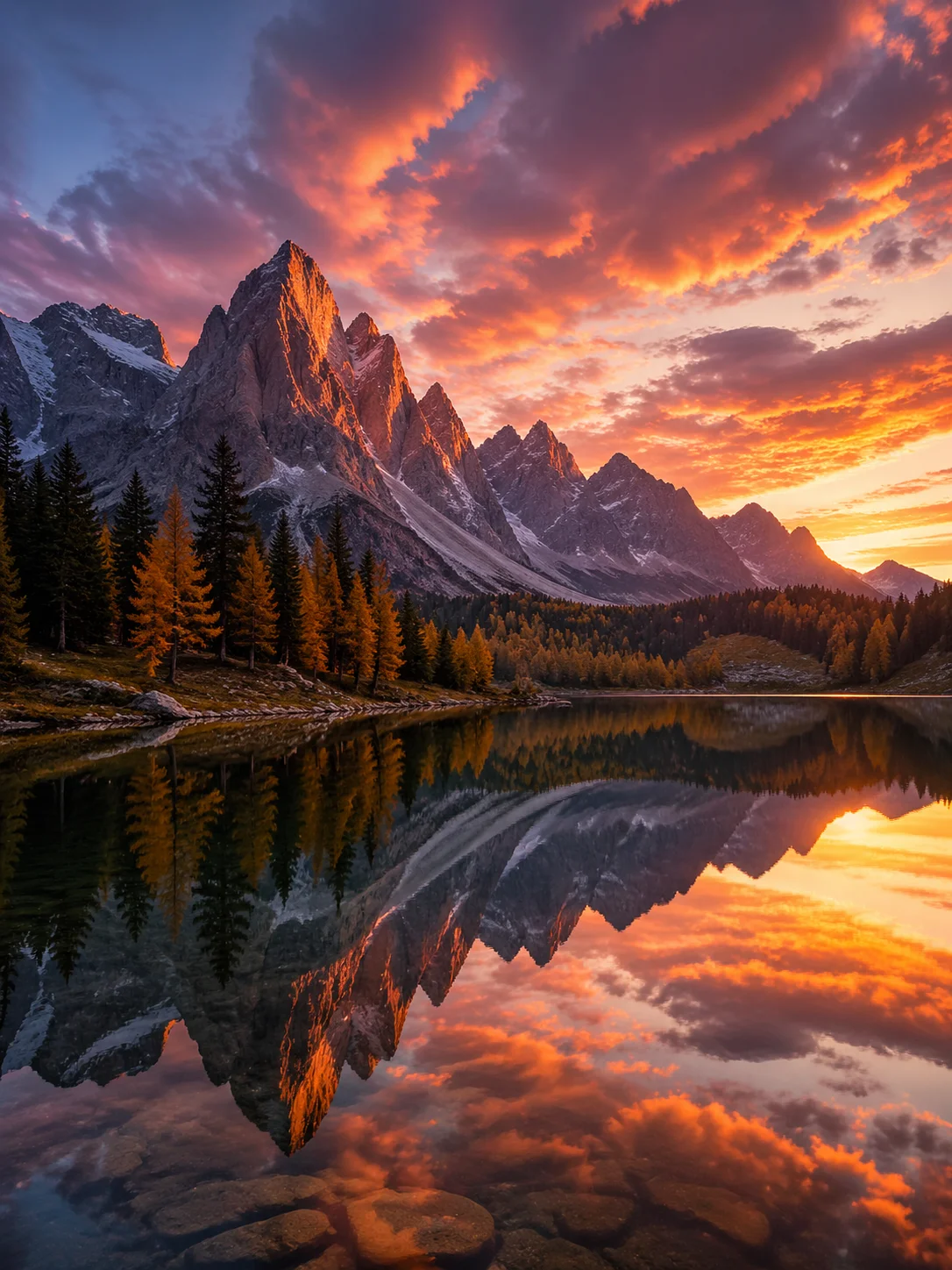
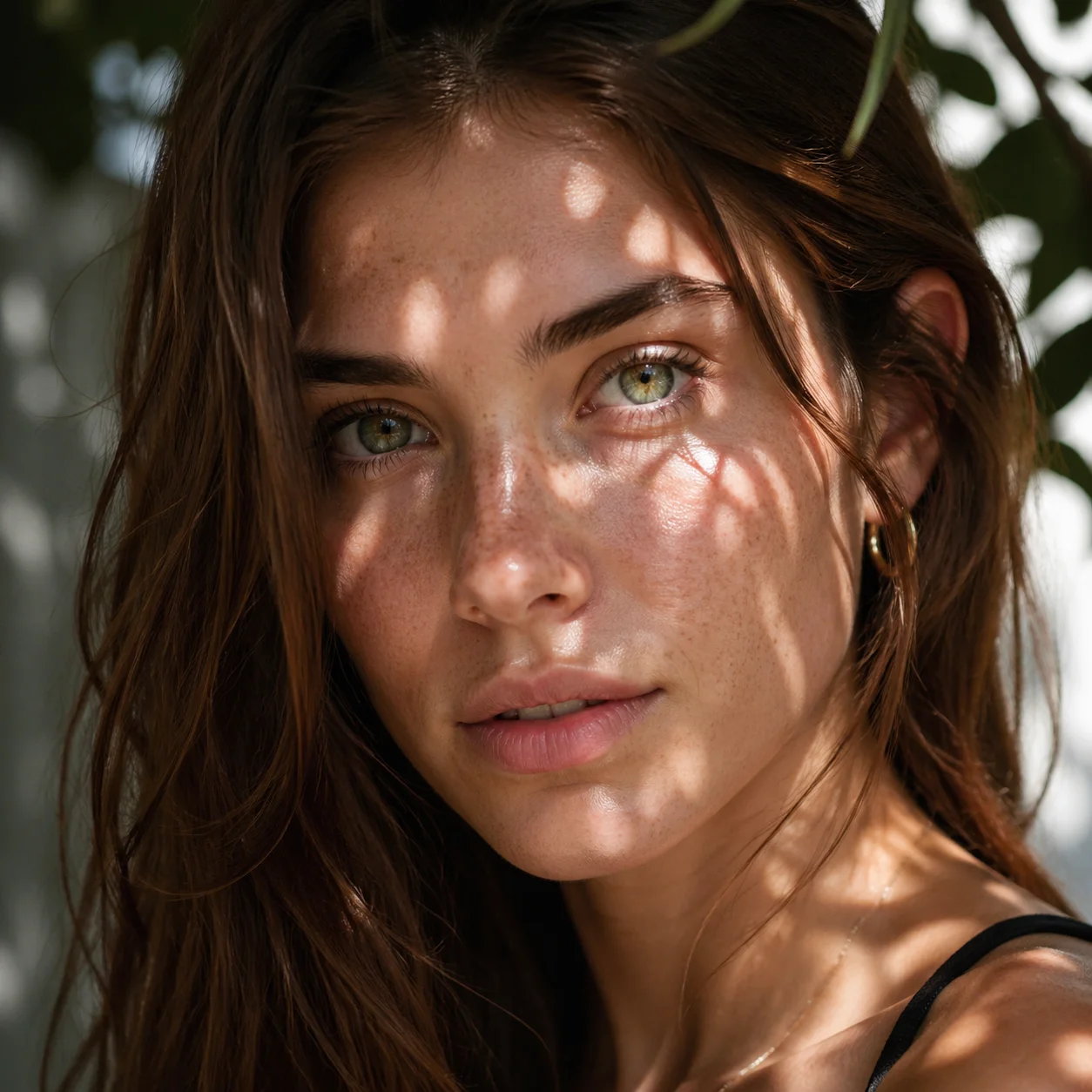
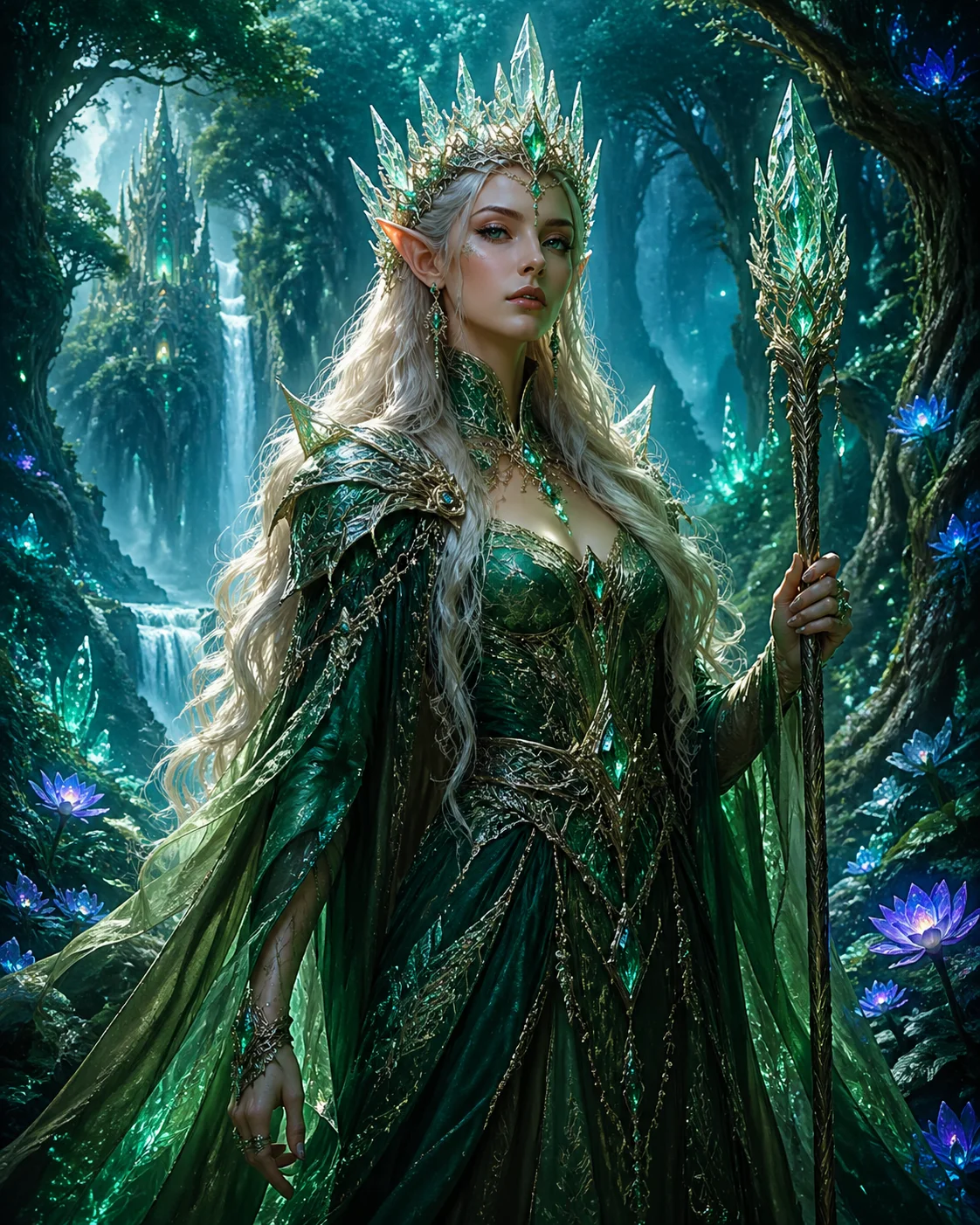
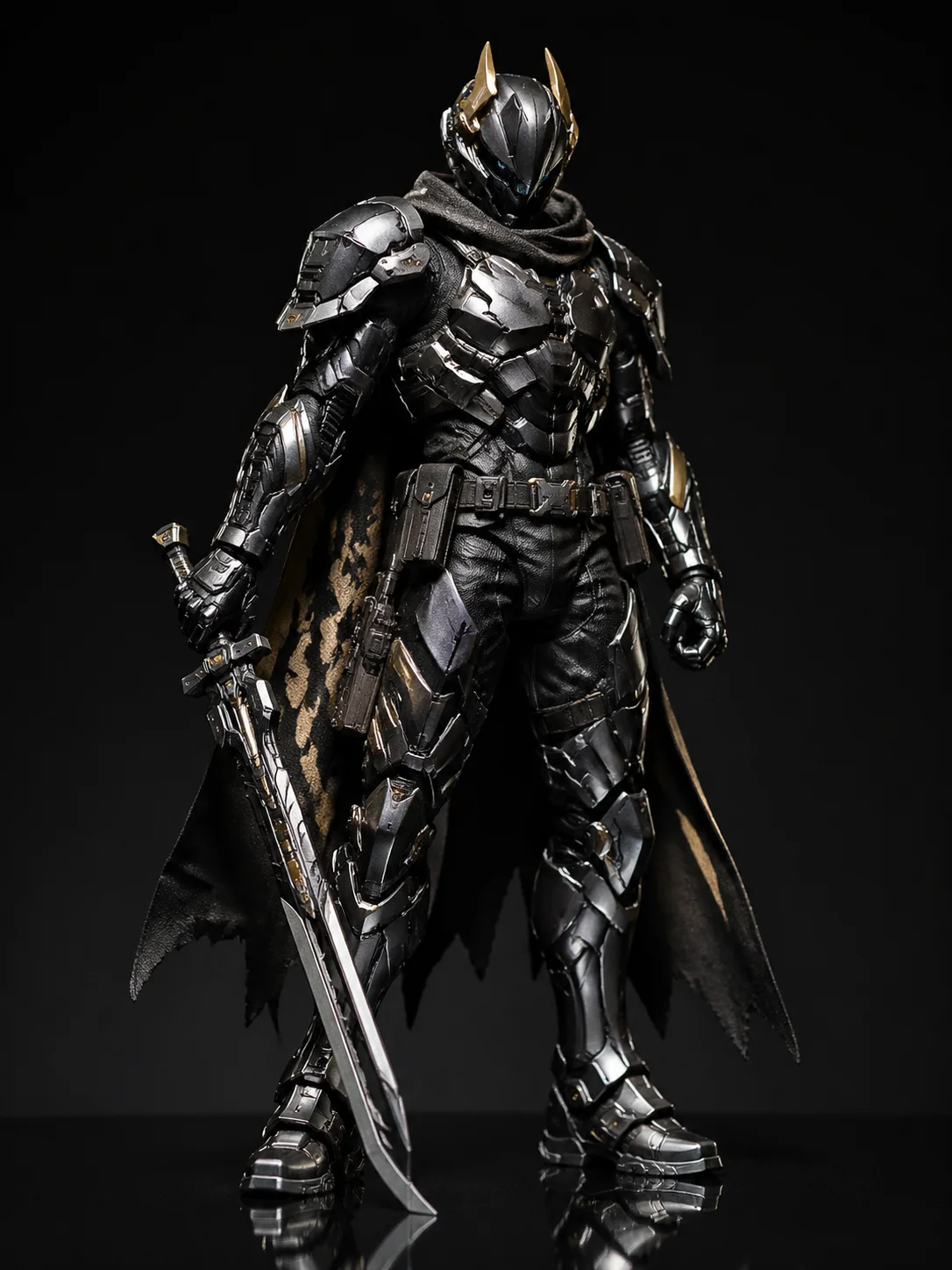
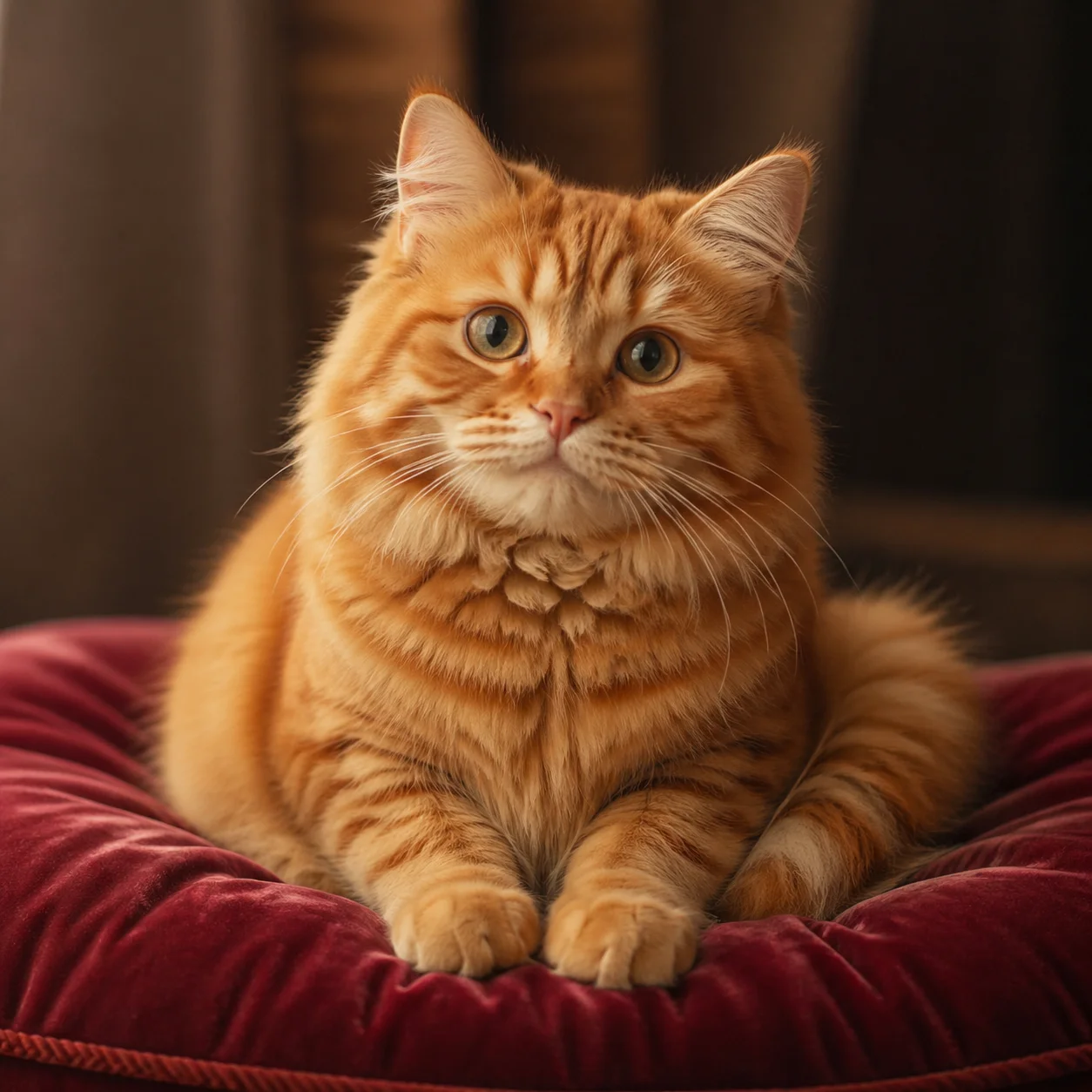
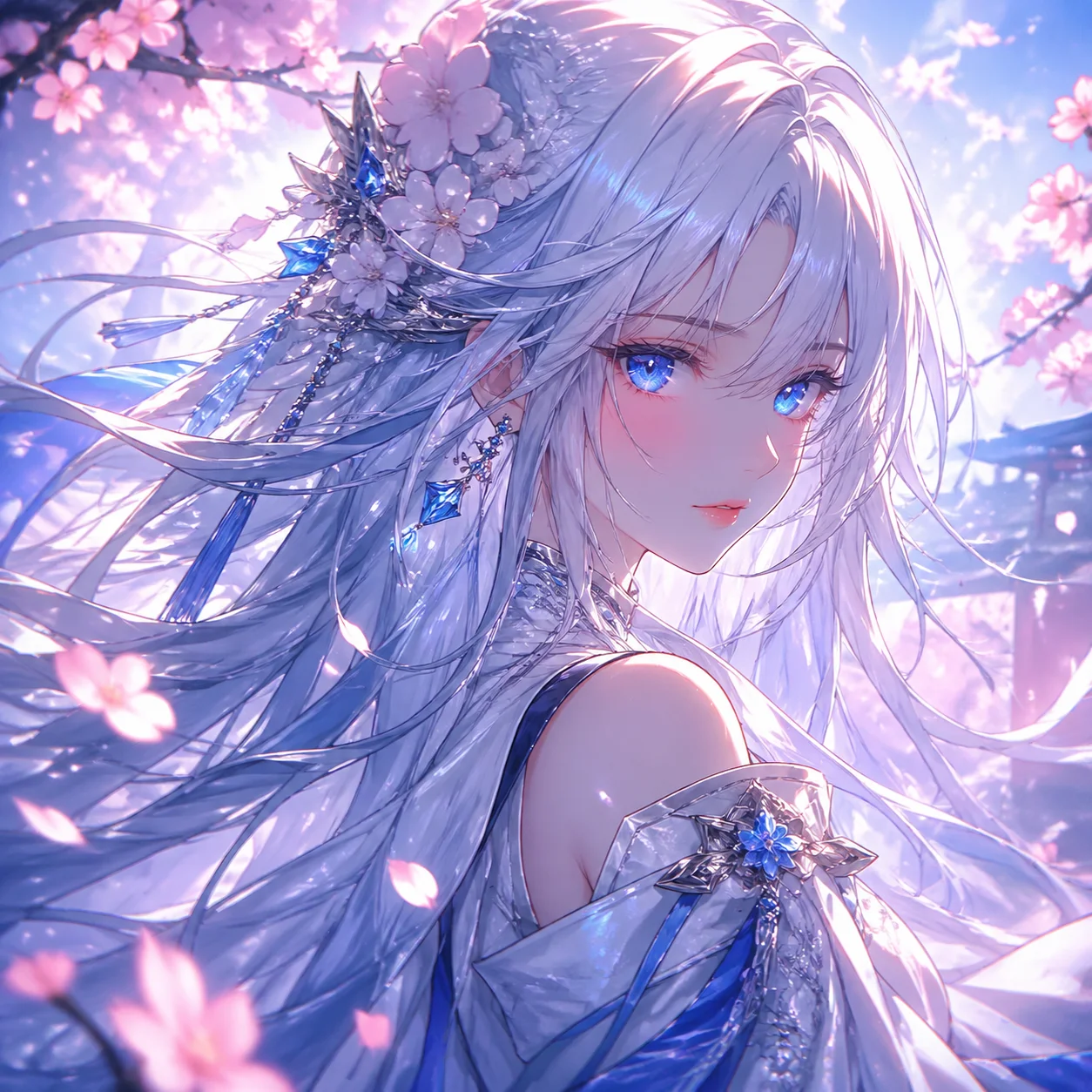
It pairs photorealistic image quality with the Gemini image model's strengths — following your prompt closely while holding characters, objects, and on-image text consistent.

Nano Banana 2 keeps the same character and objects steady across a scene, so a face, a product, or a mascot looks like itself from one image to the next. That consistency makes this image model a fit for series art, storyboards, and brand visuals.
Type the words you want and Nano Banana 2 renders them clearly and aligned inside the image, instead of the garbled lettering older models produce. This image model is built for posters, infographics, and social graphics that need readable text.
Go from idea to a finished image on VideoAI in three simple steps — just a prompt and a few quick refinements.
Open the VideoAI image creator and pick Nano Banana 2 from the model menu to get started.
On VideoAI, type your prompt or upload a reference image to set the subject, style, and composition. Clear prompts describe the scene, lighting, and any text you want rendered.
Generate your image on VideoAI, then adjust the prompt or ask for a plain-language edit until the result matches your vision.
Browse additional AI models for image and video creation.
Describe an image or drop in a reference, ask for any plain-language edit, and see what the model creates.
Start CreatingNano Banana 2 is a hosted AI image generator powered by Google's Gemini image model that turns a text prompt or reference image into photorealistic, high-resolution images. It is a third-party tool built on the model, not Google's official Gemini page.
New accounts start with free trial credits, so you can test the AI image generator before choosing a plan; ongoing use draws from your credit balance rather than being unlimited, and an account login is required.
Upload an image and describe the change in plain language — swap a background, restyle the look, or replace an element — and Nano Banana 2 applies the edit while keeping the rest of the photo intact.
Yes — it holds the same character and objects steady across a scene, so series images, storyboards, and brand visuals stay on-model from one nano banana 2 image to the next.
It renders clear, aligned text directly inside your images, which makes the gemini nano banana 2 model a fit for posters, infographics, and social graphics that need readable words rather than garbled lettering.
Open the image creator, pick Nano Banana 2, write a prompt or upload a reference, then generate and refine with quick text edits until the result matches what you pictured.