ByteDance Seed video model

Direct multi shot scenes with Seedance 1.0 Pro

Type a scene, or hand Seedance 1.0 Pro a first frame and a last frame, and VideoAI runs Seedance 1.0 Pro to return a sequence of continuous 1080p shots as a silent mp4 you finish in your own editor. VideoAI is an independent tool built on Seedance 1.0 Pro and is not affiliated with, authorized by, or endorsed by ByteDance, Volcano Engine, or BytePlus.

Shots people shipped with Seedance Pro

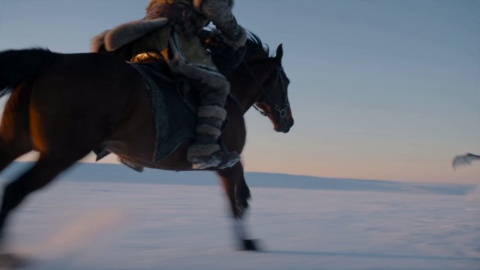
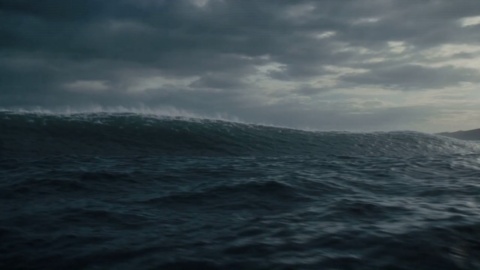
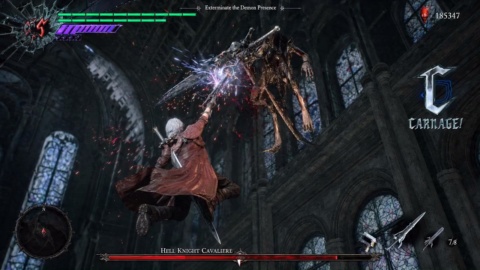
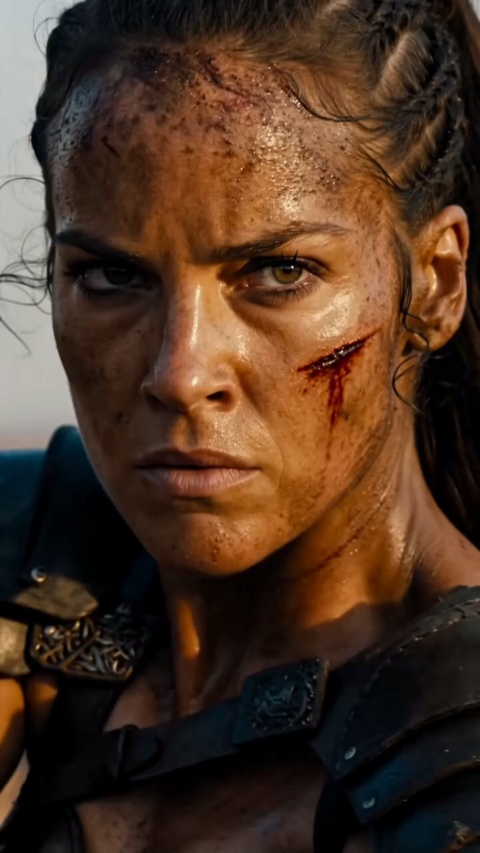
Narrative cold opens, brand spots cut for paid placements, creator B roll, game announce beats, and product transitions from a single hero photo. Every clip on this wall is Seedance 1.0 Pro output at up to 1080p, and every clip is silent by design, because the model writes picture only and you bring the sound in post.

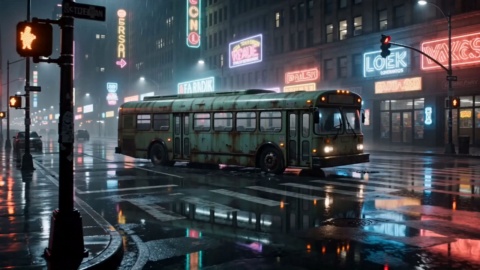
Neon Horizon Reveal

Brand Promo

Cherry Cake Teaser

Product Film

Cyber City Launch

Brand Promo

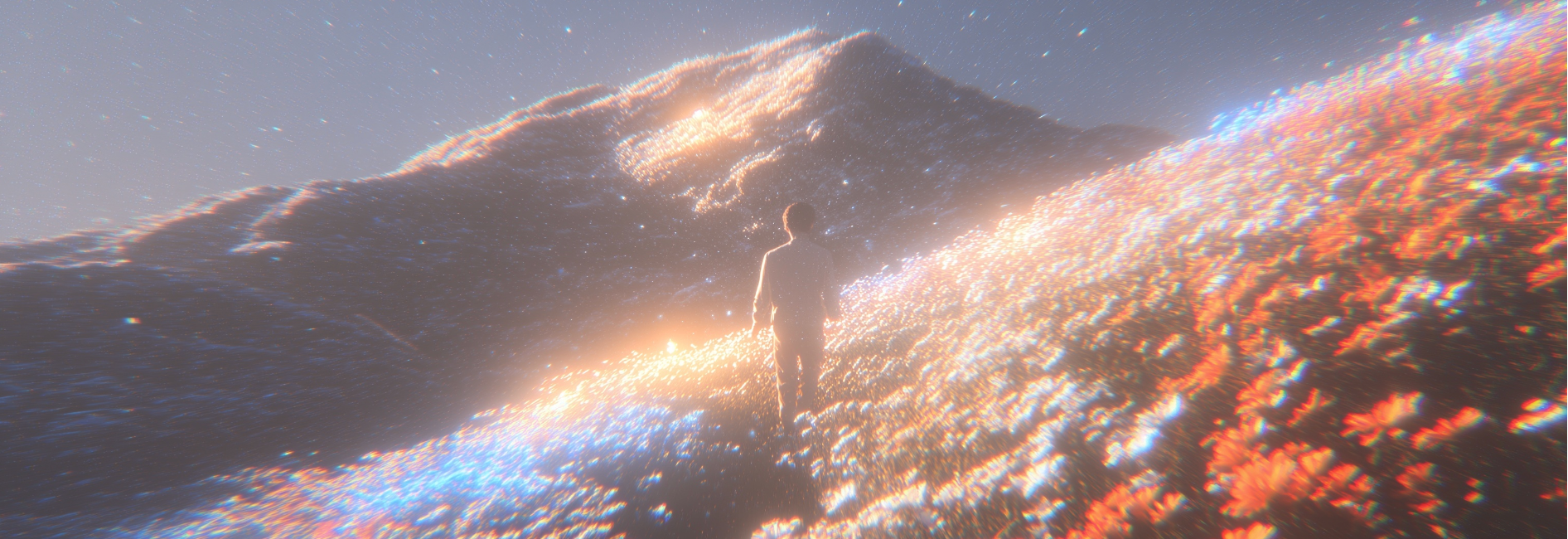
Golden Field Encounter

Cinematic Promo

Action Hero Reveal

Entertainment Promo

Convenience Store Smash

Brand Promo

Helmet Close-Up

Product Film

Sunset Cafe Promo

Lifestyle Promo

What Seedance 1.0 Pro Gives Your Edit

Four capabilities that decide whether a generated sequence lands in a timeline or in the bin. Read them as a working spec for what ByteDance Seedance 1.0 Pro can actually hold across a cut.

Multi Shot Narrative

One Seedance 1.0 Pro prompt can come back as several continuous shots rather than a single locked take, so a wide establishing frame cuts to a push in on your character without the subject, the lighting, and the world drifting apart between generations. That is the whole reason to reach for Seedance Pro instead of stitching one off clips in a timeline and hoping they match.

Strong Prompt Adherence

The Pro tier is positioned on semantic understanding and instruction following, which in practice means a demanding line like locked off wide, rain on the window, neon sign flickering, then a slow push in comes back recognizably as the thing you asked for. Iteration becomes directed rather than random, and any honest Seedance 1.0 Pro review comes down to exactly this.

How To Use Seedance 1.0 Pro

Three steps in the language you already work in: write the scene, feed it your frames if you have them, then generate and take the mp4 into the cut.

STEP 01

Write the scene like a shot list

Open Seedance 1.0 Pro in VideoAI and describe the subject, the setting, the action, and the camera move in one paragraph. Specificity is what the model pays you back for: a handheld tracking shot behind a courier weaving through a night market, neon reflections on wet asphalt, gets you far more than a cool cyberpunk video. You are describing only what the camera sees, since there is no sound layer to write for.

STEP 02

Or start from your own frames

For product, key art, or concept art work, upload a first frame, or a first frame and a last frame together, with an optional text prompt, and Seedance 1.0 Pro image to video generates the transition between them. This is the control lever for any shot that has to contain your exact product or character rather than a convincing look alike.

STEP 03

Generate, then iterate toward the cut

Pick a resolution up to 1080p, set your clip length, generate, and download the mp4 from Seedance 1.0 Pro. Lengths here are short form by design, and if an API you use exposes only a couple of fixed presets, that menu belongs to the provider rather than the model. Explore versions on the faster tier, run the keeper at full Pro quality, then take the mp4 into Premiere, Resolve, or CapCut and lay your own audio underneath.

Explore Other Models

Browse additional AI models for image and video creation.

Seedance 1.0 Pro For This Deadline

You already have the concept and the delivery date. Write one scene from whatever you are shipping, a cold open, a brand spot, an announce cut, a product transition, and let VideoAI generate the Seedance 1.0 Pro shots while you keep the edit moving. Rates come from whichever provider you run on, so check their current pricing rather than a number on this page.

Start Now

Questions Before Your First Seedance Render

How to use Seedance 1.0 Pro if I have never generated video before?

Start with the text route. Write one paragraph naming the subject, the setting, the action, and the camera move, generate with Seedance 1.0 Pro, and watch what comes back. Once you trust the prompt, switch to the image route and hand the model a first frame, or a first frame and a last frame, when the shot has to contain a specific product or character. Everything lands as an mp4 you finish in your editor.

How does Seedance 1.0 Pro vs Kling break down for someone choosing one today?

Judge them on your own footage rather than on a leaderboard. What Seedance 1.0 Pro is positioned for is multi shot narrative continuity, instruction following on complex prompts, and stable camera movement at up to 1080p, all of it silent picture. Run the same scene through both, cut the results together, and keep whichever one survives your timeline.

What should I expect for Seedance 1.0 Pro pricing?

Seedance 1.0 Pro rates are set by whichever provider hosts the model, so treat any figure as approximate and confirm it in their docs. Published ranges have sat around a few dollars per million video tokens, which lands a short 1080p clip well under a dollar. The faster variant is advertised at roughly seventy percent lower cost, which is why teams use it for variant passes.

Does this model generate audio, or is it video only?

Video only. Seedance 1.0 Pro produces a silent mp4 with no dialogue, no sound effects, no music, and no lip sync. The Seedance models that carry native audio are separate, newer releases, and their specs do not transfer to this one. Plan on laying sound under the picture in your editing software.

Everyone says it only does five or ten seconds. Is that the model's limit?

Those fixed lengths are presets that some API providers choose to expose, not a hard ceiling in the model, which covers a wider short form range of roughly two to twelve seconds per generation at 24 fps. Check the menu your specific provider exposes before you plan a sequence around a single length.

Can I deliver 4K to a client, and can I get vertical 9:16 for Reels?

Output tops out at 1080p, with 480p and 720p also available, and it ships as mp4, so 1080p is the honest deliverable and any upscale is a separate step. On aspect ratio, the official model card does not list supported ratios, so this page will not claim one. Read your provider's documentation for what it accepts.

Is Seedance 1.0 Pro free to try before I commit to a paid render?

VideoAI runs the model behind an account, and what a first try costs you depends on the plan and the provider rates in force when you generate. Rather than promise a number here, check the current terms where you sign in. A short test clip at 480p or 720p is the cheapest way to see whether your prompt is landing.

I need thirty ad variants without burning the budget. What is the workflow?

Use the two tier approach the model family is built for. Seedance 1.0 Pro Fast is the batch lane, advertised at roughly three times faster and around seventy two percent cheaper, so it carries the variant passes. Once a version wins, render that one on the full Pro tier at 1080p as your hero cut, and keep pricing questions pointed at your provider.

Is this really the number one video model, better than Veo 3 or Sora?

Treat any ranking as a dated snapshot rather than a standing fact. It placed strongly on the Artificial Analysis leaderboard as of June 2025, and leaderboards move every time a new release ships. The Seedance 1.0 Pro API is worth judging on your own scenes instead, and figures like exact ELO scores or ten times speed claims are second hand marketing numbers this page will not repeat.

Seedance 1.0 Pro Image to Video Online - VideoAI