Start with a prompt or image
Pick Seedance 2.5, then describe the shots, cuts, and pacing you want, such as a 30 second product spot with three scene changes. Write in picture language and name the rhythm you are after, not just one static scene.
Start from one prompt and an image, add up to 50 references, and get a continuous 30 second clip on VideoAI.
Ad spots, concept trailers, cold opens, and social cuts, each a single 30 second take.
Neon Horizon Reveal
Brand Promo
Cherry Cake Teaser
Product Film
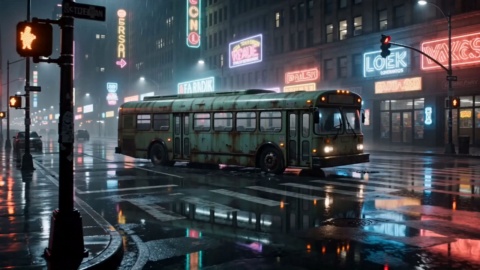
Cyber City Launch
Brand Promo
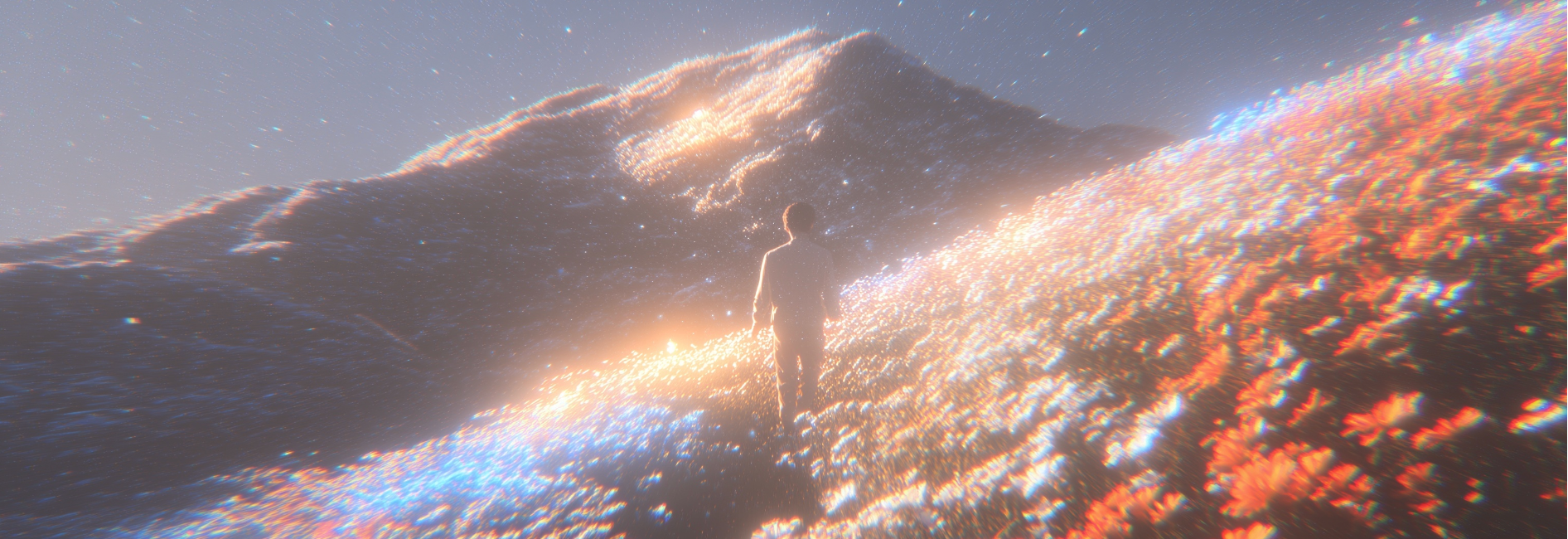
Golden Field Encounter
Cinematic Promo
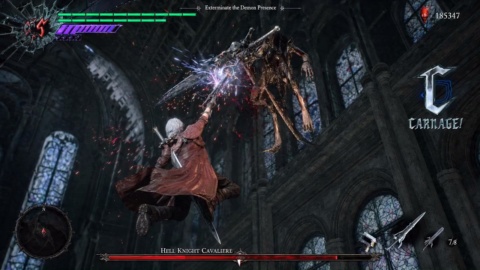
Action Hero Reveal
Entertainment Promo
Convenience Store Smash
Brand Promo
Helmet Close-Up
Product Film
Sunset Cafe Promo
Lifestyle Promo
Four Seedance 2.5 capabilities that carry a whole spot from prompt to finished shot on VideoAI.
A full ad spot or trailer length arrives in one native Seedance 2.5 generation, with scene cuts and pacing shifts inside the same take, so nothing has to be stitched across a timeline afterward.
Hang character sheets, location stills, mood boards, and reference clips (image, video, or audio) on a single generation, up to 50 of them, which helps keep casting, art direction, subject, and style more consistent across every shot.
When one detail in a Seedance 2.5 shot looks wrong, you change that part alone instead of regenerating the whole clip, keeping the framing, performance, and lighting you already liked.
Cuts, scene changes, and rhythm follow your script or narration across the length of the clip, giving the 30 seconds a real arc rather than one static loop.
Three Seedance 2.5 steps from a written idea to a finished 30 second clip on VideoAI.
Pick Seedance 2.5, then describe the shots, cuts, and pacing you want, such as a 30 second product spot with three scene changes. Write in picture language and name the rhythm you are after, not just one static scene.
Attach character sheets, location stills, mood boards, or reference clips to help Seedance 2.5 keep subject, style, and tempo more consistent. The more targeted each reference is, split between character, style, and pacing, the easier consistency holds across shots.
Produce the full 30 second Seedance 2.5 clip in one pass, then check whether the overall rhythm holds. If a single shot is off, use local editing to fix that part without rerunning the whole clip.
Browse additional AI models for image and video creation.

Less stitching, more control, and quick Seedance 2.5 passes for creators who iterate fast.
Start NowBytedance Seedance 2.5 is the newest AI video generation model from the ByteDance Seed team, announced in June 2026. At its core it generates one continuous clip up to about 30 seconds natively and accepts up to 50 multimodal references to guide subject, style, and pacing.
The main shifts are a longer single take of about 30 seconds, a reference capacity raised to as many as 50 multimodal inputs, and a new local editing pass. With this release you can adjust one part of a finished clip instead of regenerating the whole thing.
Up to about 30 seconds in a single native generation, with no stitching required. That one clip can hold scene cuts and pacing changes, so the generator gives you an arc rather than a static loop.
Select the model on VideoAI, write a prompt and optionally add an image, attach up to 50 references, then generate. Once the clip is back, use local editing to fix any single shot without redoing the whole take.
Text and image start a Seedance 2.5 generation. For references, the model accepts multimodal input such as images, video, and audio, up to about 50 at once, which you use to control the subject, style, and tempo of the result.
New users on VideoAI get 10 credits at no cost, and that starter balance covers the model, so you can generate right away. Once those credits run out, you can top up with a credit pack or move to a subscription plan. That is how the free trial works here.
Yes. You need to log in with an account on VideoAI before you can generate with Seedance 2.5, so signing up is the first step before you run the model.
Seedance 2.5 results carry no watermark, download directly, and are cleared for commercial use, with export in common formats. Everything you make on VideoAI is yours to publish.