Pick the Model
Open the video creator and select Veo 3 as your starting model.
Turn a written prompt or a single reference image into hyper-realistic motion with synchronized dialogue, sound effects, and music baked in. This AI video generator handles both text to video and image to video.
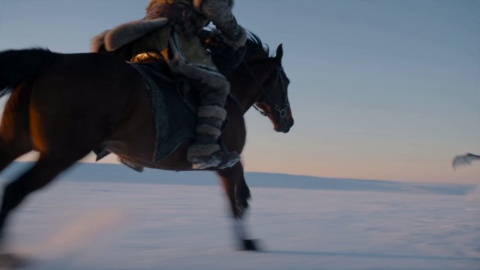
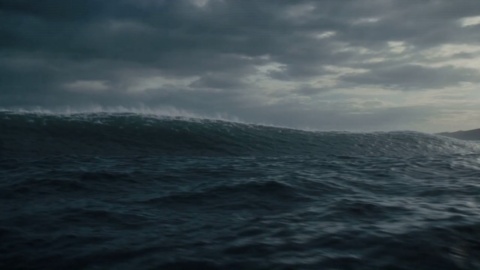
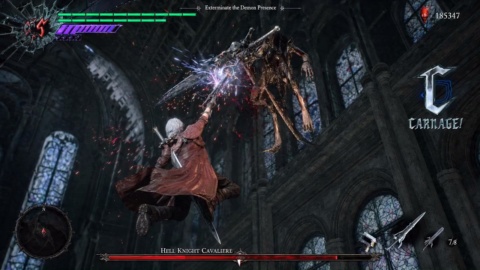
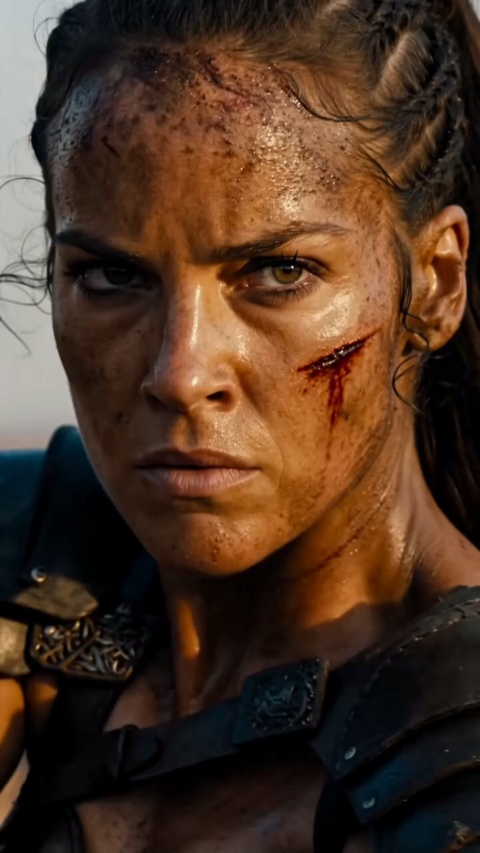
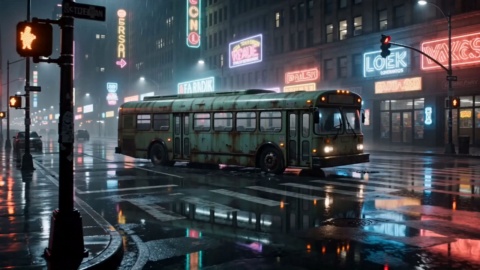
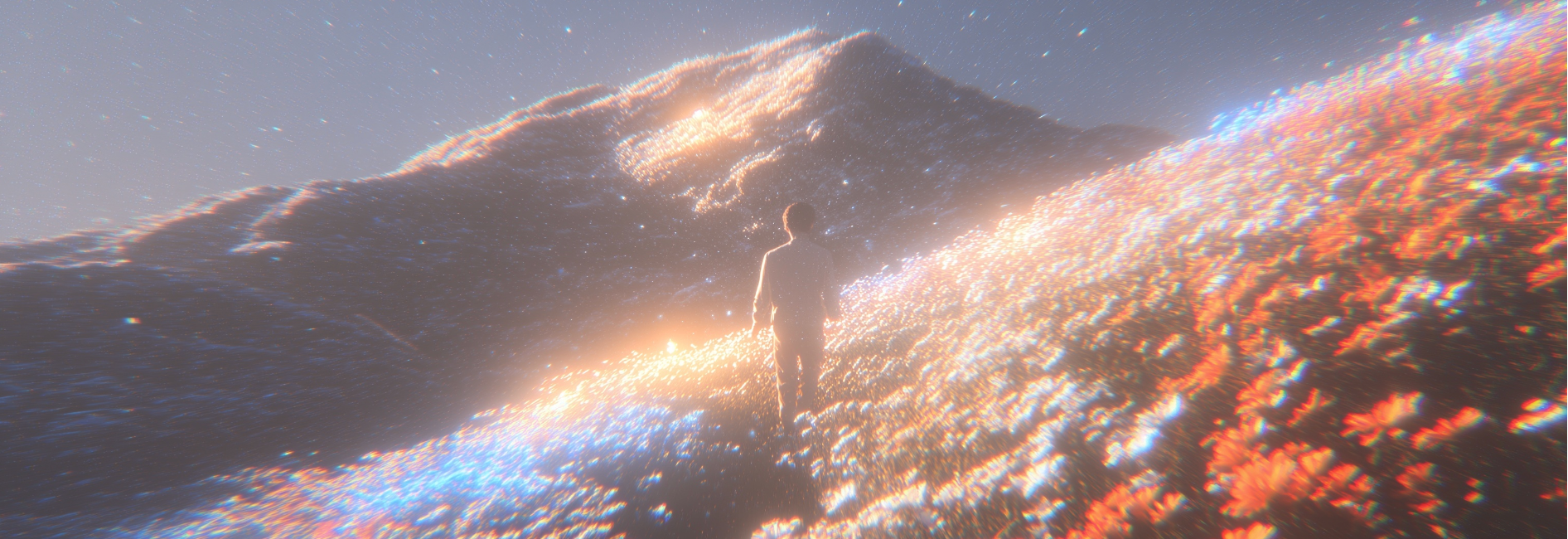
Real clips generated with this AI video generator — from cinematic scenes to spoken ads and product reveals, each one carrying its own synced audio.
Cinematic Epic
Cinematic
Spoken Dialogue Scene
Storytelling
Voiceover Ad Spot
Commercial
Product Reveal
Brand Promo
Realistic Portrait
Film
Physics Study
Experimental
Helmet Close-Up
Product Film
Sunset Cafe Promo
Lifestyle Promo
Google Veo 3 pairs hyper-realistic visuals with native, synchronized audio, following your prompt closely while holding characters, scenes, and motion consistent across the clip.
Veo 3 generates picture and sound together, so dialogue, sound effects, and background music land in sync from the first frame. Describe the scene and the finished clip arrives already scored — no separate voiceover pass needed.
Weight, momentum, and natural body movement read the way they do on camera, with cinematic lighting and crisp detail. As a veo 3 video model, it keeps action believable across the whole shot while closely following your prompt.
Go from idea to a finished clip with sound using the google veo 3 video generator in three simple steps.
Open the video creator and select Veo 3 as your starting model.
Write a detailed prompt or upload a reference image to set the scene, mood, and motion. Clear prompts describe camera, lighting, action, and the dialogue or sound you want.
Review your clip with its synced audio, then adjust the prompt or reference until the result matches your vision.
Browse additional AI models for image and video creation.

Describe a scene or drop in a reference image, set the motion and sound, and see what Google Veo 3 creates.
Start CreatingVeo 3 is a hosted AI video generator powered by Google Veo 3 that turns a text prompt or reference image into hyper-realistic, cinematic clips — with native synchronized dialogue, sound effects, and music. It is a third-party tool built on the model, not Google's official page.
It reads a written prompt for text to video and a still image for image to video, letting you define the scene, characters, motion, and the audio you want across the whole clip.
Yes — new accounts start with free trial credits, so you can test Veo 3 before choosing a plan; ongoing use draws from your credit balance rather than being unlimited, and an account login is required.
Drop in a still image and the model animates it, keeping your subject and composition intact while adding natural, lifelike motion and matching sound.
Yes — it creates picture and sound in a single pass, so dialogue, sound effects, and background music arrive synchronized with the visuals instead of needing a separate voiceover step.
Each generation produces a short cinematic clip, and you can extend, merge, or edit clips in the editor to build longer sequences.