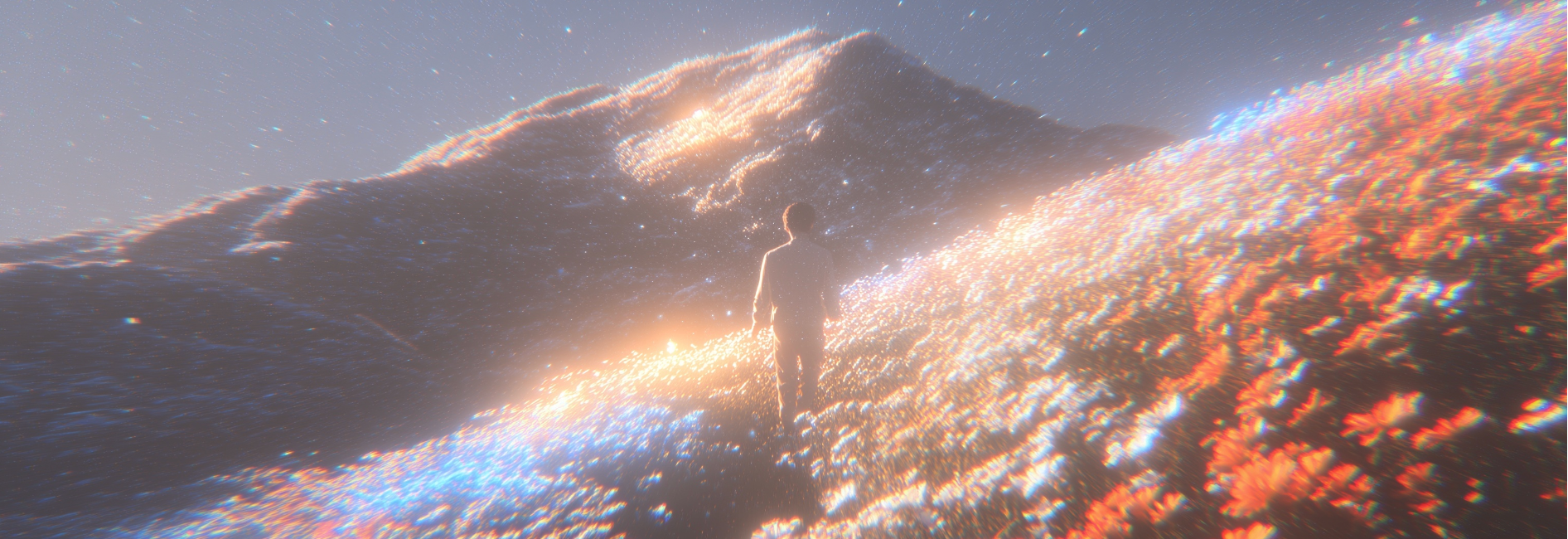
Finish a whole scene with Wan2.7, sound included

Give Wan2.7 a written script, a still image, a subject reference, or a clip you already have, and you get back an MP4 at 720P or 1080P, 30fps, with the audio generated alongside the picture: 2 to 15 seconds for text to video and image to video, 2 to 10 seconds for reference to video and video editing.

Scenes people shipped with Wan2.7

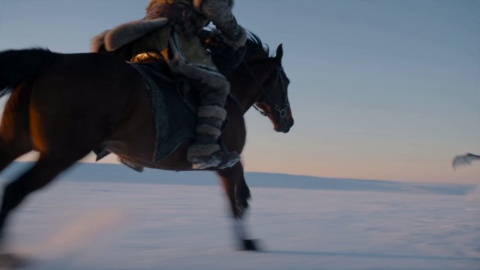
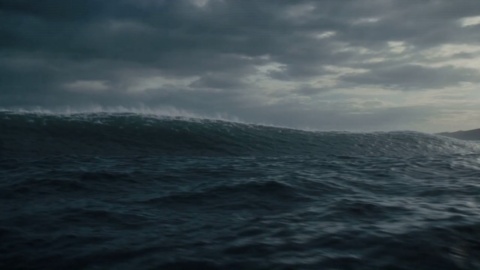
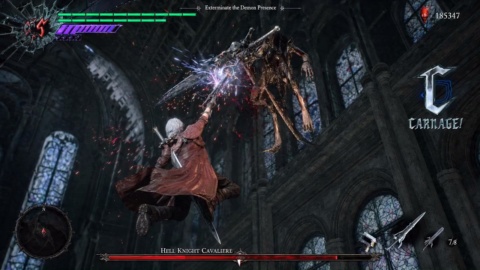
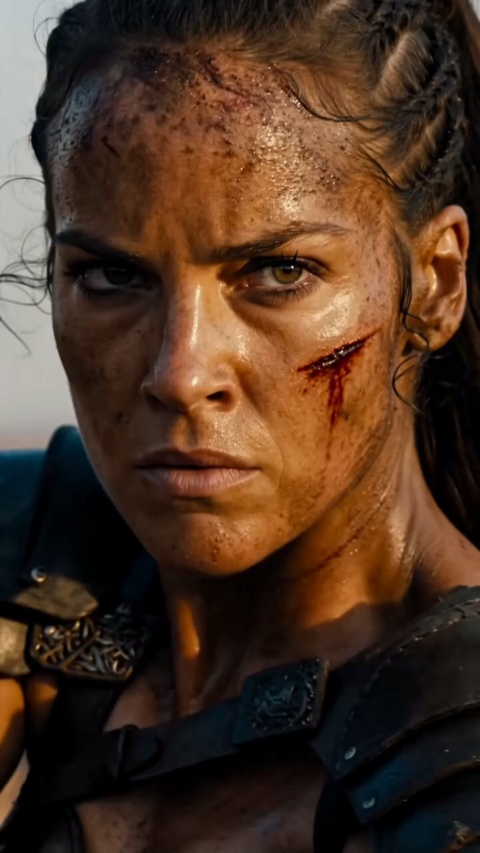
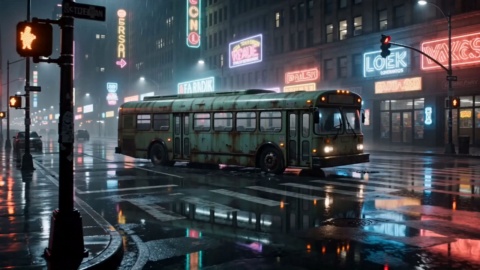
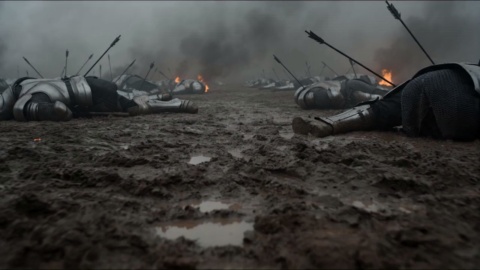
Explainer segments, vertical skits, product ads, animated cutaways, and artist visualizers, all made on VideoAI with the wan ai video line. The sound in each Wan2.7 clip was generated with the picture, not layered on afterwards.

Neon Horizon Reveal

Brand Promo

Cherry Cake Teaser

Product Film

Cyber City Launch

Brand Promo

Golden Field Encounter

Cinematic Promo

Action Hero Reveal

Entertainment Promo

Convenience Store Smash

Brand Promo

Helmet Close-Up

Product Film

Sunset Cafe Promo

Lifestyle Promo

What the Wan2.7 video line does

Four Wan2.7 models sit behind the wan video generator, each built for a different starting point: a prompt, a frame you own, a character you want to keep, or footage you want rewritten.

Native audio sync

Narration, on screen speech, and ambience arrive inside the video file itself, matched to the picture. That removes the record, align, and mix pass that normally sits between a rough cut and an upload. With Wan2.7 video editing, whether the result carries sound depends on the video you fed in.

Multi shot narrative

One written Wan2.7 prompt can return a sequence of shots that reads as a single scene rather than one locked angle. Write it like a short script and the wan ai video generator follows the beats, which is what turns a clip into a segment you can actually cut around.

Image to video control

Bring a product photo or a piece of key art into Wan2.7 as the first frame and animate from it. Pin the ending by setting a last frame, or extend a clip you already have, including extension guided toward an end frame. This is how a still hero shot becomes a vertical ad on VideoAI.

Reference to video casting

Subject reference in Wan2.7 locks how a character looks, and a voice can be configured per entity, so the same face and the same voice return in episode twelve. Feed wan2.7 a single multi panel storyboard image and it generates a scripted video straight from those panels.

Three moves to a Wan2.7 cut

Pick the Wan2.7 model that matches what you are holding, set the output for the platform you are posting to, then review the MP4 and drop it on your timeline.

STEP 01

Bring your starting point

Type the prompt, or upload what you already own: a product photo or key frame for image to video, a character reference for reference to video, or the clip you want changed for video editing. Your Wan2.7 prompt is doing double duty here, describing both the shots and the dialogue or ambience, so write it as a mini script rather than a list of tags.
STEP 02

Set output for the platform

Choose 720P or 1080P and the aspect ratio for where the video is going: vertical for Shorts, Reels, and TikTok, horizontal for the main YouTube upload. Both are set per Wan2.7 generation. Pick the length up front too, since text to video and image to video run 2 to 15 seconds while reference to video and video editing run 2 to 10 seconds, in whole seconds.

STEP 03

Generate, review, and cut

You get an MP4 in H.264 at 30fps with the audio already inside it, so it opens in Premiere or Resolve with no conversion pass. Re render the same beat at a second aspect ratio when the video ships to more than one platform. For a series, reuse the same subject reference and voice so the character carries into the next episode.

Explore Other Models

Browse additional AI models for image and video creation.

Start directing with Wan2.7

Start directing with Wan2.7

Begin with the one thing you already have, a script line, a product shot, a character sheet, or footage you want rewritten, and VideoAI hands back a video with the sound already in it. No voice booth, no separate music pass, nothing to install on your machine.

Start Now

Creating with Wan2.7 on VideoAI

What can I make with Wan2.7 on VideoAI?

Plenty, and all of it in the browser. VideoAI runs the wan video line, four models from Tongyi Lab released in April 2026: text to video for a script, image to video to animate a photo, reference to video to keep a character consistent, and video editing to rewrite footage you already have. That covers explainer segments, vertical skits, product ads, and storyboarded visualizers, each coming back as an MP4 with synced audio. VideoAI is an independent site and is not affiliated with, endorsed by, or partnered with the model maker.

Is Wan2.7 free to use on VideoAI?

You create it on VideoAI as a hosted tool right in your browser, so there is nothing to install to start. What you can run sits with the VideoAI plan you are signed in on, so check that before you queue a batch of renders. Keeping it on one plan means a starter clip and a full production job live on the same page, with no separate wan ai video generator to track down.

Is Wan2.7 open source, or can I download it?

No open source, open weight, or local install has been published for this release, so treat pages that call it downloadable or self hostable as unconfirmed. On VideoAI you run Wan2.7 as a hosted tool in the browser, which means no setup and no local hardware to line up. Earlier models in the Wan family were released openly, but that does not carry over to this one.

How to use Wan2.7 to make my first video on VideoAI?

Pick the model that matches what you are holding on VideoAI: a written prompt goes to text to video, a photo goes to image to video, a subject reference goes to reference to video, and a clip you already have goes to video editing. For text to video you also set 720P or 1080P and the aspect ratio for where you are posting, then choose a length in whole seconds and generate. It all runs in the browser, so your first render lands as an MP4 you can cut with nothing to install.

What is Wan2.7 pricing on VideoAI, and how fast is a render?

Your rate and render time follow the VideoAI plan you are on and the settings you pick, so no fixed price or render time belongs on this page. Check your current plan on VideoAI for the rate and turnaround before you lock a delivery date. Billing by what you actually run means a quick Wan2.7 vertical draft and a longer wide cut are not priced the same.

In a VideoAI edit, Wan2.7 vs Veo, how do they compare?

Rather than chase a ranking, compare on what your next delivery needs. In a VideoAI cut, Wan2.7 returns a 720P or 1080P MP4 at 30fps with audio generated alongside the picture, plus a reference to video model that assigns a voice per entity so a character sounds the same across shots. Run both against a real brief you have to ship and judge them on the file that lands on your timeline.

In Wan2.7 vs Sora on VideoAI, which fits, and does it make audio?

Audio leads here: on VideoAI the Wan2.7 video line generates sound natively and keeps it synced to the picture, the one exception being video editing, where a silent input stays silent. Weighed against Sora on your shortlist, look at the finished file you get back, an MP4 you can cut at once, not a leaderboard spot that has not been published anyway. Try it inside a project you actually owe a client.

Wan2.7 AI Video Generator With Native Audio - VideoAI