
Step 01
Define the job and assets
Set your creative goal and gather the references. Decide whether you need a new scene, a revised generated result, or an enhanced existing clip.

Browser-Based Video Platform
Create with text and media references in an online AI video creation platform. Choose a workflow, refine the result, and reuse assets in VideoAI.
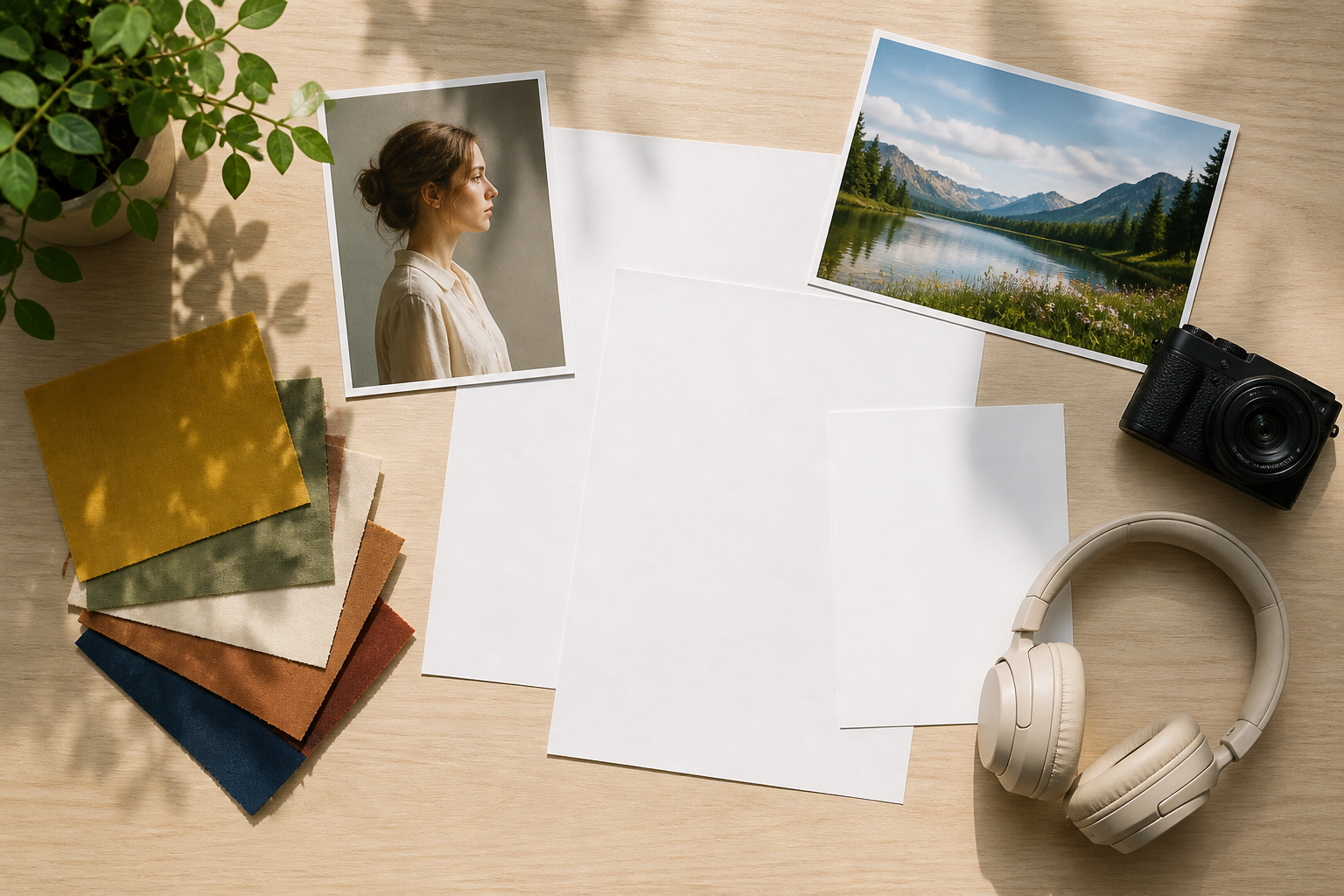
This online AI video creation platform can generate a scene, refine a result, enhance a clip, or bring a photo to life.
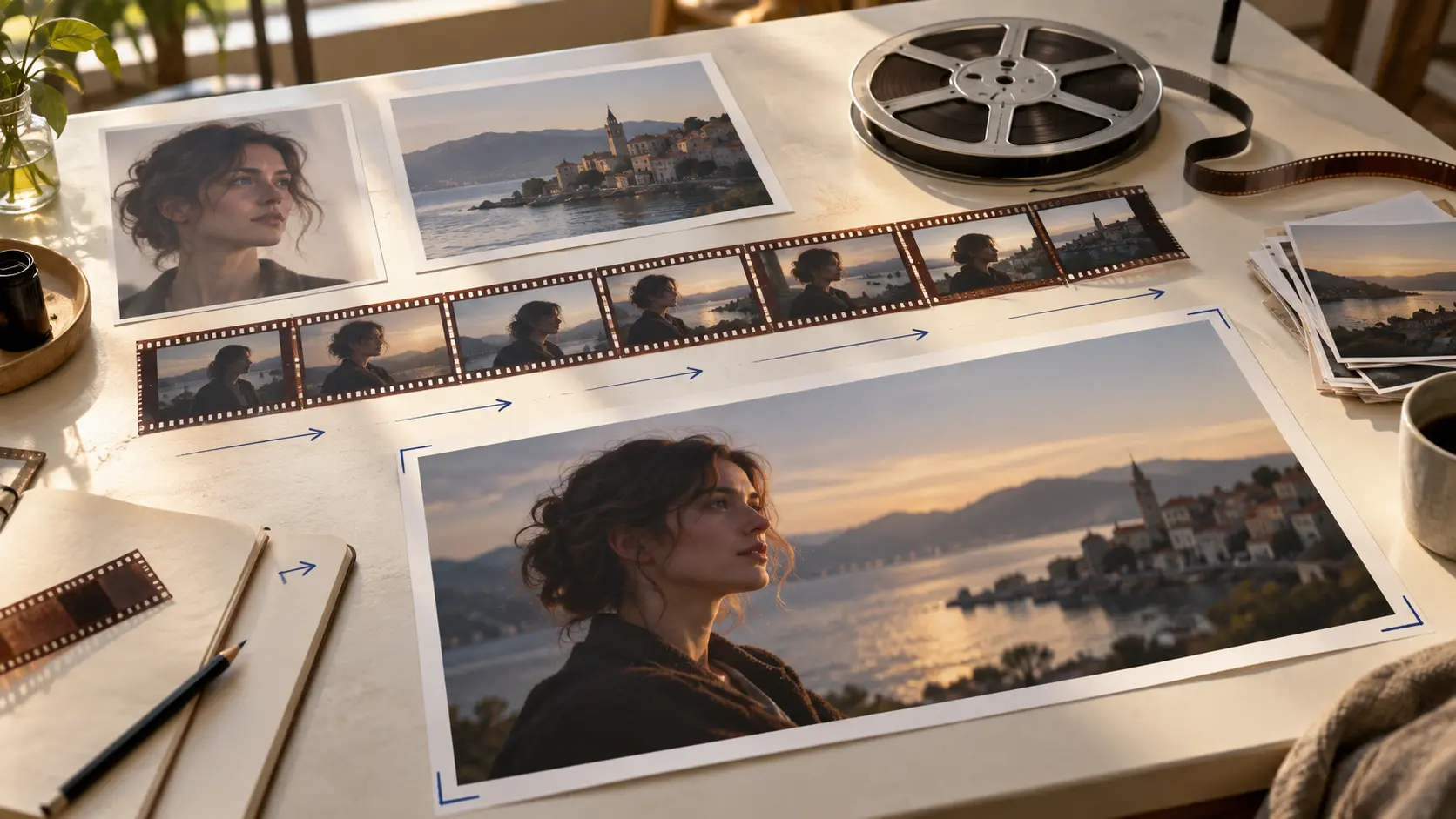
In this online AI video creation platform, combine text, images, video, and audio. Use @ to assign reference roles, then write each scene's timing and actions yourself to guide the result.
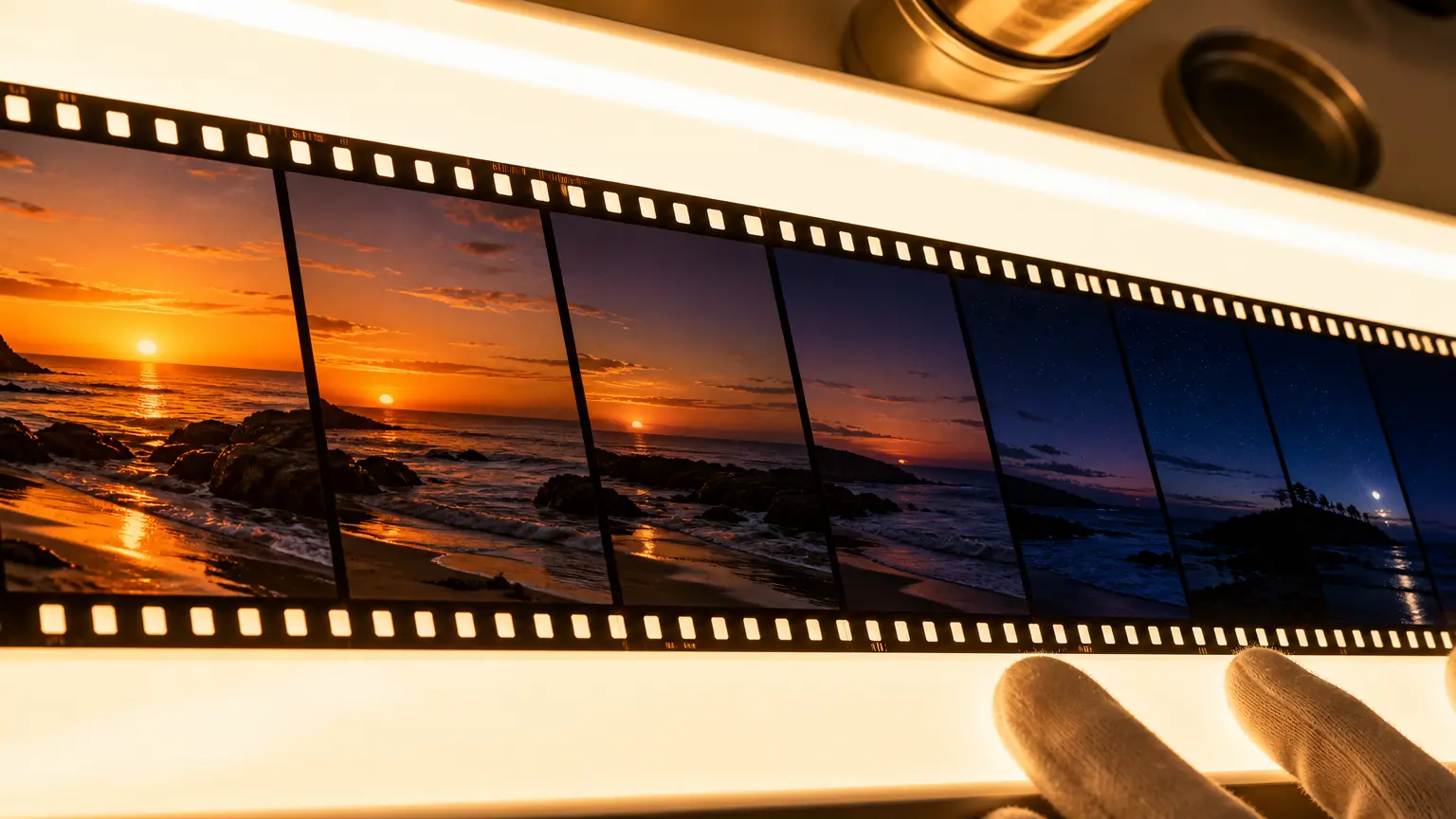
Generate a clip up to 30 seconds long. Refine the generated result with text instructions or extend the scene when your story needs a next passage.

Improve the clarity of a generated or uploaded video through enhancement. This is a separate workflow from generating a new scene or revising a generated result.
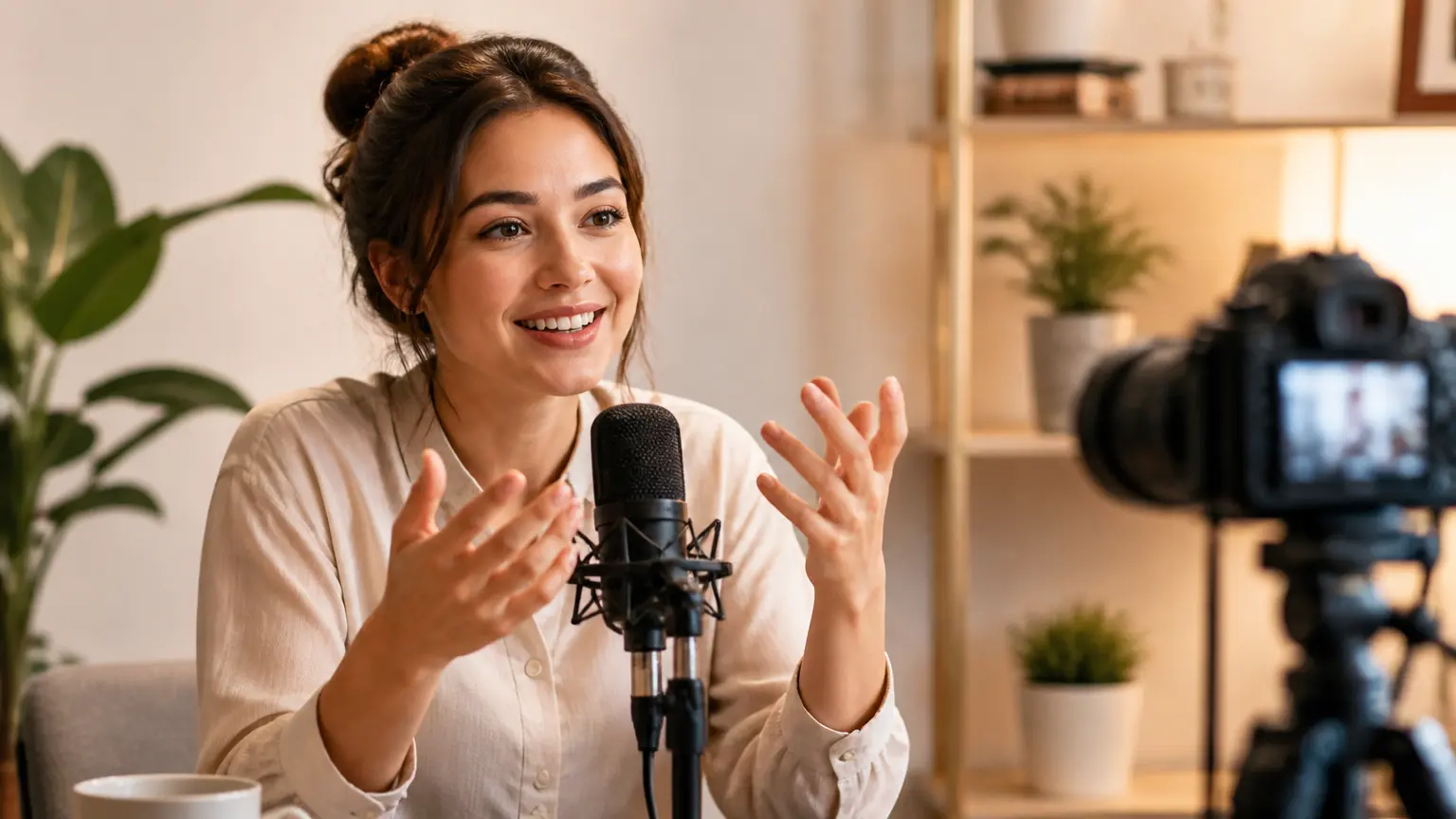
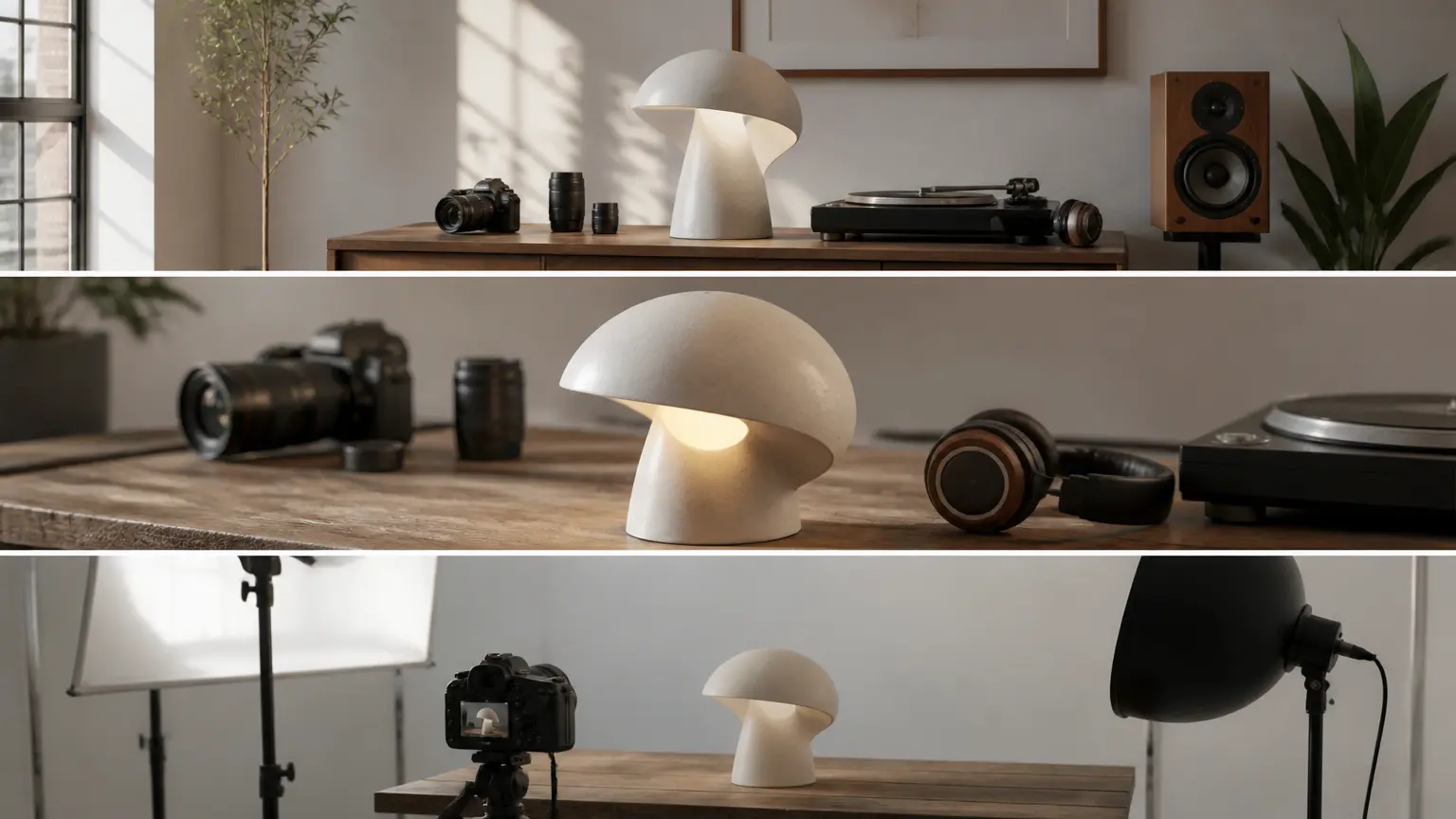
Guide a photo subject with reference movement, or pair a front-facing photo with words or audio for lip sync. Generate narration and sound effects for your scene.
This online AI video creation platform supports browser-based video creation. Start with your task, available inputs, and the work you need after generation.
Step 01
Set your creative goal and gather the references. Decide whether you need a new scene, a revised generated result, or an enhanced existing clip.
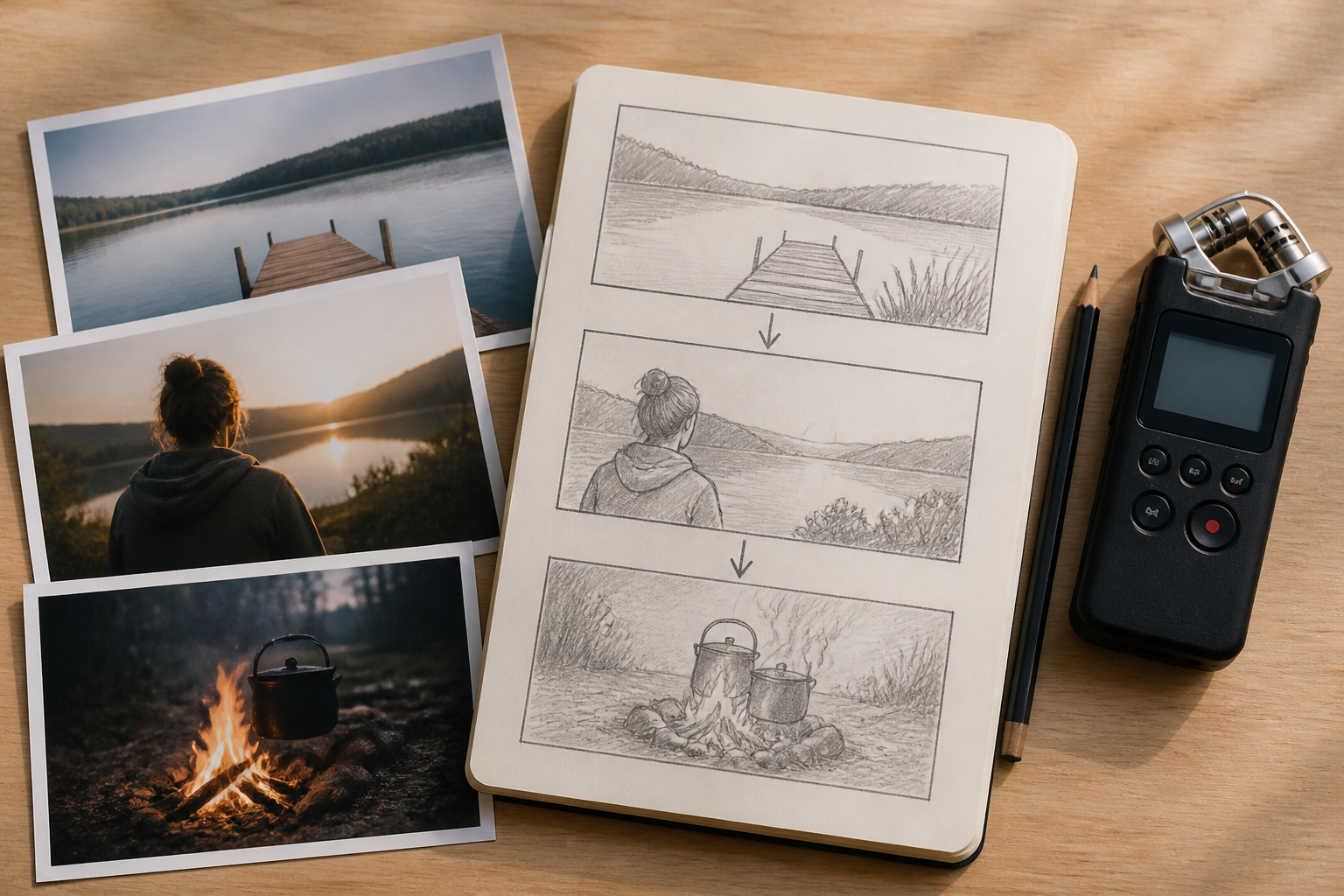
Step 02
In this online AI video creation platform, describe the scene and assign media references for generation. For motion, lip sync, or enhancement, supply the matching photo, audio, or video.
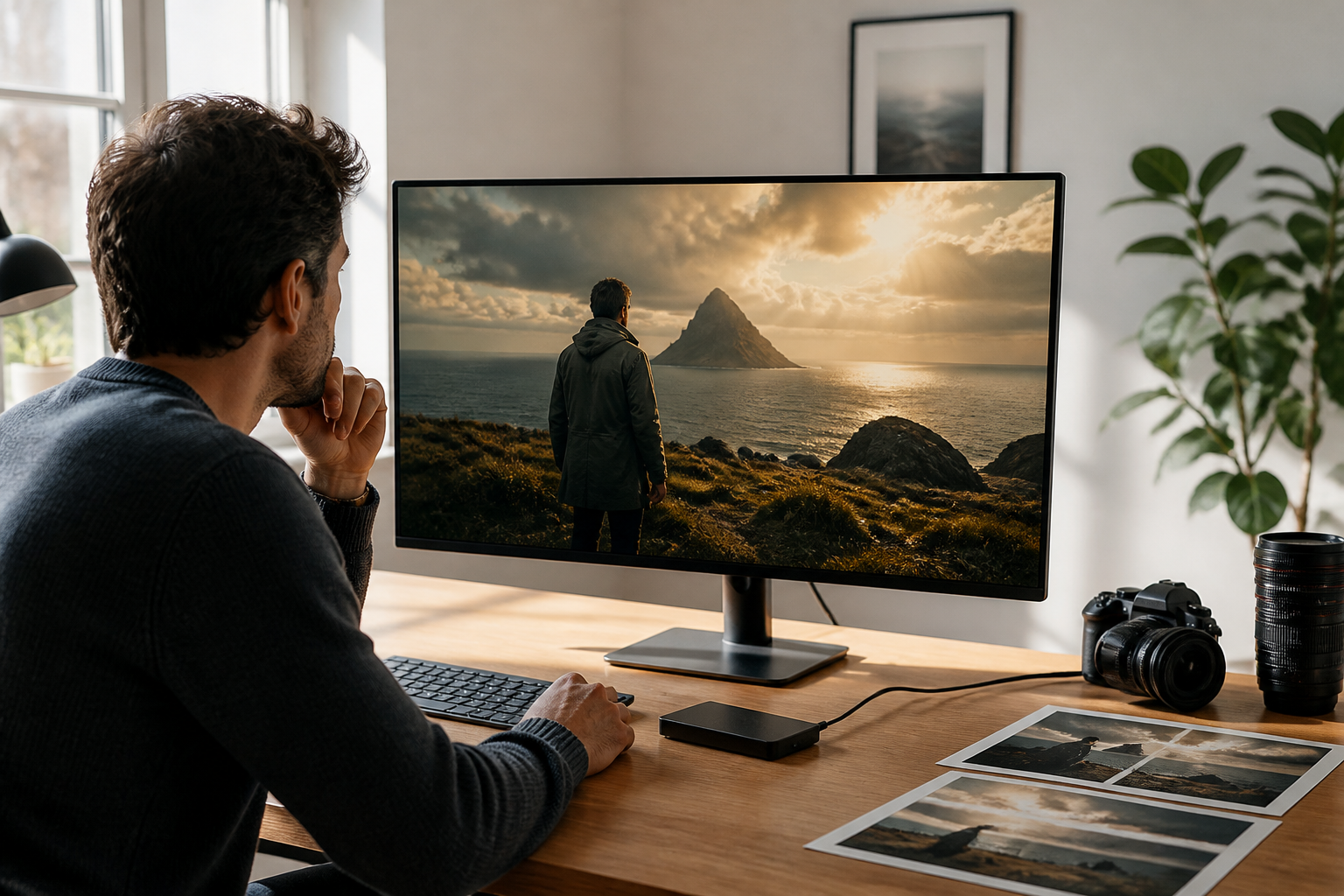
Step 03
Check the result. Revise or extend a generated clip if needed, then download MP4 or keep the result in your online workspace for reuse.
Use this online AI video creation platform across projects with different inputs and follow-up work.

In this online AI video creation platform, revise a generated campaign clip with prompts for a new visual direction, or extend it with a new ending. Choose enhancement when an existing clip needs greater clarity; these are not manual timeline operations.
Start with product images, a scene description, stock material, or a preset. Batch-generate videos in 16:9, 9:16, 1:1, or 4:5 and download watermark-free MP4. Commercial use requires source material cleared for that use.
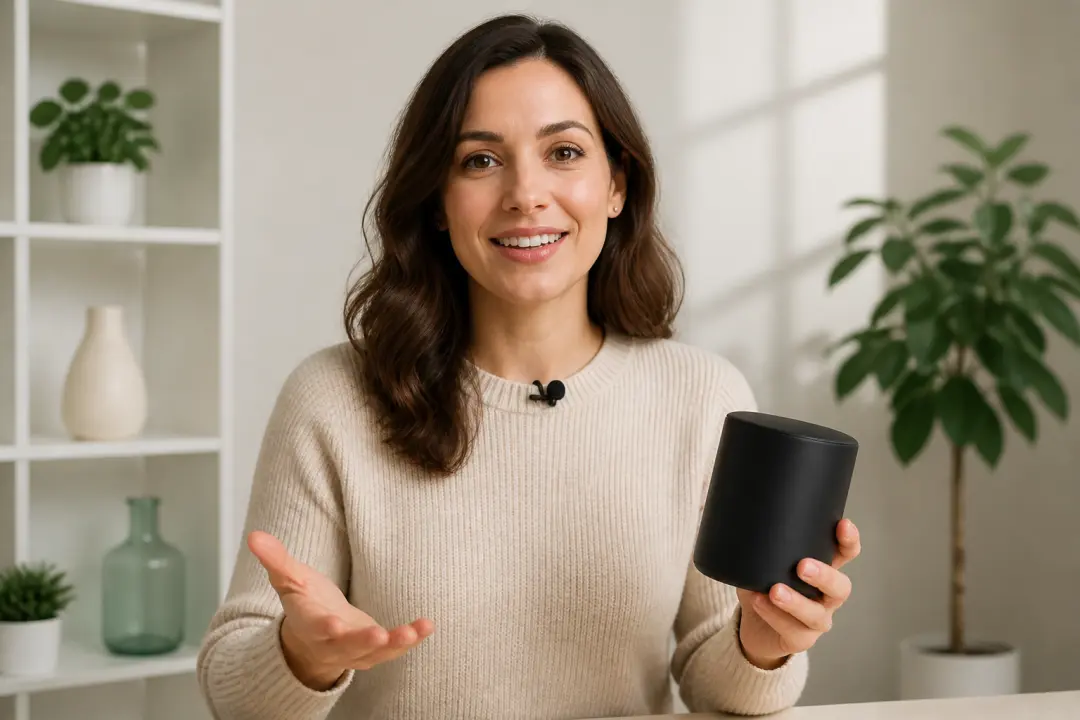
Pair a clear front-facing photo with narration for a lip-sync segment. Plan voice, music, and sound references alongside the explanation.

Write timed scenes or guide a photo subject with reference movement. Describe the action, camera direction, and sound that fit your story.
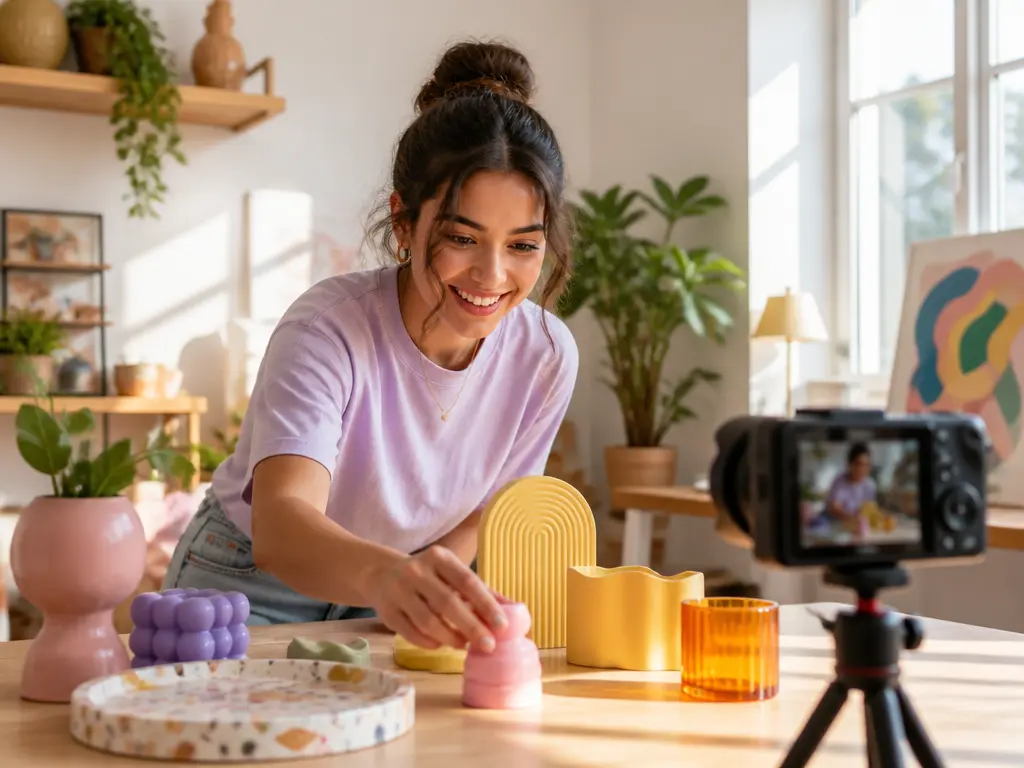
Use this online AI video creation platform to turn a post idea into a short video with prompts and references. Choose generation, lip sync, or sound to fit the content.

Use this online AI video creation platform to create ads, explainers, and client drafts. Keep references and generated results in your workspace for prompt-driven revisions.
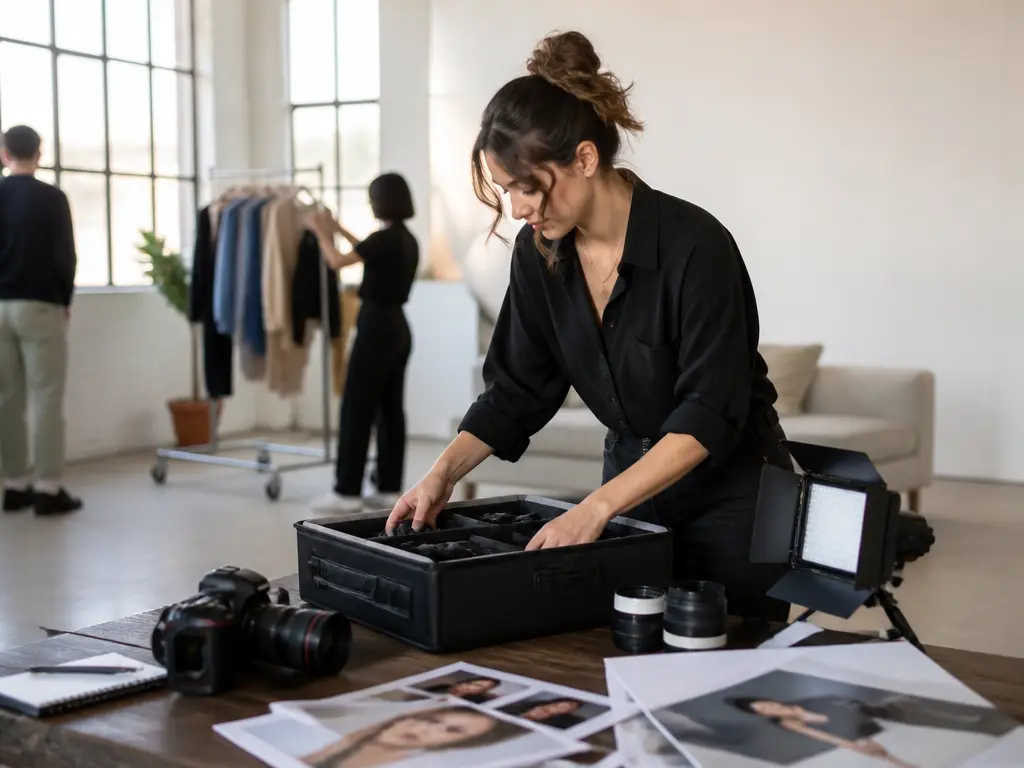
Reuse client assets and generated work as a brief changes. Revise or extend generated scenes, or enhance an existing clip.
Use VideoAI as an online AI video creation platform to create videos online, then revise, extend, or enhance the result.
Get Started