
By second reveal planning

Teaser Video Maker

VideoAI helps you turn an idea and your own references into a teaser video where you choose the buildup, key shot, reveal moment, ratio, and revision direction.

A sunlit product reveal framed as a short cinematic teaser

Shape your teaser video maker flow

Start with the creative intent, assign each reference a role, then guide the first cut with clear timing notes.

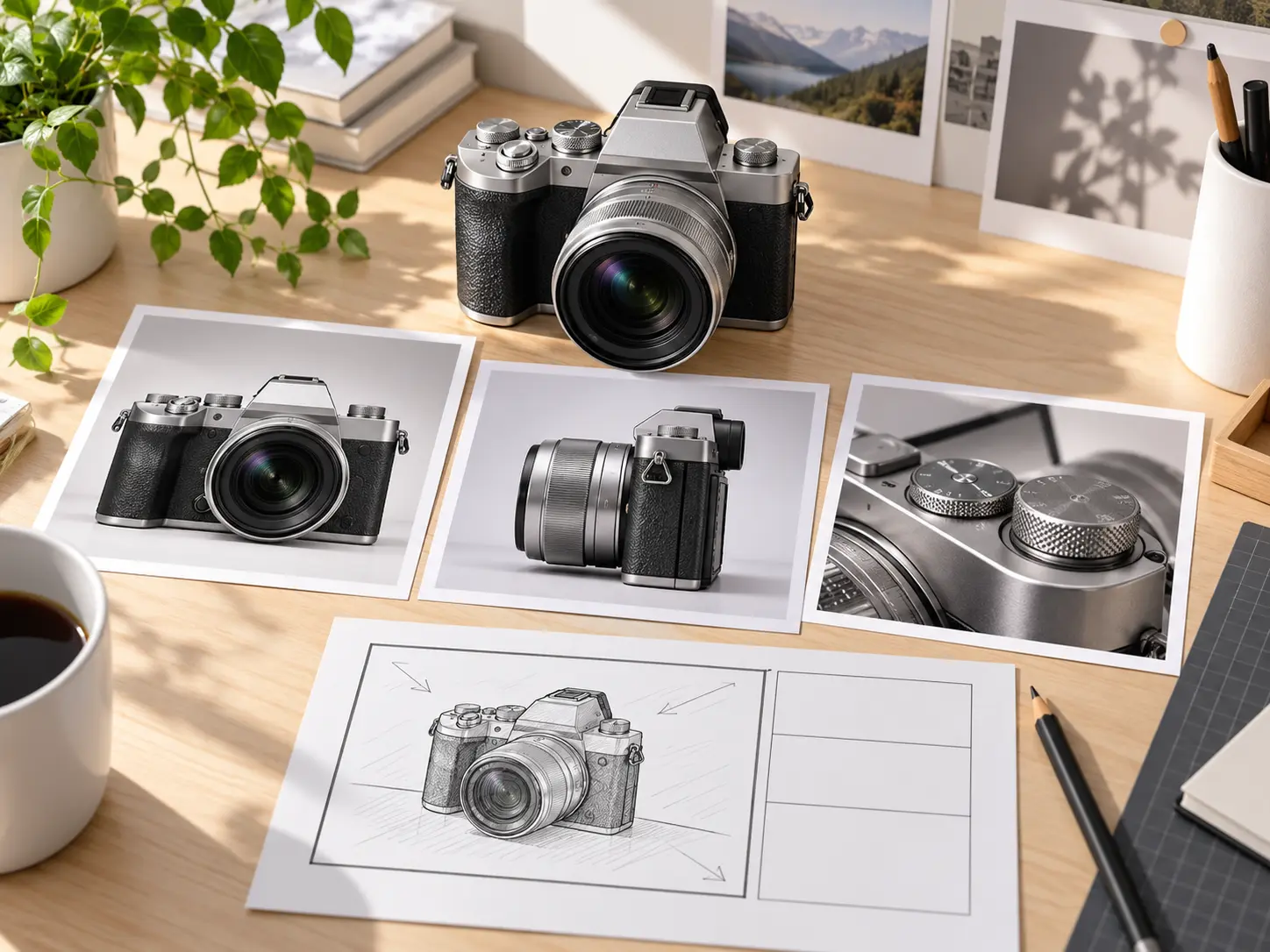
Creative materials arranged for a product teaser concept

Step 01

Bring in the idea and references

Write the topic, audience, and message for the teaser video maker, or begin with a video template. Add product images, clips, a Logo, or audio, then use @ to name each item as the subject, first frame, scene, camera move, music, or another reference.


Three teaser moments progressing toward a product reveal

Step 02

Write the reveal by time segment

Choose 16:9, 9:16, 1:1, or 4:5, then describe each section of the teaser video. Specify the buildup, key visual, short title, sound direction, and the final reveal so VideoAI follows the order you intend.

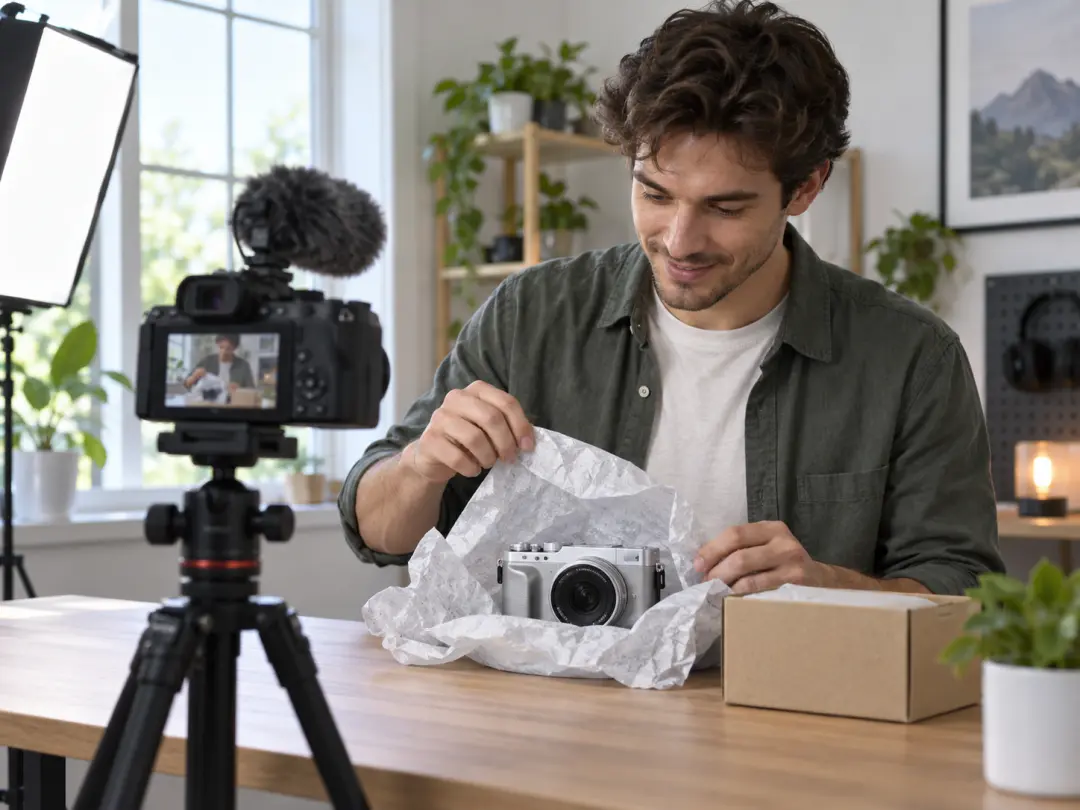
Creator reviewing a finished product teaser scene

Step 03

Generate, preview, and refine

Create the first version, review the picture, motion, and rhythm, then ask for changes in plain text. When the teaser video maker result feels right, download a watermarkless MP4 up to 4K or continue extending the video.

Where teaser video ideas fit

Use the teaser video maker when the message depends on what appears first, what stays withheld, and what arrives at the end.

Product launch preview

A new product needs a short first look before the full announcement. Add product images, close detail shots, short launch text, and a final reveal note so the teaser video builds toward the item people should remember.

Event announcement

An event teaser needs the date, atmosphere, main visual, and sound to land in the right order. With the teaser video maker, you can describe the mood first, introduce the event information, then close with the visual moment that confirms the announcement.

Channel or series preview

A creator preparing the next episode can use a fixed visual style, channel name, Logo, and short clips as references. The result is a compact preview that points viewers toward the coming topic without building a longer channel trailer.

Social campaign preview

A campaign team can plan teaser videos for vertical, square, or 4:5 placements before generation. The prompt can keep the rhythm short, define the reveal, and guide VideoAI toward the version that matches the selected frame.

Who uses this teaser video maker

Product launch team planning the order of a teaser reveal

Product launch teams

Product teams can turn product photos, short titles, and detail shots into a teaser video that controls the order of discovery. The payoff is a clear launch preview with the reveal placed where the team wants it.

Social content manager checking vertical teaser compositions

Social content managers

Social managers can choose the target ratio first, then write a short rhythm for the teaser video maker to follow. This keeps the message focused for feeds, stories, and campaign previews.

Independent creator preparing a release teaser

Independent creators

Creators can begin with a prompt, existing footage, images, audio, or a Logo when there is no new shoot. VideoAI keeps the creative decision in the prompt, including what appears early and what waits for the reveal.

Control inside the teaser video maker

Each option helps you define the visible result before generation, then refine the next version with text.

Product detail moving from concealment to reveal

By second reveal control

A stronger teaser comes from ordered suspense. In VideoAI, you write what happens in each time segment, including the setup, product glimpse, title cue, sound direction, and final reveal.

Visual references guiding one cohesive teaser scene

References with assigned roles

Text, images, video, and audio can point to the same teaser concept. Use @ to specify whether a reference should guide the subject, first frame, scene, camera movement, music, or visual direction.

Teaser title moment with voice and music implied visually

Text, Logo, voice, and sound

Short titles, release details, CTA words, uploaded Logo references, voiceover notes, background music, sound effects, and beat cues can be included in the prompt so the teaser video carries the right information and rhythm.

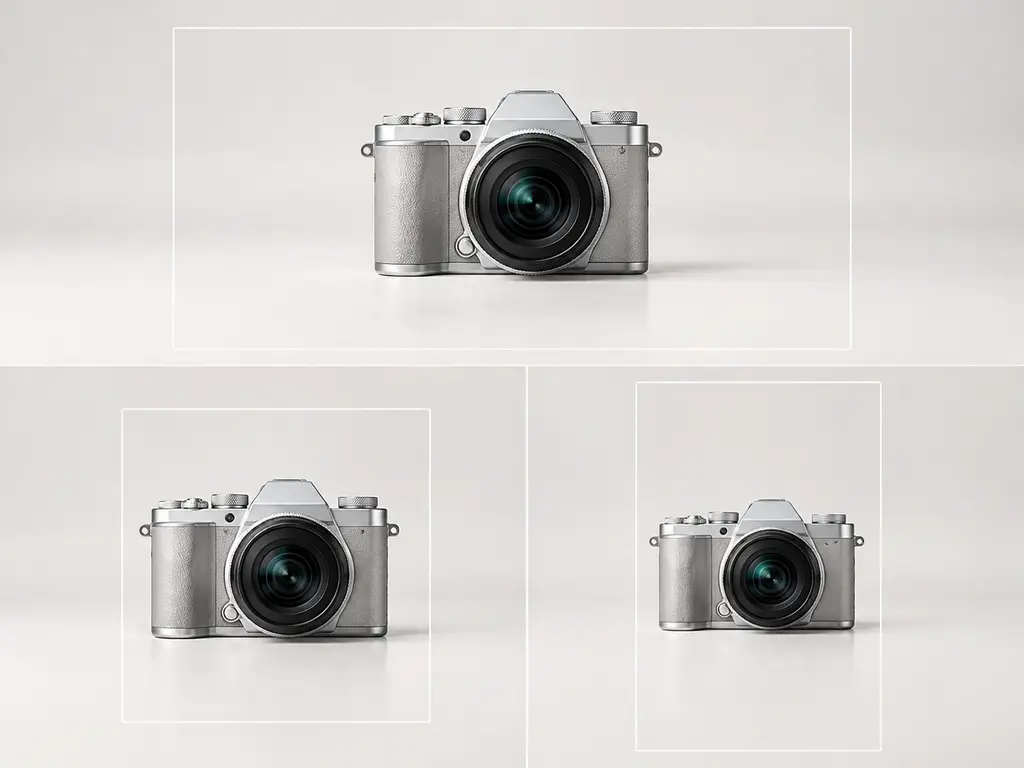
One teaser composition adaptable to several frame shapes

Ratios and 4K MP4 export

Choose 16:9, 9:16, 1:1, or 4:5 before generation so the frame matches the intended placement. VideoAI supports single generations up to 30 seconds, continued extension, watermarkless output, and MP4 download up to 4K.

Teaser video maker questions

A teaser video is a short preview that withholds part of the message until the reveal. Use the teaser video maker when a product, event, release, or channel update needs a focused buildup before the main detail appears.

Start with the message and audience, then add text, images, clips, Logo references, or audio. The teaser video maker lets you assign those materials with @ roles and describe the scene order in the prompt.

Yes. In the teaser video maker, you write the sequence by time segment so VideoAI knows when to show the buildup, key shot, short text, sound cue, and final reveal.

You can include short titles, release information, CTA words, an uploaded Logo as a video reference, voiceover notes, background music direction, sound effects, and beat cues in the prompt.

One generation can be up to 30 seconds, and you can continue extending the video when the concept needs more room. That limit keeps the teaser video maker focused on short preview formats.

The teaser video maker supports 16:9, 9:16, 1:1, and 4:5, with MP4 download up to 4K. Choosing the ratio before generation helps the composition match the intended placement.

Yes. After previewing the first result, tell the teaser video maker what to change in the picture, action, or rhythm, and VideoAI creates the next version from that text direction.
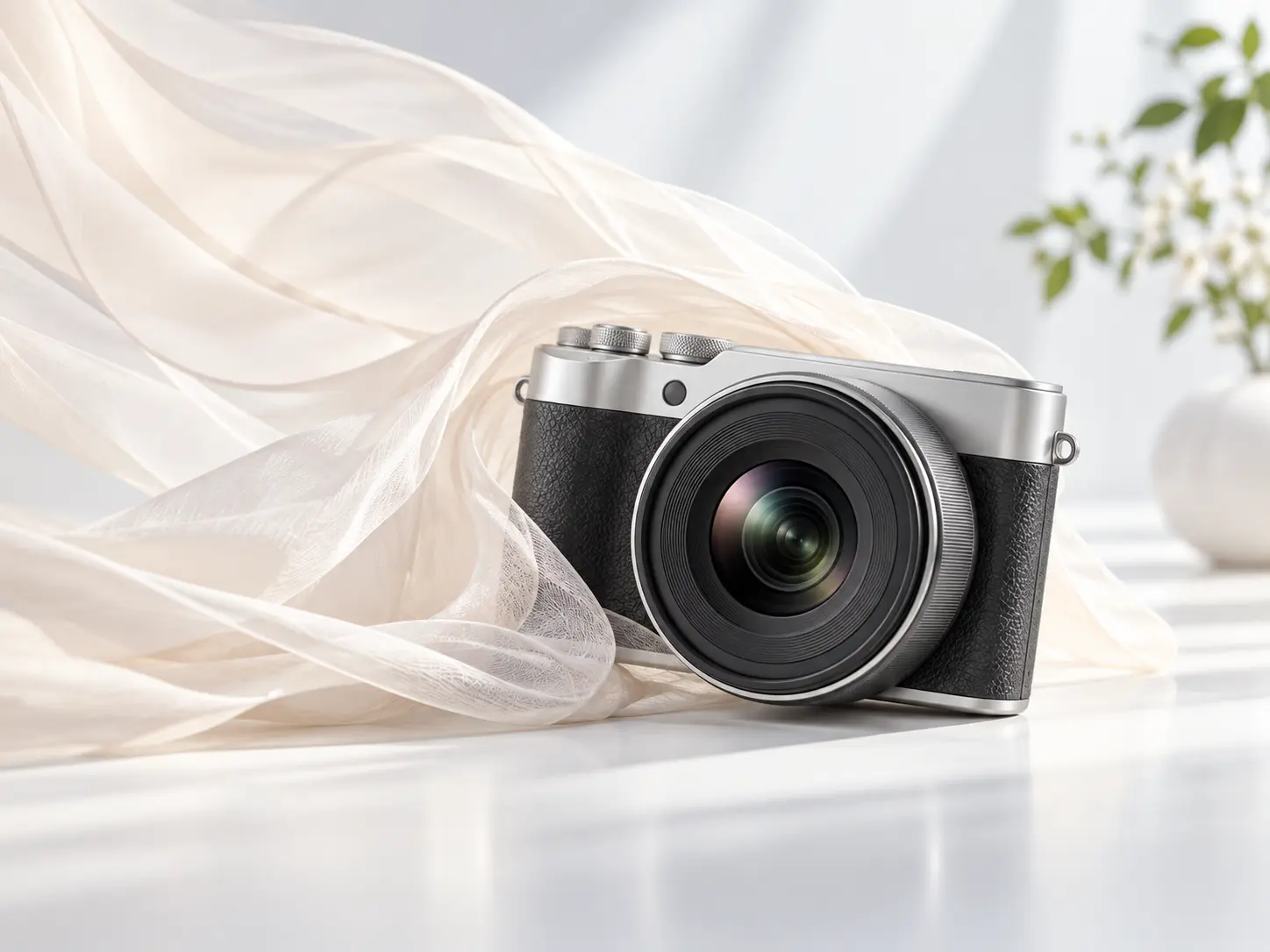
Finished teaser reveal on a bright product stage

Create your teaser video maker draft

Bring a message, references, and a reveal plan into VideoAI, then shape the first teaser video with prompt driven revisions.

Get Started
teaser video maker - teaser video - VideoAI