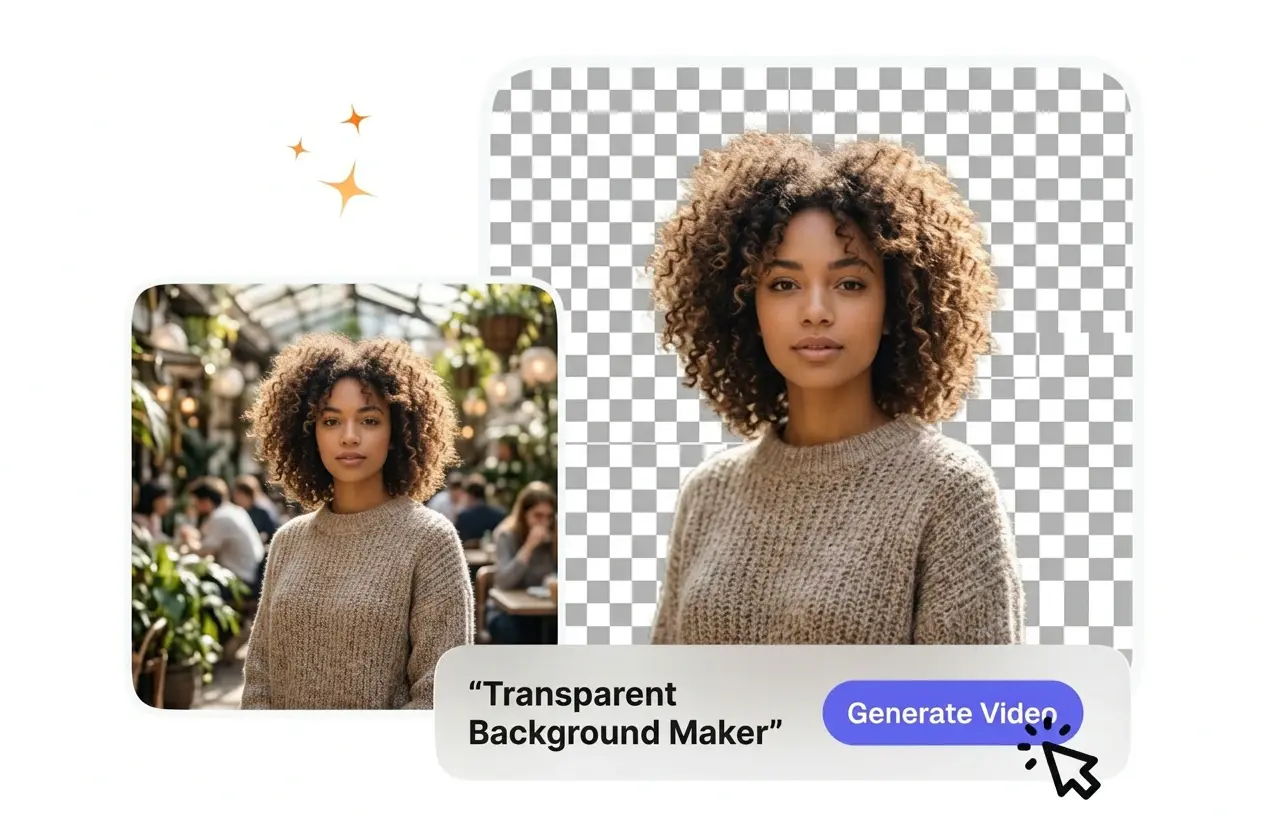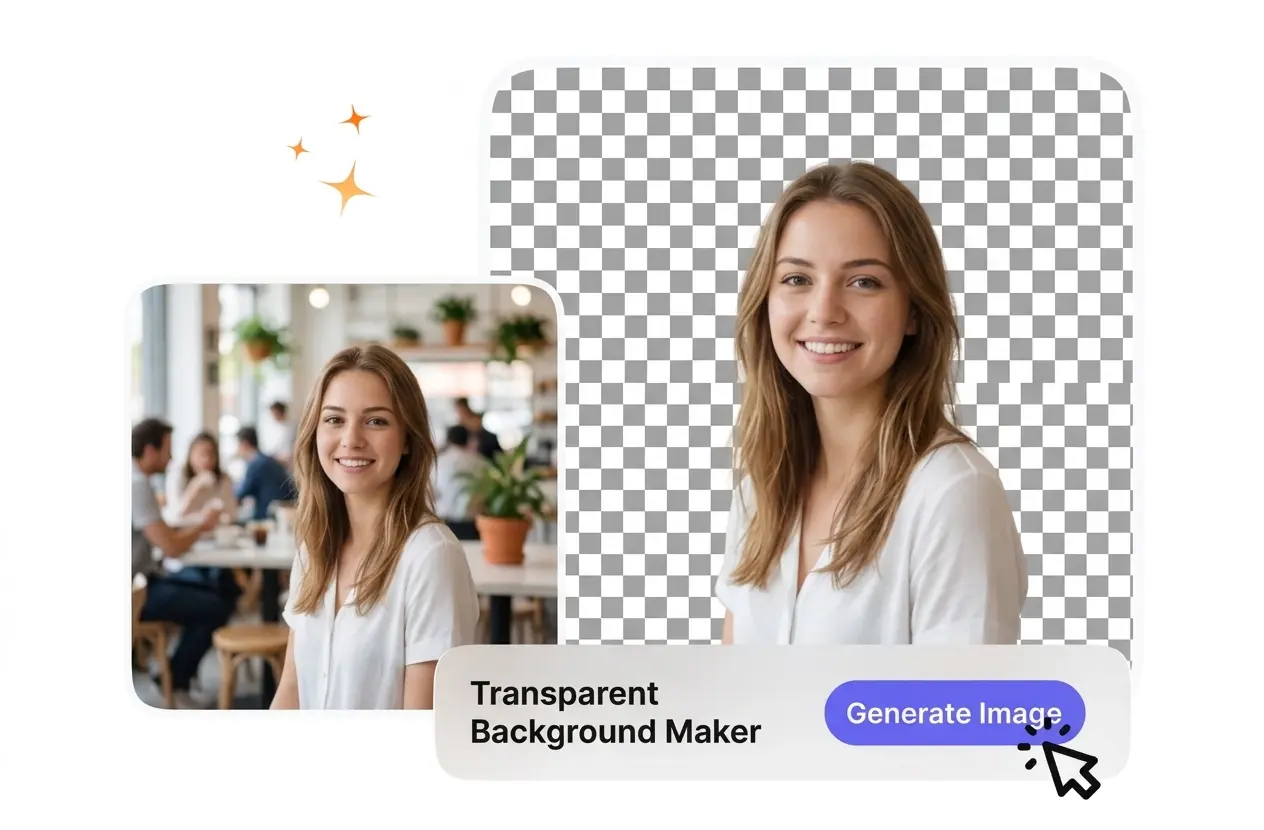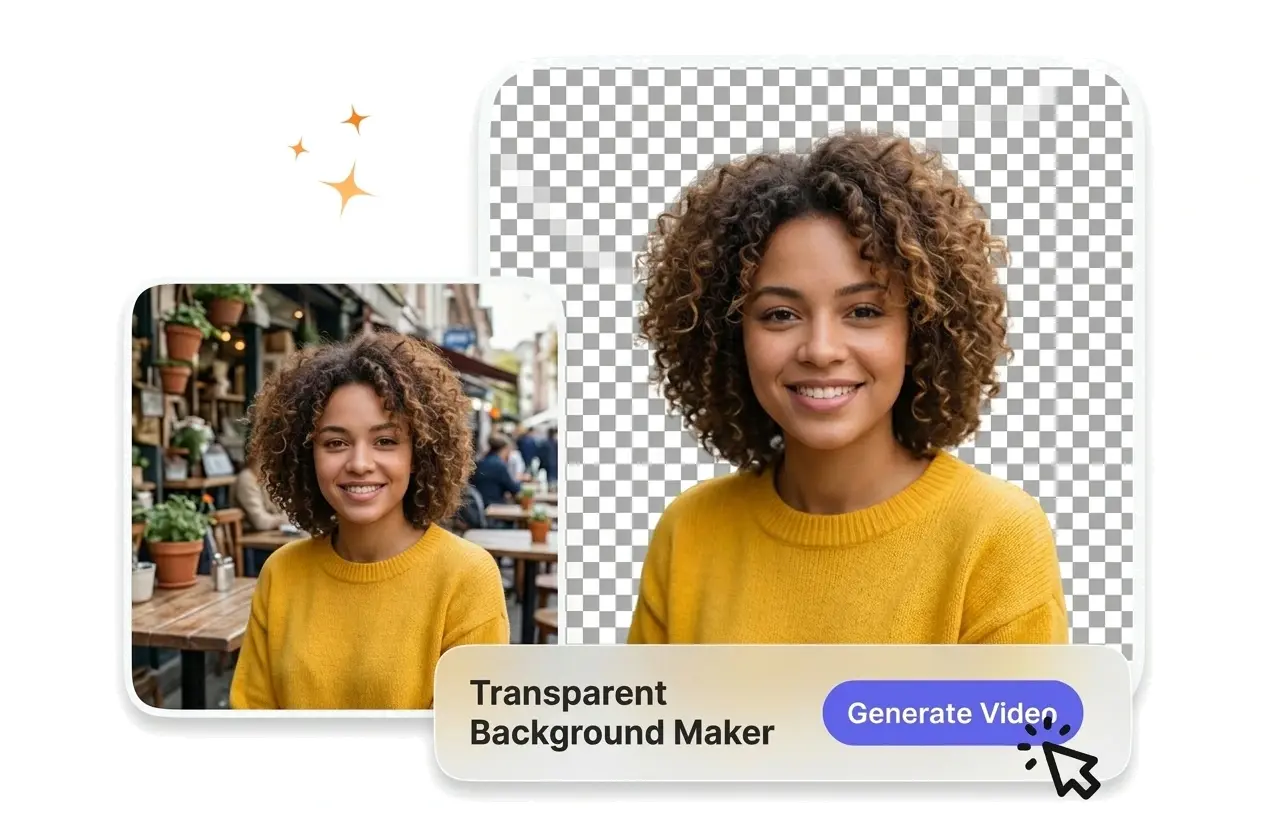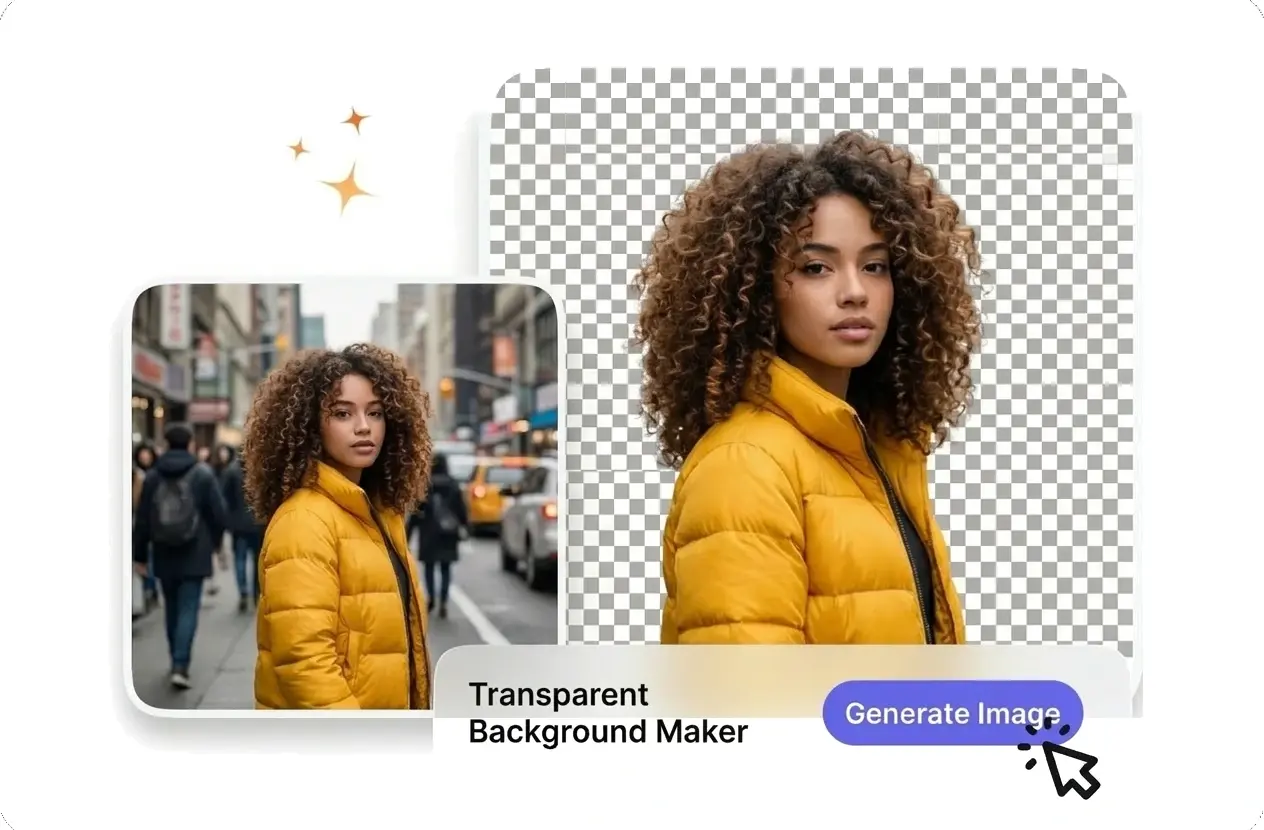
AI Transparent Background Maker

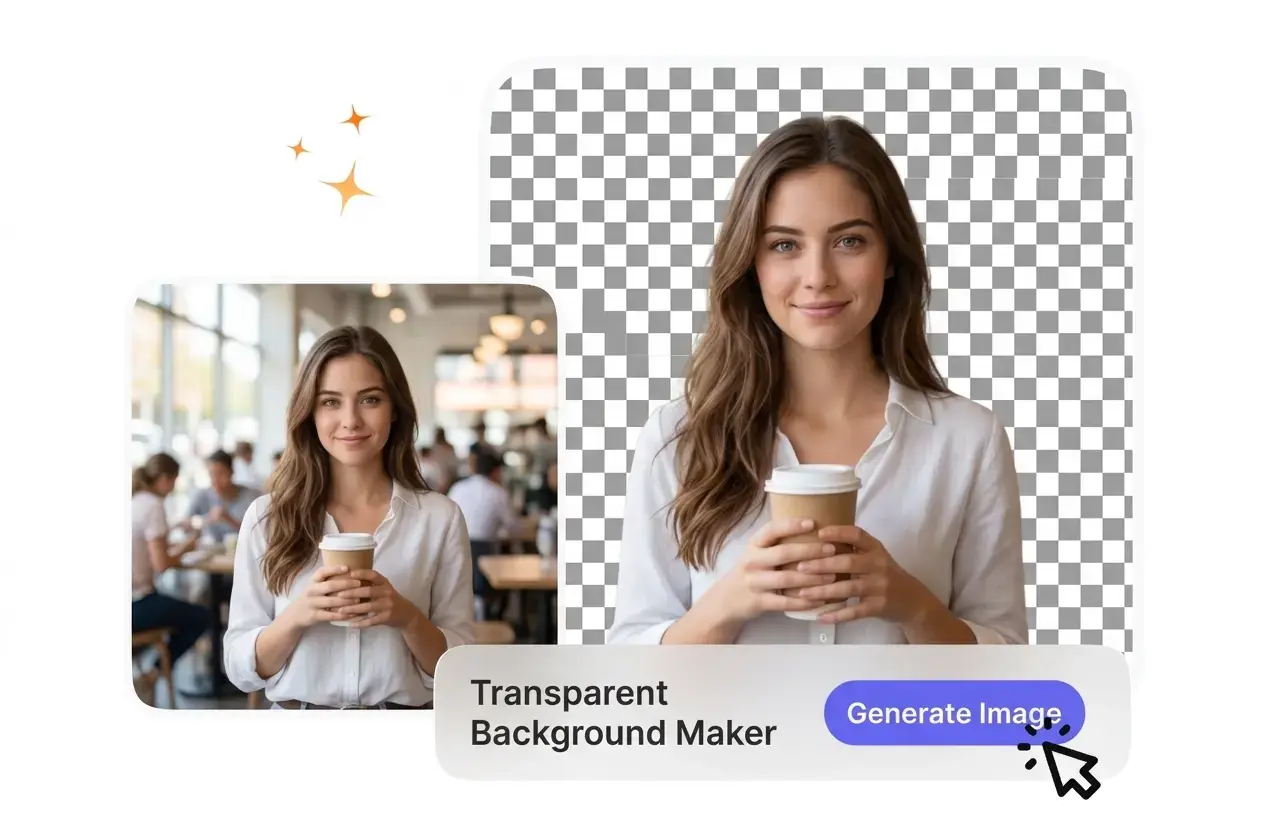
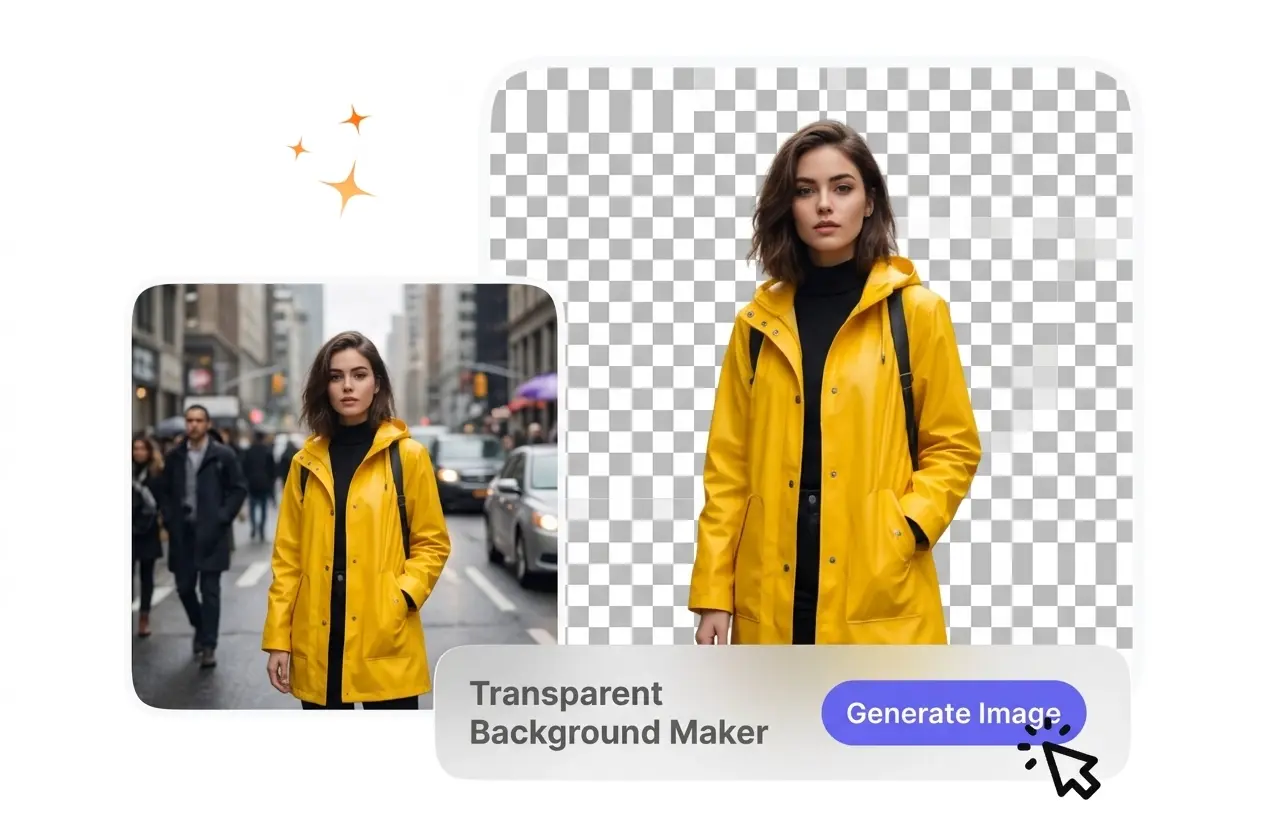
This transparent background maker isolates your main subject so you can export a clean file. For best results, upload images with high contrast.

Banner preview

Free Transparent Background Maker Online

VideoAI isolates your subject and removes the backdrop instantly. You get a clean cutout ready for product catalogs or social media posts.

Who Needs a Transparent Background Maker

Different creators use this transparent background maker to prepare visual assets. Clean cutouts help you build professional layouts without manual masking.

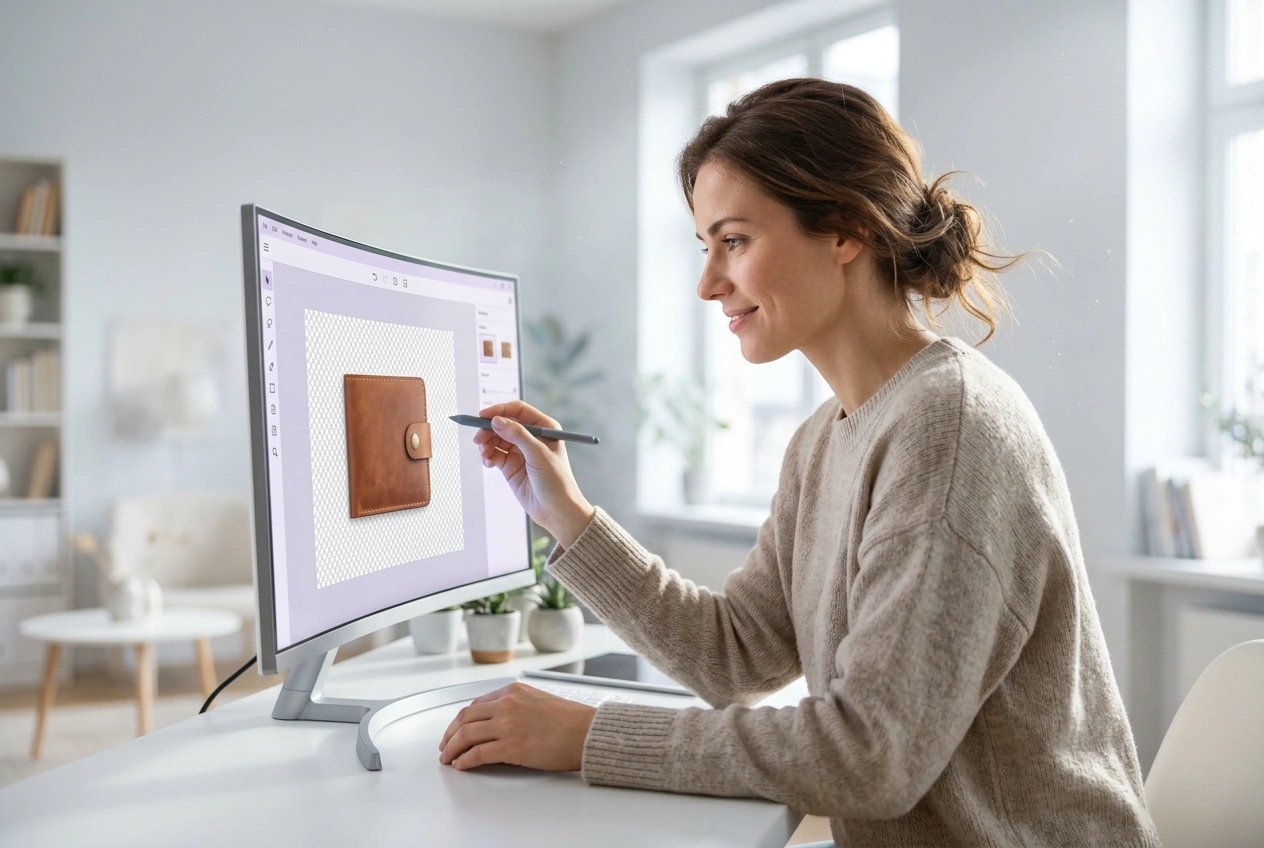
Store owner using Transparent Background Maker tool

E-commerce Store Owners

Product photos require clean white or clear backdrops for online catalogs. A reliable transparent background maker helps you isolate items quickly. You save hours of manual editing while keeping your store visuals consistent and professional.
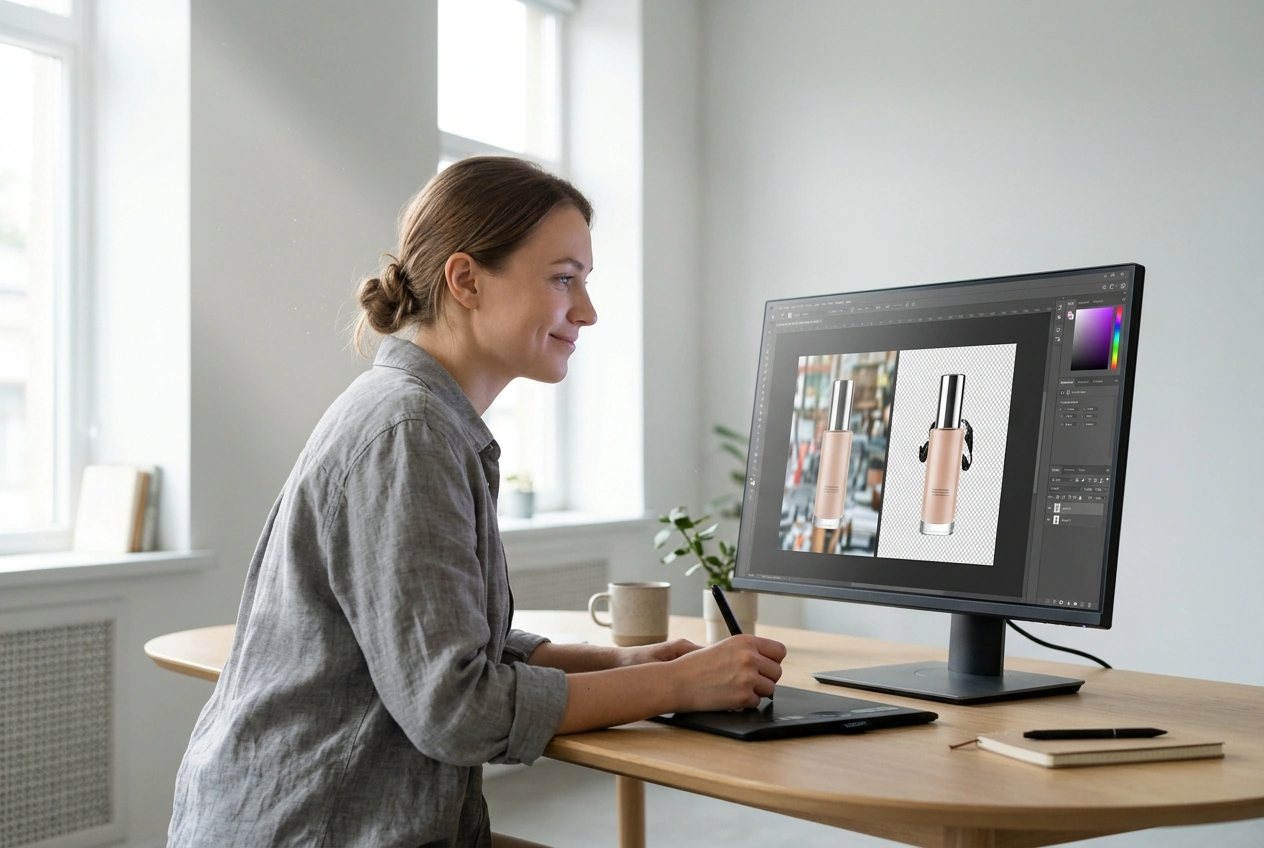

Designer using Transparent Background Maker for composites

Graphic Designers

Compositing new scenes requires precise subject isolation. This intelligent background eraser handles complex edges like hair or fur directly. You can skip the tedious pen tool work and focus entirely on your creative layout process.

Marketer applying Transparent Background Maker to ads

Social Media Marketers

Ad campaigns often need the same subject placed over different seasonal graphics. A reliable transparent background maker creates reusable brand assets. This flexibility lets your team build multiple ad variations from a single original photo.

How to Make Background Transparent

Follow these steps to use the transparent background maker cleanly. VideoAI processes your uploaded image and delivers a usable cutout in seconds.

Step 1

Upload Your Image

Start by uploading a clear photo of your subject. VideoAI accepts standard formats like JPG or WEBP. High contrast between the subject and the backdrop yields the most accurate initial cutout.

Step 2

Review the Cutout

The transparent background maker scans the file and removes the backdrop instantly. You review the preview to ensure all fine details remain intact. Most standard portraits or product shots require zero manual adjustment.

Step 3

Export Your File

Choose your preferred output format to save the result. You download a transparent background PNG to preserve the empty space. After that, you can drop the file into any layout.

Transparent Background Maker Core Features

Our transparent background maker provides precise control over your image cutouts. You get reliable tools to handle complex edges and multiple file types.

Smart Edge Detection

VideoAI identifies complex boundaries around hair or intricate jewelry. You upload the image and the system separates the subject from busy environments. Works best when the subject is in sharp focus against the original backdrop.

Transparent Background Maker edge detection feature demo

Instant Background Replacement

When you need a new setting, our transparent background maker lets you swap the empty space for a solid color. You select a new shade directly in the editor. This helps standardize product shots for your online store.

Transparent Background Maker background replacement feature demo

Broad Format Support

If your source file is a standard web format, VideoAI can process it. You upload JPG or WEBP files without converting them first. The tool outputs a clean transparent background image ready for immediate use.

Transparent Background Maker format support feature demo

High Resolution Export

VideoAI maintains your original image quality during the extraction process. You export the final cutout without losing pixel density or sharpness. Blurry source photos will result in softer edges, so always start with clear inputs.

Transparent Background Maker high resolution export demo

Transparent Background Maker FAQ

You upload your photo and the transparent background maker quickly isolates the main subject. The system removes the surrounding pixels so you can download the result. This works perfectly for users needing quick cutouts without learning complex photo editing software.

Try Our Transparent Background Maker

Upload your first image to see how VideoAI handles the edges. You can isolate your subject and export a clean file today.

Get Started