Free Ballet Dance Video Generator

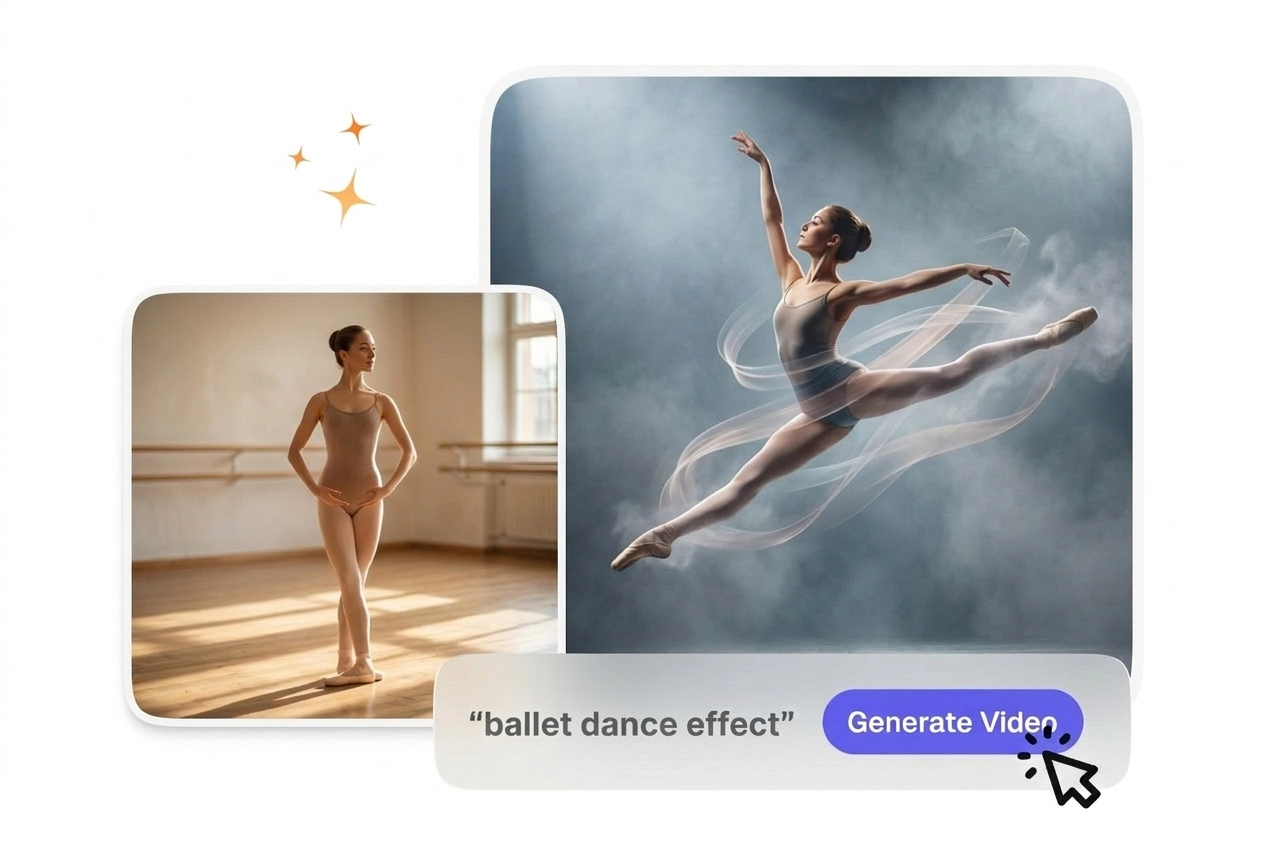
Ballet Dance Effect turns a source clip into a stylized dance performance by layering controlled ballet inspired movement over the footage. Centered subjects and simple backgrounds usually render more predictably and make preview results easier to evaluate.

Create a Ballet Dance Effect

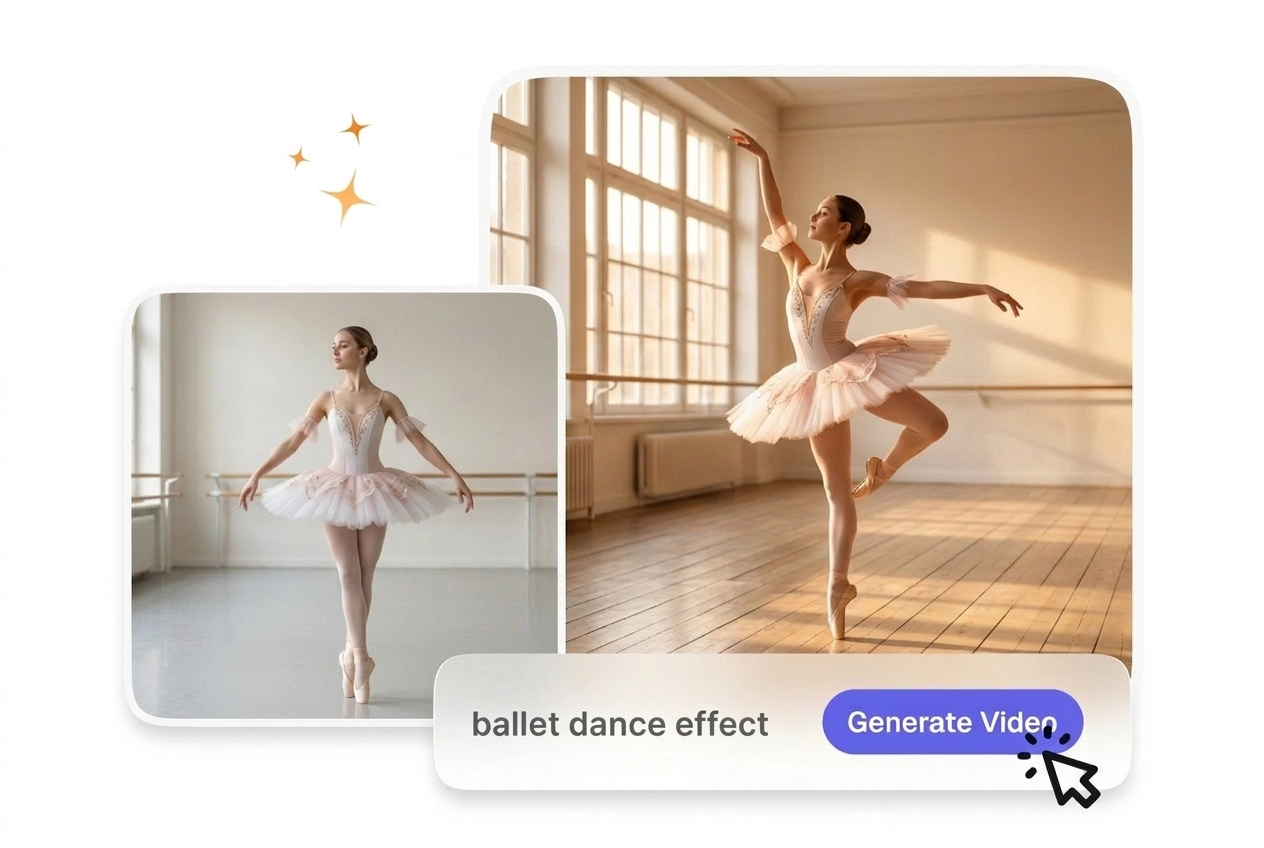
VideoAI generates a classical dance transition from your start and end frames. You get smooth, stage-ready motion that connects your scenes clearly.

Ballet Dance Effect VideoAI hero showcase image
Who Uses the Ballet Dance Effect

First-time AI video creators and educators use this tool to add structured movement. The predictable output keeps your audience focused on the content.

New creator using Ballet Dance Effect tool
New AI Creators

Beginners often struggle with complex settings when making an AI ballet dance effect. VideoAI provides a straightforward prompt interface to guide the generated motion. You export a clean, usable file without needing prior timeline editing experience.
Business owner applying Ballet Dance Effect online
Small Business Owners

If you need a ballerina transition tiktok style for promotions, hiring an agency costs too much. You upload reference frames and type a style prompt. The resulting video matches your brand aesthetic in just minutes.

Educator editing a Ballet Dance Effect sequence
Explainer Video Editors

Explainer channels require a short dance transition that supports the lesson without distracting viewers. Controlled pacing keeps the movement steady across your sequence. Attention stays firmly on the teaching beat instead of the visual flair.

How the Ballet Dance Effect Works

VideoAI builds the motion from your uploaded images and text instructions. You review the generated preview before exporting the final high-quality file.

Step 1

Upload Reference Frames

You upload a start frame and an optional end frame to establish the scene. VideoAI analyzes these images to understand the spatial layout. Then, it prepares the canvas for your specific text prompt.

Step 2

Enter Style Prompt

You type a description of the desired ballet motion video AI style. Our tool interprets your text to generate the connecting movement. After that, you receive a smooth visual bridge between your chosen frames.

Step 3

Export the Video

When the preview finishes rendering, you check the generated motion for accuracy. VideoAI compiles the final sequence into a downloadable format. So, you get a ready-to-use clip for your larger editing project.

Ballet Dance Effect Core Features

VideoAI gives you specific tools to shape the final output. You control the pacing and style to match your exact project requirements.

Pose morphing Ballet Dance Effect feature demonstration

Pose Morphing Engine

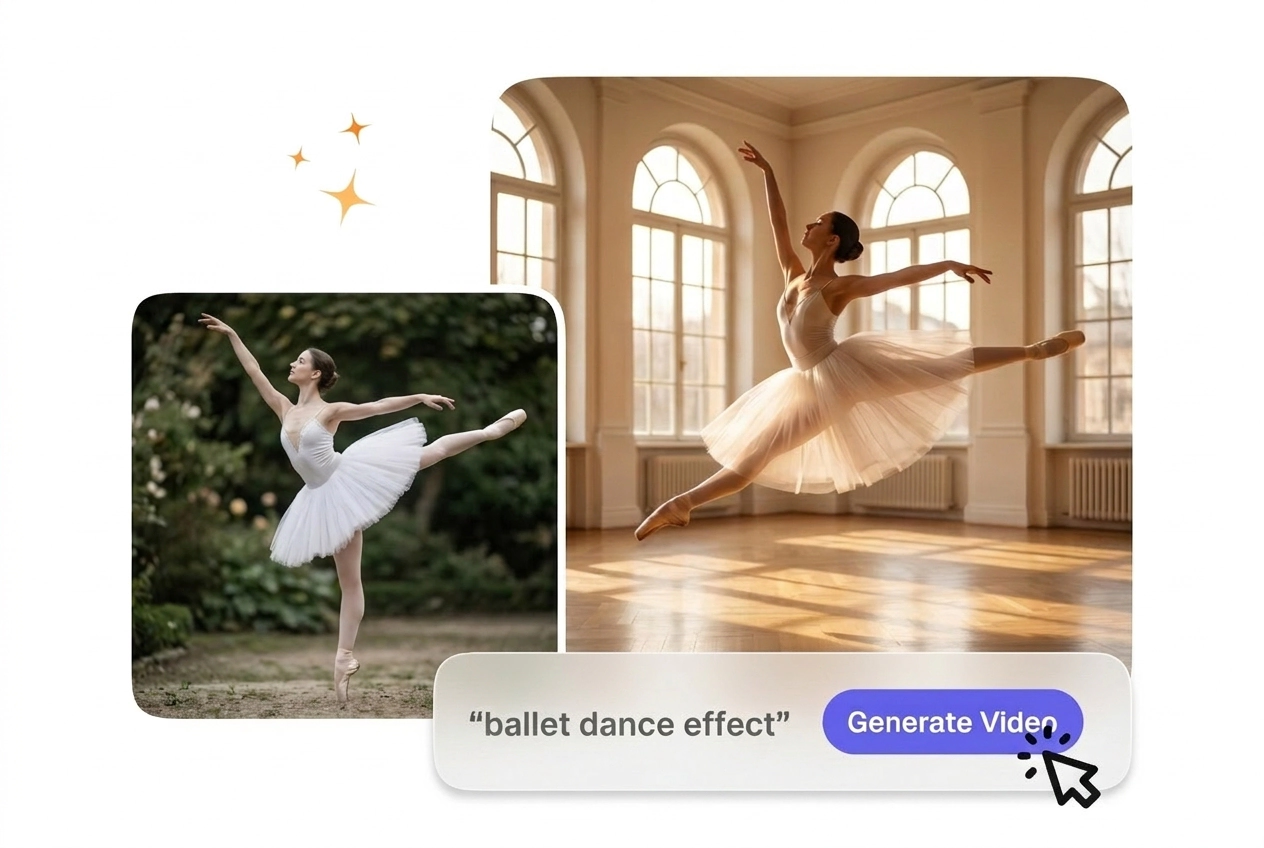
Our tool calculates the physical distance between your start and end frames to build a dance pose morph effect. You simply provide clear reference images. This works best with subjects that have distinct outlines against simple backgrounds.

Stage lighting match for Ballet Dance Effect

Stage Lighting Match

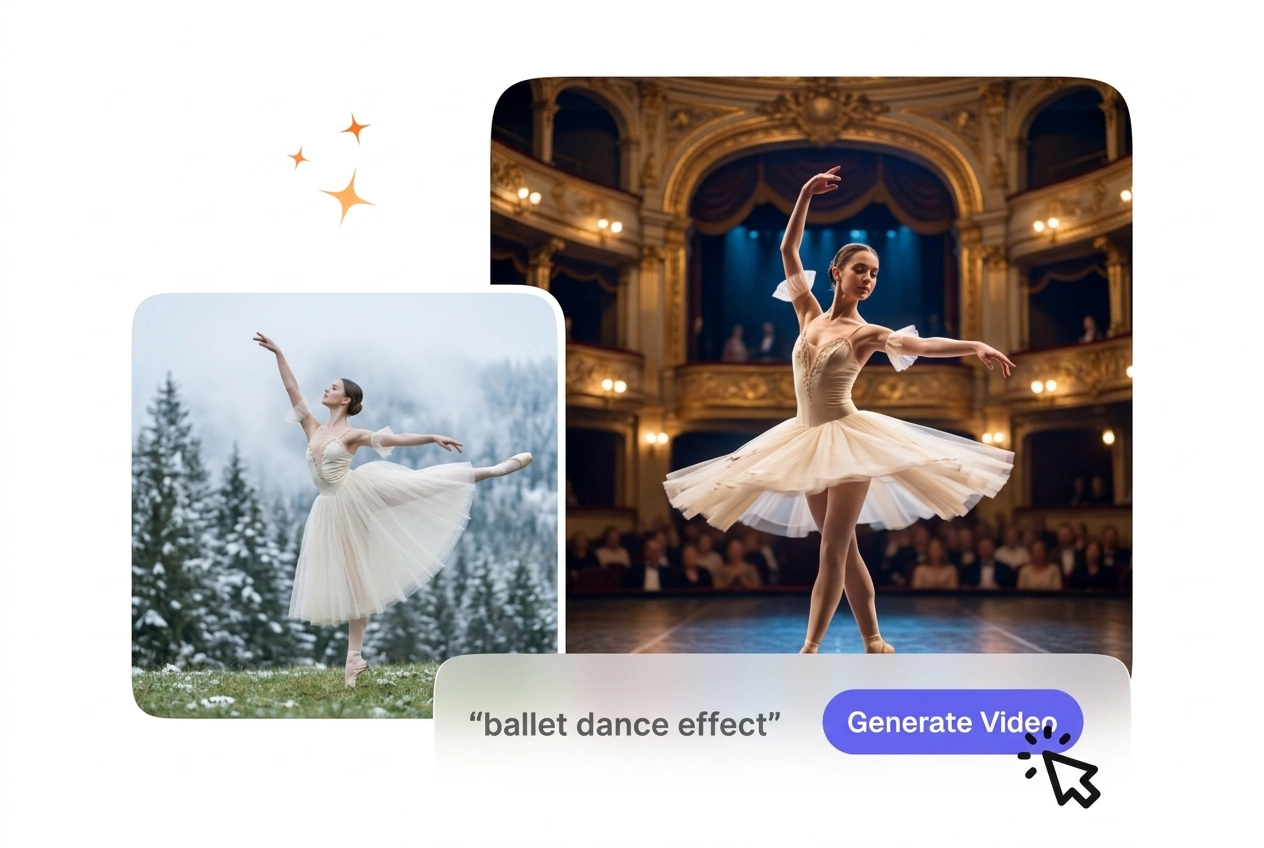
The system reads the illumination in your uploaded frames to maintain a consistent stage ballet dance effect. You do not need to manually adjust exposure settings. The output looks natural, provided your initial images are well-lit.

Motion path guidance Ballet Dance Effect settings

Motion Path Guidance

VideoAI uses your text prompt to direct the trajectory of the generated movement. You type specific directions like spins or leaps. Complex prompts may require a few iterations to land the perfect classical dance transition.

Pacing control options for Ballet Dance Effect

Pacing Control

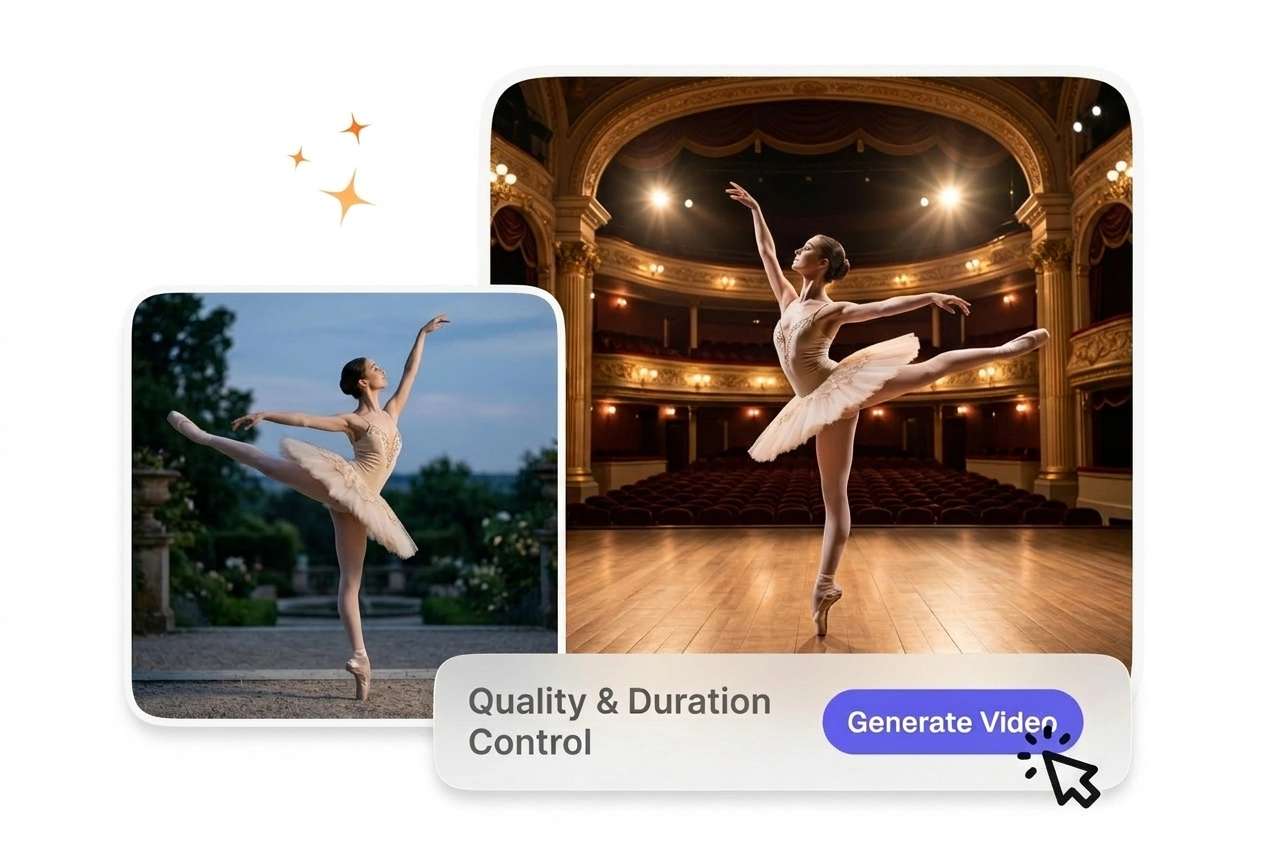
If your project requires a slower tempo, the duration setting stretches the generated frames evenly. You select the exact clip length before rendering. This ensures the final dance reel transition fits your background music perfectly.

Ballet Dance Effect Questions

Can I try the ballet dance transition on a free or trial tier, and can I use that output commercially?

Sure, you can try free access for personal testing and motion checks. Free output is not cleared for commercial client work or paid ads. Open the pricing plan page for paid paths—we do not list specific package names in this FAQ.

Does VideoAI build ballet dance effect from a full video upload, or only from two still images and prompts?

No, VideoAI builds the best ballet transition AI sequences exclusively from your uploaded still frames and text prompts. Complex video inputs are not supported. This focused approach helps educators maintain clean, predictable visual results across their instructional content.

How can I access free credits or samples for this transition, and what limits apply in the product?

New users may get trial or free samples with caps shown in the product. Those paths stay non commercial under the terms—not for client delivery or paid campaigns. Open the pricing plan page for what paid membership includes; we do not enumerate promo names here.

What should I look for in a strong start or end frame so the ballet transition tracks cleanly?

Clear subjects with distinct outlines yield the most accurate results from our AI video transition generator. Blurry or overly dark images might confuse the motion tracking. High-contrast frames ensure your final export looks professional and ready for immediate publishing.

Can I adjust how fast or slow the ballet motion feels in the generated clip?

Yes, you modify the overall duration setting before generating the clip. Extreme slow-motion requests might introduce slight visual artifacts between frames. Most creators stick to the default pacing to maintain a natural rhythm in their final edited sequence.

Start Your Ballet Dance Effect Today

Upload your start and end frames to see how VideoAI handles the motion. You can export a clean file in just a few minutes.