Step 01
Upload Your Portrait
Add one portrait photo as a JPG or PNG file. Pictures are handled for the edit and not promised long term storage, so keep your own copy of the original.

Upload a photo, type remove blemishes, and this blemish remover clears acne and spots while keeping your skin looking natural.
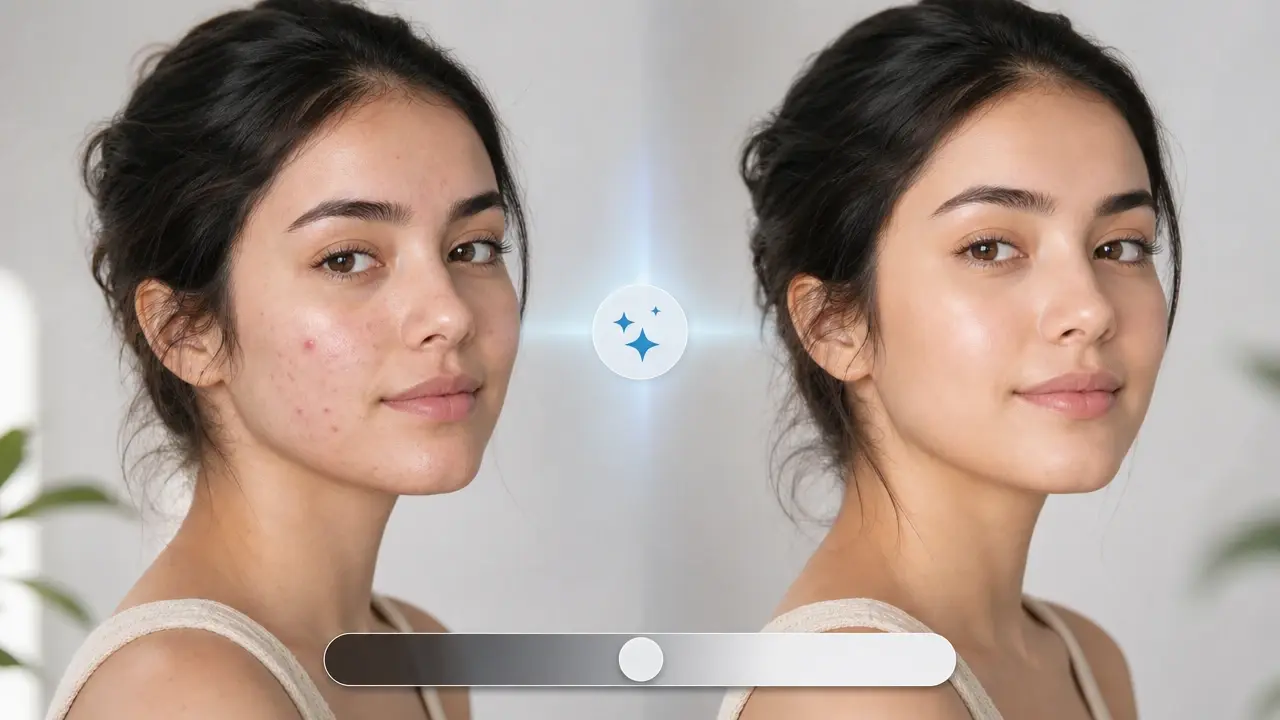
From upload to download, here is the full path this prompt based blemish remover takes.
Step 01
Add one portrait photo as a JPG or PNG file. Pictures are handled for the edit and not promised long term storage, so keep your own copy of the original.
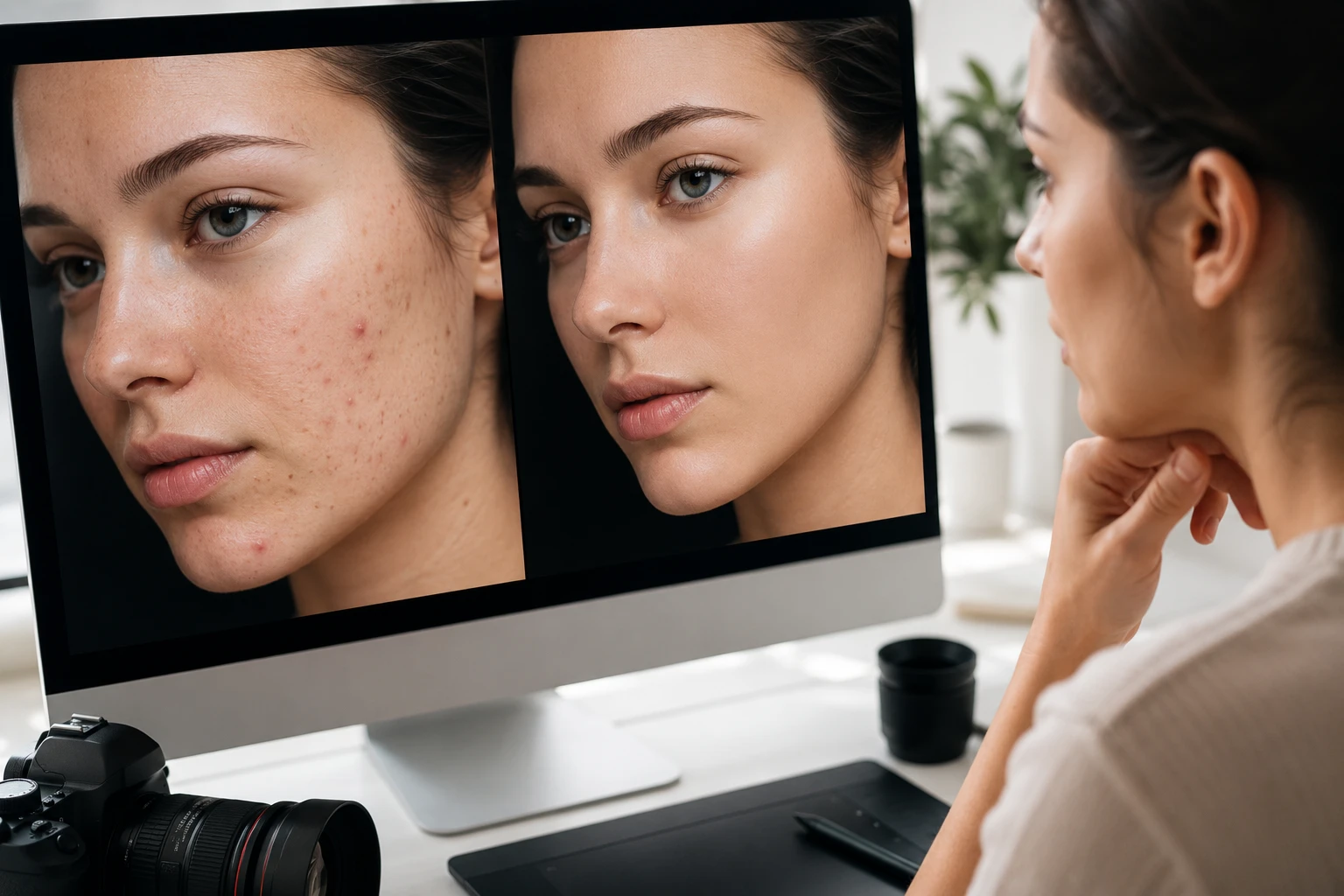
Step 02
In the prompt box, type remove blemishes to clear the whole face, or name a target such as remove acne or remove dark spots. The words you enter decide what the blemish remover clears, so be specific.
Step 03
Press Generate, preview the cleared portrait, and rewrite the prompt if you want a different result. When the skin looks right, download the finished image as a JPG or PNG.
See what sets this blemish remover photo editor apart before you upload your first portrait.
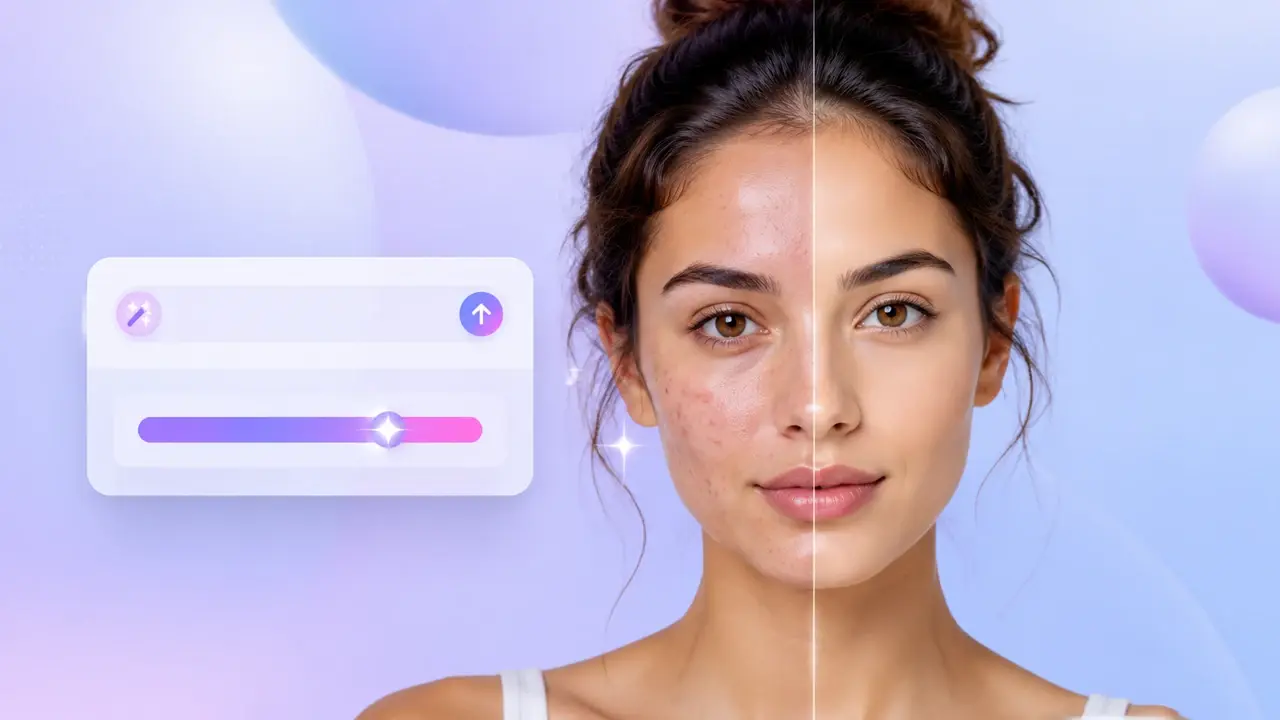
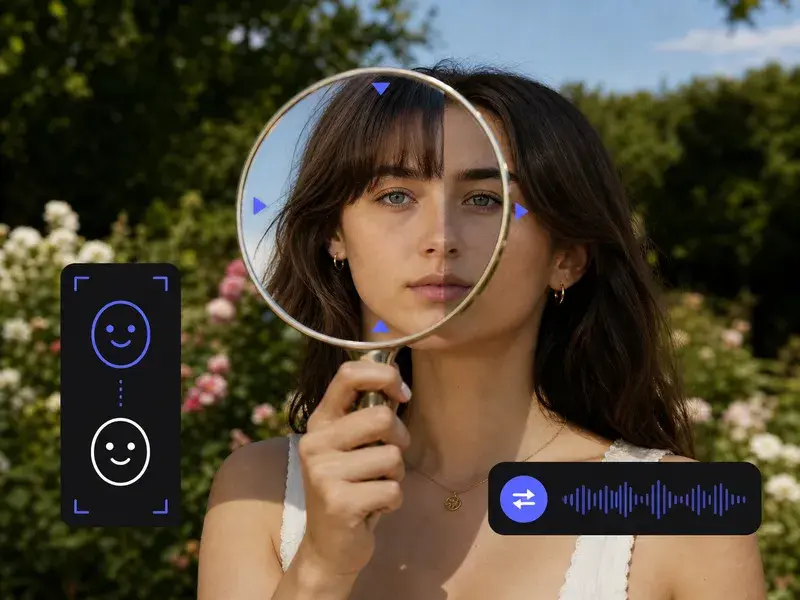
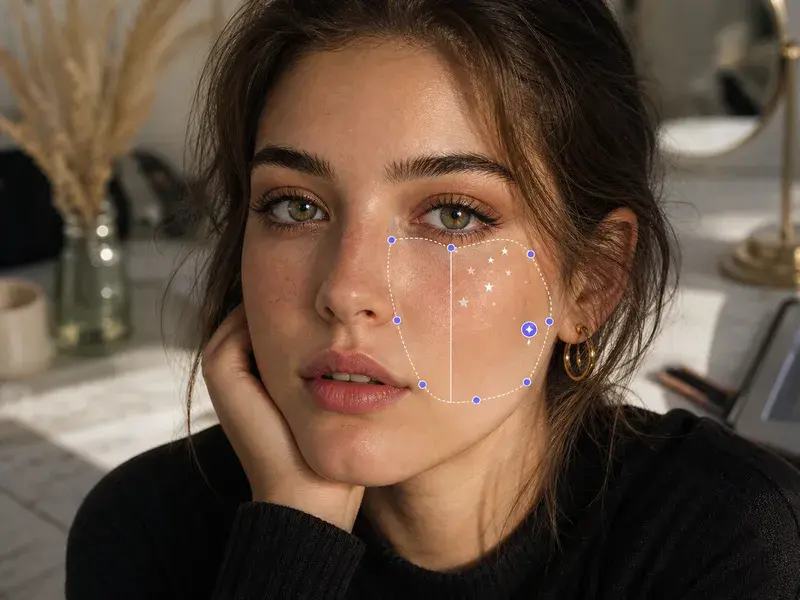
Type remove blemishes and watch acne, dark spots, and dullness fade from the face. You describe the flaw in words, so VideoAI works on the spots you name in the photo.
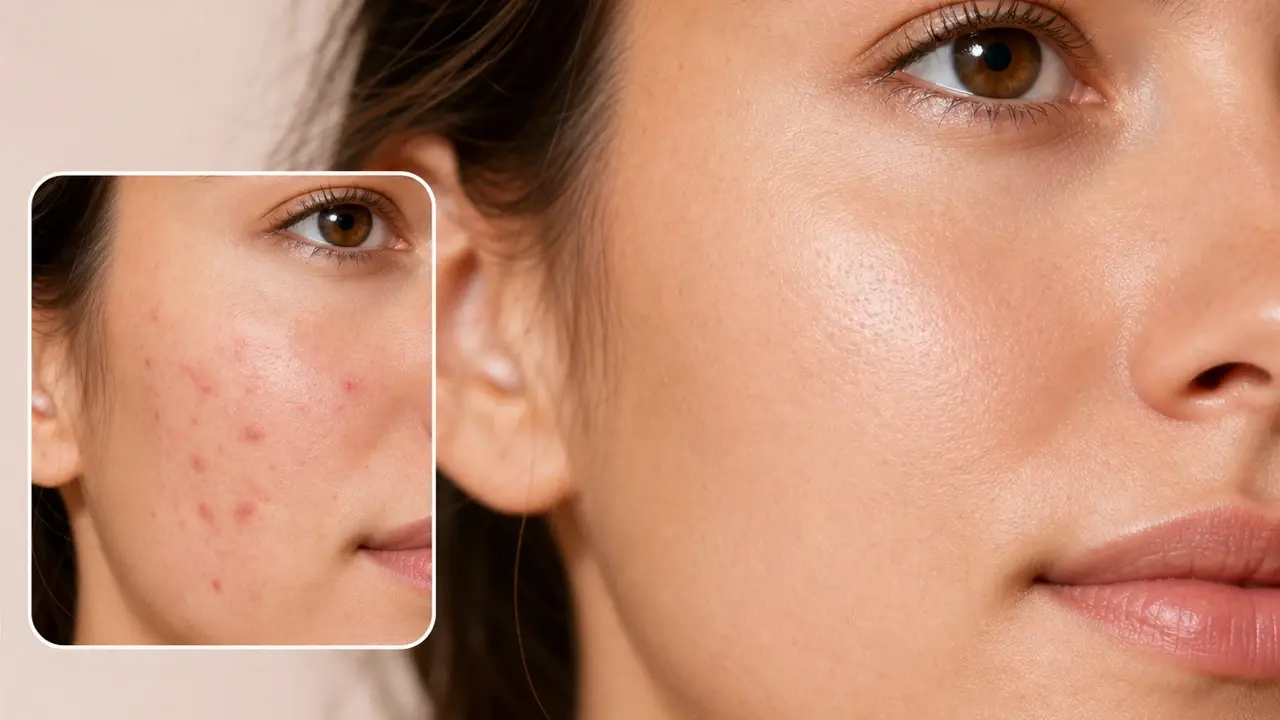
Cleared skin still shows real pores and fine texture, not a flat plastic finish. The blemish remover keeps the surface you started with while lifting the spots you wanted gone.
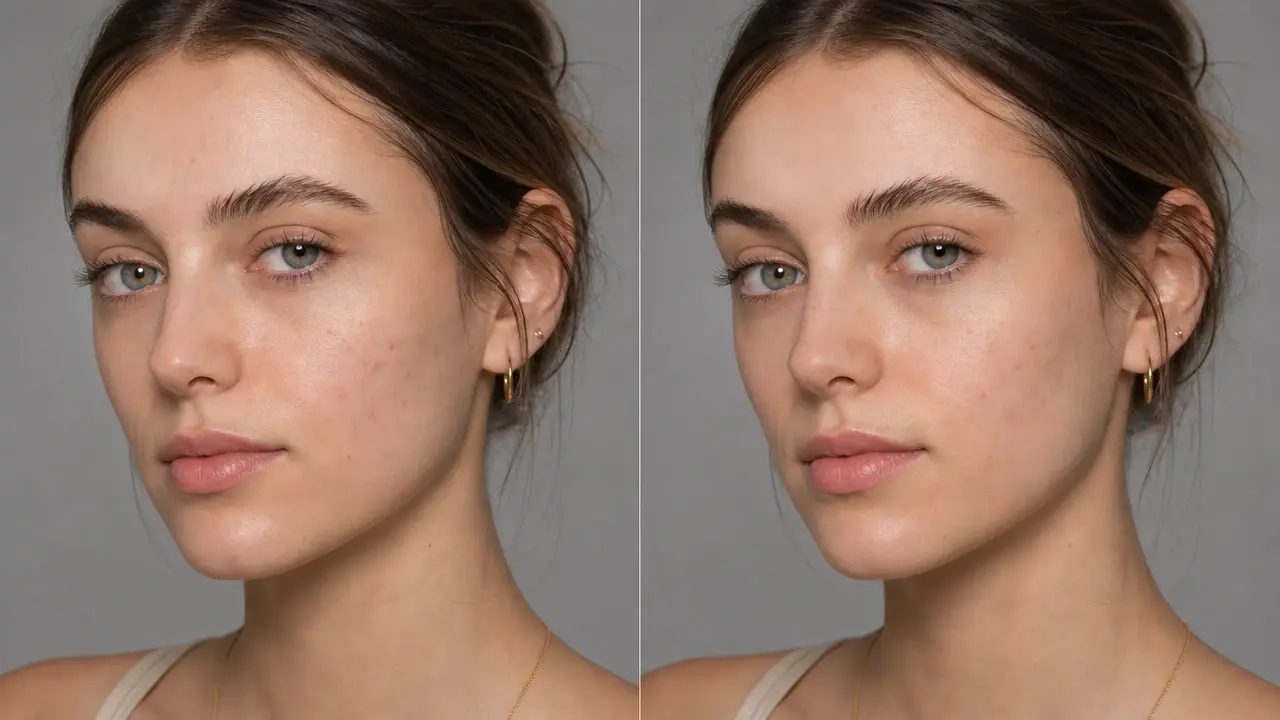
Typing remove blemishes addresses acne, post acne marks, and uneven patches in the same prompt. If you would rather focus on one flaw, rewrite the prompt, and the blemish remover tool returns an updated portrait.
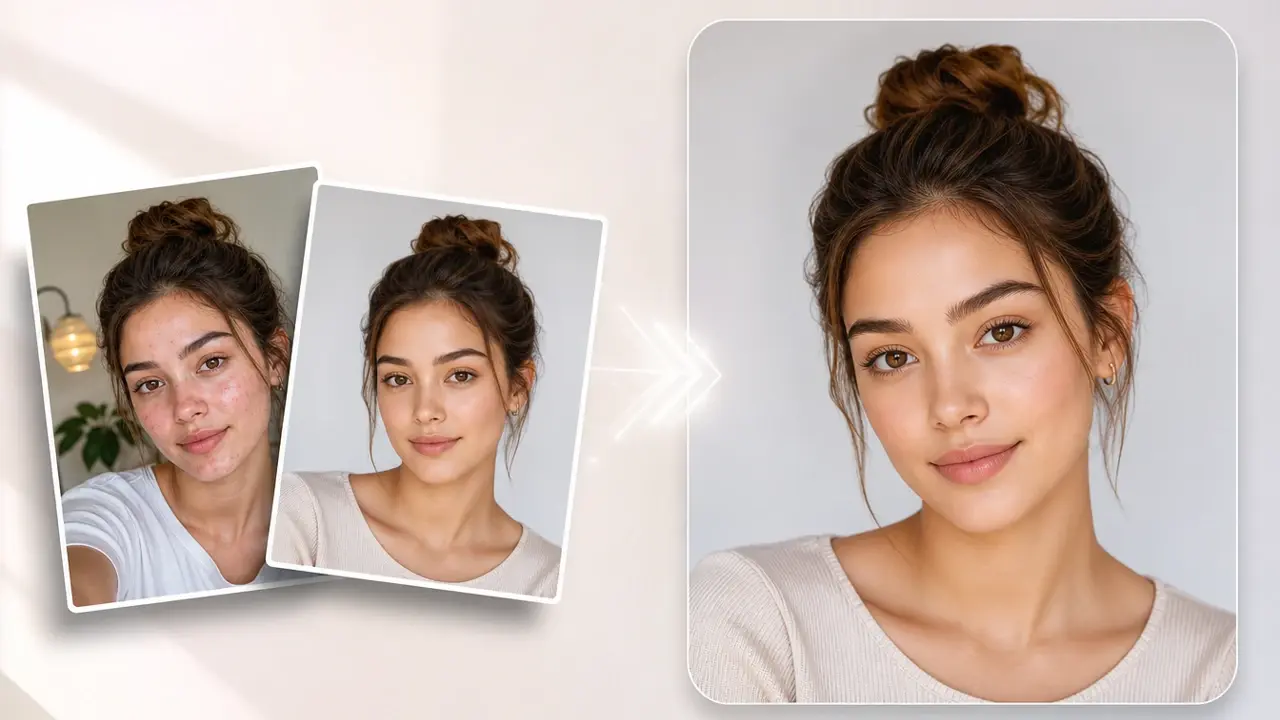
A selfie, a headshot, or a casual phone shot goes in as a JPG or PNG file. After you type a prompt, the blemish remover photo works on the acne and spots you describe in that shot.
One common reason people reach for a blemish remover online.
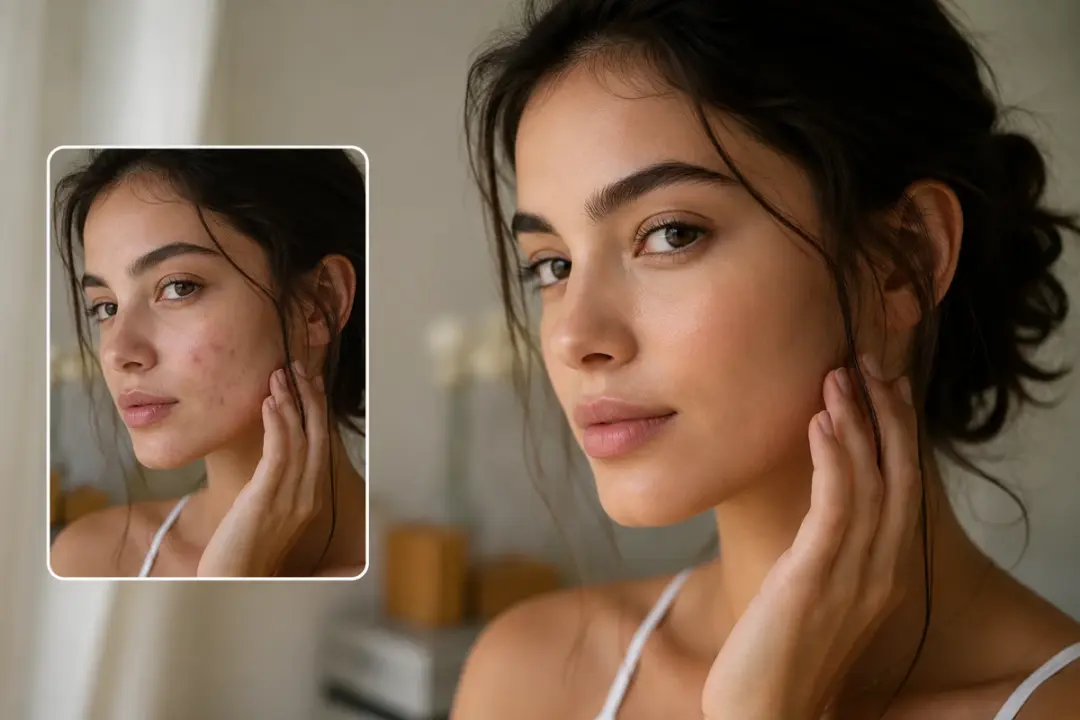
A big event left you with a breakout in otherwise great shots. Upload each one, type remove blemishes, and the blemish remover lifts the acne and marks out while your real skin texture stays. You walk away with portraits that look like your clear skin days without a studio reshoot.
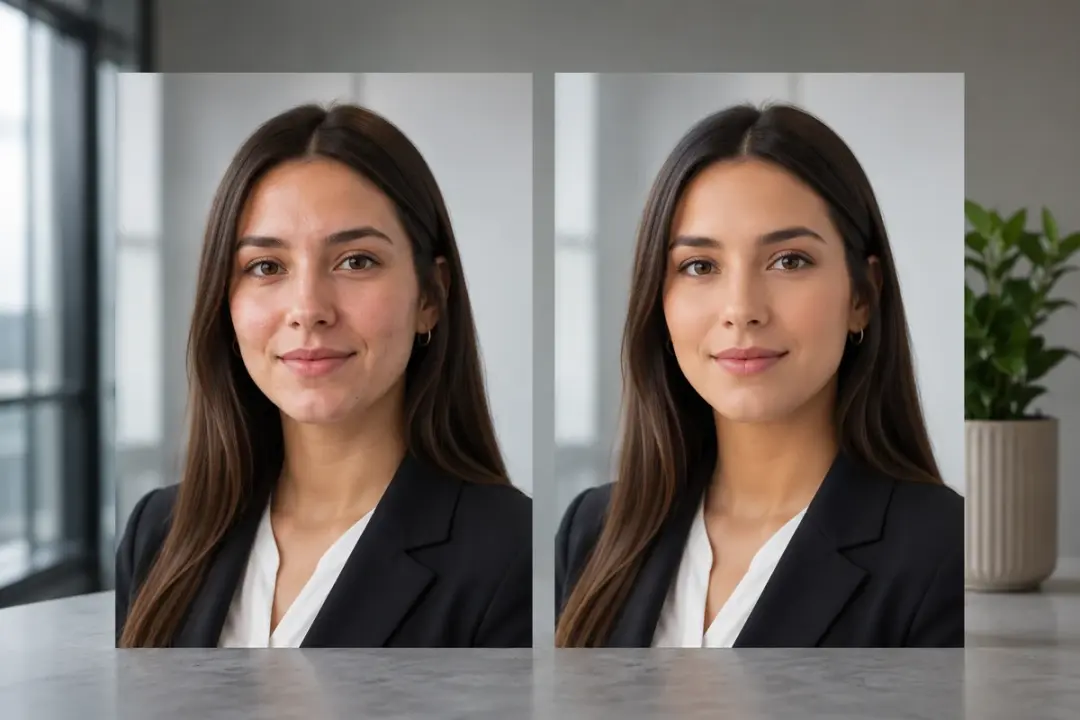
A hiring manager sees your headshot before they read a single line of your resume, and a breakout that shows up on shoot day can pull focus away from your face. Upload the portrait, type remove blemishes, and VideoAI clears the acne and post acne marks while your skin keeps its real texture. You end up with a clean, professional photo that still looks like you on a good day.
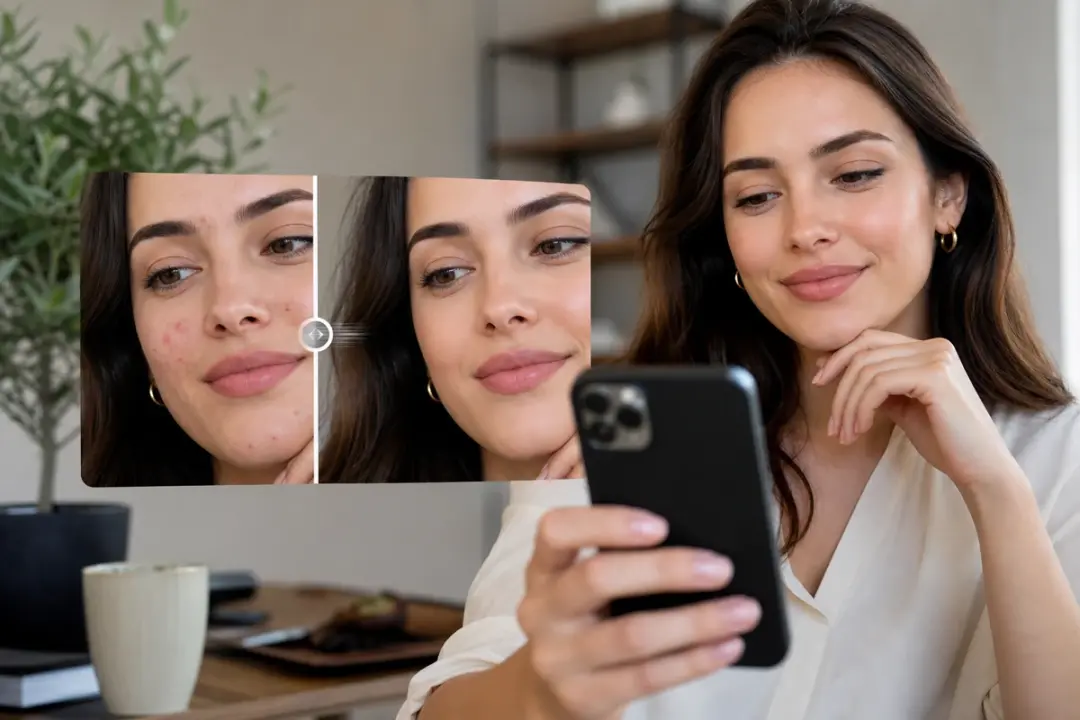
You framed the perfect selfie, then noticed a cluster of spots across one cheek right as you were about to post. Drop the shot in, type remove blemishes, and the acne and dark spots fade so the photo reads clean at a glance. What lands on your feed looks natural and relaxed, with none of the plastic sheen that comes from heavy retouching.
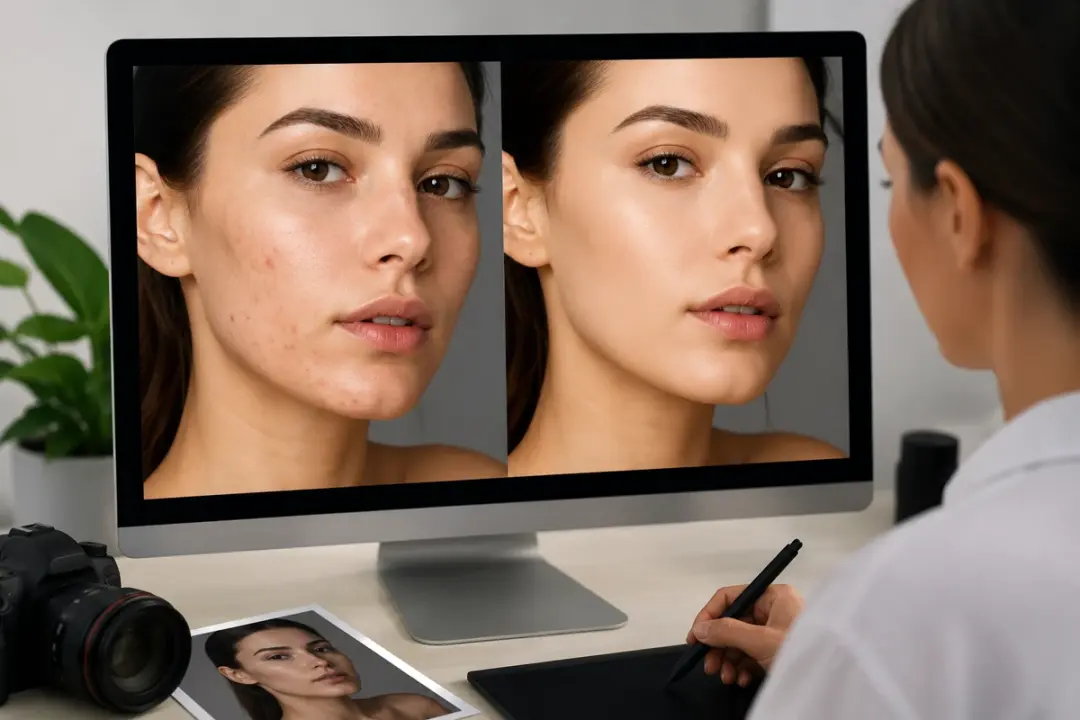
Shooting a beauty or skincare item on a real face works well until a stray spot near the jaw pulls the eye off the product. Upload the model portrait, type remove blemishes, and VideoAI clears the acne and blemishes while the skin still looks like skin. Shoppers stay focused on what you are selling rather than a distraction on the cheek.
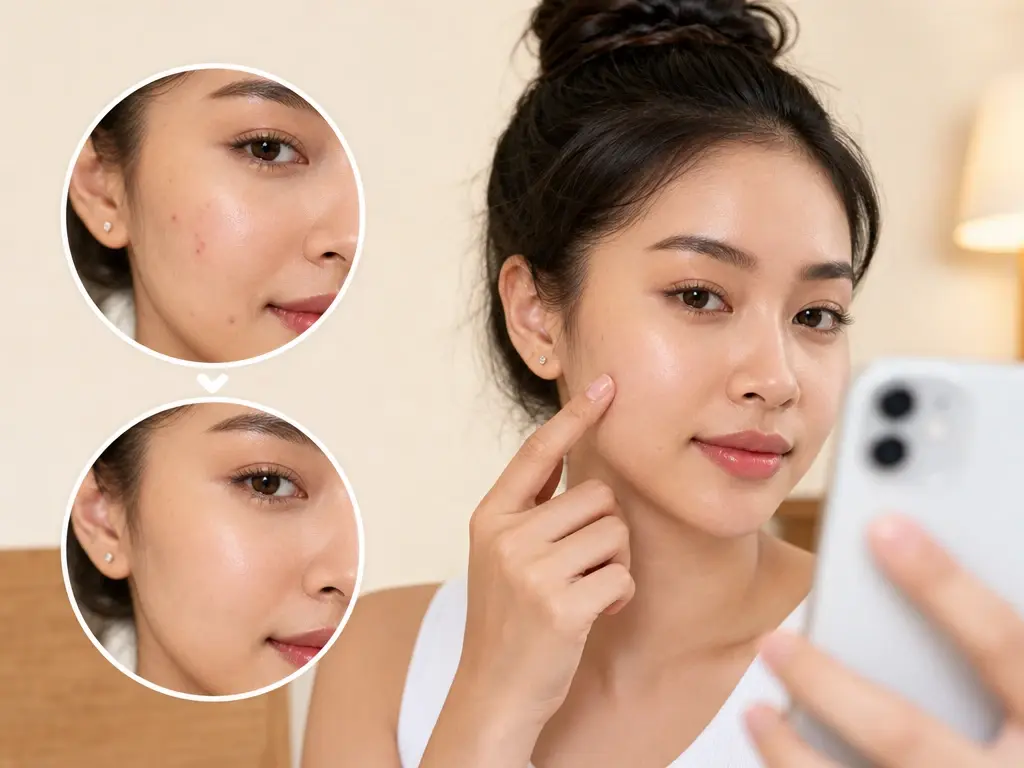
You share close up selfies where a stray pimple stands out. Type remove blemishes and the blemish remover clears it, so your everyday posts look clean without heavy retouching.
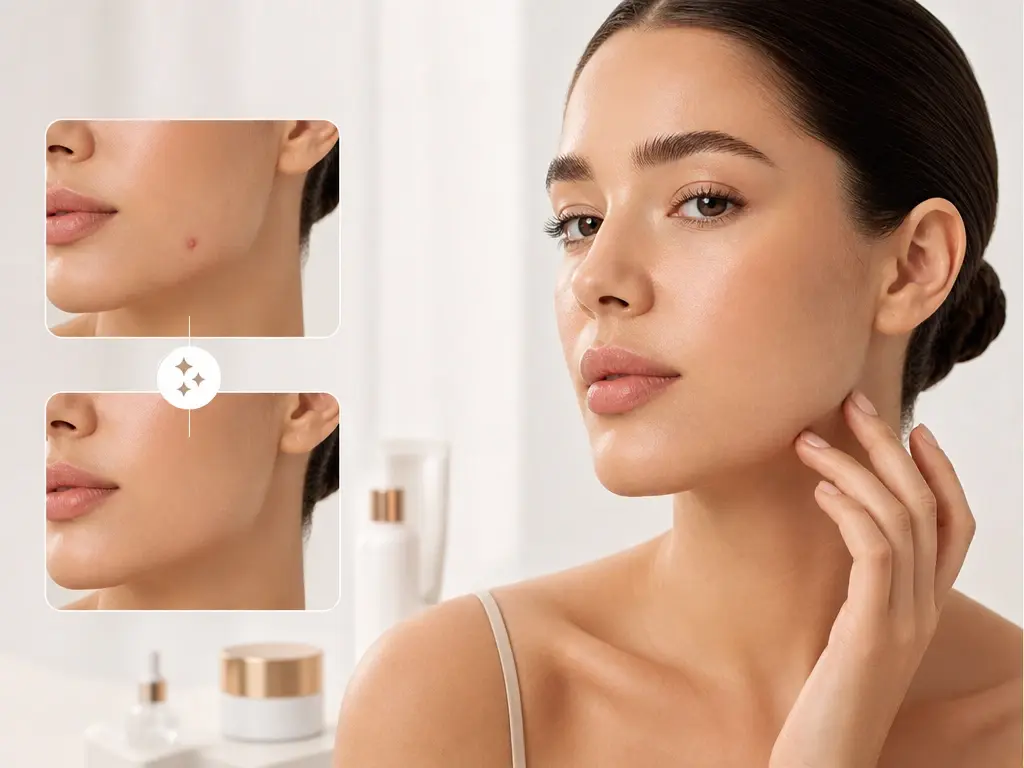
Listing photos of makeup or skincare on a model can show a distracting spot. Clear it with the blemish remover so buyers focus on the product, not a temporary blemish near the jaw.

A consistent feed matters when your face is the brand. Run portraits through the blemish remover before posting, and the look stays steady across every upload.
Explore
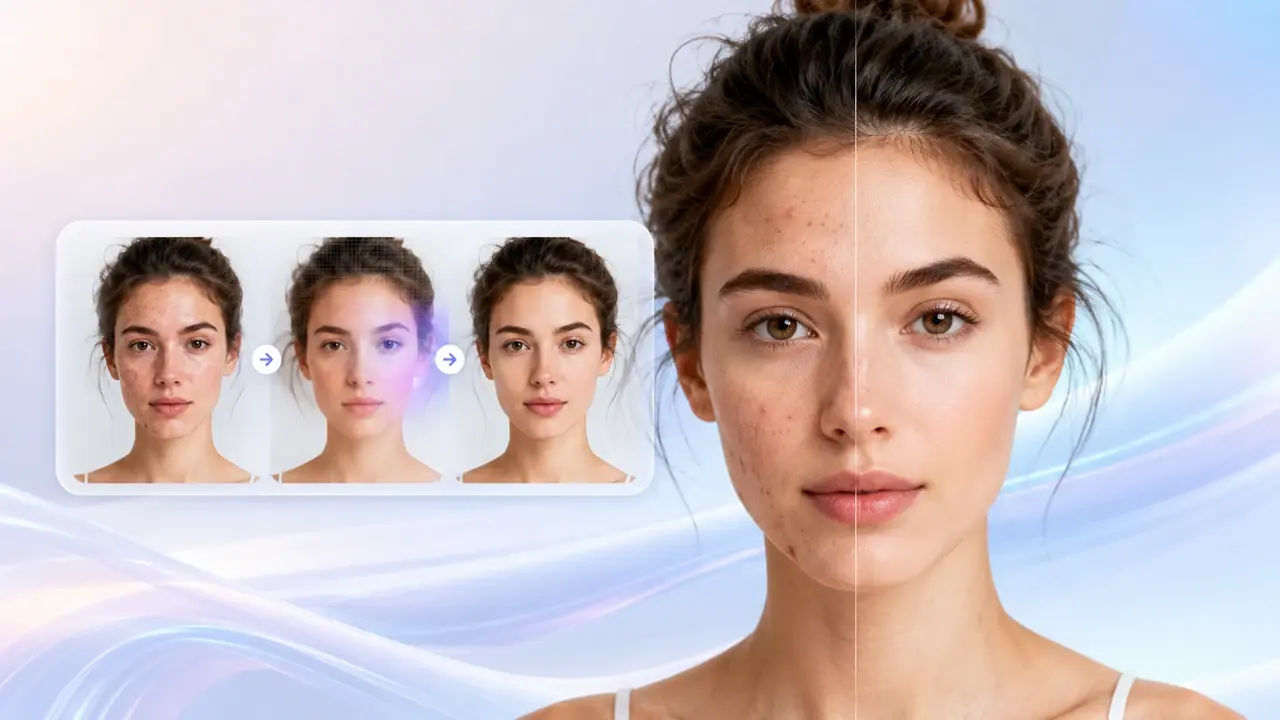
Upload a portrait, type your prompt, and download a cleaner face in a few clicks.
Get Started