

Ai Wallpaper Generator
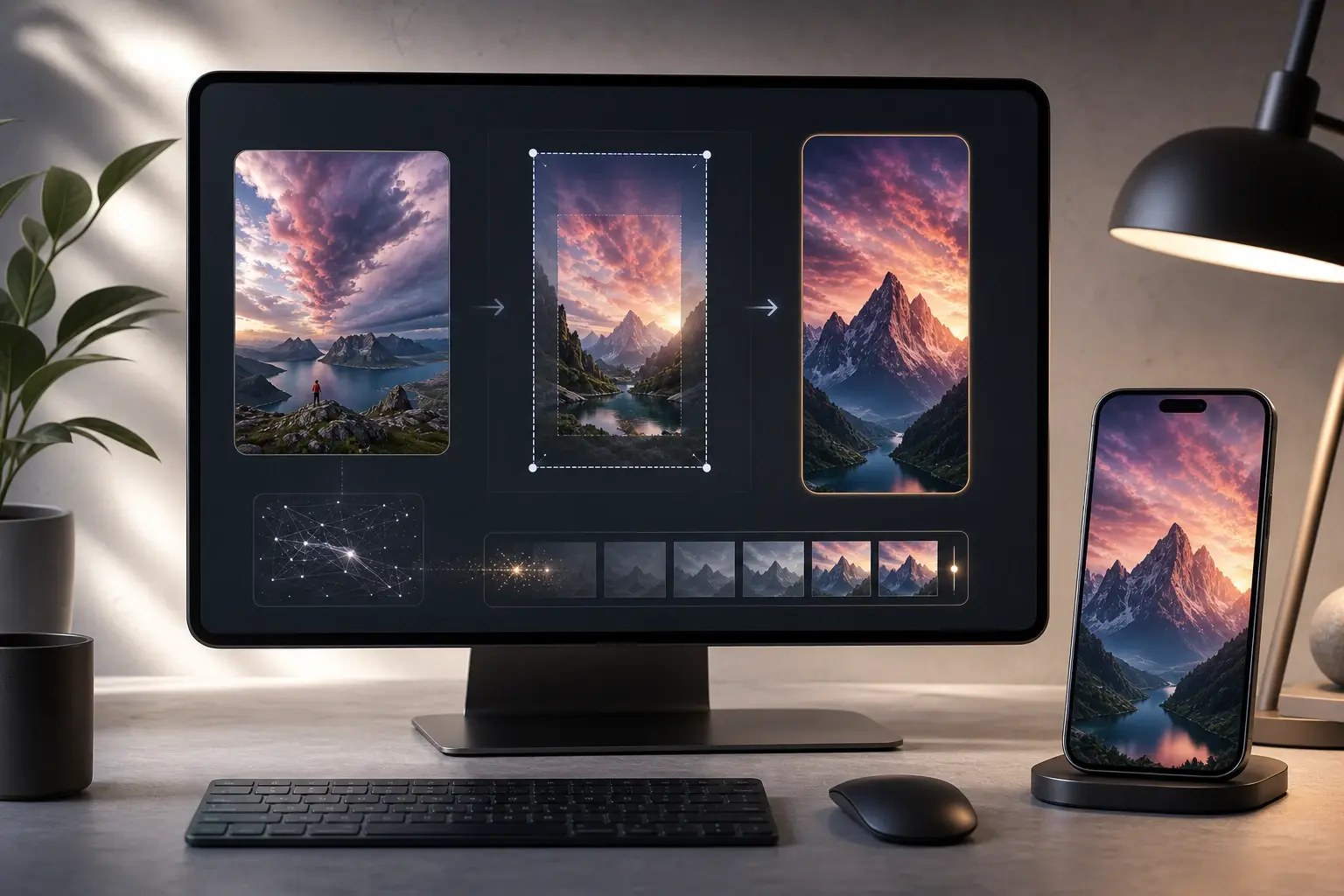
VideoAI gives the ai wallpaper generator a clear workflow: choose a device ratio, set the mood, check the preview, and refine color, pattern, or subject placement. The result is custom wallpaper that feels intentional on a phone, desktop, profile page, or light brand background.
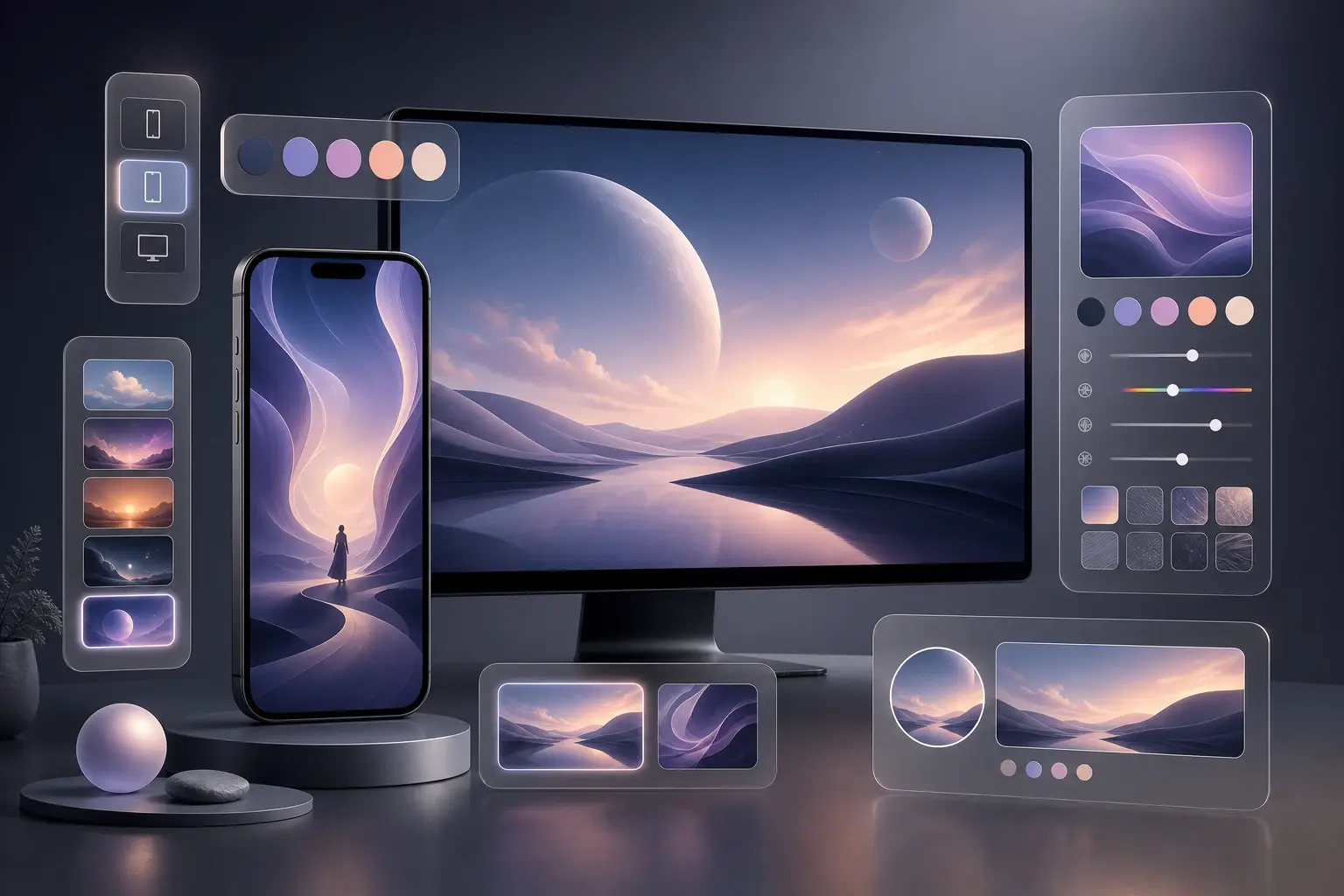
Who uses this wallpaper workflow
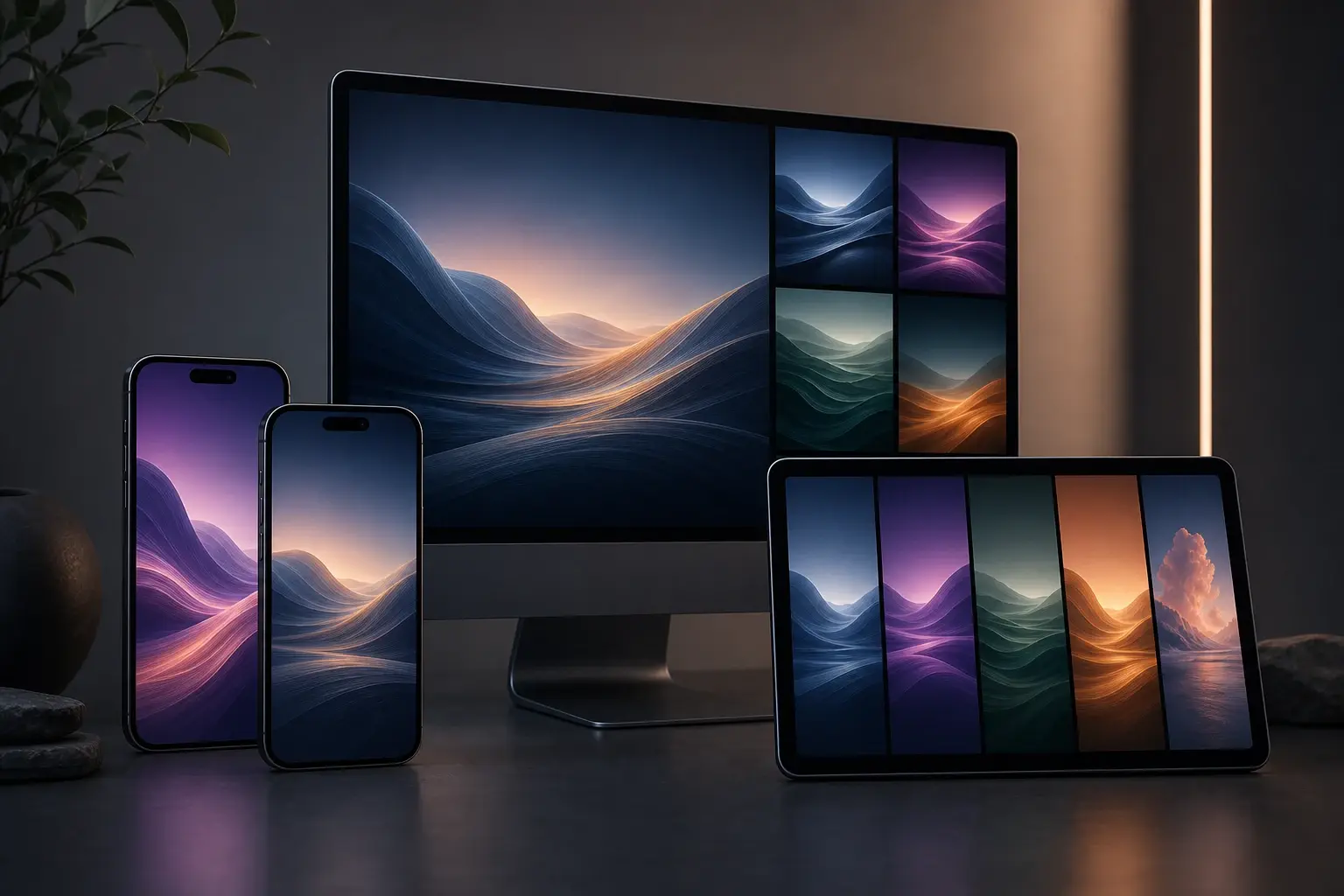
Content Creator
Your channel needs backgrounds that match a recurring scene, color cue, or campaign mood. Use the ai wallpaper generator to create your own wallpaper for phone previews, profile covers, and social backdrops. When a post series has a visual theme, save the prompt structure and adjust one marker each time.
ai wallpaper generator steps
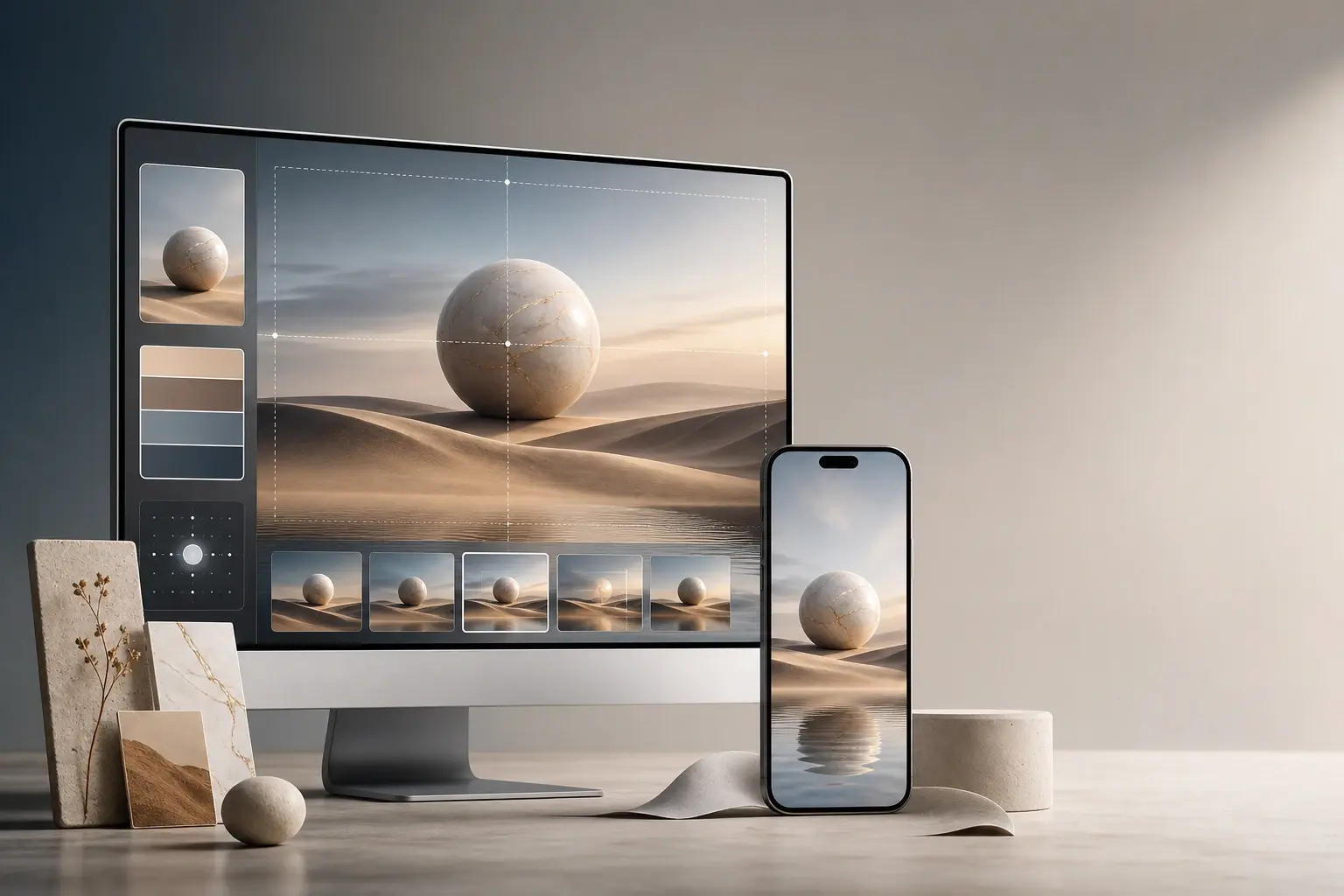
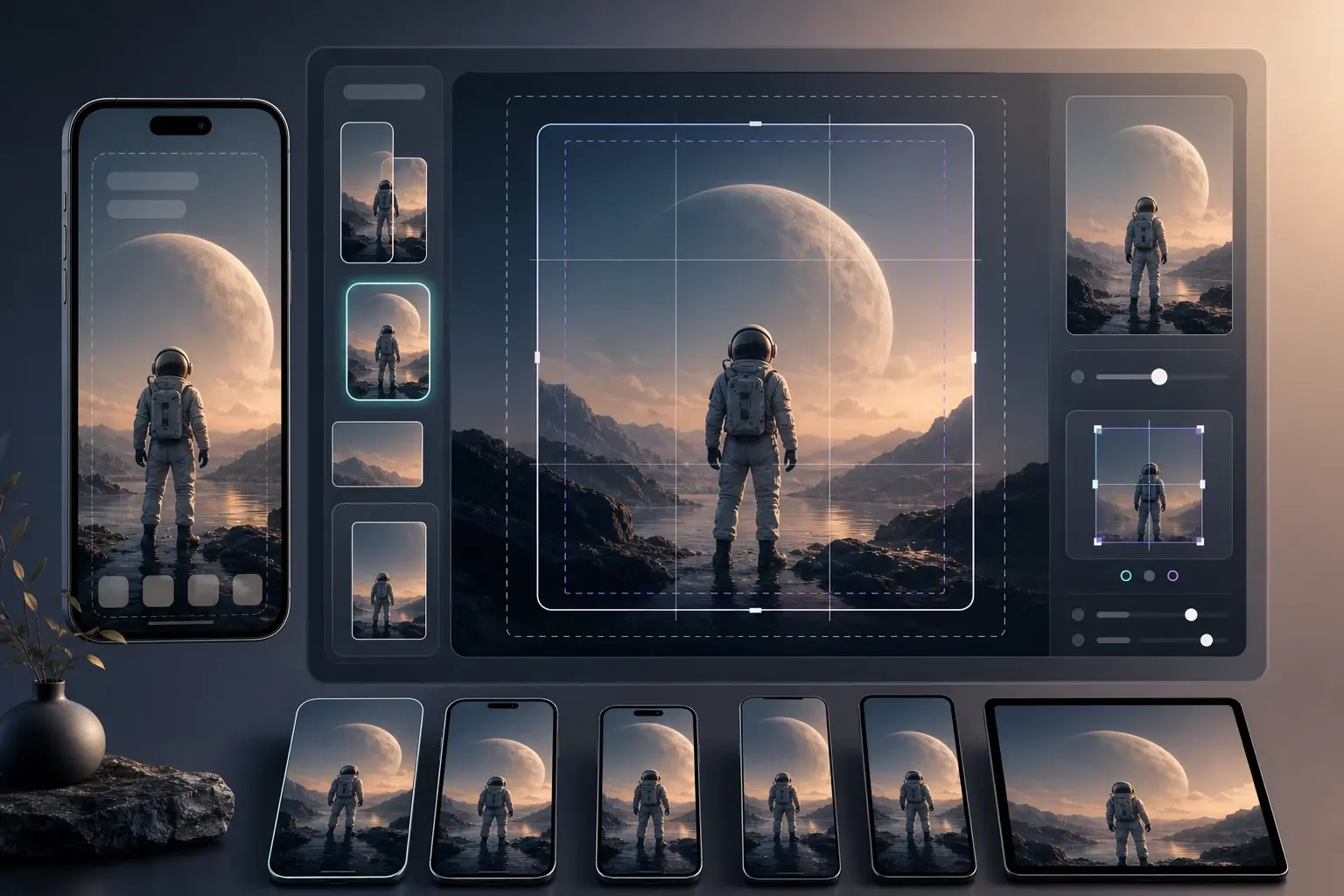
Follow a simple timeline from source to output. Each step keeps the creative choice visible, so the ai wallpaper generator becomes repeatable for later wallpapers.
Choose The Source
Start with a prompt, photo, or reference image. Describe the subject, device, clip length style cue, and visible space for icons. This is where an online wallpaper maker becomes more useful than a preset gallery.
Preview The Ratio
Select phone, desktop, iPhone, or 4K output and review the crop before final generation. The wallpaper visualizer helps you catch crowded edges, awkward subject placement, and colors that fight your widgets.
Refine The Output
Adjust color, pattern, atmosphere, and export settings until the wallpaper fits the screen. Use the ai wallpaper generator again with the same prompt if you want controlled variations instead of a totally new scene.
ai wallpaper generator notes
Creators use VideoAI when they need a background that fits the actual screen, not just a pretty square. These notes show how the workflow handles device ratio, references, and repeatable output.
I used a photo from a product shoot and made a clean lock screen version for our launch week.
Maya Chen
Boutique Founder
The preview step helped me keep the subject away from the iPhone clock area before I exported.
Jordan Miles
Short Form Creator
I needed a softer desktop background for walkthrough recordings, and the first output was easy to tune.
Priya Shah
Tutorial Producer
The same prompt gave me phone and desktop versions, so my client could compare both in one review.
Evan Brooks
Freelance Designer
I tried a wallpaper maker ai prompt from our campaign colors and kept three options for stories.
Nora Patel
Social Media Manager
It felt closer to a wallpaper creator iPhone workflow because I could check the crop before downloading.
Caleb Reed
Mobile Theme Curator
ai wallpaper generator FAQ
Explore
Discover our AI design tools










Explore related tools
Make your own wallpaper with VideoAI
Start with a prompt or photo, preview the device crop, and use the ai wallpaper generator to refine one output until it fits.
Get Started