

AI Illustration Generator
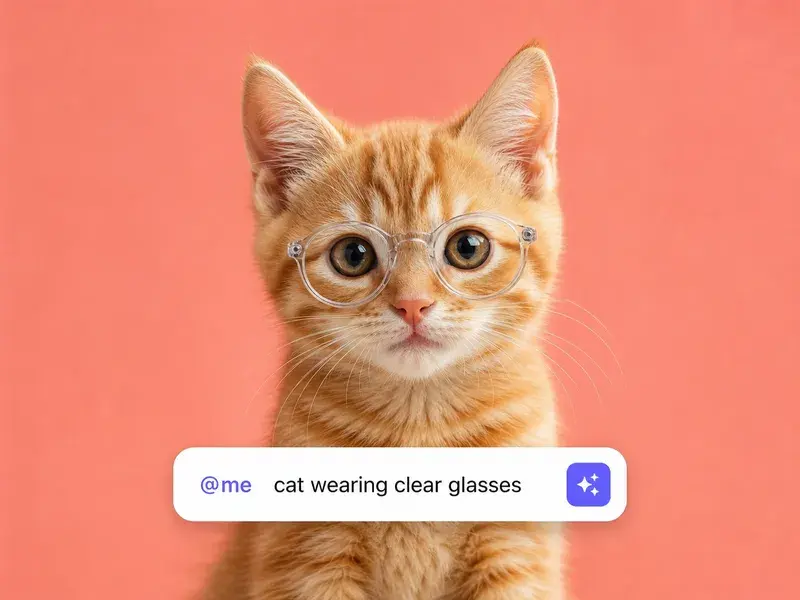
Describe the picture you want, choose an illustration style, and VideoAI turns your prompt into flat, anime, or watercolor art you can refine or carry into a video.
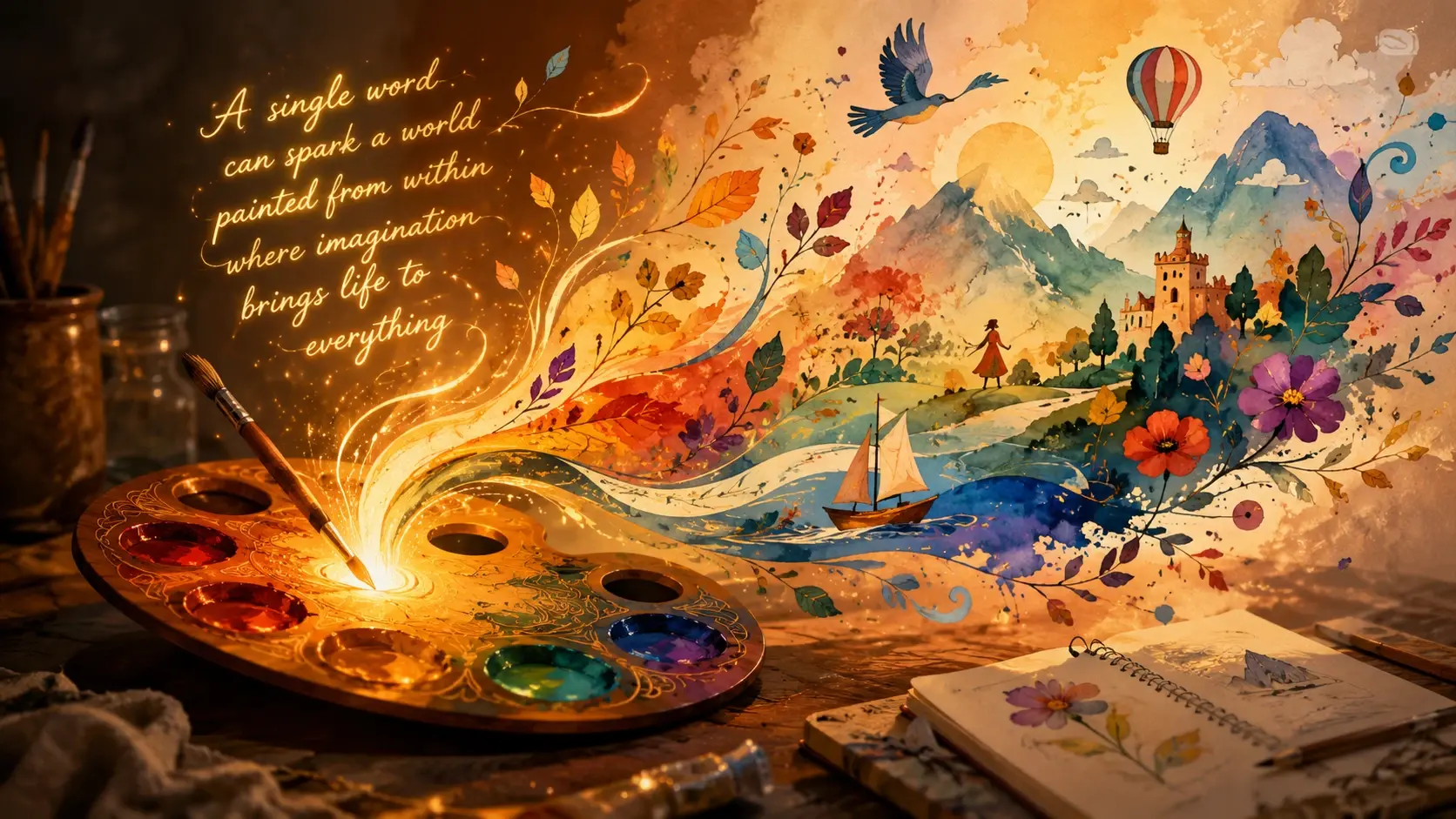
Made for Creators, Designers, and Marketers
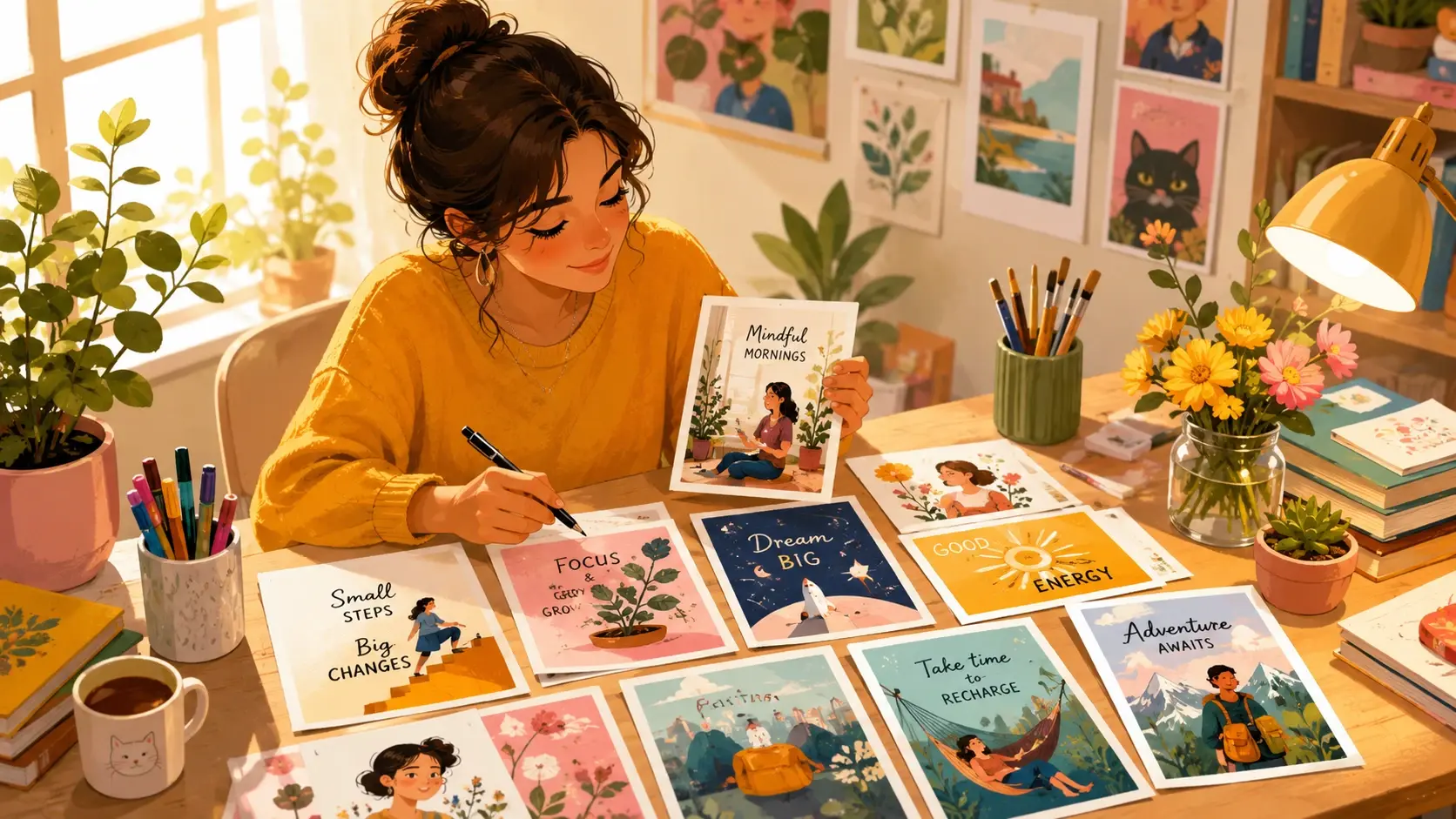
Content Creators
Content creators use the AI illustration generator to produce unique visuals for blogs, social posts, and video thumbnails without hiring an illustrator. Turn any concept into polished art that matches your brand style in seconds.
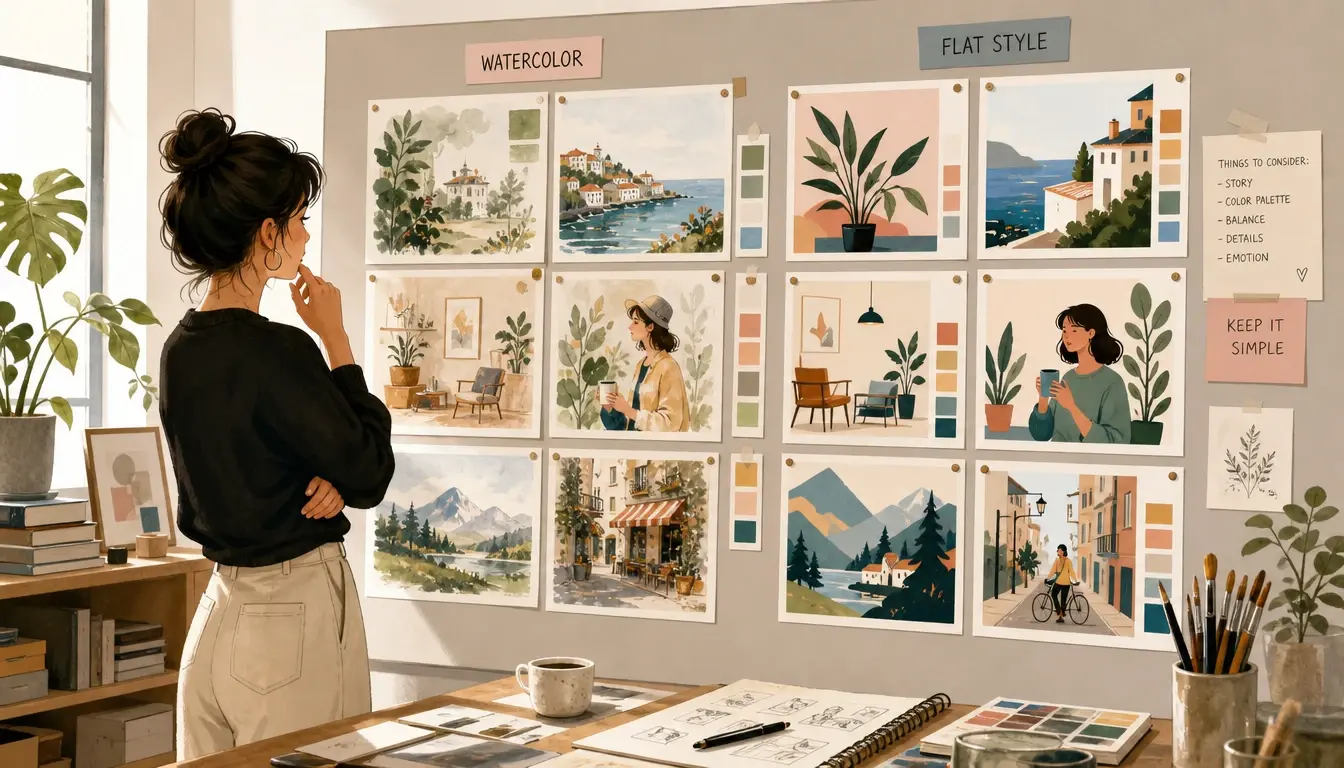
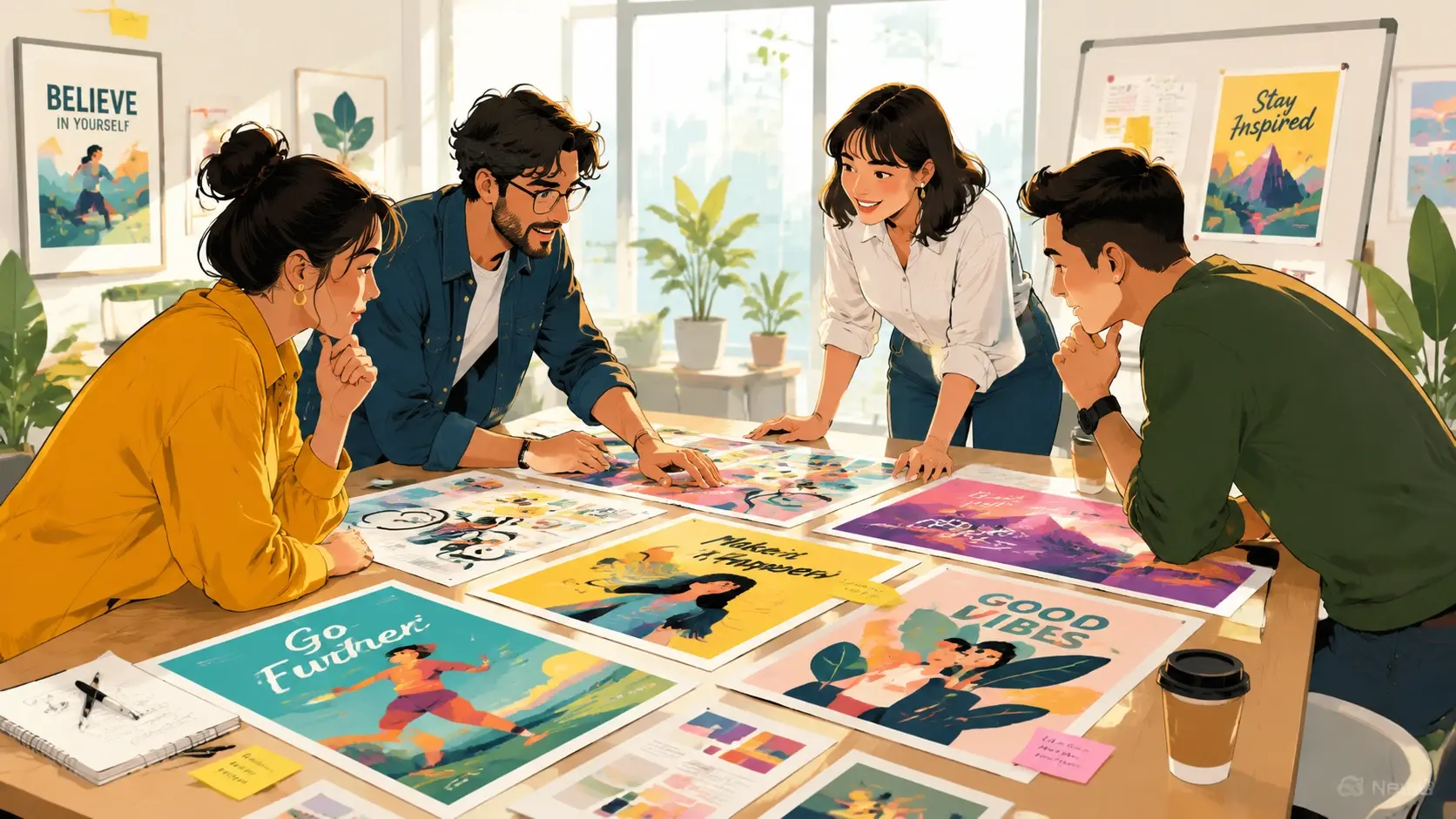
Go From Prompt to Finished Illustration
Three steps take you from a written idea to a downloadable illustration you can use anywhere.
Describe Your Illustration
Write a prompt that covers the subject, art style, color palette, and mood. Mention whether you want watercolor, flat vector, anime, or another illustration style. Add a reference image if you have one.
Generate and Preview
Press Generate and the AI illustration generator renders your artwork. Review the result, and if the composition or style needs adjustment, refine your prompt and generate again until it matches your vision.
Download or Animate
Save the finished illustration as a high-resolution image, or carry it into VideoAI's animation tools to bring the artwork to life with motion and effects.
What Our AI Illustration Generator Delivers
From watercolor landscapes to flat vector icons, every feature is designed to give you production-ready illustrations from a single prompt.
Multiple Illustration Styles
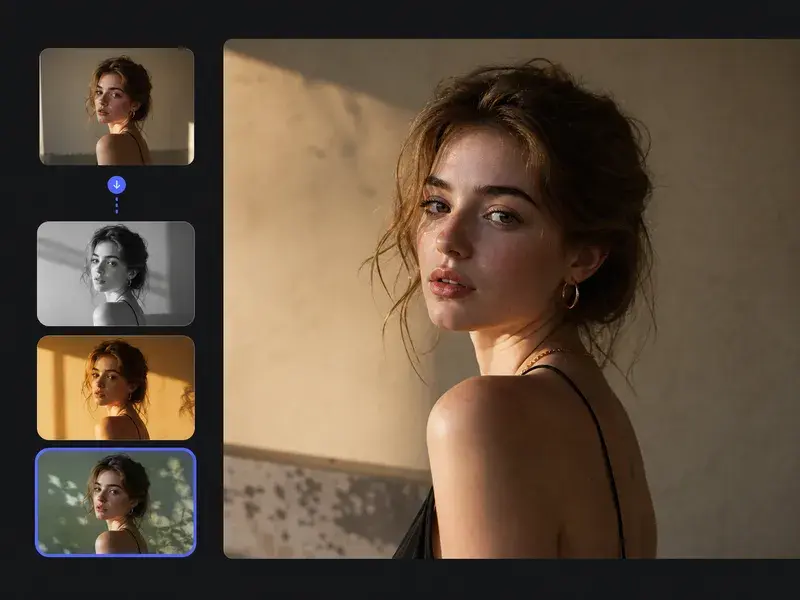
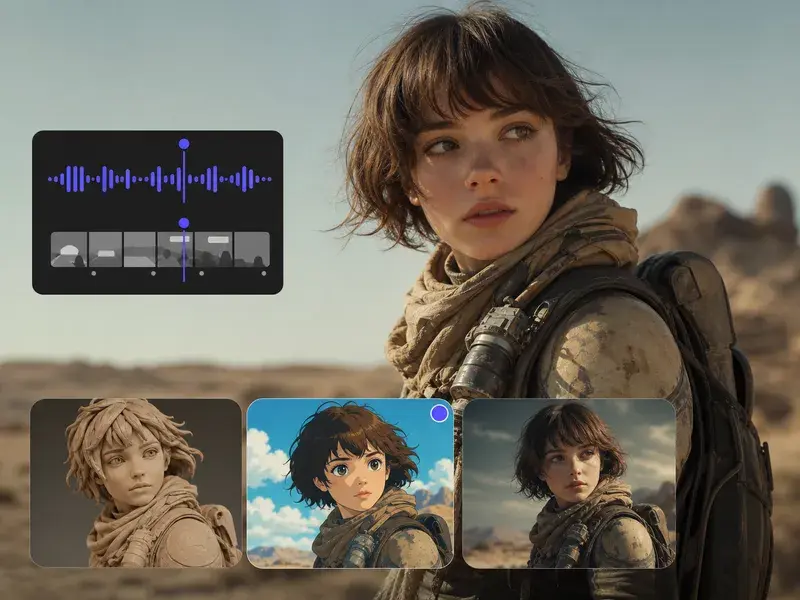
Choose from watercolor, flat vector, anime, ink sketch, children's book, and more. The AI adapts its rendering technique to match the style you specify, producing art that looks hand-crafted.
Reference Image Guidance
Upload an existing illustration or photo as a style reference, and the AI uses it to guide color palette, composition, and artistic approach. Perfect for maintaining visual consistency across a series.
Aspect Ratio Control
Generate illustrations in any aspect ratio, from square social posts to wide banner formats and tall story frames. The composition adjusts automatically to fill the chosen dimensions.
High-Resolution Export
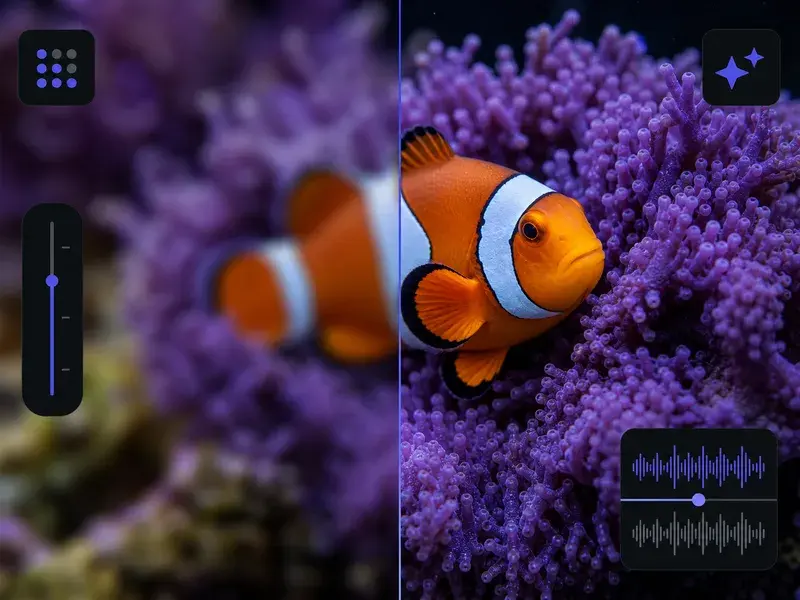
Download your illustrations at up to 4K resolution, ready for print, large-format displays, or detailed digital use. Every export maintains the sharpness and detail of the original generation.
Where the AI Illustration Generator Fits
From editorial artwork to product packaging, the AI illustration generator handles any project that needs custom visuals on a tight timeline.
Blog and Article Headers
Generate unique header illustrations for every blog post instead of relying on stock photos. Match the art style to your brand and make each article visually distinct.
Children's Book Art
Create consistent character illustrations across pages and scenes for children's books. Maintain the same art style and character appearance throughout the entire story.
Presentation Visuals
Replace generic clip art with custom illustrations that reinforce your message. Generate diagrams, concept art, and decorative elements that match your slide deck's theme.
Product and Packaging Design
Prototype packaging illustrations and product label art before committing to a final design. Test different styles and compositions quickly to find the right visual direction.
AI Illustration Generator Questions
Explore
Discover our AI design tools
Explore related tools
Start Your First Illustration Today
Describe the artwork you want, choose a style, and let VideoAI generate a finished illustration you can download or animate.
Get Started