

AI Image Generator From Text
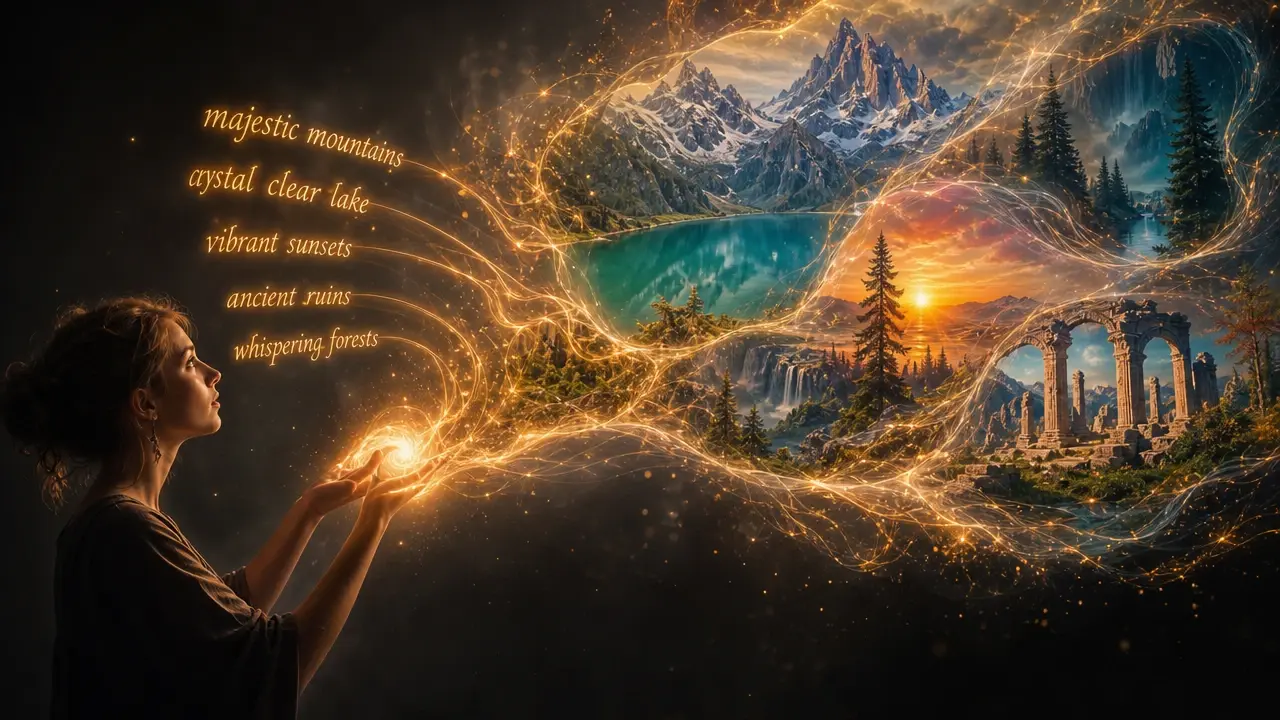
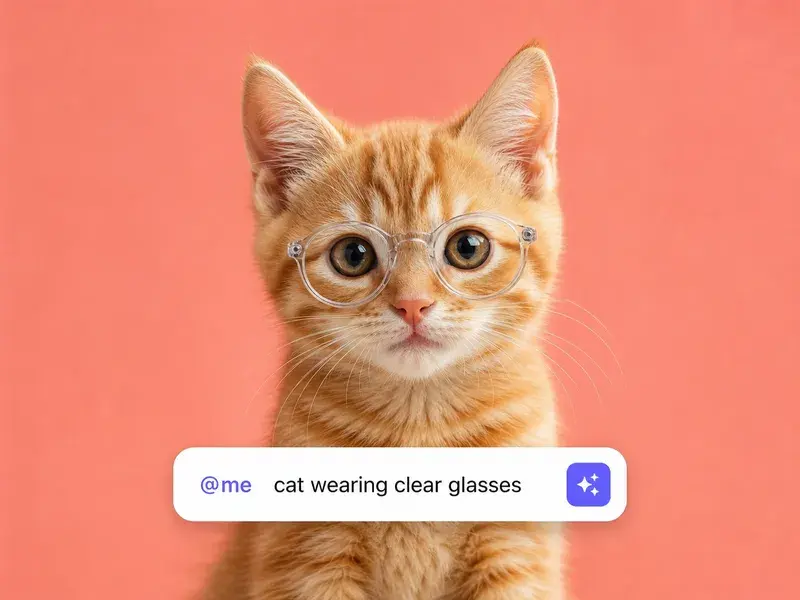
Describe the picture you want in plain words, pick a style and aspect ratio, and VideoAI renders a brand new image up to 4K with no reference photo needed.
Made For Creators And Marketers
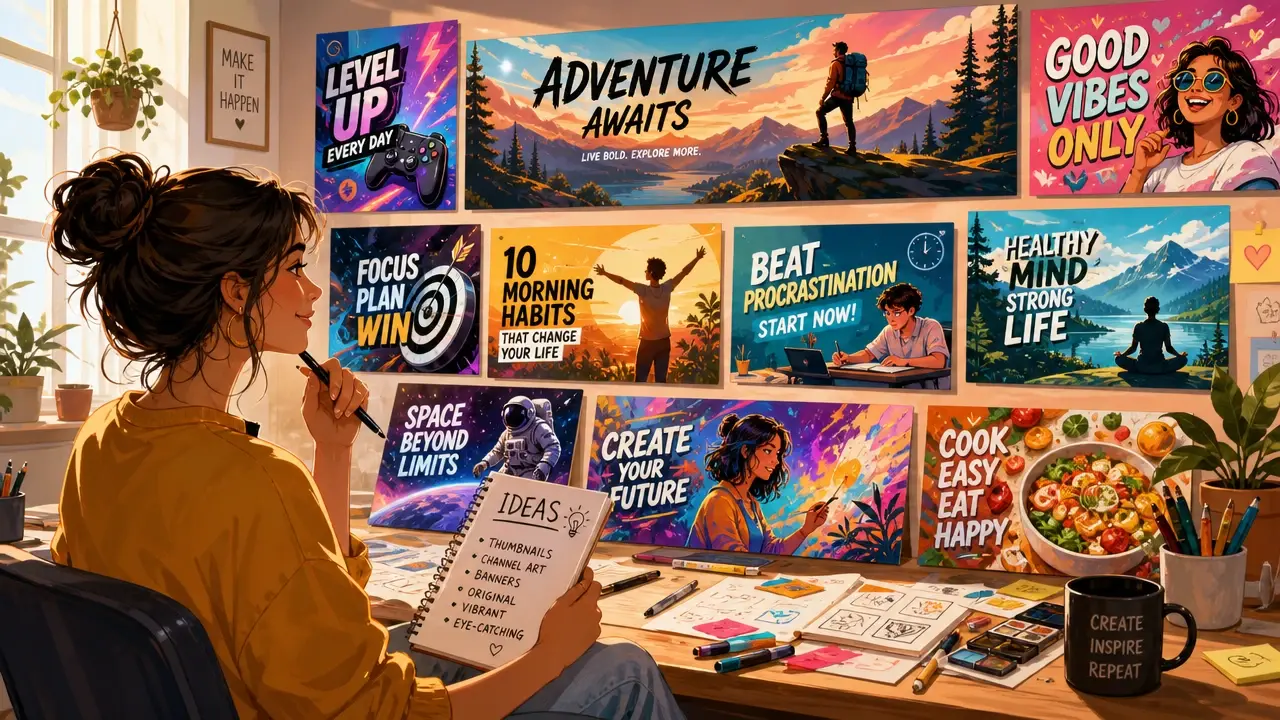
Content Creators
Content creators use the AI image generator from text to produce original visuals for blogs, social media, and video thumbnails. Write a prompt, generate the image, and publish without searching stock libraries or waiting for a designer.
How the AI Image Generator From Text Works
Three steps take you from a written idea to a finished image ready for download or further editing.
Write Your Prompt
Describe the image you want in plain language. Include the subject, art style, lighting, color palette, and mood. The more specific your description, the closer the result matches your vision.
Generate and Review
Press Generate and the AI renders your image from the text description. Preview the result, and if the composition or style needs adjustment, refine your prompt and generate again.
Download Your Image
Save the finished image at up to 4K resolution. Choose the file format and aspect ratio that fits your project, whether it's a social post, print asset, or presentation slide.
What the AI Image Generator From Text Offers
Every feature is built to turn written descriptions into polished visuals you can use immediately, no design skills required.
Natural Language Prompts
Write your image description in everyday language. The AI understands complex scenes, artistic styles, lighting conditions, and emotional tones, turning your words into a matching visual.
Style and Aspect Ratio Control
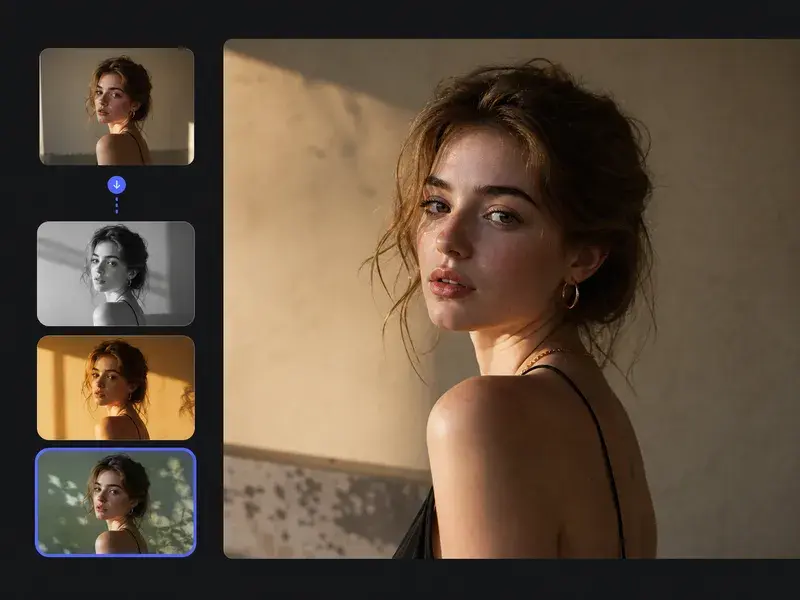
Choose from photorealistic, illustration, anime, oil painting, and dozens of other styles. Set the aspect ratio to match your target platform, from square social posts to ultrawide banners.
Optional Reference Image
Add a reference photo to guide the AI's composition, color palette, or subject placement. The text prompt still drives the creative direction while the reference anchors the visual structure.
Up to 4K Resolution
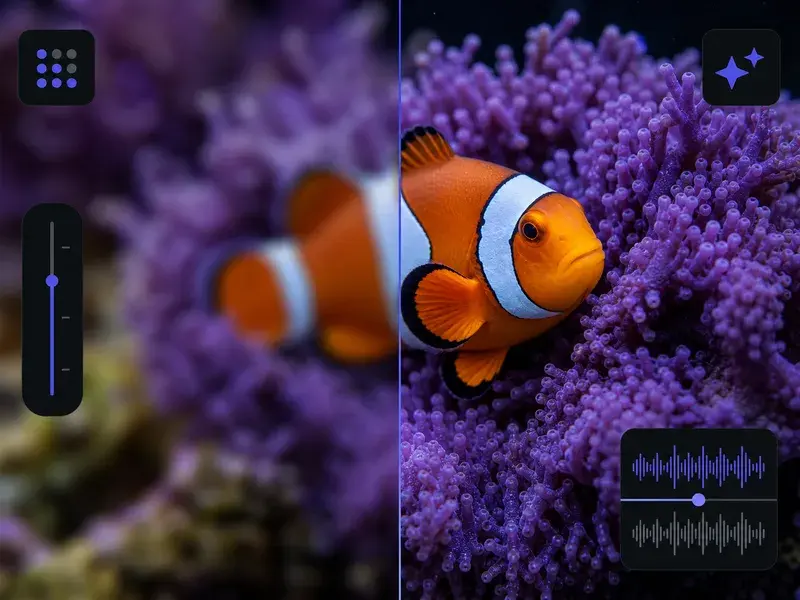
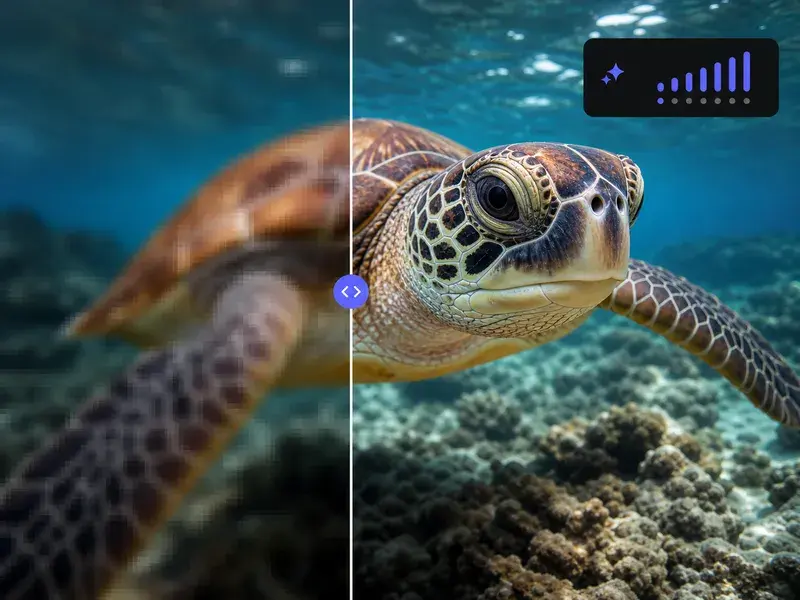
Export images at resolutions up to 4K for print, large displays, or detailed digital use. Every generation maintains crisp detail and clean edges at full resolution.
Where the AI Image Generator From Text Fits
From quick social posts to detailed concept art, the text to image generator adapts to any project that starts with a written idea.
Social Media Content
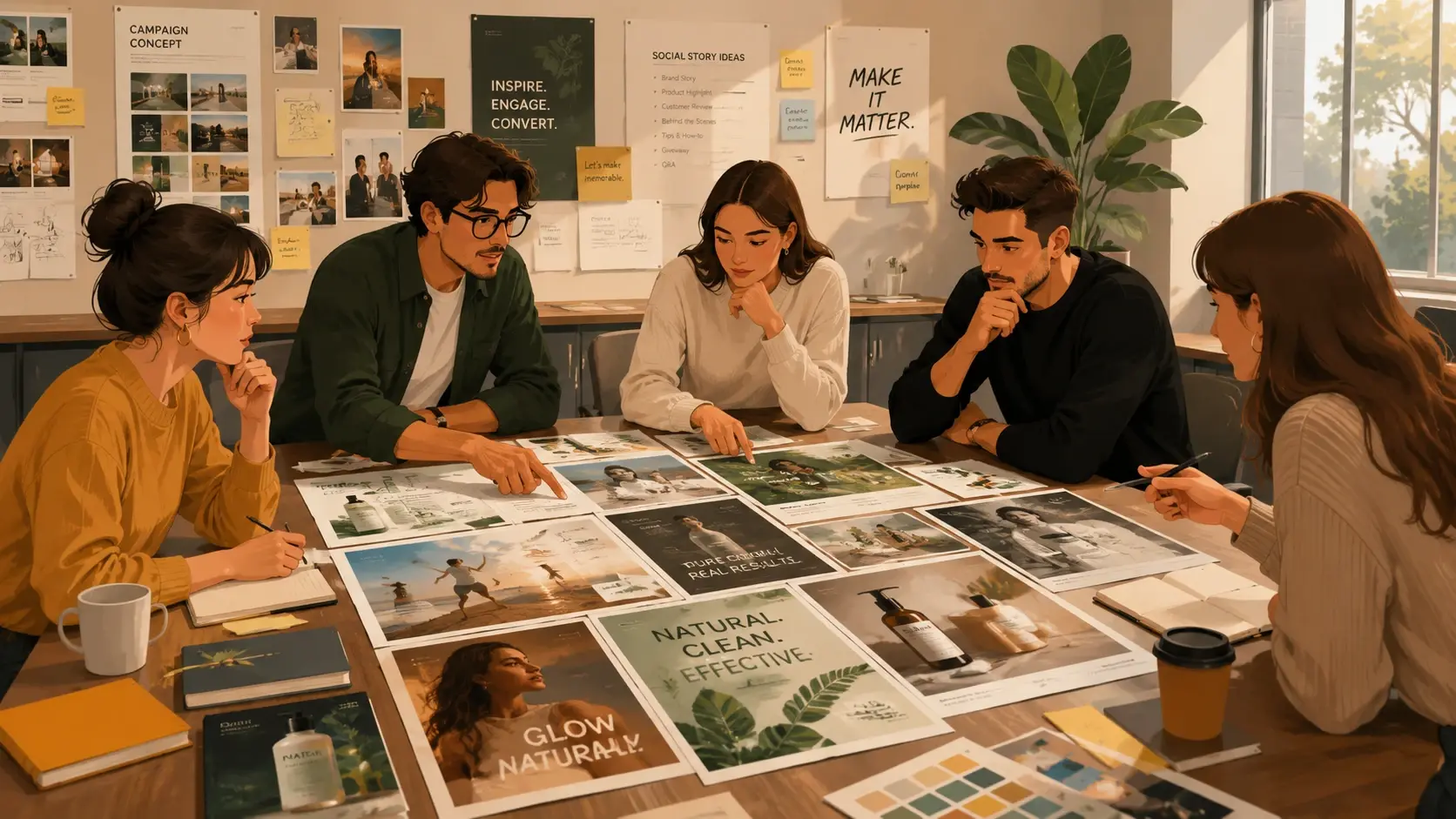
Generate unique visuals for every post instead of recycling stock photos. Describe the mood, subject, and style, and get an original image that matches your brand voice.
Ad and Campaign Creatives
Produce multiple ad variations from a single brief. Test different visual approaches, color schemes, and compositions to find the highest-performing creative.
Blog and Article Illustrations
Create custom header images and inline illustrations for every article. Match the visual tone to the written content without searching through stock libraries.
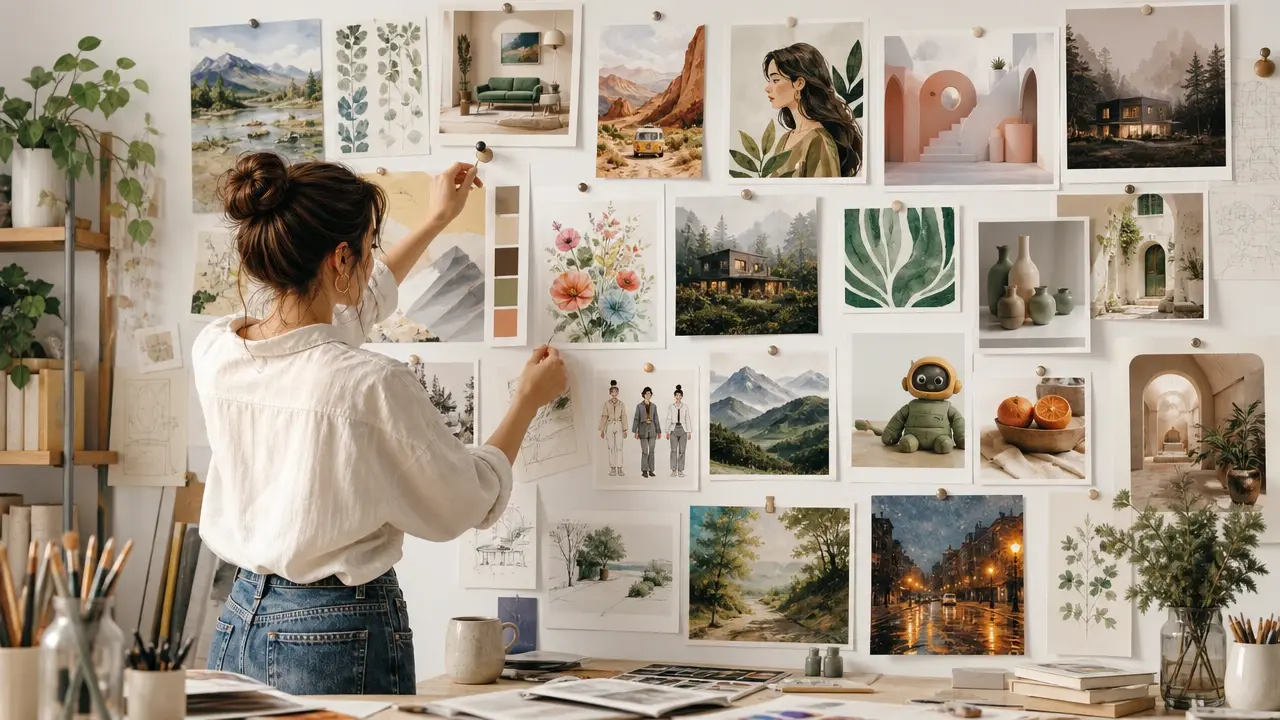
Concept Art and Mood Boards
Explore visual directions for creative projects by generating concept art from text descriptions. Build mood boards faster by producing exactly the images you envision.
AI Image Generator From Text Questions
Explore
Discover our AI design tools
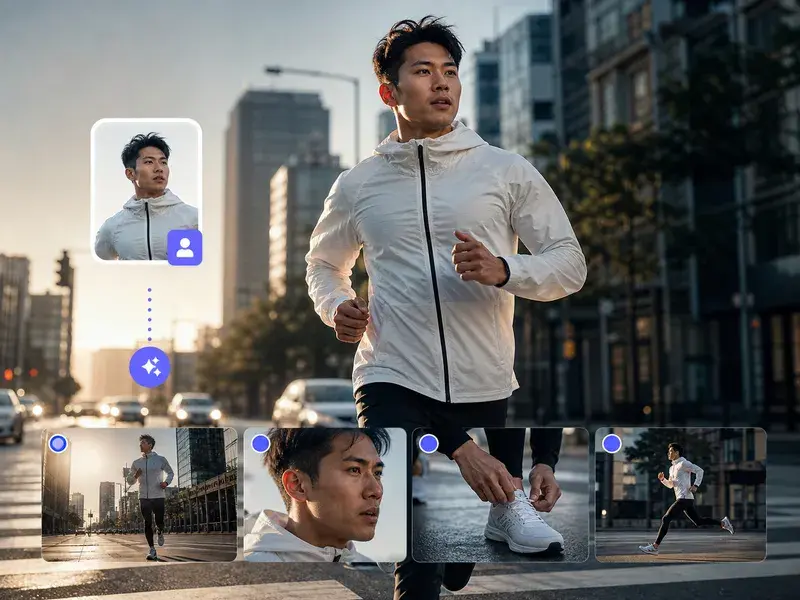
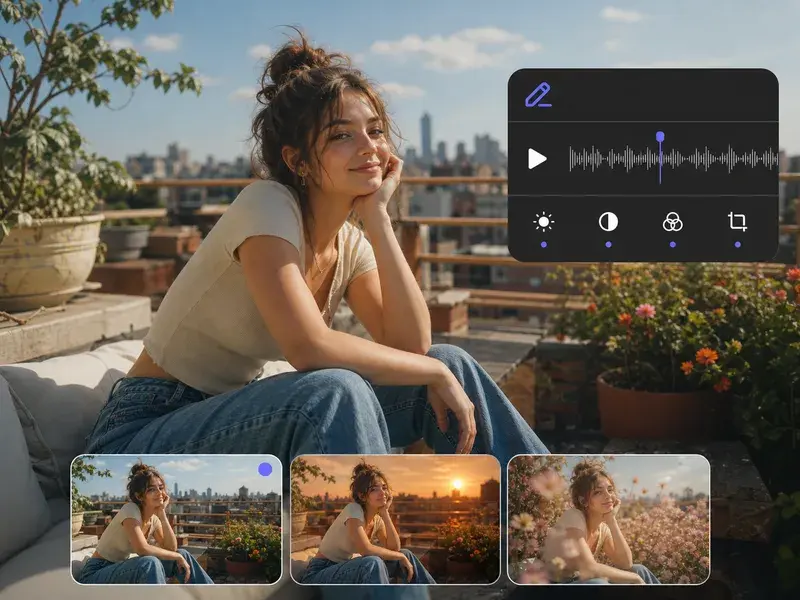
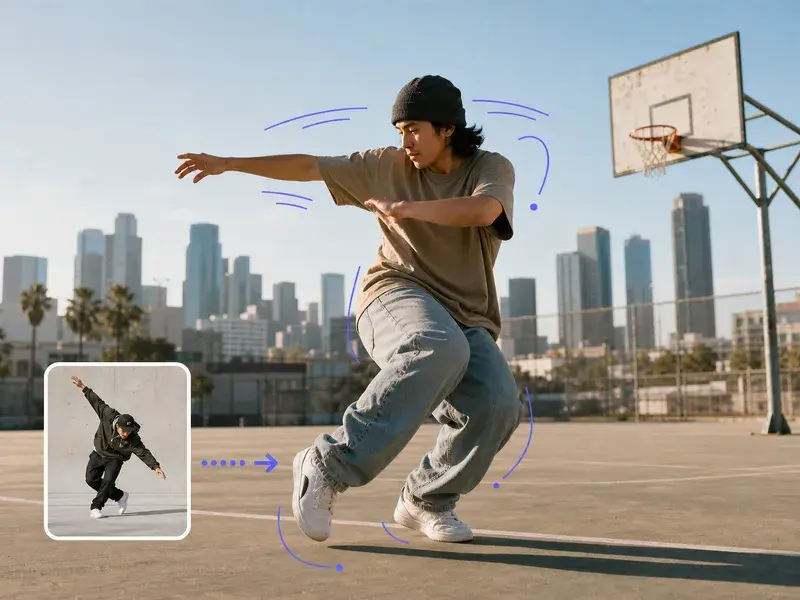
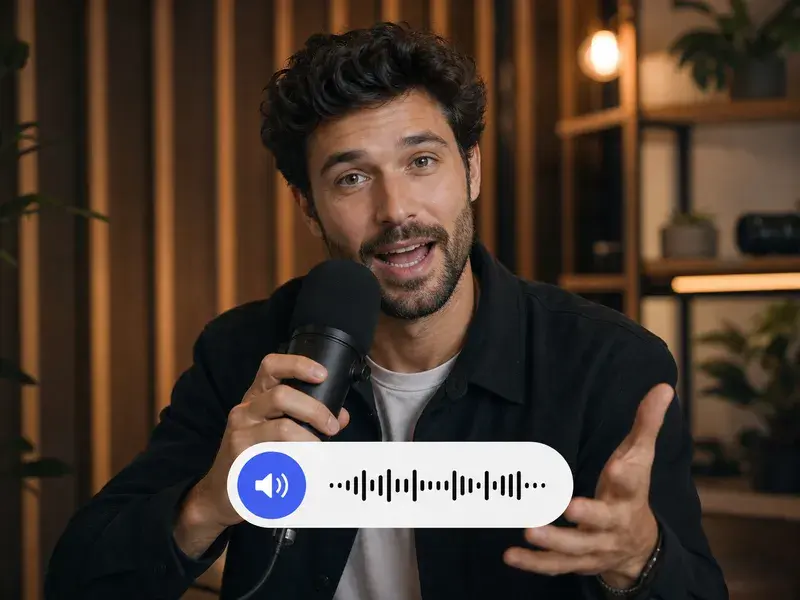
Explore related tools
Write A Prompt, Get Your Image
Describe what you want in plain words, pick a style and size, and let VideoAI turn your text into a finished image.
Get Started