

Ai Cartoon Image Generator
VideoAI gives each prompt or source photo a simple cartoon workflow: choose a style, review the preview, then adjust the output. When your source photo has clear edges, VideoAI keeps the cartoon output cleaner.
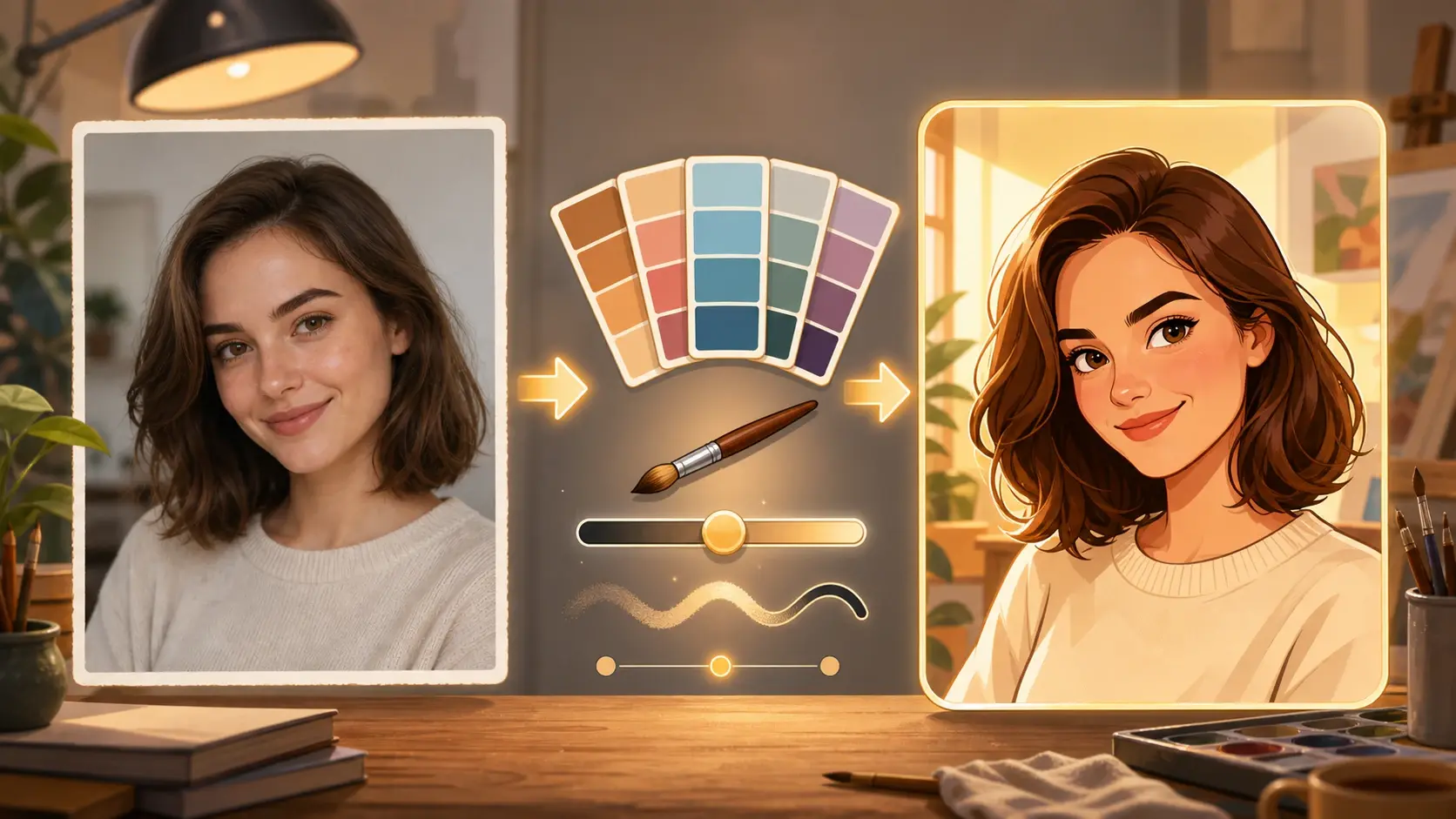
ai cartoon image generator workflow
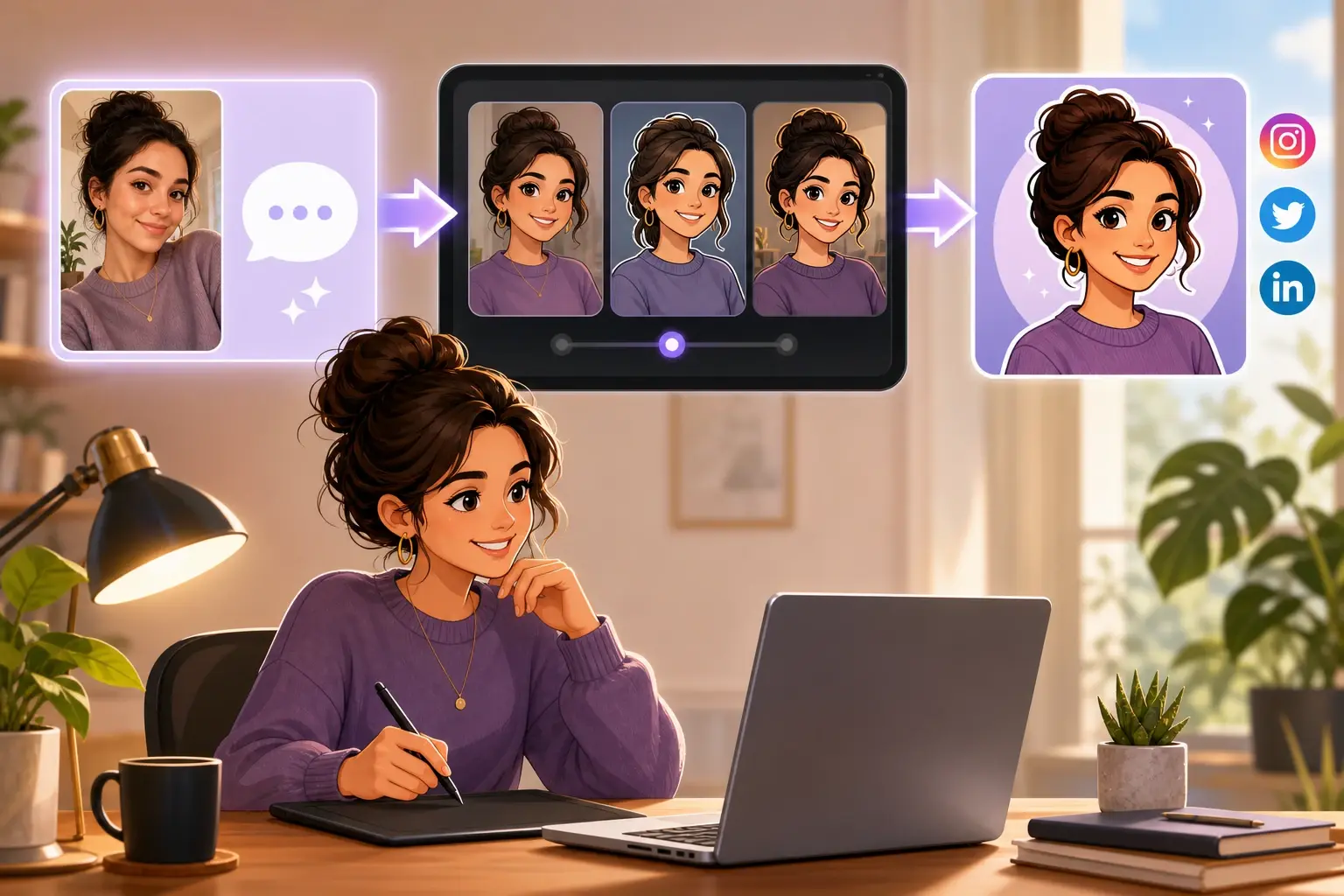
Short Form Creator
Your profile image, cover frame, or reaction asset needs a consistent cartoon image generator workflow. Start with a selfie or prompt, review the preview, and export the clean image for social.
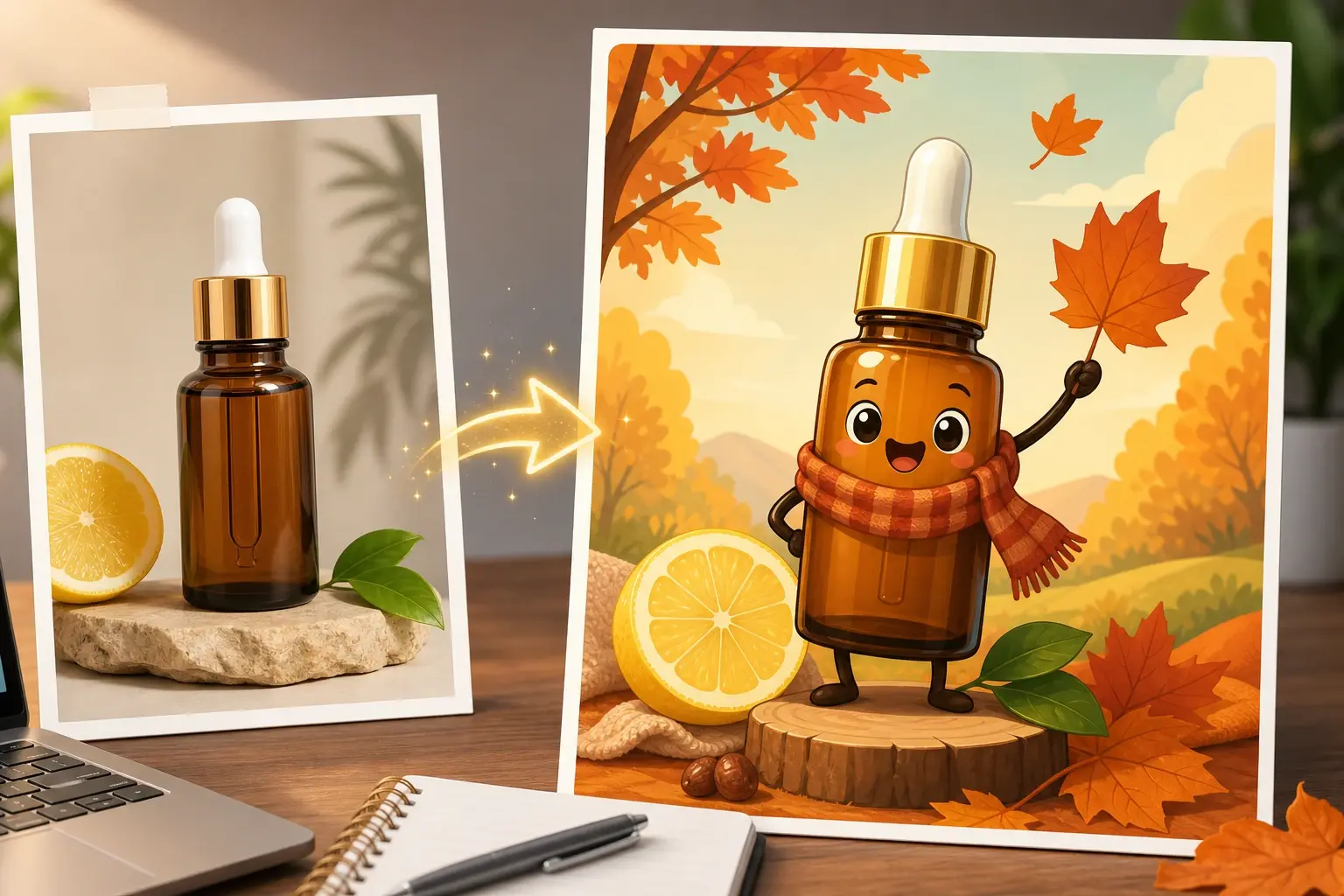
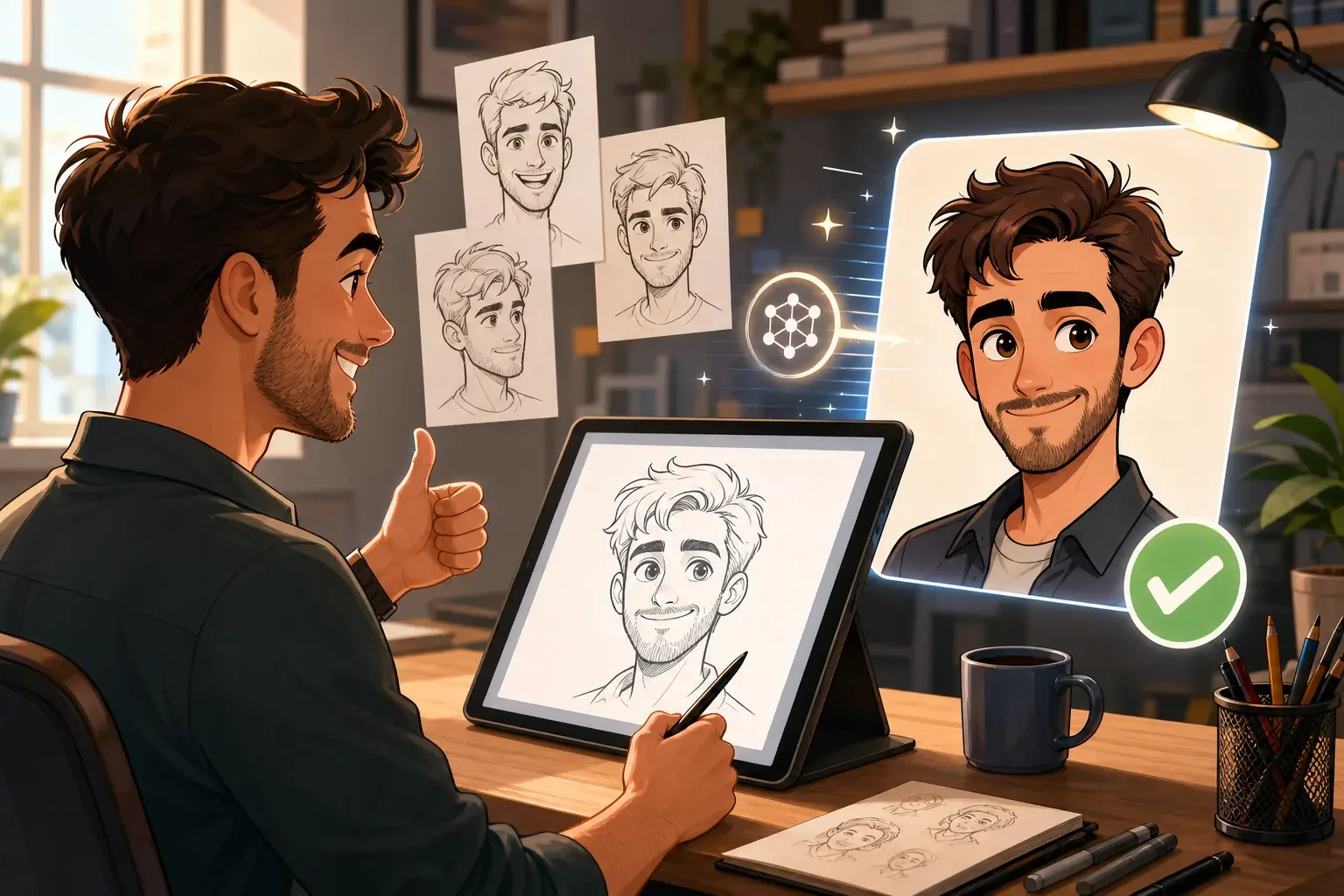
ai cartoon image generator controls
VideoAI keeps the ai cartoon image generator workflow practical: start from text or an image, compare previews, then refine the selected output.
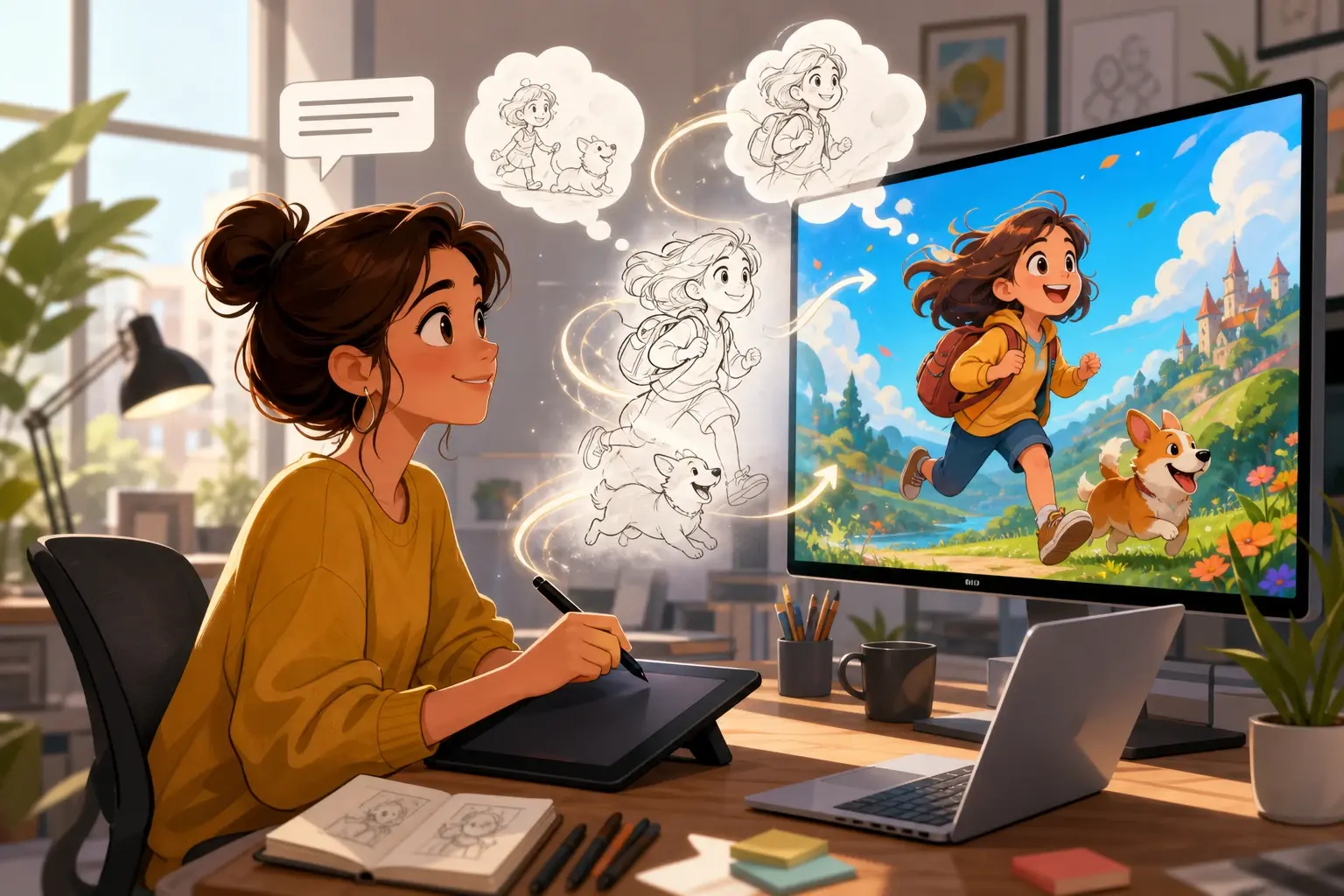
Text Prompt Start
The ai cartoon generator from text turns a short scene prompt into a cartoon draft with clear subject placement. Use text to cartoon ai prompts for mood, outfit, and setting. If the prompt is vague, VideoAI may produce a broad style first.
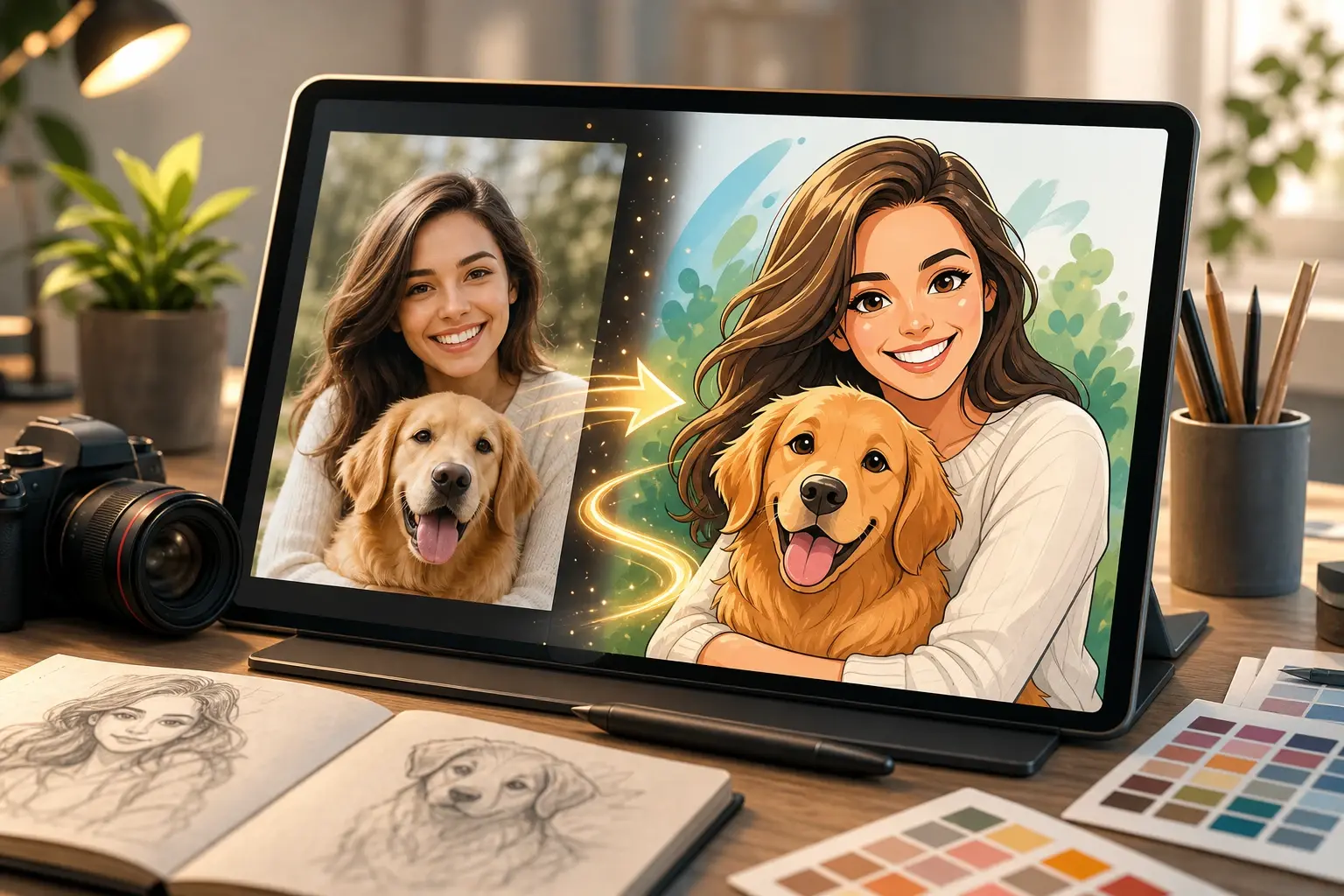
Photo Reference Start
The photo to cartoon generator reads a portrait, pet, or product image and builds a stylized version. Use the ai cartoon generator from photo when the reference matters more than a new prompt. Low resolution photos can soften facial lines.
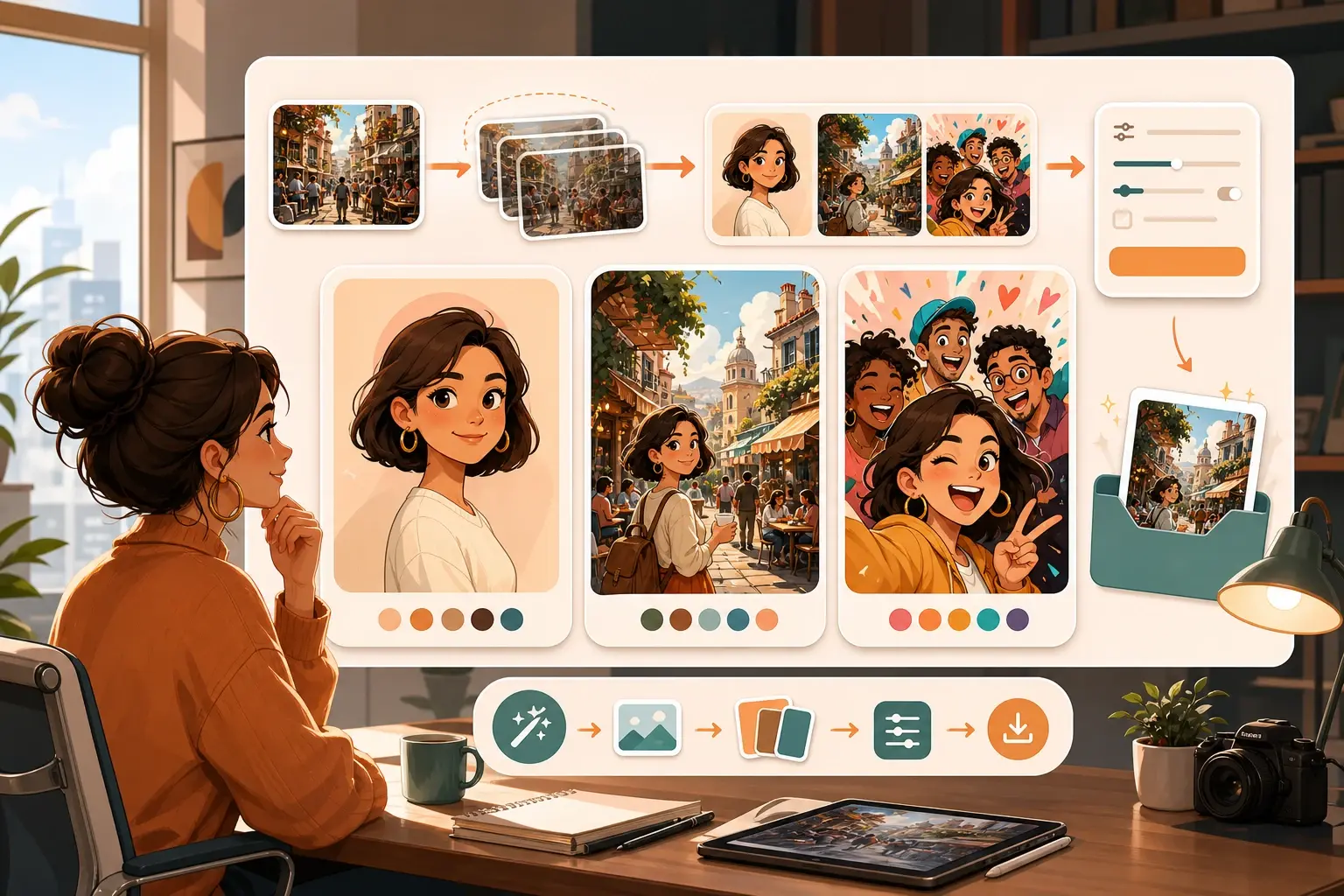
Preview Style Pass
The ai cartoon image generator shows style options before you commit to export settings. Compare a clean avatar, an illustrated scene, and a playful social version. Very busy references may need one extra preview pass.
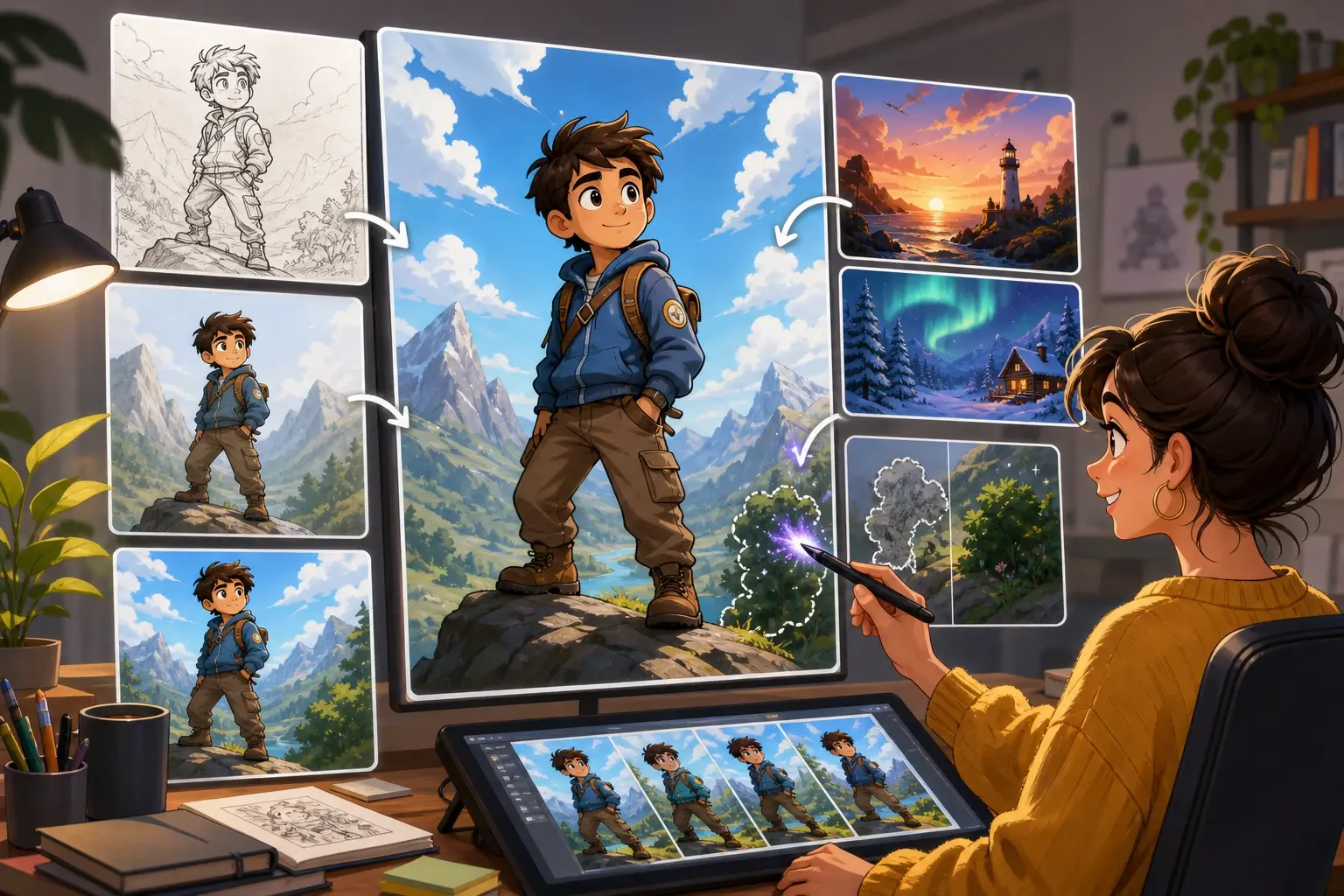
Output Edit Pass
The ai image cartoon generator lets you keep editing after the first result. Adjust rough outlines, replace a background, or rerun only the scene that feels off. Edits work best when the main subject stays clear.
Cartoon outputs for real projects
The ai cartoon image generator fits small image tasks where a creator needs an output quickly, then wants room to adjust.

Social Avatar
Turn a portrait into an ai cartoon image for a profile, channel marker, or creator intro. The ai cartoon image generator works best when the face is front facing and well lit.
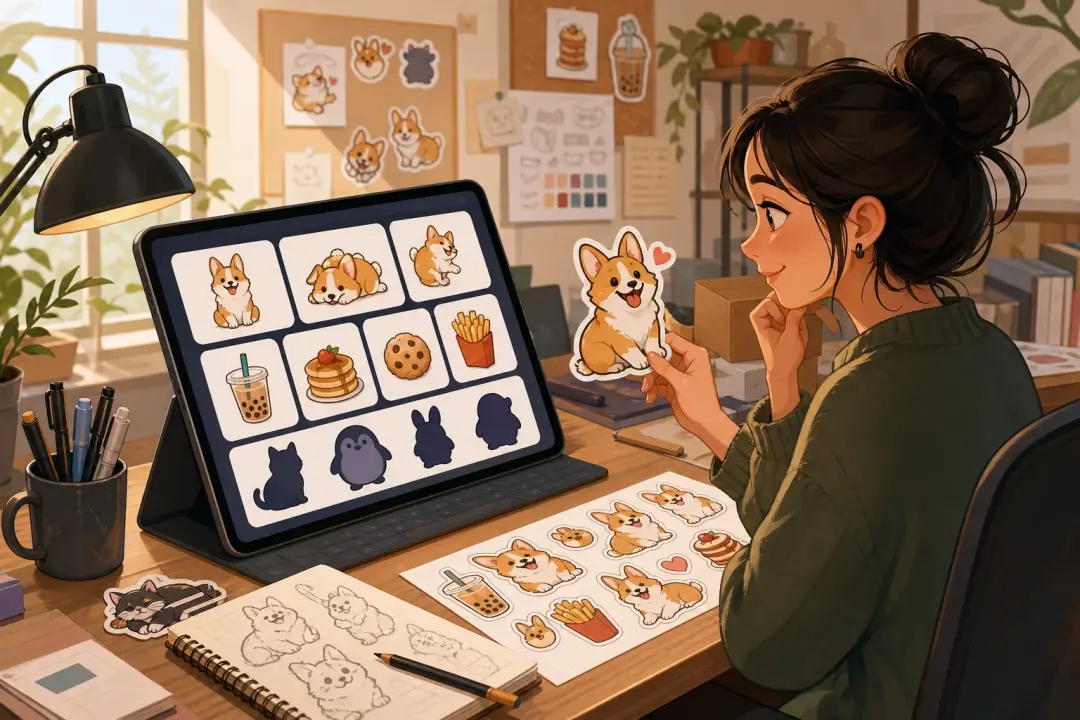
Sticker Concept
Use a cartoon generator for early sticker ideas before sending a final set to production. A pet pose, snack item, or mascot works well when the silhouette is simple.
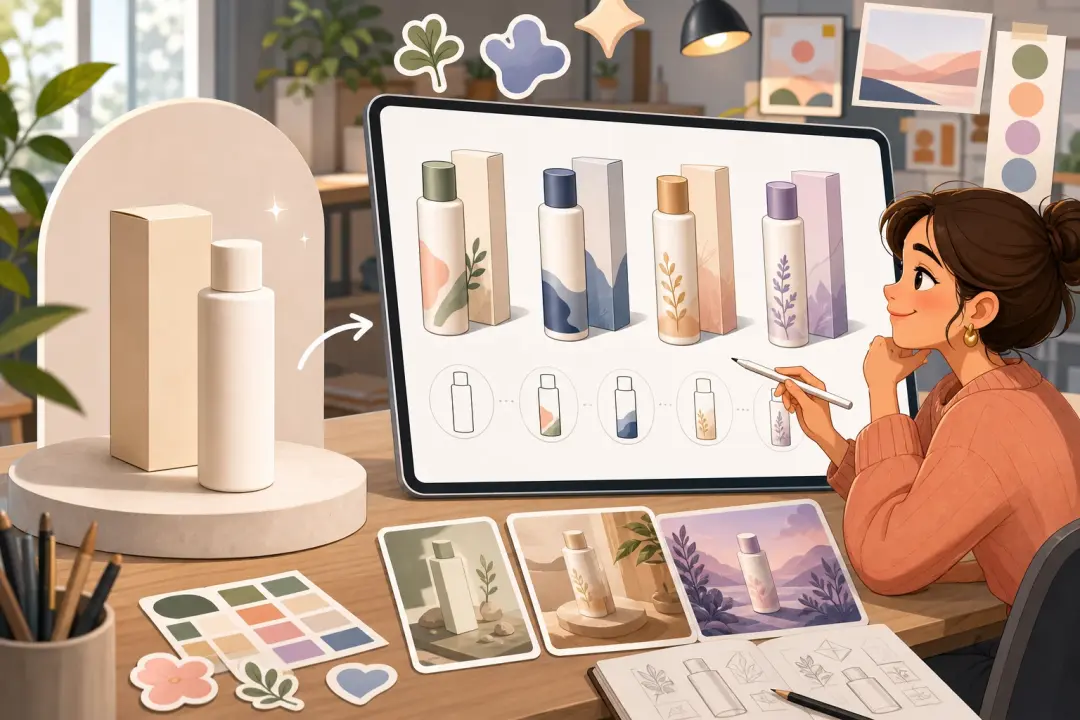
Product Mascot
Make ai generated images cartoon assets from a product reference and use them as lightweight brand visuals. The ai cartoon image generator keeps the first draft close when the product shape is clear.
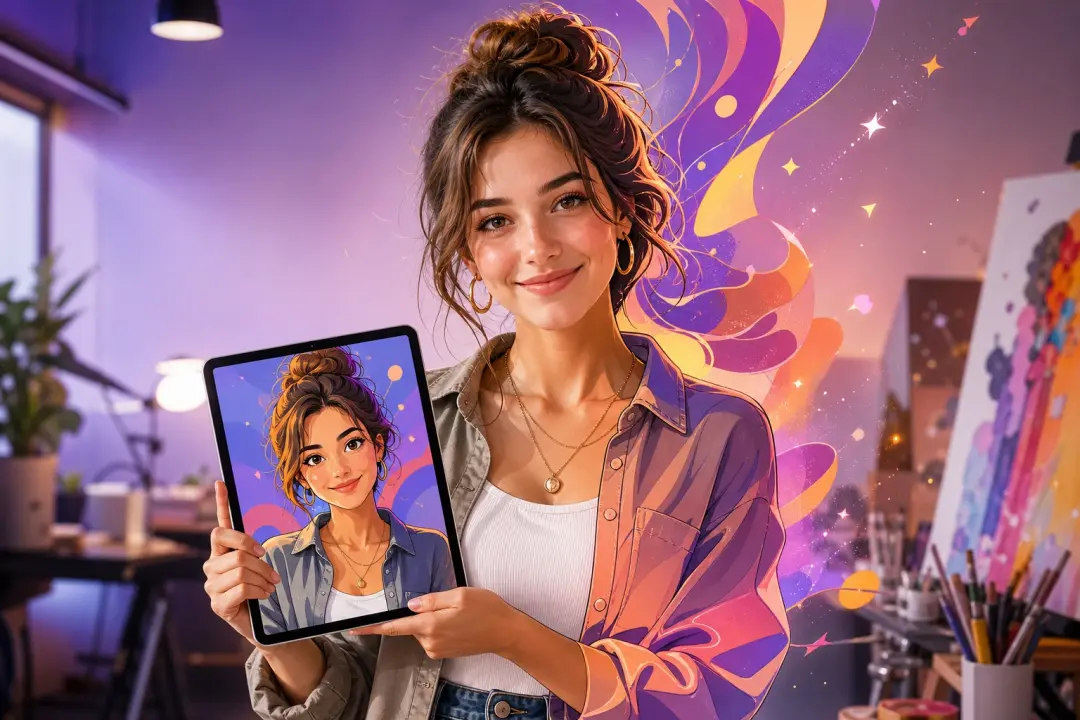
Channel Cover
Build a banner concept with a cartoon photo generator and refine the layout before export. The ai cartoon image generator can keep the subject readable across wide crops.
Examples from the cartoon timeline
These examples show how the ai cartoon image generator can move from source, to preview, to a usable image output.
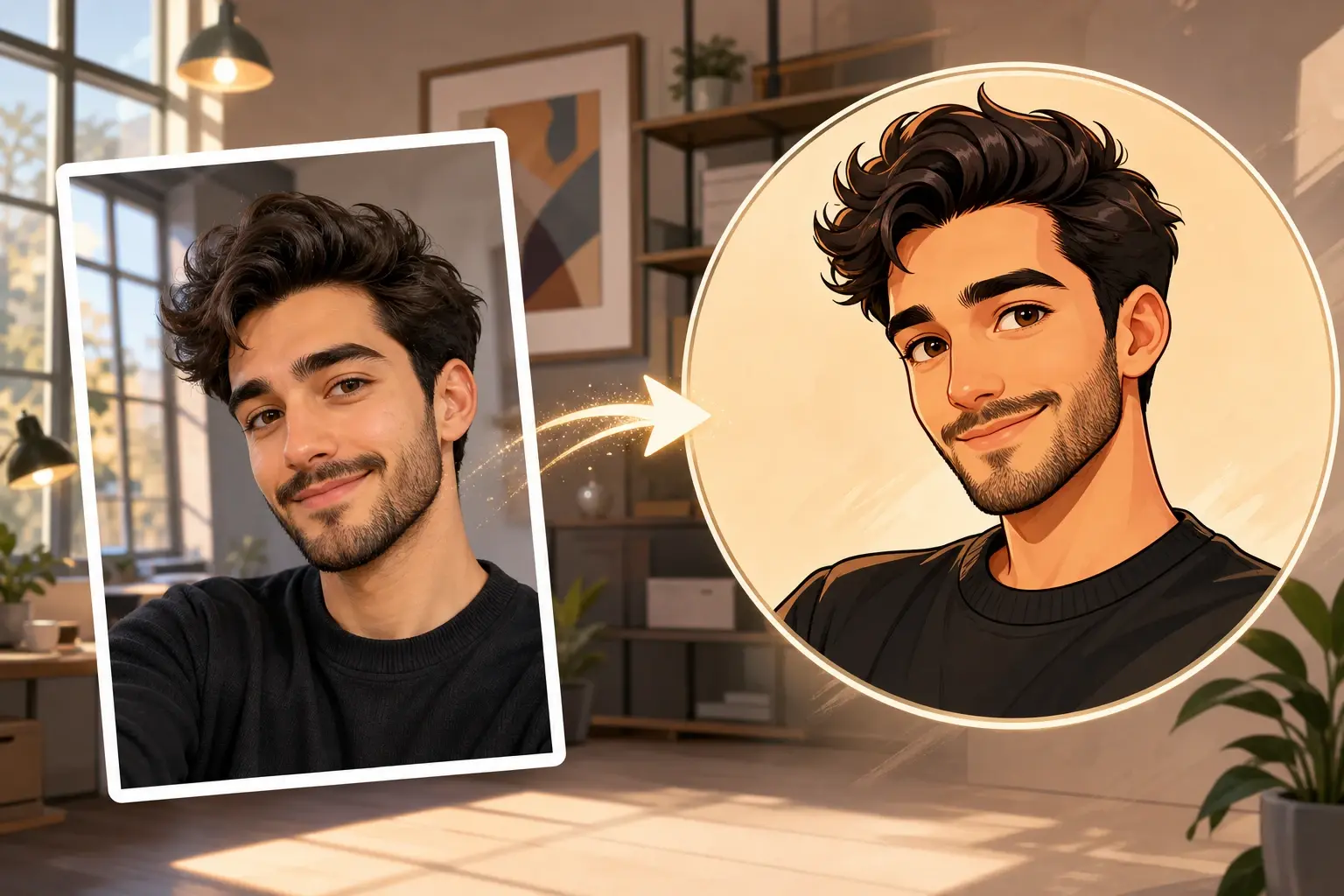
Cartoon Face Study
Start with a simple selfie and create a cartoon face drawing for a profile test. The ai cartoon image generator can keep the expression while changing the line style.
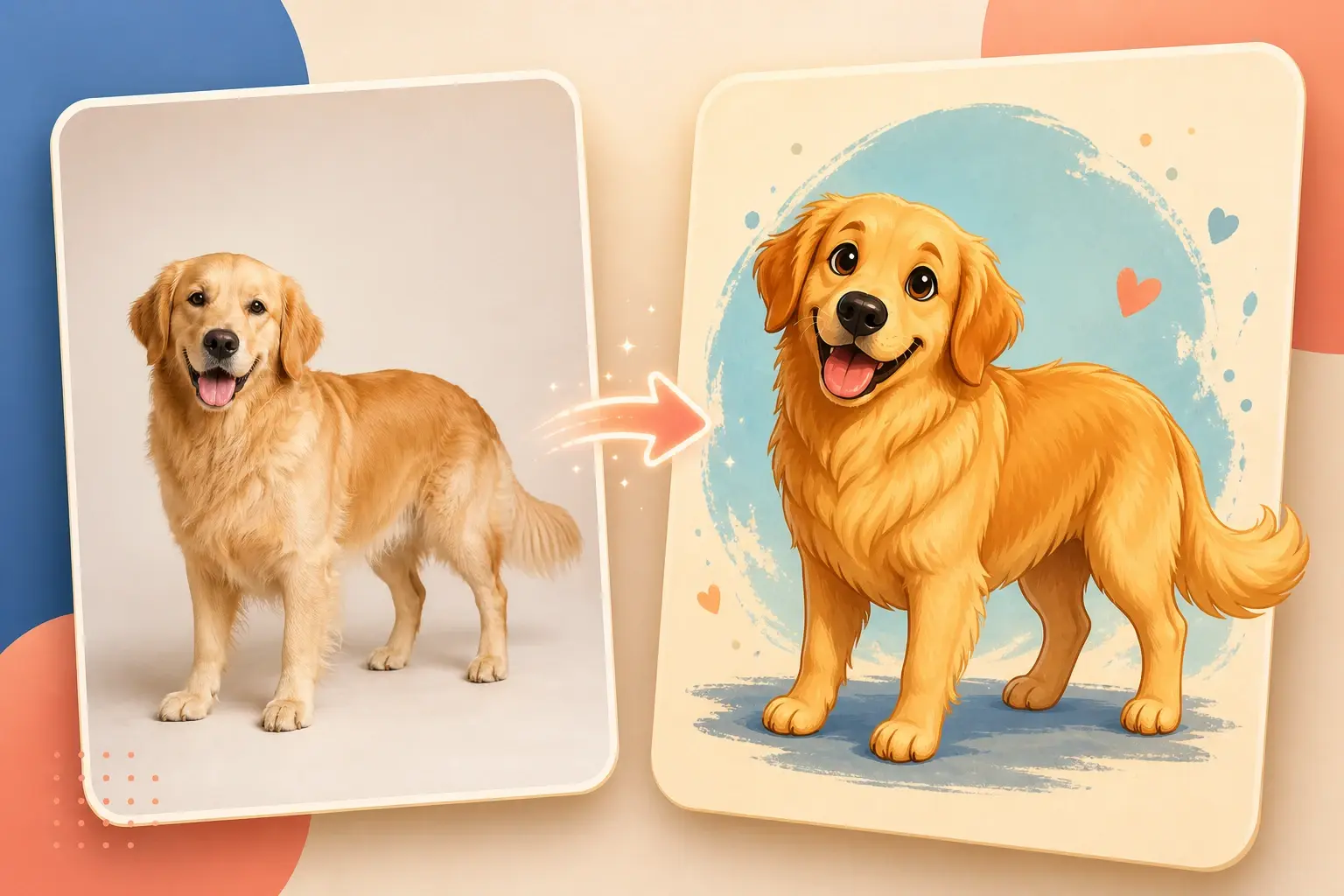
Pet Character
Use an ai cartoon photo generator to generate cartoon from photo references of a pet. The ai cartoon image generator reads the pose better when the subject is not cropped.
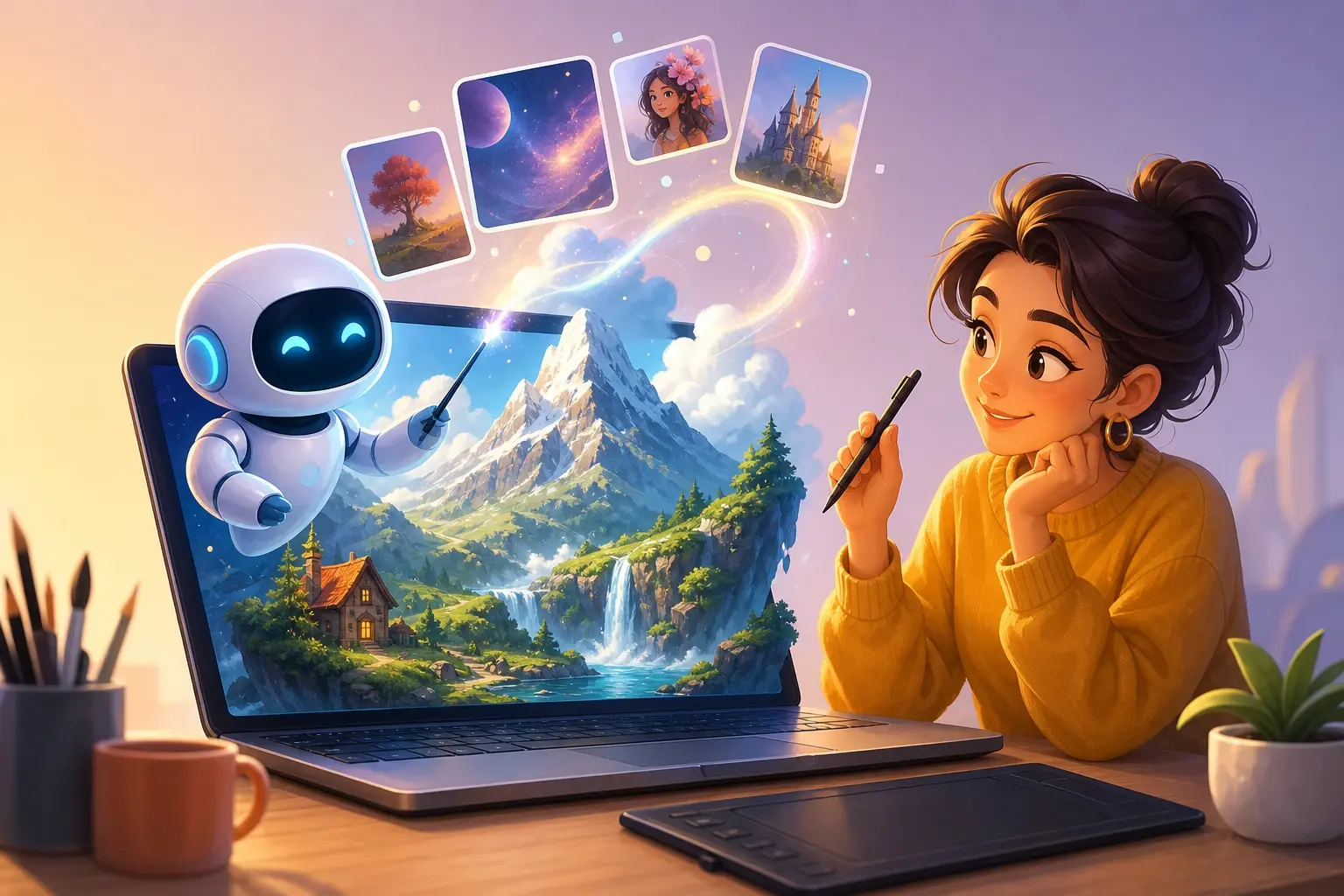
Product Card
Create a cartoon ai image for a small product card, post, or marketplace visual. Add one reference image and keep the background direction simple.
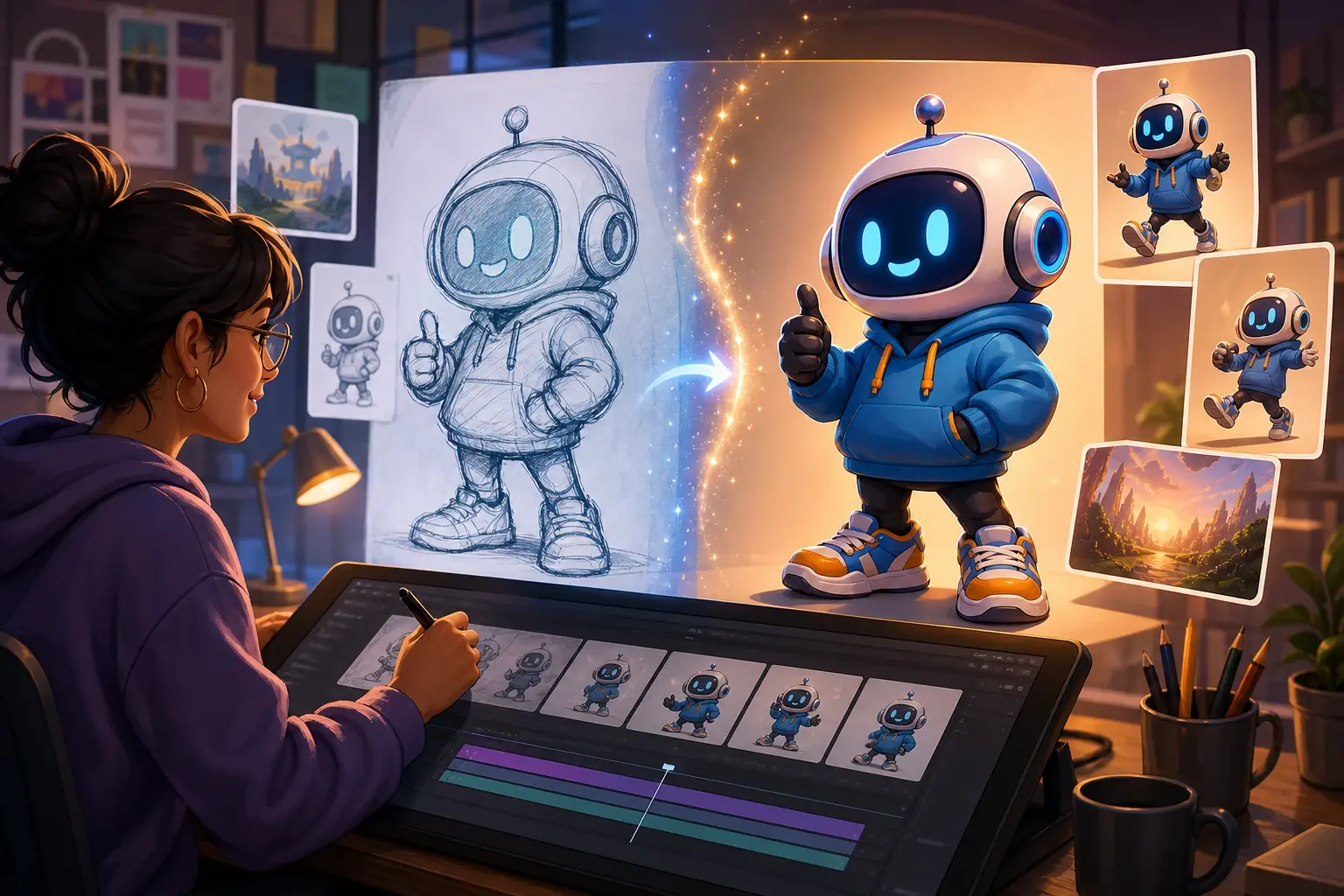
Prompted Mascot
Use ai cartoon generator from text free search intent as a prompt test, then refine inside VideoAI. The ai cartoon image generator helps compare the mascot pose before final output.
ai cartoon image generator questions
Explore
Discover our AI design tools
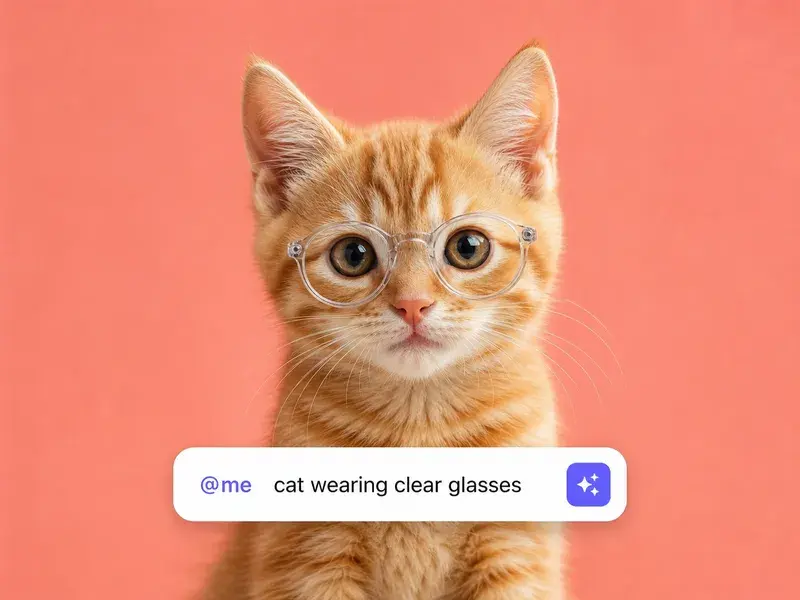
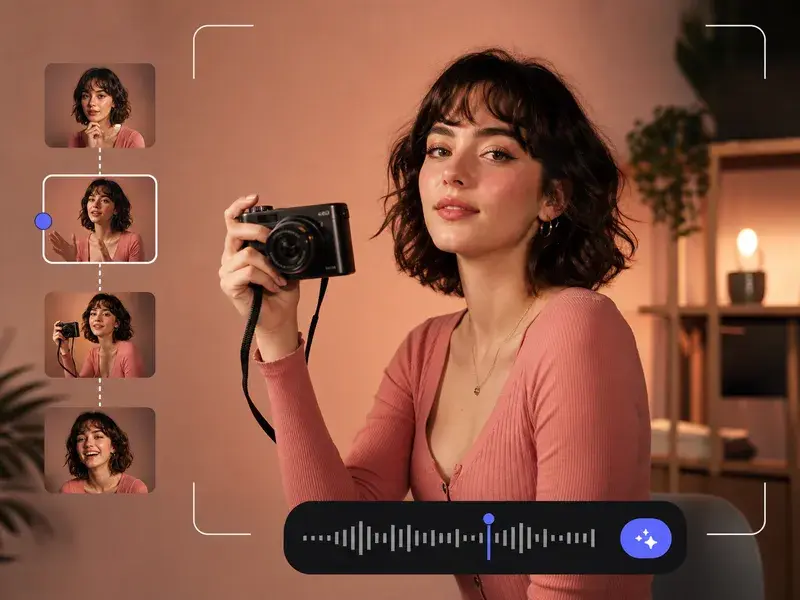
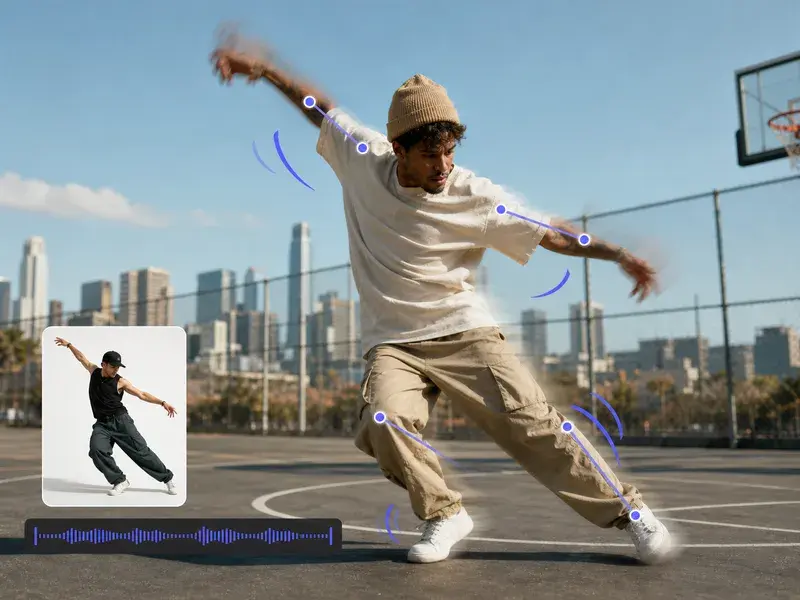
Explore related tools
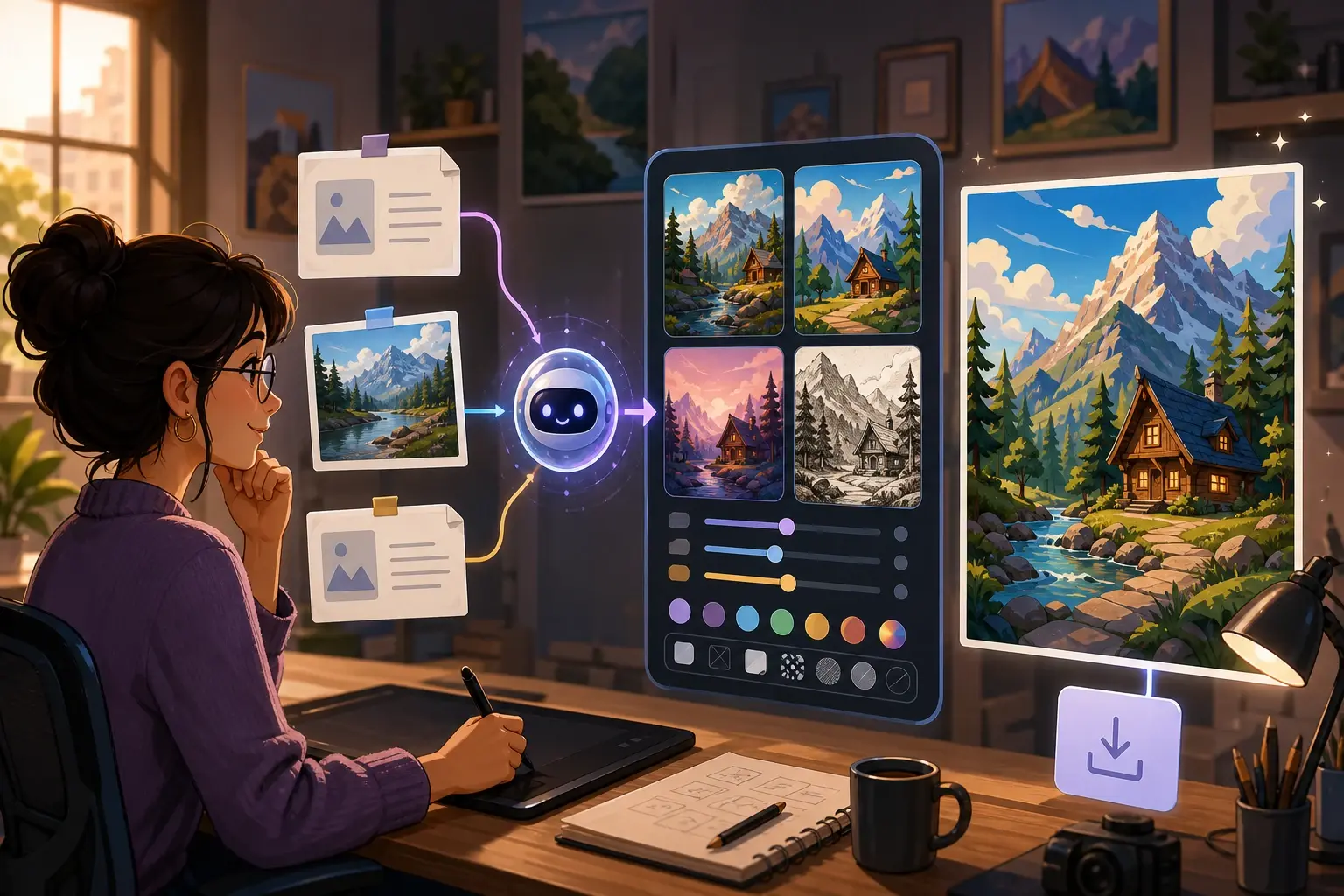
Test an ai cartoon image generator prompt
Start with text, a source photo, or both. VideoAI lets you preview the cartoon direction, adjust the output, and export the image that fits your project.
Get Started