

Ai Hairstyle Changer
Preview a haircut, color, fringe, or daily style on your own portrait before the real appointment. VideoAI keeps the face, lighting, skin tone, and head angle from your source photo, then builds a realistic hairstyle preview around it. When your selfie is clear, the ai hairstyle changer gives you a useful output for comparison, sharing, or stylist notes.
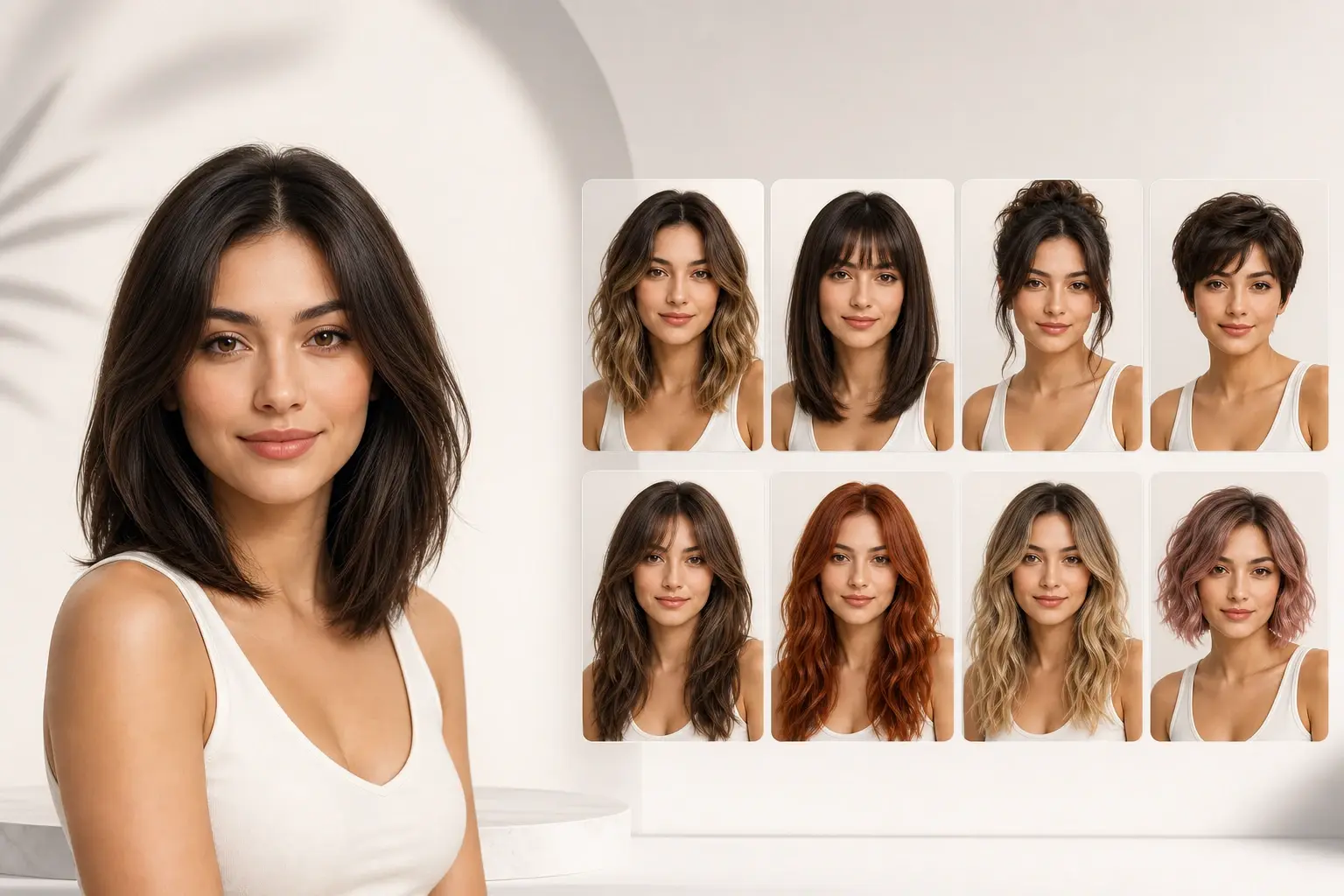
ai hairstyle changer preview controls
Use VideoAI as a practical ai hairstyle changer for visual decisions, not a random filter. Each preview is built around the source portrait so the output stays close to your real look.
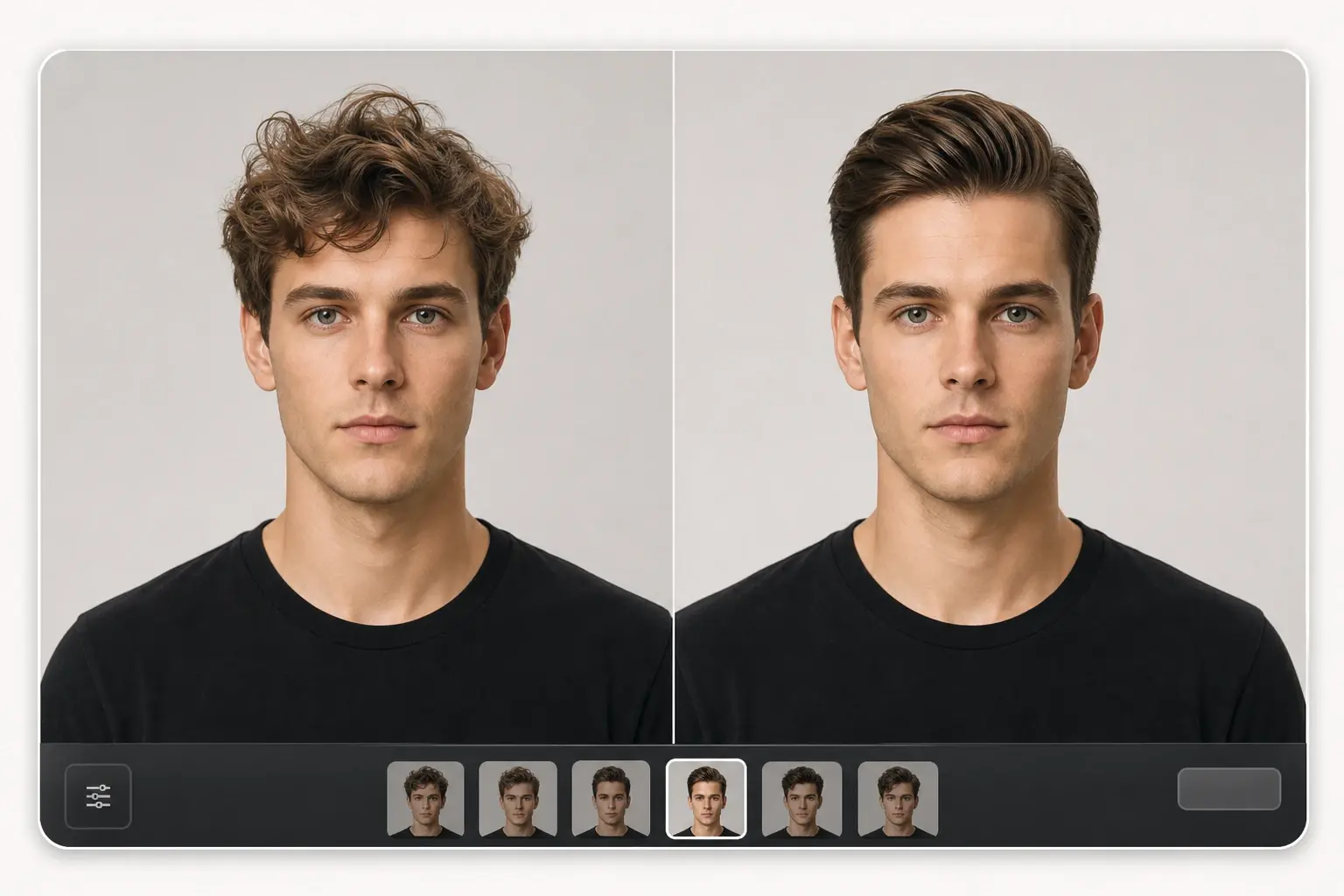
Face Stable Preview
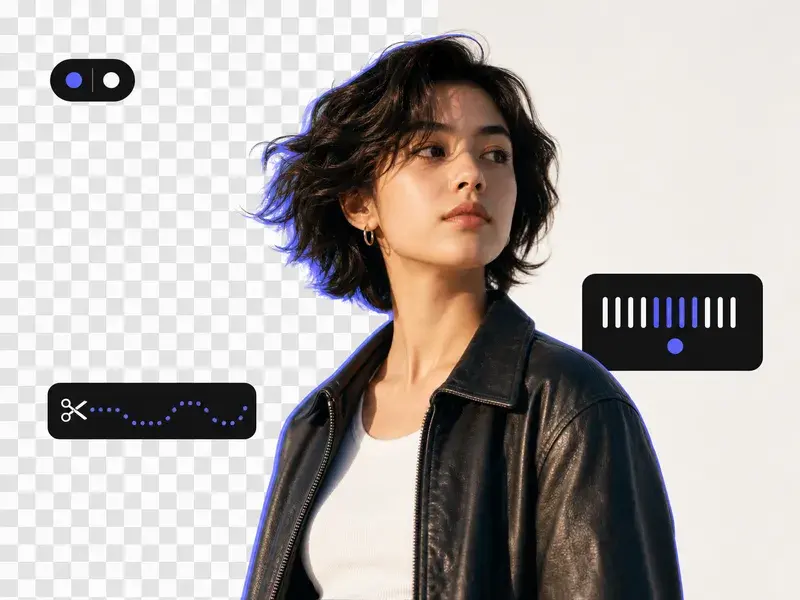
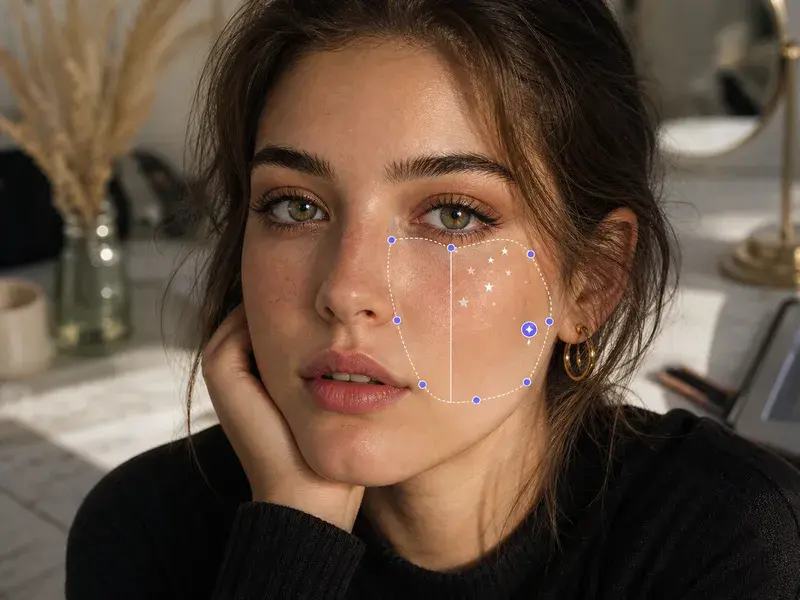
VideoAI preserves face shape, skin tone, light direction, and head pose while changing the hair area. You compare the new frame against the source photo before export. Works best with a front facing portrait where hair edges are visible.
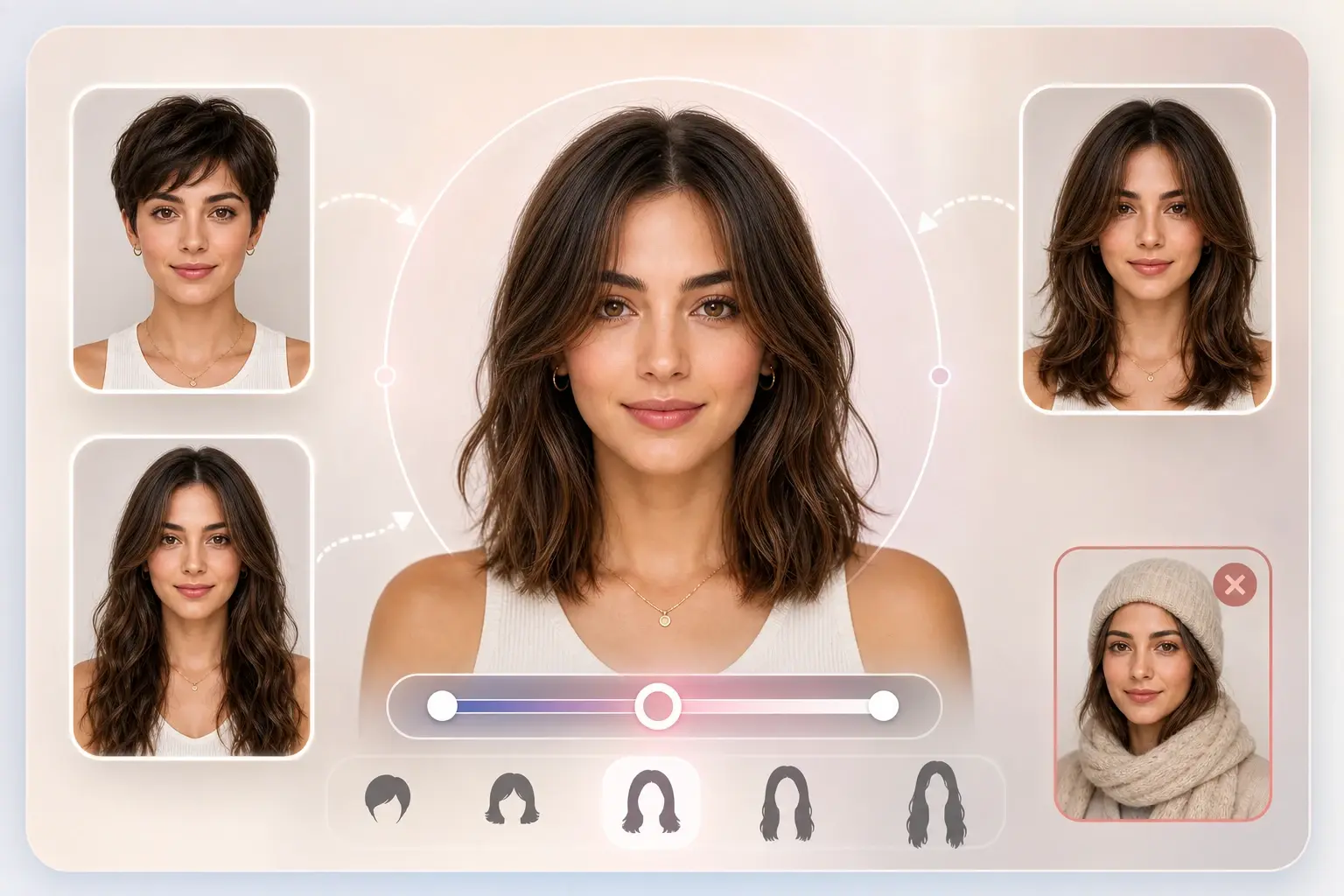
Cut Length Control
The ai hairstyle changer app lets you test short hair, long hair, layers, and trim ideas from one portrait. You choose a direction, preview the result, then adjust the length before saving. Very covered hair or hats can limit clean edge detection.
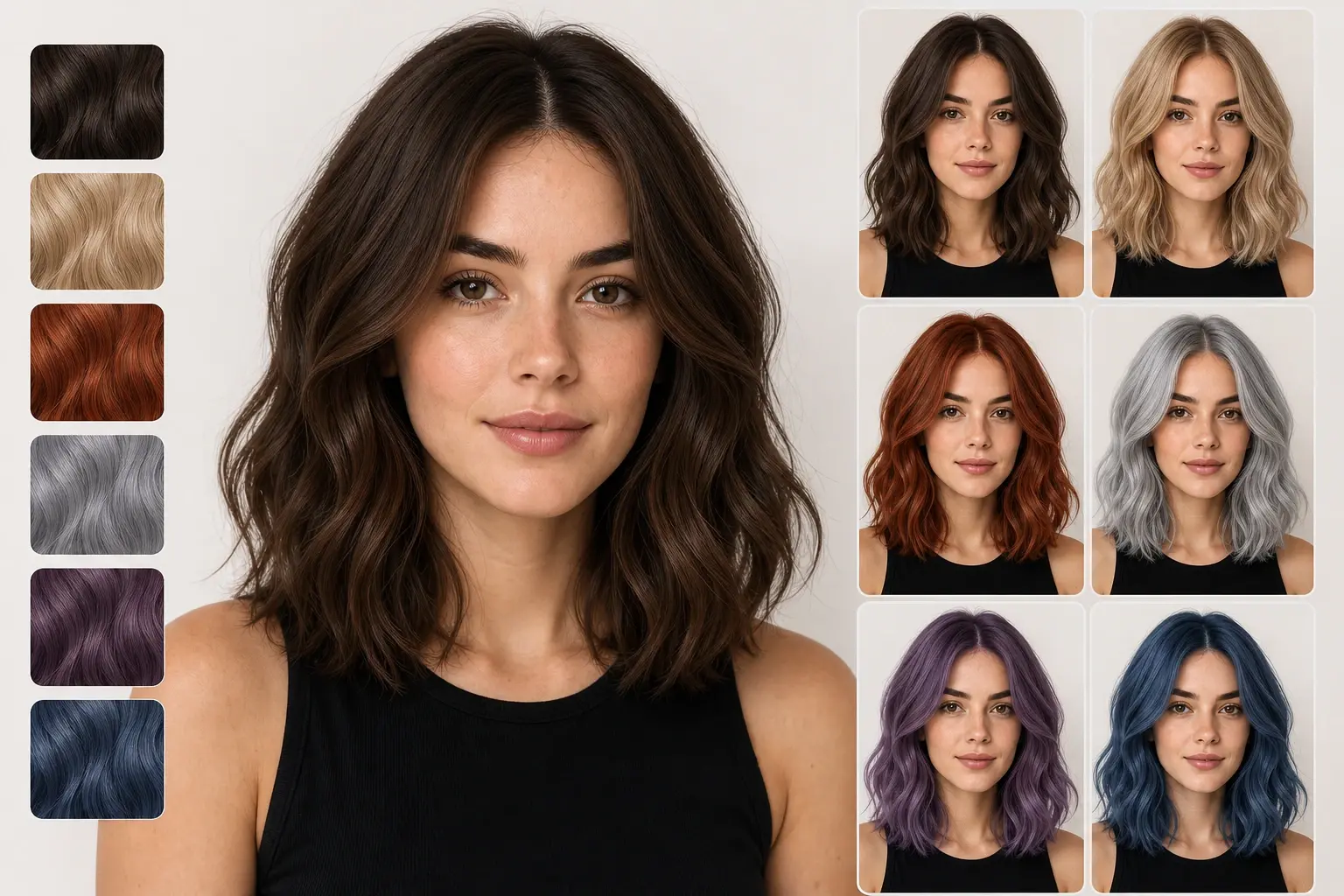
Color Test Frames
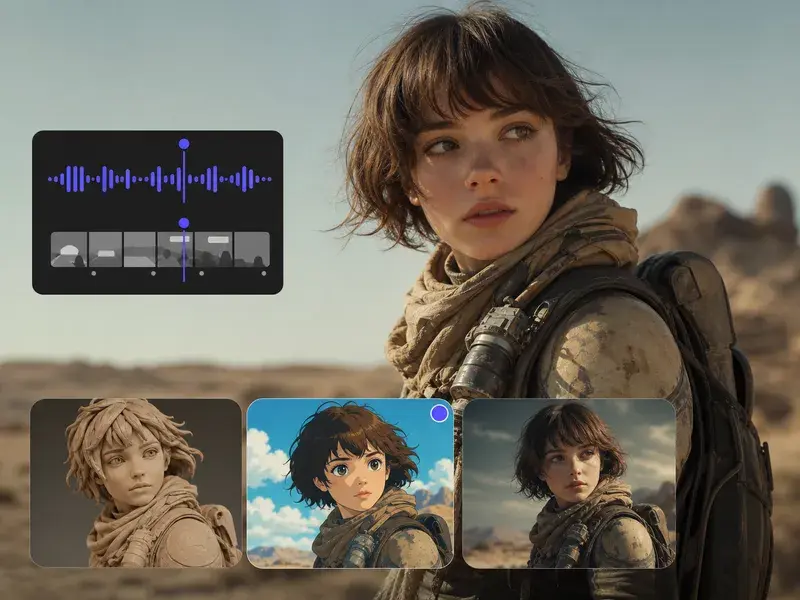
VideoAI previews brunette, blonde, red, gray, and fashion color options without changing the rest of the portrait. Use the color output as a reference frame, not a final salon formula. Results are cleaner on photos with even light and visible hair texture.
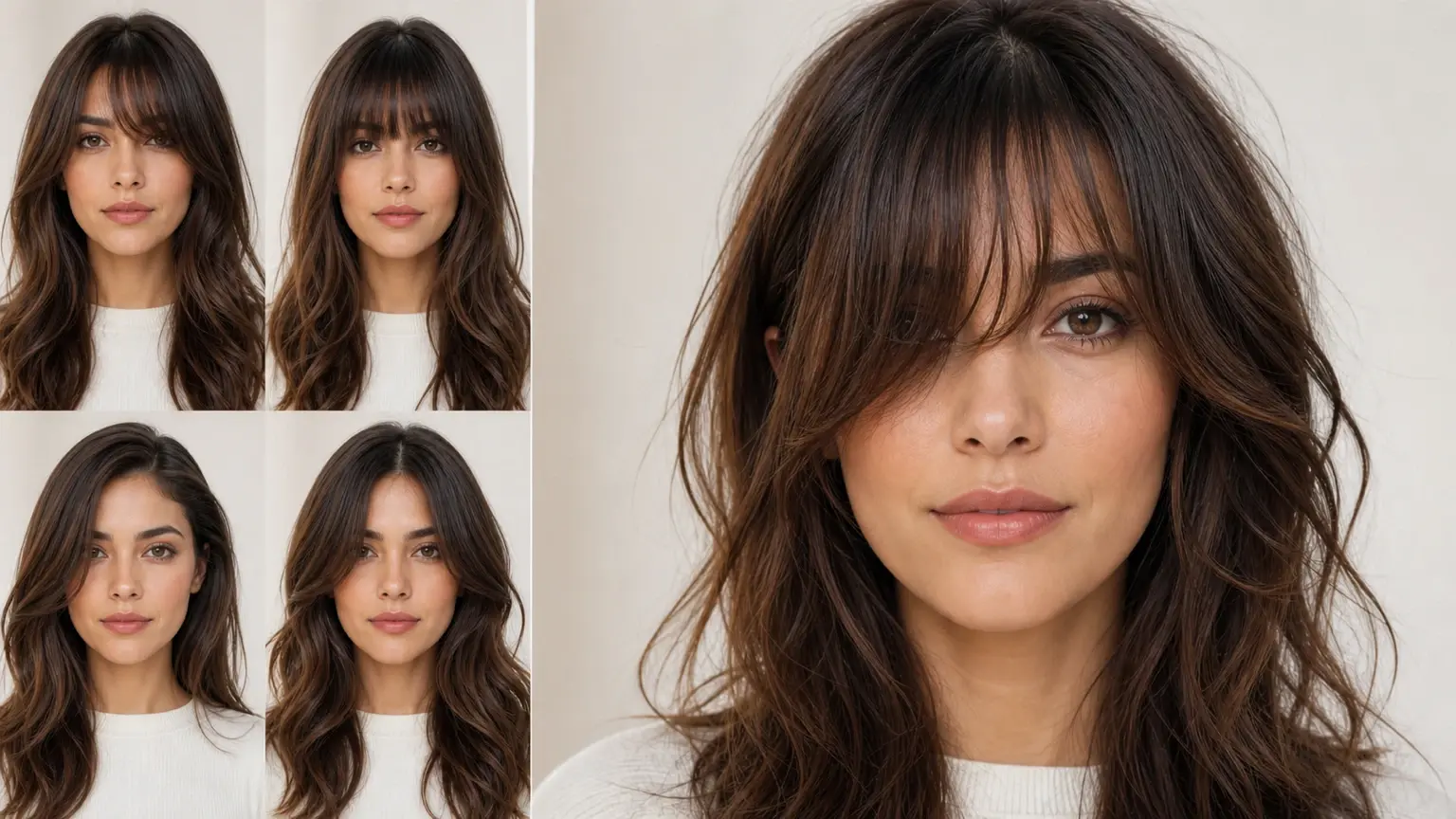
Bang Shape Review
The app to change hair style helps compare bangs, side parts, straight looks, curls, and soft daily styling. If the fringe covers one eye, review the preview closely before using it as a reference. The output is best for visual planning, not exact haircut measurement.
Where ai hairstyle changer helps
The ai hairstyle changer fits quick decisions where a realistic preview saves guesswork. Use it before a cut, color change, profile update, or lightweight photo edit.

Social Avatar Refresh
Creators can run an ai hairstyle through VideoAI before updating a profile image. The output helps choose a haircut or color that matches the account style.
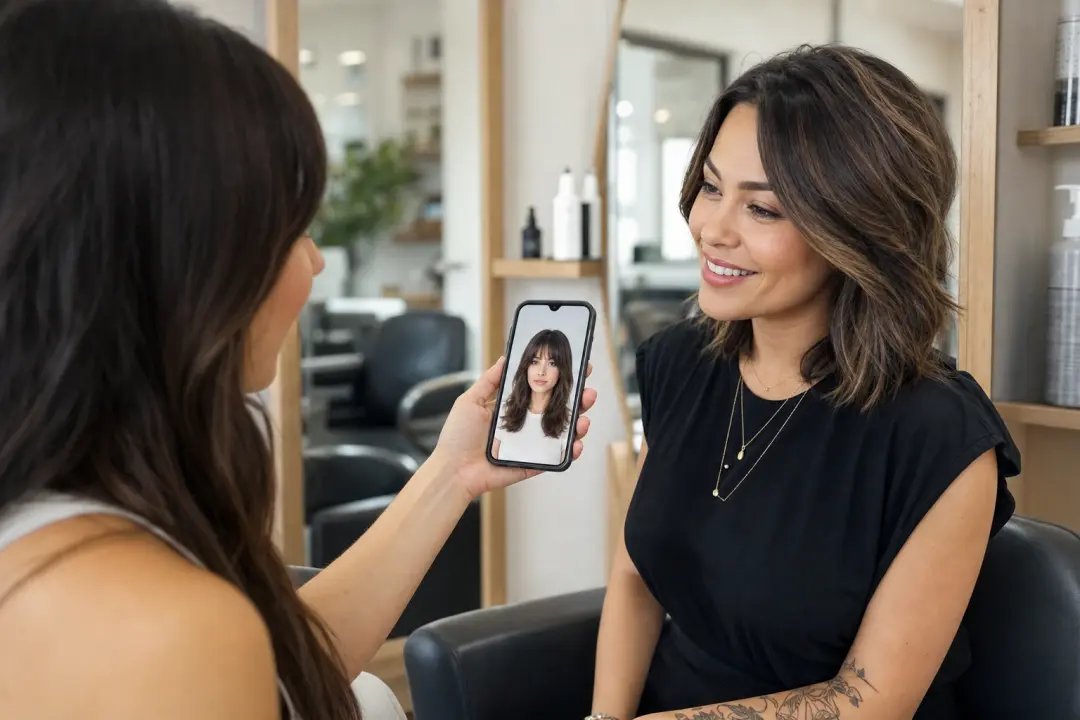
Salon Reference Chat
Bring a clearer reference to your stylist by using the ai hairstyle changer before the appointment. A preview frame communicates fringe shape, layers, and length faster than a vague description.
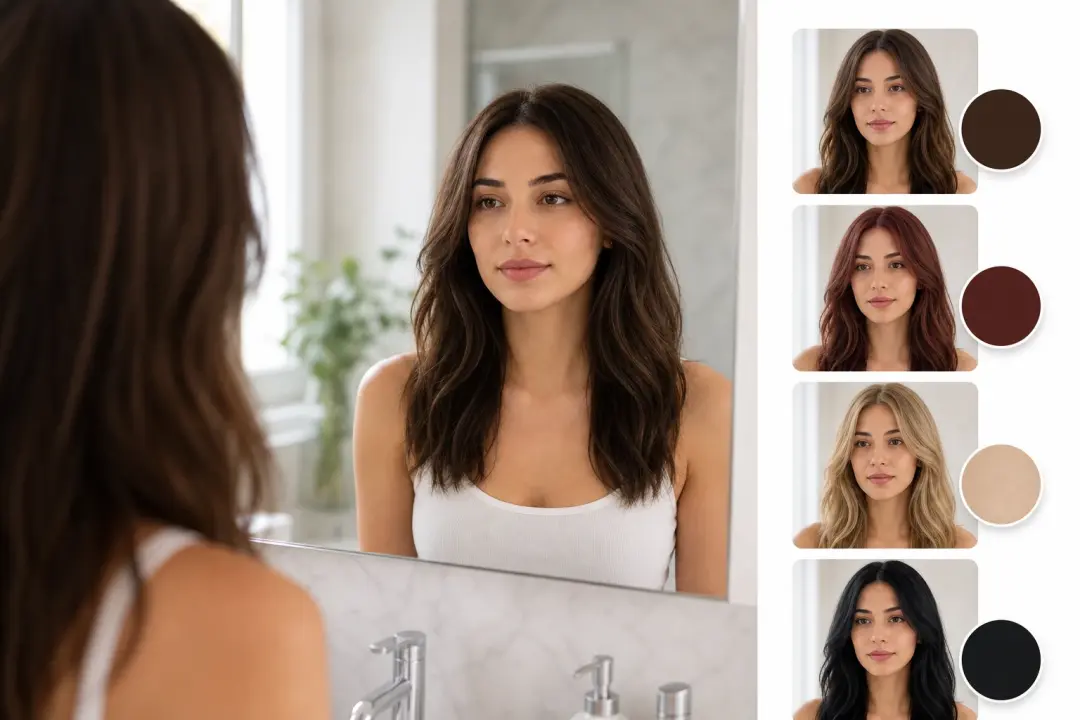
Color Decision Check
The change hairstyle app flow is useful before dyeing hair because it keeps the same face and lighting. Compare one color output at a time so the choice stays grounded.
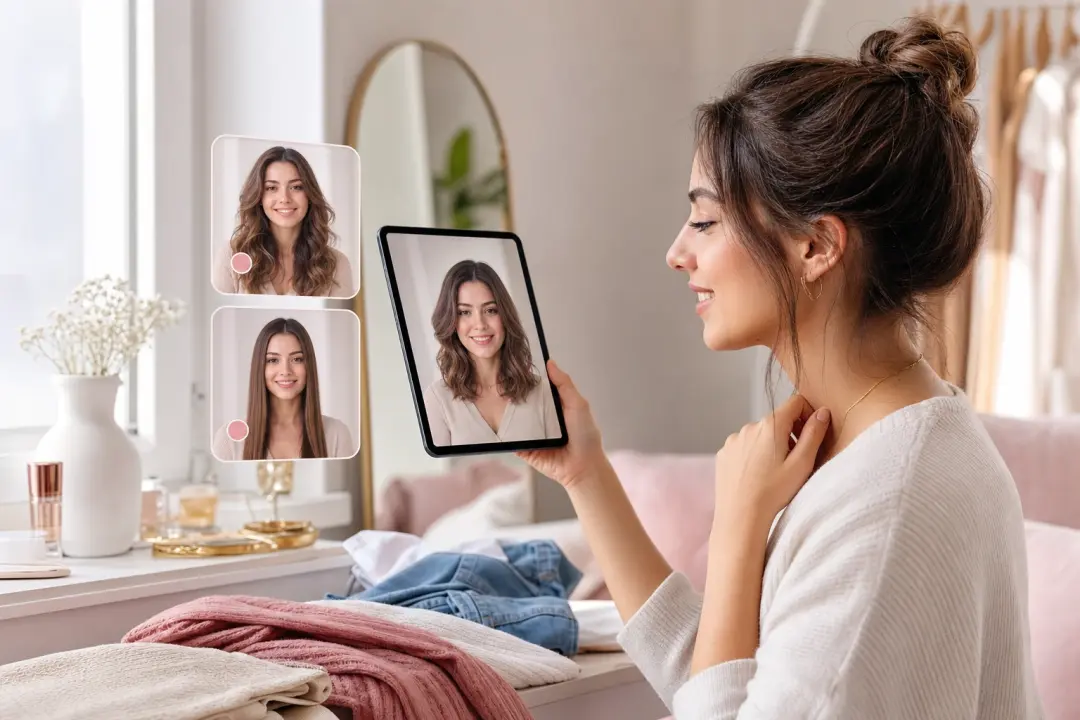
Everyday Style Planning
Use the hairstyle makeover app for daily styling ideas, from soft waves to straight looks. The ai hairstyle changer gives a preview you can save with the right export settings.
Creator notes on hairstyle previews
VideoAI users treat the ai hairstyle changer as a preview step before a real decision. Their comments focus on comparison, reference value, and cleaner output.
The ai hairstyle changer gave my avatar shoot three haircut previews I could compare before picking one output.
Maya Chen
Content Creator
I used the hairstyle changer app before a client shoot and saved two reference frames for the mood board.
Jordan Ellis
Freelance Photographer
The preview kept my client's face readable, so the haircut conversation started with a clear visual example.
Sofia Martin
Hair Stylist
Our team tested ai hairstyles for a founder portrait before choosing a softer everyday look.
Priya Shah
Brand Producer
The ai hair style preview helped me explain a grooming change for a course thumbnail without reshooting.
Leo Grant
Educator
I searched hairstyle ai tools for color ideas, and VideoAI felt more useful because the preview stayed photo realistic.
Nadia Brooks
Photo Editor
ai hairstyle changer questions
Explore
Discover our AI design tools







Explore related tools

Preview your next haircut with VideoAI
Upload a portrait, test the ai hairstyle changer, compare the preview, and export the image that best matches your next step.
Get Started