

AI Art Generator
The AI art generator turns a text prompt or reference image into usable artwork for covers, concepts, posts, and visual drafts. Describe the subject, style, mood, and intended output before generating. When the first result is close, preview the quality and refine one detail before export.
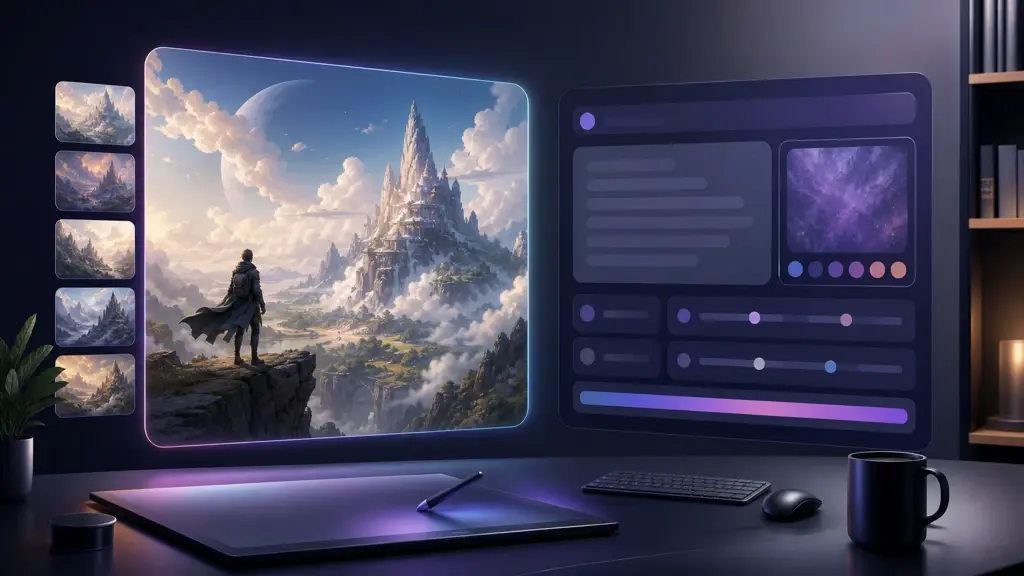
AI Art Generator Controls for Drafting
Guide every draft with prompt, reference, preview, and export settings instead of guessing. The AI art generator keeps each creative decision visible as the output changes.
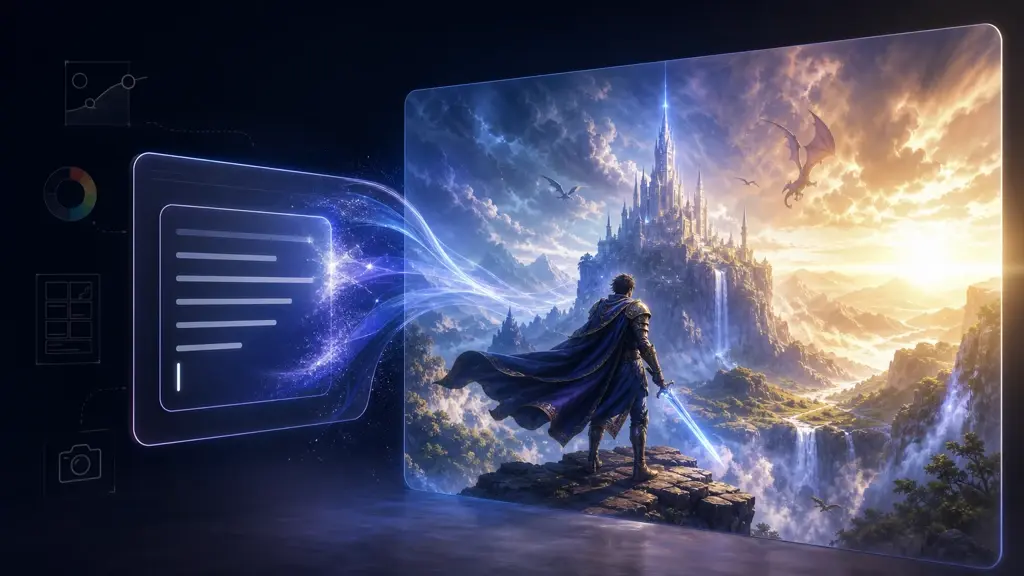
Prompt to Scene
VideoAI reads your prompt as a scene brief, then drafts artwork with a clear subject and style direction. Add marker notes for mood, camera feel, or poster use before previewing. Works best when the prompt names one main subject and one output goal.
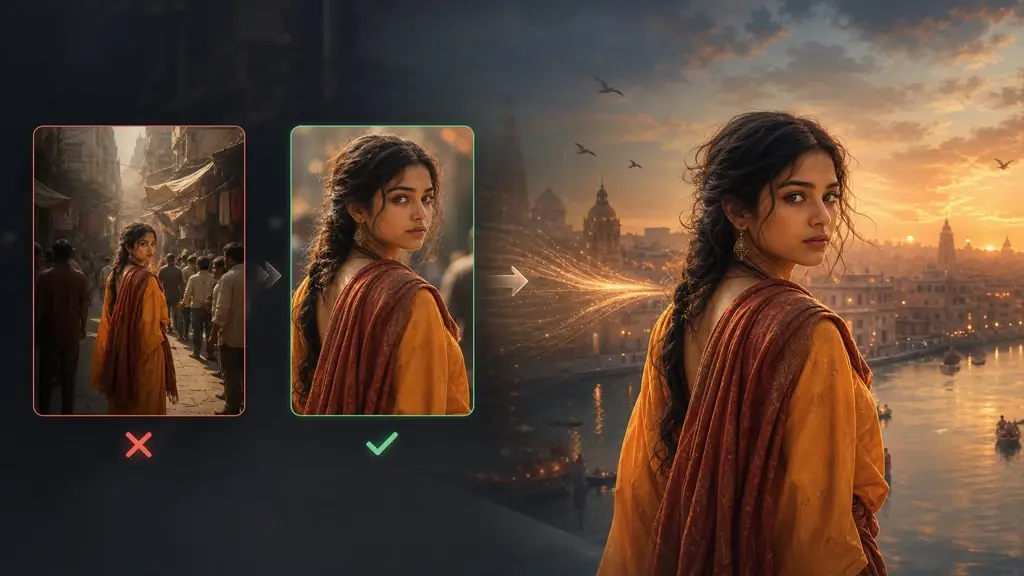
Reference-Led Art
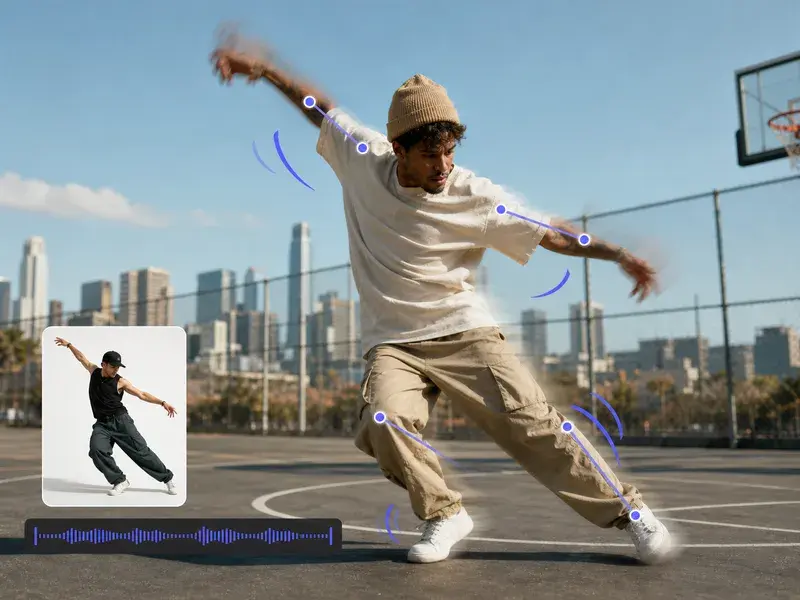
Upload a source image and VideoAI will use it to guide pose, color, style, or overall atmosphere. If the reference is noisy, crop around the subject before generating the next preview. The image-to-image workflow keeps the result linked to your intent.
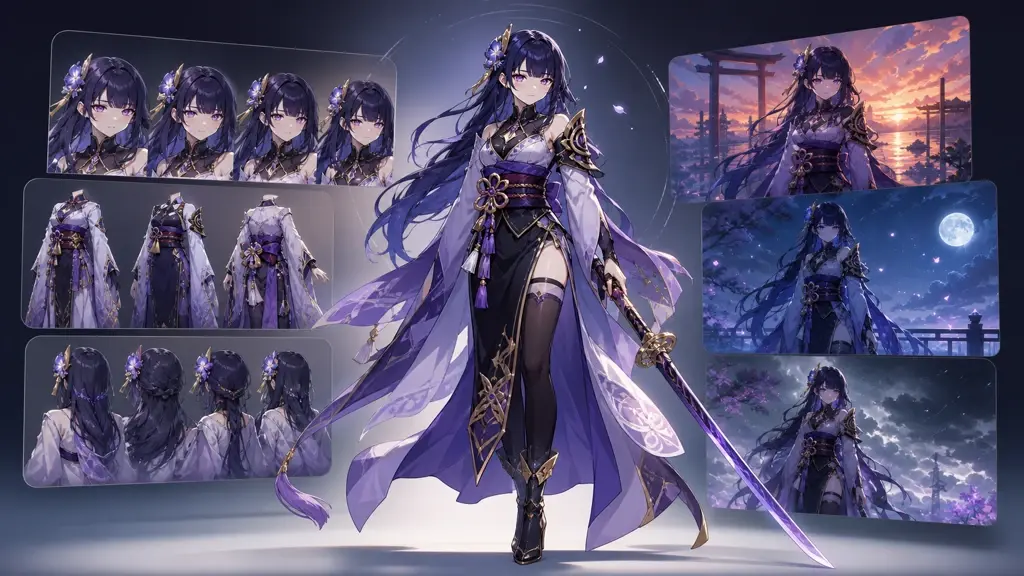
Anime-Style Pass
Choose an anime direction and VideoAI will build character-focused art with readable lines and scene mood. Test face, outfit, and background notes across short variations. Anime work is usually strongest with simple character prompts and clear style references.
Export-Ready Output
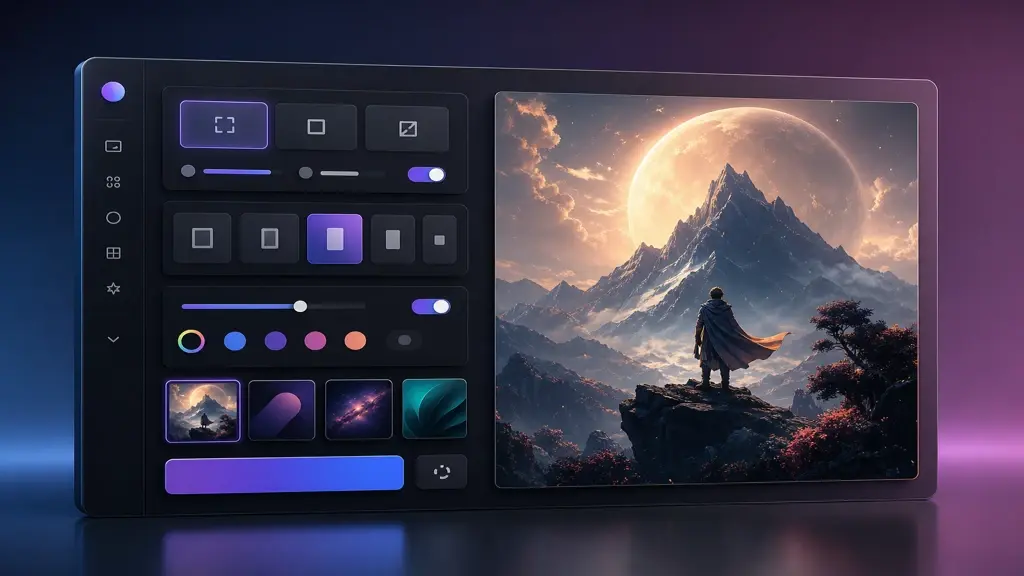
Preview the selected draft, check quality, then choose export settings for social posts, covers, or design boards. VideoAI keeps the final output easy to continue editing in your timeline. Very small text inside generated art may need a separate design pass.
Outputs for Covers, Campaigns, and Characters
Use VideoAI for fast visual trials that still support production. Each AI art generator test starts with a scene, reference, or delivery format.
Social Cover
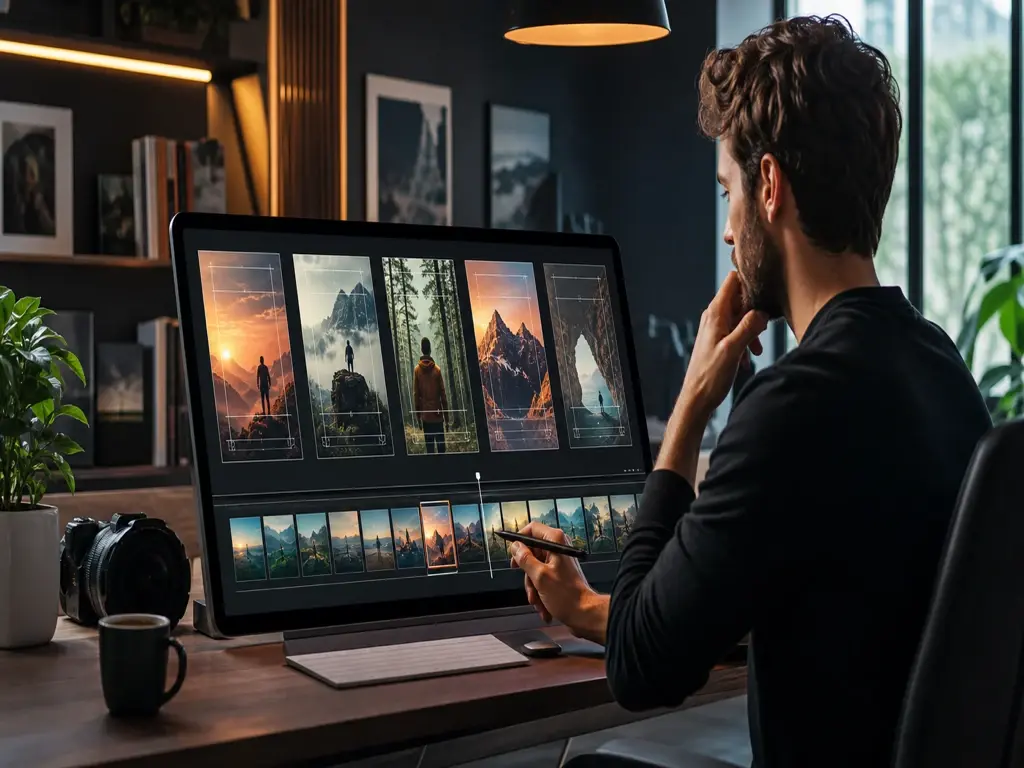
Draft cover art before cutting a short video or carousel. Use the generator to test title space, subject scale, and preview quality. The output gives the timeline a clear visual anchor.
Campaign Poster
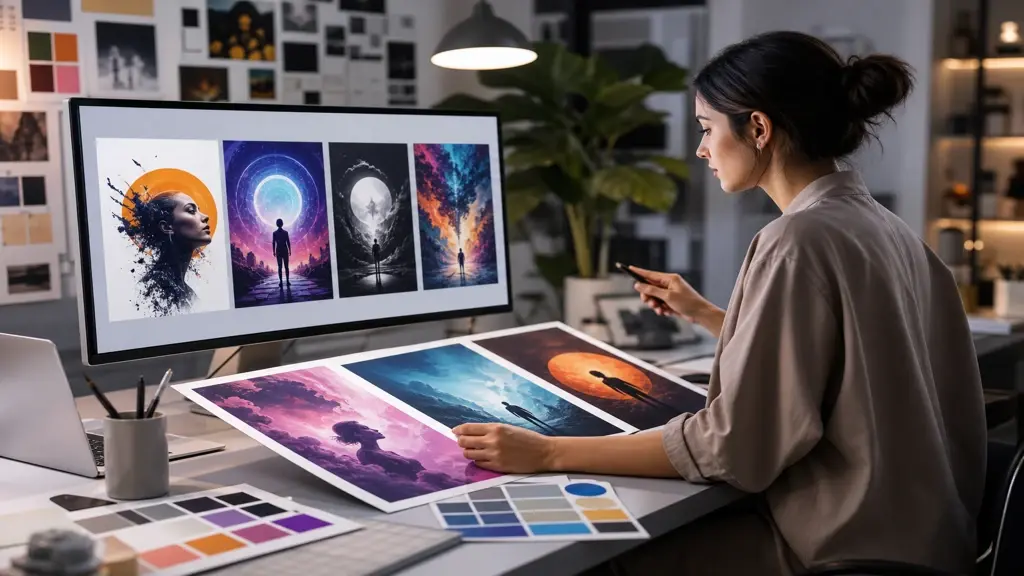
A marketer can turn a brief into poster directions for a product launch or event. Upload a reference, set the mood, and review the strongest output with the team. This keeps early visual decisions concrete before design polish.
Character Concept
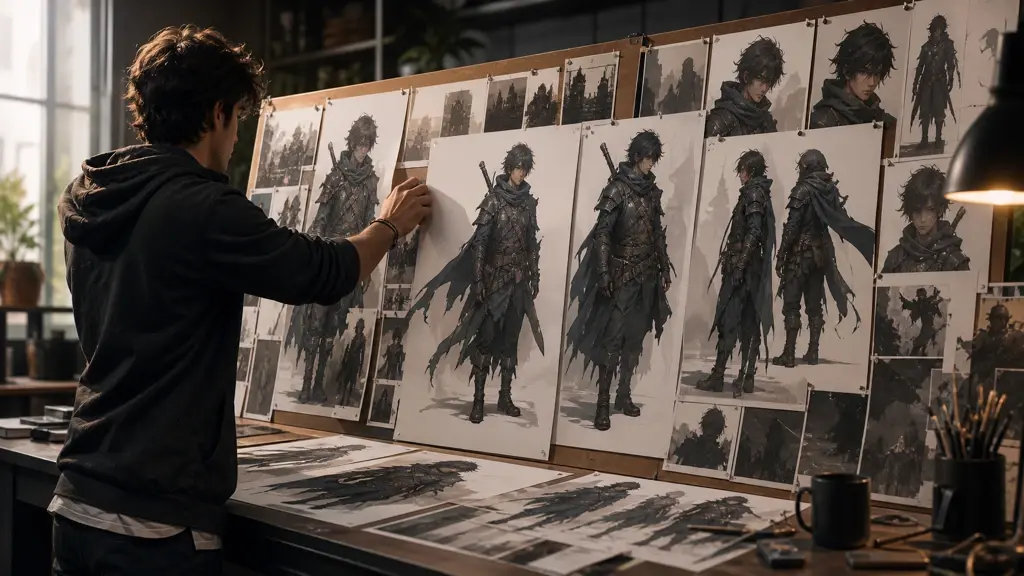
A game or story creator can explore a character before building scenes around them. The tool keeps pose, costume, and atmosphere visible in one preview, and stronger references help the final output stay consistent.
Lesson Visual
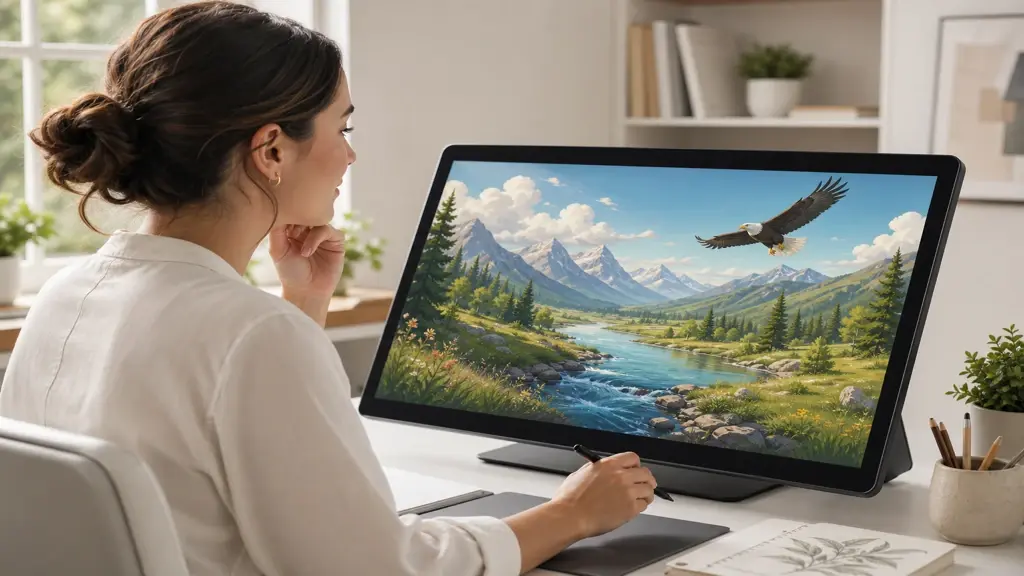
An educator can create a clean illustration for a walkthrough, explainer, or course thumbnail. When the lesson depends on clarity, keep the prompt focused on one idea. The output should support the teaching beat, not compete with it.
Creator Notes on Art Output
These creators use the AI art generator as a practical step before layout, editing, or client review.
VideoAI helped me compare three poster directions before I opened my edit timeline. The preview made the final cover choice easier.
Maya Chen
Campaign Editor
I use it for client mood boards when the brief is visual but still loose. The tool gives me draft options I can discuss.
Oliver Grant
Freelance Designer
The reference upload is useful for character work. I can keep the costume idea steady while changing the scene around it.
Nadia Patel
Story Artist
My thumbnails need fast testing before I commit to a clip. VideoAI lets me preview the visual hook without rebuilding the whole sequence.
Jon Bell
Short Form Creator
The watercolor outputs are clean enough for early lesson slides. I still adjust labels later, but the scene arrives with the right tone.
Elena Rossi
Online Educator
I tried an AI art generator from text for brand draft visuals. The strongest result gave my client a clear direction for the next review.
Sam Rivera
Brand Consultant
Questions Before You Export
Explore
Discover Our AI Design Tools


Explore Related Tools
Test the AI Art Generator with a Real Brief
Bring one prompt or reference image into VideoAI, preview the output, adjust the quality, and export artwork ready for your next scene, post, or design board.
Get Started