

Sketch To Image
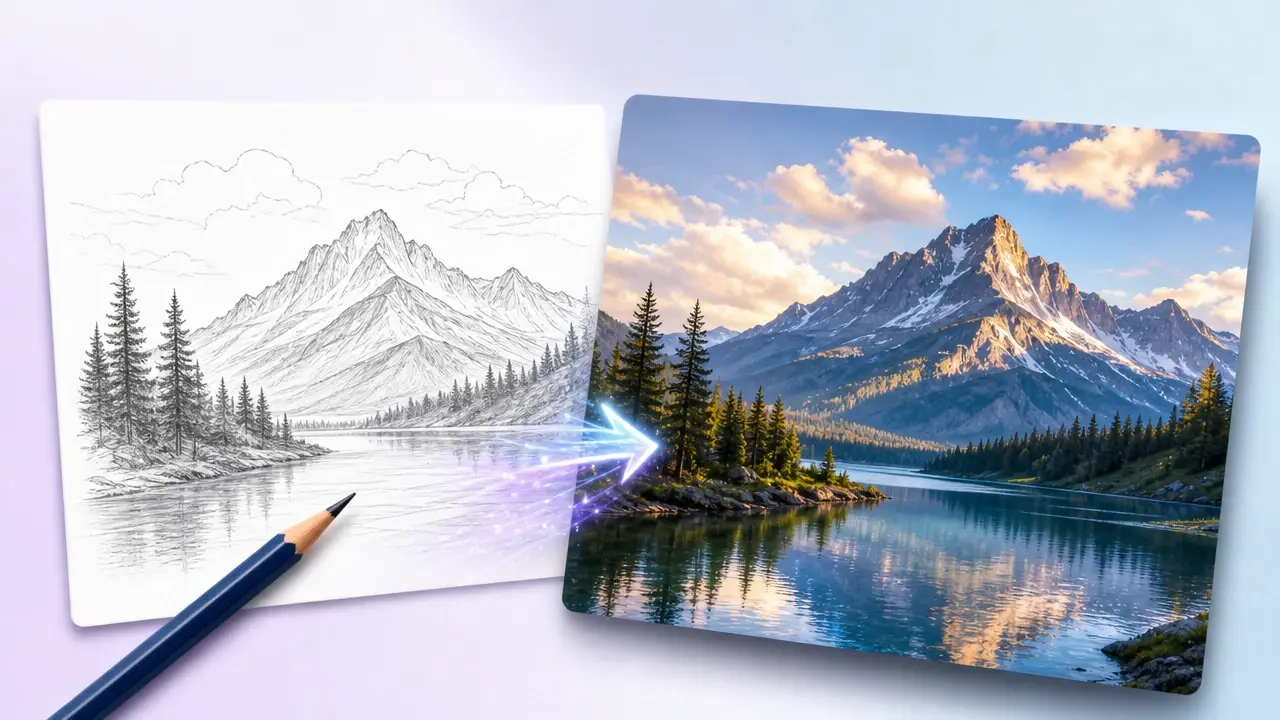
Upload your sketch, describe the finished picture you want, and watch VideoAI paint it into full color while keeping the composition you drew.
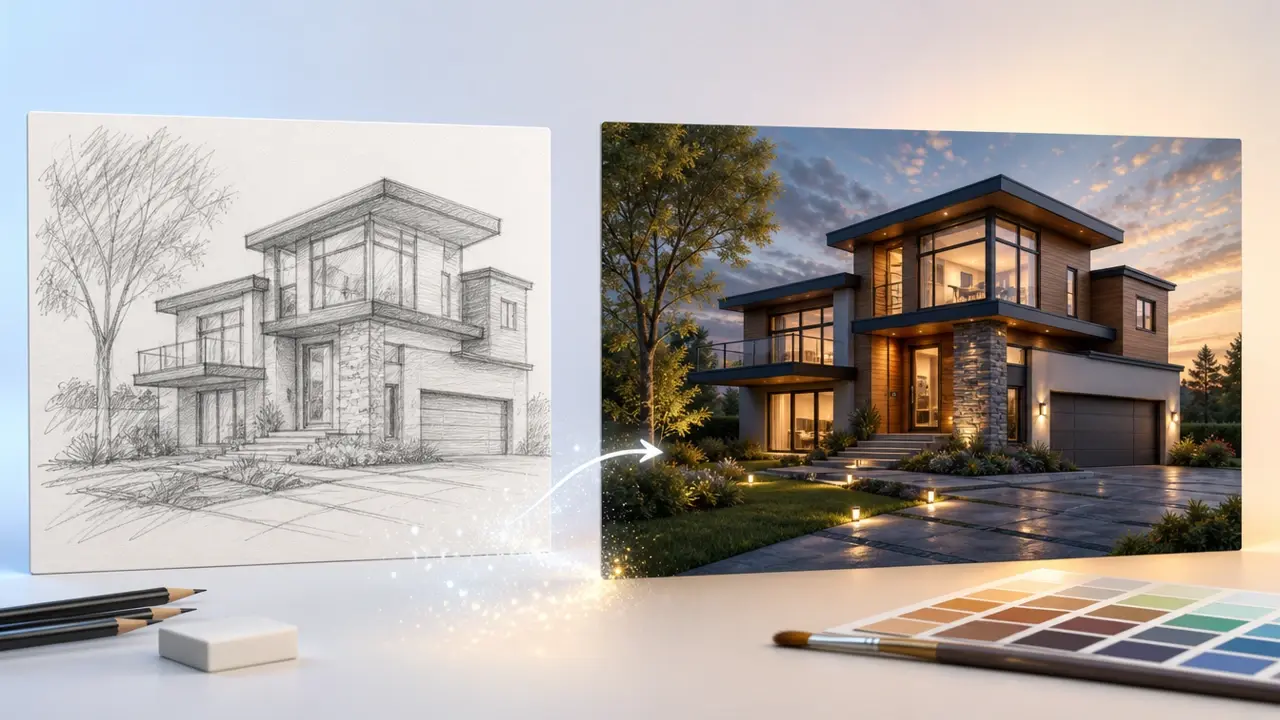
From Sketch to Image in Three Steps
VideoAI runs the whole sketch to image online, right inside your browser, so there is nothing to install.
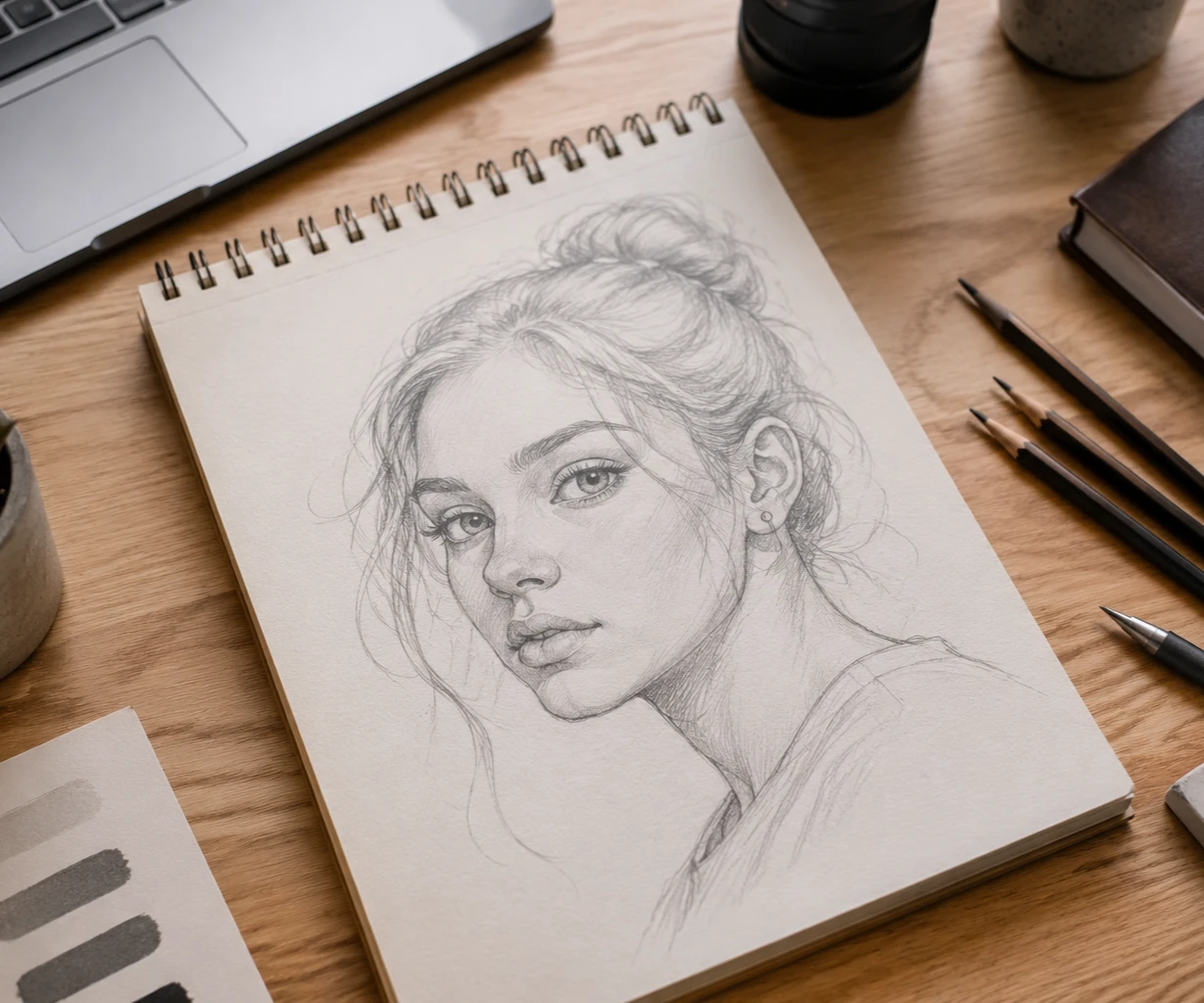
What the Sketch to Image Tool Delivers
VideoAI works as a sketch to image converter that changes something you can see in every final file.
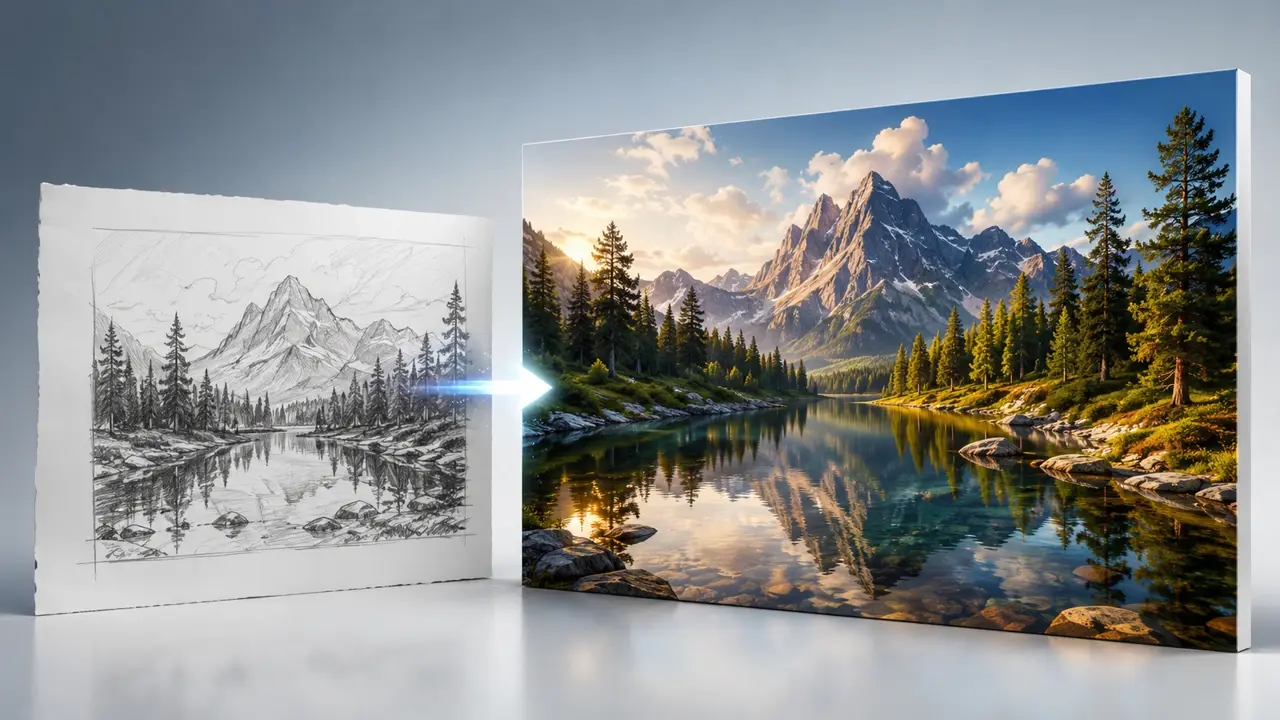
Print Ready 4K Output
Export up to 4K resolution so the picture stays sharp when you scale it up for a poster or a large print, not just a small web preview.
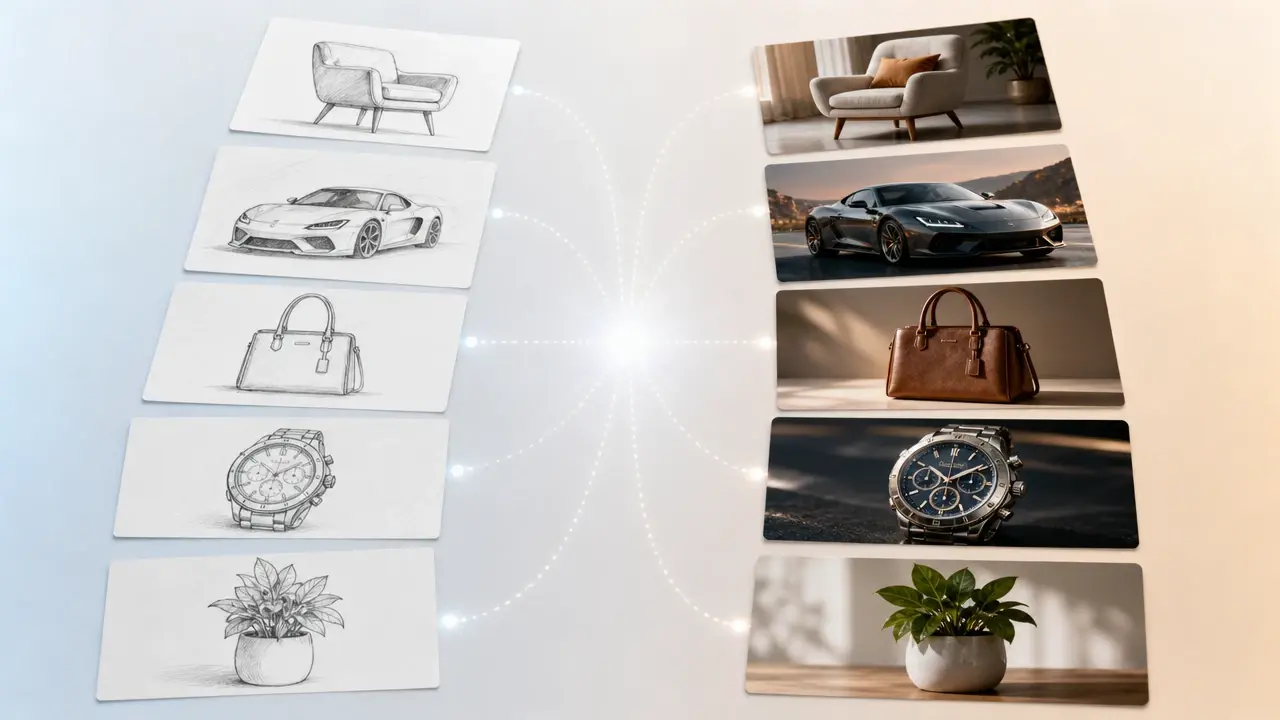
Batch Sketch Conversion
Drop in several sketches at once and convert each one in the same pass, which saves real time when you are working through a full set of storyboard frames or product angles.
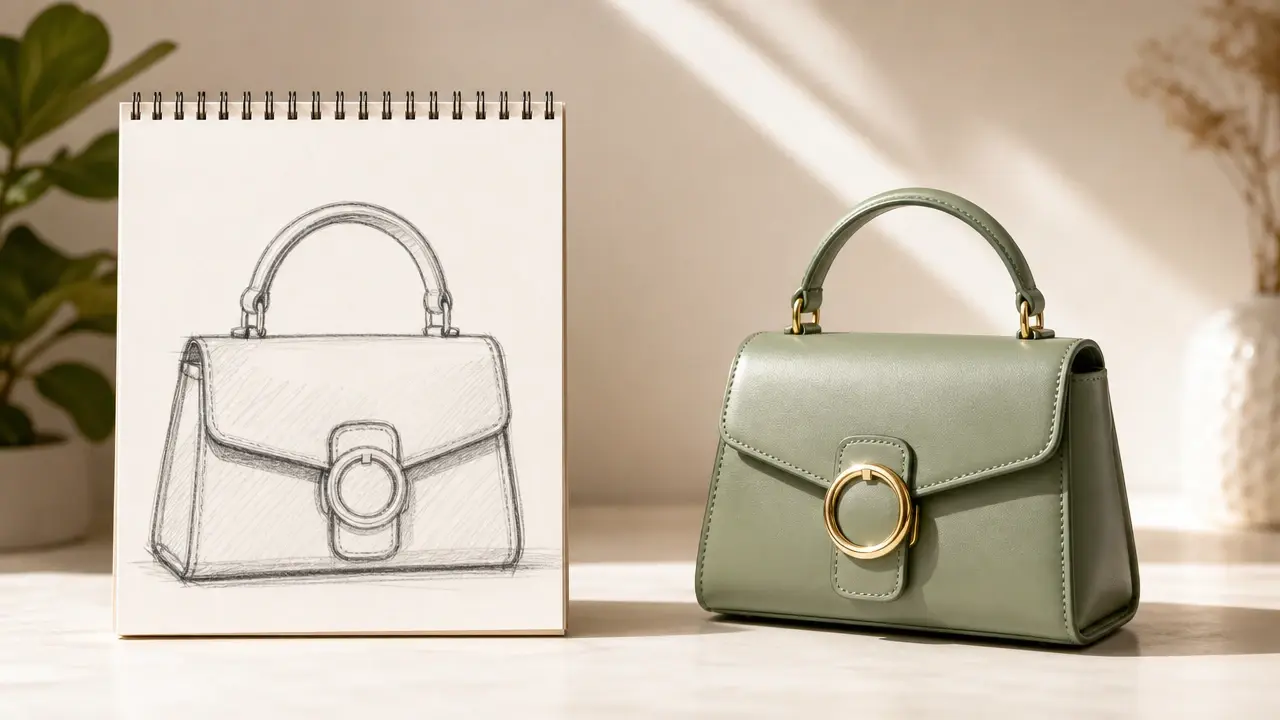
Clean Export With No Watermark
The finished image comes out with no watermark stamped across it, so you can place it straight into a client deck or a shop listing without cropping or cover up work.

Faithful Composition Control
The tool reads the outline and structure of your drawing and keeps the subject where you placed it, so the color version follows your layout instead of rearranging the scene.
Sketch to Image Styles for Every Draft
Pick the input and look that matches the drawing on your desk.
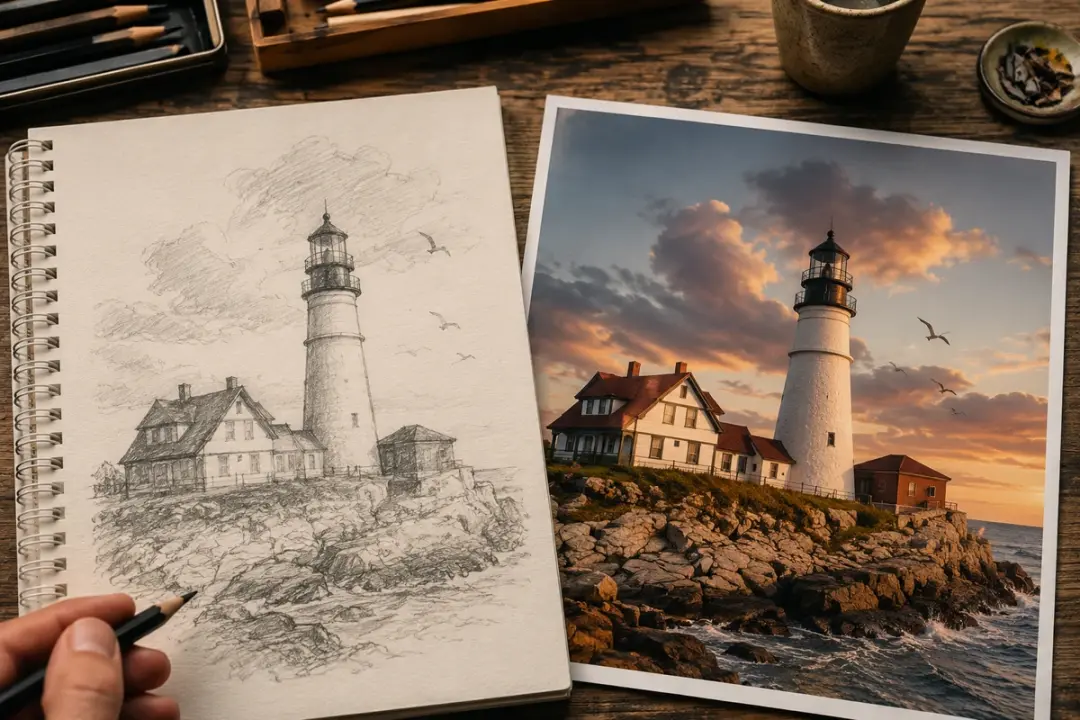
pencil sketch to image ai
Graphite doodles with soft, uneven lines are read cleanly here, so a shaded portrait or still life keeps your original proportions while gaining color and depth. Reach for this when your starting point is a traditional hand drawing.
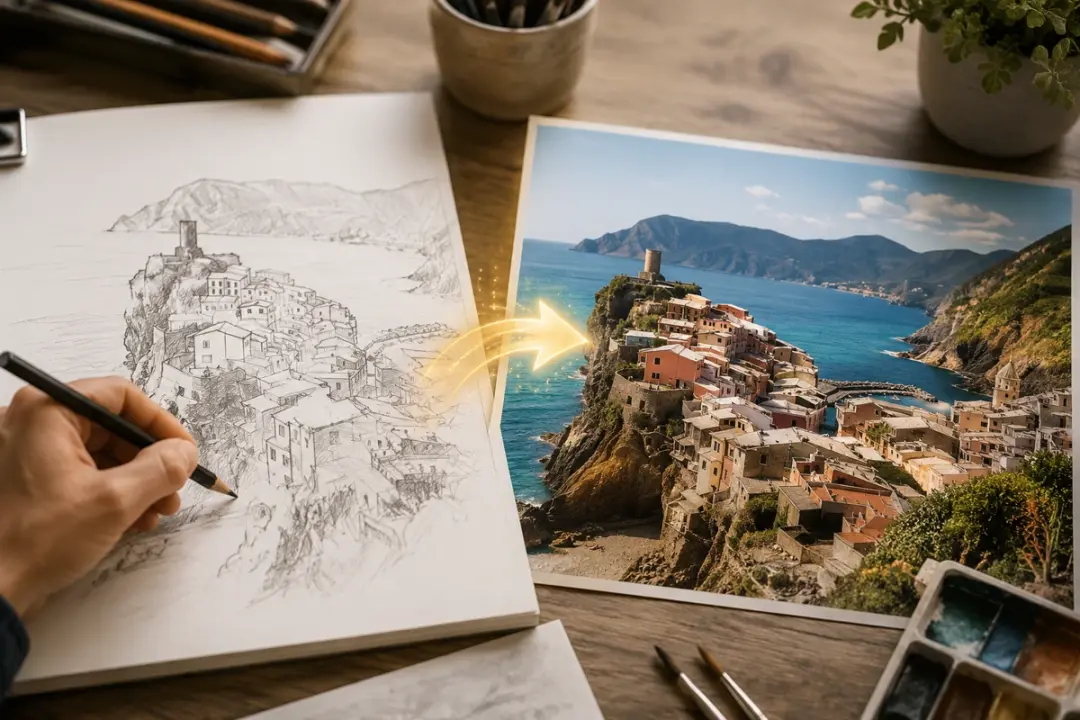
line art to image ai
Clean vector outlines and inked contours give the model crisp boundaries to fill, which suits logos, product concepts, or comic panels where every edge should stay sharp. Choose it when your lines are already precise and you want the color to respect them.
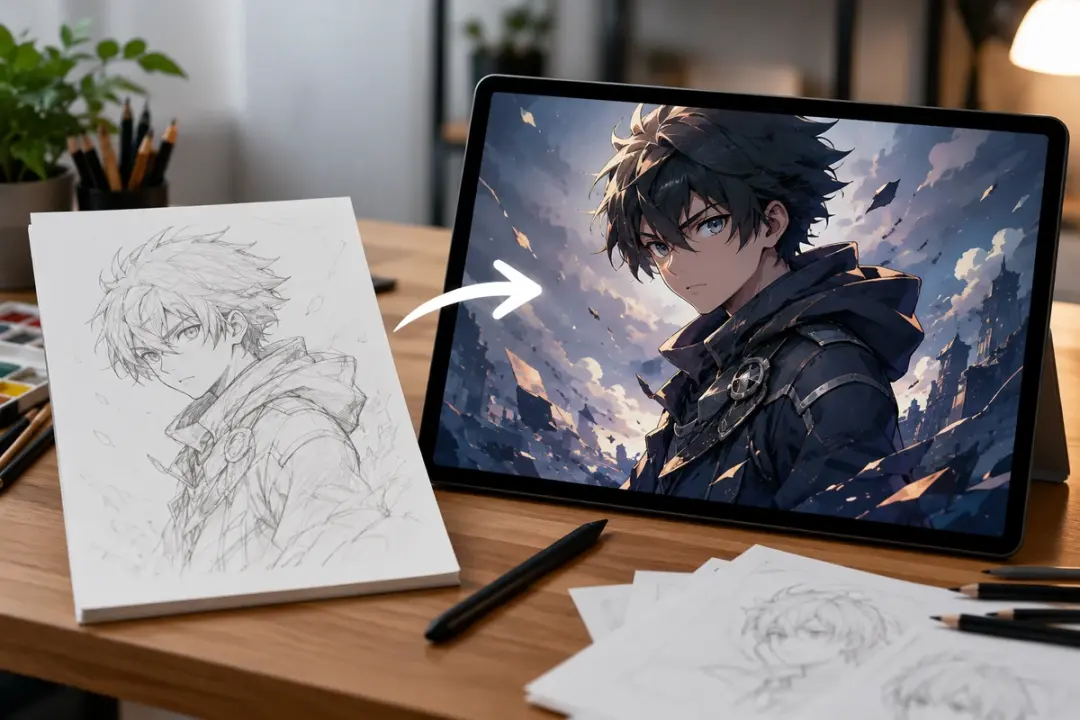
anime sketch to image
Manga style character roughs turn into cel shaded illustrations with flat color and bold linework, matching the look fans expect from a finished panel. This is the pick for original characters, fan art, or a comic page you drew by hand.
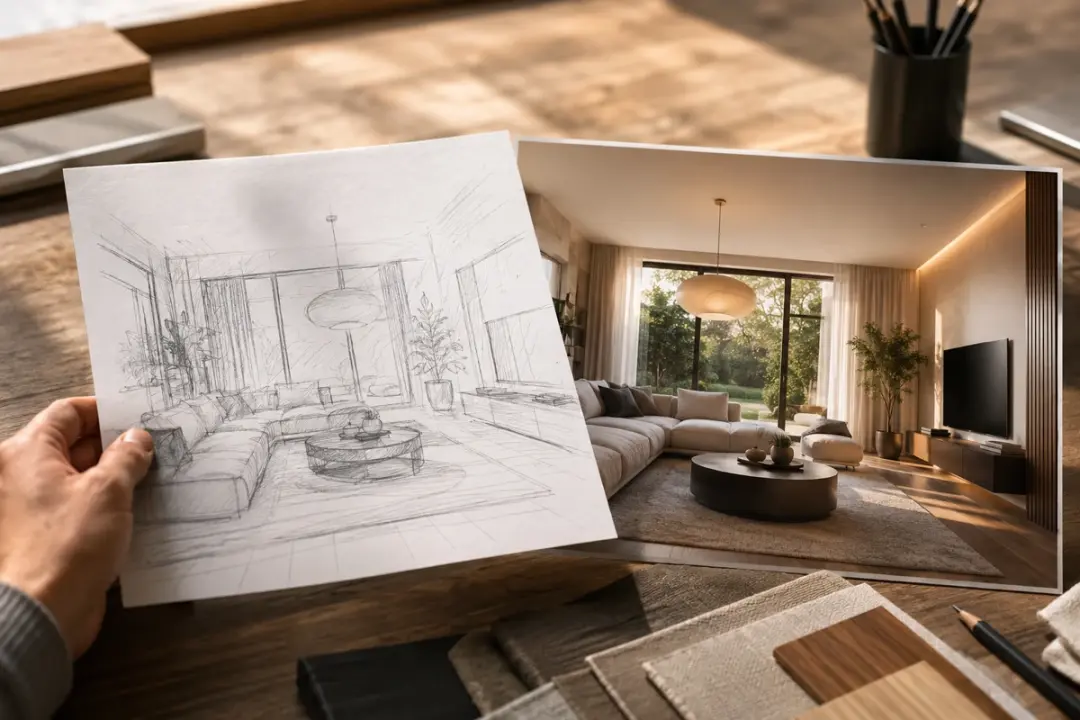
sketch to realistic image ai
Feed in a loose concept and this sketch to photo route leans photographic, with believable texture, lighting, and material, so a rough interior or product idea reads like a real camera shot. Use it when the output needs to pass as a photo rather than an illustration.
Who Uses VideoAI Every Day
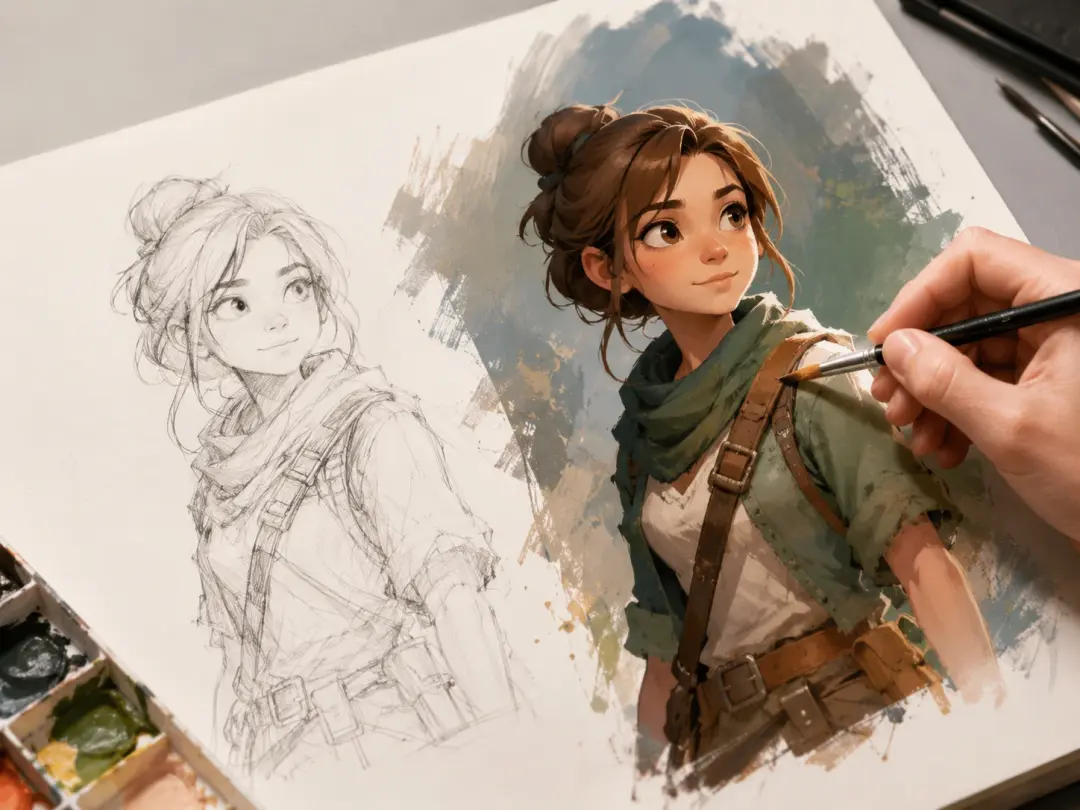
Bring rough concept sketches to life
You block out a character or scene as a quick pencil sketch, then let the prompt add color, shading, and mood, which lets you test a look before committing hours to finished art.
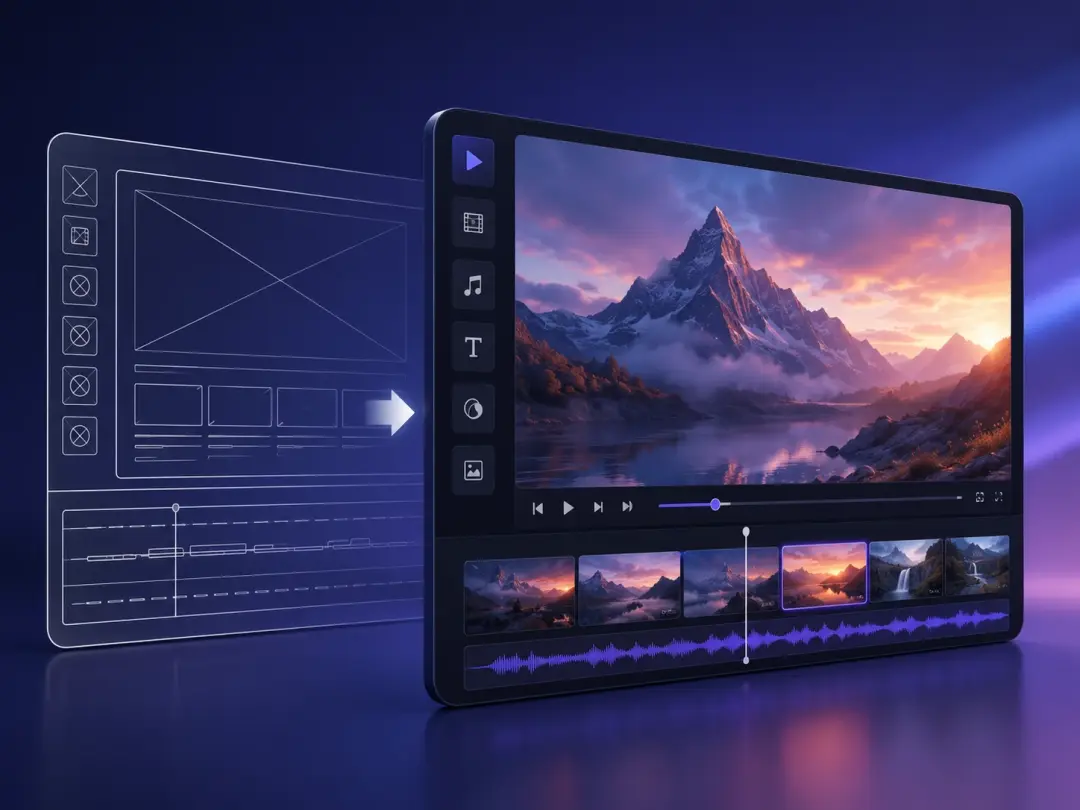
Show ideas as finished visuals
A line art wireframe of a product or interface becomes a presentable mockup once you describe the materials and finish you have in mind, so stakeholders react to something concrete.
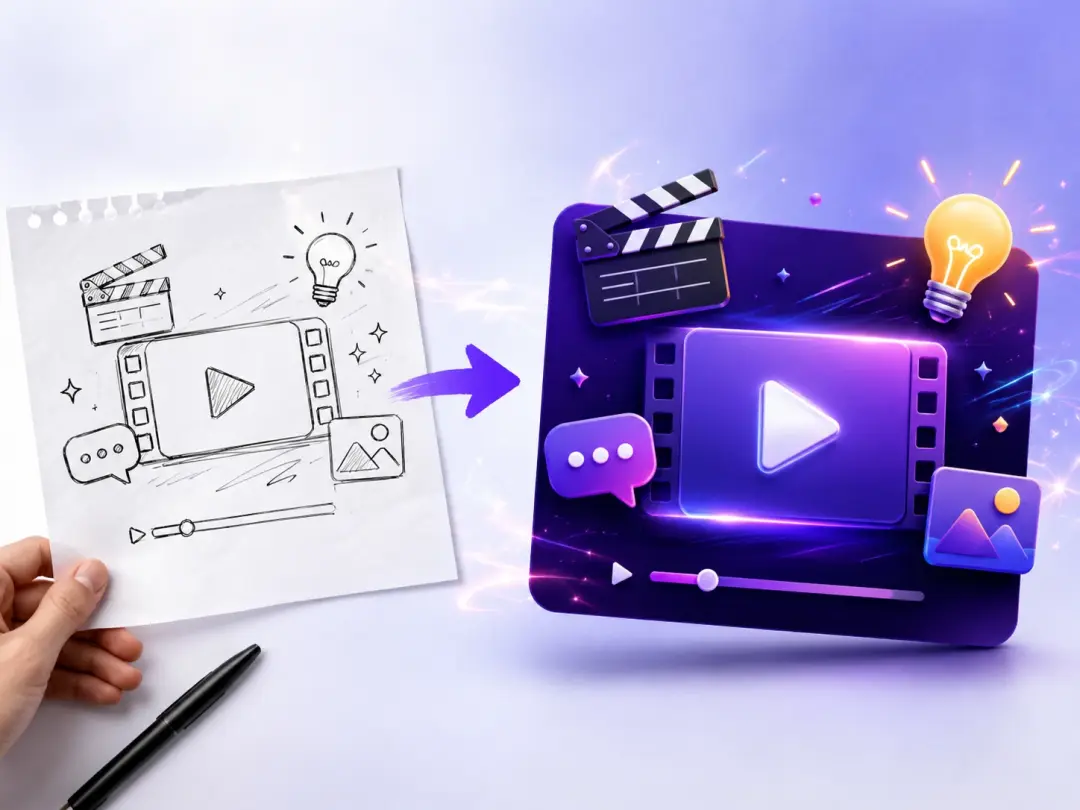
Fill a feed without stock photos
When a post needs a themed graphic, a quick doodle plus a short description runs a drawing to image ai pass in your own style, rather than a generic stock photo everyone recognizes.
Common Questions About Sketch to Image
Explore
Discover our AI design tools




























Explore related tools
Turn Your Sketch Into Color Now
Upload a drawing to VideoAI, write one prompt, and get a finished picture back.
Get Started