

photo video maker
VideoAI is a photo video maker that takes your collection of JPG, PNG, or WebP images, arranges them into a paced album story, and generates a video output you can preview and export from your browser.
How the Photo Video Maker Works
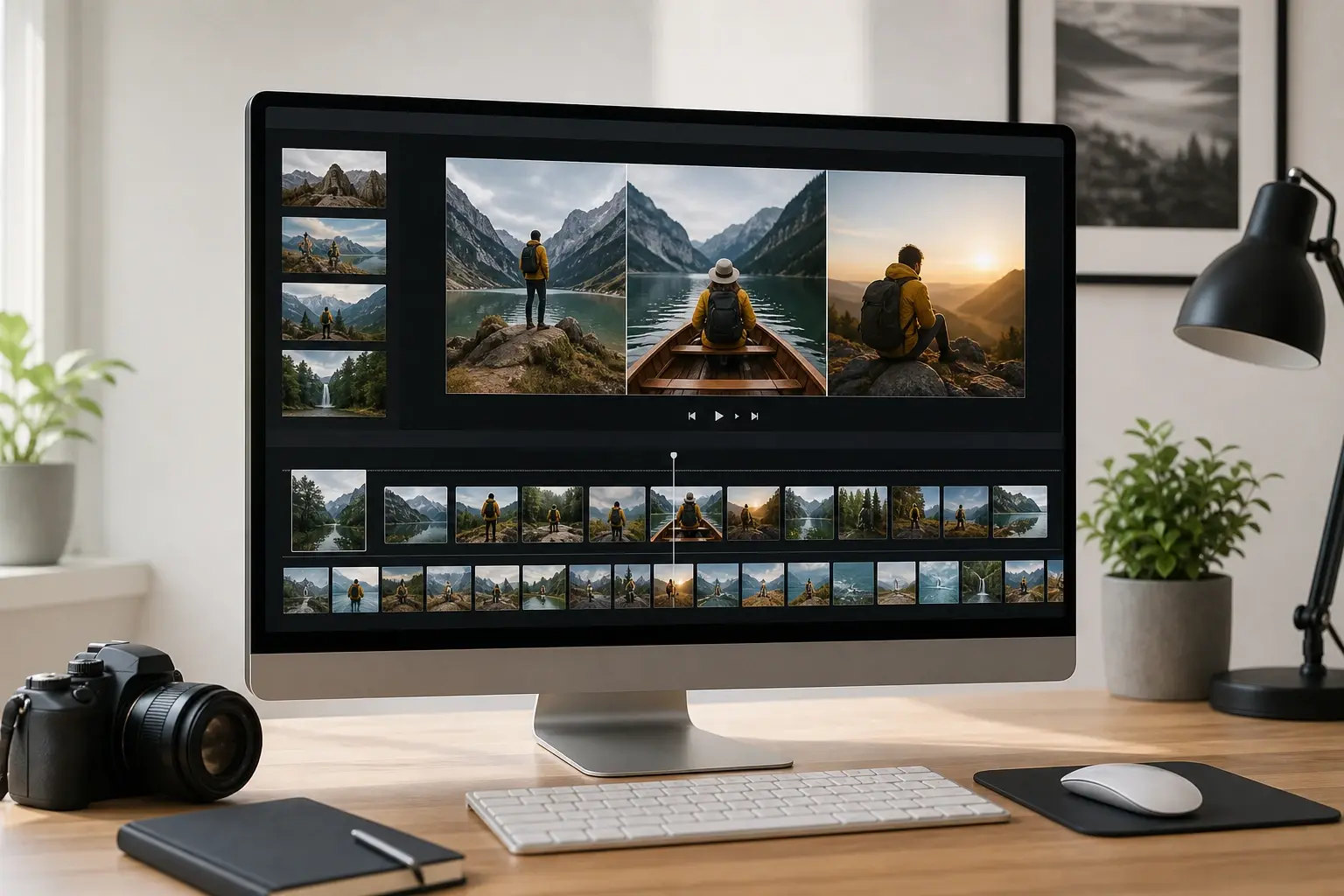
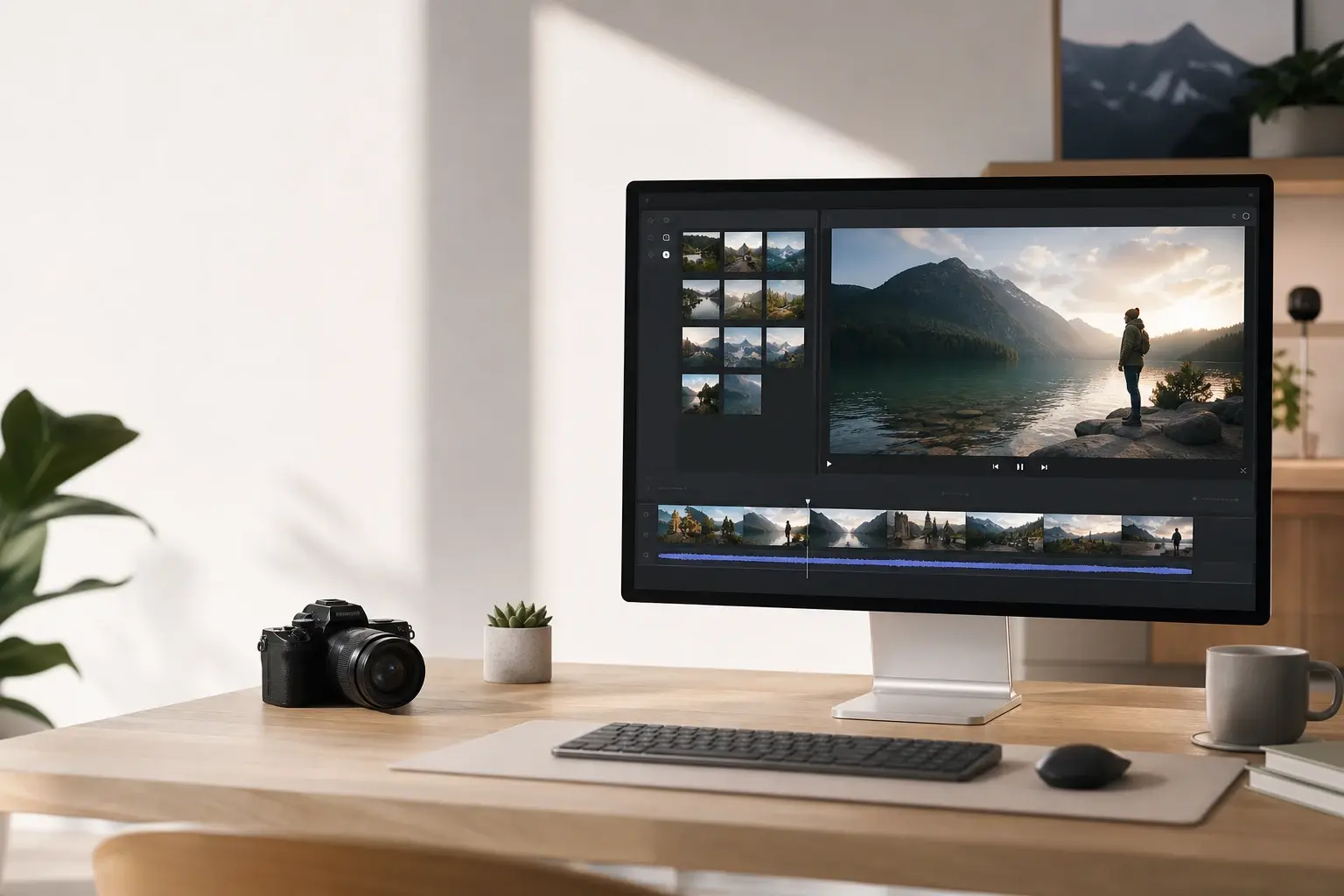
From a folder of photos to a finished picture movie, the process runs entirely in your browser with three clear steps. The photo video maker keeps the sequence visible while you build.
Upload Your Photo Collection
Select the JPG, PNG, or WebP images you want in your video and upload them to VideoAI. The photo video maker accepts multiple images at once, so you can bring in an entire event set or travel album in one pass. Once uploaded, all photos appear in a visual tray ready for ordering. Use the photo video maker to set the opening image before adding detail shots.
Set the Album Order and Pacing
Arrange the photos into the sequence that shapes your story: opening shot, supporting images, and a clear closing frame. When the photo order feels right, confirm it and let VideoAI read the sequence to apply transitions and pacing suited to a picture movie output. This is where the album arc takes shape as a photo video maker result, and where the animated photo album structure becomes intentional rather than automatic. The photo video maker helps you balance quick cuts with slower moments.
Preview and Export Your Video
VideoAI generates a preview so you can check the pacing and photo order before committing to the final export. If a photo feels out of place or a transition lands awkwardly in the picture movie, adjust the sequence and regenerate. The photo video maker output exports as a shareable video file when the picture movie reads the way you intended.
Photo Video Maker Scenes That Work
A photo video maker fits a range of personal and professional moments where a set of images needs to become a watchable, shareable video. Each use case shows where a photo video maker fits better than single photo animation.
Family Event Recap Video
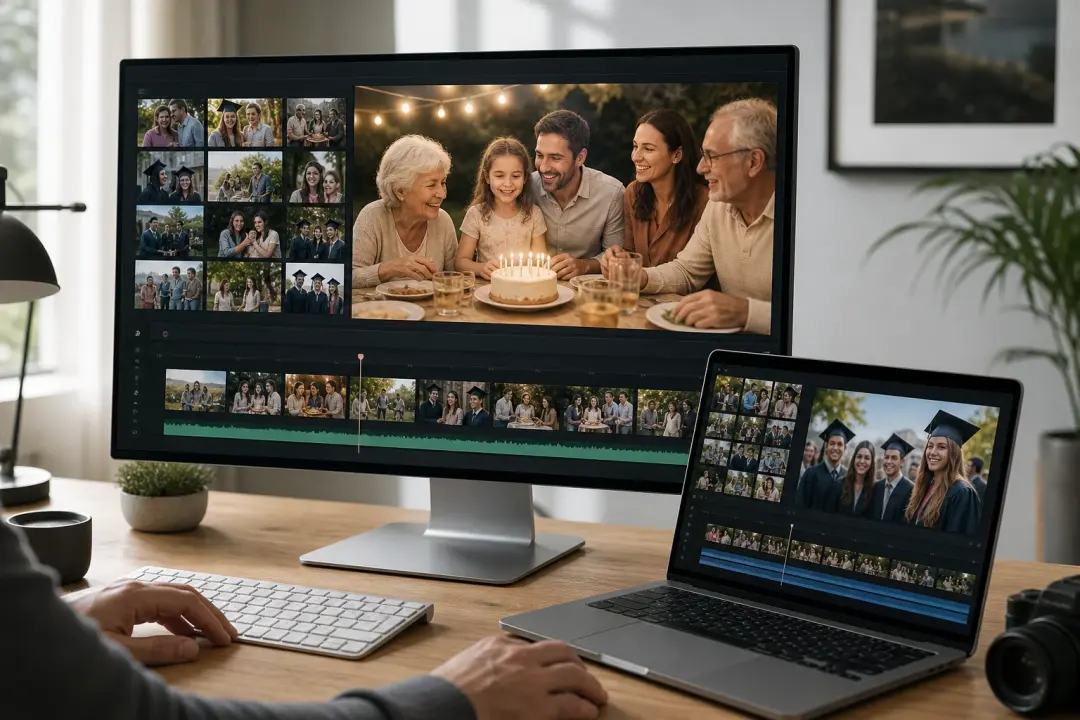
After a birthday, graduation, or family reunion, photos scattered across different phones tell a fuller story together than apart. Pull the best shots into this photo video maker, order them from arrival to final moment, and VideoAI produces a picture movie the whole group can watch and keep. The photo album maker workflow lets you add captions to name each person or mark the date without requiring a complex editing timeline. A photo video maker keeps the album feeling like one story.
Travel Photo Album Video
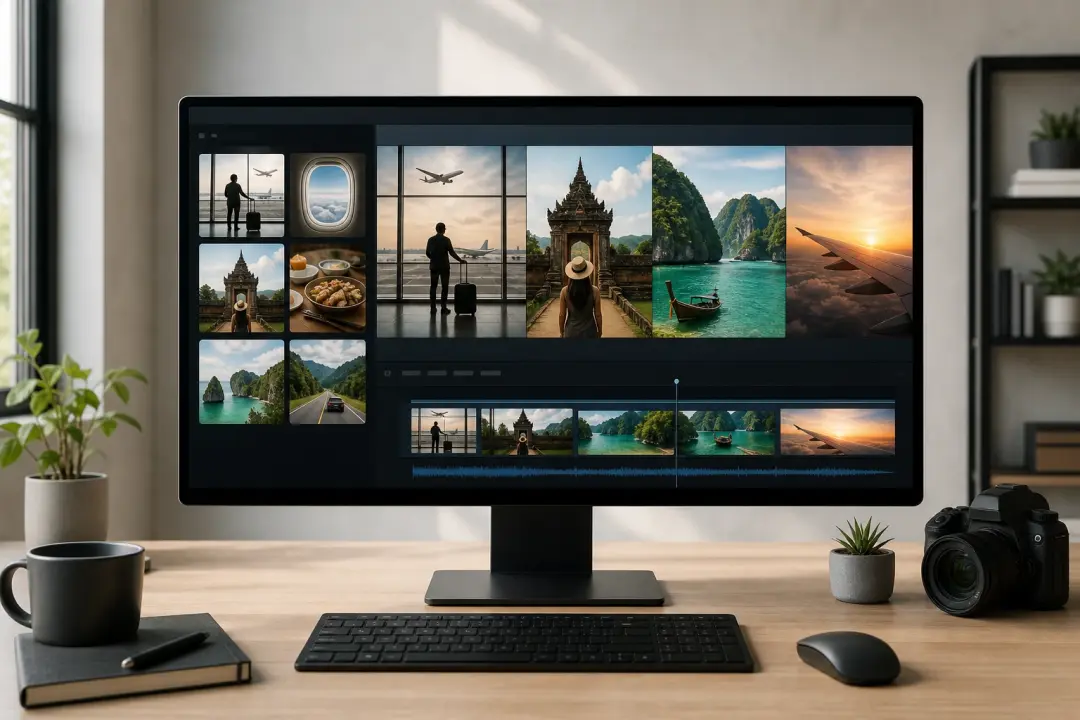
A travel album works best when the photos move in the order the journey unfolded: departure, first destination, highlights, and the journey home. The photo video maker lets you set that arc deliberately rather than relying on a platform to guess the story. The result is an animated photo album that holds the trip in sequence as a photos to video maker output, rather than a shuffled carousel.
Product Photos Into Social Clips
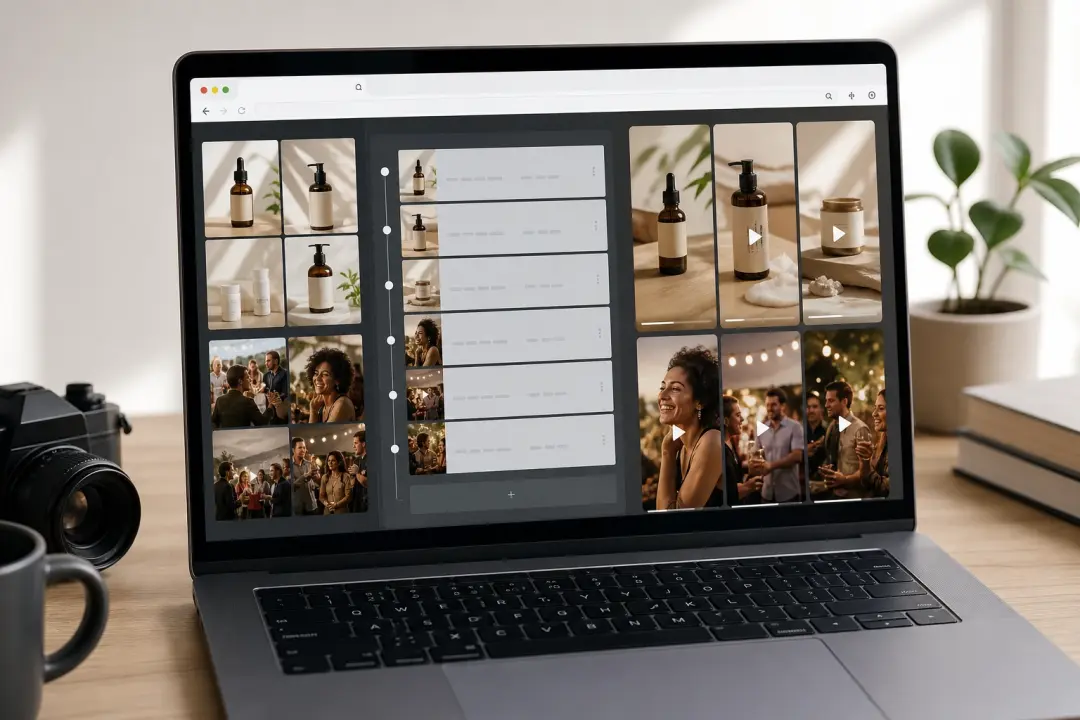
Small teams producing content for short video platforms often have a set of product or event photos ready but no fast path from images to a shareable clip. The picture video maker workflow in VideoAI handles that gap: upload the product shots, set the order that shows the product clearly, preview the photo video maker output, and export. No complex timeline editing is needed to get a usable video maker from photos result.
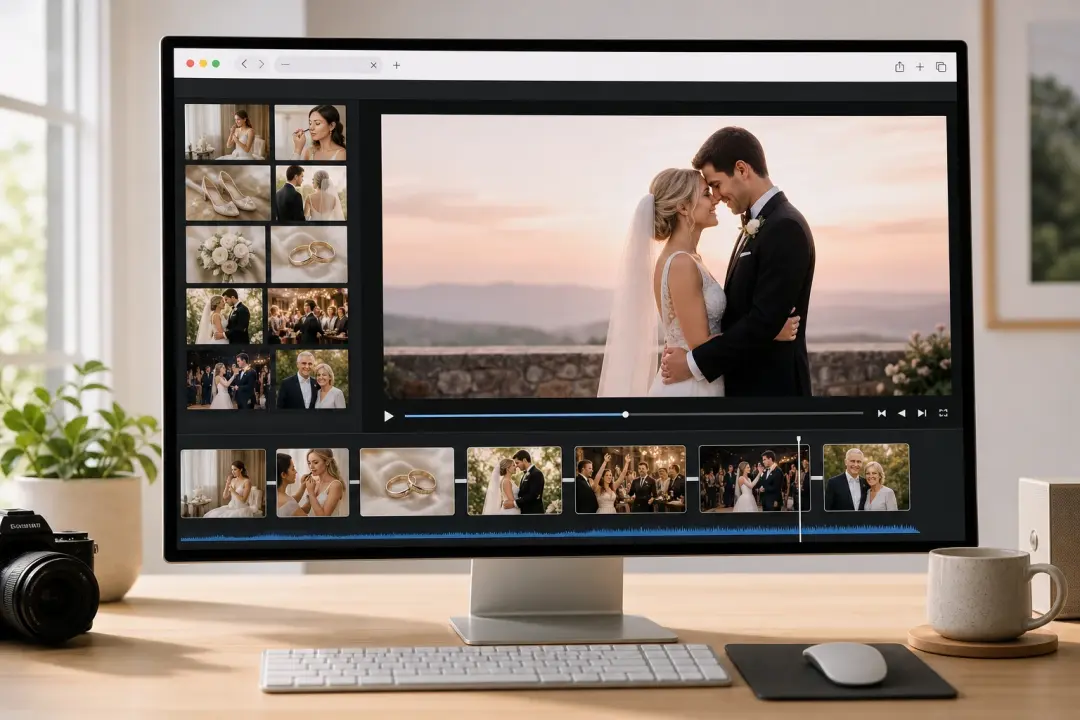
Wedding and Anniversary Photo Movie
A wedding or anniversary photo album animation calls for a specific story structure: preparation photos, the ceremony, the reception, and a strong closing image. VideoAI treats the photo order as the primary creative decision in the photo video maker process, so the pacing of the picture movie reflects the shape of the day. The finished photo movie maker output is a shareable video file ready to export directly from the browser.
Photo Video Maker vs Other Approaches
Choosing the right tool depends on what you are building. Here is how a dedicated photo video maker compares to common alternatives. This photo video maker workflow is lighter than a full editor but more structured than one image animation.
VideoAI vs Desktop Slideshow Software
Traditional desktop slideshow editors put the timeline first: you set transition duration, export codec, and audio sync before you can preview anything meaningful. VideoAI takes the photo order as the starting point in the photo video maker flow and generates a preview from the sequence you set, so the picture movie is reviewable before any manual timeline work. Desktop software offers granular control for complex productions; VideoAI is the faster path from a photo collection to a finished video output when album pacing and story order are the main decisions. Choose a photo video maker when the order of several photos matters.
VideoAI vs Platform Auto Album Features
Most social platforms and phone galleries include an auto generated memories feature that selects and sequences photos on your behalf. The result can be pleasant but rarely matches a deliberate story order. The photo video maker in VideoAI puts the sequencing decision in your hands, so the opening photo, the pacing through the middle, and the closing frame are your choices, not an algorithm guessing from your camera roll. The exported picture movie is yours to share wherever you choose. The photo video maker keeps those choices in one browser workflow.
VideoAI vs Single Image AI Animation Tools
An ai photo video maker built around single image animation takes one photo and adds synthetic motion to it, producing a short looping clip from a single source. That is a different task from assembling a photo album into a picture movie. VideoAI works as a photo video maker for multiple images: the creative work is ordering a set of photos into a story arc, not generating motion inside one frame. If you need single photo motion work, the photo to video ai page covers that workflow separately.
Photo Video Maker Questions Answered
Explore
Discover our AI design tools





Explore related tools
Build Your Picture Movie From Photos.
Upload your photos, set the order that tells your story, and let VideoAI generate a finished video you can preview and export from your browser using the photo video maker workflow.
Get Started