

Ai Anime Generator
VideoAI helps you shape ai generated anime with clear style choices, reference images, and export settings. Use the ai anime generator to test a character direction, adjust the scene, and keep a usable output for edits.
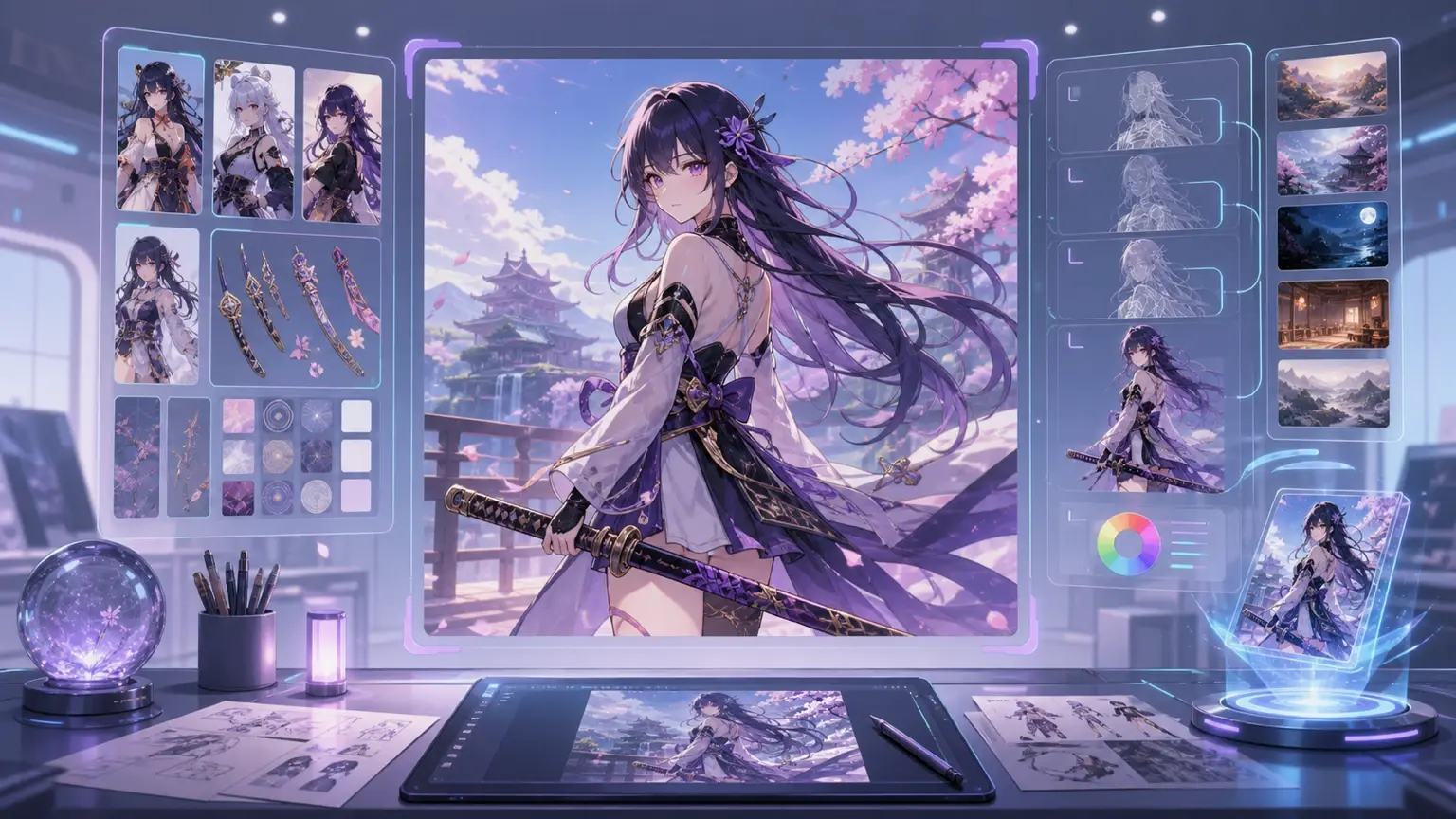
Creators using ai anime generator
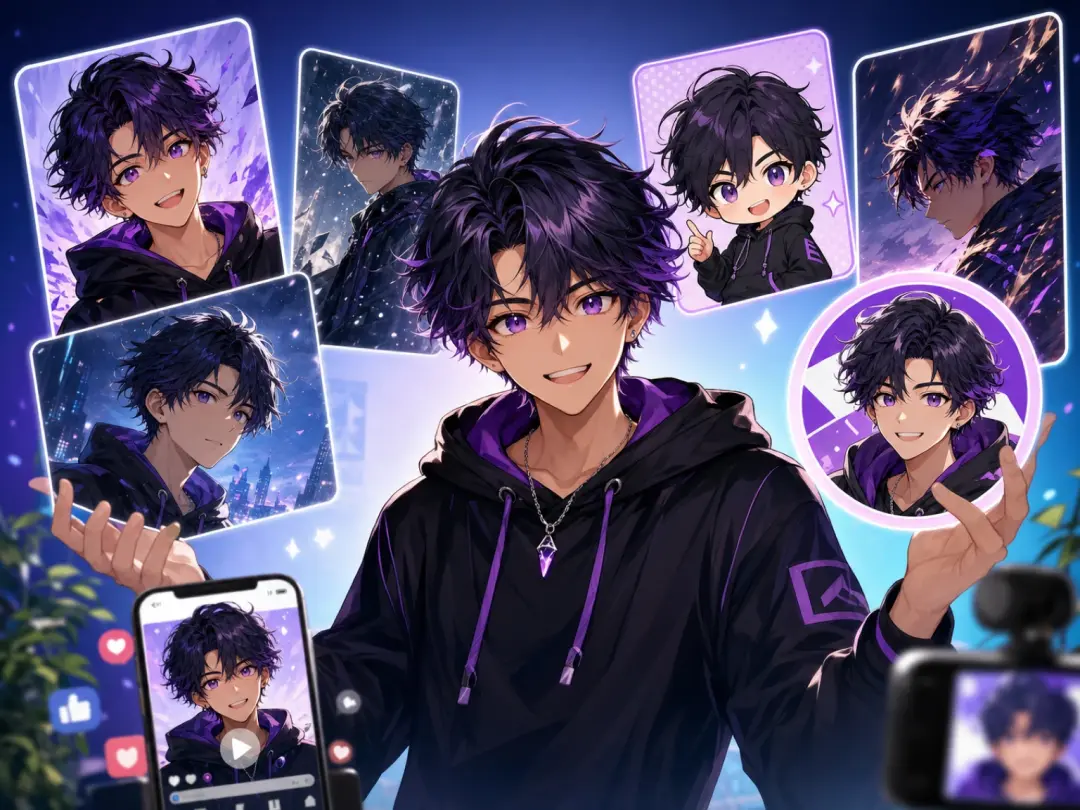
Content Creator
Short video thumbnails and profile visuals need a clear character read at small sizes. The ai anime generator lets you test anime ai art, compare preview options, and export a clean avatar for social posts.
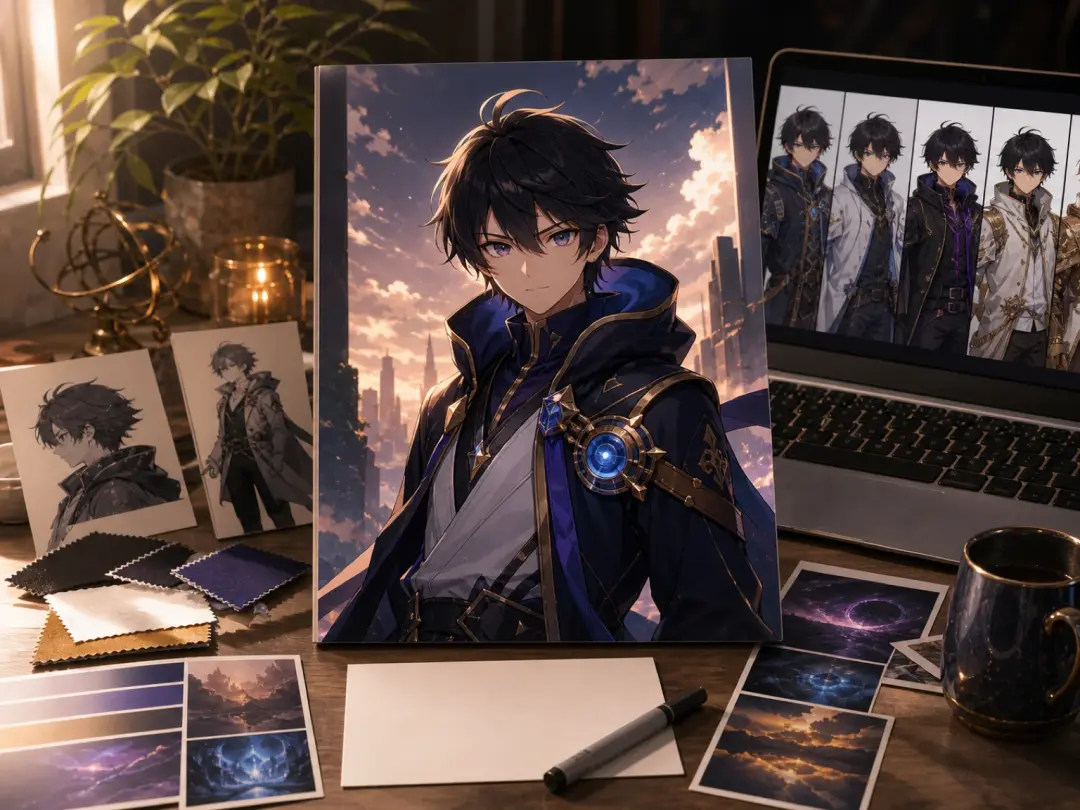
Story Writer
A story pitch often needs faces, costumes, and scene mood before the writing feels grounded. Use the ai anime generator to make a main character, add a marker note, and keep the best output as a visual reference.
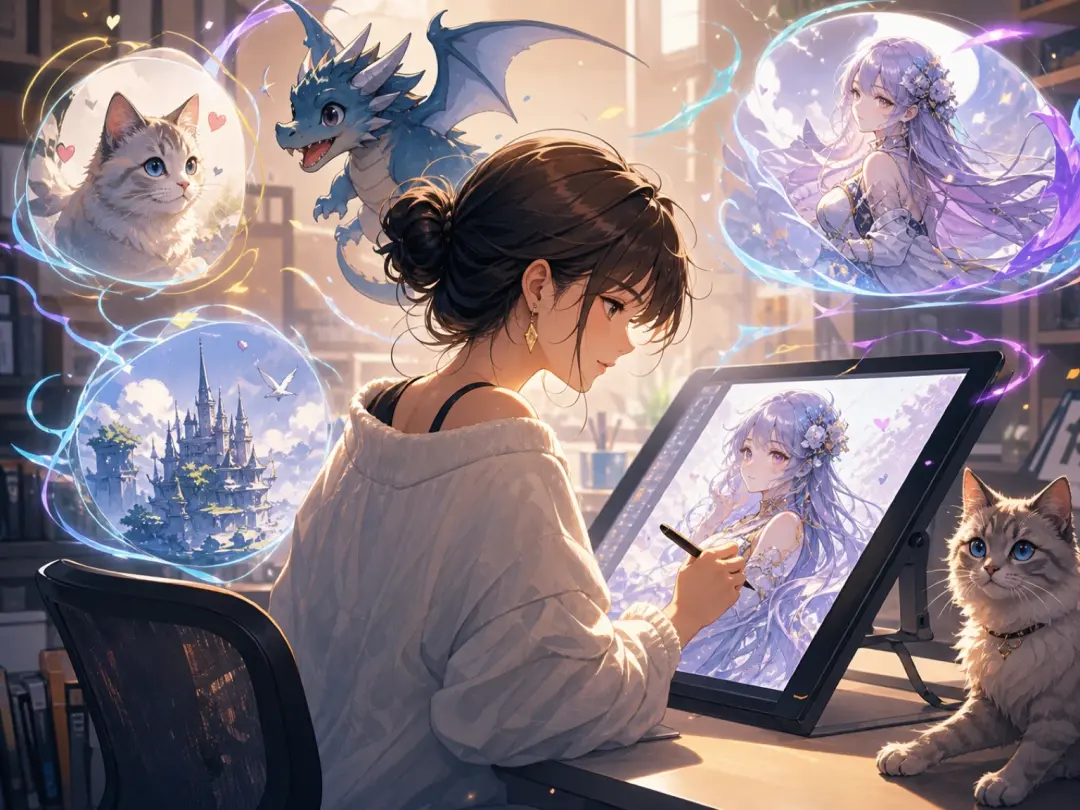
Fan Artist
Fan visuals work best when the reference direction is clear and respectful of the intended style. The ai anime generator supports original prompts, pet inspired ideas, and fantasy scenes that can guide later drawing.
ai anime generator workflow
Start with one clear creative decision, then refine the image like a short production pass. The ai anime generator keeps the prompt, preview, and export flow visible so each step can be repeated.
Write the prompt
Describe the character, outfit, scene, and image purpose in plain language. When the reference is a pet, outfit, or previous sketch, add it before generating so VideoAI can hold the direction.
Preview the direction
Review the first anime generator output before changing every setting. Compare the face, pose, and background, then adjust one marker such as clip length for animated use or final image ratio.
Export the image
Choose export settings that match the next step, such as avatar, sticker, poster, or source clip concept art. Save the output and keep the prompt for consistent ai anime work later.
Anime image outputs
These examples show how the ai anime generator supports practical image work. Each output begins with a clear prompt, then moves through preview, adjustment, and export.
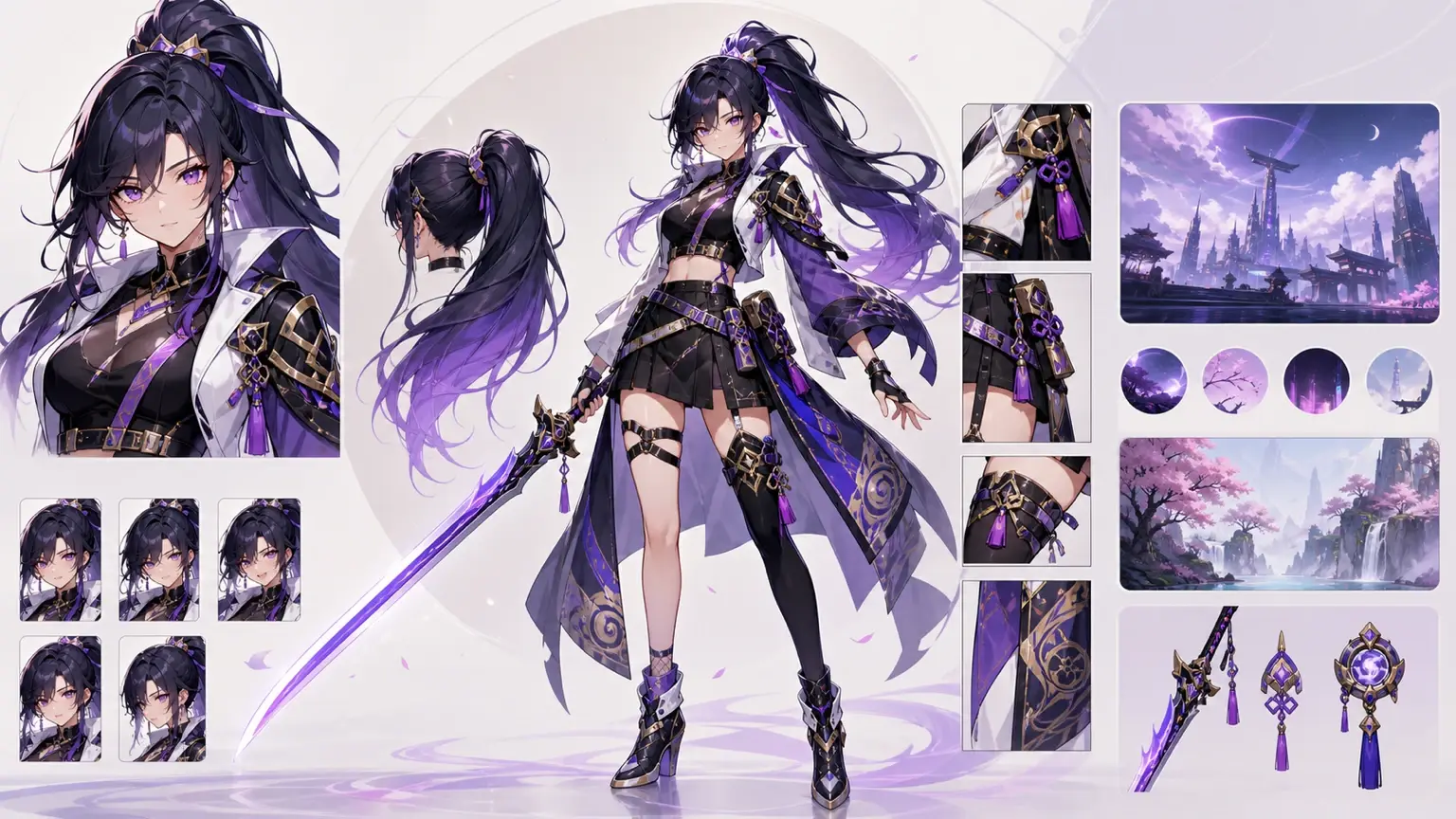
Original Character
Build a character sheet with hairstyle, outfit, expression, and simple background notes. If the first image feels too broad, adjust the prompt by one detail and preview again.
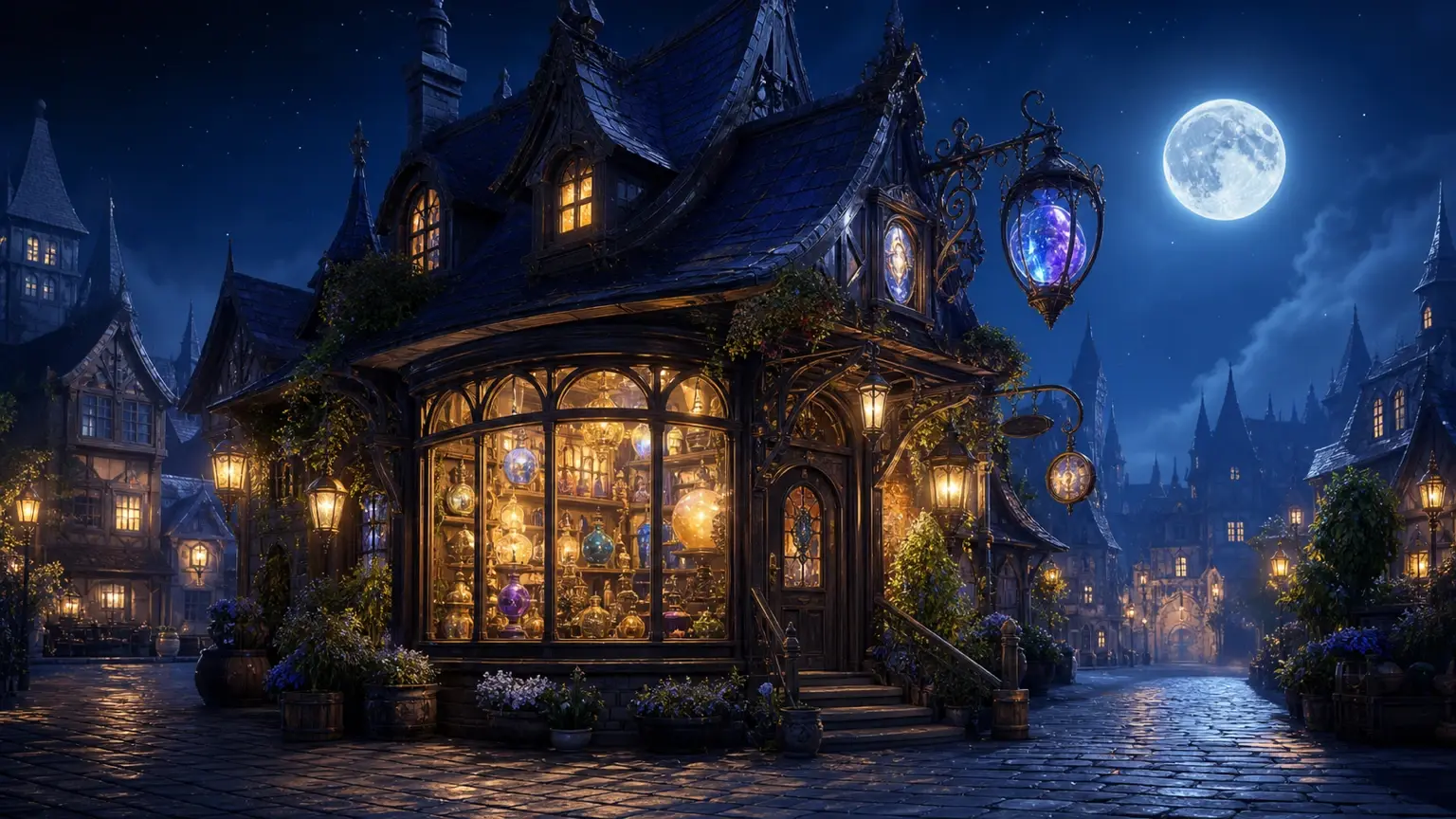
Fantasy Scene
Create a castle gate, moonlit street, or magic shop scene for a story board. The ai anime generator works best when the scene has one main subject and a defined camera angle.

Pet Avatar
Turn a pet idea into a cute anime portrait, mascot, or sticker concept. The animal generator angle is strongest when the prompt names species, expression, and accessory.
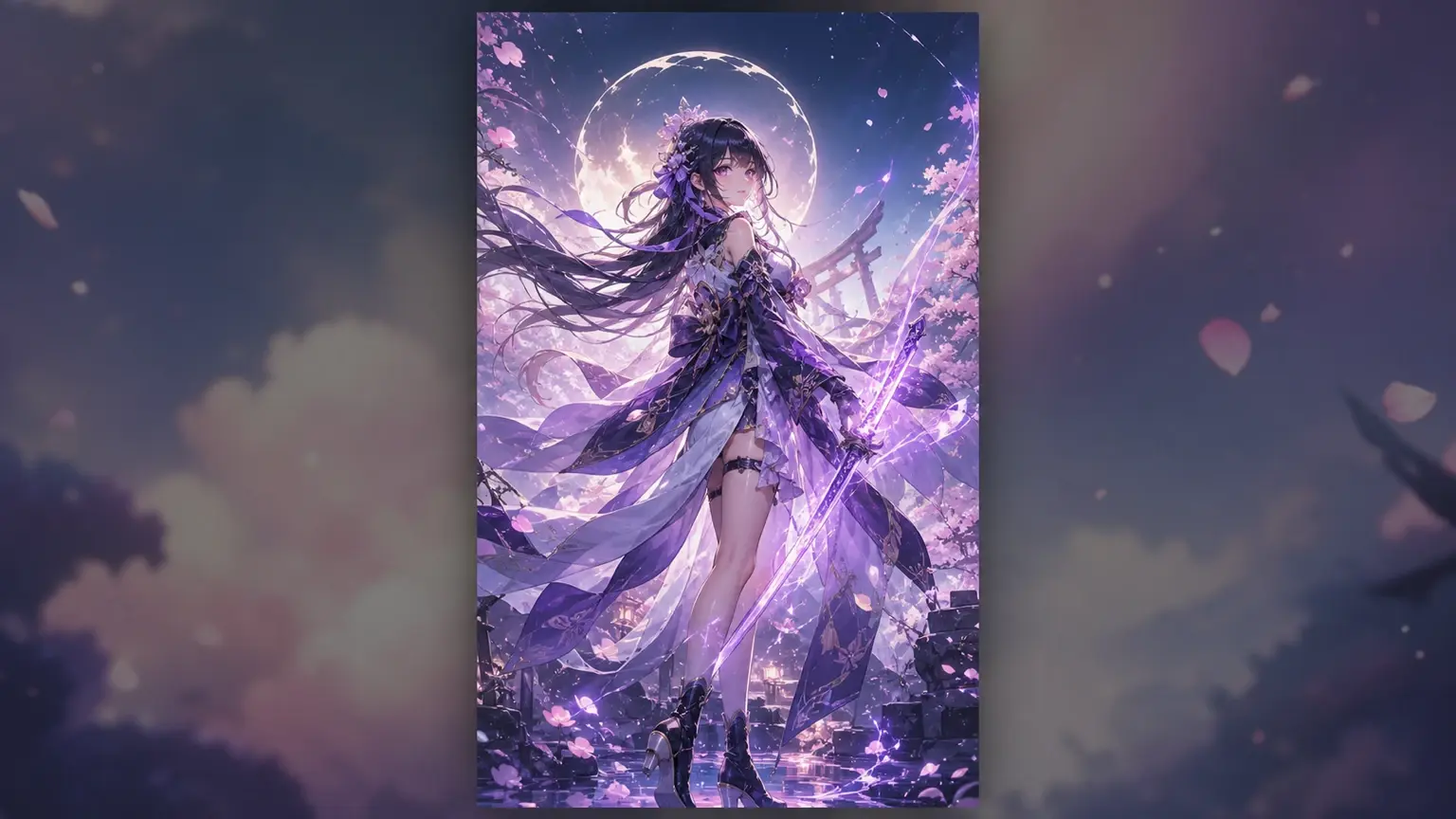
Social Poster
Make a vertical anime poster for announcements, covers, or fan content. VideoAI helps you keep the subject centered so the output stays readable in a feed preview.
Anime generator ai vs editing
The ai anime generator is not a full illustration suite. It is a faster drafting path for creators who need source images, references, and outputs they can continue editing.
Prompt vs Blank Canvas
Starting from a blank canvas gives full control, but it takes more setup. The ai anime generator gives a first image quickly, then you decide which parts need manual polish.
Reference vs Guesswork
A reference image helps VideoAI keep the character direction closer across versions. Results still vary, so review the preview before export and keep the prompt that works.
Draft vs Final Art
The output can be used directly for many social visuals, but complex commissions may still need finishing. Treat the ai anime generator as a drafting partner for faster anime ai choices.
ai anime generator questions
Explore
Discover our AI design tools
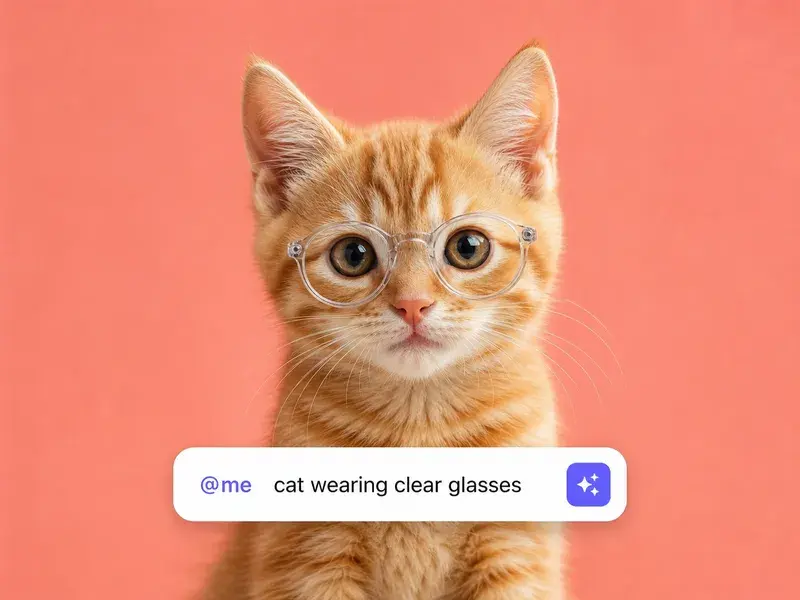

Explore related tools
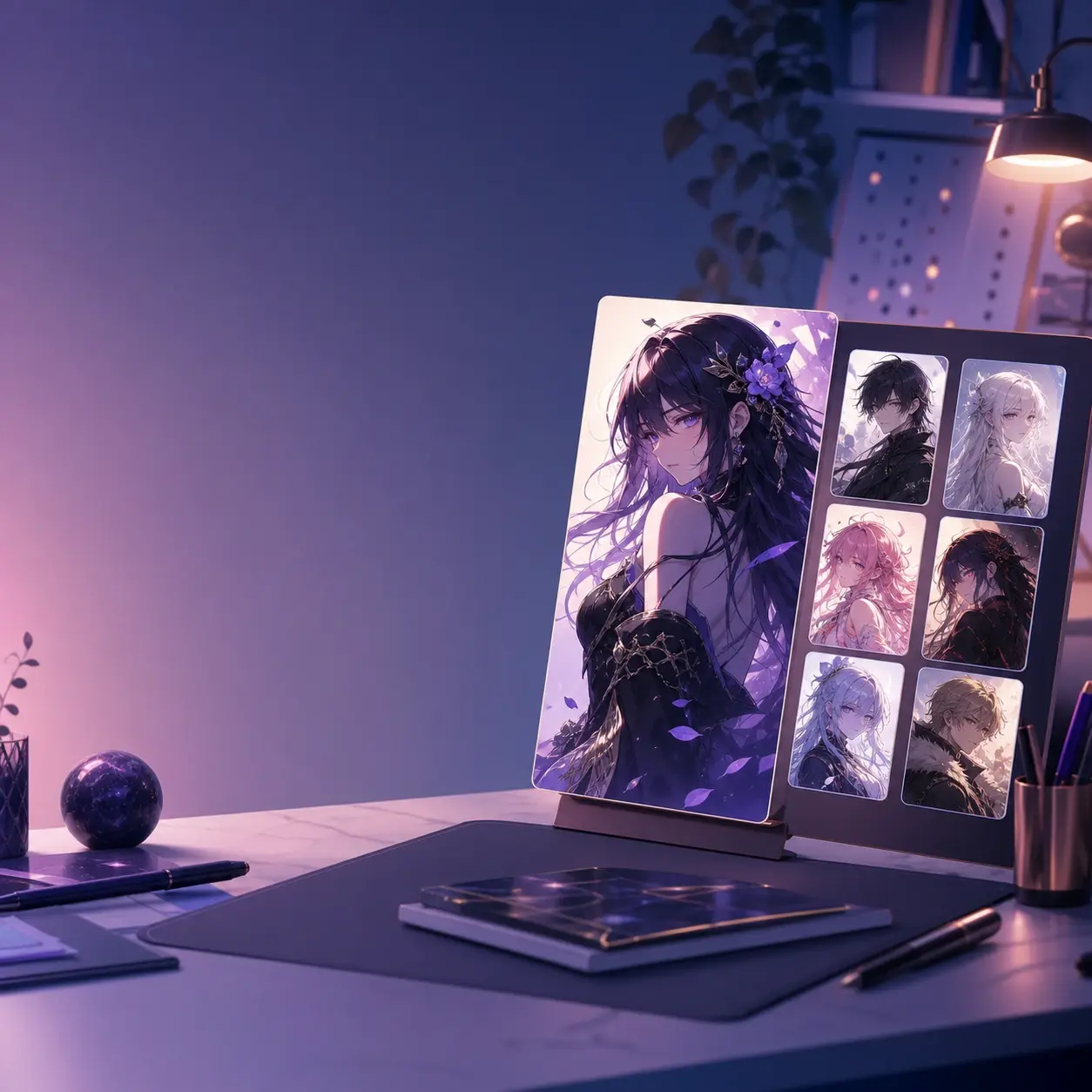
Test an ai anime generator draft
Start with one character prompt, preview the image, adjust the style direction, and export an anime ai art output you can keep editing.
Get Started