
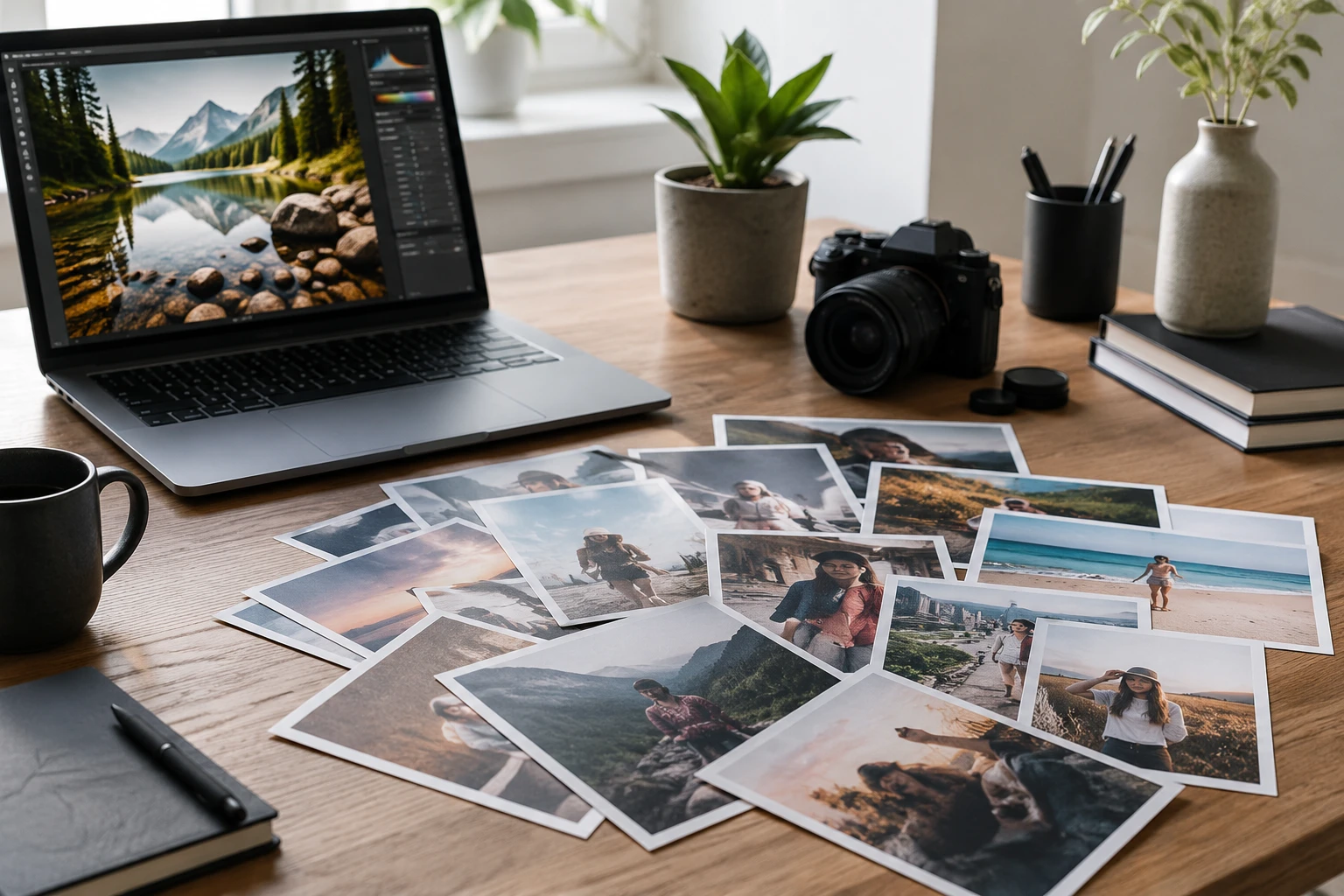
Step 01
Upload Your Reference Photos
Add between one and 18 reference photos in JPG, PNG, or WEBP. More sources give you more elements to draw from, which is why the ceiling sits at 18. Files are handled for this session as you build the shot.

Upload up to 18 reference photos, then use @ to point at one image and name the part you want from it. This ai image generator from image reads your prompt and fuses those chosen elements into a fresh picture, so this is guided image to image ai, not blank text to image.
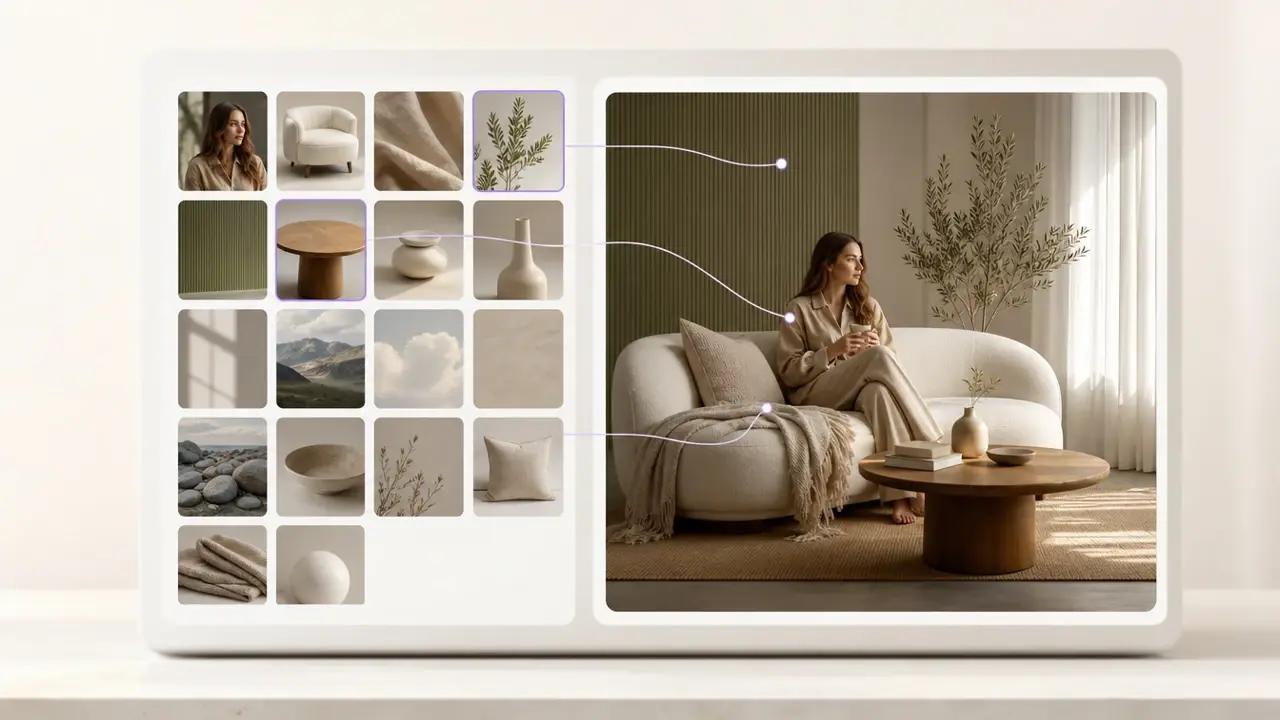
Three concrete steps take you from raw uploads to a finished picture you can download.
Step 01
Add between one and 18 reference photos in JPG, PNG, or WEBP. More sources give you more elements to draw from, which is why the ceiling sits at 18. Files are handled for this session as you build the shot.
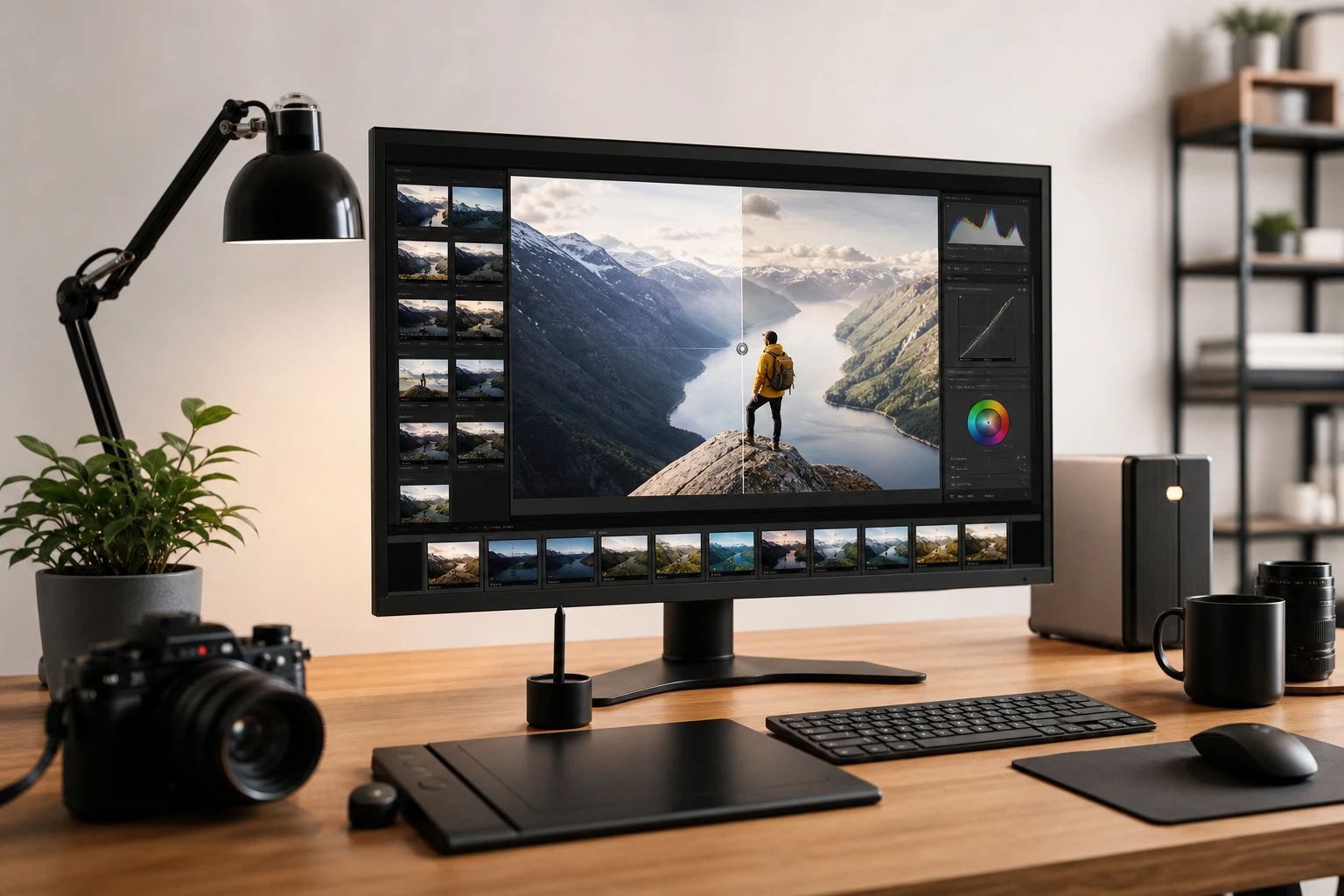
Step 02
Describe the picture you want in plain words, then tag your sources so the tool knows what to take. For example: @1 use this pose, @2 use this face, keep it in anime style. Naming the exact element per reference is how you generate image from image ai with real precision, then pick an aspect ratio.
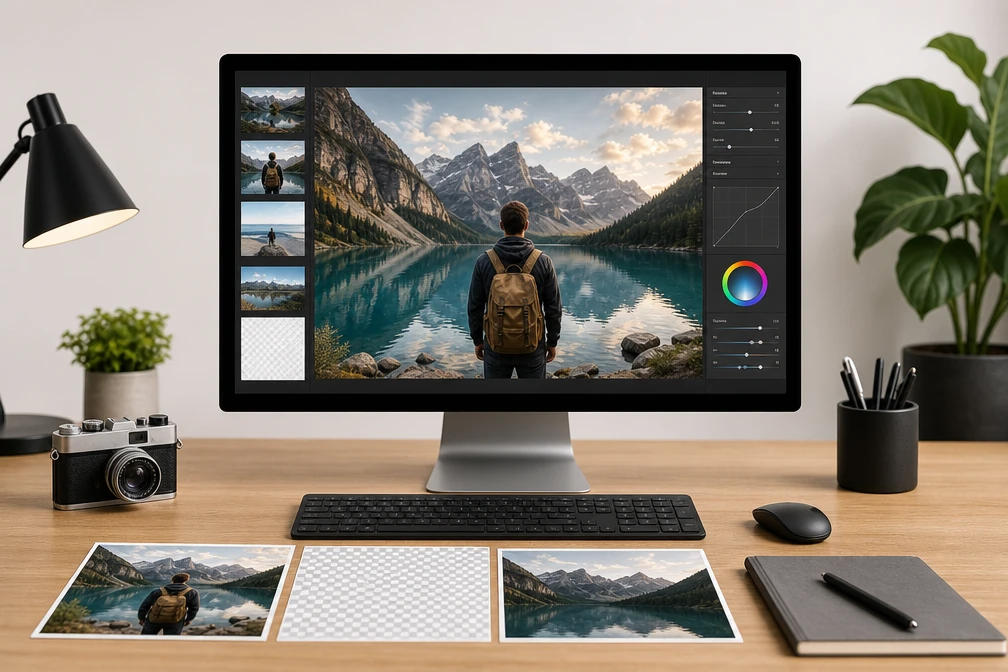
Step 03
Press generate and VideoAI merges the tagged elements into one new image. If it misses, rewrite the prompt or change which element you borrow and run it again. When the picture looks right, download it at your chosen aspect ratio.
Each part of this ai image generator from image is built around reading your reference photos and your written prompt, then producing one combined result you can download.
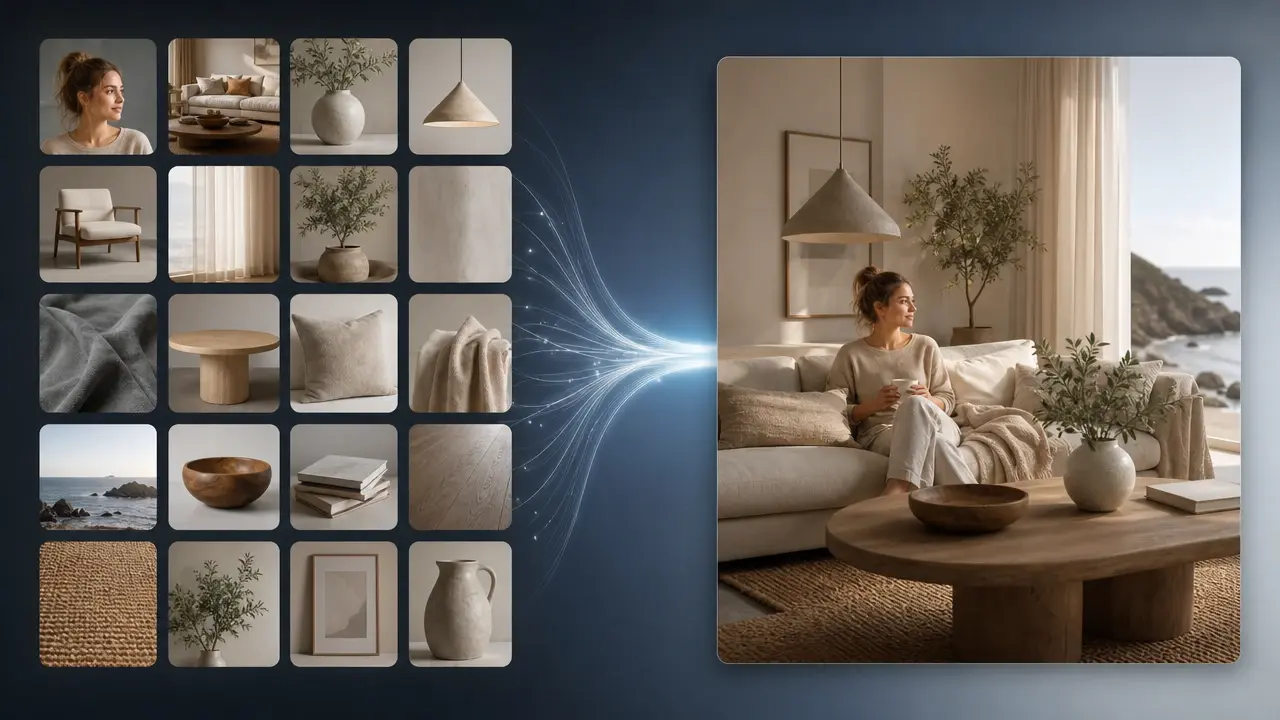
You can load as many as 18 reference photos in a single session, so a pose from one shot and a face from another can meet in the same frame. The count is high on purpose: complex scenes usually need several sources to look right. VideoAI keeps every uploaded image available while you write your prompt.
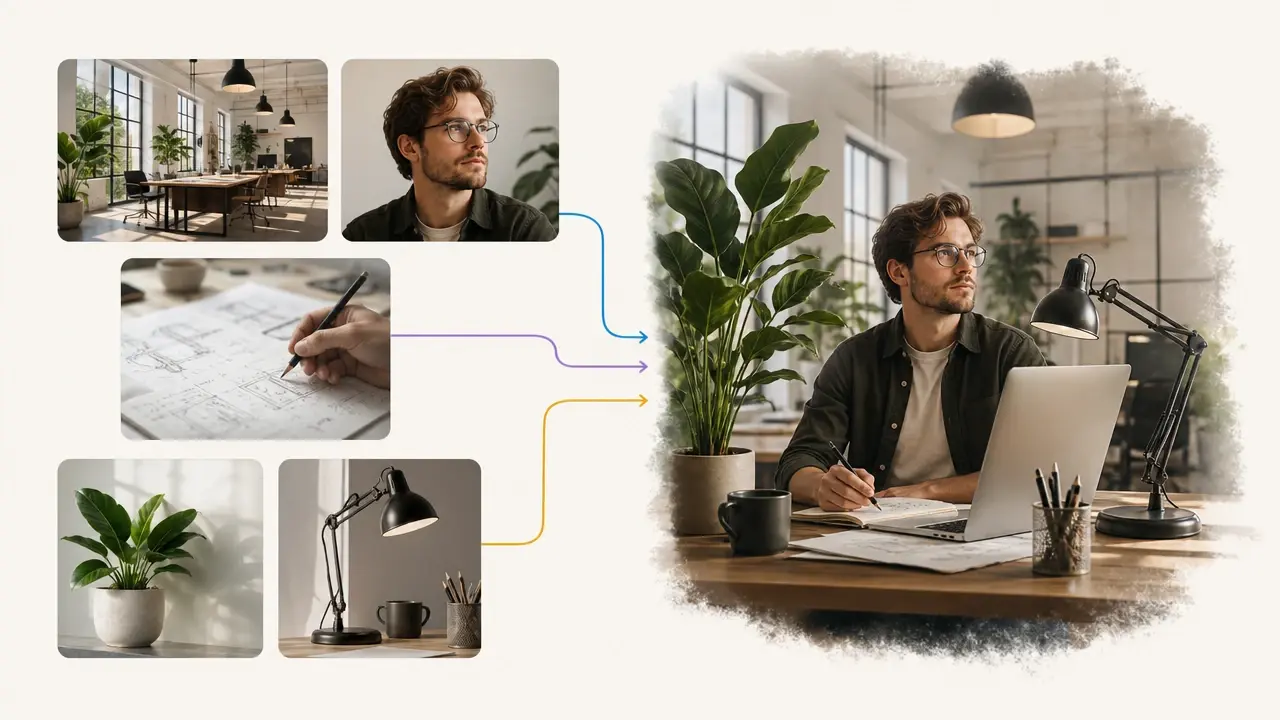
Instead of a strength slider, you steer the result by typing @ before a specific reference and stating what to borrow from it, such as the jacket, the background, or the lighting. This puts the decision in your hands rather than leaving VideoAI to guess. You see cleaner control because you name each element yourself.
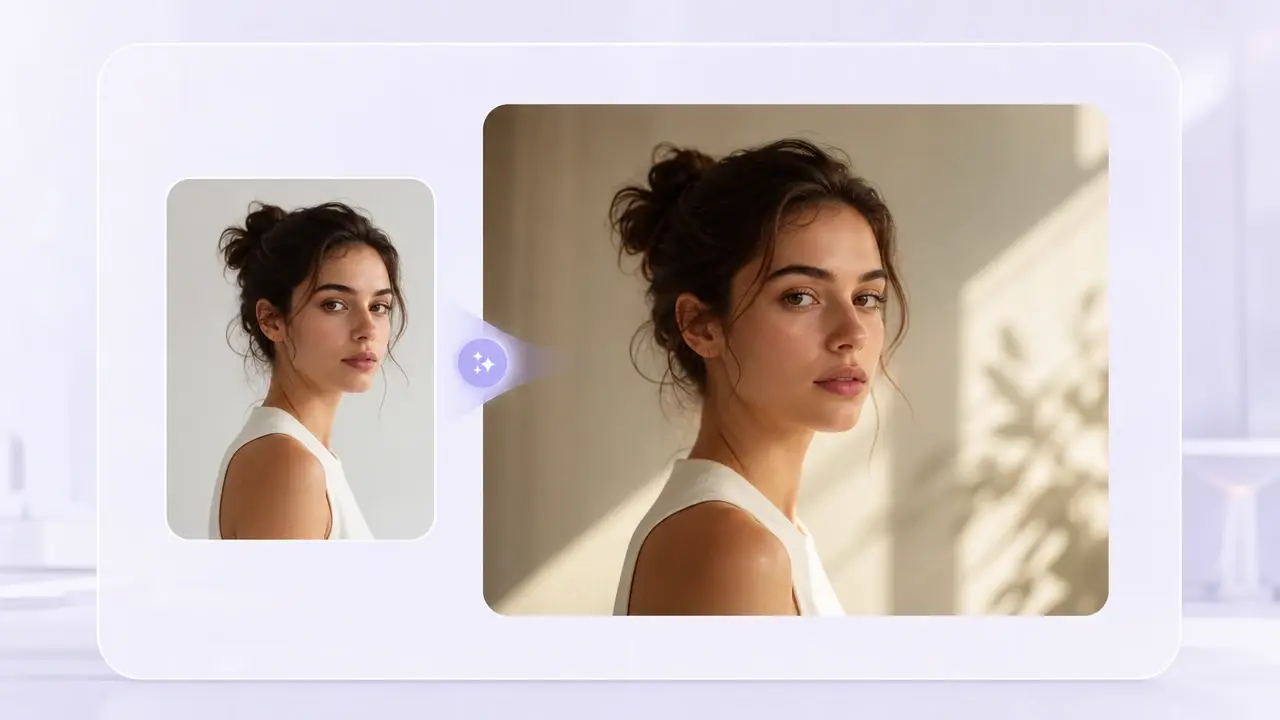
The output holds onto the structure and subject you pointed to, so a familiar shape or face carries through instead of a random new invention. This is the core difference from plain text prompts. As a true photo to ai image flow, VideoAI starts from what you upload and builds outward from it.
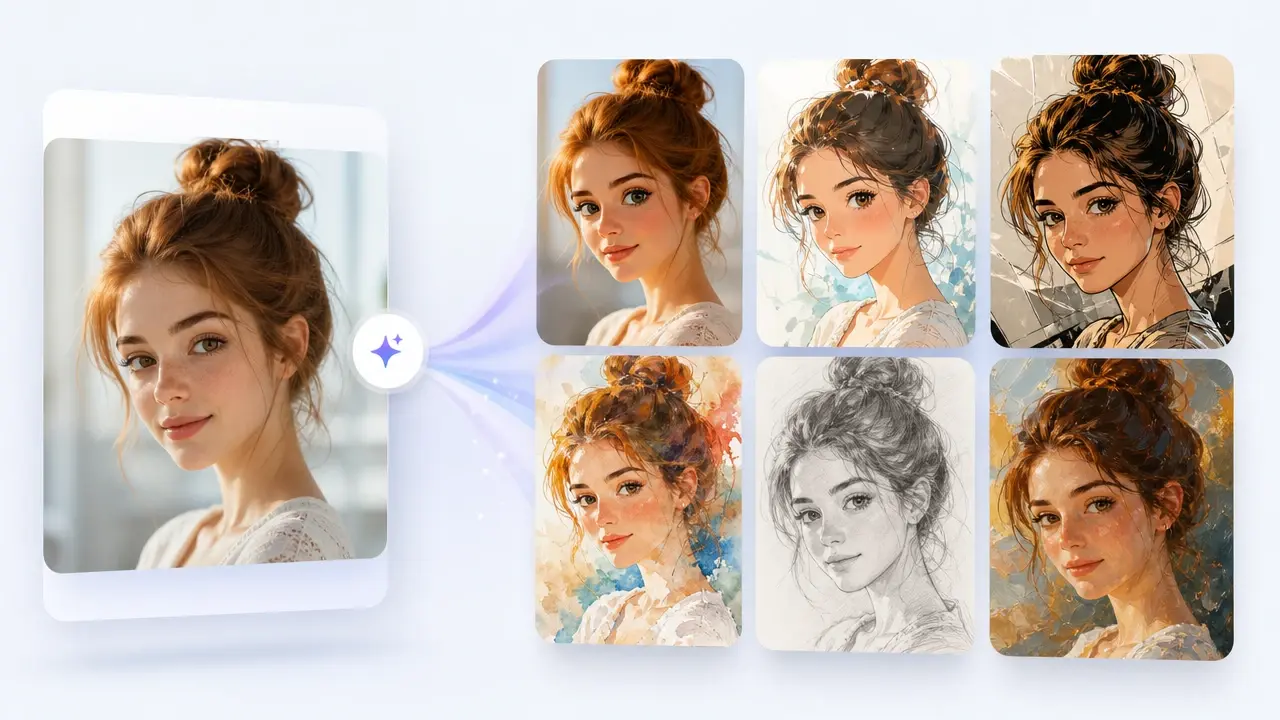
Ask for cartoon, anime, comic, 3D animation look, watercolor, pencil sketch, or oil painting and VideoAI applies that style over your referenced elements. Switching the look is a wording change, not a new upload. That range makes VideoAI a flexible ai image to image generator for very different projects.
The same reference and prompt method covers several everyday creative jobs.
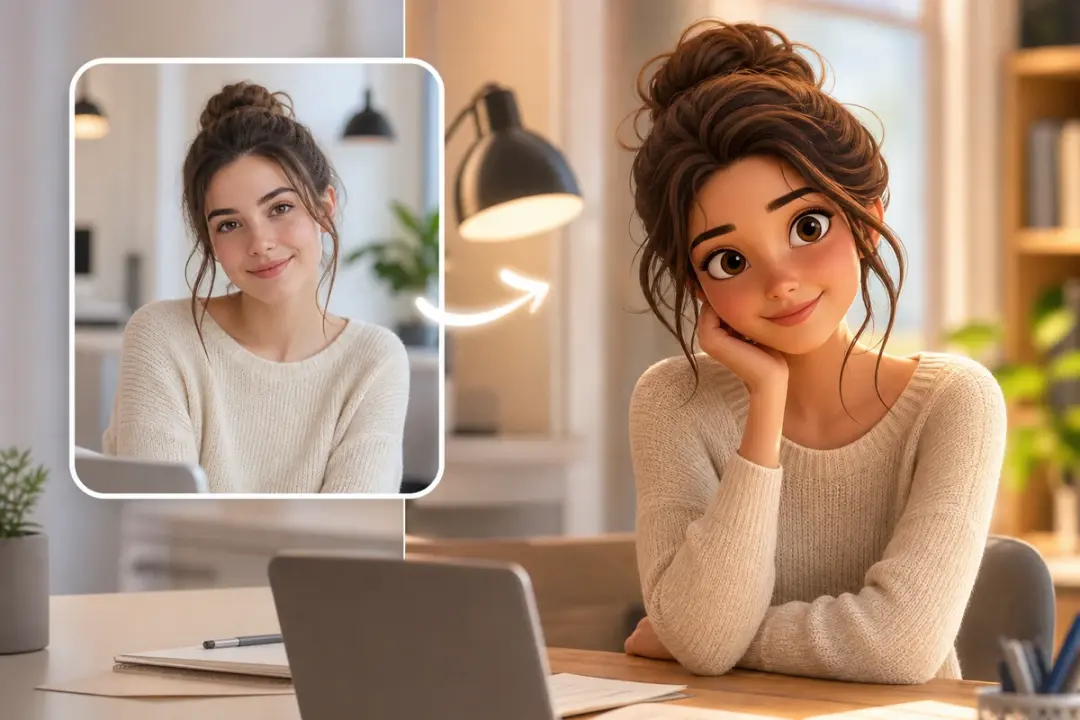
A flat product shot or portrait can feel lifeless next to polished studio art. Feed it in, then ask for a 3D animation look and tag the parts to keep, so you get a still picture with that animated visual style. Note this produces a styled image, not a moving clip.
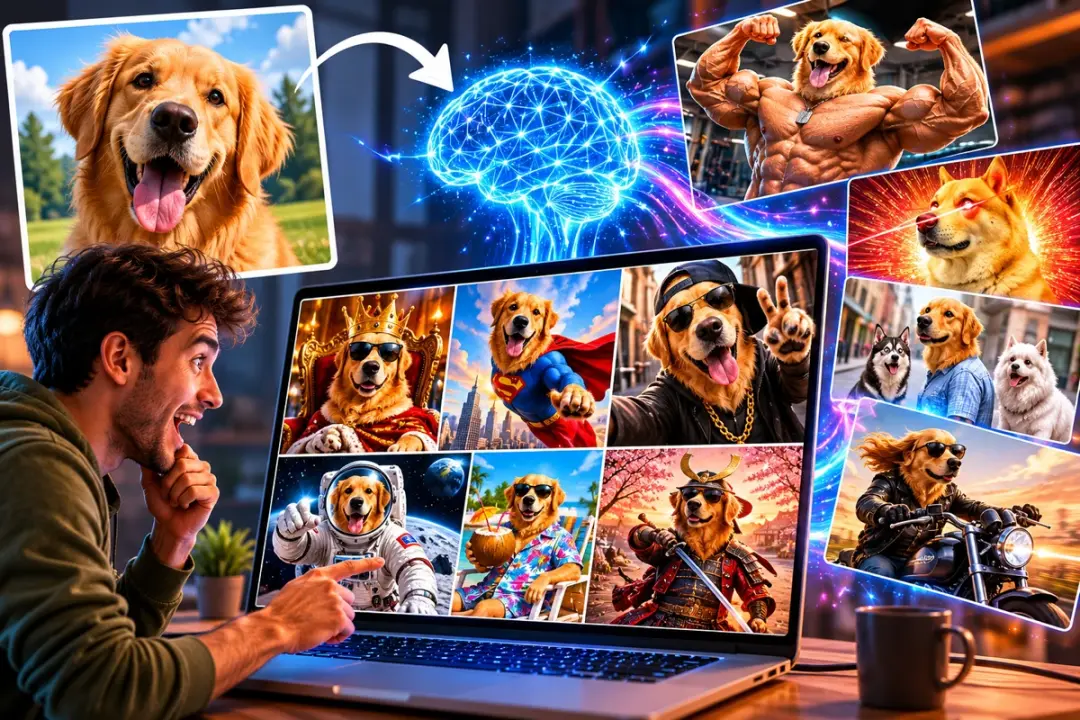
Group chats move fast and a plain photo rarely lands the joke. Drop in the reaction shot, describe the exaggerated meme look you want, and the ai meme generator from image reshapes it into a punchy still built for sharing.
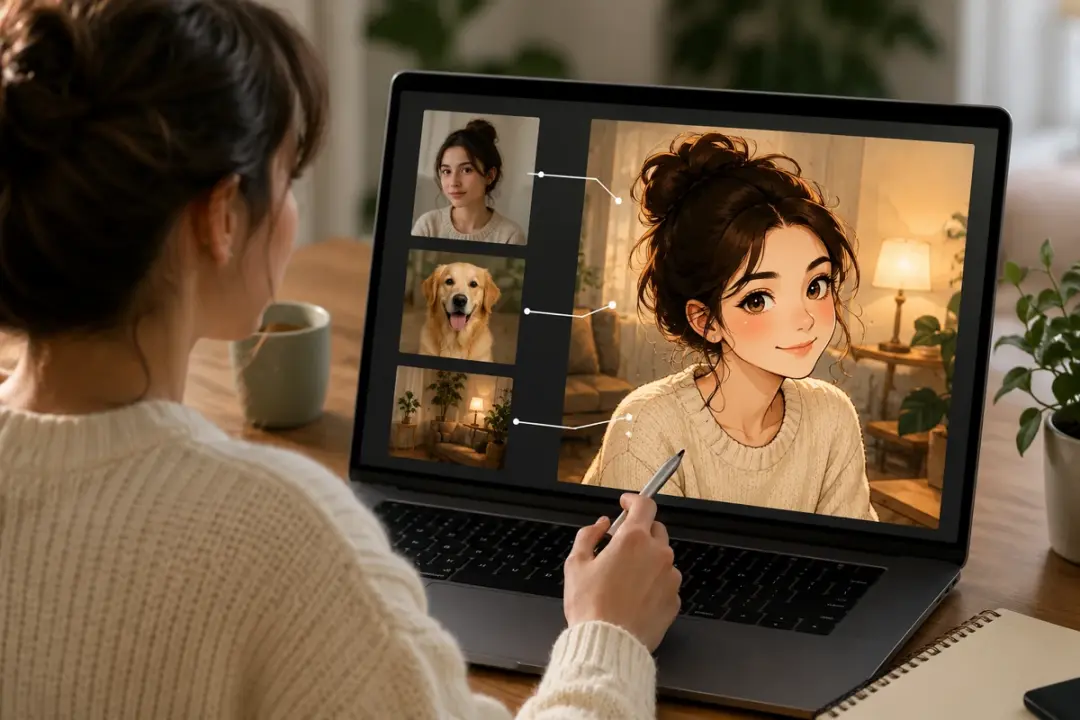
Turning a selfie or pet photo into a cartoon by hand takes real drawing skill. Upload the picture, describe the cartoon or anime look you want in your prompt, and point at the face and outfit to preserve. The output keeps the likeness while wearing a hand drawn finish.
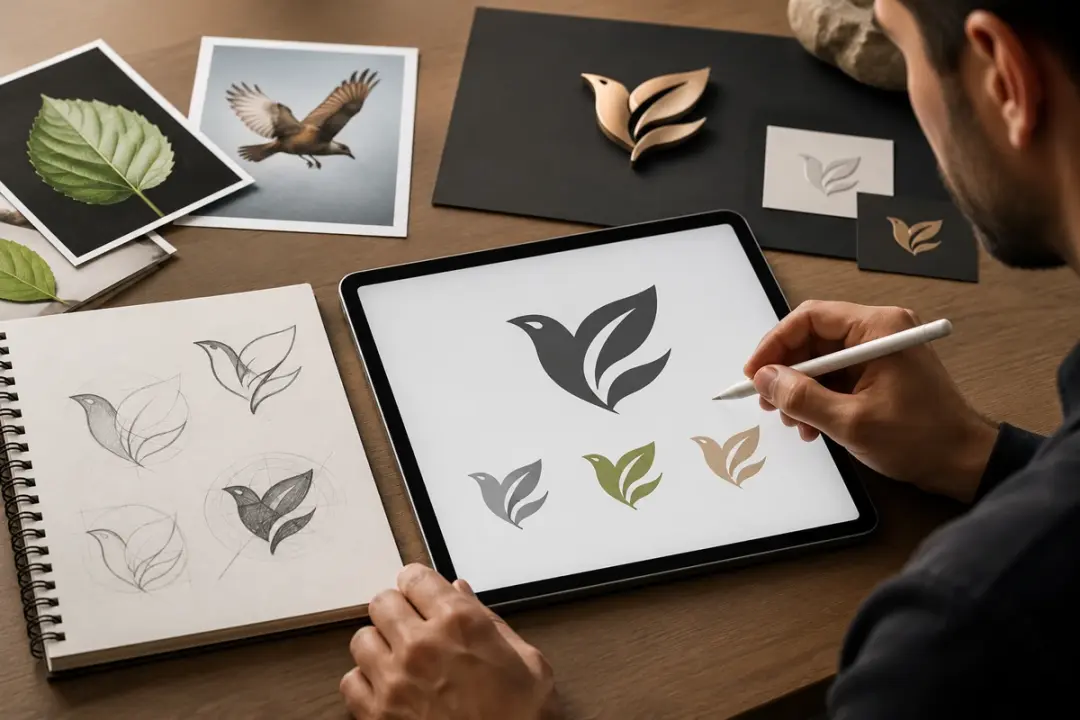
Early branding often starts with a rough sketch or a symbol you already like. Use it as a reference, tag the shape or motif worth keeping, and describe the mark you are after to draft clean logo and icon concepts you can review and iterate on.
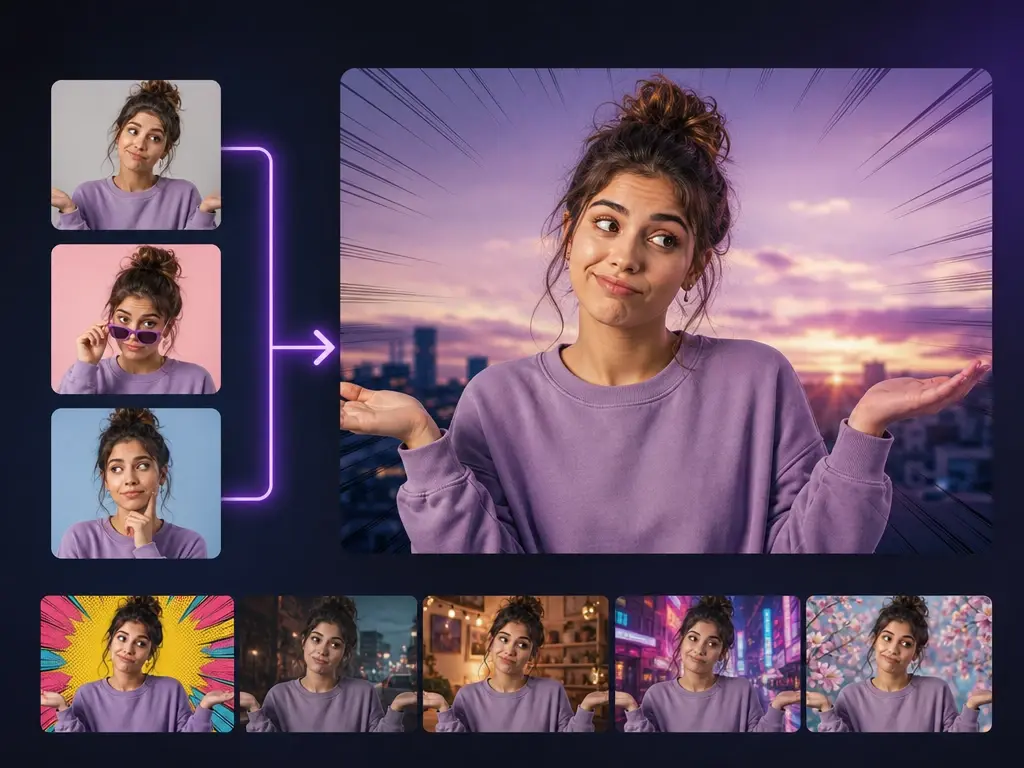
People posting daily need fresh visuals without a full design suite. With a picture to picture ai flow, a creator uploads a few shots, tags the expression and background to reuse, and gets a styled still that fits the feed. VideoAI keeps the recognizable subject while changing the look.
Explore
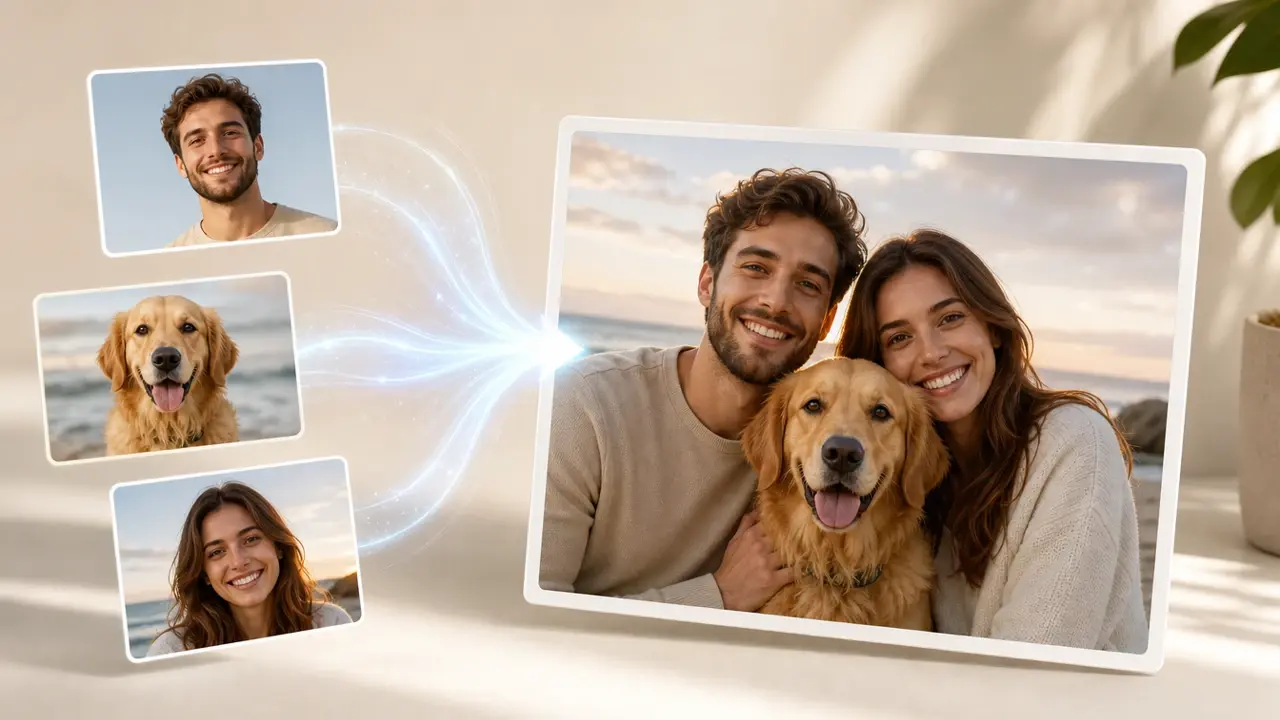
Upload your photos, @ the exact elements you want, and let the ai image generator from image merge them into the result you had in mind.
Get Started




























