

Ai Wrinkle Remover
Soften forehead creases, under eye lines, and neck wrinkles from a prompt you write in VideoAI, while pores and real skin texture stay in place.
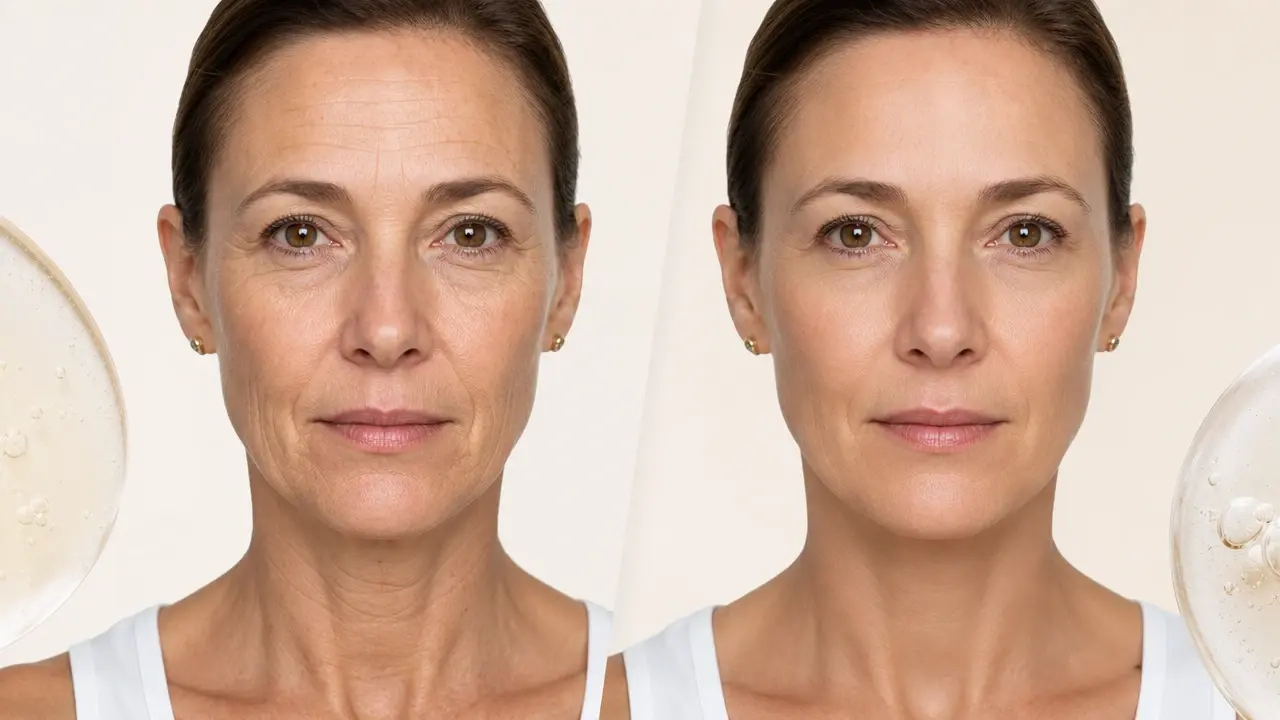
From Portrait To Softer Skin
Three steps take you from an uploaded photo to a downloaded result you approve.
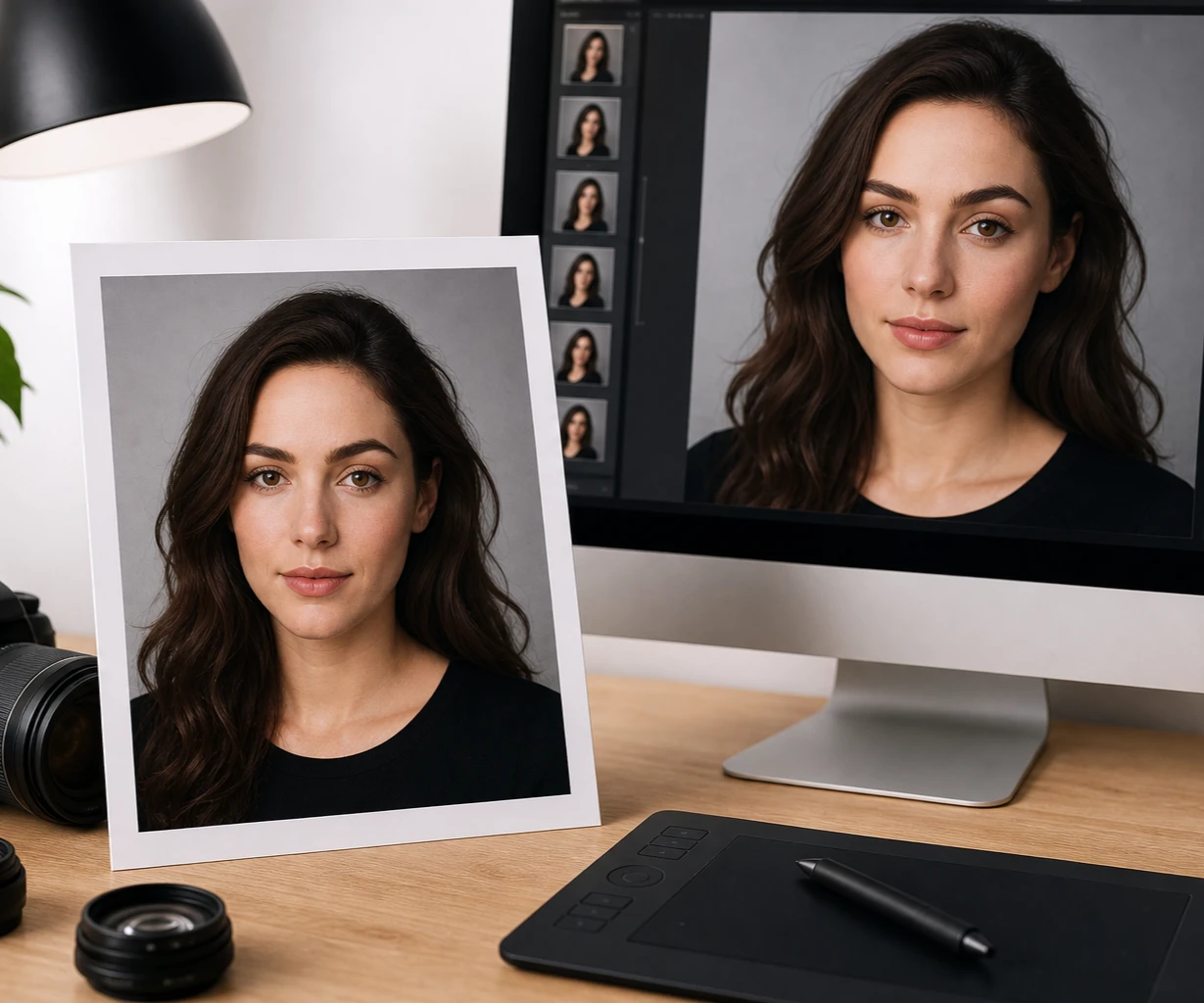
Why The AI Wrinkle Remover Looks Natural
Four things that shape the result, from natural skin texture to prompt control and 4K output.
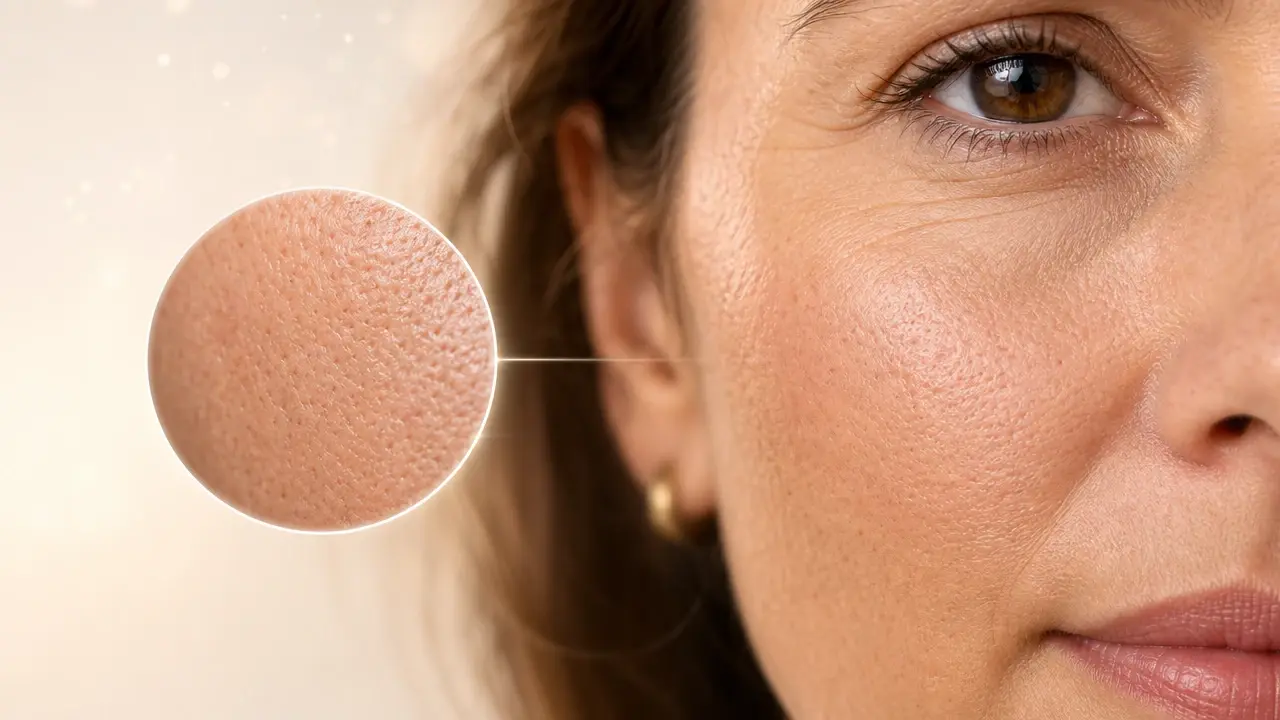
Real Skin Texture Stays
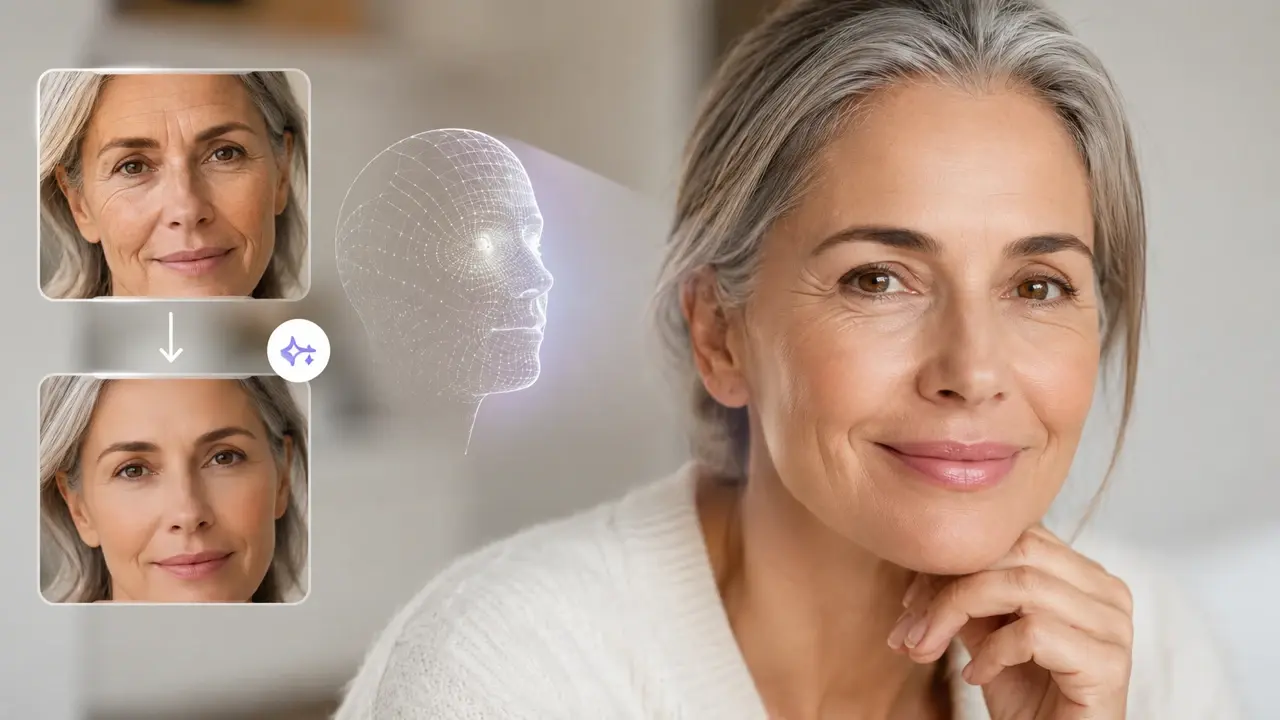
Softening lines does not mean a smooth plastic mask. This ai skin retouch keeps pores and natural skin texture visible, so the face keeps looking like the person and not an over retouched version of them.
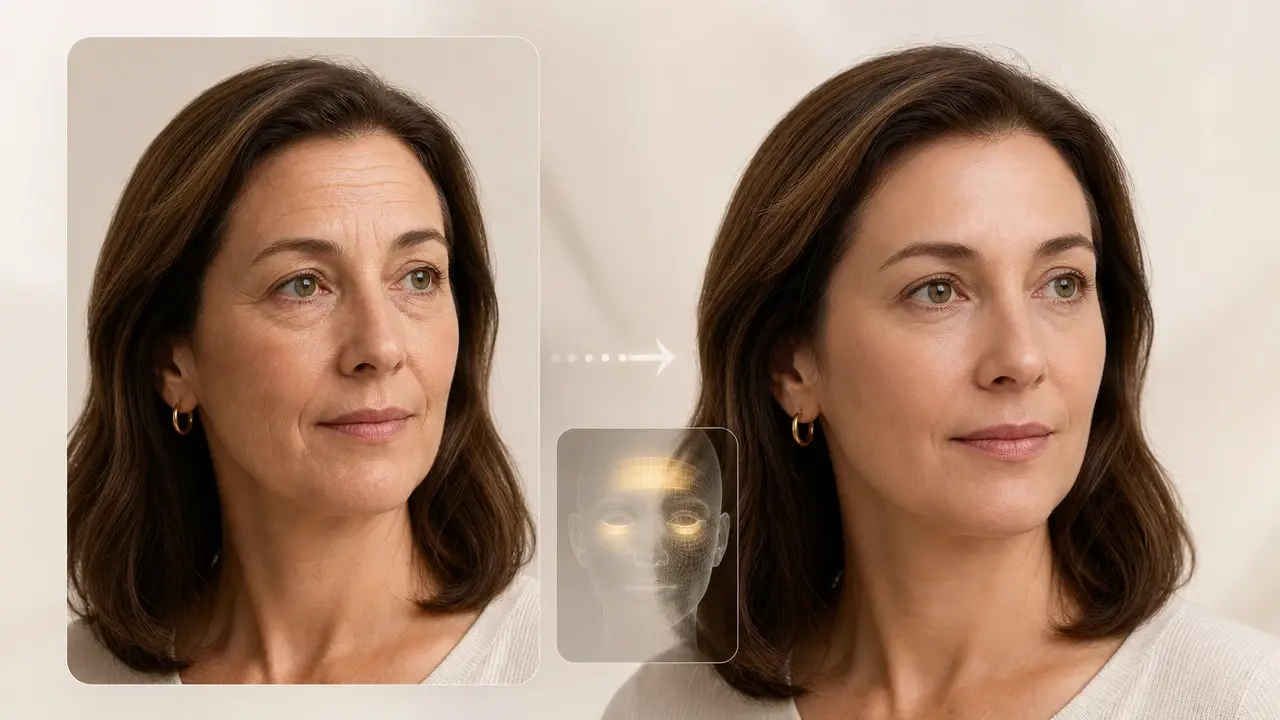
Prompt Driven Control
You write what you want in a prompt, naming which wrinkles to soften, how natural to keep them, and where to focus. The ai wrinkle remover in VideoAI follows that description, so the level of change stays in your hands.

Features And Background Untouched
The edit focuses on the wrinkles you describe, so eyes, nose, mouth, hair, and the background behind you keep their original detail. That balance is what makes the result read as a real photo rather than a filter.
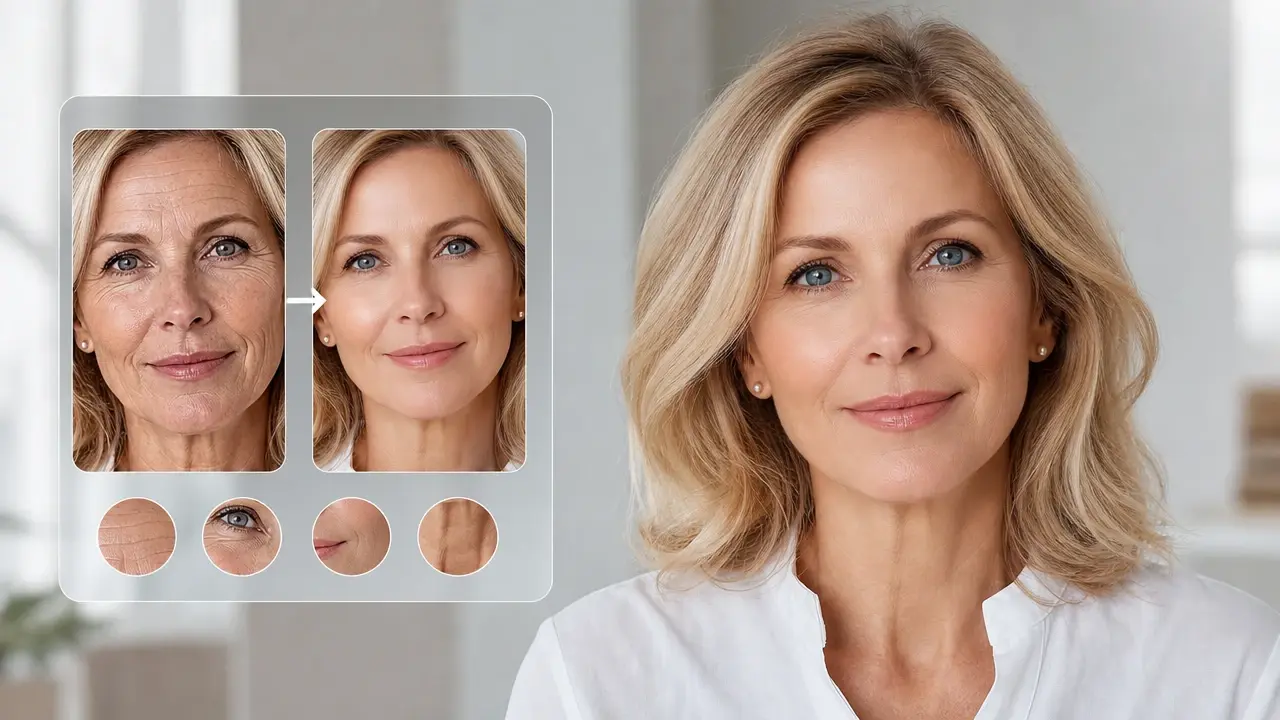
Sharp 4K Export
Work stays at the original resolution and can be saved up to 4K, so a headshot keeps its clarity. The same pass can ease forehead, under eye, and neck areas in one portrait.
Where The AI Wrinkle Remover Helps Most
Four common trouble spots, from a single forehead line to overall face softening.
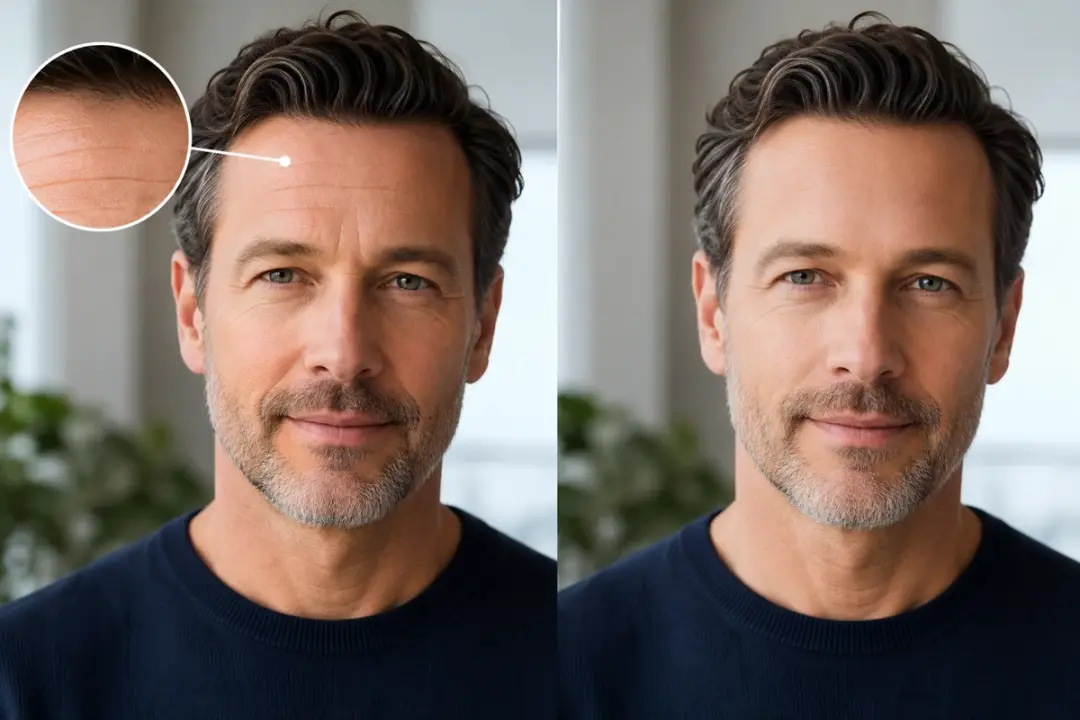
remove forehead wrinkles
Deep horizontal lines across the forehead can add years to a professional headshot. Point the prompt at that band, and the ai wrinkle remover softens those creases into a calmer brow while the rest of the face is left as shot, so you still look like yourself.
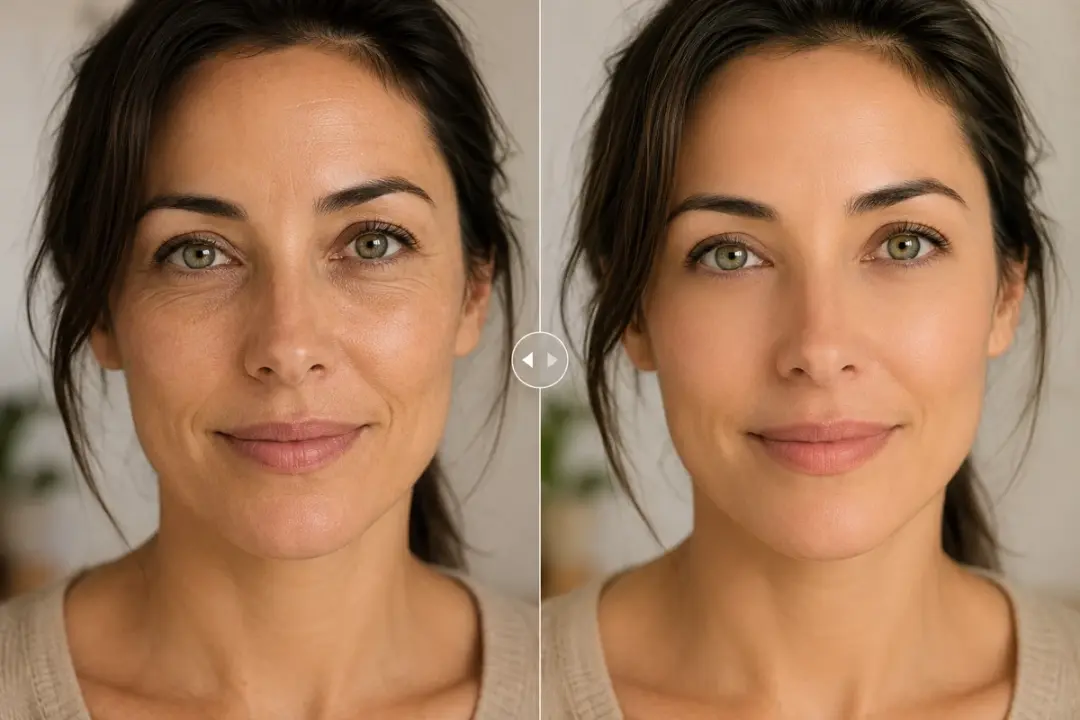
remove under eye wrinkles
Late nights show up first as fine creases under the eyes that read as tired. Naming just that area in your prompt lets the ai wrinkle remover ease those lines, so the eyes look more rested without erasing the shape or expression around them.
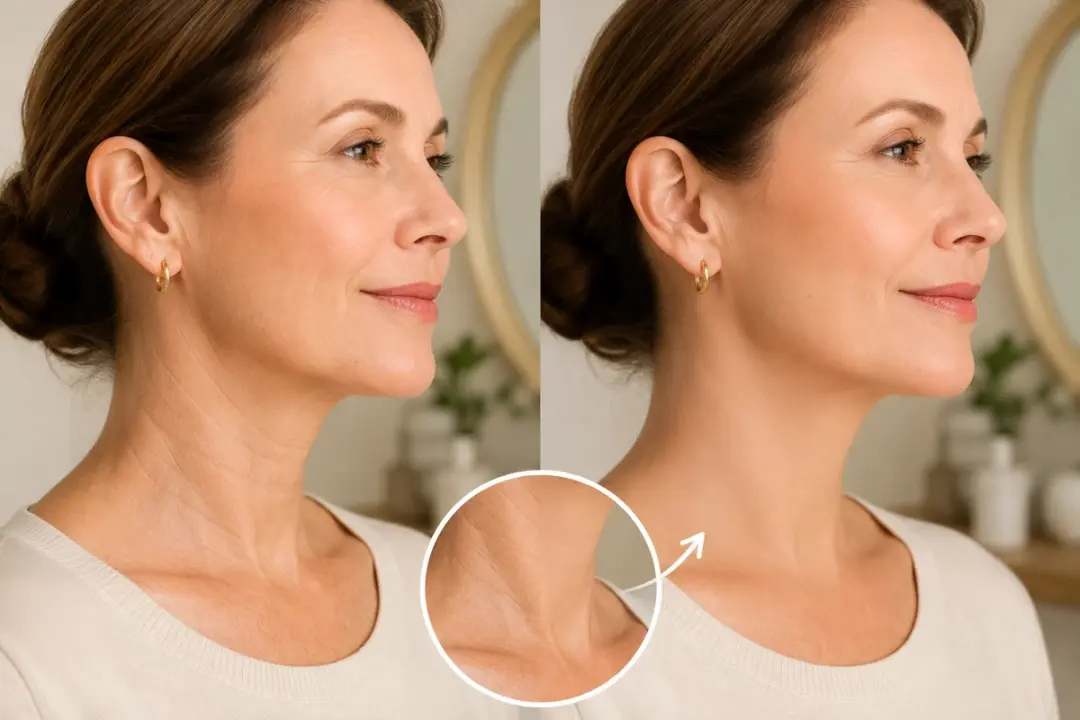
remove neck wrinkles
Neck lines often give away age even when the face looks fresh. Describe the neck in your prompt so the ai wrinkle remover softens those horizontal folds, keeping the skin natural so the edit matches the untouched face above it.
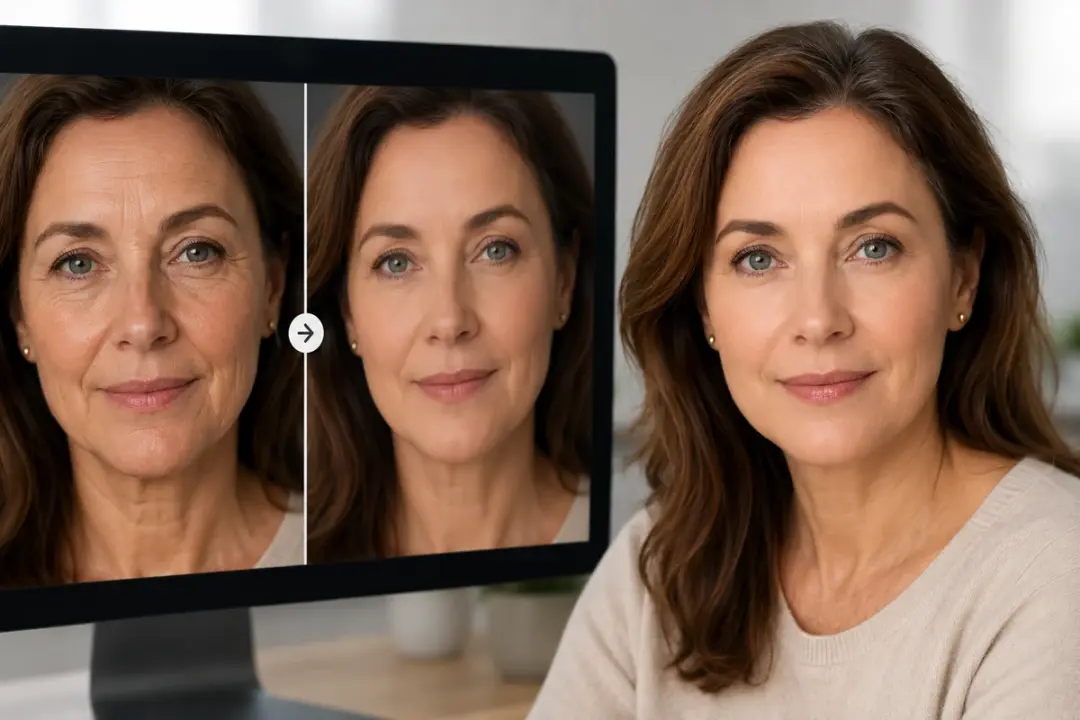
remove full face wrinkles
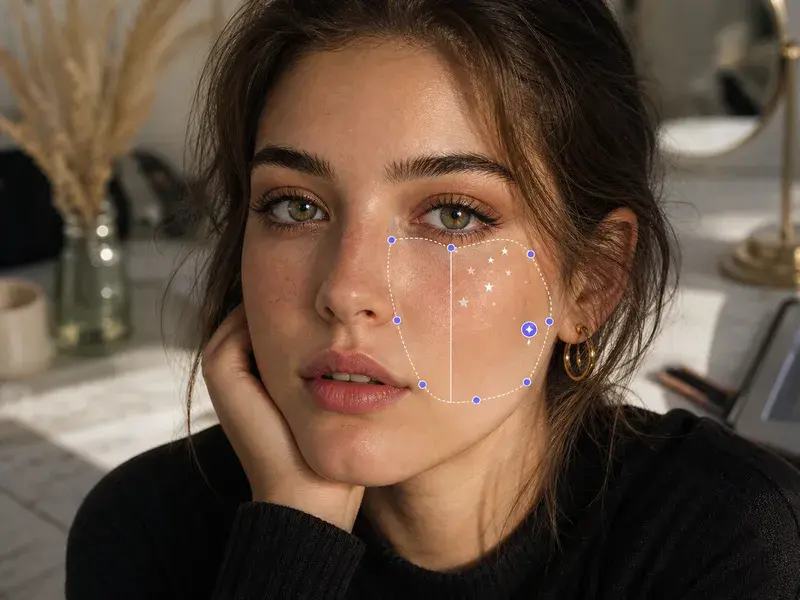
Sometimes a whole portrait carries fine lines rather than one problem spot. A prompt that covers the full face lets the ai wrinkle remover lightly even out those wrinkles together, leaving a rested overall look with pores and texture still intact.
Made For Portrait And Photo Work
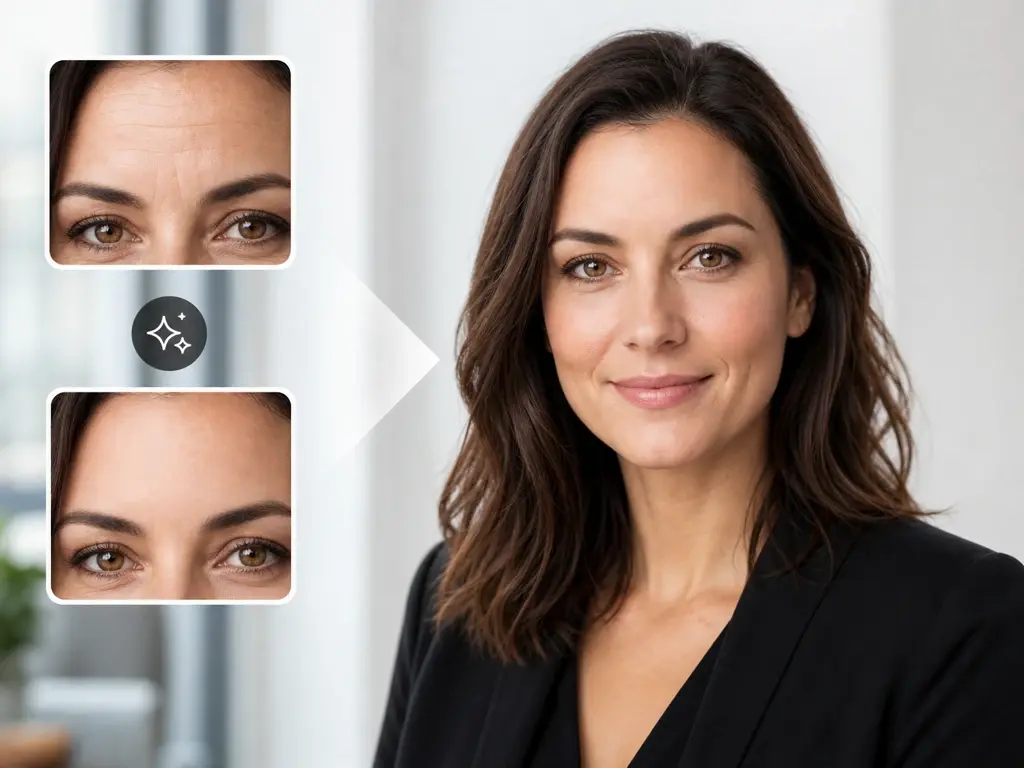
Cleaner Professional Headshots
People shooting job, LinkedIn, or ID portraits want to look rested and current without a heavy edit. Softening a few forehead and under eye lines gives a headshot that still looks honest to who they are.
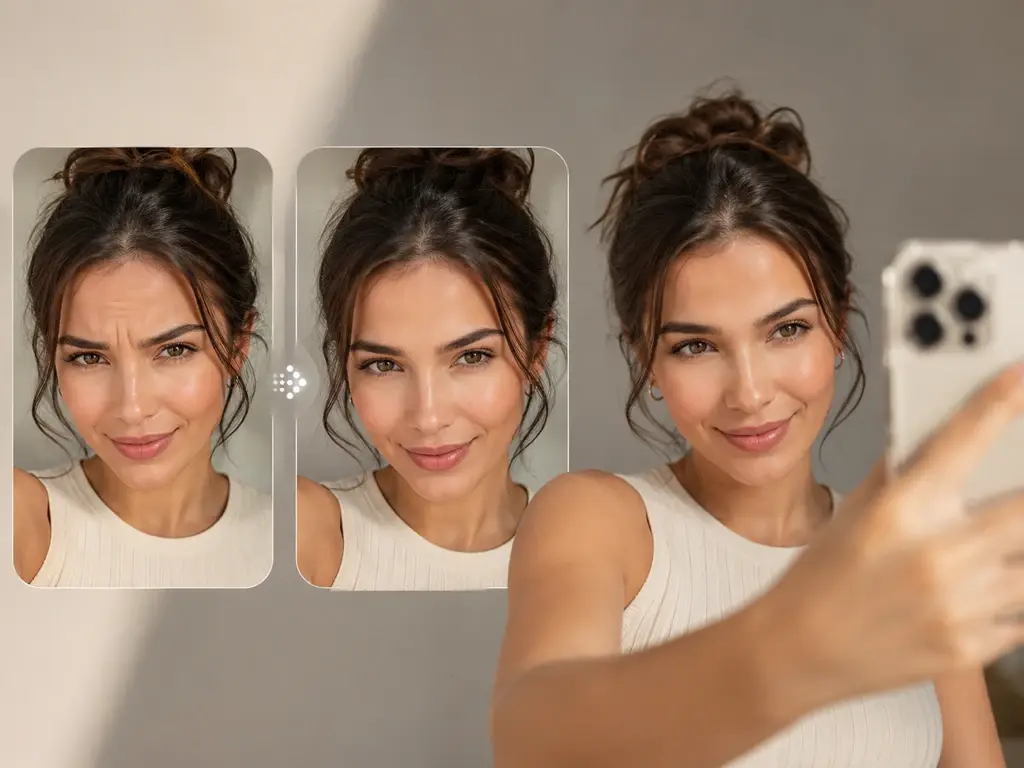
Everyday Selfies For Social
Frequent selfie posters can ease the odd line that catches harsh light before sharing, so the photo looks like a good day rather than a retouched stranger.
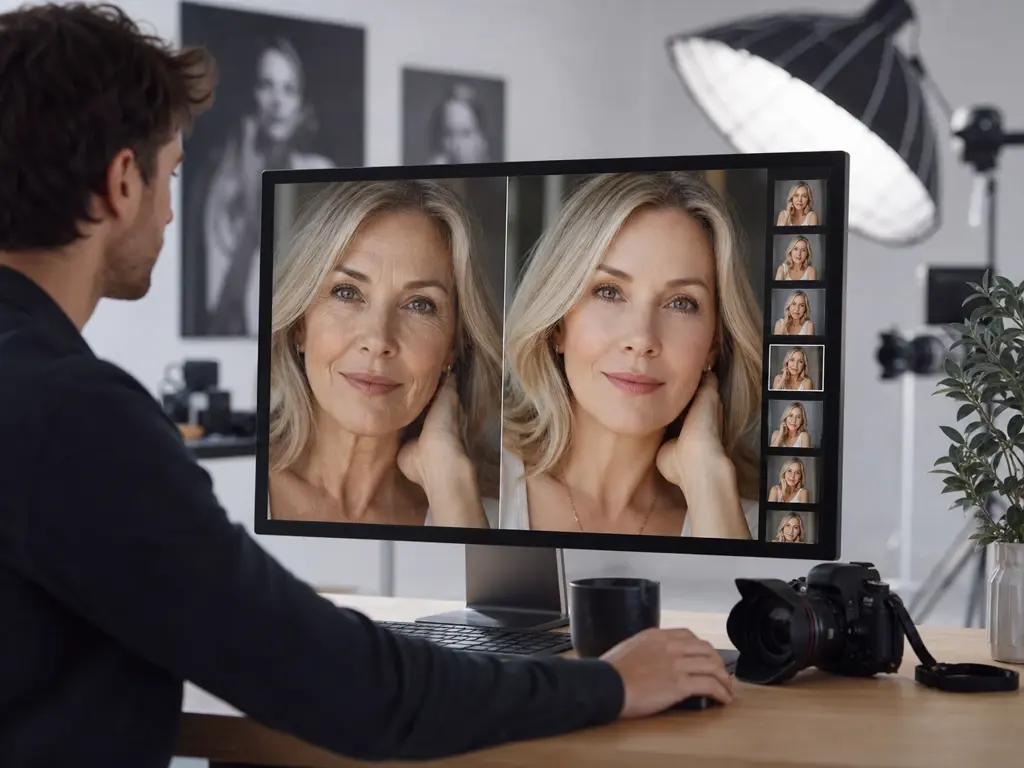
Faster Client Retouching
Photographers delivering portrait sets can let the ai wrinkle remover soften client wrinkles with a written prompt instead of manual brushwork, and export up to 4K so the retouched files hold up at print size.
Questions About Softening Face Wrinkles
Explore
Discover our AI design tools



Explore related tools
Try The AI Wrinkle Remover Today
This wrinkle remover online runs in the browser, so upload a portrait to VideoAI, describe the lines to soften, and preview the result before you download.
Get Started