

Character Maker
Describe a character, drop in a reference image, or follow guided attributes, and this character maker turns your choice into a finished character you can reuse across images.
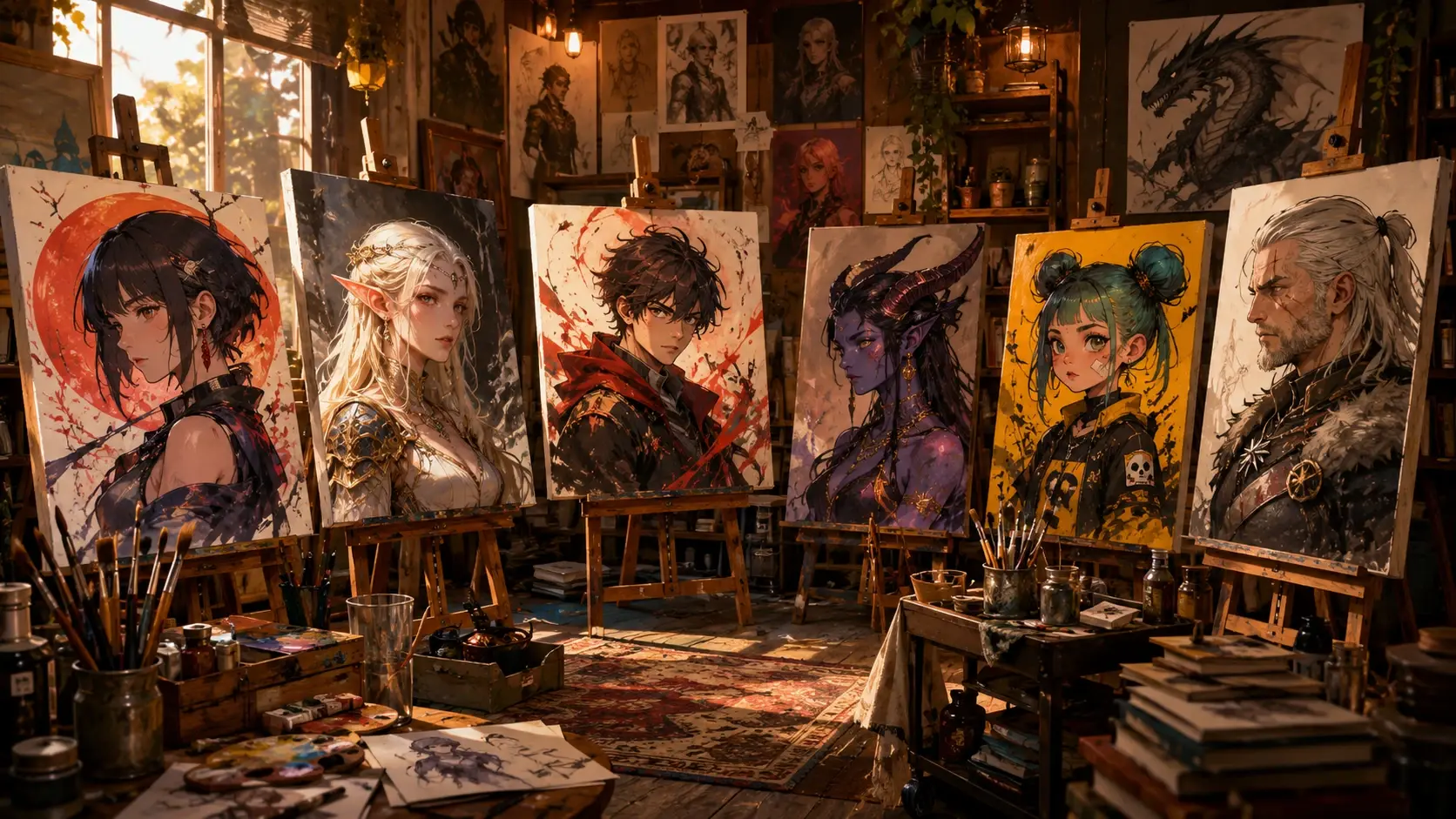
Who Builds With This Character Maker
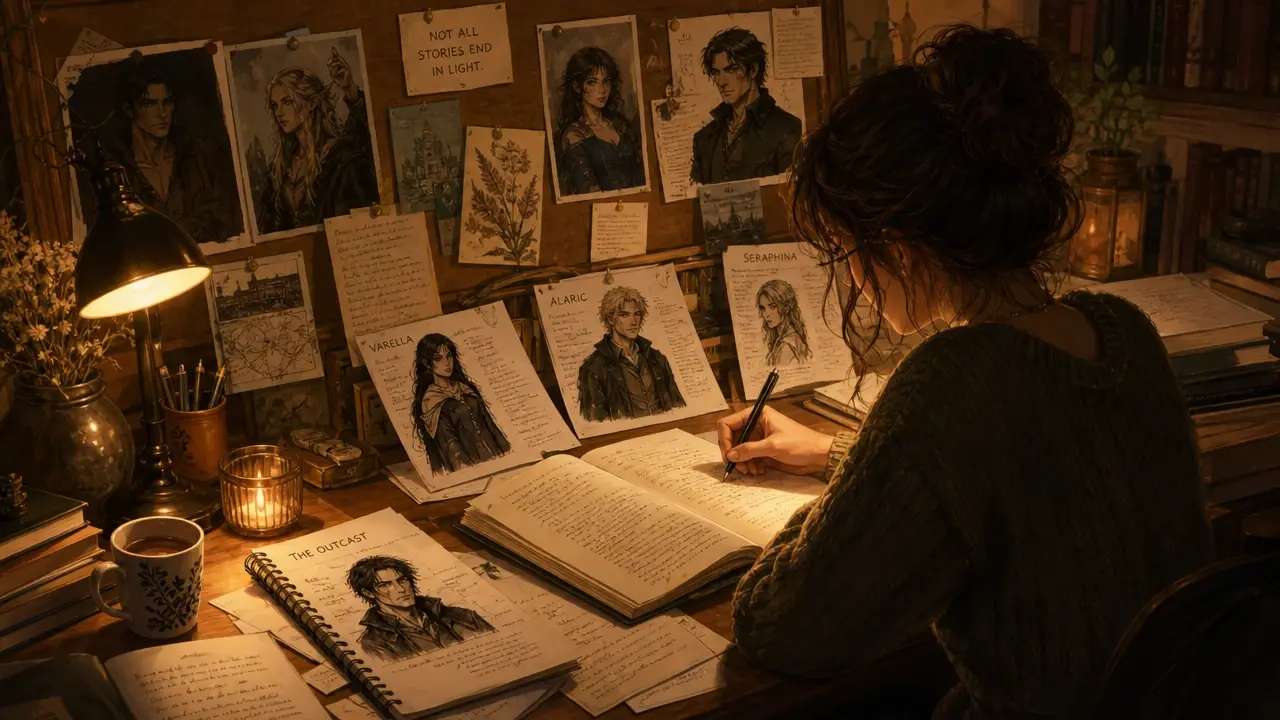
Writers And Authors
Writers use this character maker to visualize protagonists, side characters, and villains before drafting scenes. A reference image or detailed prompt gives you a consistent look to carry across chapters and series.

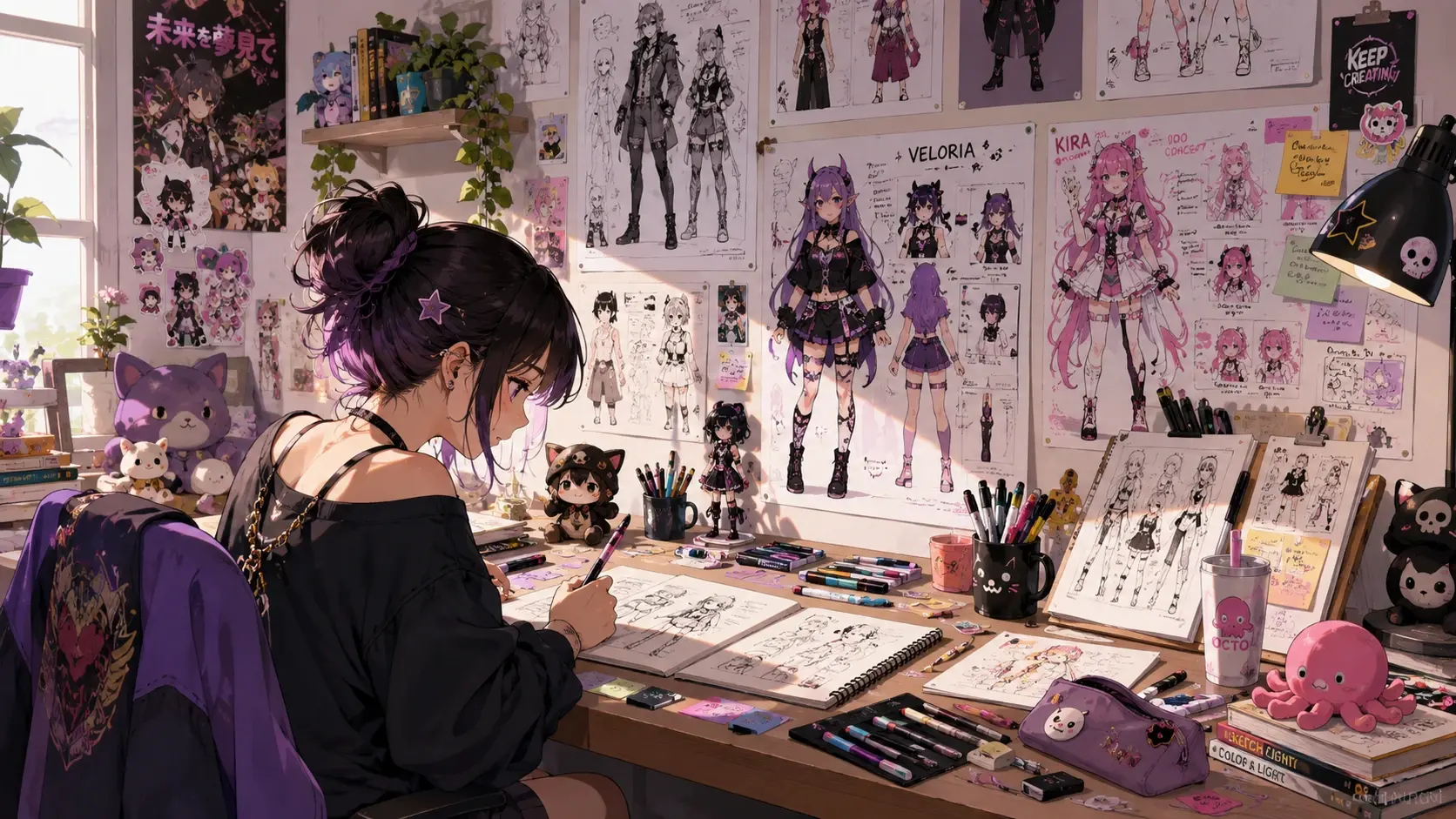
From Idea To Finished Character
Three steps move you from a blank canvas to a character you can download.
Pick Your Starting Point
Choose one of three starts. Type a prompt that spells out the look, style, and mood, upload a reference image for the AI to build from, or step through guided attributes like look vibe, gender, ethnicity, and age range.
Generate The Character
Press Generate and the character maker reads your prompt, reference, or chosen attributes and renders the character. Preview what returns, and if the pose or style misses, adjust the wording or attributes and run it again.
Download And Reuse The Character
Save the finished character as a JPG or PNG, ready to drop into your project. When you need more of the same character, reuse it so the following images keep a matching look.
What This Character Maker Can Do
From prompt-driven portraits to guided attribute selection, every feature is built to help you create characters that look intentional and reusable.
Prompt-Driven Character Design
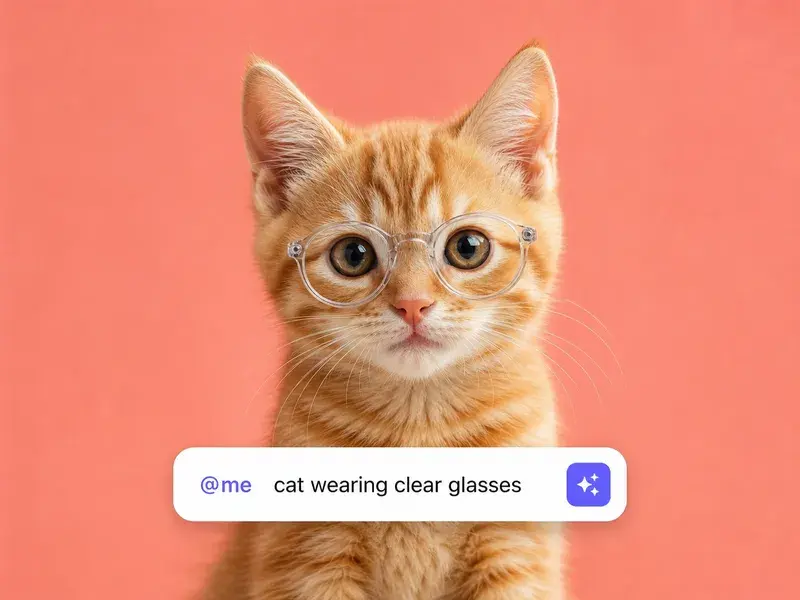
Describe your character in natural language, including appearance, clothing, pose, and mood, and the AI renders a portrait that matches your vision. The more specific your prompt, the closer the result.
Reference Image Guidance
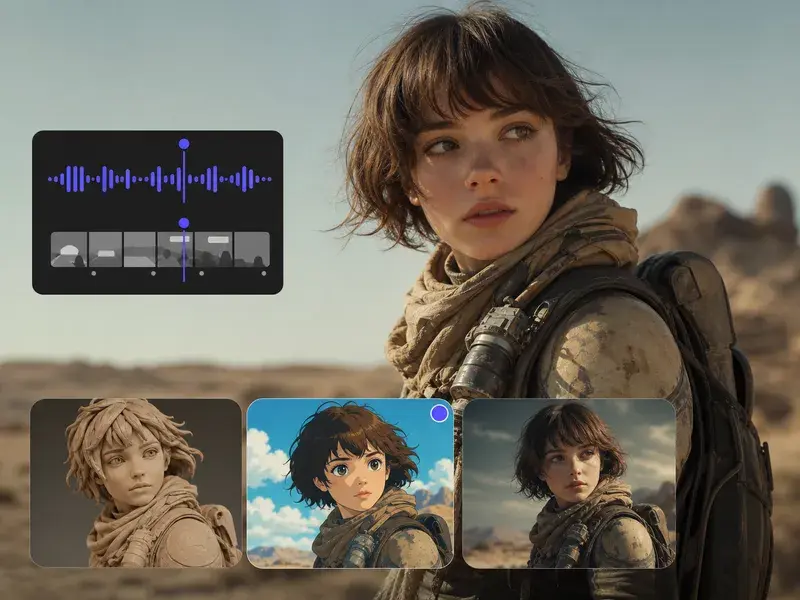
Upload an existing image as a style or pose reference, and the character maker uses it as a foundation to build your new character. Great for maintaining consistency across a series of illustrations.
Guided Attribute Selection
Step through structured options for gender, ethnicity, age range, body type, hairstyle, and outfit to define your character without writing a single word. The AI assembles the look from your choices.
Reusable Character Identity
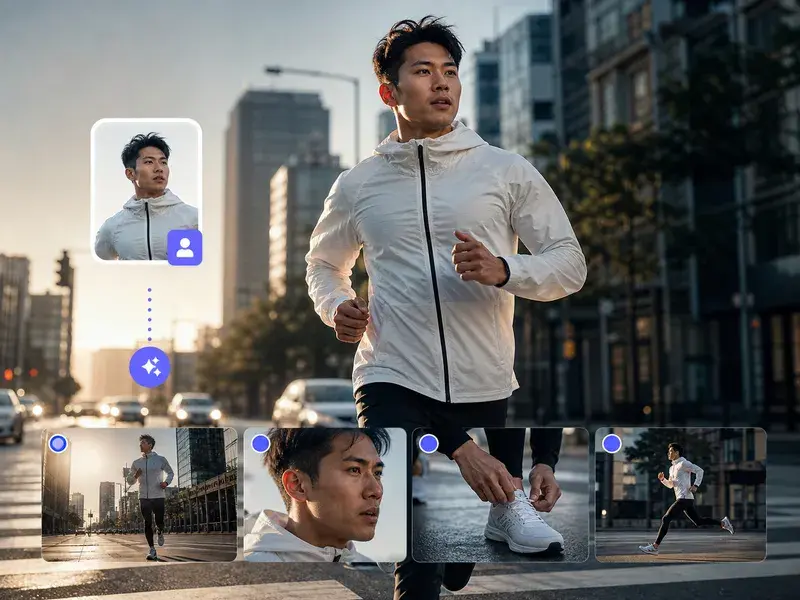
Once generated, your character can be used as a reference for future generations, keeping the same face, outfit, and style across multiple images and scenes.
Where This Character Maker Fits In
From personal projects to professional production pipelines, the character maker adapts to any creative workflow that needs consistent character visuals.
Original Character Portfolios
Build a library of original characters for your stories, comics, or role-playing campaigns. Each character gets a consistent look you can reference and iterate on over time.
Game Asset Prototyping
Quickly prototype character designs for games before investing in full production art. Test silhouettes, color schemes, and costume variations to find the right direction.
Social Media Avatars
Create unique, eye-catching avatars and profile pictures that represent your online persona. Stand out with a custom character instead of a generic photo.
Commission References
Generate detailed character references to share with artists when commissioning work. Show exactly what you want instead of trying to describe it in words alone.
Questions To Ask Before You Start
Explore
Discover our AI design tools

Explore related tools
Your Character Is One Prompt Away
Describe it, upload a reference, or pick attributes, and let VideoAI render the first version.
Get Started