AI Text to Art

Turn written descriptions into stunning visual art with VideoAI. Type a prompt describing the subject, style, mood, and color palette, then let the AI generate original artwork you can refine, remix, and export.
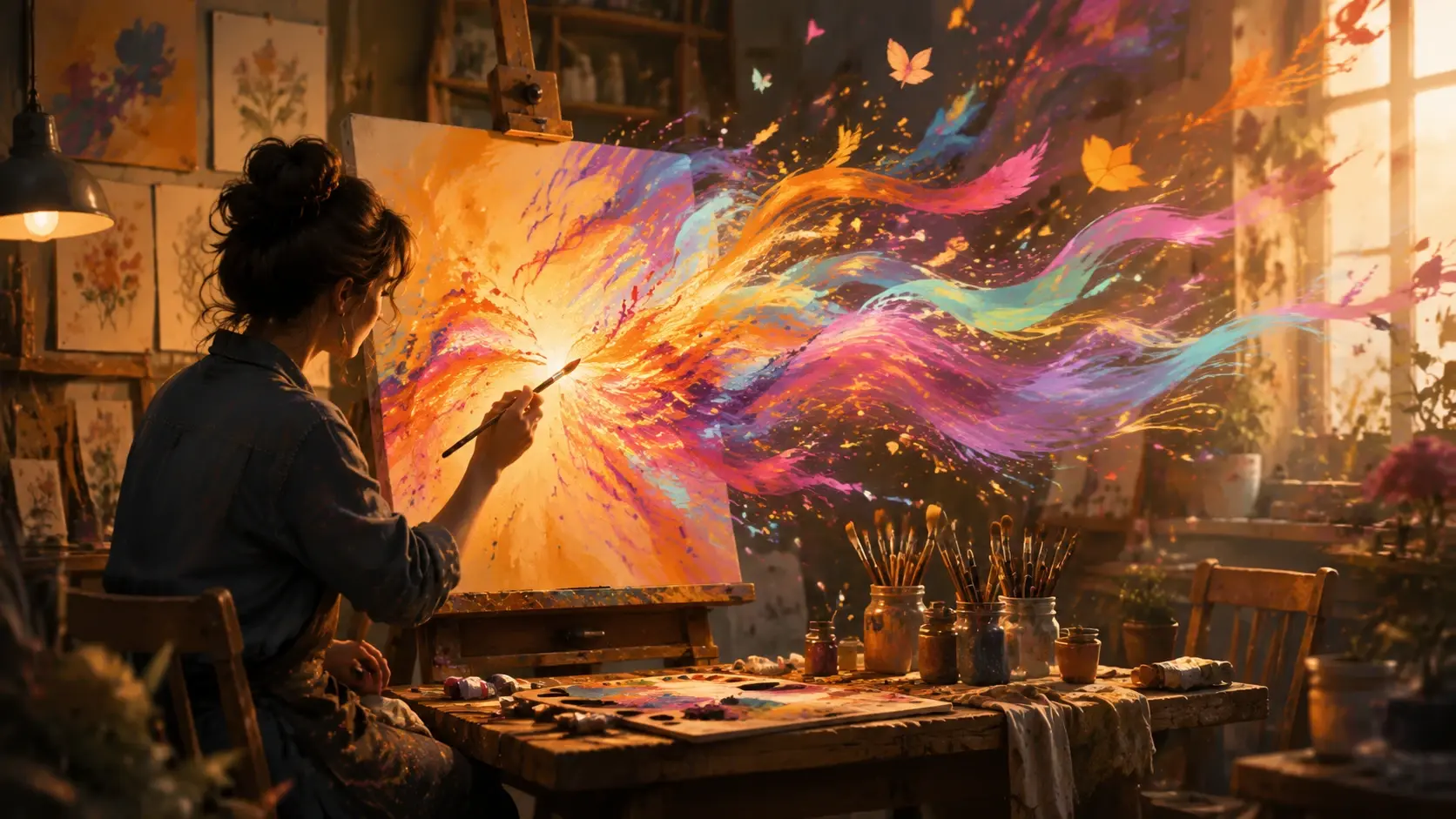
AI generated art from a text prompt showing a vibrant digital painting

Creative Art Ideas to Try

From surreal landscapes to stylized portraits, the AI text to art generator handles a wide range of creative directions. Here are some popular ways creators use it.
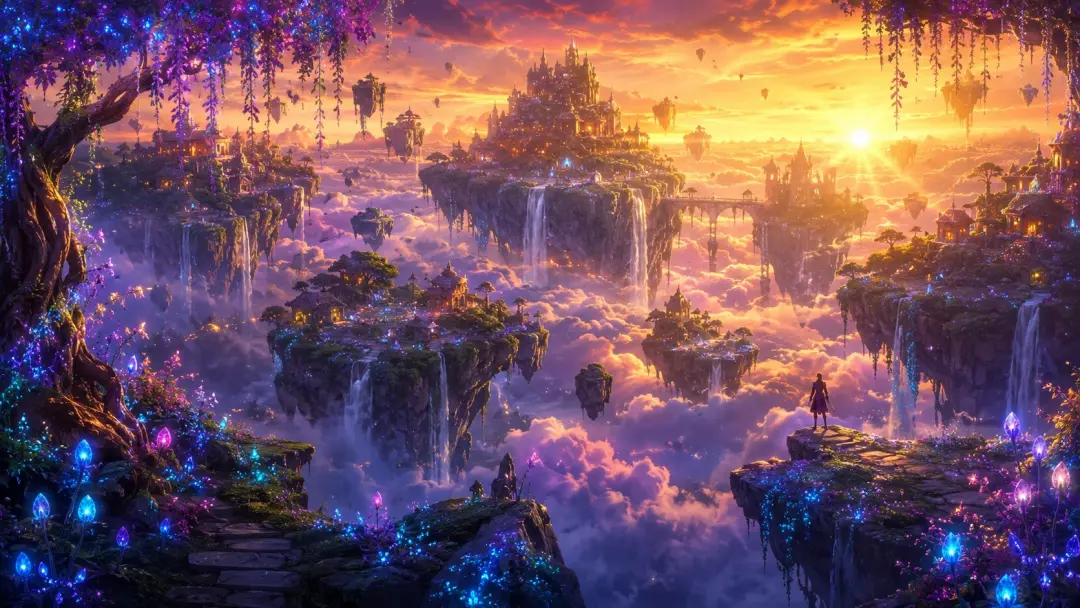
AI generated fantasy landscape with floating islands and dramatic lighting

Fantasy Landscape

Describe a floating island above misty clouds with ancient ruins and glowing crystals. The AI builds depth, atmosphere, and fantasy lighting into a cohesive scene that feels hand-painted.
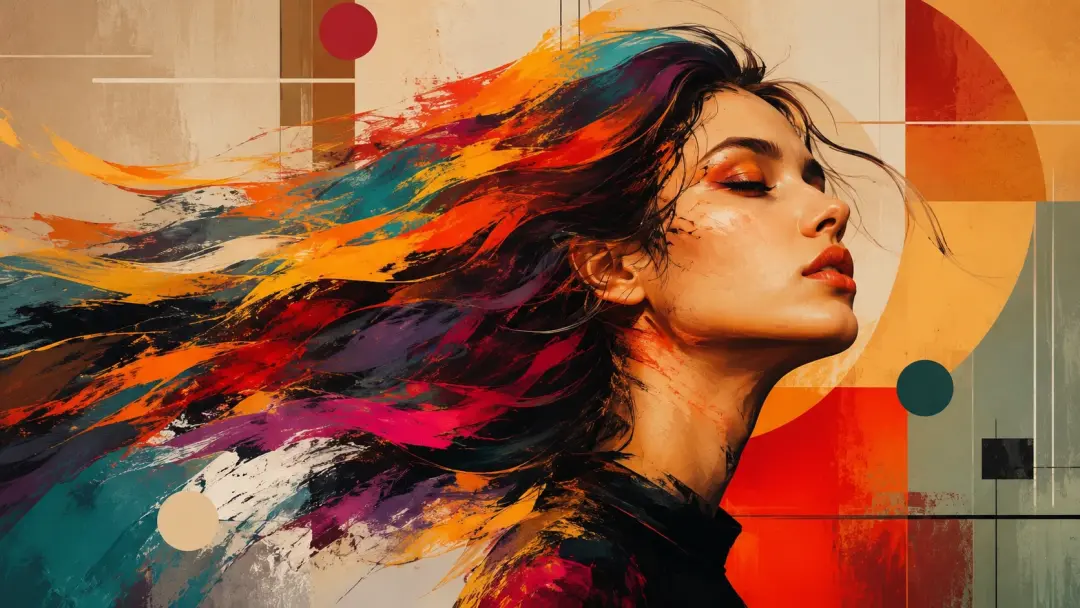
AI generated stylized portrait in an expressive painting style

Stylized Portrait

Turn a portrait concept into expressive art by describing the subject, background, and artistic style. Try oil painting, anime, or comic book styles for unique character illustrations.
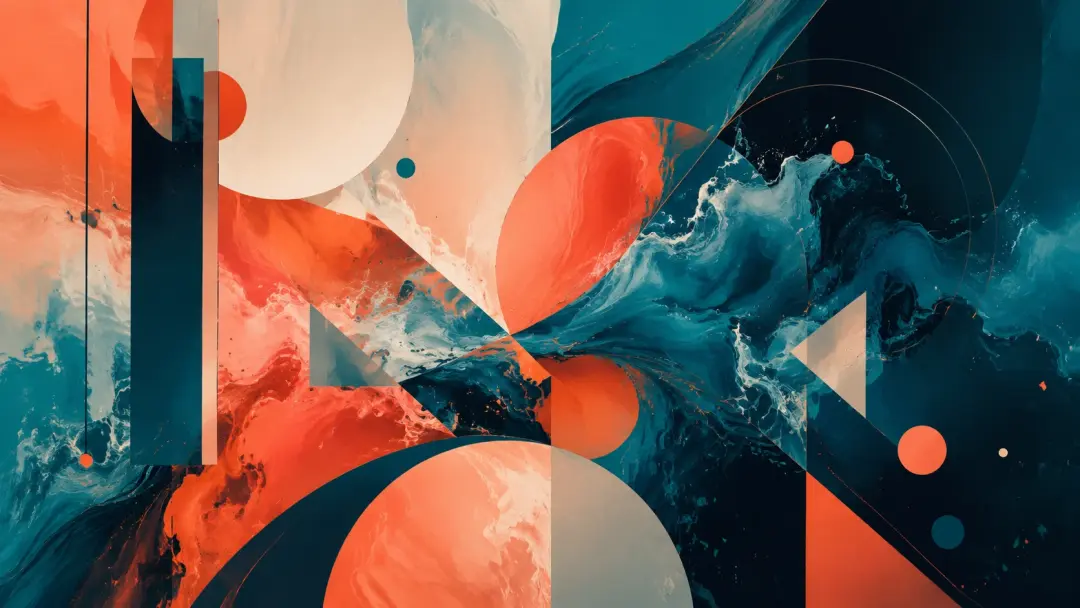
AI generated abstract art with bold colors and dynamic shapes

Abstract Composition

Describe colors, shapes, emotions, and textures to generate abstract art. The AI interprets non-literal prompts into striking compositions with balanced visual weight and harmonious palettes.
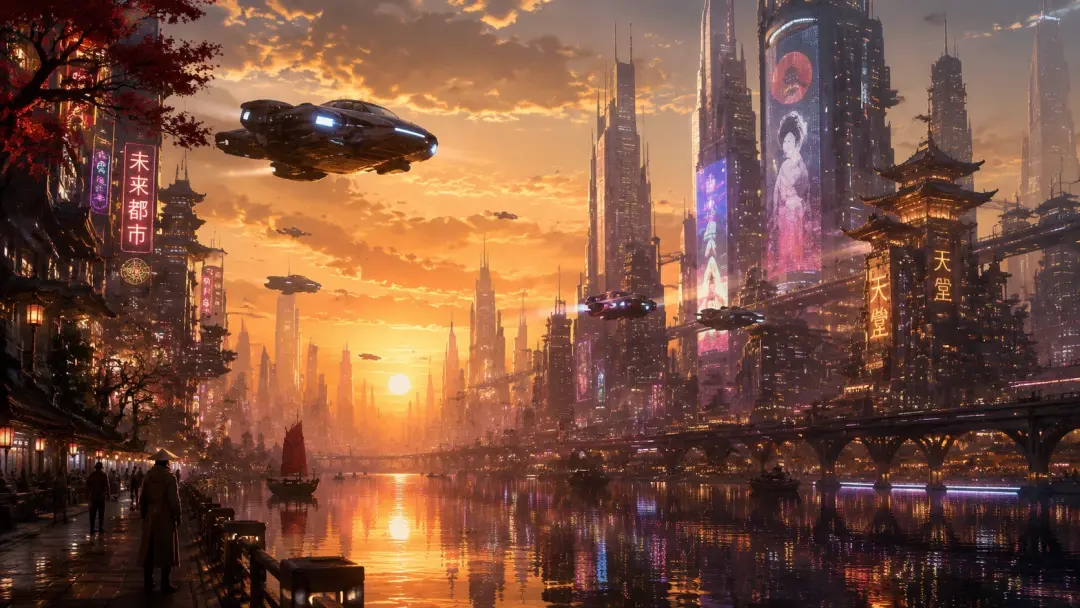
AI generated concept art scene with a futuristic city and atmospheric lighting

Concept Art Scene

Create environment or character concept art for games, films, or personal projects. Describe the setting, mood, and key elements, and the AI produces a polished concept piece ready for further development.

Frequently Asked Questions

You type a text prompt describing the artwork you want, including subject, style, mood, and colors. The AI interprets your description and generates an original image that matches your vision. You can refine the result by adjusting the prompt or uploading a reference image.

The generator supports a wide range of styles including oil painting, watercolor, digital illustration, anime, concept art, pop art, impressionism, surrealism, and abstract. You can also mix styles by describing combinations in your prompt.

Yes. Upload a reference image to guide the composition, color palette, or visual direction while your text prompt controls the subject and style. This combination gives you more precise control over the final artwork.

The AI generates high resolution artwork suitable for social media, desktop wallpapers, and print. You can choose different aspect ratios and resolution settings before generating to match your intended use.

Be specific about the subject, art style, mood, lighting, and color palette. For example, instead of just saying a forest, try a misty enchanted forest at dawn with golden light filtering through ancient oak trees in a watercolor painting style. More detail gives the AI better direction.

Check the current plan details in your account for commercial usage rights. Generated artwork is original and not copied from existing pieces, but licensing terms depend on your subscription level.

Most artwork is generated in seconds. Complex prompts with high resolution settings may take slightly longer, but the result is typically ready within a minute. You can generate multiple variations quickly to find the direction you prefer.

Yes. After generating, you can adjust your prompt and regenerate, use the image-to-image mode with the result as a reference, or apply additional tools like style transfer and image editing to refine specific areas.

Explore

Discover our AI design tools

AI text to art generator background

Turn your words into stunning art today

Open VideoAI with a text prompt or reference image and let the AI text to art generator create original artwork in any style you can describe.

Get Started