

Realistic AI Image Generator
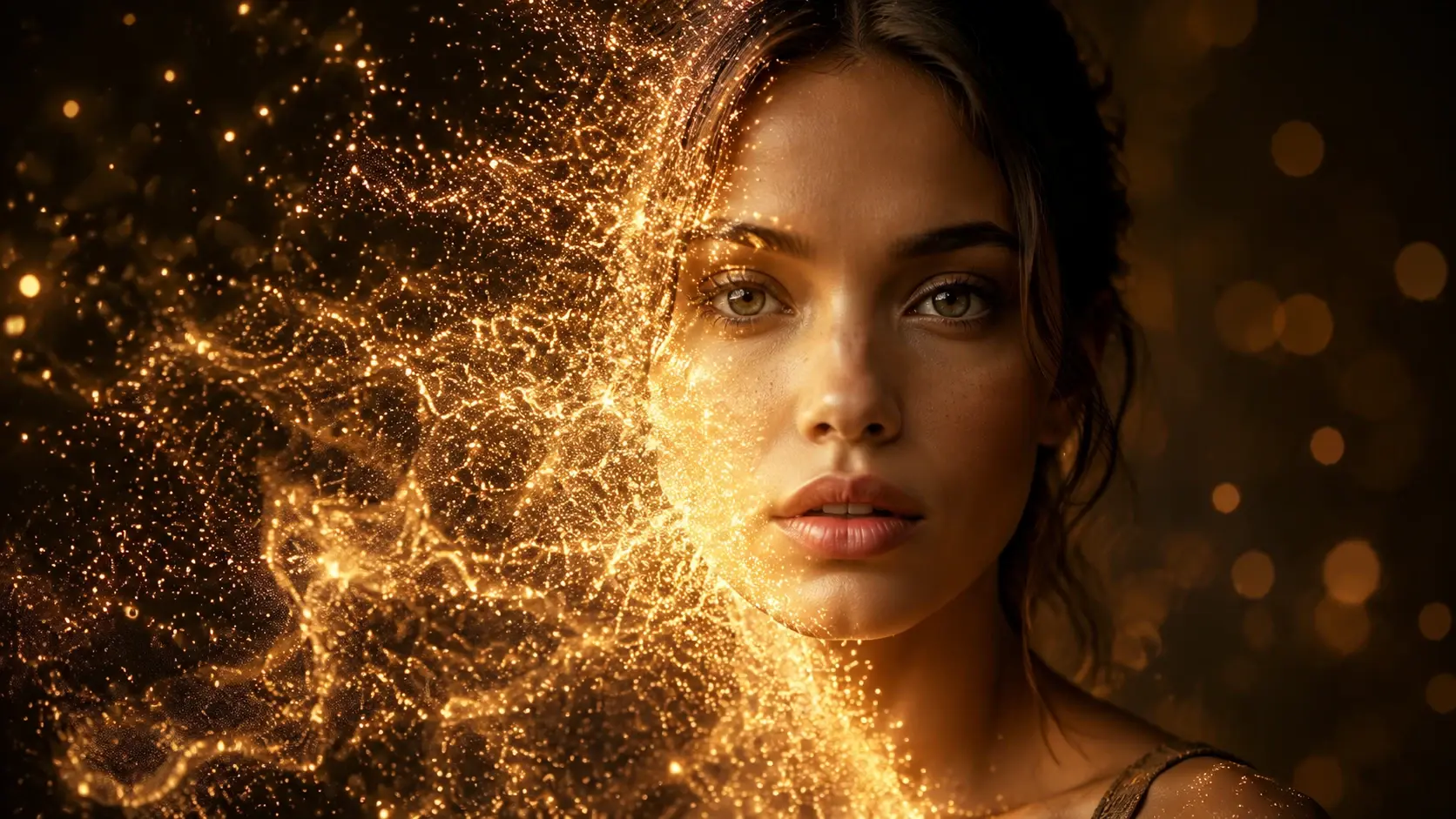
VideoAI gives you a realistic AI image generator that turns text prompts and reference photos into photorealistic visuals. Control the subject, lighting, setting, and composition, then preview the output before export. The result is strongest when the prompt names concrete details instead of abstract ideas.
Who Uses This Realistic AI Image Generator
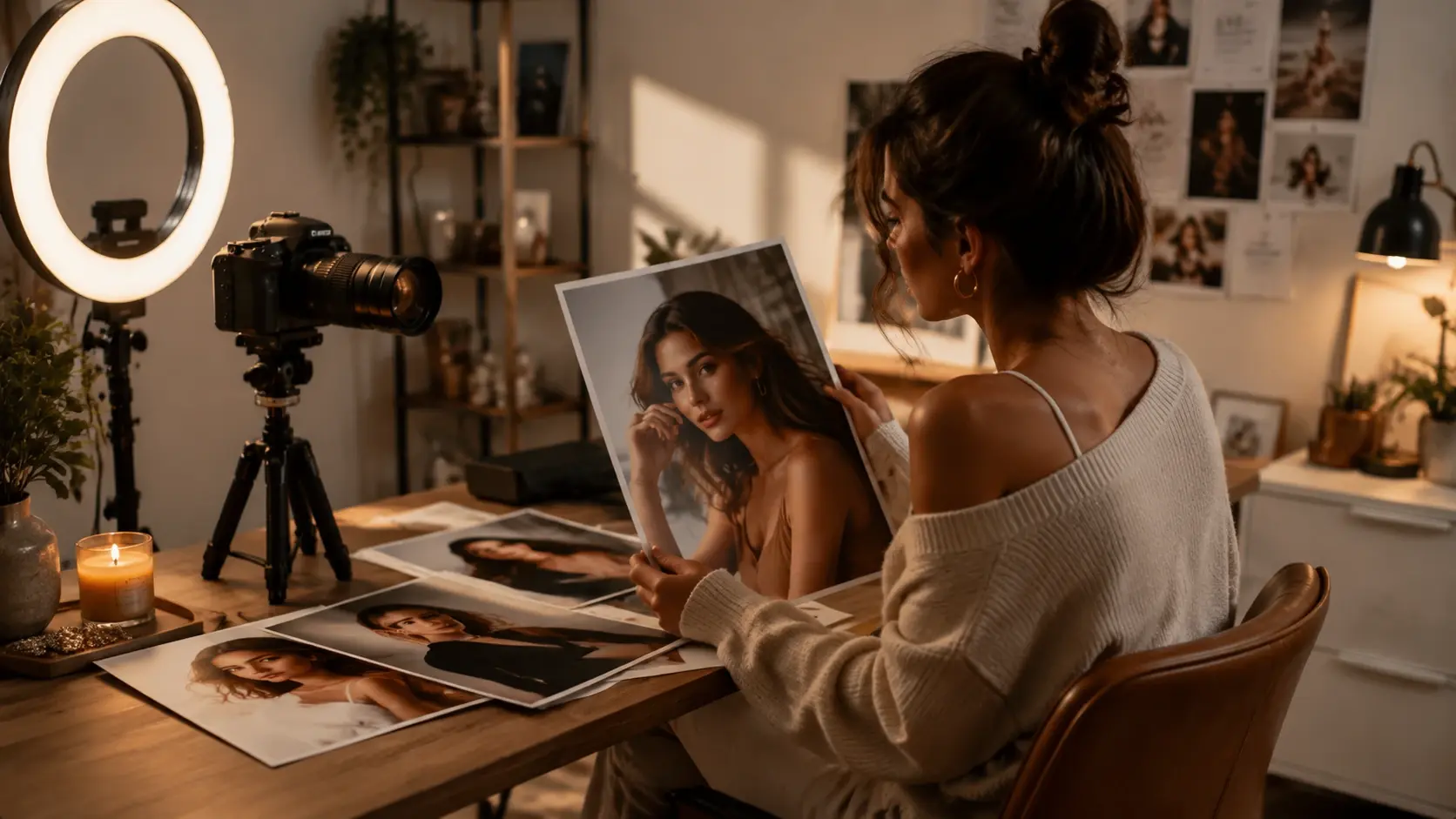
Content Creator
Your posts, thumbnails, and stories need photorealistic visuals that look professional without a full production setup. The realistic AI image generator lets you describe a scene, preview the result, and export an image ready for social media. Use it when you need a specific setting or subject that would take hours to photograph.
Realistic AI Image Generator Everyday Scenarios
Each scenario shows how the realistic AI image generator fits into a practical workflow where photorealistic quality matters.
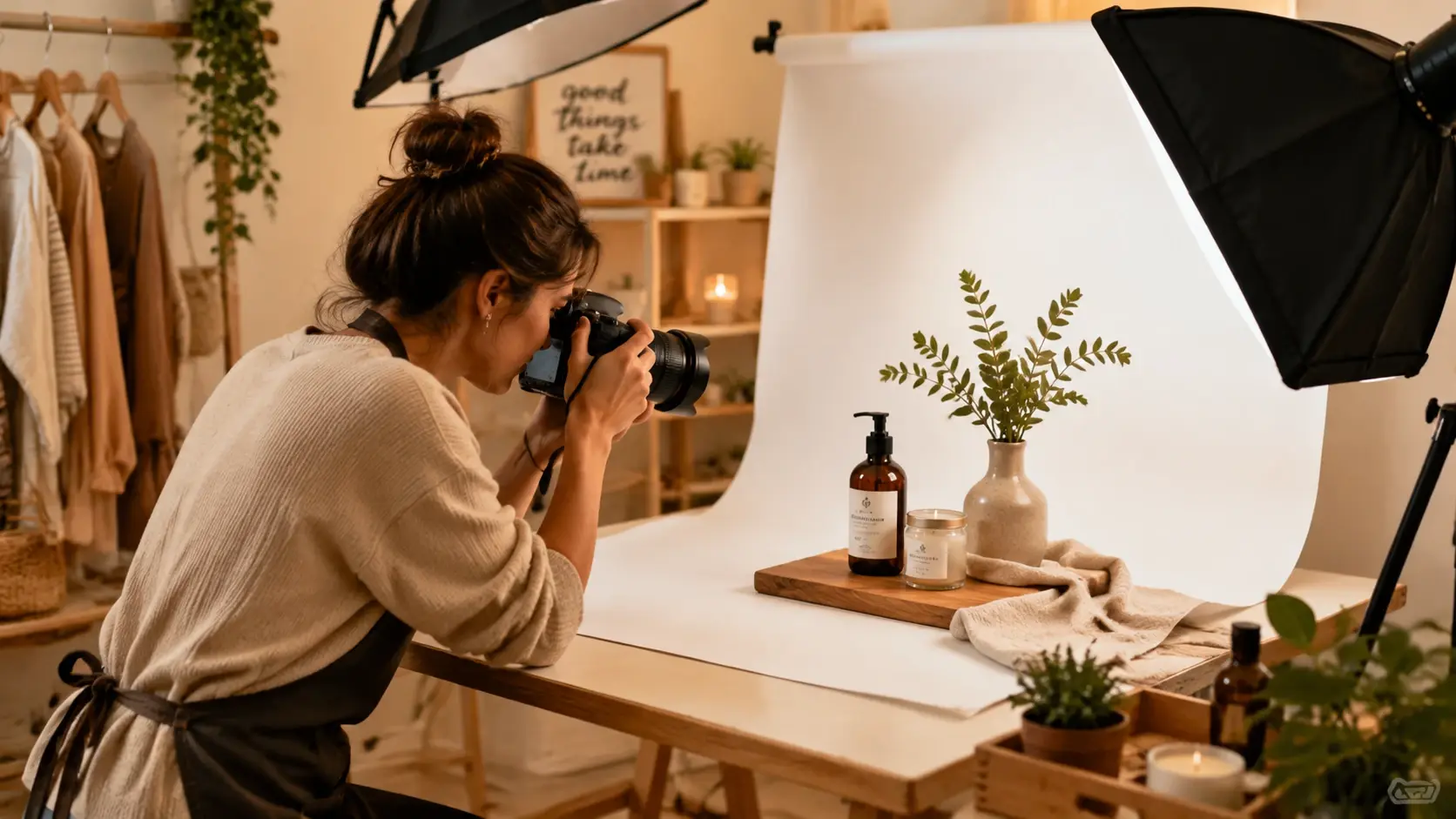
Product Marketing Shots
Generate photorealistic product images with controlled lighting, clean backgrounds, and commercial-grade composition. Describe the product, surface material, and lighting setup to get output ready for ads, landing pages, or catalog listings without booking a studio.
Social Media Portraits
Create professional-looking portrait images for profile pictures, team pages, or influencer content. The realistic AI image generator handles skin texture, natural lighting, and depth of field so the output looks like a real photo session.
Blog and Article Headers
Produce photorealistic header images that match your article topic without searching stock libraries. Describe the scene, subject, and mood in your prompt and get a unique visual that fits your brand direction and content tone.
Concept and Mockup Visuals
Generate realistic concept images for client pitches, architectural previews, or product prototypes. The realistic AI image generator renders materials, environments, and objects with enough fidelity to communicate the idea clearly before production begins.
Realistic AI Image Generator Common Questions
Explore
Discover our AI design tools




























Explore related tools

Try Your First Photoreal Image Today
Open VideoAI with a detailed prompt or reference photo, preview the photorealistic output, and export an image ready for your content, marketing, or design workflow.
Get Started