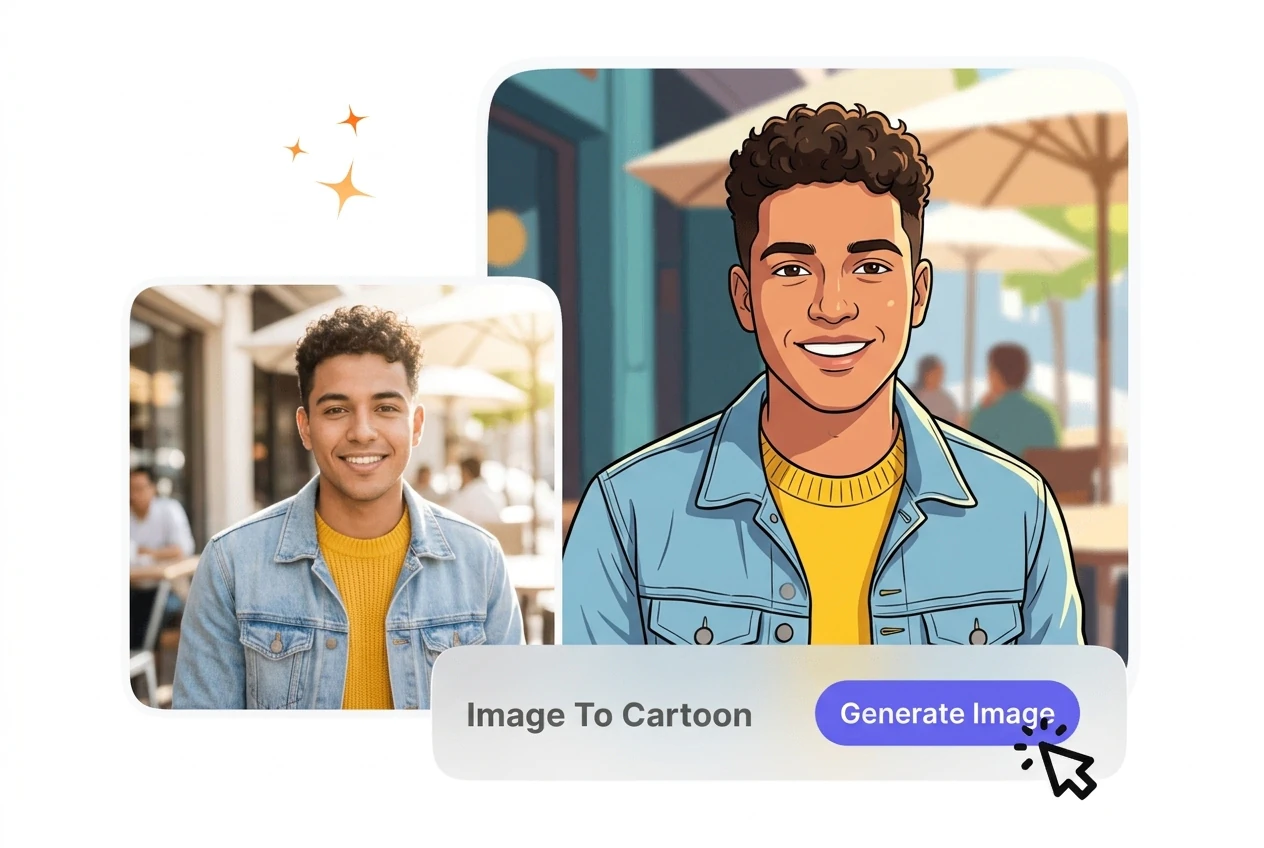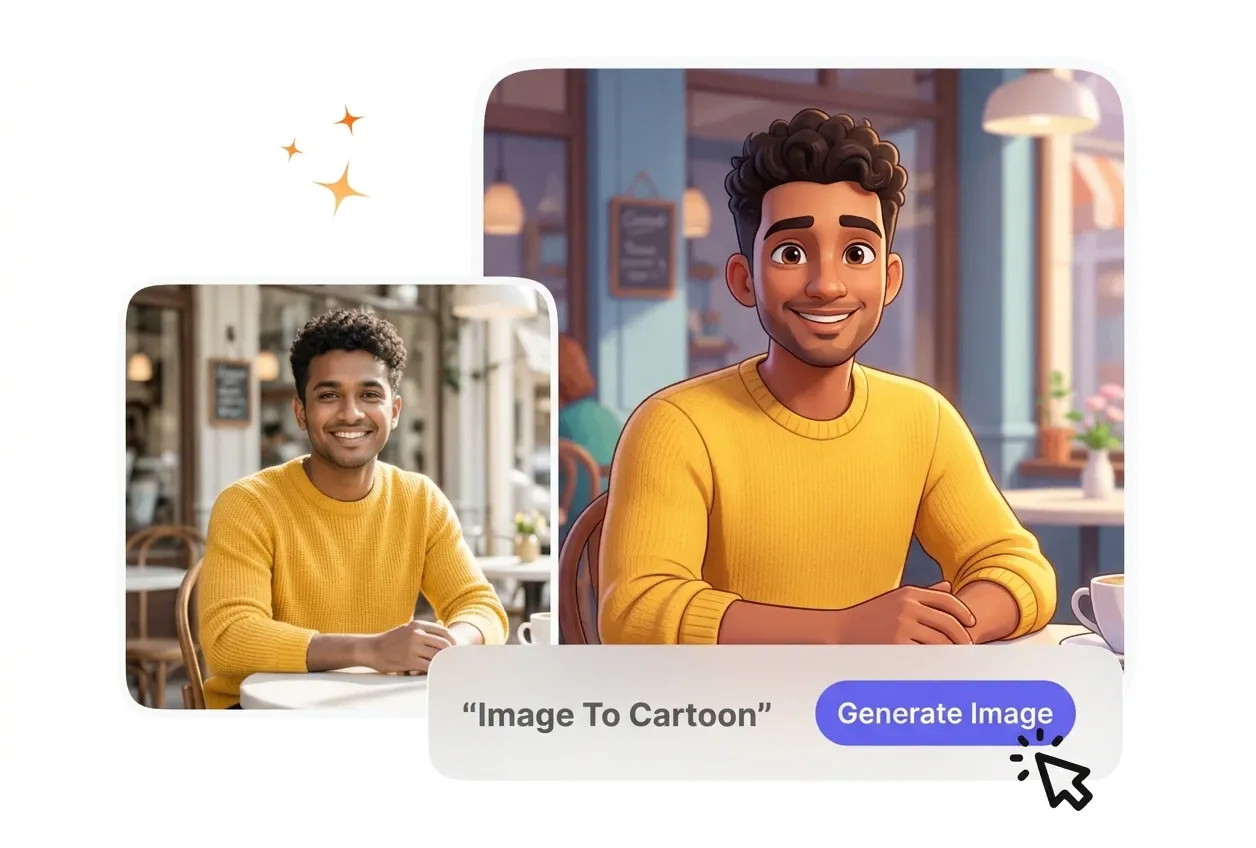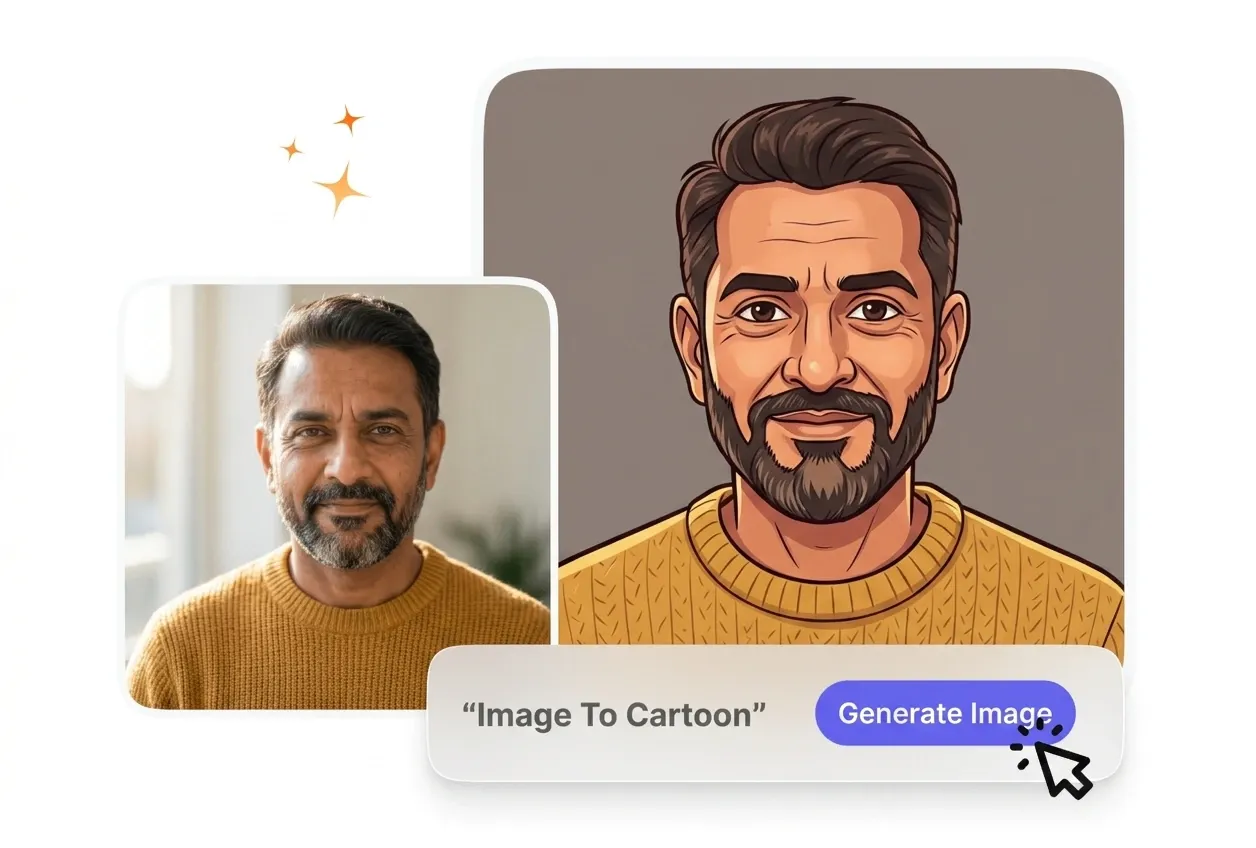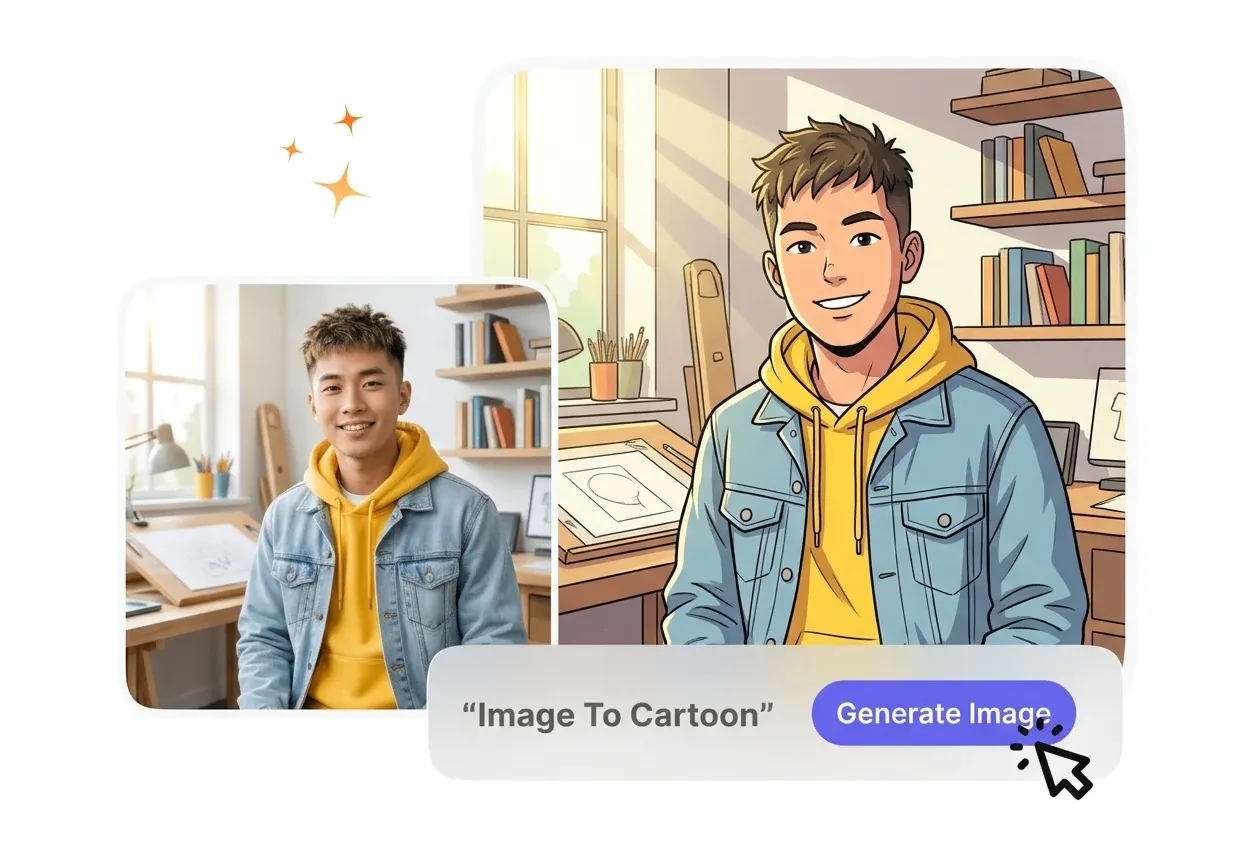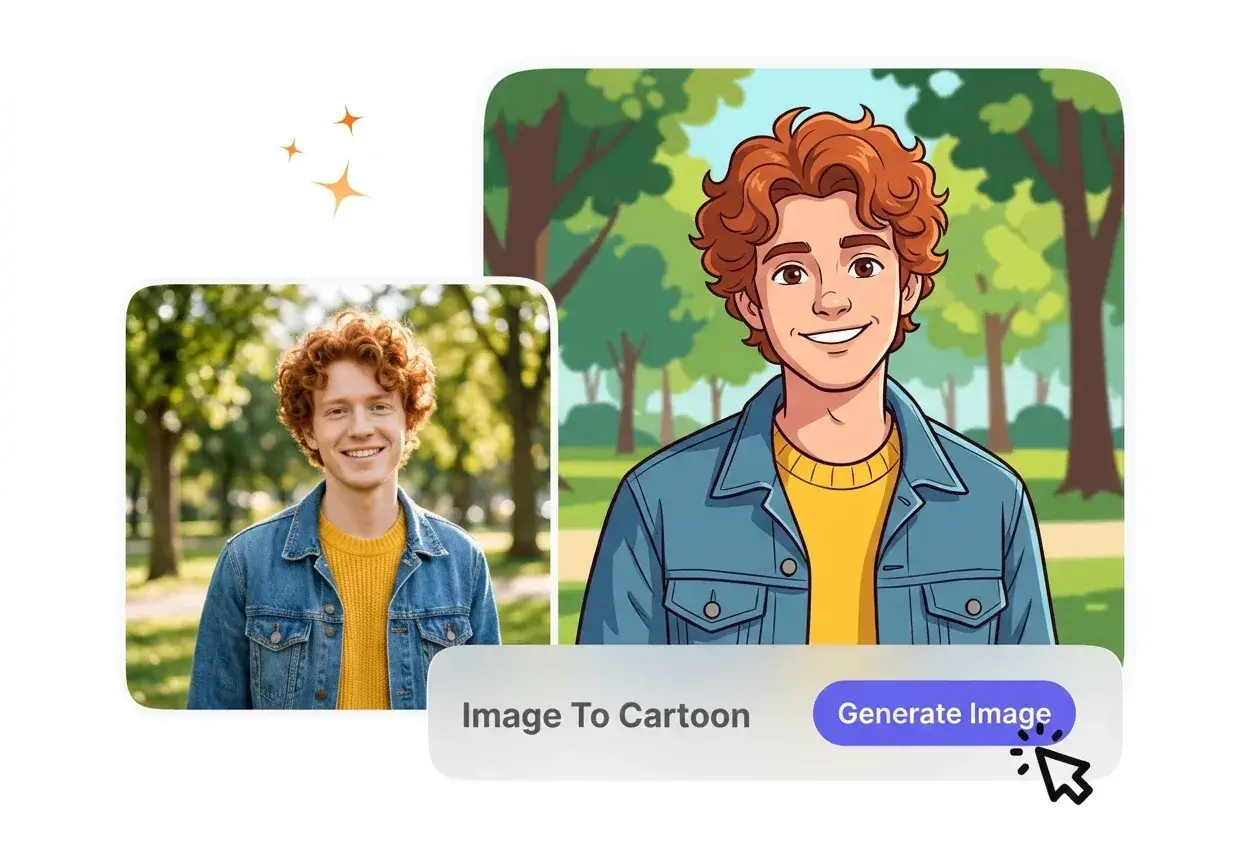
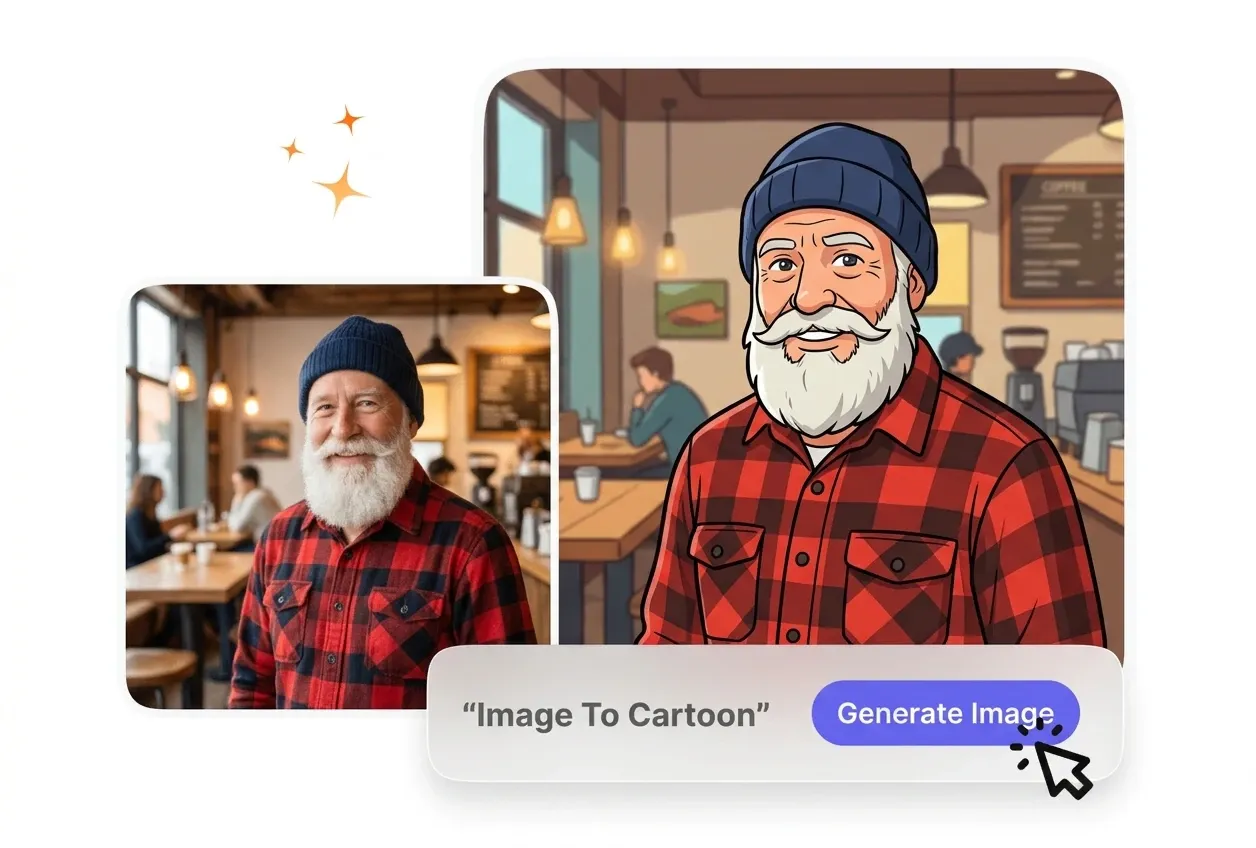

AI Image to Cartoon

Image to Cartoon Converter processes your uploads into stylized graphics. Clear lighting on your source file ensures the best facial feature retention.

Banner preview

Clear Image to Cartoon Generation

VideoAI applies consistent Image to Cartoon styles to your uploads. You get clean avatars and social covers without needing complex design software.

Who Uses Image to Cartoon Tools

Creators and business owners use this Image to Cartoon workflow for distinct branding. Predictable output helps you maintain a cohesive visual identity.

Social manager using Image to Cartoon tool

Social Media Managers

Running multiple accounts requires fast visual updates. You Generate Cartoons from Photos to build engaging profile pictures quickly. This ai Image to Cartoon process keeps your brand looking fresh without hiring an external illustrator daily.
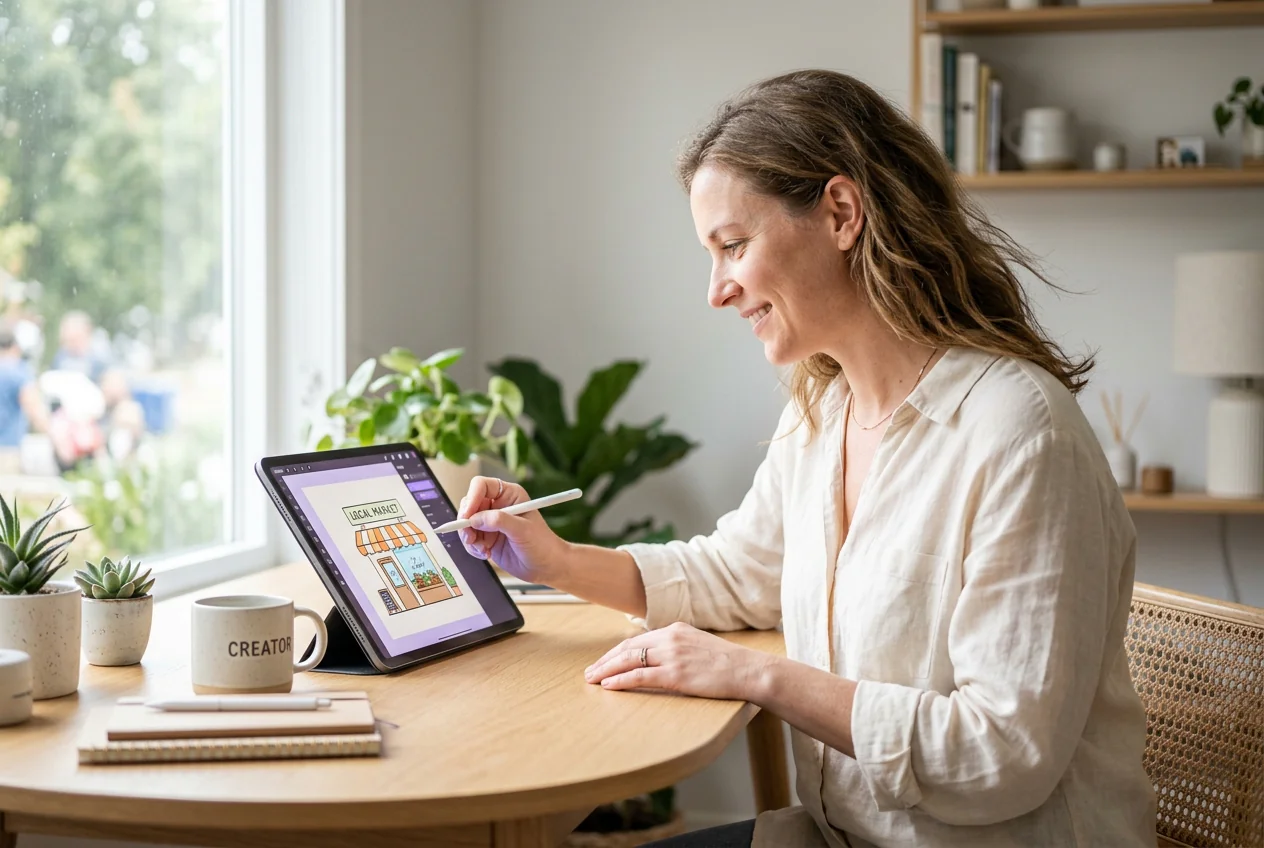

Owner applying Image to Cartoon branding assets

Small Business Owners

Custom graphics often stretch tight marketing budgets. You Cartoonize Photos to create approachable marketing materials for your local shop. This Image to Cartoon method delivers professional assets while keeping your original subject highly recognizable online.

Educator creating Image to Cartoon slide graphics

Online Course Creators

Lessons need clear visuals that hold student attention. You apply the Image to Cartoon effect to your headshots for friendly presentation slides. Consistent styling prevents distracting visual shifts across your various educational modules and worksheets.

How Image to Cartoon Works

VideoAI simplifies the Image to Cartoon process into three logical stages. You control the input and style, then the system handles the technical rendering.

Step 1

Upload Source File

You provide a clear reference picture with good lighting. VideoAI reads the facial features and prepares the file, so you start from a solid baseline before you Convert Photo to Cartoon.

Step 2

Select Visual Style

You choose between anime, hand-drawn, or illustration aesthetics. VideoAI applies your selected style to the image, then generates a preview for your review during the Image to Cartoon generation phase.

Step 3

Review and Export

You check the generated result to ensure key features remain intact. After that, you download the final file for immediate use on your social channels, marketing presentations, or personal website.

Core Image to Cartoon Features

These specific tools help you Cartoonize Images with predictable quality. VideoAI focuses on retaining your original subject details while applying the new aesthetic.

Instant Style Application

VideoAI processes your upload and applies the aesthetic in one pass. You Turn Photo Into Cartoon Instantly without adjusting complex sliders. This works best when your source file has high contrast and a clean background.

Instant Image to Cartoon style application preview

Multiple Artistic Styles

The system offers distinct visual profiles like anime or hand-drawn looks. You select an Image to Illustration setting that matches your project. The output reflects your choice, though highly detailed backgrounds may simplify during rendering.

Selecting Image to Cartoon artistic style options

Facial Feature Retention

VideoAI maps the core geometry of your subject before applying effects. You get a Photo to Cartoon result that actually looks like the original person. Extreme angles can sometimes reduce the accuracy of this mapping.

Facial feature retention in Image to Cartoon

Versatile Asset Creation

When you need diverse marketing materials, this tool provides multiple variations. You export a Photo to Sketch or full-color cartoon for different campaigns. The final files integrate easily into your existing layouts and design templates.

Exporting Image to Cartoon assets for marketing

Image to Cartoon Common Questions

Yes, you can export basic files without any branding attached. If you require high-resolution outputs for print, you need a premium tier. This ensures your professional assets remain clean and ready for immediate client delivery.

Start Your Image to Cartoon Workflow

Upload your first reference picture to see how VideoAI handles the conversion. You can test the Image to cartoon online free process today.

Get Started