AI Old Photo Restoration

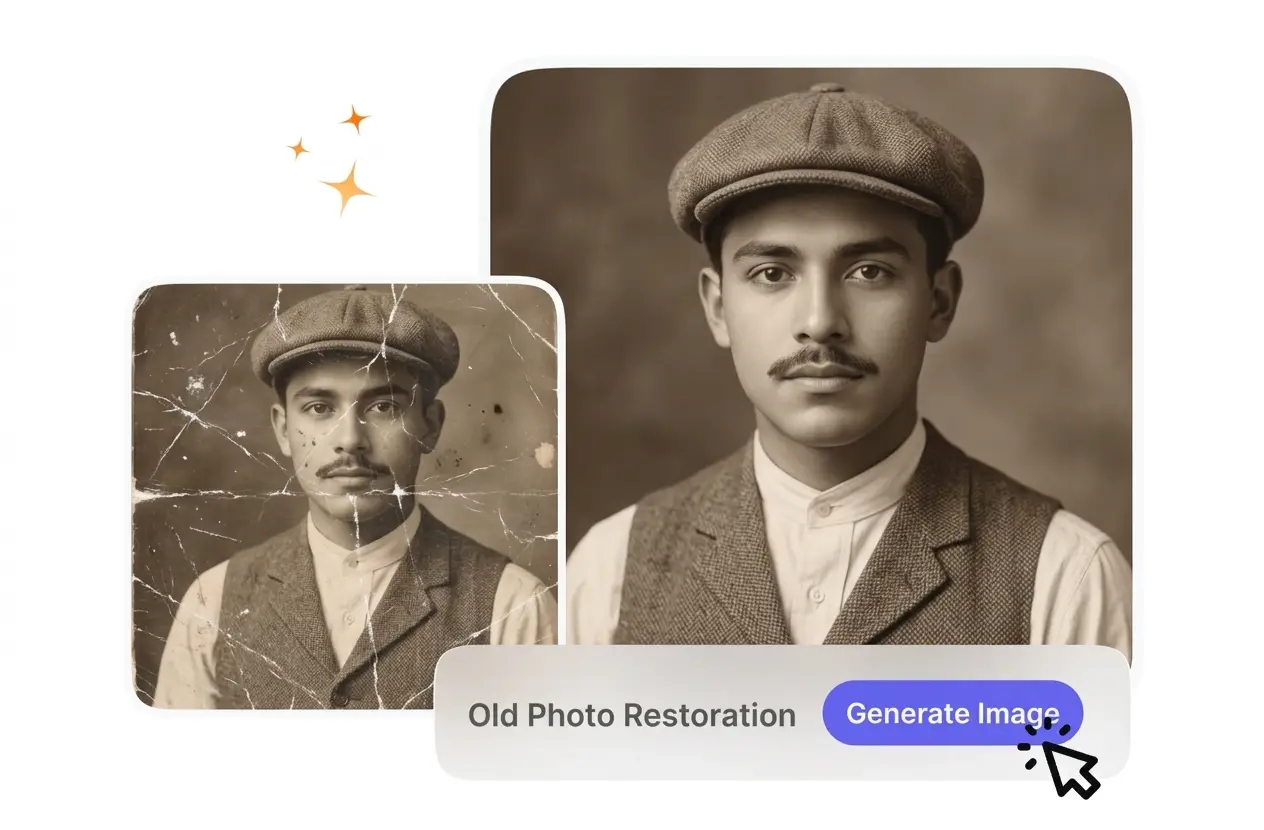
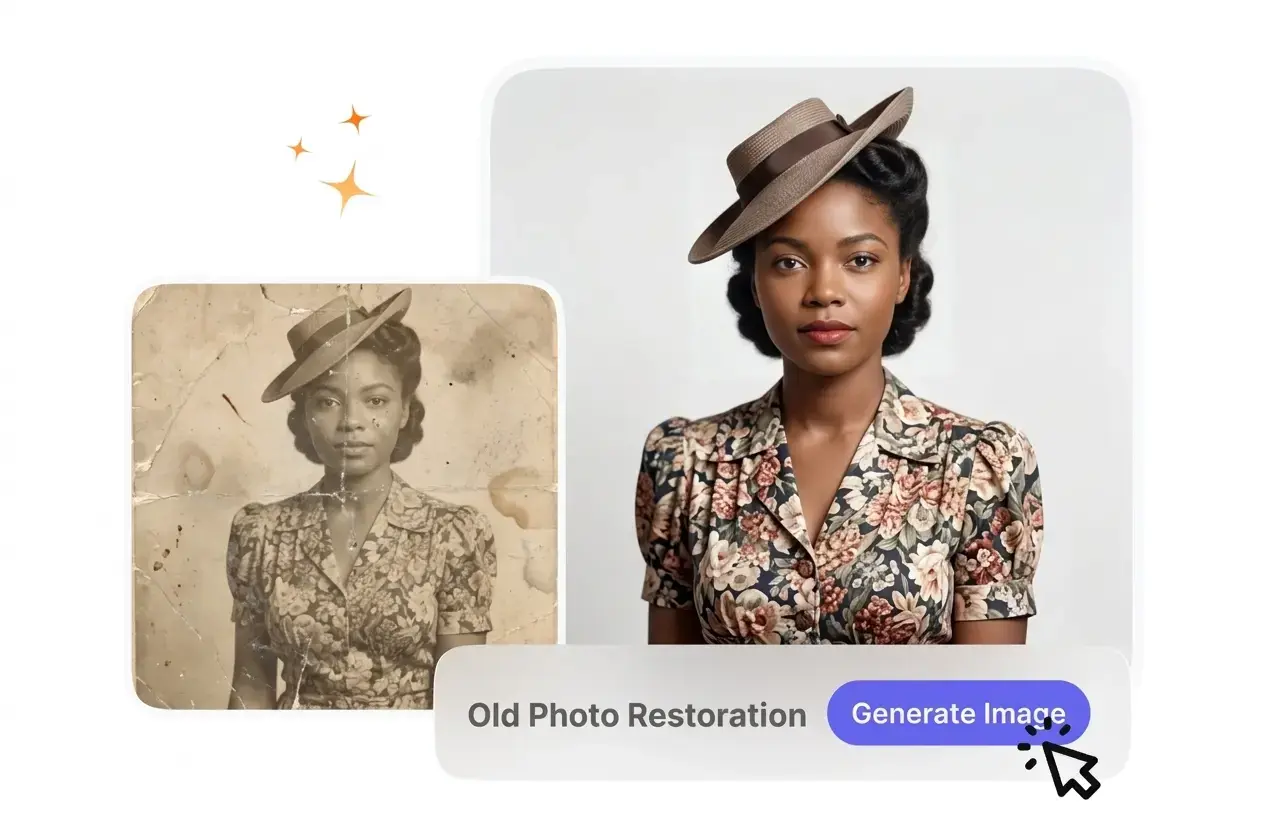
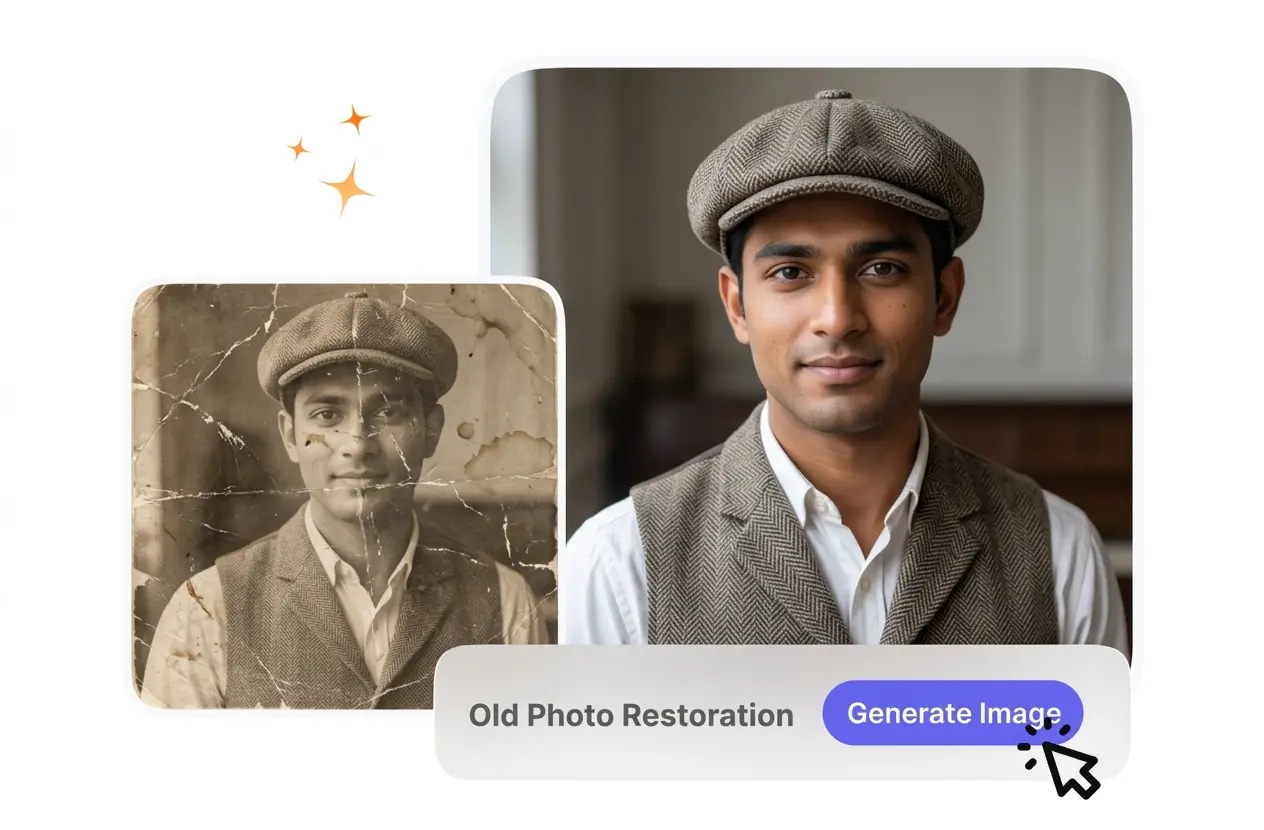
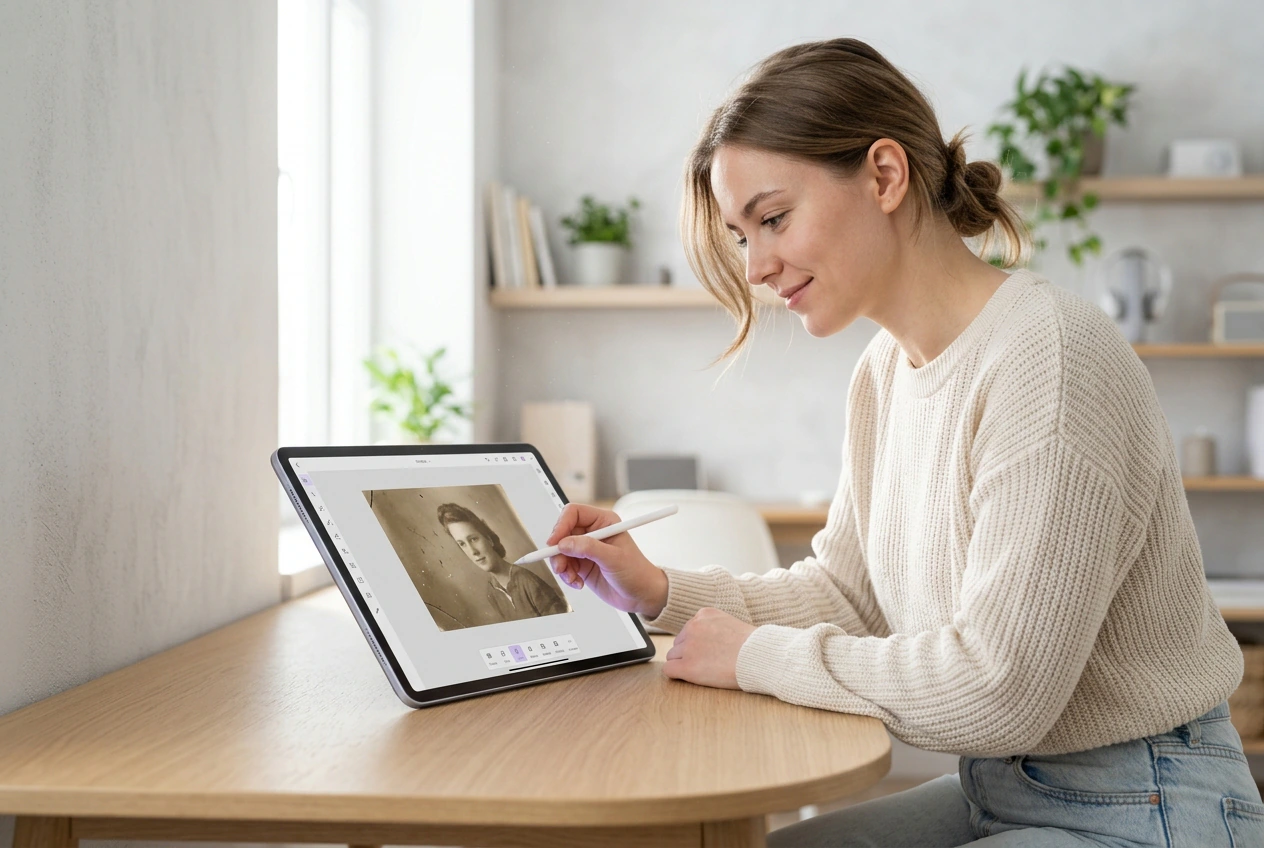
This old photo restoration online workflow repairs scratches and faded details on vintage images. For best results, upload high-resolution scans with clear facial structures.

Banner preview

Precise Old Photo Restoration

VideoAI handles your old photo restoration by repairing scratches on vintage images. You receive a clean file ready for digital archives or family albums.

Who Uses Old Photo Restoration

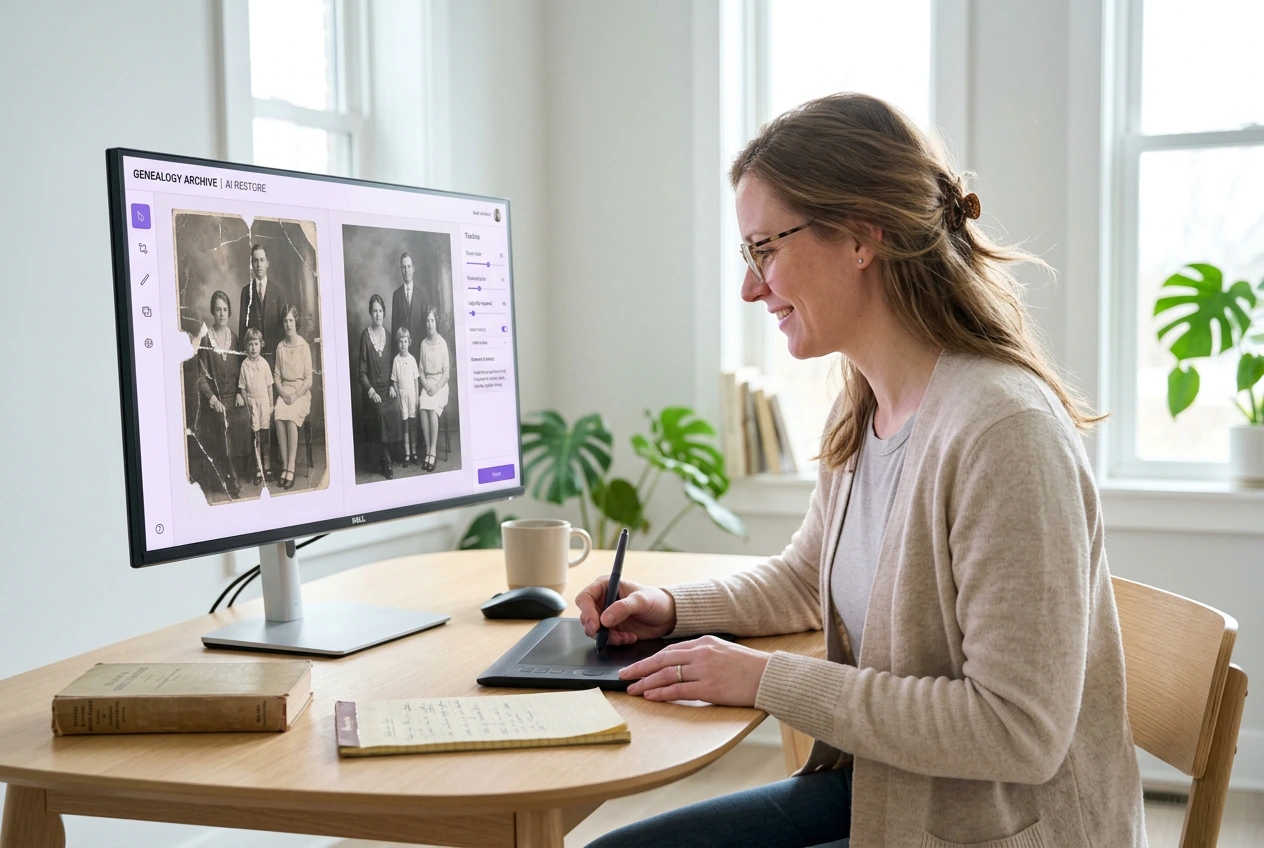
Archivists and families use this tool to fix old photos quickly. You get predictable old photo restoration without spending hours on manual brush work.

Archive manager using Old Photo Restoration tool

Digital Archive Managers

Museum staff need reliable old photo repair workflows for historical collections. VideoAI processes your scans and repairs structural tears while maintaining original film grain. Heavy mold damage might require manual touch-ups after the initial automated pass.
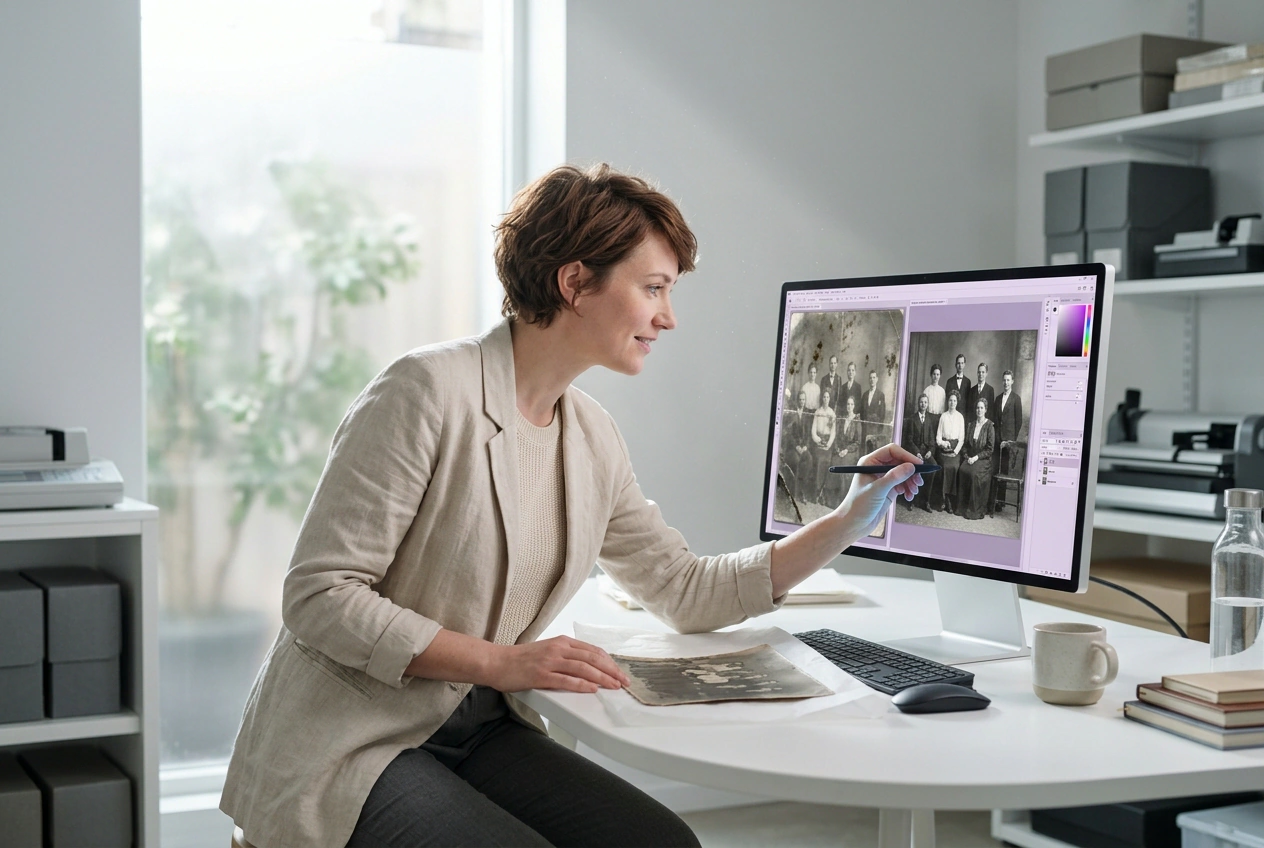
Genealogist applying Old Photo Restoration to portraits

Family History Researchers

Genealogists often struggle with damaged photo restoration from personal family albums. You upload a scanned portrait, and the system rebuilds missing facial continuity. Clear reference details always yield better results than completely washed-out paper textures.

Designer running Old Photo Restoration for merchandise

Vintage Print Creators

Designers require clean files for ai photo restoration projects before printing merchandise. VideoAI removes surface dust and creases so your final image looks crisp. Highly degraded source files may need specific settings for optimal clarity.

How Old Photo Restoration Works

You provide a scanned image, and VideoAI handles the old photo restoration process. The output file retains its historical character without looking artificially smooth.

Step 1

Upload Source Image

You upload your scanned file to the photo restoration ai workspace. VideoAI analyzes the surface damage and identifies areas needing structural repair. High-resolution scans provide the best baseline for accurate detail recovery.

Step 2

Adjust Repair Settings

You specify your requirements for grain retention and scratch removal photo intensity. VideoAI then processes the image based on your instructions. This ensures the final output matches your desired vintage aesthetic perfectly.

Step 3

Review and Export

You review the restored preview against your original upload. After that, you export the clean static image for your archives. The final file is ready for further colorization or immediate sharing.

Core Old Photo Restoration Features

VideoAI targets specific types of degradation during the old photo restoration process. You control the balance between clean surfaces and authentic historical film textures.

Structural Tear Repair

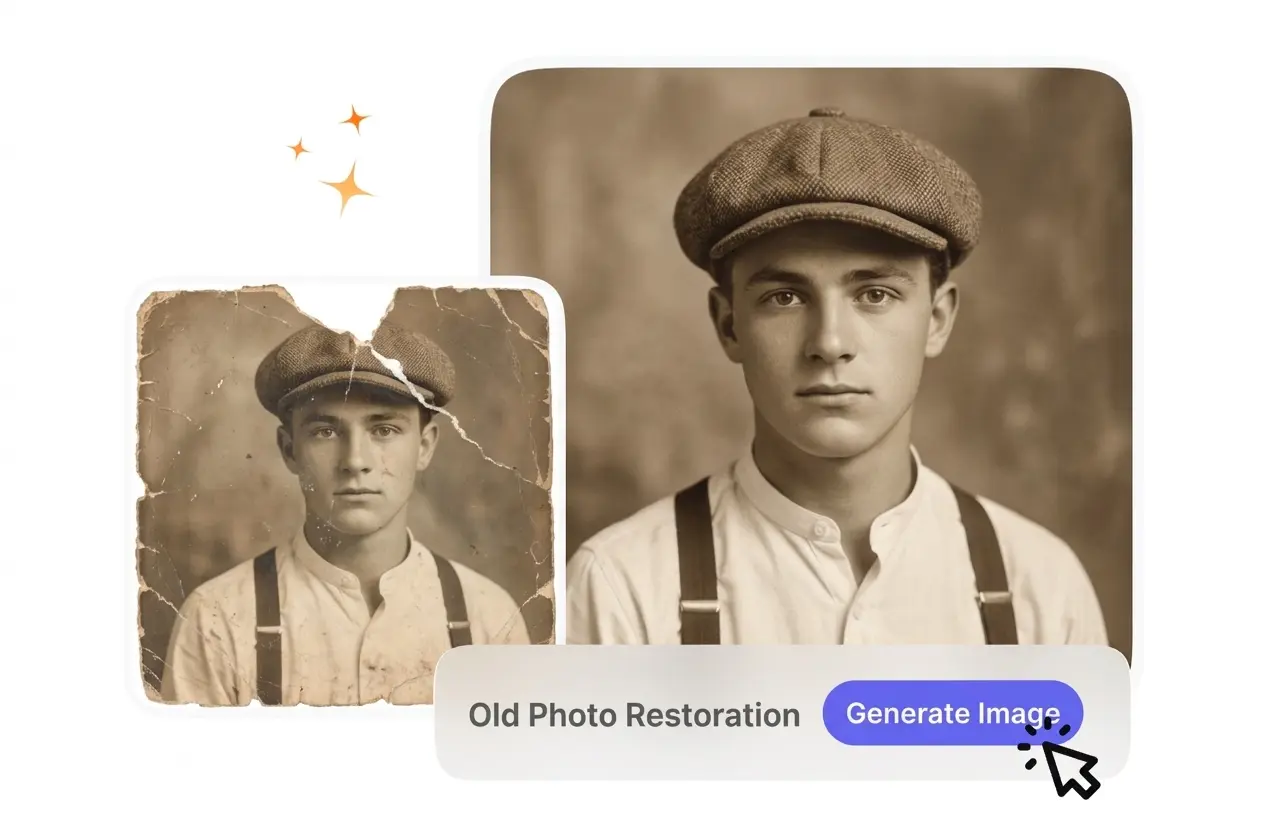
VideoAI identifies physical folds and missing fragments in your torn photo repair projects. You upload the damaged file, and the system reconstructs the broken continuity. Complex missing sections work best when surrounding textures remain visible.

Old Photo Restoration fixing structural tear damage

Contrast and Detail Recovery

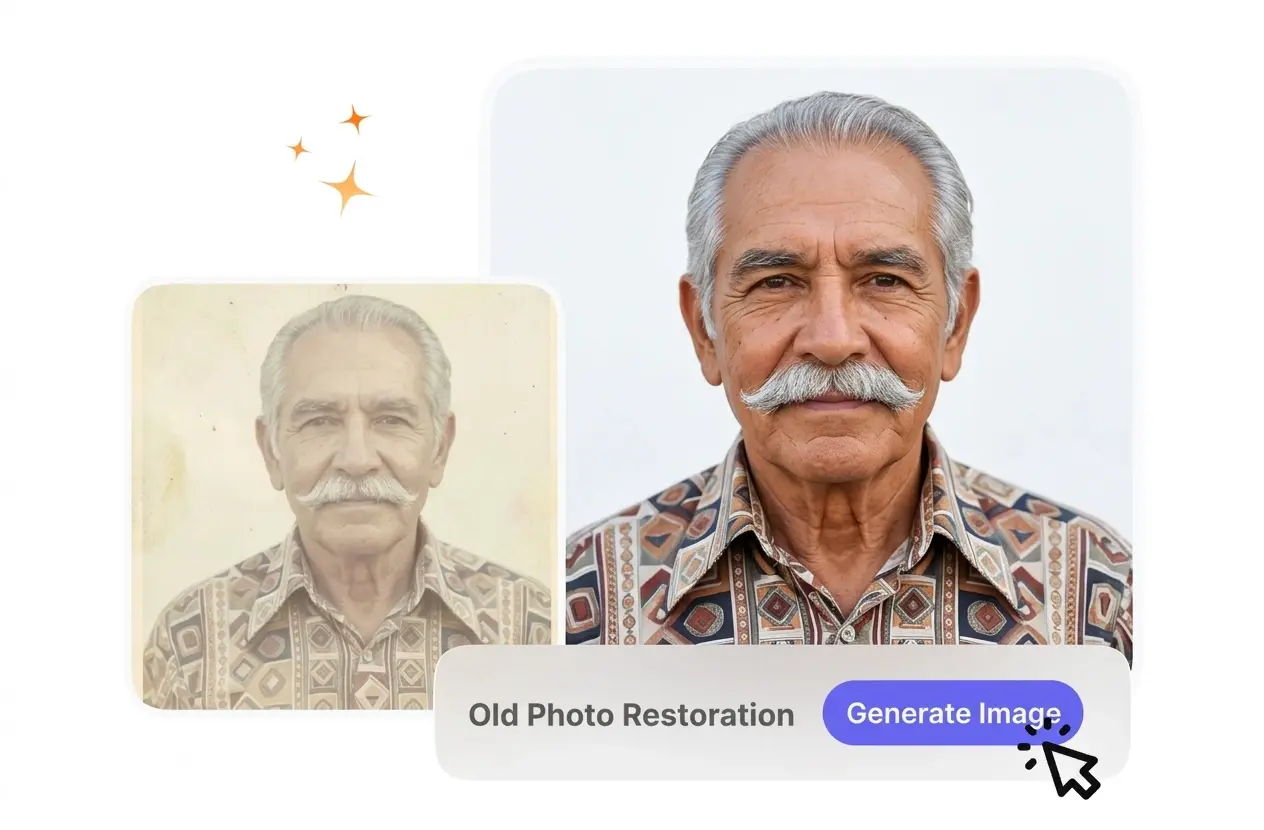
The system analyzes washed-out areas to restore old photos with balanced contrast. You adjust the intensity settings to bring back lost facial features. Extremely overexposed source files might naturally limit the amount of recoverable depth.

Old Photo Restoration recovering faded contrast details

Authentic Grain Preservation

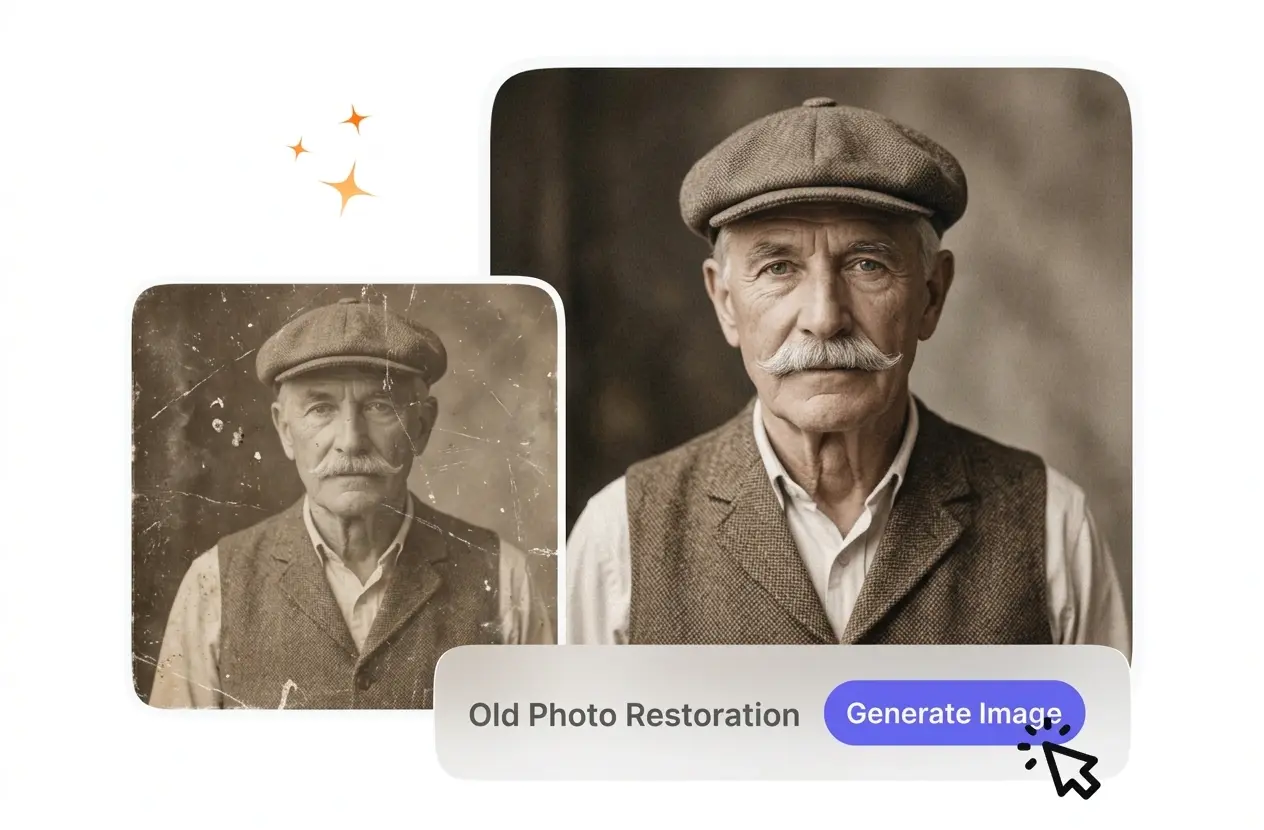
VideoAI cleans surface noise while maintaining the original vintage photo restoration feel. You define the denoise level so the output avoids an artificial plastic appearance. This works well for portraits where historical authenticity matters most.

Old Photo Restoration preserving authentic film grain

Surface Dust Removal

If your scan has heavy speckling, VideoAI maps and removes the debris. You review the cleaned preview before exporting the final image. Dense clusters of mold may require additional passes to achieve a spotless surface.

Old Photo Restoration clearing surface dust debris

Old Picture Restoration Questions

No, this specific workflow only supports static image inputs and outputs. When you upload a file, the system focuses strictly on static image recovery. This ensures archivists get the highest quality results for their scanned paper photographs.

Start Your Old Photo Restoration

Upload your scanned images and see how VideoAI handles the old photo restoration process. You get clean, predictable results for your historical archives.

Get Started