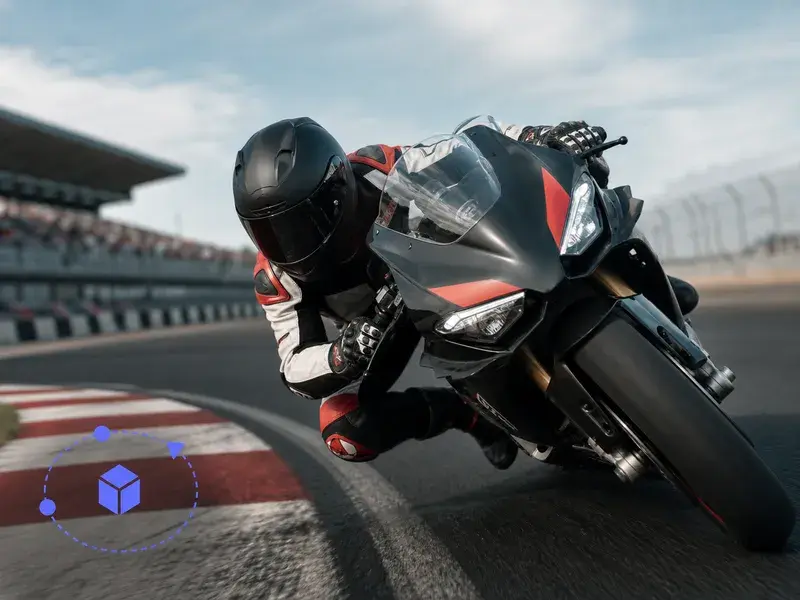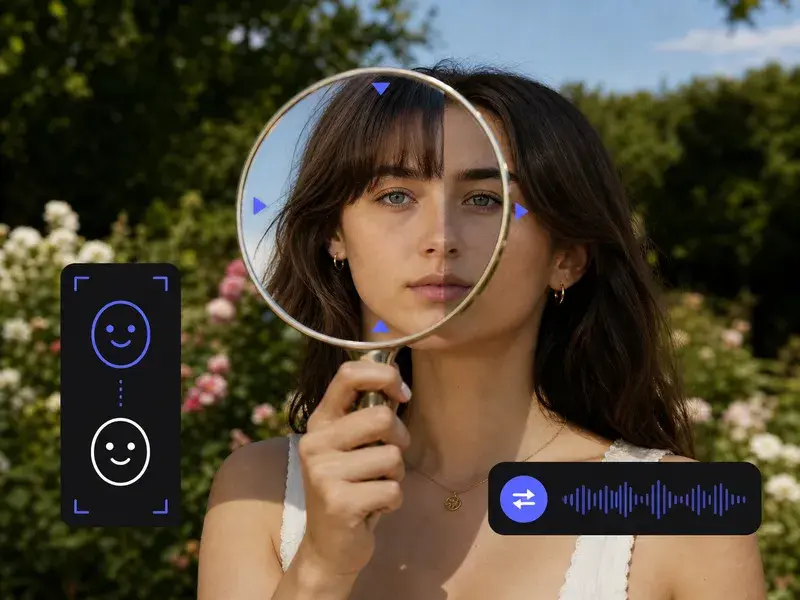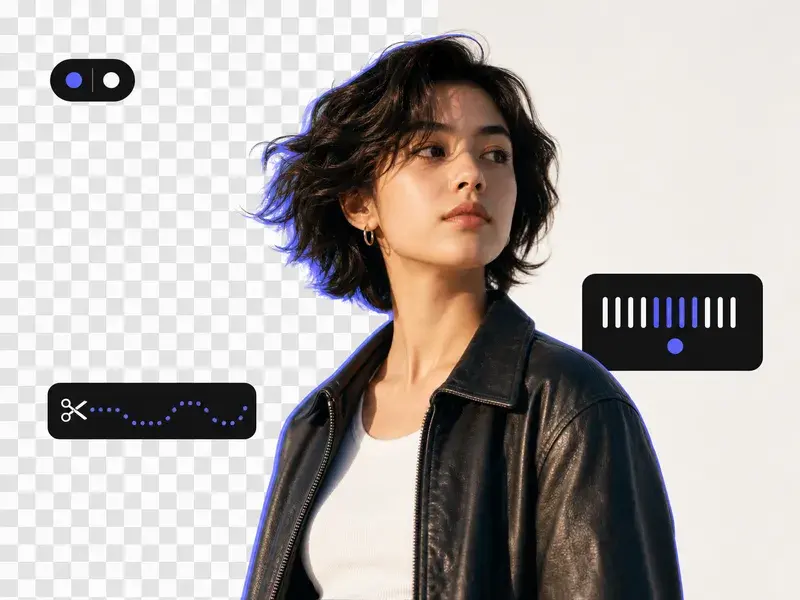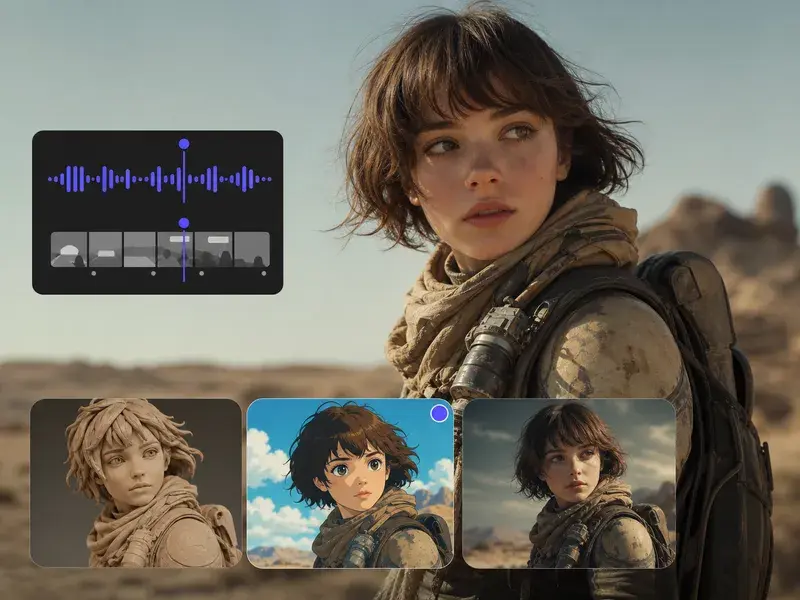


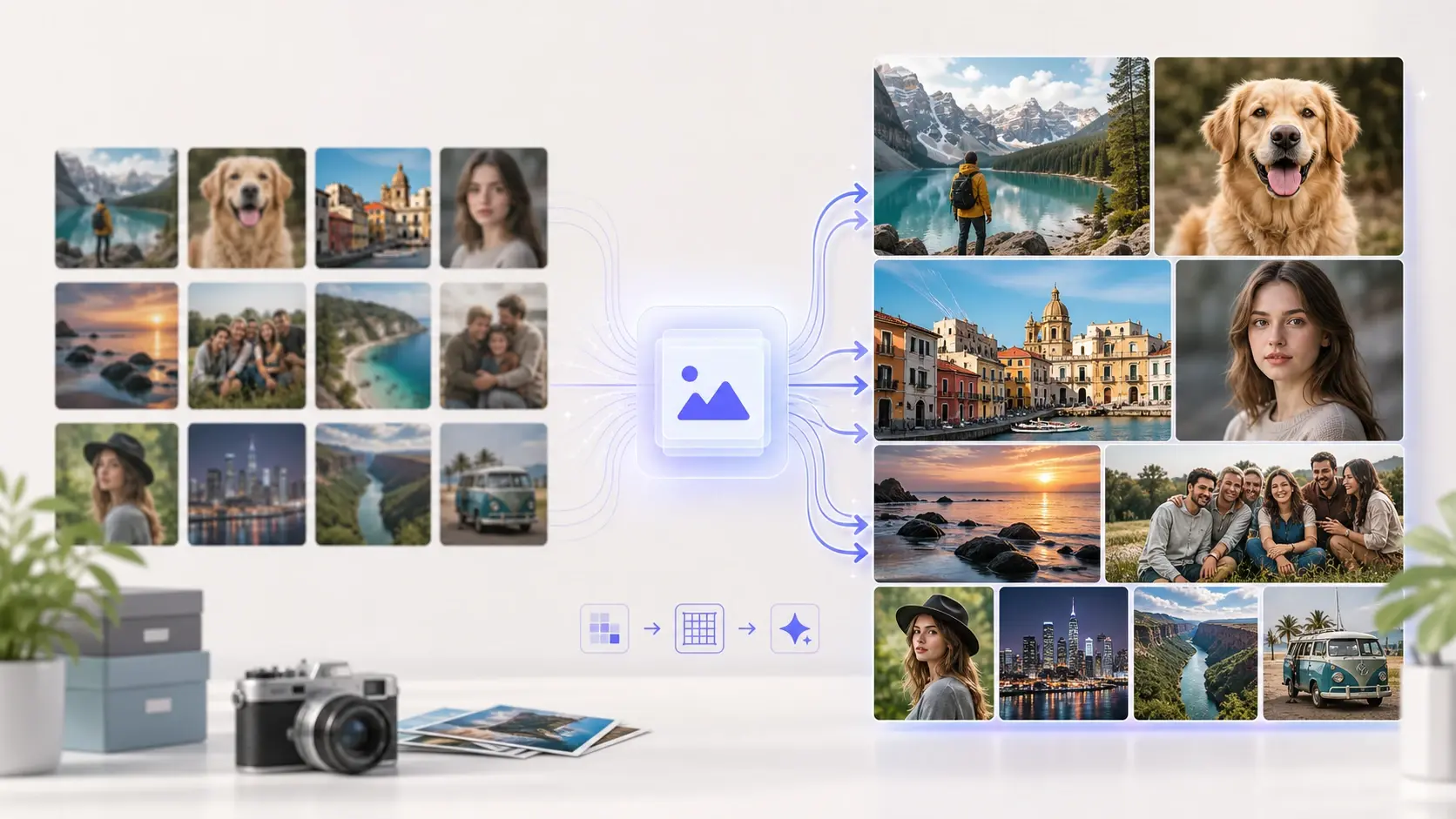

AI Image Sharpener

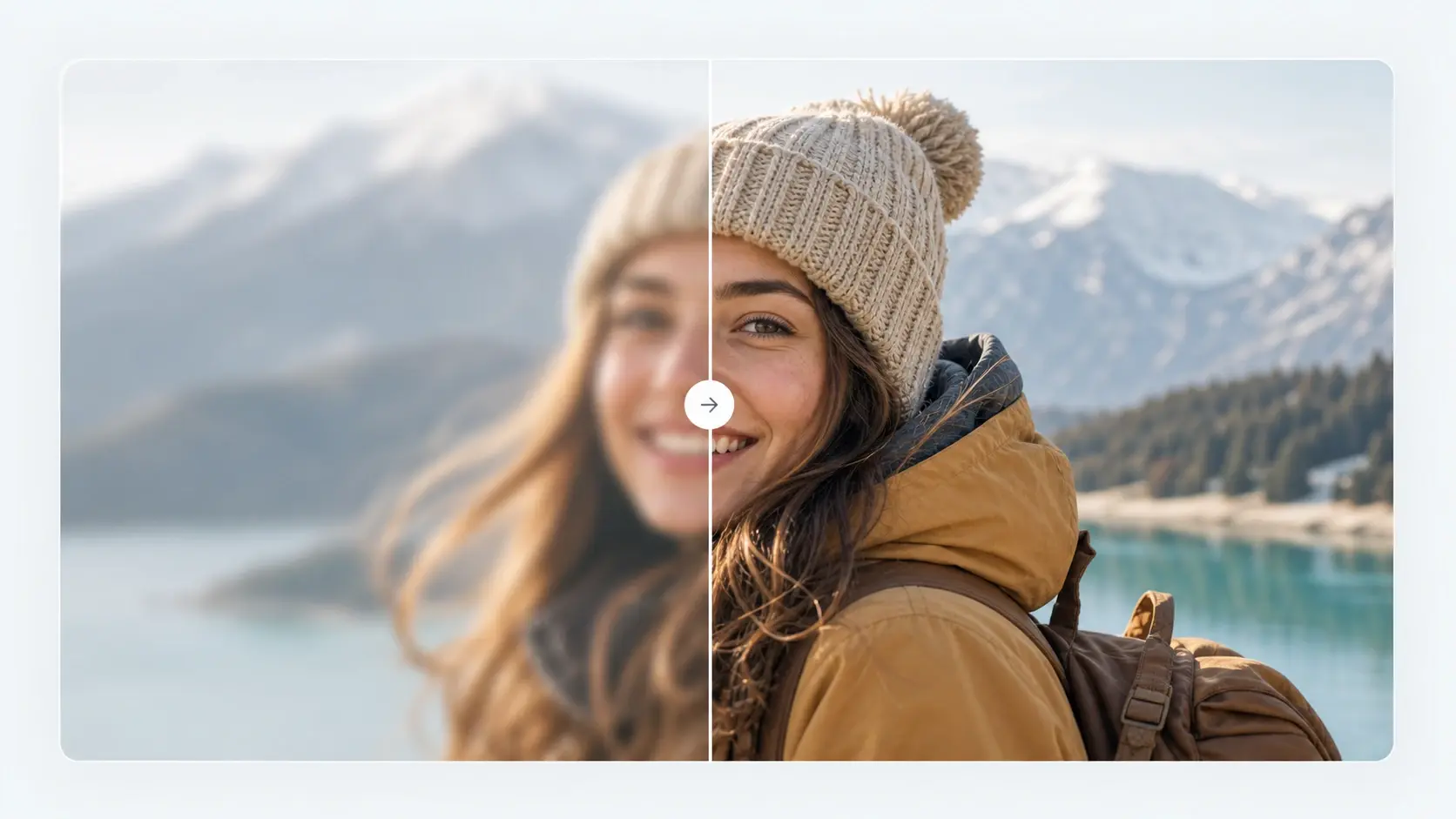
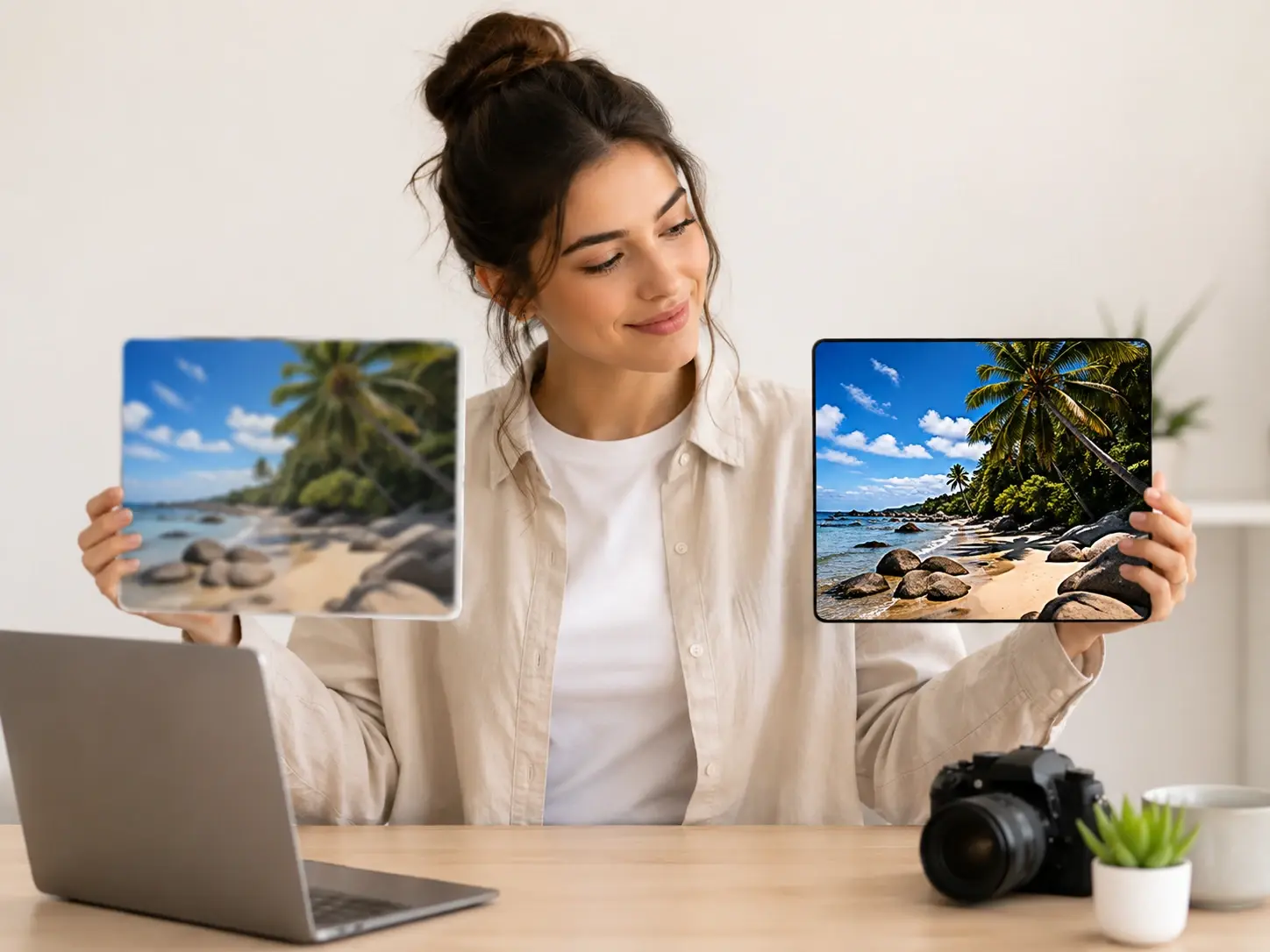
The Image Sharpener restores clarity to out-of-focus reference files before you export. For best results, upload well-lit source images with recognizable subject edges.

Banner preview

AI Image Sharpener For Clearer Files

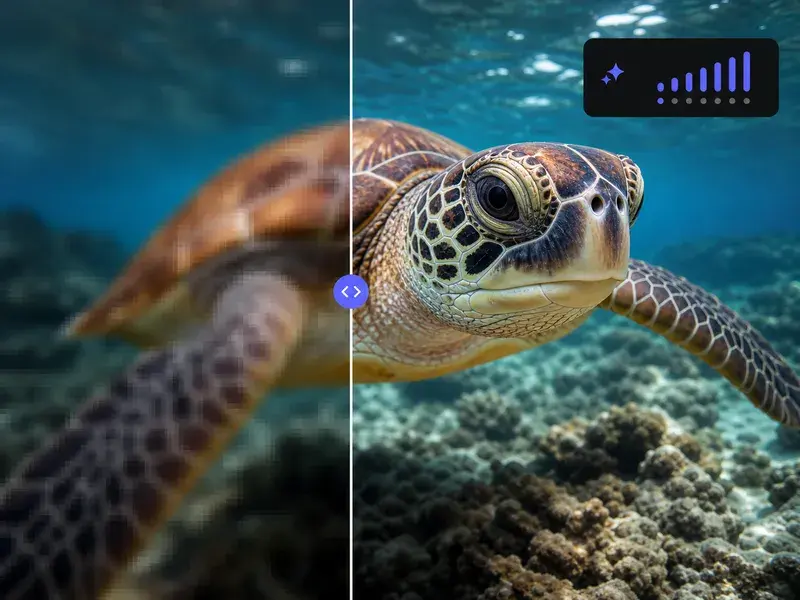
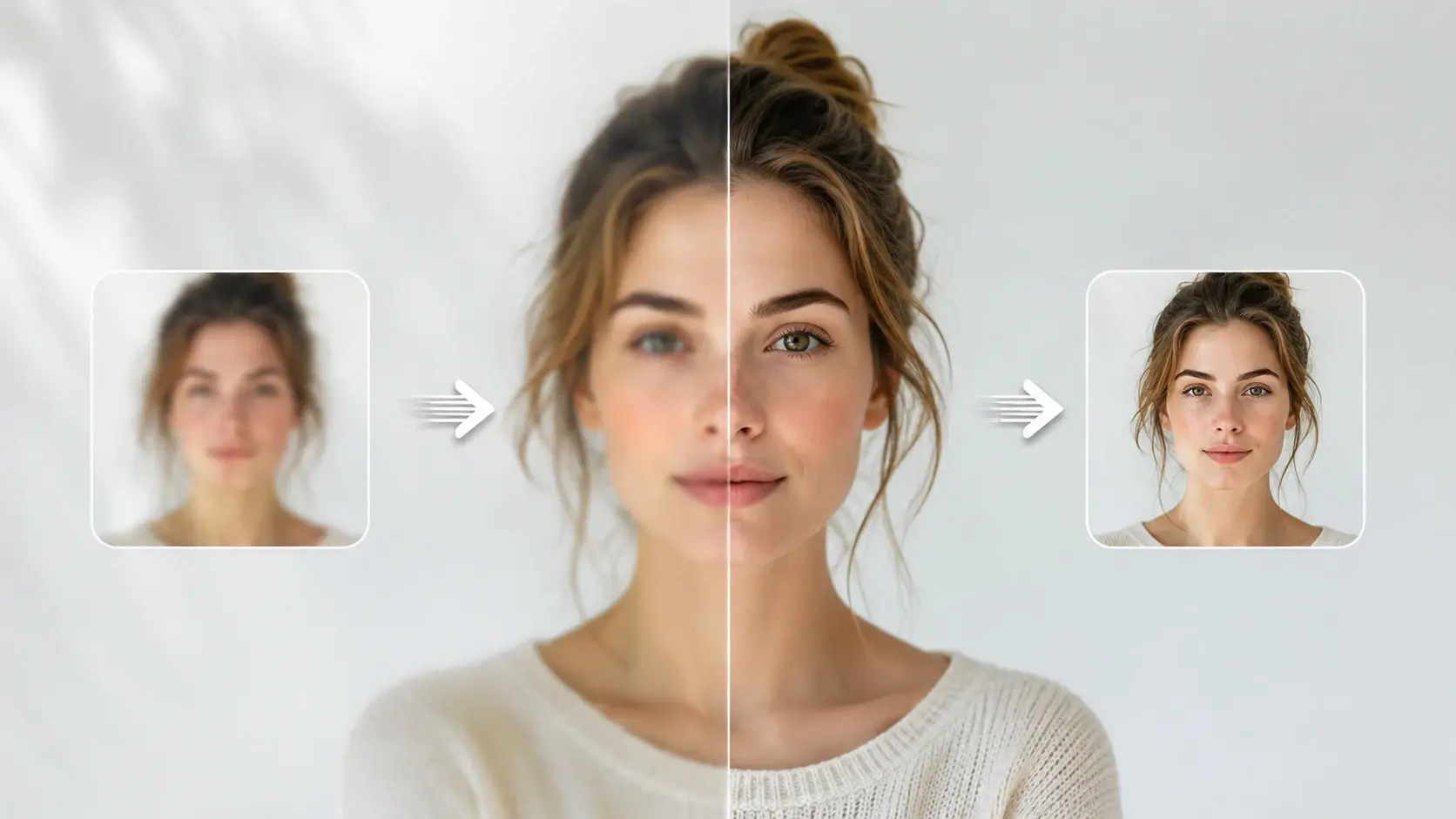
The Image Sharpener restores focus to your blurry reference pictures. You upload a soft file, and VideoAI rebuilds edges for a crisp final export.

Who Uses This Image Sharpener

Different creators need clear visuals for their projects. The Image Sharpener helps you fix blurry photo assets so your final output looks intentional and professional.

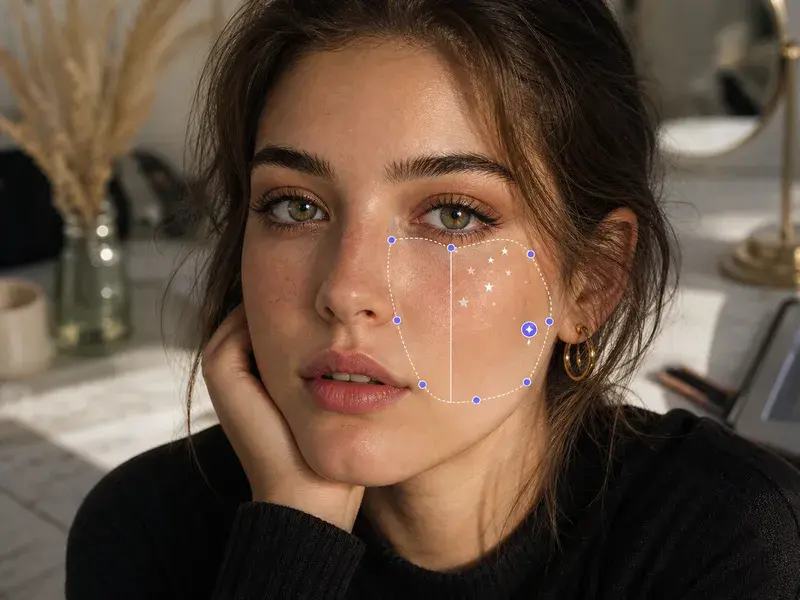
Store owner using Image Sharpener on products

Online Store Owners

Product listings require crisp details to build buyer trust. VideoAI acts as your photo sharpener to refine soft edges on inventory shots. The final file highlights textures clearly, though heavily compressed originals might still show minor artifacts.

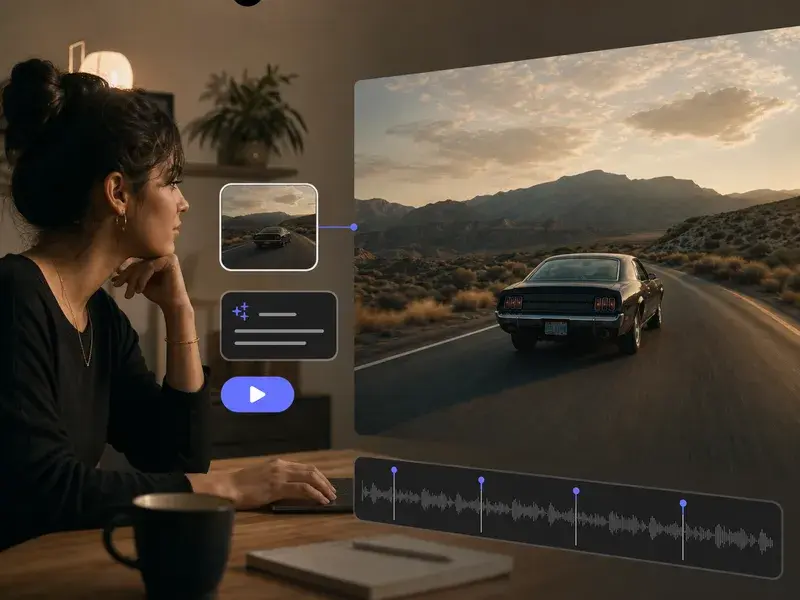
Student applying Image Sharpener to study materials

Educators And Students

Scanned documents and lecture screenshots often lose readability. You can sharpen blurry image online free to make text legible again. This workflow restores letters and diagrams, so your study materials remain easy to read on any screen.

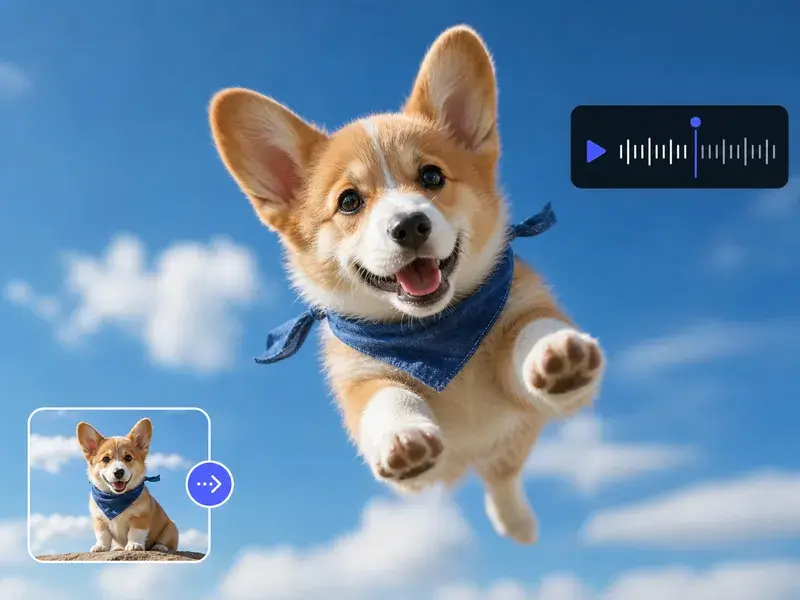
Artist using Image Sharpener for digital paintings

Digital Art Creators

Generated art sometimes lacks definition in complex areas. You run the file through our ai image sharpener to define those loose strokes. The tool clarifies fine lines without altering your original composition or adding unwanted color shifts.

How The Image Sharpener Works

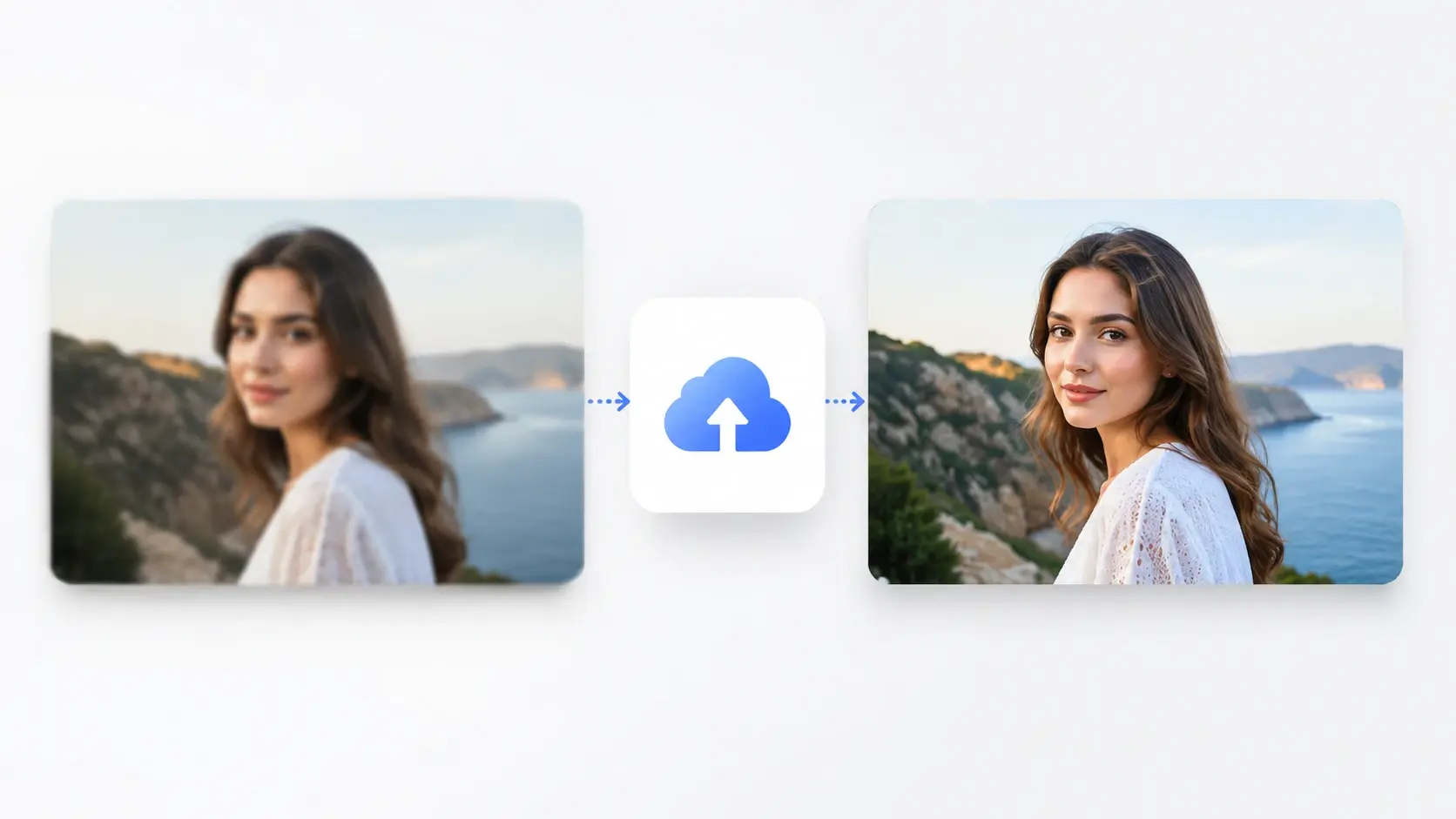
You guide the Image Sharpener from upload to final download. VideoAI analyzes your file, applies targeted corrections, and prepares a clean version for your review.

Step 1

Upload Your File

You provide a soft or out-of-focus reference picture. The Image Sharpener reads the existing pixel data to identify where edges and textures need structural improvement, preparing the baseline for enhancement.

Step 2

Review The Preview

The engine processes the file to clear up blurry image details. You inspect the updated version on your screen, so you can verify the text and subject clarity before finalizing.

Step 3

Export Clean Output

You approve the result and download the corrected asset. VideoAI delivers a crisp file ready for publishing, ensuring your visual content maintains a professional standard across all your digital platforms.

Core Image Sharpener Capabilities

The Image Sharpener targets specific visual problems without complicating your workflow. You get predictable tools that address focus, text clarity, and overall structural definition.

Natural Edge Detection

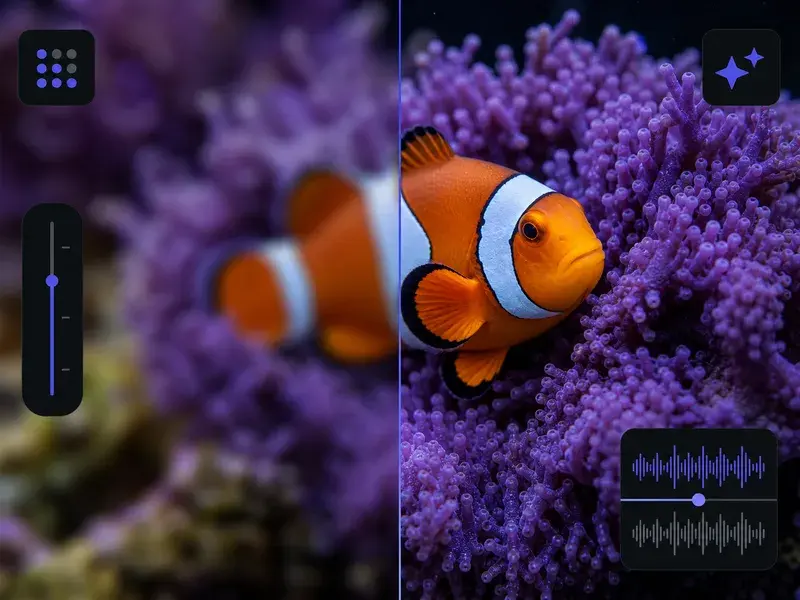
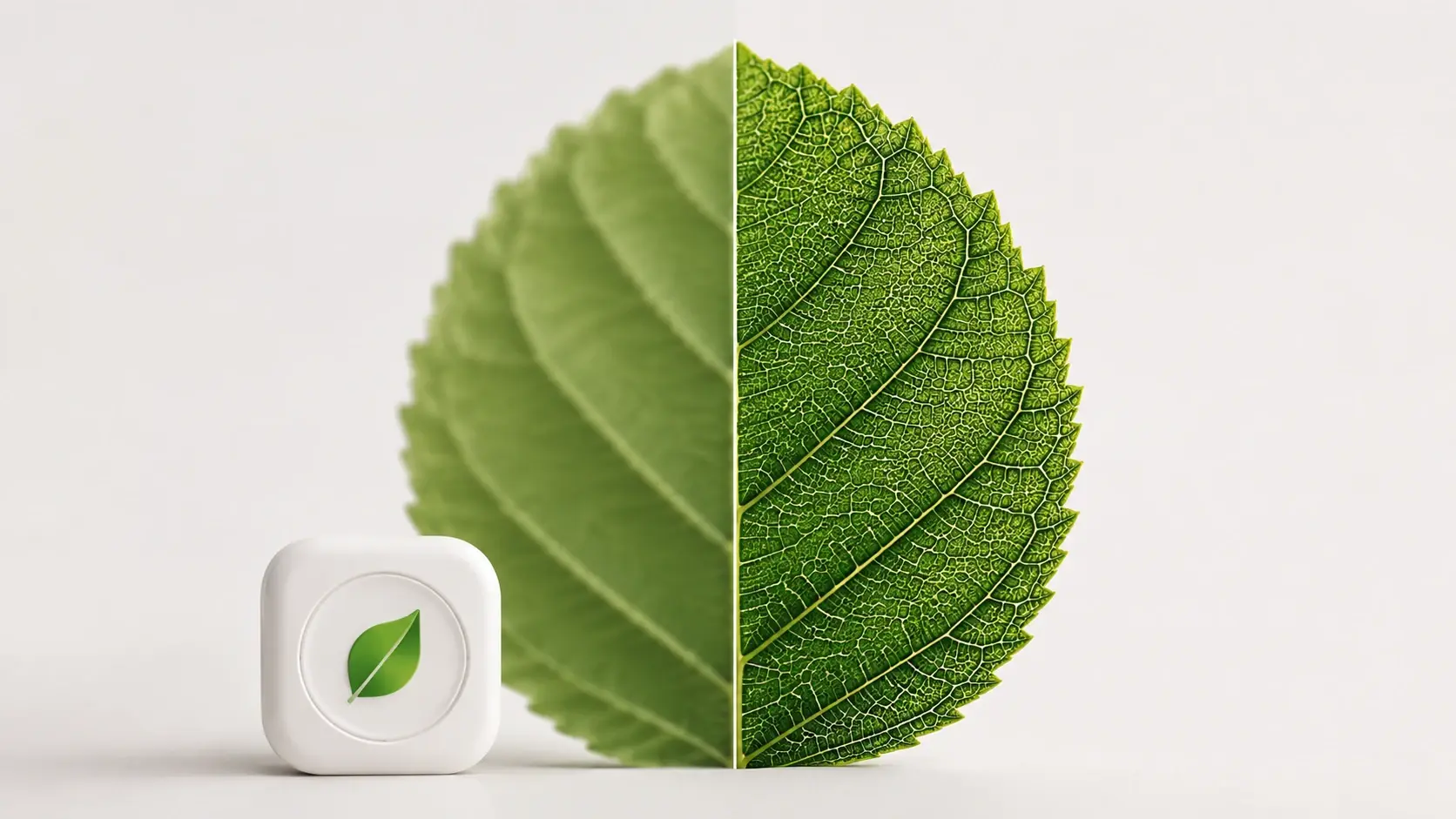
VideoAI identifies subject boundaries to apply targeted contrast. You avoid the harsh halos common with basic filters. If the original file has heavy noise, the output might still require a separate denoising step for optimal smoothness.

Image Sharpener natural edge detection before after

Text And Detail Recovery

The Image Sharpener rebuilds faint letters in screenshots or scanned documents. You upload the illegible file, and VideoAI restores the characters. Works best on standard fonts, while handwritten notes may need manual review to ensure complete accuracy.

Image Sharpener restoring text in scanned documents

Controlled Artifact Reduction

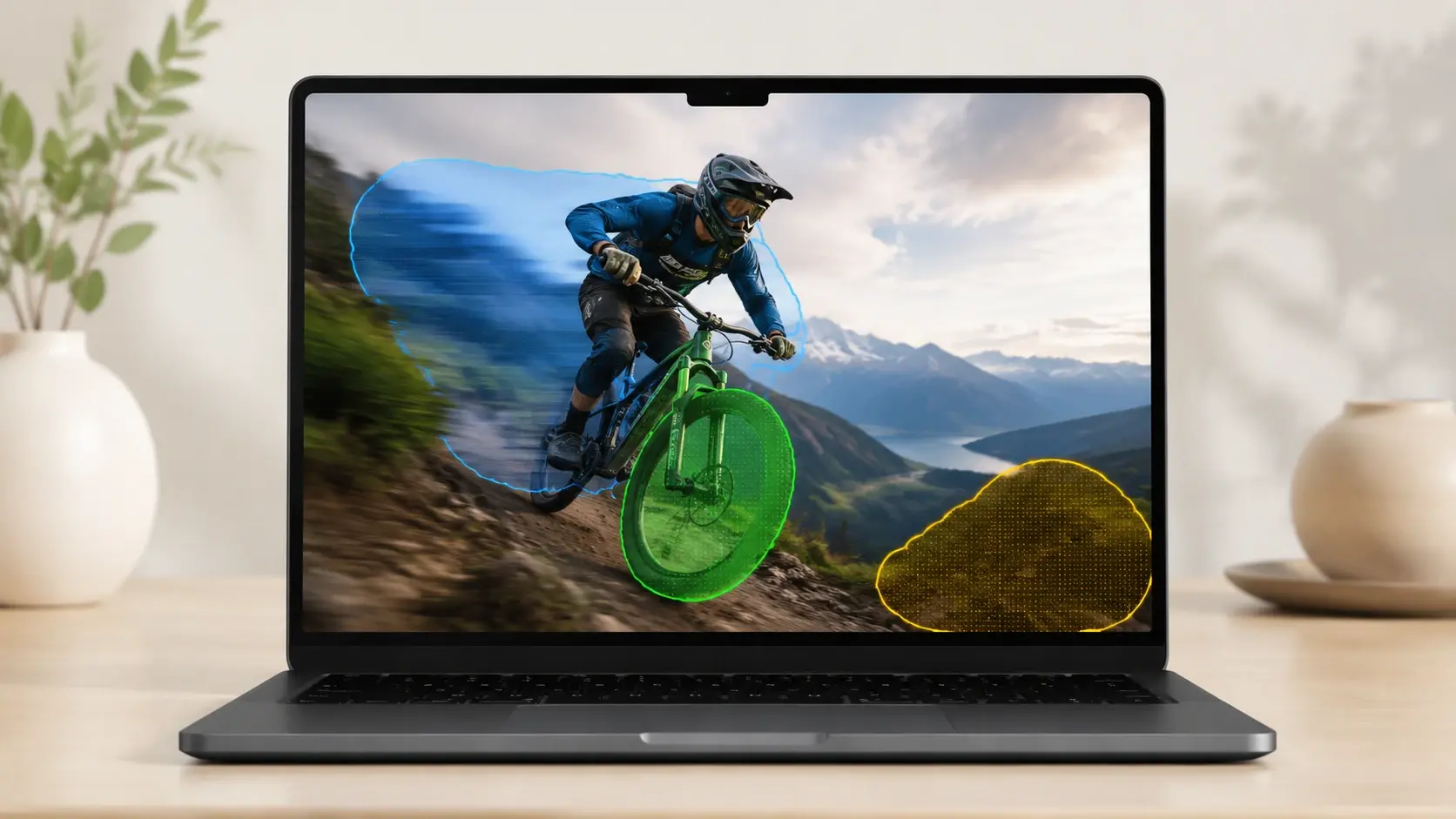
Standard sharpening often introduces unwanted grain into flat backgrounds. VideoAI isolates textures to Sharpen Images without degrading smooth areas like skies. You receive a balanced picture that looks naturally focused rather than artificially processed or heavily manipulated.

Image Sharpener reducing artifacts in flat backgrounds

Broad Format Support

You can sharpen jpg files alongside other common formats directly in your browser. VideoAI handles the conversion and processing behind the scenes. When you upload a supported file, the system maintains your original color profile perfectly.

Image Sharpener processing various common file formats

Image Sharpener Common Questions

The Image Sharpener handles mild to moderate focus issues effectively. If the subject is completely unrecognizable, the engine cannot invent missing details. This tool works best for refining soft edges on assets that already have a clear underlying structure.

Try The Image Sharpener Today

VideoAI provides a straightforward way to fix soft focus. Upload your reference picture now and see how easily you can restore essential visual details.

Get Started