

Remove Background From Photo
Upload a photo and VideoAI isolates the subject, strips the background, and hands you a clean transparent cutout you can drop into any listing, poster, or social post.
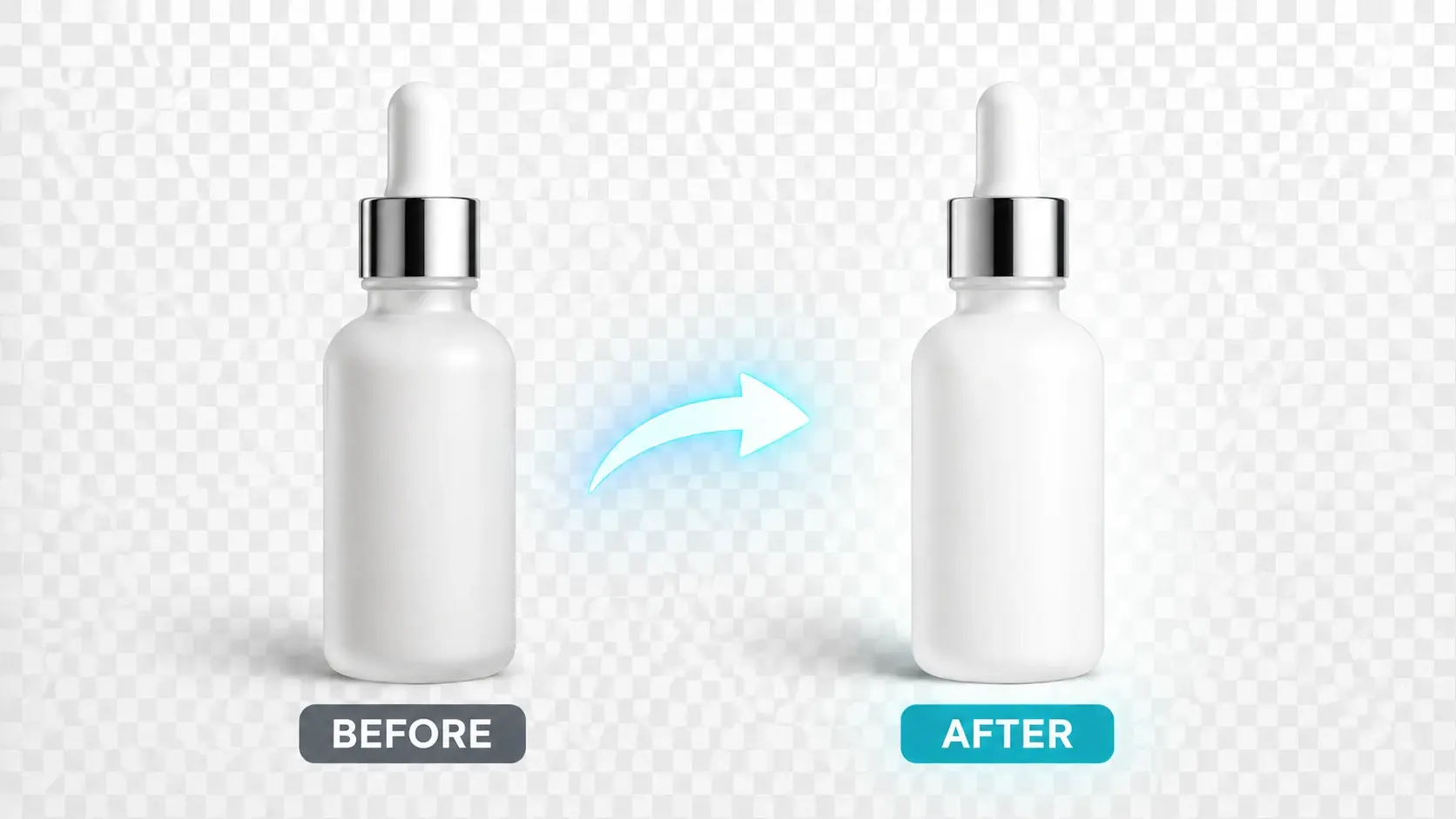
Who Uses This Background Remover

Product Shots That Sell
Online sellers drop product photos into the background remover and get a transparent cutout in seconds. The clean image slots straight into a marketplace listing or a custom composite without a studio reshoot, keeping every listing looking polished and consistent.


Background Remover Everyday Scenarios
Four common tasks where removing the background turns a good photo into a ready to use asset.
Clean Product Listings
Marketplace platforms prefer a plain or white background behind a product. The background remover strips the scene down to the item itself so you can place it on any backdrop the listing template requires, keeping the focus on what you are selling.
Profile And Team Photos
Company headshots taken in different locations end up looking inconsistent on a website. Remove the background from each portrait and set them all against the same color or pattern so the team page feels cohesive from the first glance.
Thumbnail And Poster Art
YouTube thumbnails and event posters need a subject that pops off the canvas. Cut the person or object out, layer it over a bold gradient or illustrated background, and the visual grabs attention even at a small size in a crowded feed.
Marketing Sticker Packs
Brand mascots and product shapes make great stickers when the background is gone. Export the transparent cutout, resize it for messaging apps or packaging inserts, and the asset works everywhere without a white rectangle giving it away.
What Creators Say About This Tool
I used to spend ten minutes per photo masking hair strands in Photoshop. Now I drop the image in and the background is gone before I finish my coffee. The edge quality around curly hair genuinely surprised me.
Marta C.
Etsy Shop Owner
Our team page had headshots from five different offices with five different walls. One batch run through the background remover and every portrait sits on the same clean white, finally looking like one company.
James L.
People Operations Lead
I composite characters over painted backgrounds for book covers. Getting a transparent cutout in seconds instead of an hour of pen tool work changed my turnaround from days to hours.
Priya S.
Freelance Illustrator
For every product we list on Amazon, the first image needs a pure white background. This tool nails it without me touching a slider, and the export is high enough resolution for zoom views.
Tom R.
Amazon FBA Seller
I make reaction sticker packs from my own photos. Removing the background and saving as PNG with transparency used to take three apps. Now it is one upload and one download.
Yuki H.
Content Creator
As a real estate photographer I sometimes need to swap a dull sky or remove a parked car from the lawn. Pulling the subject out cleanly is the first step, and this tool handles it without artifacts on rooflines or fences.
David K.
Real Estate Photographer
Background Remover Questions Answered
Explore
Discover our AI design tools




























Explore related tools

Try This Background Remover On Your Photo
Upload a photo, watch VideoAI isolate the subject, and export a clean transparent background you can reuse across every listing and layout.
Get Started