
Step 01
Upload The Photo To Restyle
Add the picture you want to change in JPG, PNG, or WEBP. It saves to your workspace for the long term, so you can come back to the same source image later instead of uploading it again.

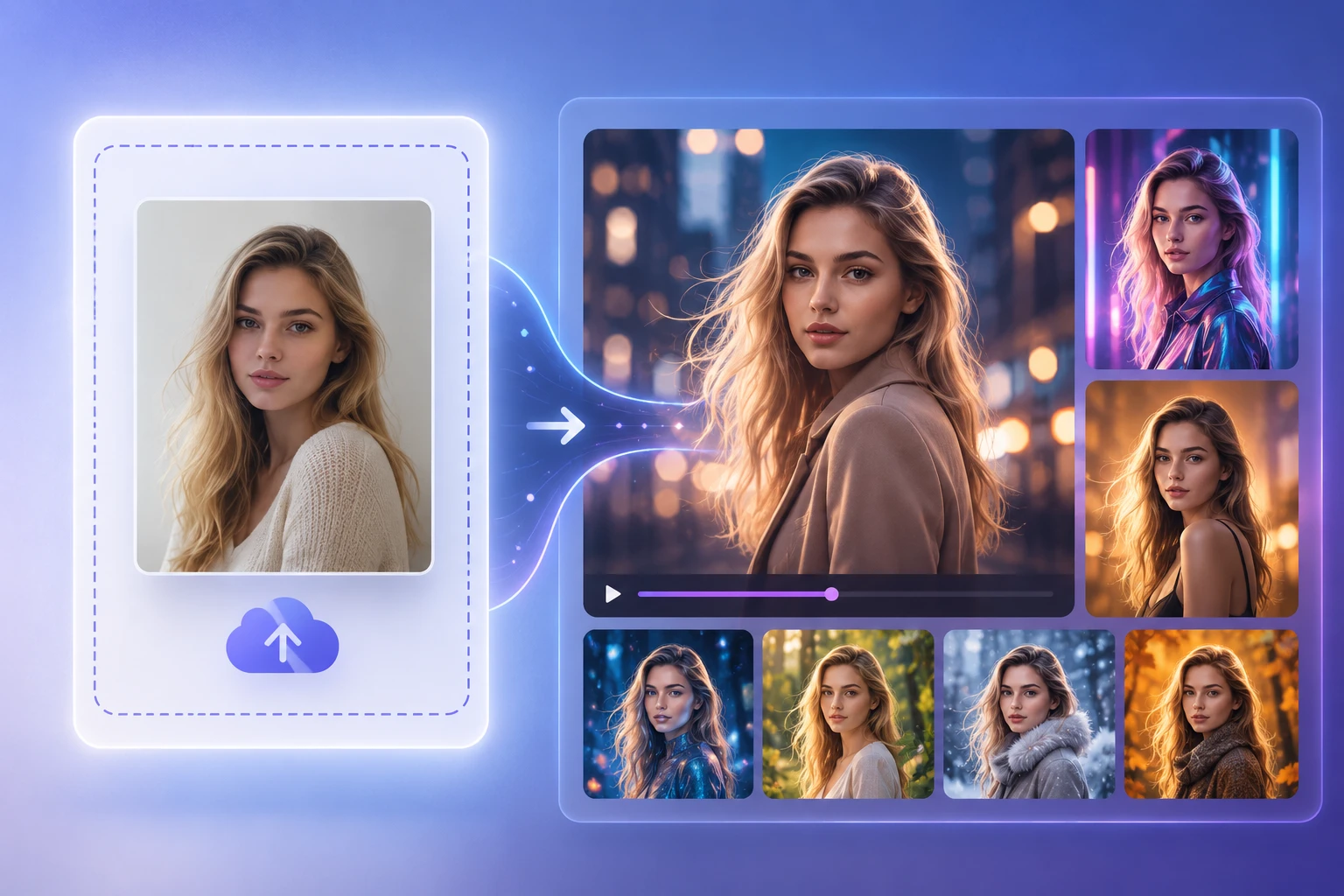
Upload a photo , describe the restyle you want, and let VideoAI create a new image that keeps the original composition while changing the visual style.
Each part of this image to image ai does one clear job, from switching styles to keeping your work in one place.
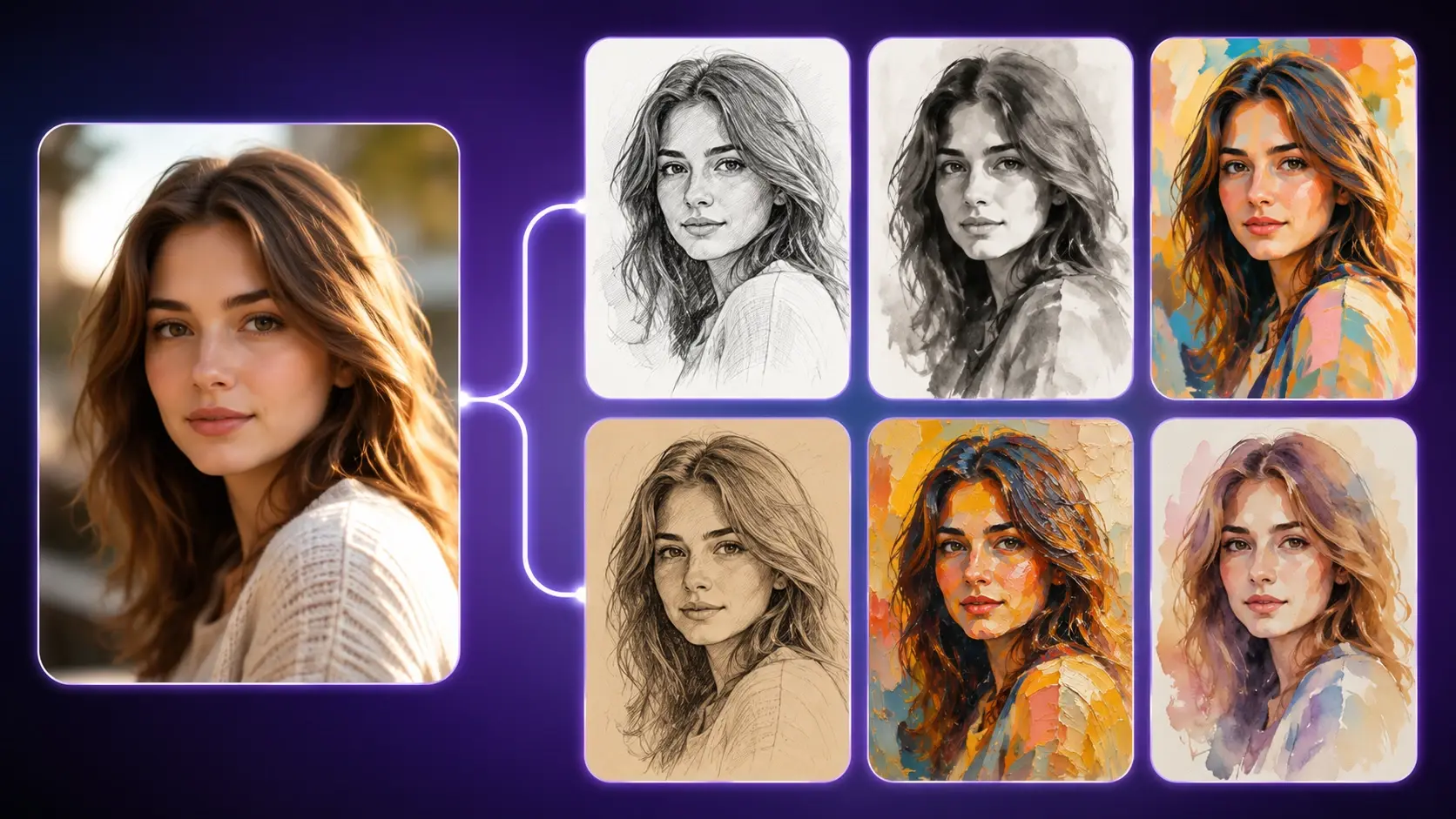
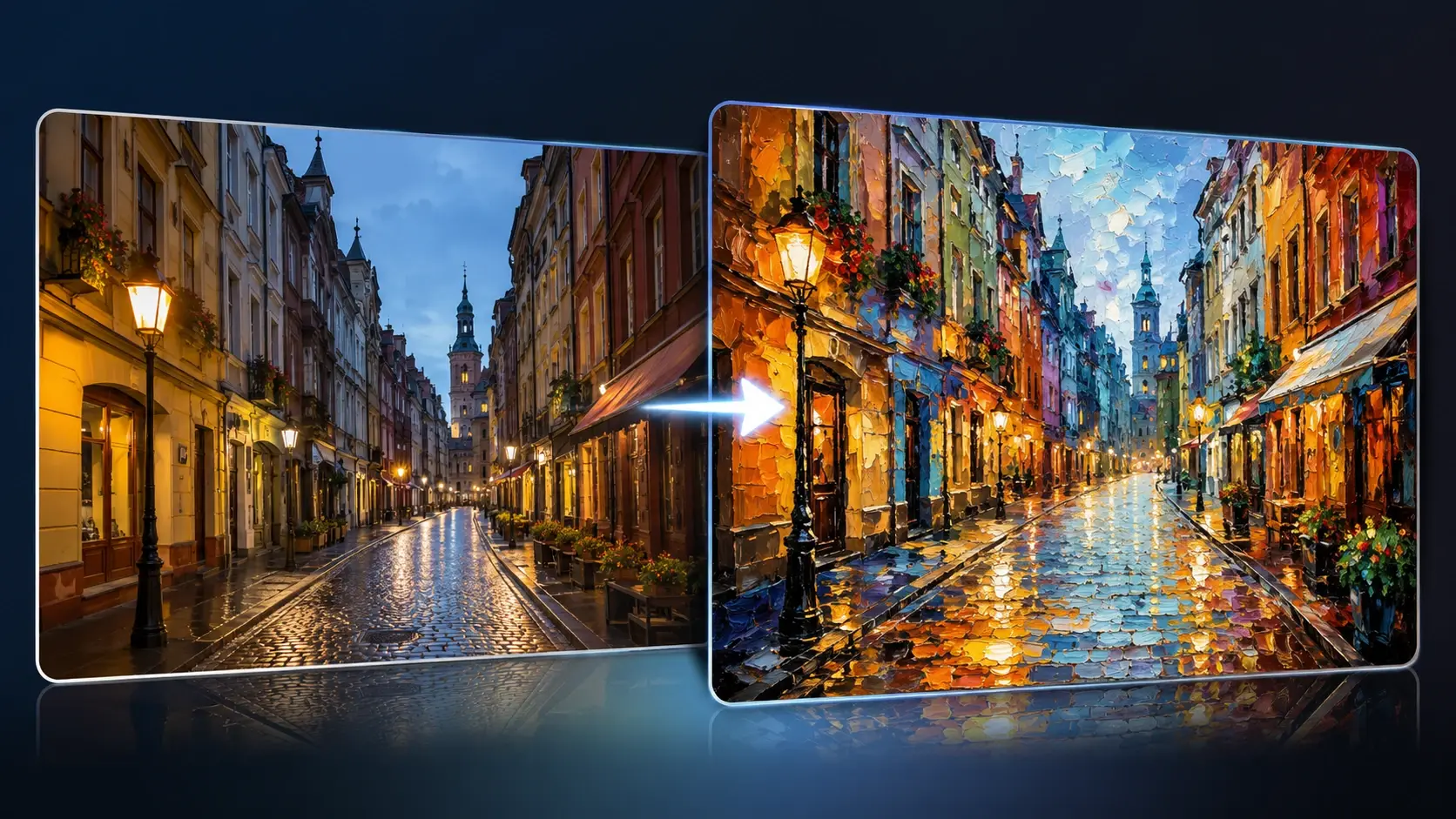
Styles are already written into the prompt, so you pick a new direction like sketch or painting by switching the preselected option. You get a different restyle without describing anything from scratch, which is how this ai image to image generator drives the look.
The main subject, framing, and layout of your uploaded photo stay in place while the medium or style changes. That is what separates this ai image to image approach from text prompts that build a picture from nothing.
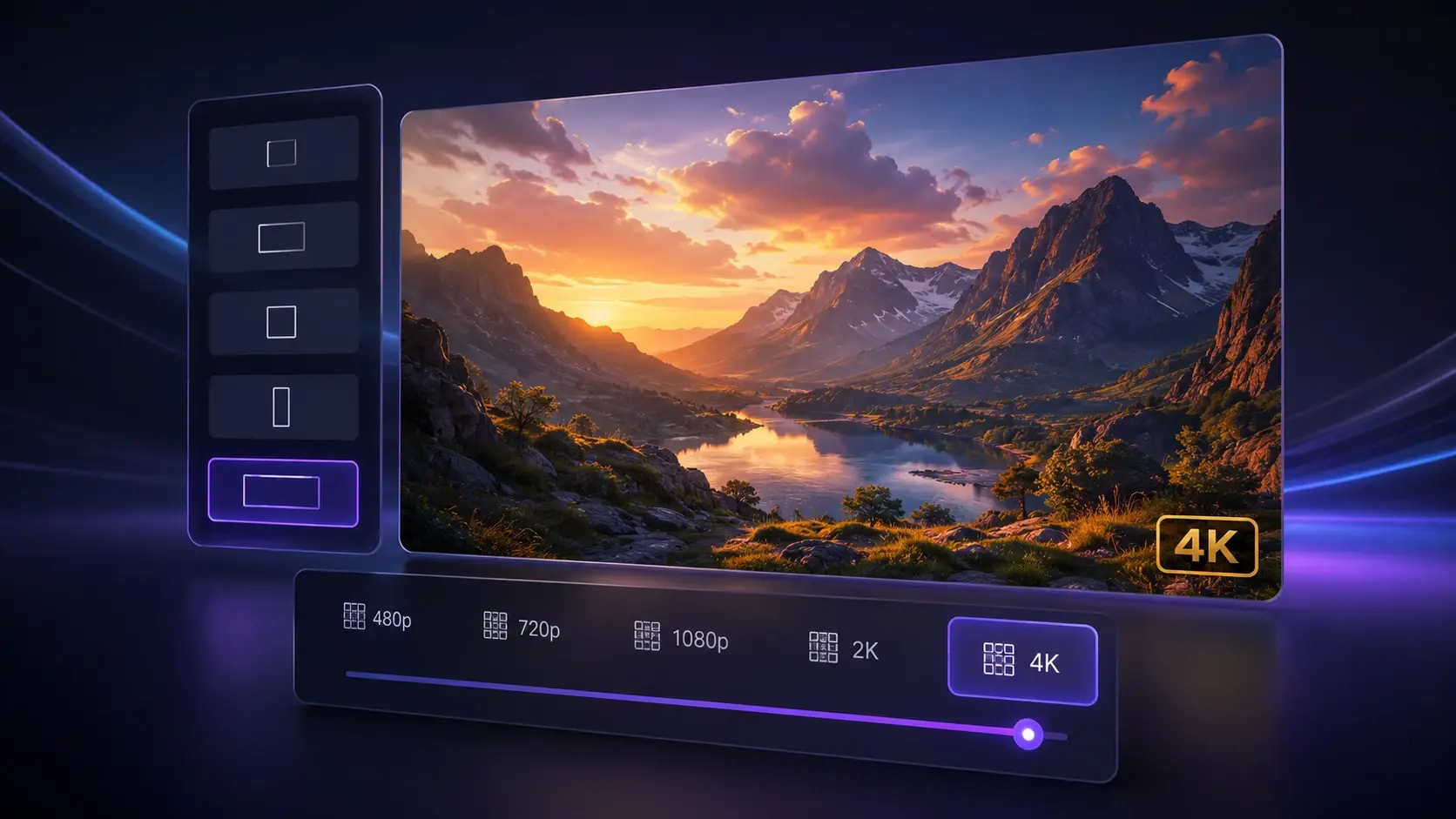
You choose the output aspect ratio and resolution up to 4K, so a wide banner crop or a tall poster comes out sharp. Higher resolution means the fine edges and textures hold up when you print or zoom in.
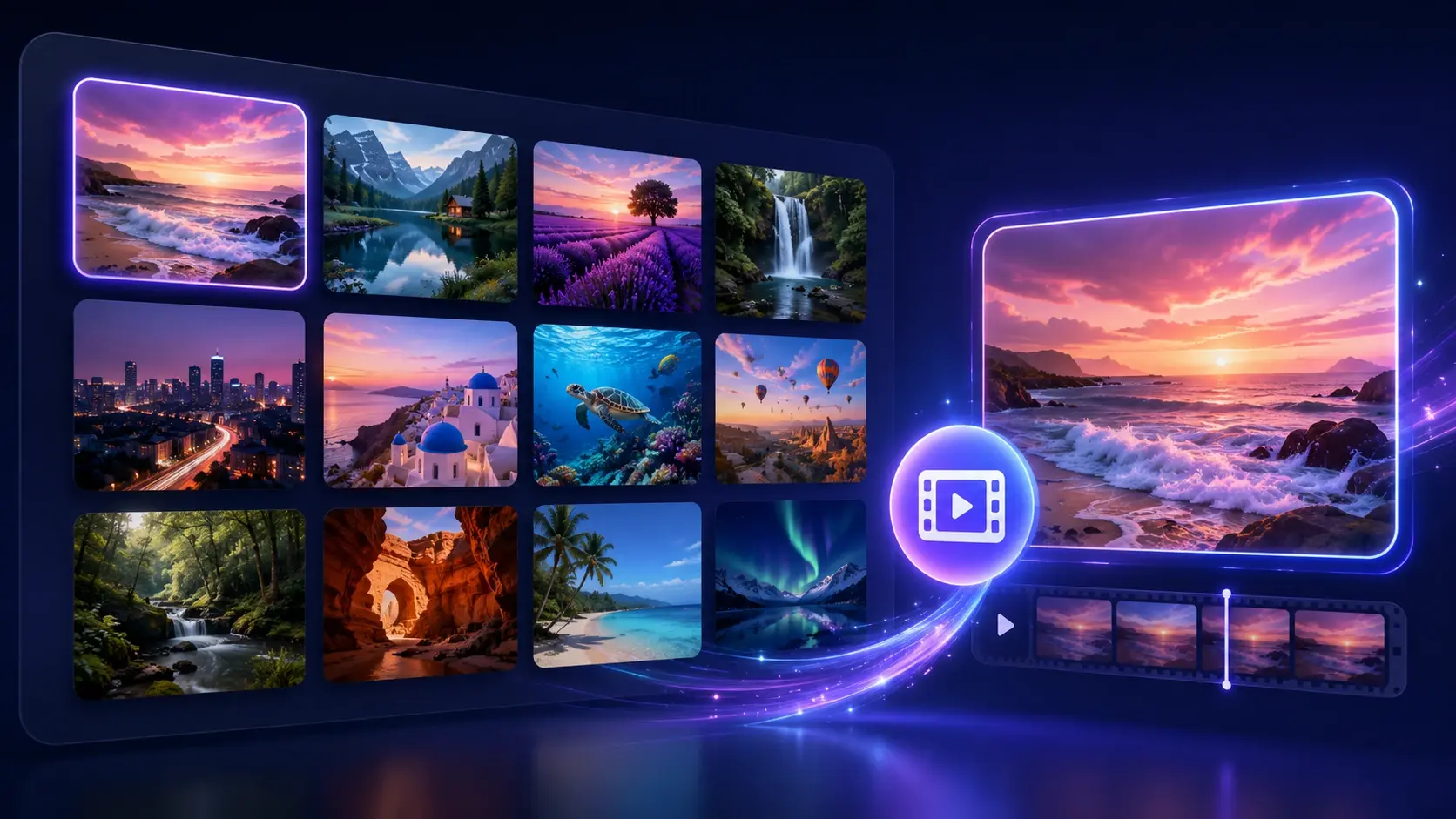
Your uploads and results stay saved in your workspace for the long term. If a result misses the mark you can edit it again, and a version you like can move on to image to video and other features inside VideoAI.
Three steps take this image to image ai from the photo you upload to a restyled version you can keep working on.
Step 01
Add the picture you want to change in JPG, PNG, or WEBP. It saves to your workspace for the long term, so you can come back to the same source image later instead of uploading it again.
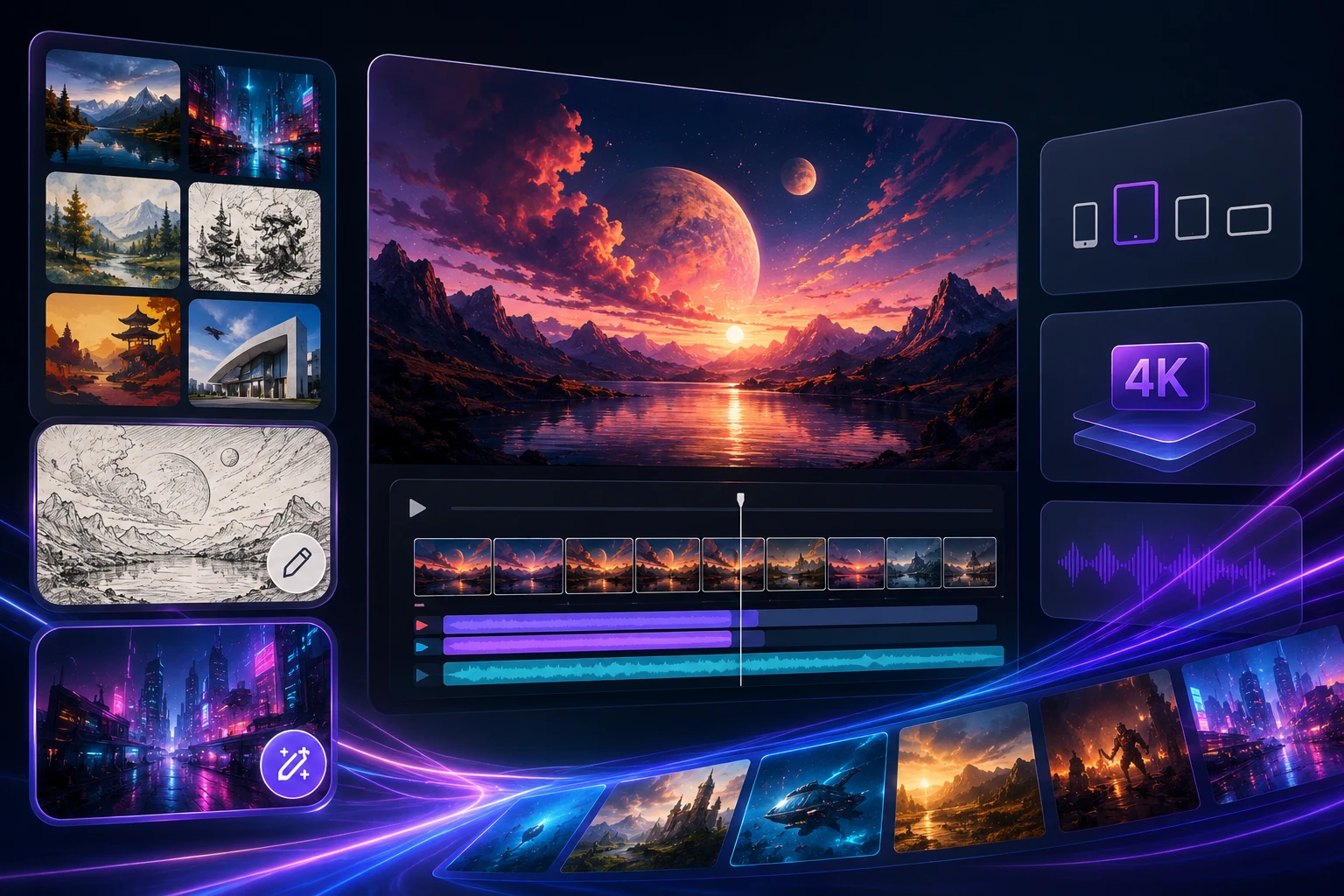
Step 02
The prompt already holds a set of styles, so you switch the preselected one to pick your direction, such as sketch, painting, or a remix variation. Then set the aspect ratio and resolution up to 4K before you generate, so the output matches where the image will go.
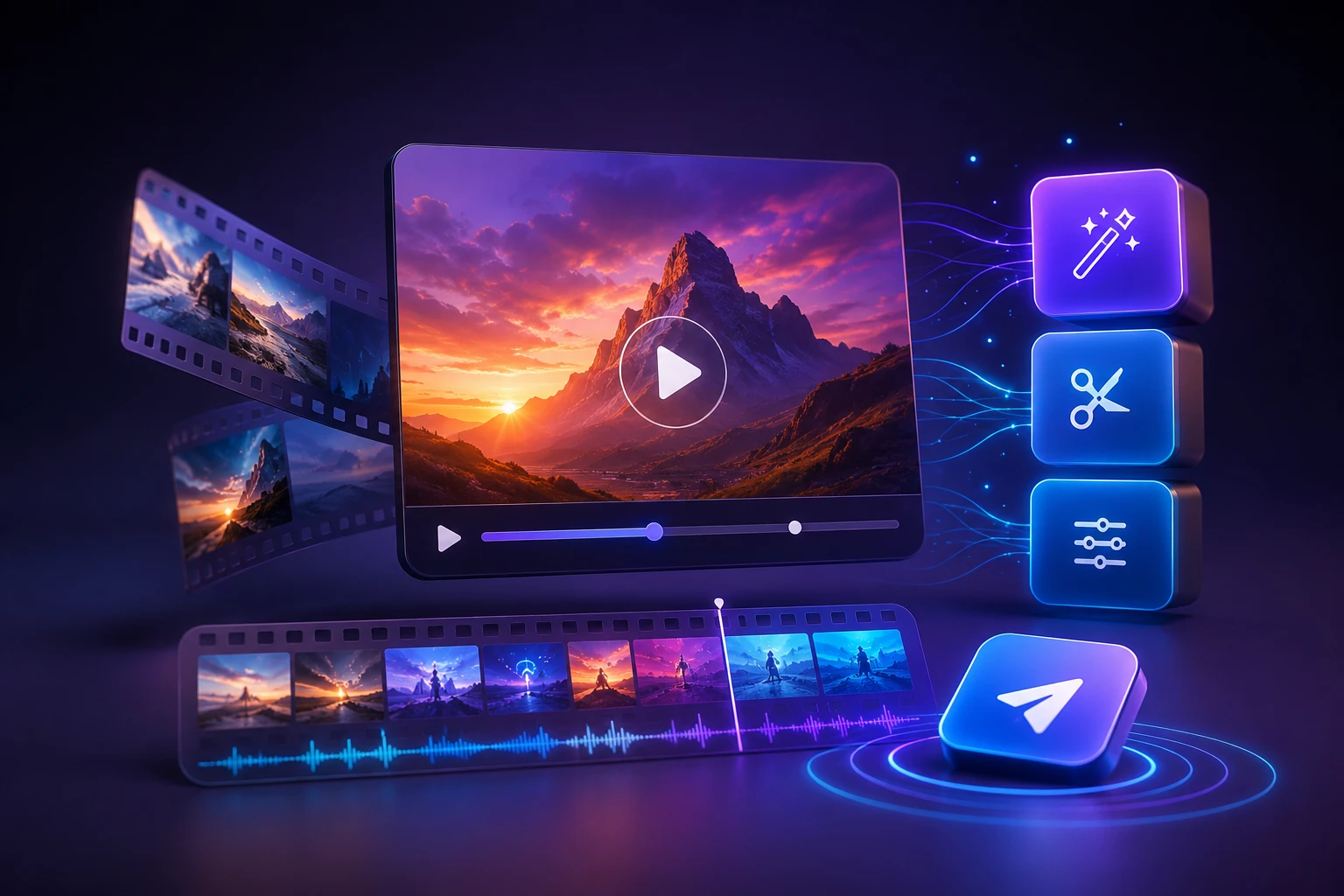
Step 03
Press generate and the ai photo to image generator restyles your picture while keeping its structure, producing a new version. If it is not right, edit it again; when it is right, carry it into image to video and other tools.
Real jobs this picture to picture ai handles, each starting from an image you already have.
A portrait photo can feel too plain for a card or profile banner. Switch to the sketch style and your uploaded picture becomes a pencil style drawing that keeps the same face and pose, giving you a hand drawn look without redrawing anything.
Say a landscape snapshot deserves more character on a wall. Choosing the painting style turns that same photo into a brushed, painted version, keeping the horizon and framing so the scene stays recognizable while the medium changes.
Sometimes one image is close but you want fresh variations to compare. A remix switch produces new takes on the same picture, holding the core subject while shifting the treatment, so you can line up several directions and keep the one that fits.
An existing product photo may look flat next to newer listings. Reload it from your workspace, switch a style, and let this image to image ai export a cleaner restyled version at up to 4K that still shows the same item in the same position.
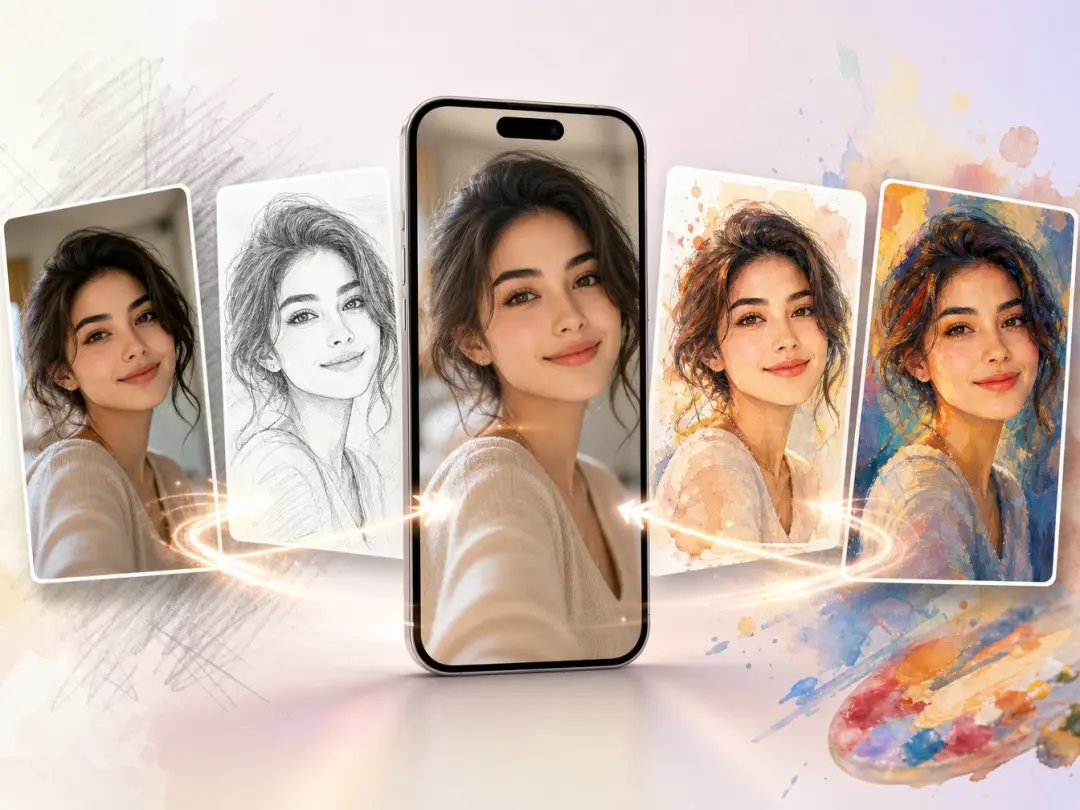
Creators posting daily need one photo in several looks. They upload a shot, switch between sketch, painting, and remix styles, and pull matching versions for different posts, all saved in one image to image ai workspace inside VideoAI.
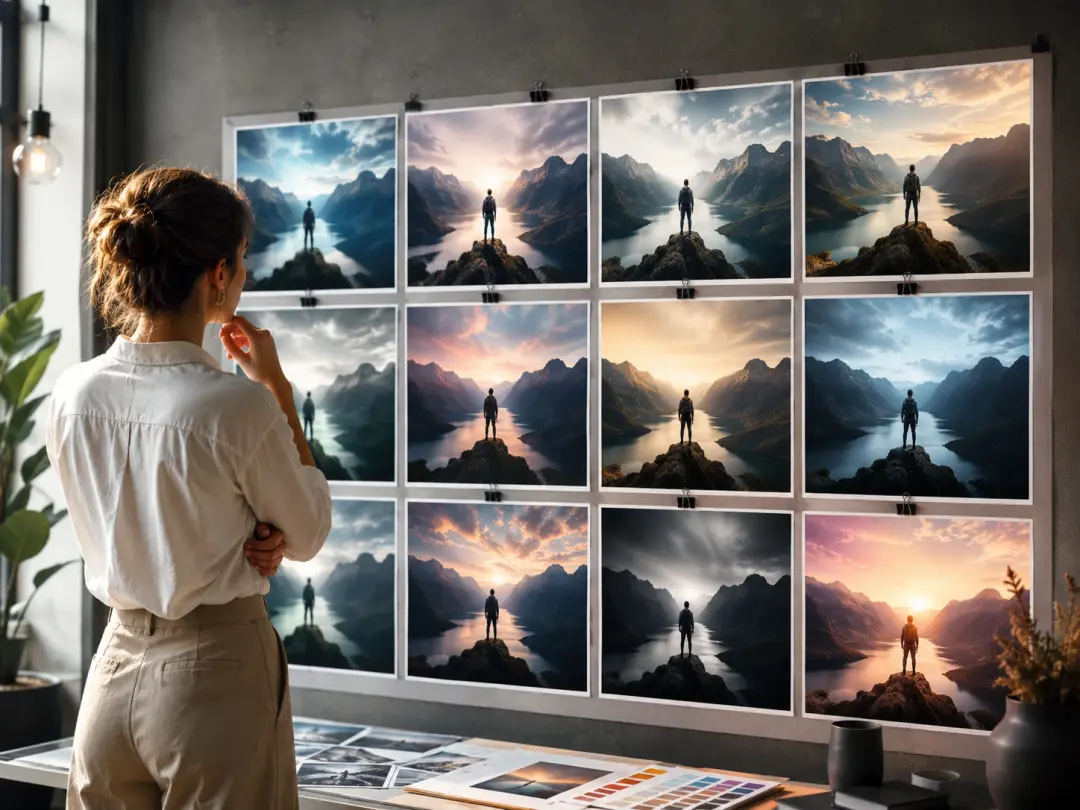
Designers exploring a concept want quick style options without starting over. They restyle a base image, set the aspect ratio and 4K resolution they need, and hand a client several grounded directions from the same source.
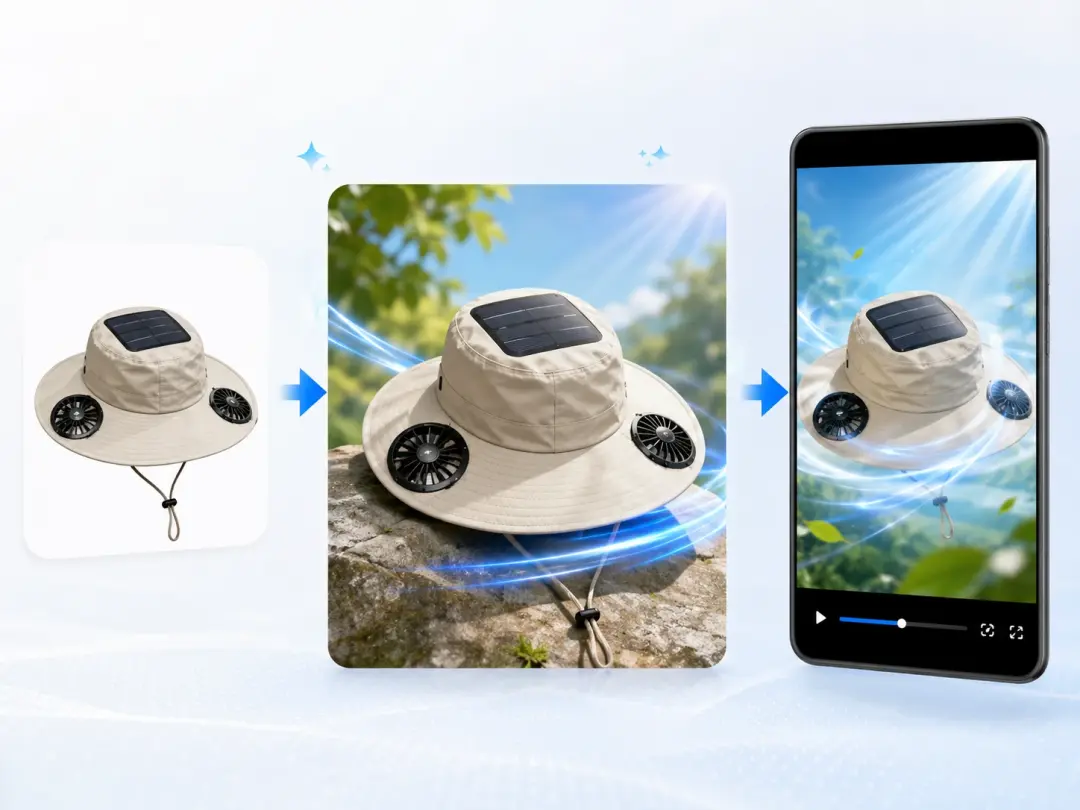
A marketer refreshing a campaign can reuse an existing product or team photo instead of a new shoot. They turn a product photo to ai image using a preset style, keep the layout, and later make a short video for ads.
Explore
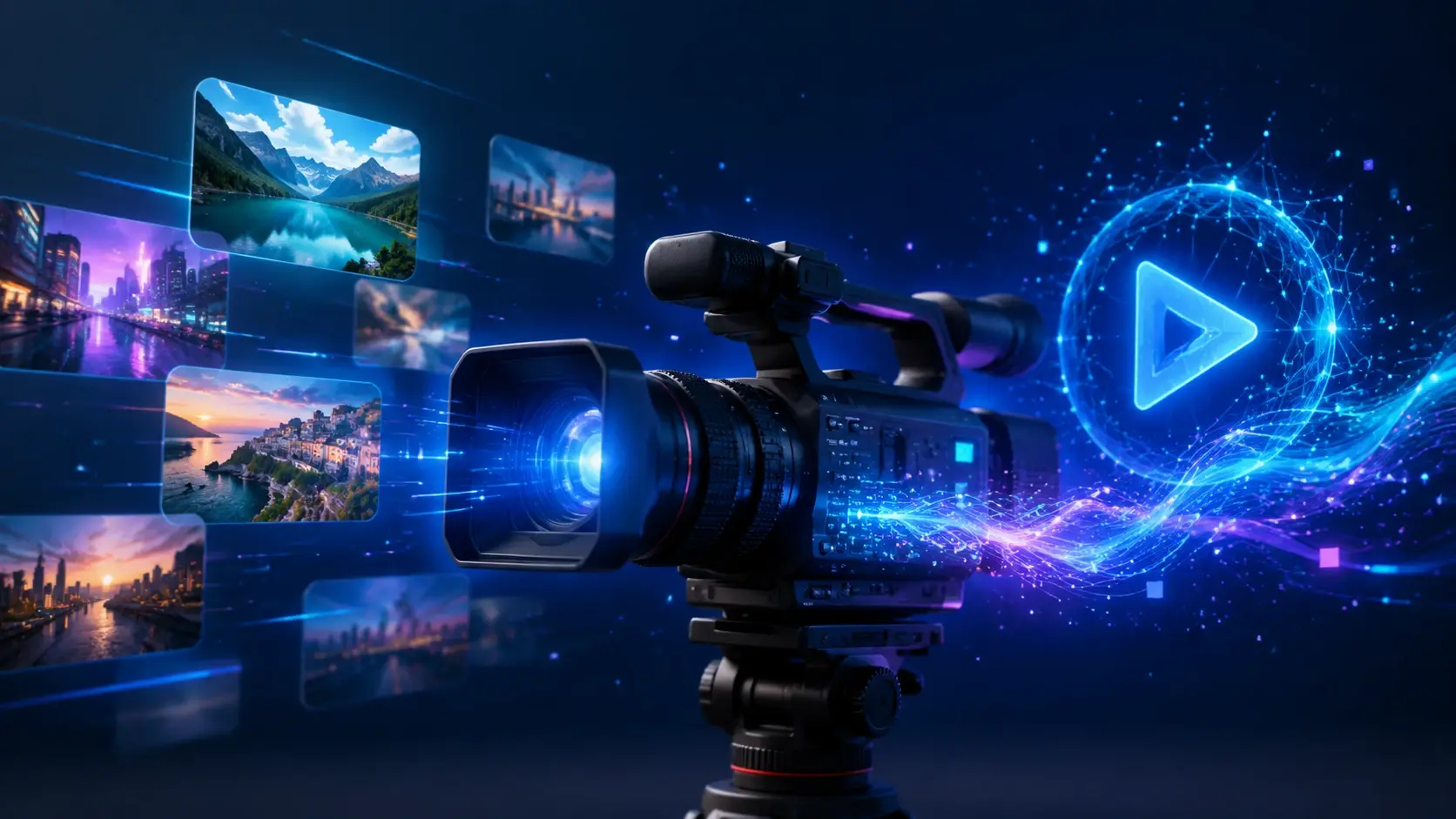
Upload the image you want to change, switch a preset style, and get a new 4K version from this image to image ai that you can edit again or turn into a video.
Get Started


























