

Storyboard Generator
Type a scene description and VideoAI drafts storyboard frames you can rearrange, annotate, and hand to your team before anyone picks up a camera.
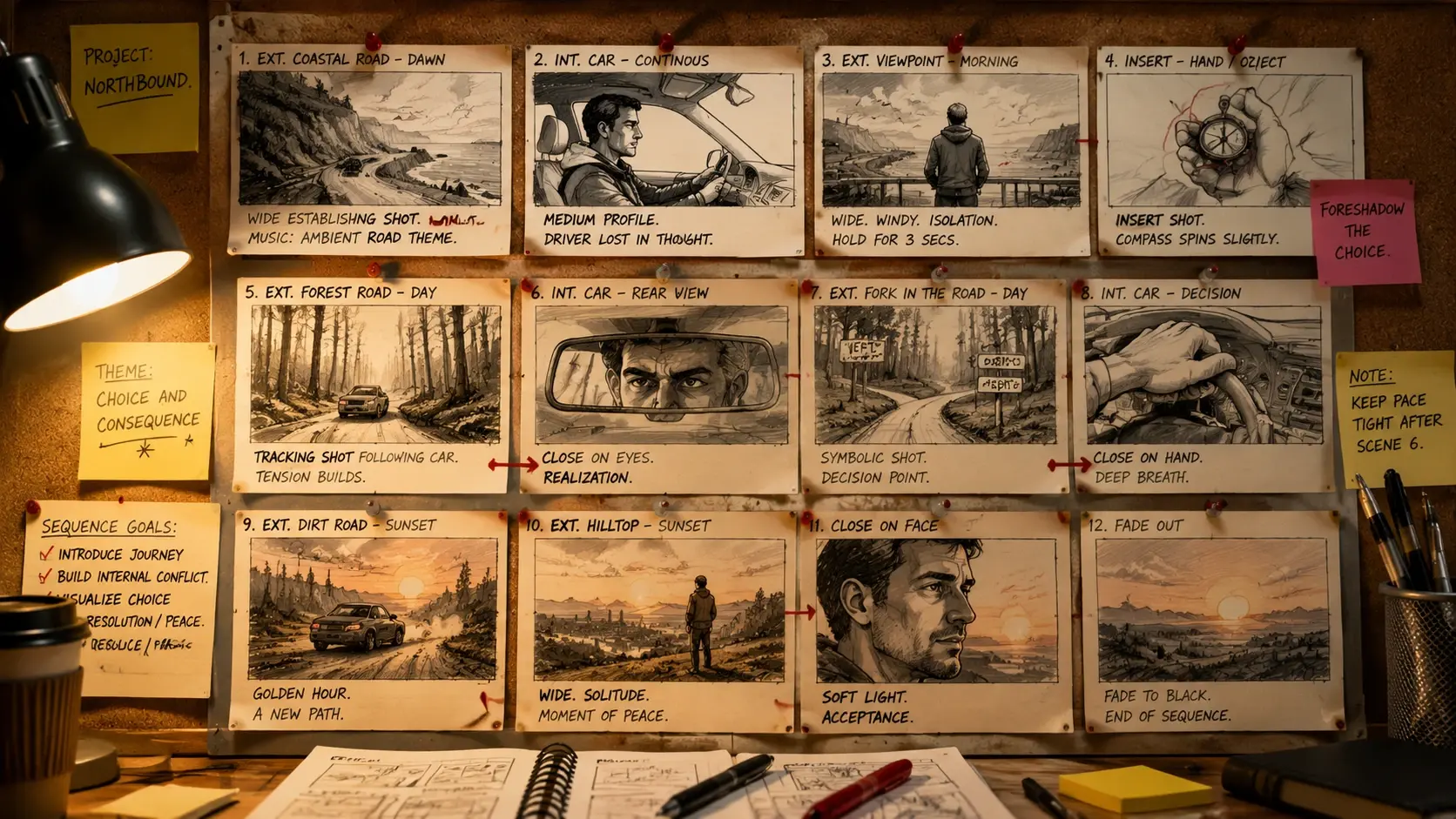
Who Plans With This Storyboard Maker
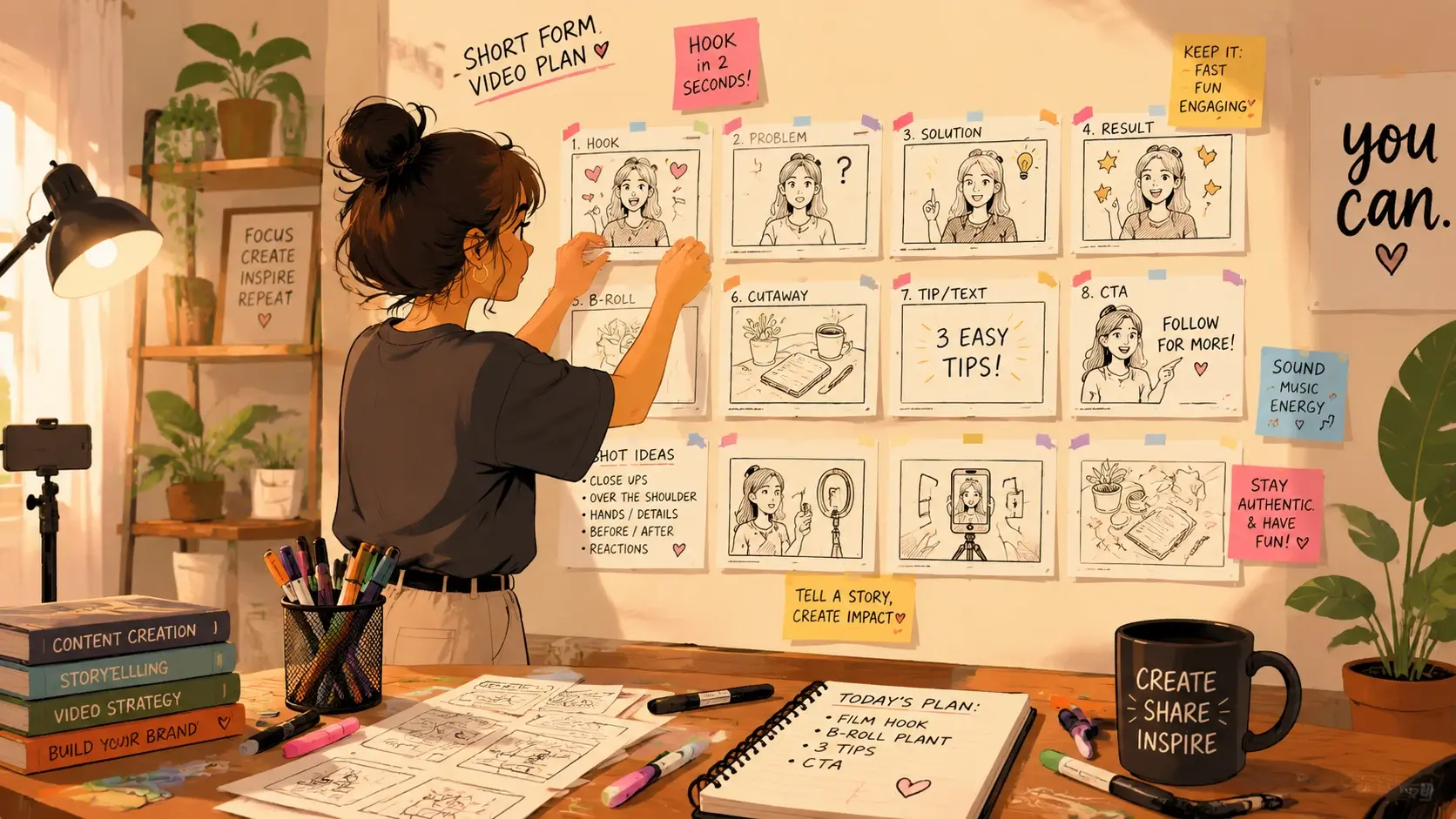
Plan Reels And Shorts Before You Shoot
Short form creators use the storyboard generator to block out each beat of a 30 second reel before they record. Seeing the sequence as frames lets you spot pacing problems and missing transitions early, so the shoot day stays short and the edit comes together faster.

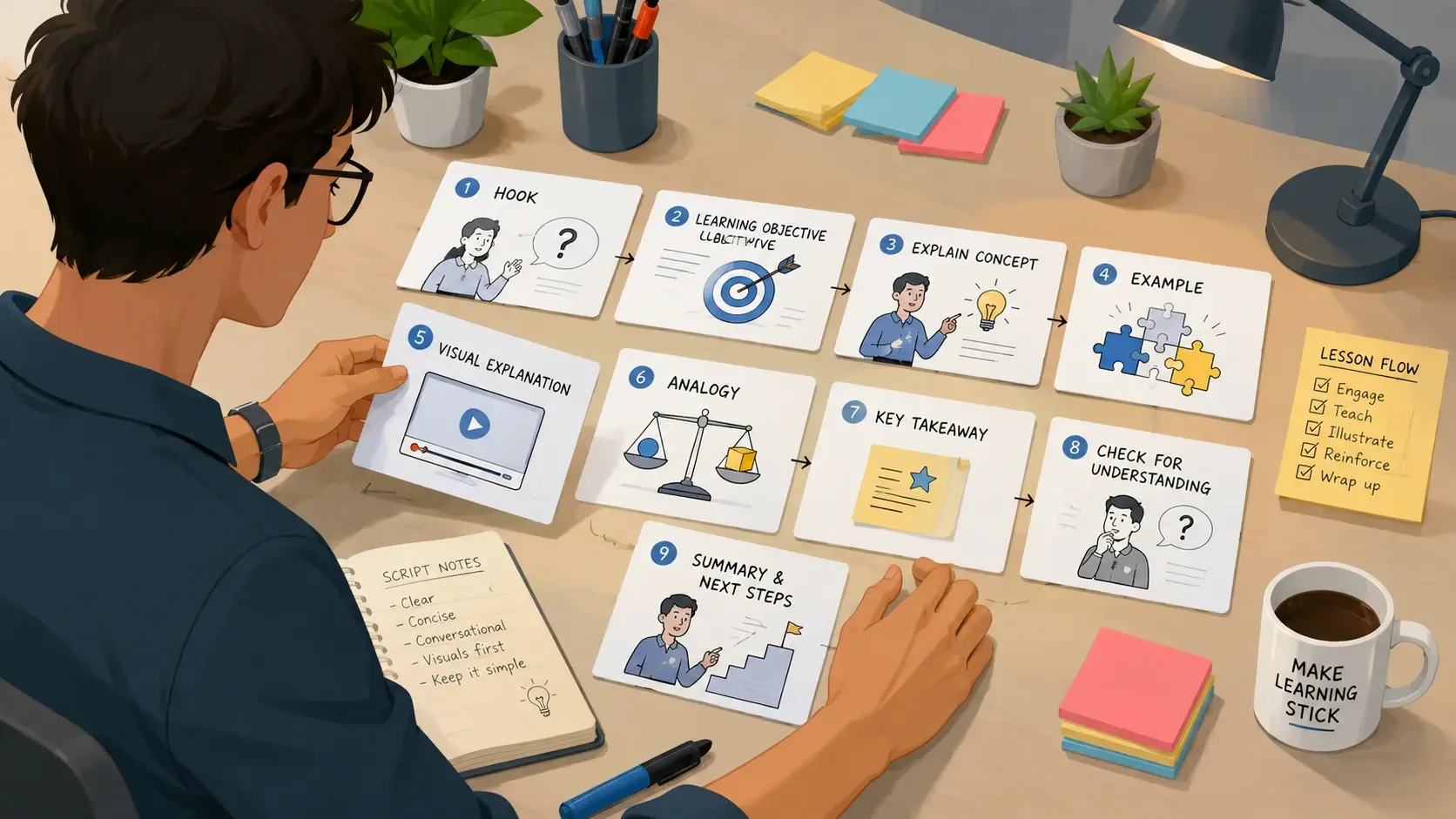
Where The Storyboard Generator Fits
Four practical ways to put AI generated storyboard frames to work before, during, and after production.
Client Pitch Deck
Include storyboard panels in a pitch deck so the client sees the planned sequence, not just a text treatment. Visual frames communicate pacing, camera angles, and mood far better than a paragraph, helping you close the project faster.
Shoot Day Shot List
Print or share the storyboard frames as a portable shot list the crew can follow on location. Each panel shows the framing and subject, so the director and camera operator stay aligned without stopping to re read a written brief.
Social Ad Concept
Lay out a social ad as a sequence of storyboard frames to test whether the hook, product reveal, and call to action land in the right order. Reviewing the frames before filming saves budget on reshoots when timing does not work.
Course Lesson Outline
Map each lesson segment to a storyboard panel so the instructor, editor, and graphics team share the same visual roadmap. The frames show where a talking head switches to a screen capture or an animated diagram, keeping handoffs clean.
AI Storyboard Generator Questions
Explore
Discover our AI design tools




























Explore related tools

See How VideoAI Storyboards Your Script
Bring one scene and watch the storyboard generator lay out the frames, then adjust the shot order until the video storyboard matches the film you have in mind.
Get Started