

AI Video Maker From Prompt
Turn written descriptions into cinematic video clips with VideoAI. Describe the scene, camera motion, lighting, and mood in natural language, then generate a polished video ready for social media, presentations, or creative projects.
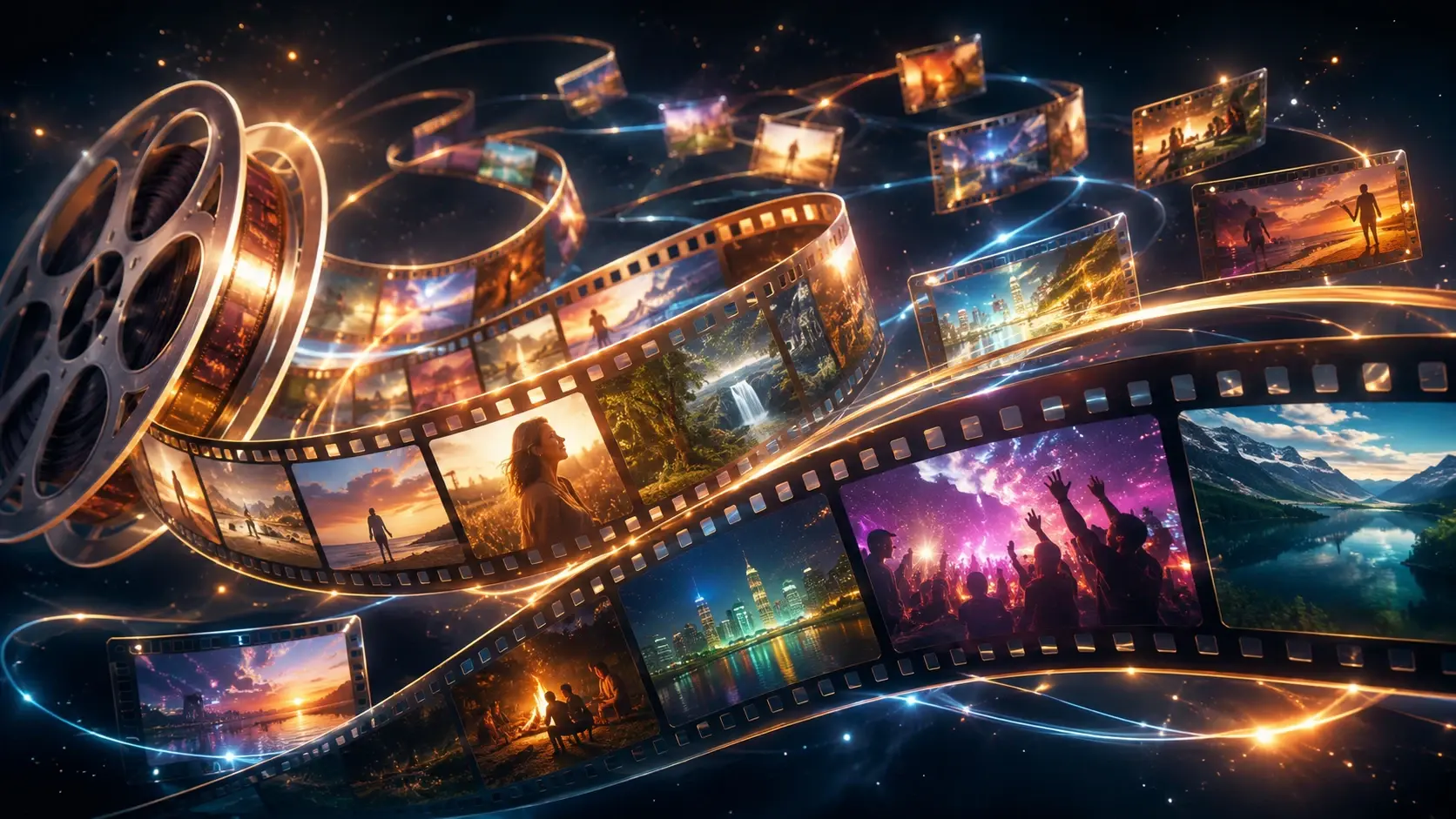
From Text Prompt to Video in Three Steps
VideoAI makes it simple to go from an idea in your head to a finished video clip. No camera, no editing timeline, no technical skills required.
Write Your Scene
Describe the video you want in natural language. Include the subject, setting, camera movement, lighting, and mood. The more specific your prompt, the closer the result matches your vision. You can also upload a reference image for visual guidance.
Generate the Video
Hit create and the AI interprets your prompt into a smooth video clip with coherent motion, consistent lighting, and cinematic quality. Generation takes seconds, not hours of filming and editing.
Preview and Export
Review the generated video, then export in the resolution and format you need. If the result needs adjustment, refine your prompt and regenerate. Each iteration brings you closer to the exact scene you imagined.
What You Can Create
The AI video maker from prompt handles a wide range of creative and professional use cases. Here are some popular ways creators and teams use text-to-video generation.
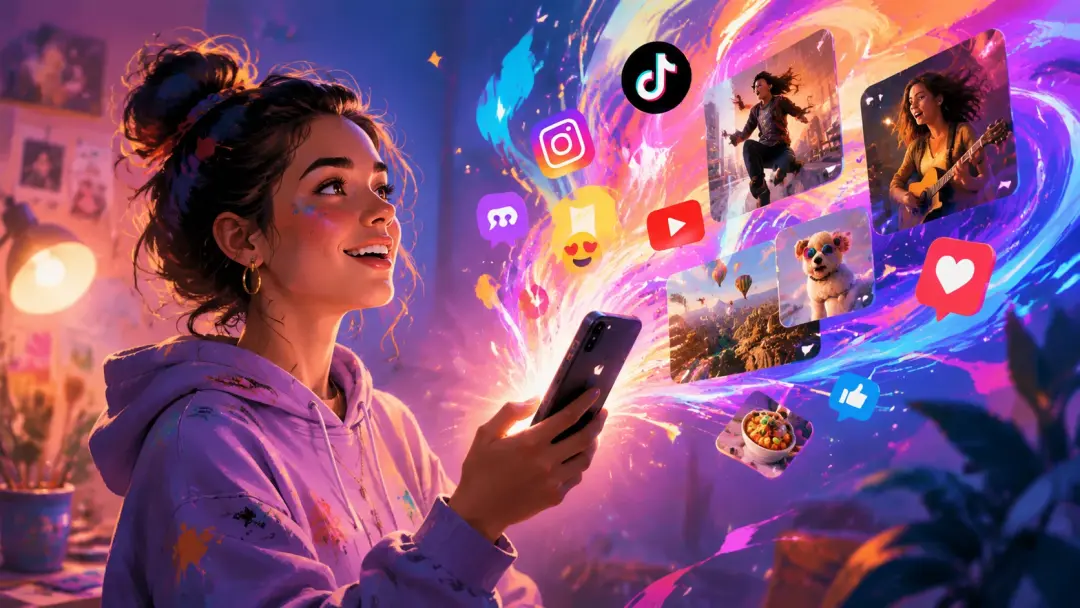
Social Media Content
Generate eye-catching video clips for Instagram Reels, TikTok, and YouTube Shorts directly from a text description. Produce consistent content at scale without filming setups or stock footage licenses.
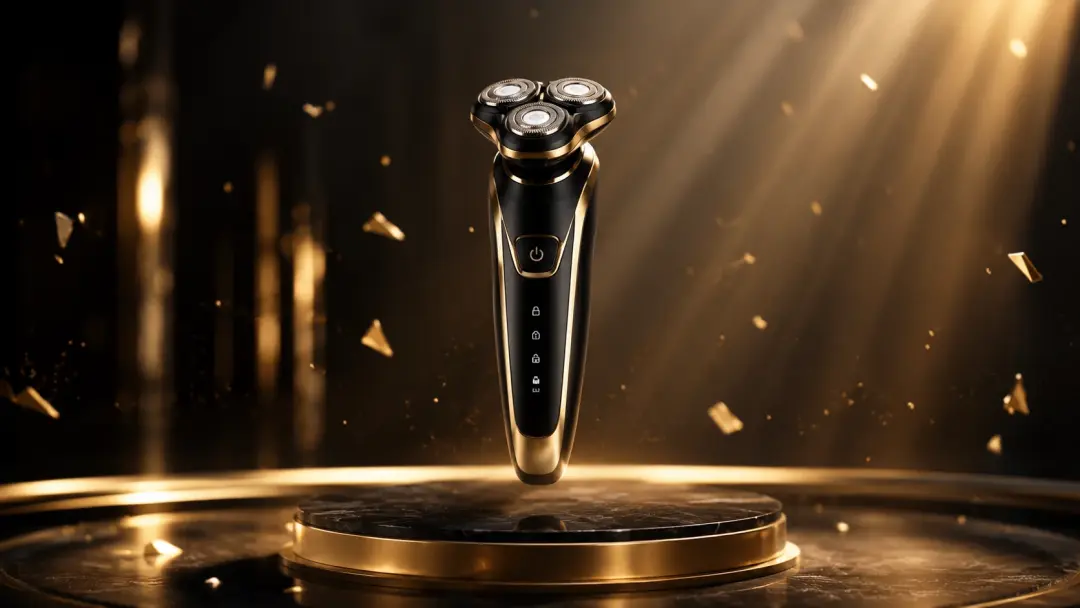
Product Visualizations
Describe a product in context and generate a polished video showing it in use, in an environment, or with cinematic camera angles. Perfect for pre-production concepts and marketing materials.
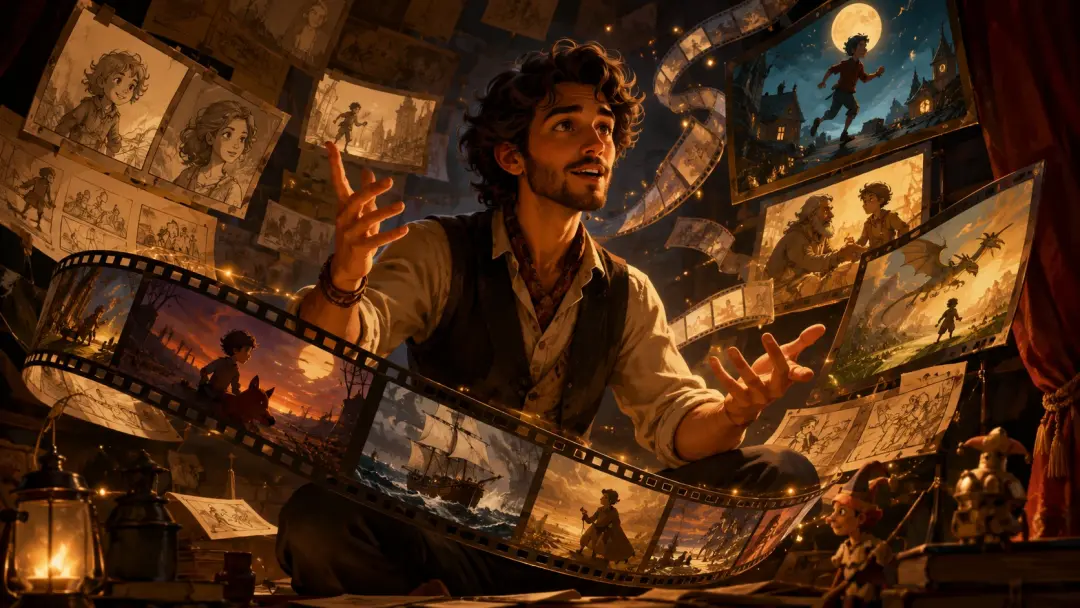
Story and Concept Videos
Bring story ideas to life with generated scenes. Describe a narrative moment, a character in action, or an environment transition, and the AI produces a visual clip that communicates the concept.

Educational Explainers
Create visual explanations by describing abstract concepts, processes, or environments. The AI generates video that illustrates ideas that would otherwise require expensive animation or stock footage.
Frequently Asked Questions
Explore
Discover our AI design tools




























Explore related tools

Turn your next idea into a video with a single prompt
Open VideoAI, describe the scene you imagine, and let the AI video maker from prompt generate a cinematic clip ready to share, embed, or build on.
Get Started