

AI YouTube Video Maker
Create professional YouTube video content from text prompts with VideoAI. Generate intros, transitions, B-roll clips, and full scenes that match your channel style. No filming equipment, no complex editing timeline, just describe what you need.

YouTube Video Use Cases
Whether you run a tutorial channel, a vlog, or a gaming stream, the AI YouTube video maker helps you produce professional clips for every part of your content workflow.
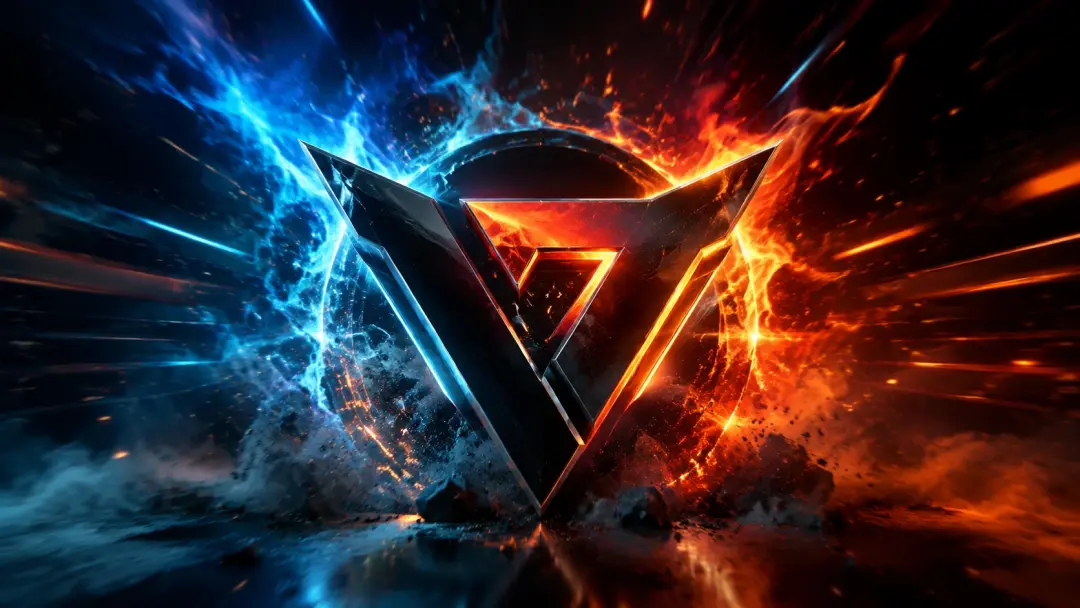
Channel Intros and Outros
Generate branded intro and outro sequences that set the tone for your videos. Describe the energy, colors, and motion style you want, and get a polished clip that works as a recurring opener or closer.

B-Roll and Transitions
Fill gaps in your timeline with AI-generated B-roll that matches your video topic. Describe the scene or concept you need illustrated, and get a smooth clip that keeps viewers engaged between talking head segments.
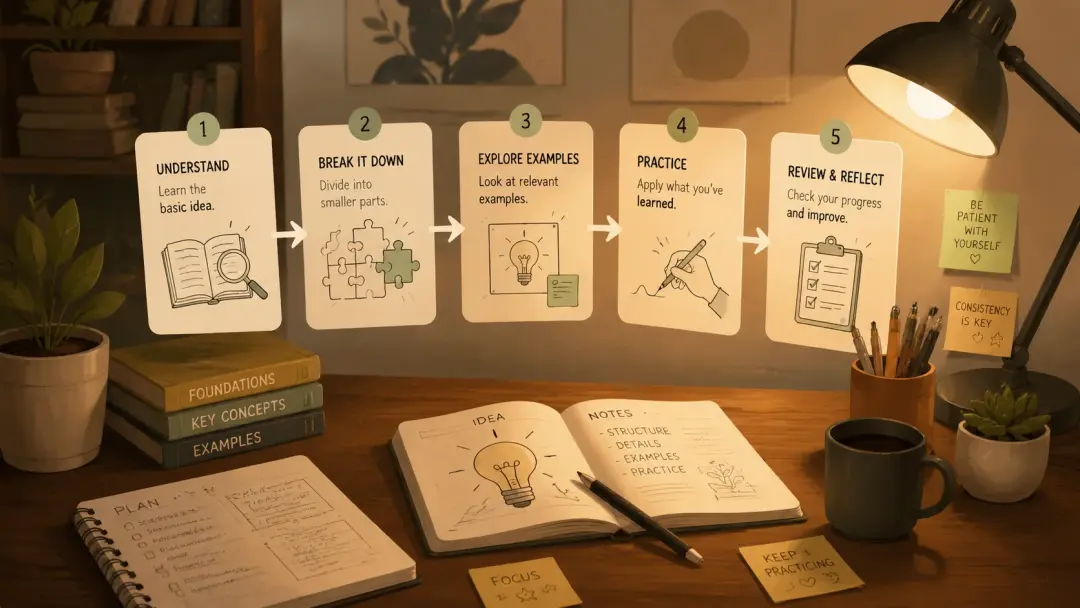
Tutorial Visualizations
Create visual explanations for abstract concepts in your educational content. Instead of screen recordings or stock footage, generate custom clips that illustrate exactly what you are teaching.
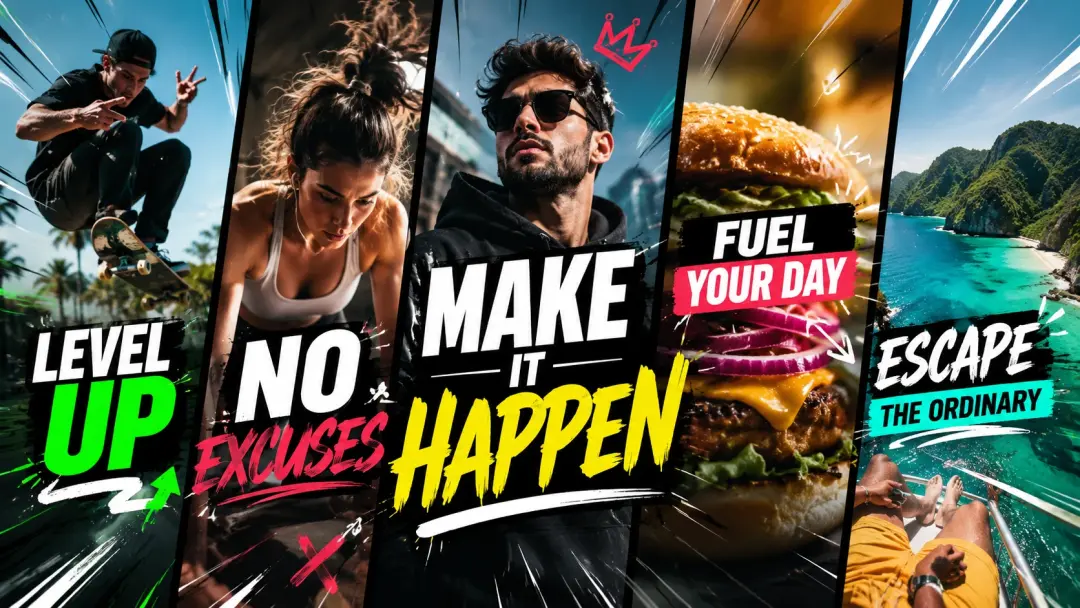
Short-Form Clips for Shorts
Repurpose your long-form ideas into vertical video clips for YouTube Shorts. Describe a punchy scene or visual hook, generate it in 9:16 format, and publish as a standalone Short to drive traffic to your main channel.
What YouTube Creators Say
I used to spend hours searching for the right stock footage for my tech reviews. Now I just describe what I need and have a custom clip in seconds. My production speed has tripled.
Marcus Chen
Tech Review YouTuber
The consistency is what sold me. Every intro, transition, and B-roll clip matches my channel brand without me having to brief a motion designer each time.
Sarah Mitchell
Education Channel Creator
As a solo creator, I cannot afford a production team. VideoAI fills the gap between what I can film and what my audience expects to see. My retention metrics improved significantly.
David Park
Lifestyle Vlogger
Frequently Asked Questions
Explore
Discover our AI design tools




























Explore related tools

Start creating YouTube videos from text prompts
Open VideoAI, describe the YouTube content you need, and generate professional video clips for your channel in seconds. No filming, no stock footage, just your ideas brought to life.
Get Started