

Step 01
Upload Your Recording
Bring in the clip you want to change as an MP4 or MOV file, the same footage you would post to your YouTube channel.

Upload a clip, type the changes you want, and VideoAI edits it for your channel before exporting up to 4K with no watermark, ready to publish.
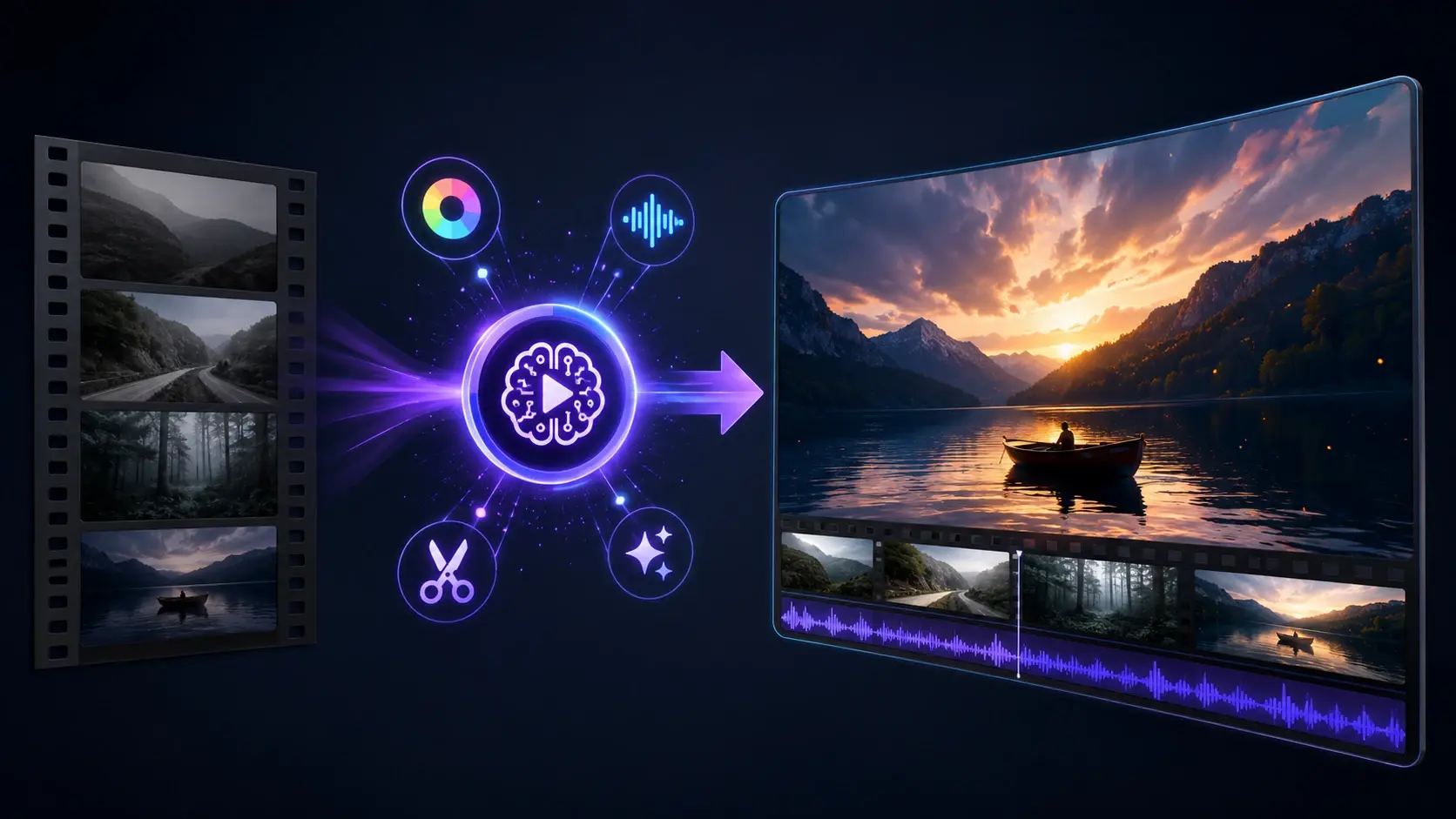
VideoAI's online youtube video editor breaks the work into single jobs, so you describe the result you want and VideoAI does the edit.

Describe the change you want in plain words and VideoAI makes the edit, so there is no timeline to drag and no clips to splice by hand.

Turn a wide 16:9 recording into a 9:16 vertical cut for YouTube Shorts, and switch to another aspect ratio whenever a video needs it.
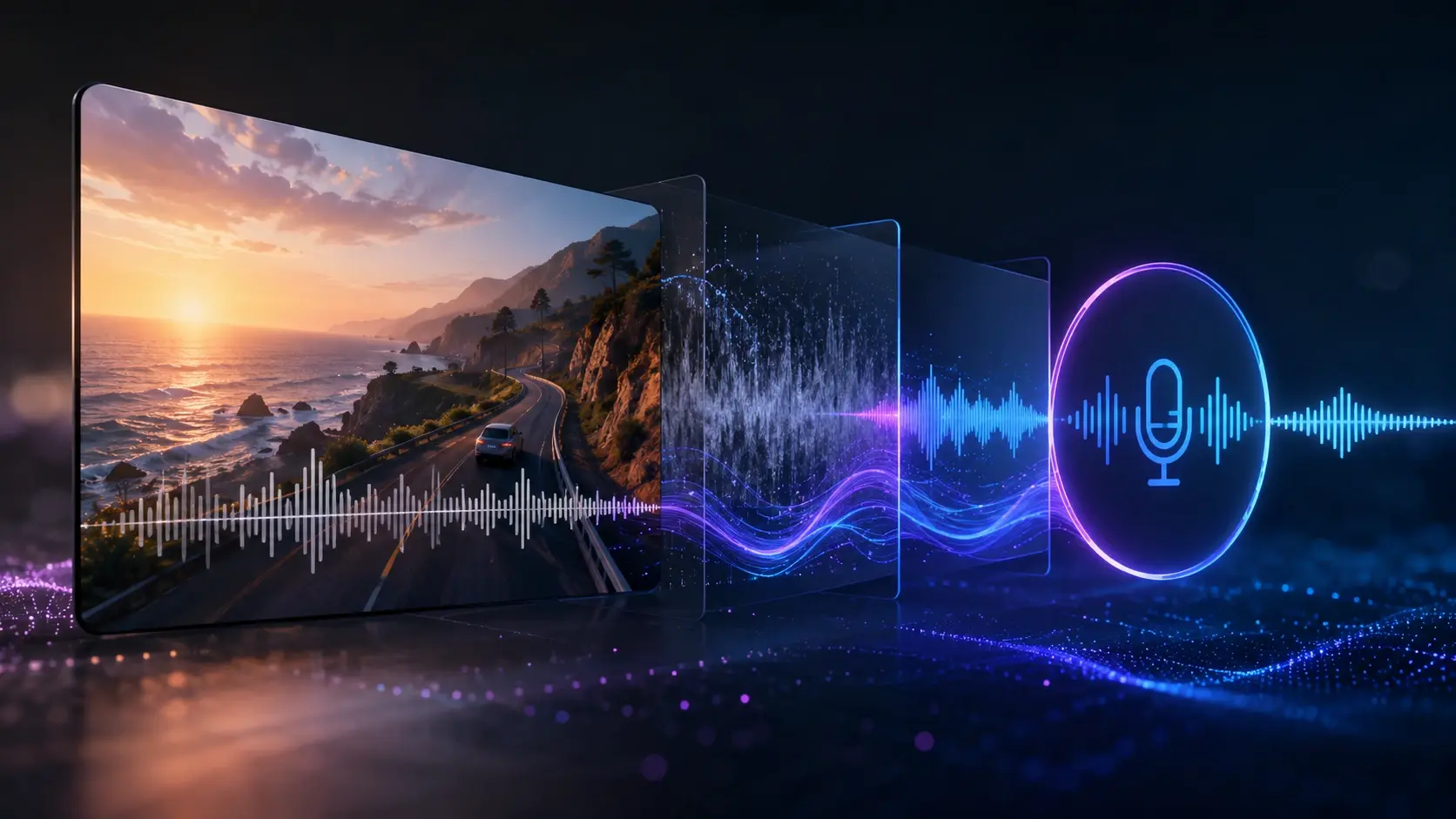
Generate an AI voiceover for narration, then clear background hiss so every spoken line reads cleanly before you export.

Send the finished video out at resolutions up to 4K with no watermark, and publish it straight to your YouTube channel.
Three steps take a raw recording to a published video, and you edit youtube video online simply by describing what you want.
Step 01
Bring in the clip you want to change as an MP4 or MOV file, the same footage you would post to your YouTube channel.

Step 02
Type instructions such as cut every silent pause, add an AI voiceover, drop in an intro, or clean the background noise, then pick your aspect ratio and a resolution up to 4K.

Step 03
Generate the cut, then export it with no watermark at up to 4K, and send the finished video directly to your YouTube channel.
Four moments where a youtube video maker saves you a manual editing pass.
Long uploads rarely fit the vertical feed, so paste one instruction to reframe your 16:9 recording into a 9:16 cut, and the vertical version is ready to post in the same session.
A channel that opens cold loses viewers, so describe the intro you want added to an existing video and the branded opener lands on the front of your cut without rebuilding it.
Screen recordings run long with pauses and filler, so ask for the silent gaps and um moments to be dropped and the walkthrough plays back tight and watchable.
An old video with muddy audio still pulls views, so request denoising plus a fresh voiceover and republish the cleaner version to the same channel.

Regular uploaders use this video editor for youtube to cut silence and add intros quickly, turning a raw recording into an episode ready to post.
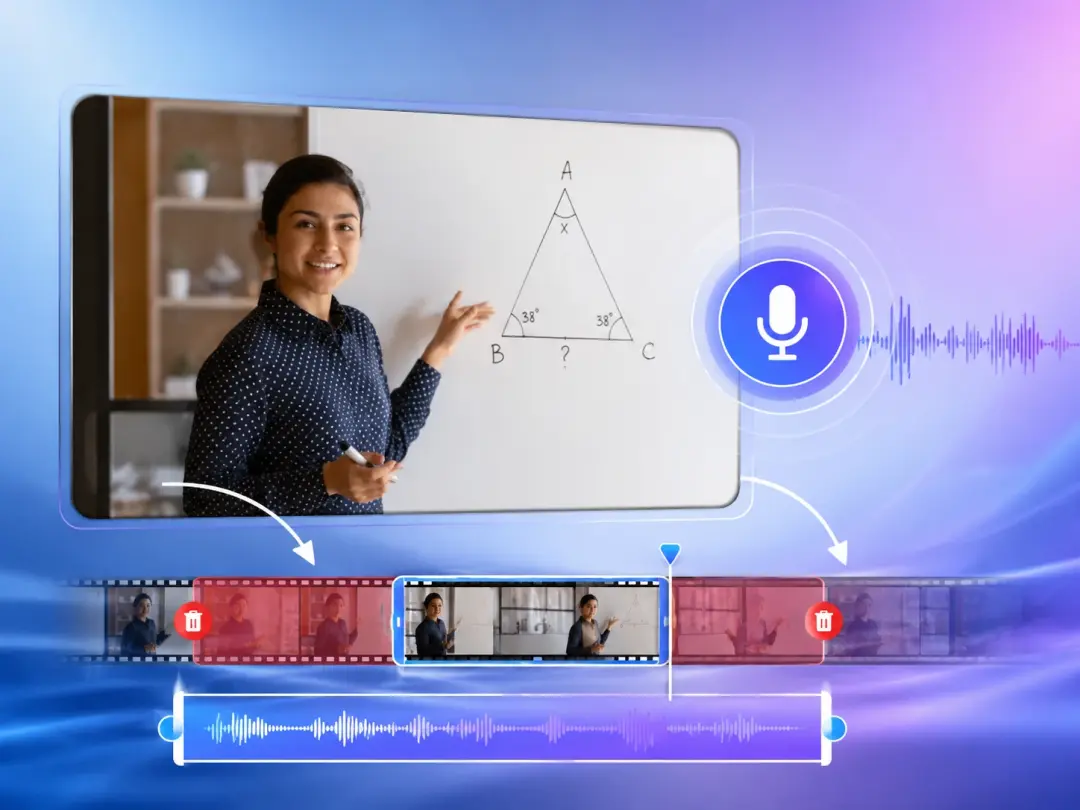
Instructors turn long screen captures into tighter lessons by asking for filler words to be removed and a clear voiceover added, keeping students on the material.
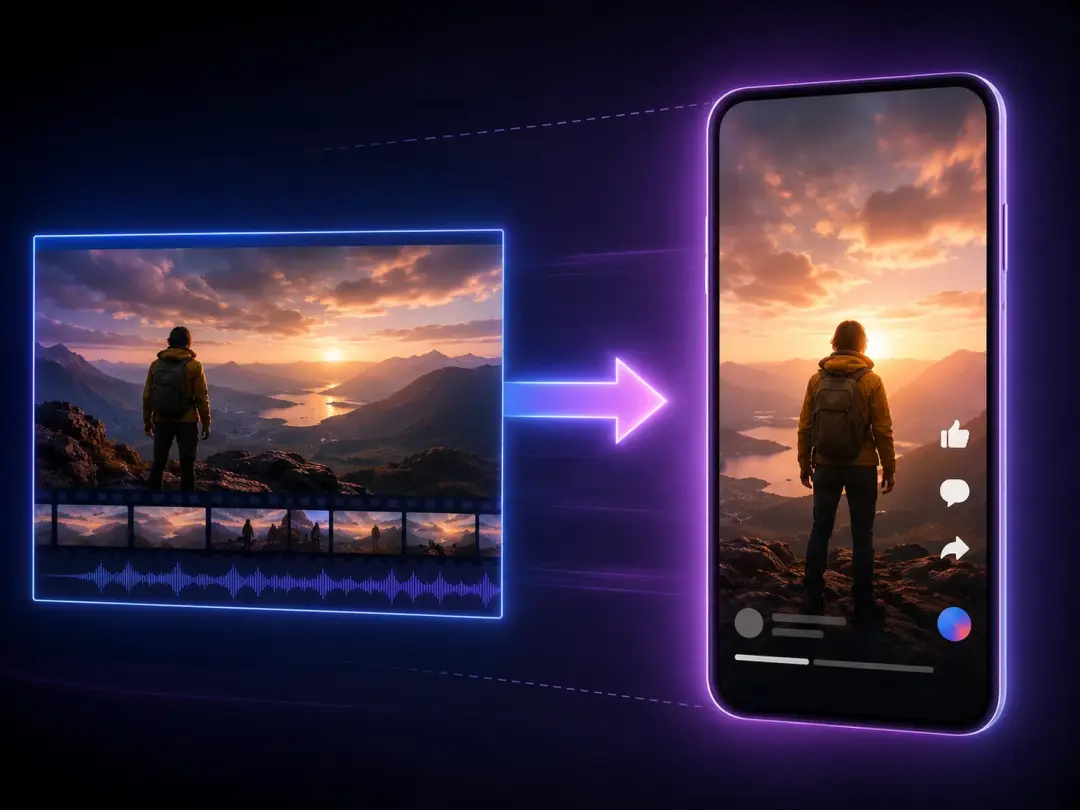
A small team without a dedicated editor describes the promo cut it needs, then reframes the same footage into Shorts to cover the main feed and the vertical feed.
Explore

Skip the search for youtube video editing software, describe your edit, and VideoAI exports up to 4K with no watermark straight to your channel.
Get Started


























