
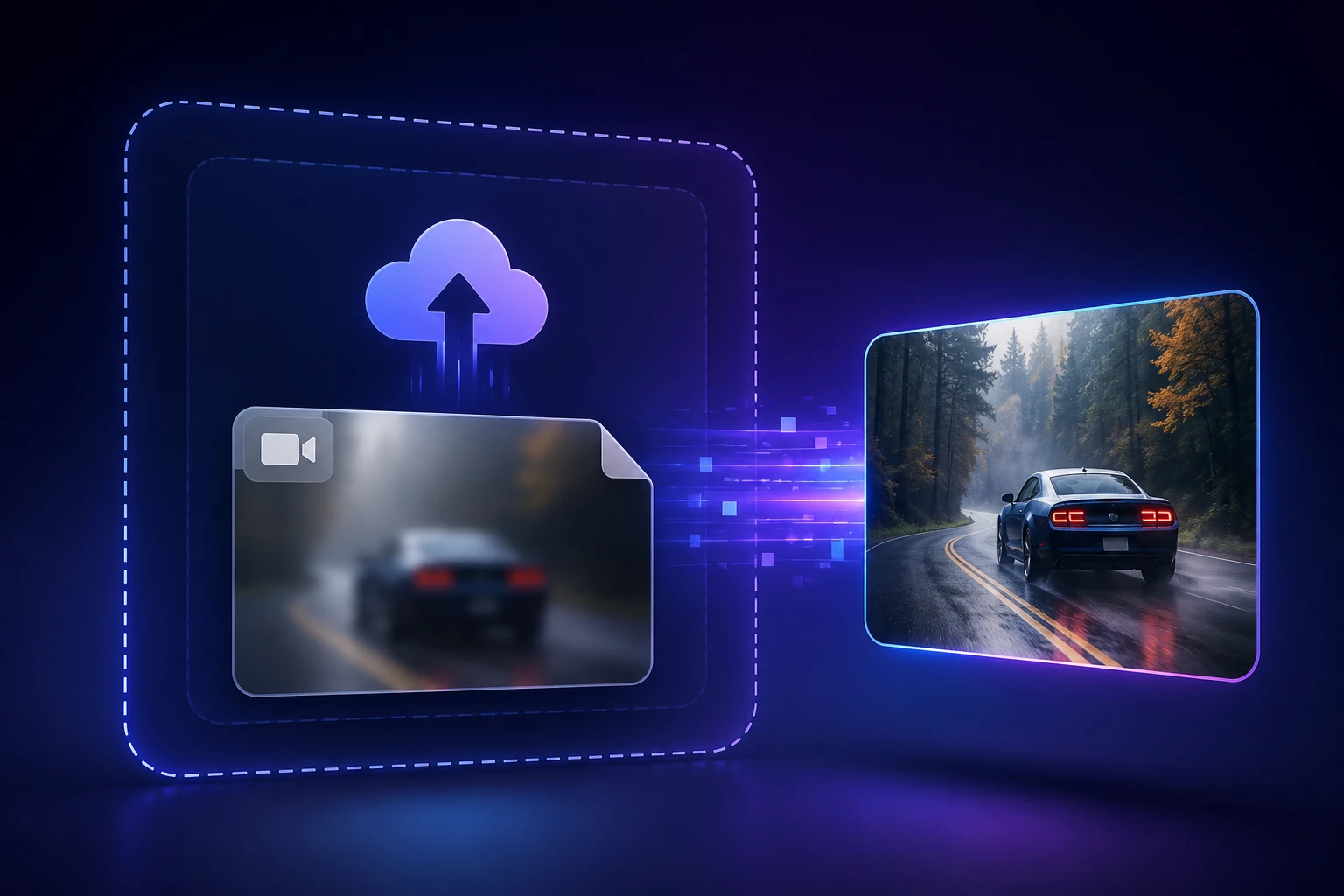
Step 01
Upload your blurry video file
Add the blurry clip you want to repair in a common video format. VideoAI opens it as an unblur video task, and most clips from a phone or camera upload as they are.

Upload a blurry clip and VideoAI rebuilds sharpness frame by frame to unblur video, so your footage looks clearer without you framing regions or tuning any settings.
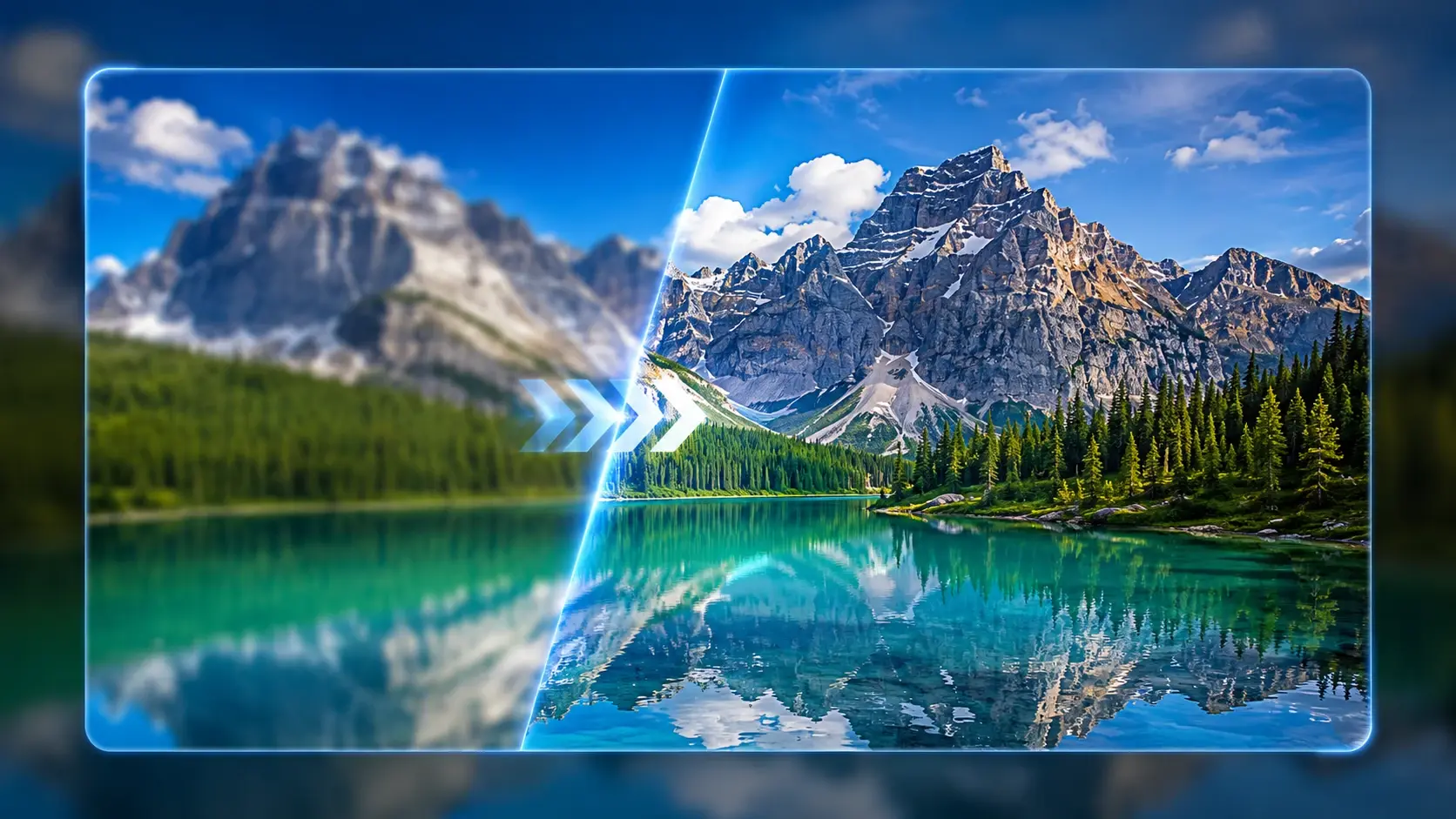
Each part targets a real cause of blur, so you fix blurry video at its source instead of laying one sharpen filter over the whole frame.
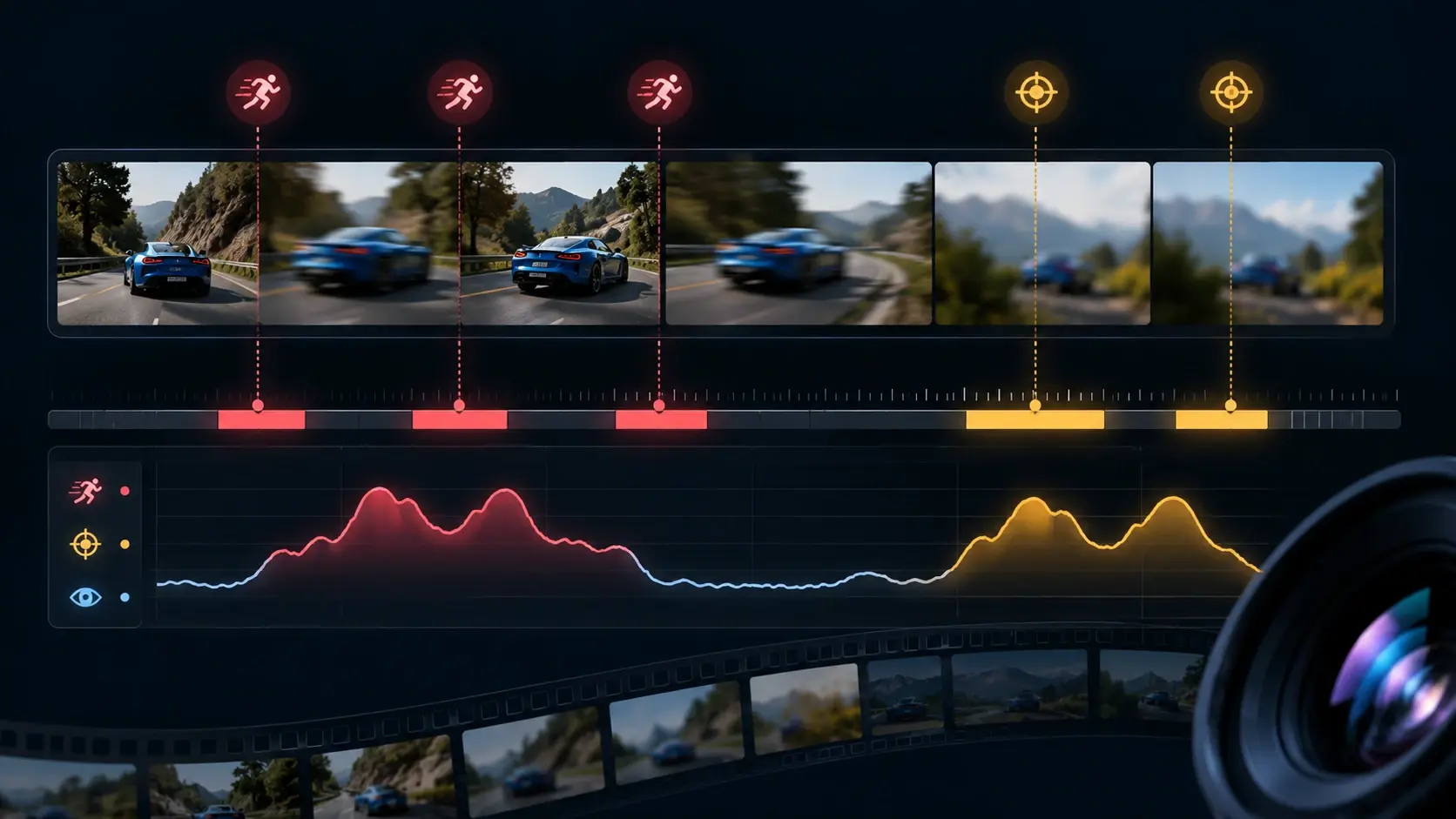
VideoAI reads your clip frame by frame and identifies where the blur begins, whether motion, soft focus, platform compression, or low light, then repairs those areas rather than sharpening the whole picture at once.
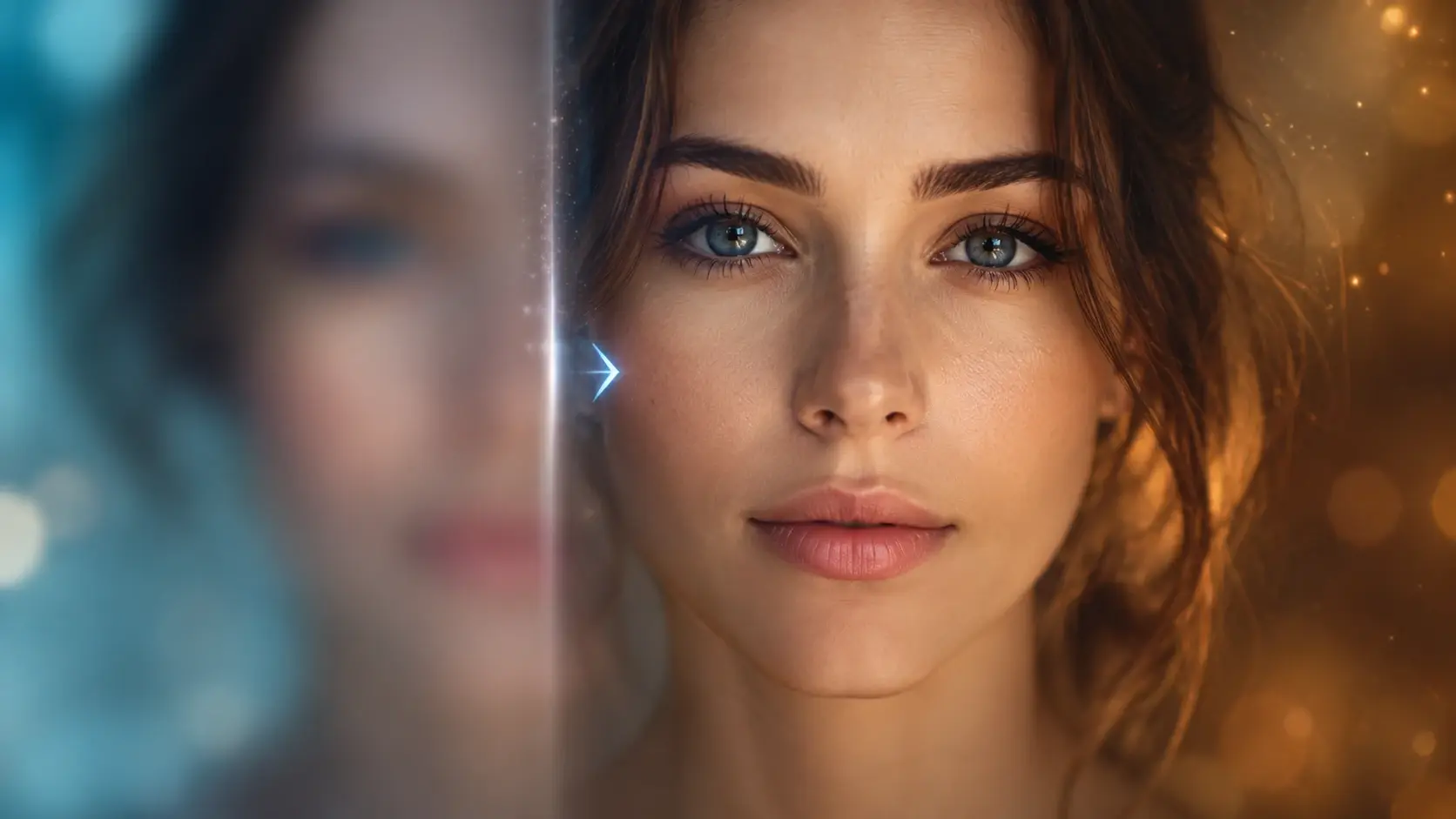
The model reconstructs edges and pixel detail that blur washed out, which is how a soft, unclear shot begins to read as sharp again. This deblur video step recovers what the frame lost, within the limits of your source.
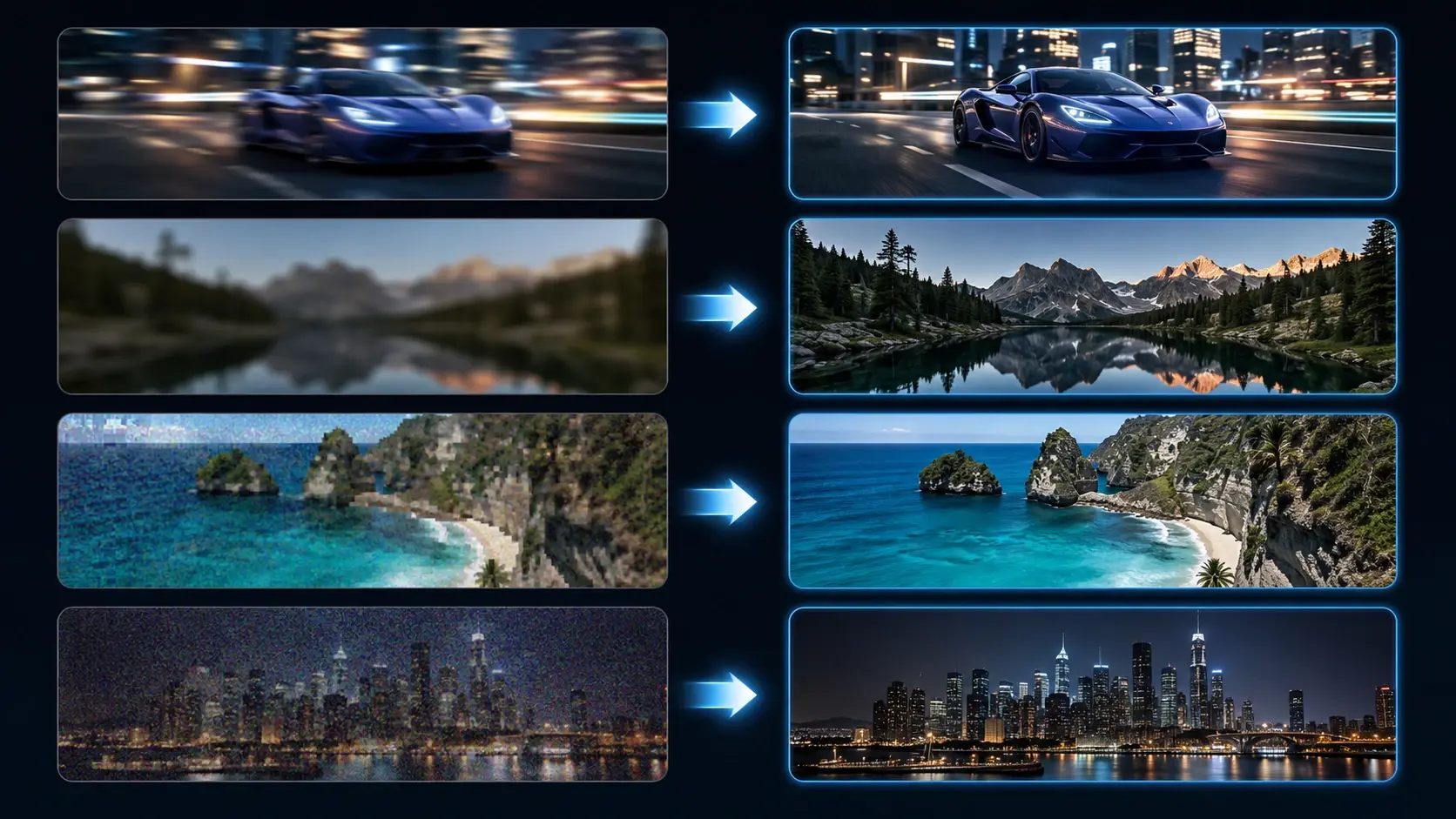
VideoAI works on many kinds of blur, like motion blur, out of focus shots, compression, and low light noise, so you can unblur video that went soft for very different reasons and still comes back clear.
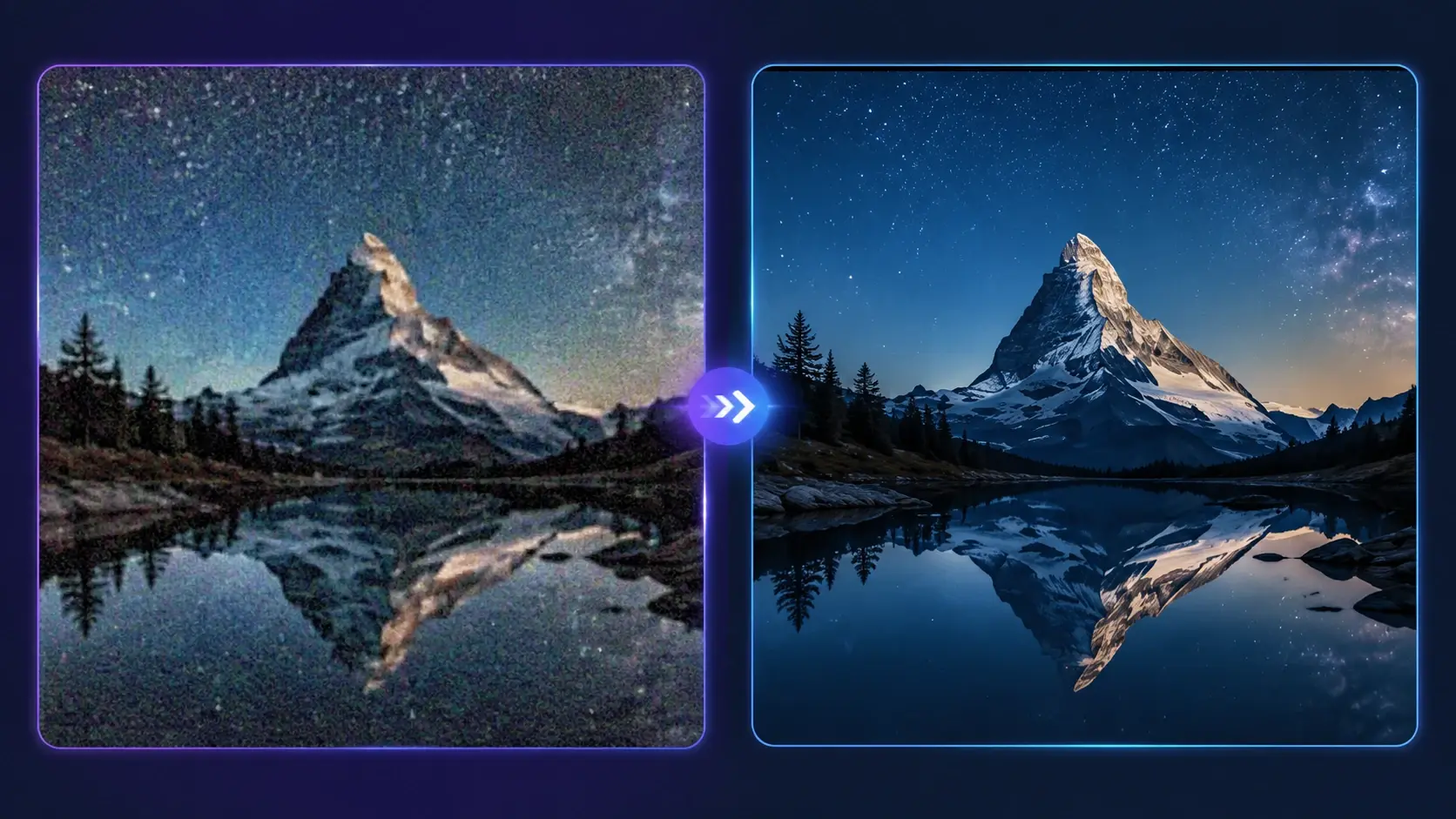
You can lift the result up to 2K or 4K with color correction and noise reduction, which helps make blurry video clear and clean rather than only larger. VideoAI runs the full unblur video pass on its own, with no region selection or strength sliders to set.
The process stays automatic, so your only real choices are which clip to send and when to save the result.
Step 01
Add the blurry clip you want to repair in a common video format. VideoAI opens it as an unblur video task, and most clips from a phone or camera upload as they are.
Step 02
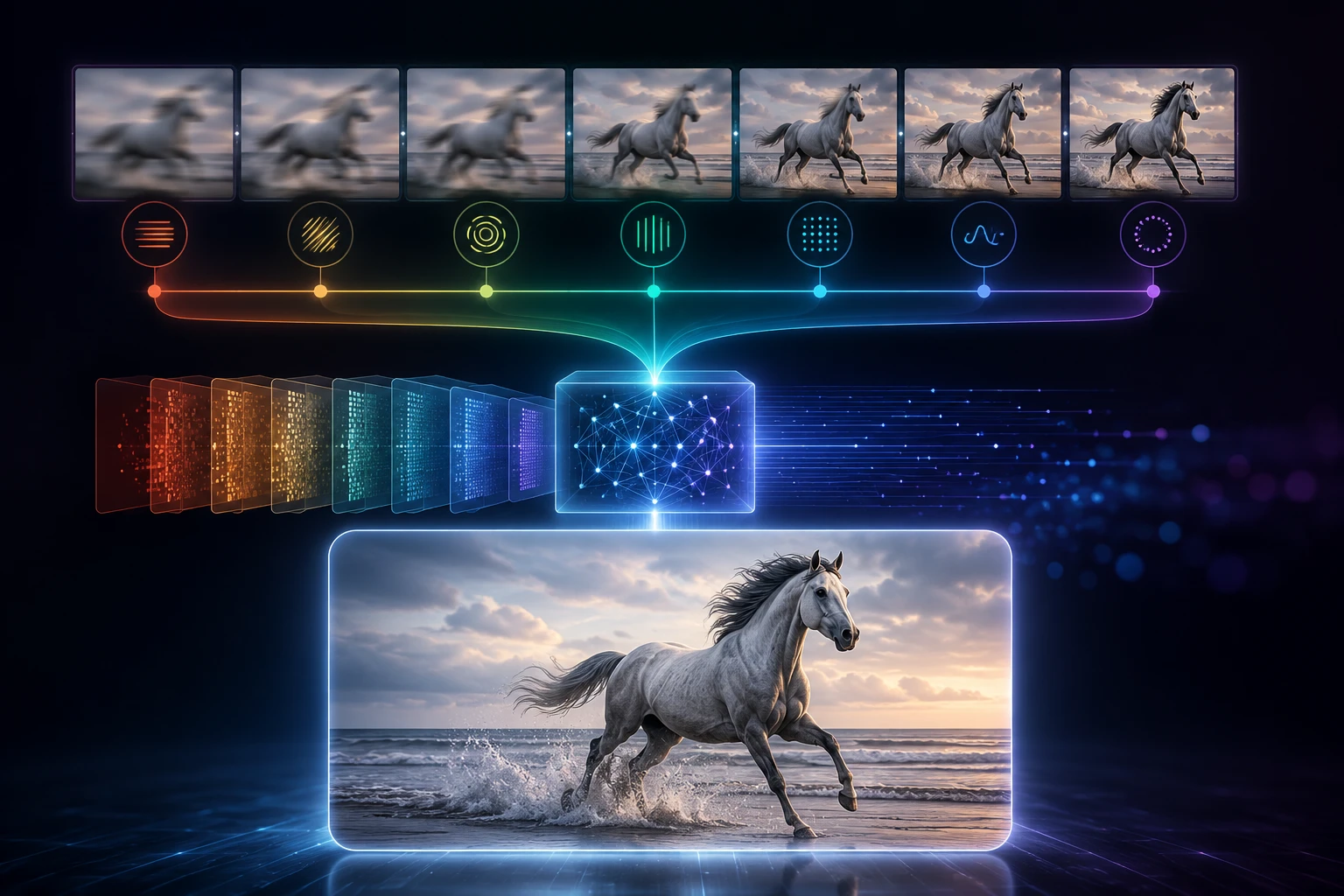
To unblur video, VideoAI scans every frame, sorts the blur into motion, focus, compression, or low light, and repairs each one accordingly, upscaling where it helps. You never draw selection boxes or adjust intensity by hand.
Step 03
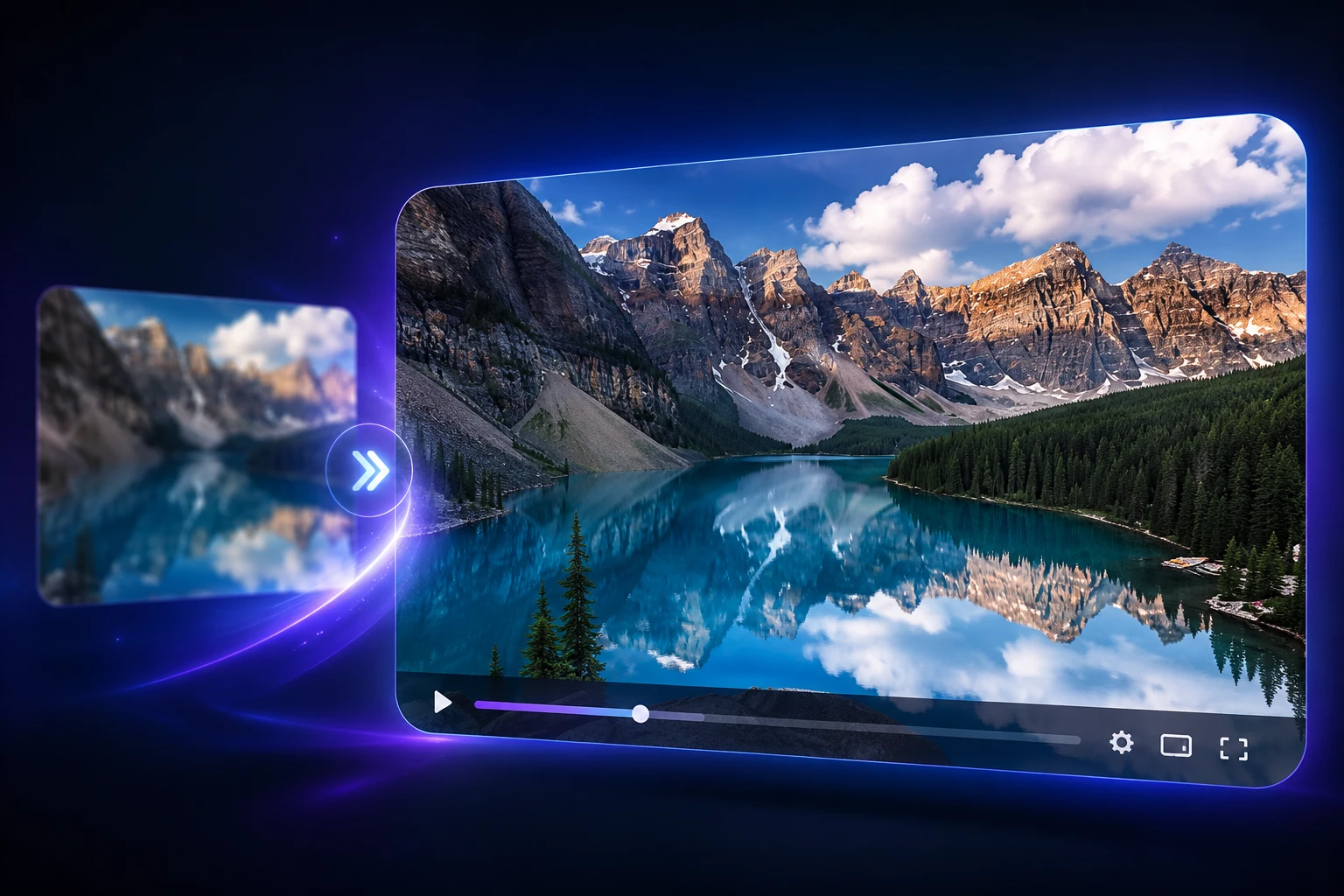
Preview the clearer version, then download it once it looks right. This is where an ai unblur video pass pays off, handing you a sharper file you can save or archive.
If any of these match your clip, the fix is the same unblur video upload and repair flow.
You caught a moment on the move and camera shake left trails across the frame. Running the clip through the unblur video repair smooths that motion blur back into readable edges, so the moment survives instead of getting cut.
The lens locked onto the background and your subject came back soft. Here the repair rebuilds the edges the focus missed, and a shot you almost deleted turns usable again, which is a practical way to sharpen blurry video after the fact.
A clip that looked fine on your phone turns mushy after TikTok, Instagram, or YouTube recompress it. Sending it back through the repair helps clear up blurry video that lost detail to compression, so it holds up on the feed again.
Old phones and dim rooms leave footage noisy and unclear. Denoise paired with detail rebuild cuts the grain and firms up the picture, turning a rough late night capture into something you can actually watch.
You shoot fast or repost clips and some come out blurry before they go live. Upload one to VideoAI and the unblur video repair runs online in one pass, so a post you were about to drop turns clear enough to share.

You have a clip that matters but came out blurry, and you need it clear enough to read. The unblur video repair pushes a critical but soft moment toward something legible you can keep on file.
Your team has usable source footage that lost quality to compression. Running it through VideoAI brings the picture back to a workable state, so the asset earns its place in the edit again.
Explore
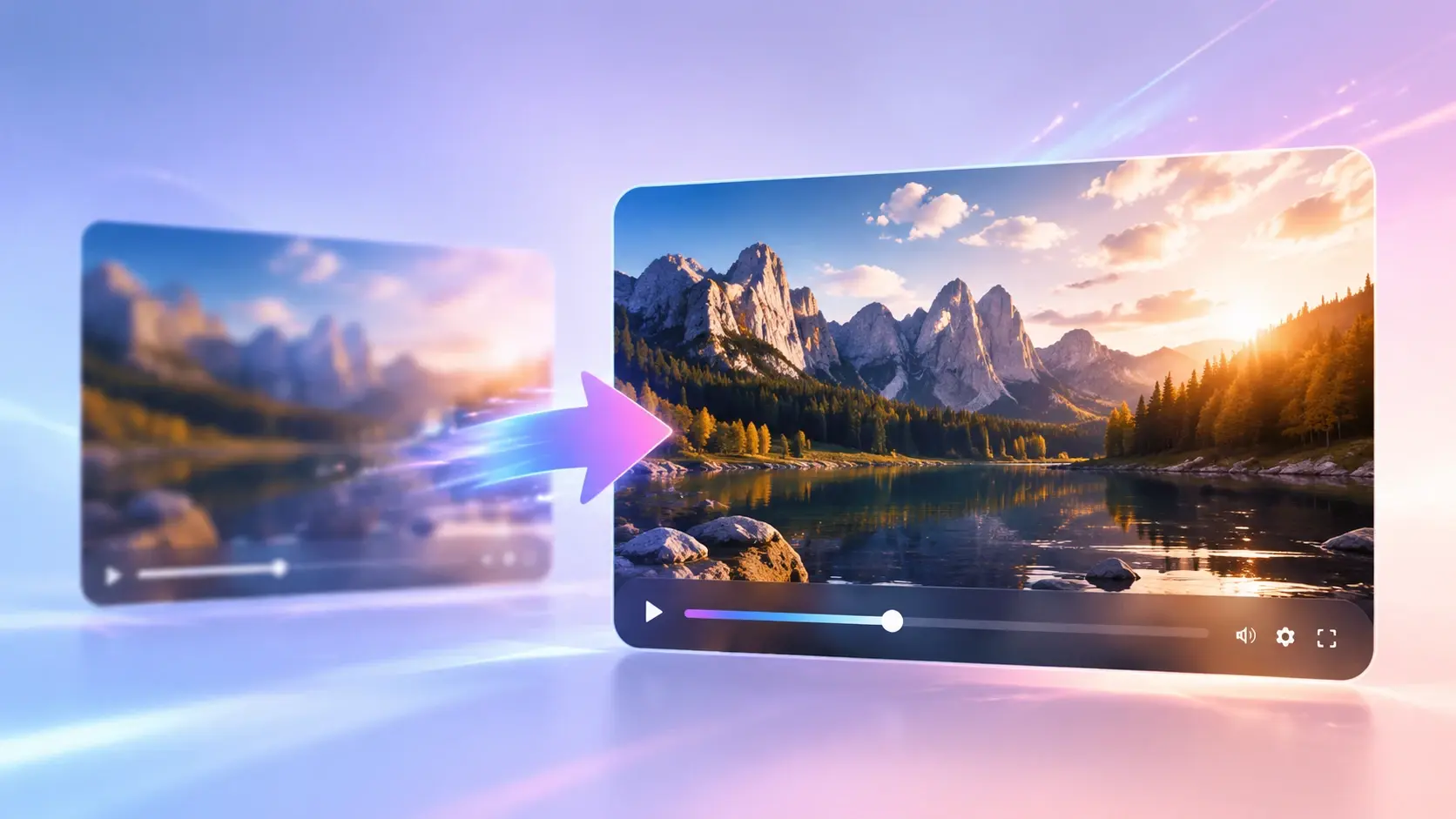
Upload one blurry clip, let the unblur video repair run, and see the clearer version before you download it.
Get Started


























