
AI Unblur Image

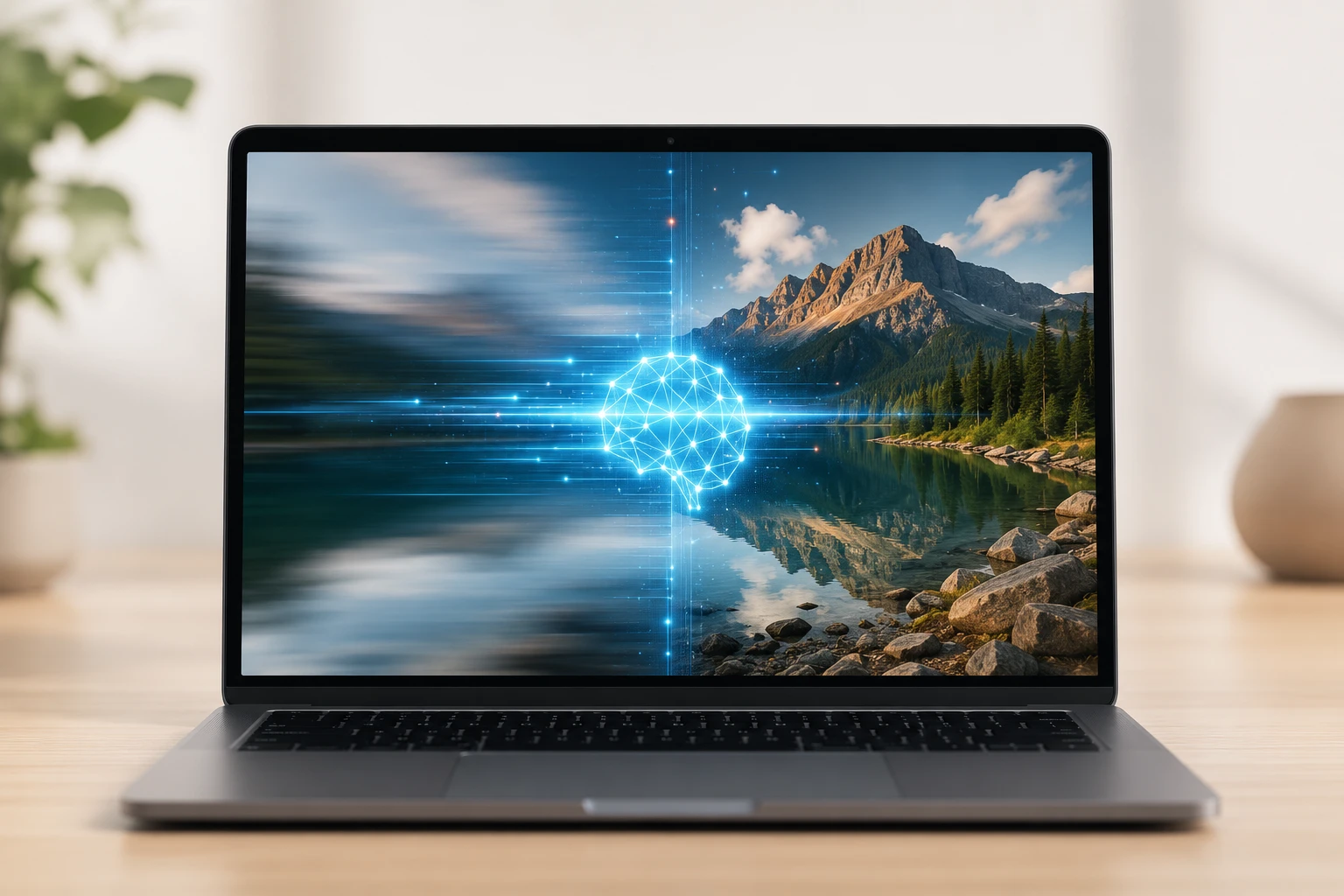
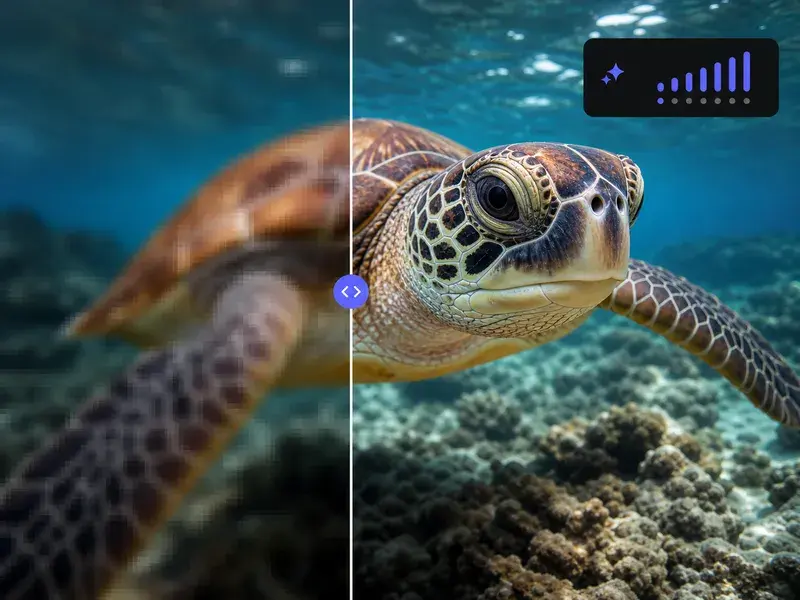
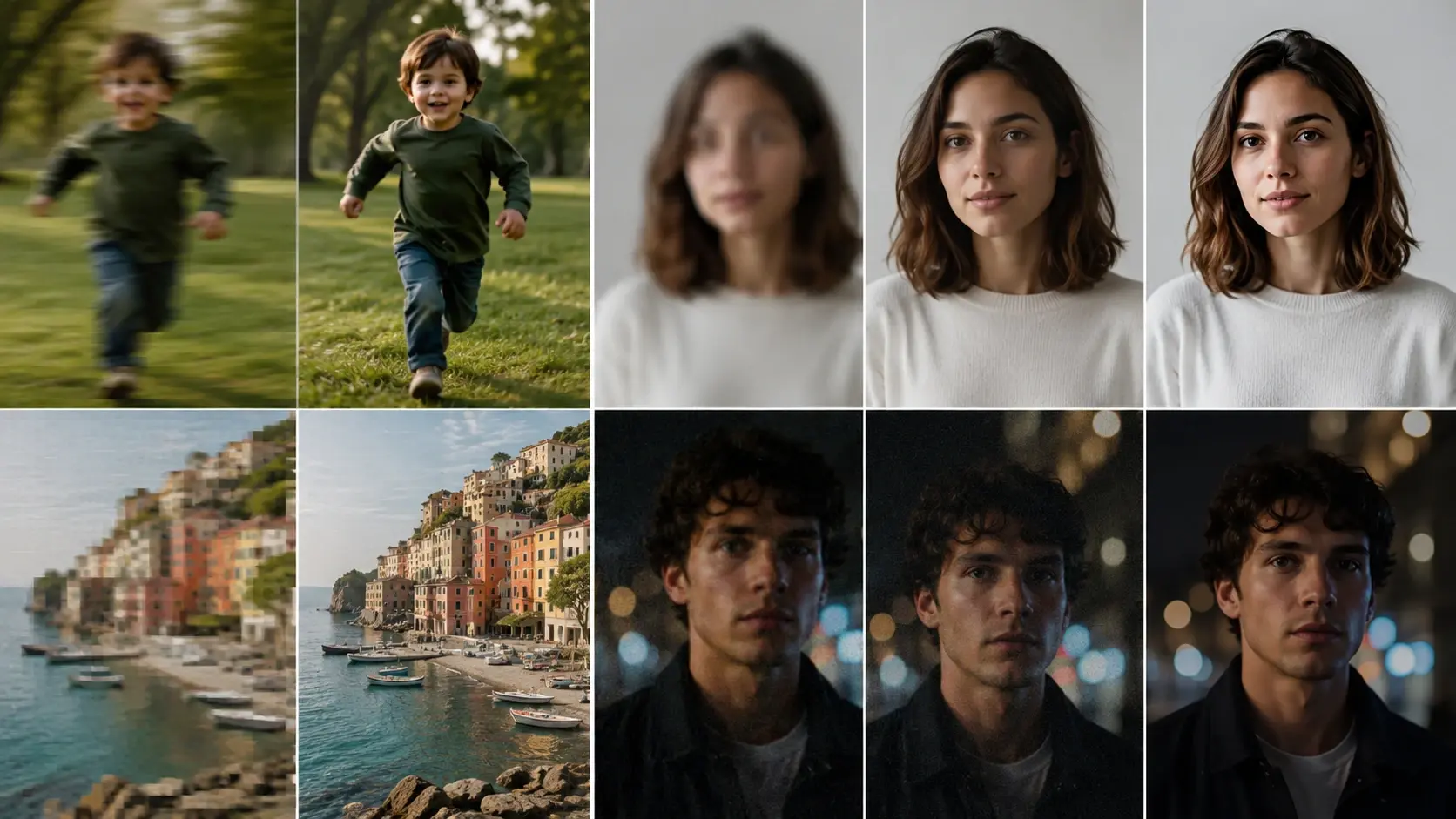
Unblur Image restores lost details and sharpens edges in your uploaded files. For best results, ensure your source picture has recognizable structural outlines.

Banner preview

Unblur Image For Clearer Digital Files

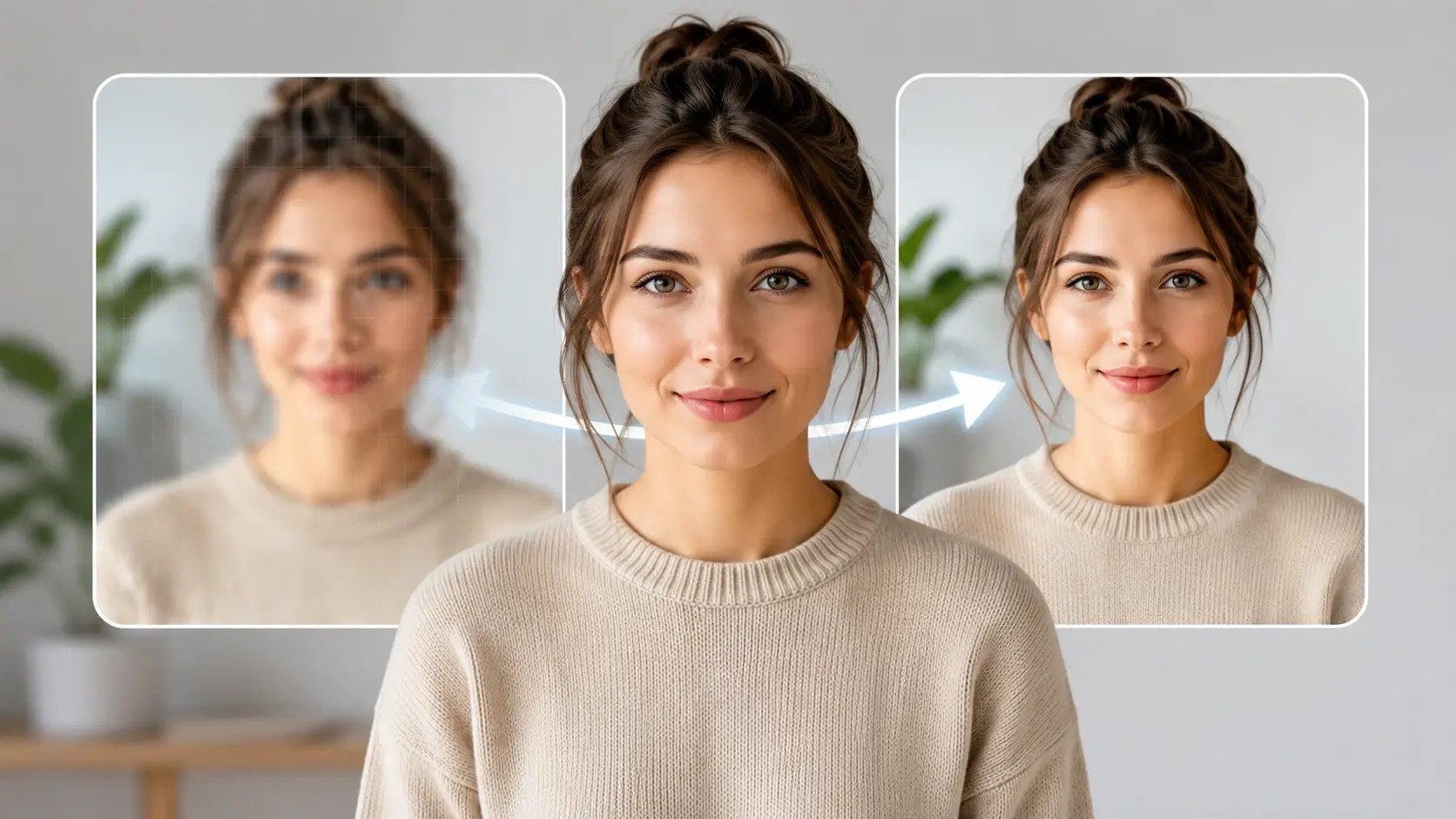
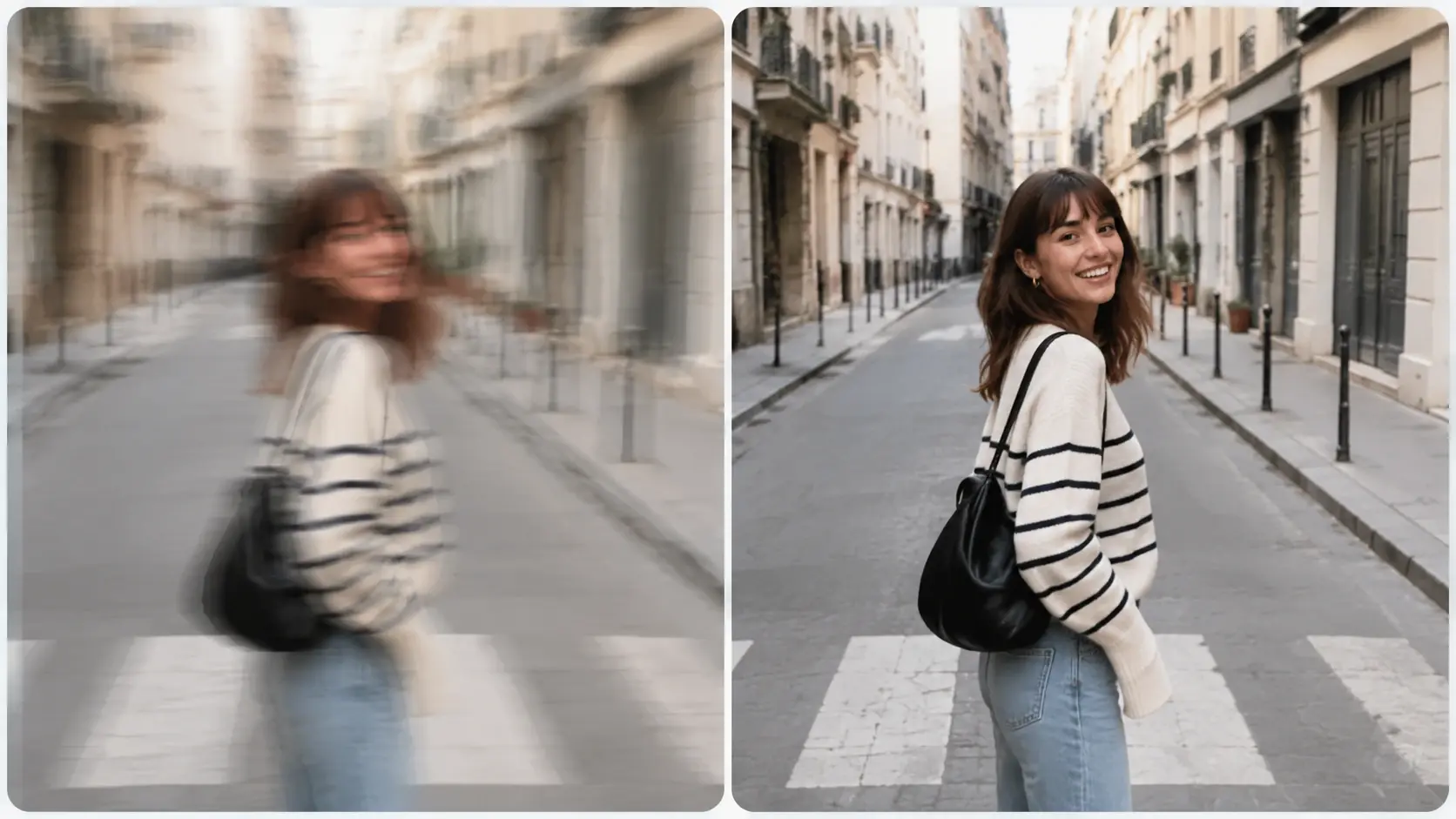
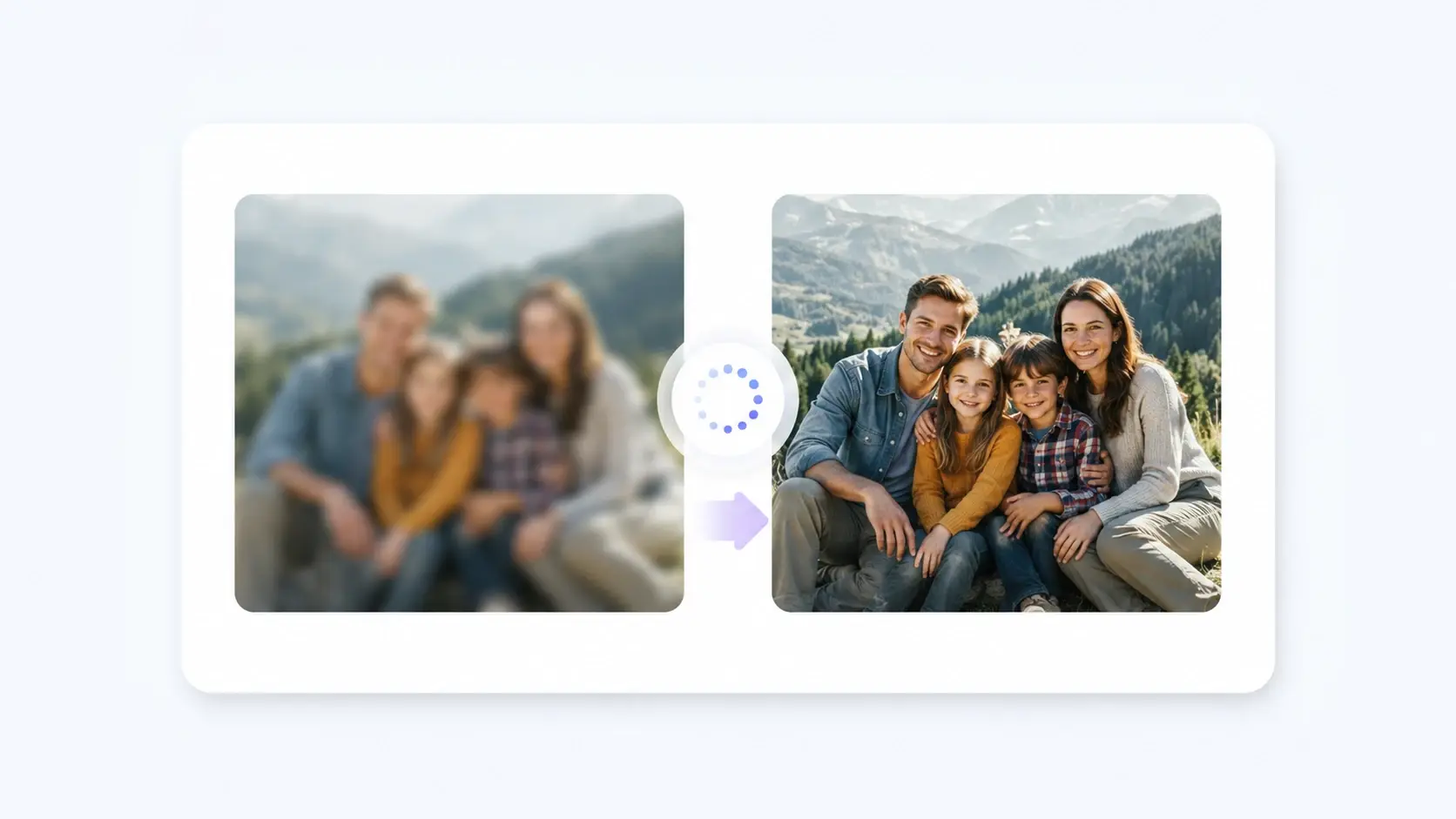
VideoAI analyzes your upload to Unblur Image files and reconstruct details. You Clear blurry image assets instantly, getting a crisp output ready for download.

Who Uses Unblur Image Online AI

Different professionals rely on VideoAI to Unblur Image assets daily. Clear visuals help maintain audience trust and improve the overall presentation quality.

Store owner using Unblur Image for products

Online Store Owners

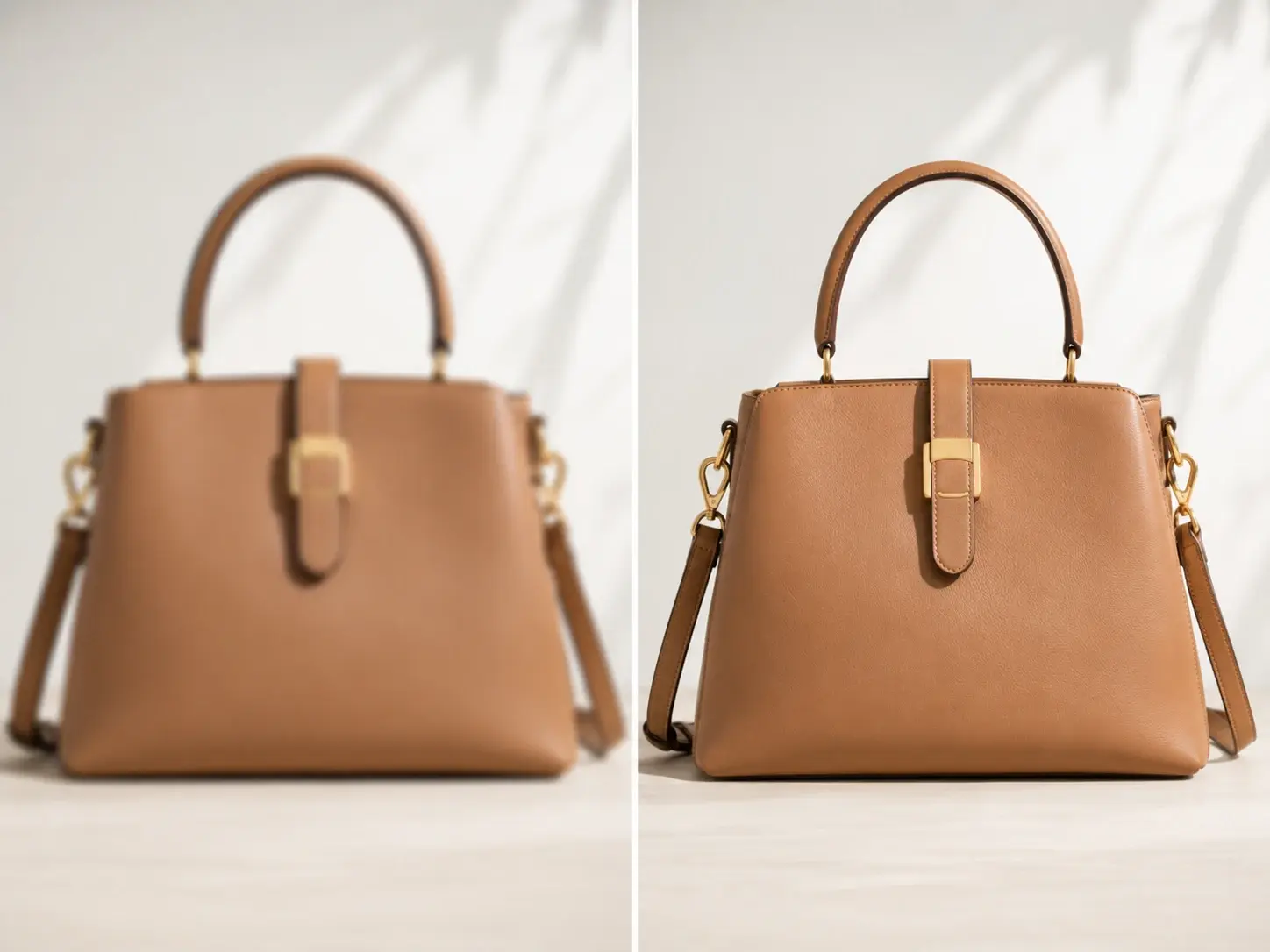
Product photos often suffer from slight focus issues during quick studio shoots. VideoAI corrects these minor errors, so you can Unblur pictures online free and present clear items that help customers make informed purchasing decisions.

Archivist using Unblur Image on old photos

Family History Archivists

Older scanned photographs frequently show degradation and soft edges over time. You upload the historical scan to the Unblur Image system, and it reconstructs facial features, helping you Fix blurry pictures while preserving original character.

Creator using Unblur Image for blog visuals

Digital Content Creators

If your event coverage yields soft shots, you need a fast Blur image fix. VideoAI processes the file to restore sharpness, ensuring your blog posts feature professional visuals without requiring a reshoot or complex software.

Steps To Unblur Image AI Free

Follow these structured steps to Unblur Image files with VideoAI. The process requires no manual masking, giving you a clean result very quickly.

Step 1

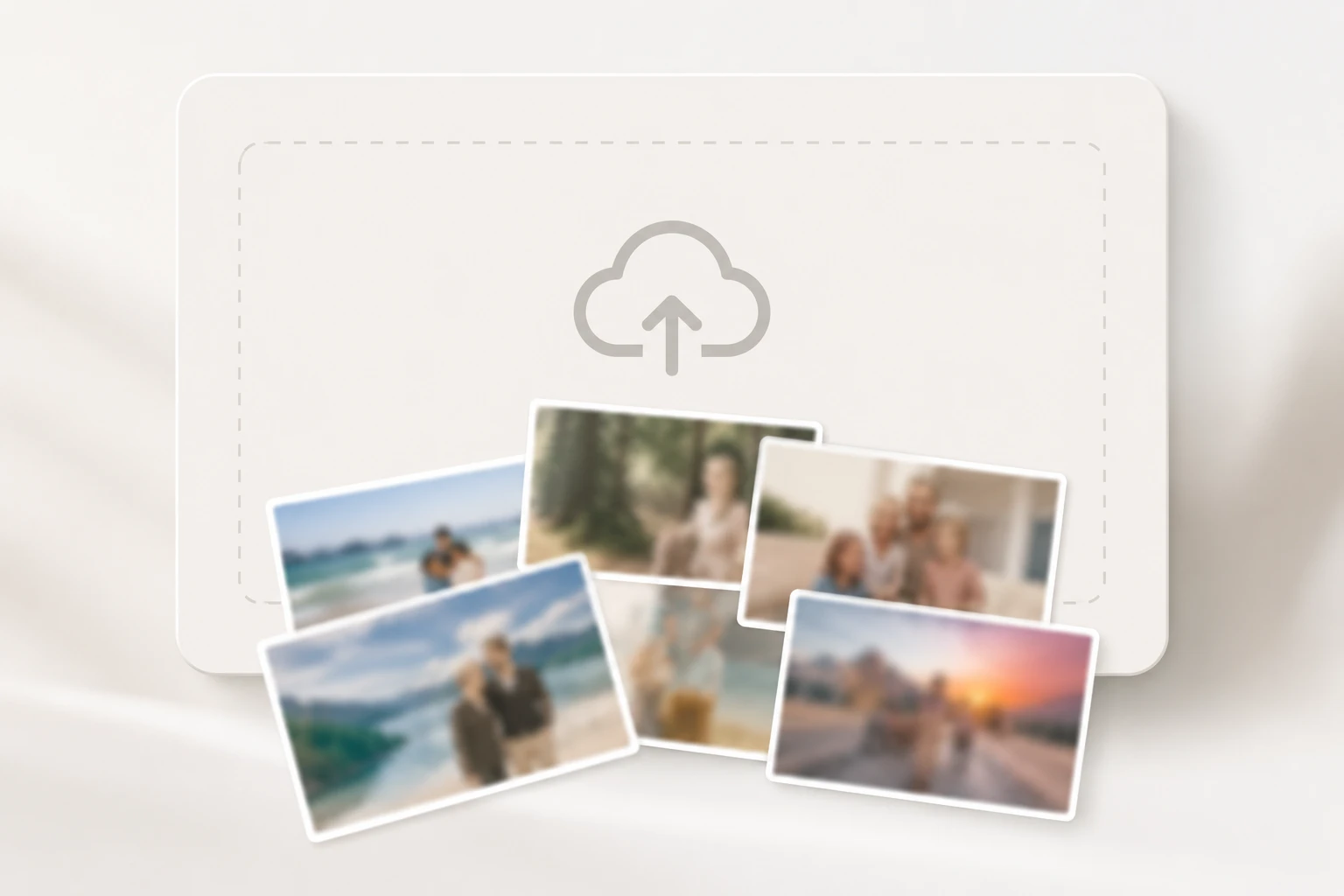
Upload Source File

Select your soft or out of focus picture and upload it to the Unblur Image workspace. VideoAI reads the pixel data immediately, preparing the engine to analyze the specific type of distortion present in your file.

Step 2

Process And Reconstruct

The system identifies edges and applies targeted Image unblurring to restore missing details. You watch the progress bar as the tool balances sharpness and noise reduction without requiring manual slider adjustments.

Step 3

Review And Export

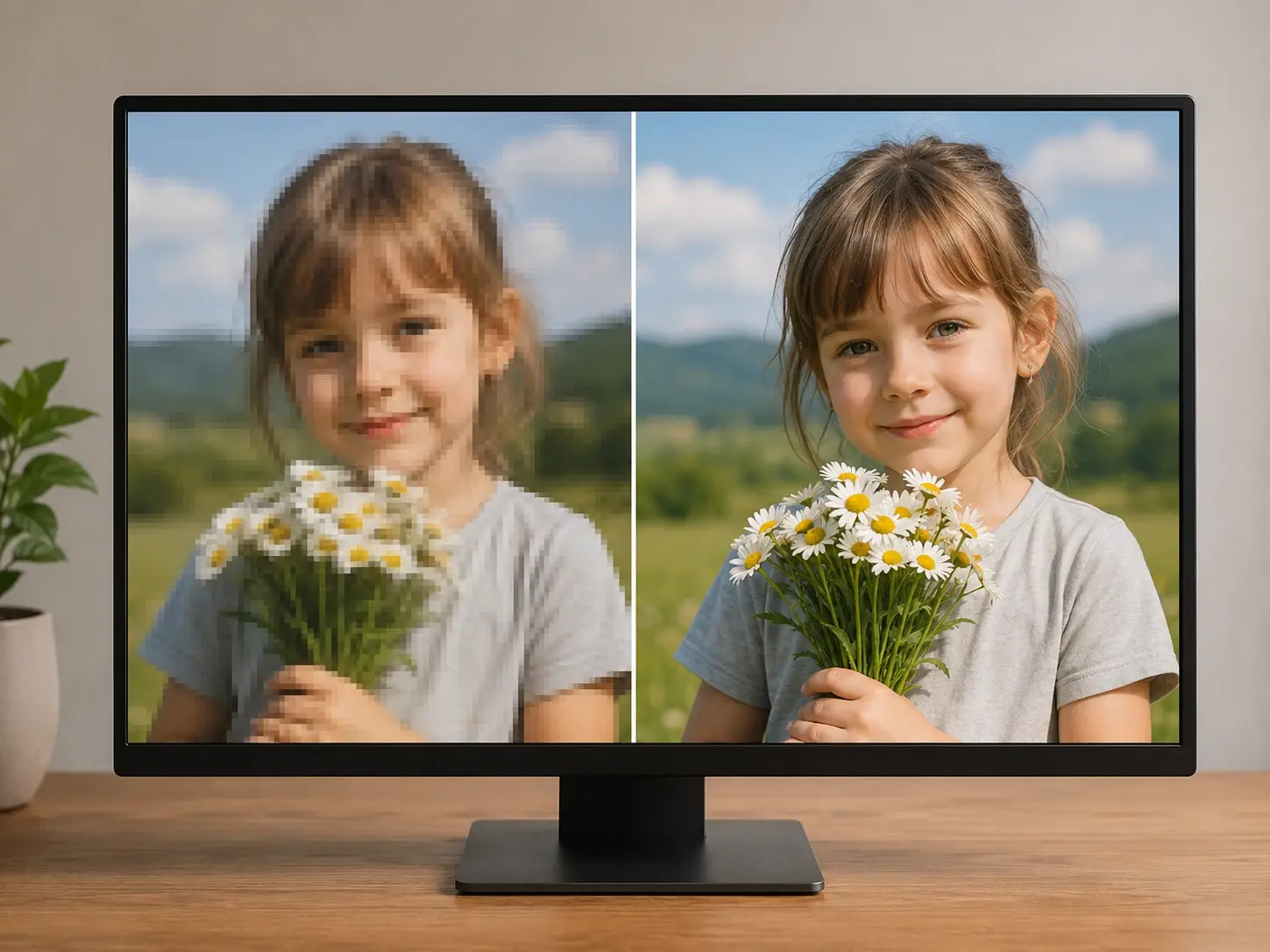
When the processing finishes, you compare the original and the corrected version side by side. After that, you download the final file to your device for immediate publication or archiving.

Core Unblur Image Capabilities

VideoAI provides specific tools to Unblur Image assets effectively. Each feature targets a different aspect of visual clarity to ensure predictable, high-quality outputs.

Portrait Detail Recovery

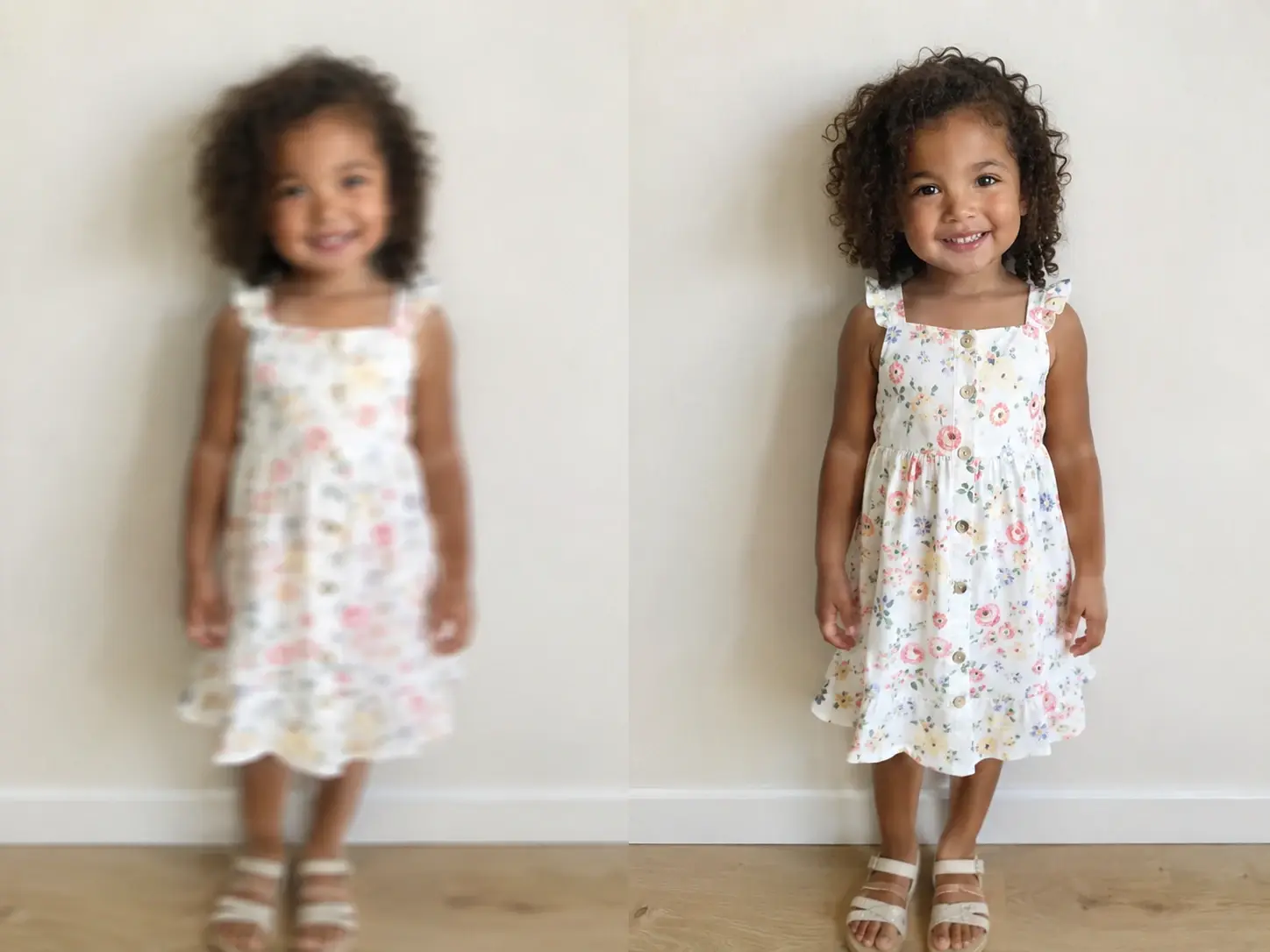
VideoAI detects human faces in your Unblur Image upload and prioritizes feature clarity. You simply upload the portrait, and the system refines eyes and skin texture. This works best when the subject occupies a large frame.

Unblur Image portrait detail recovery feature preview

Document Text Sharpening

The engine identifies letterforms in screenshots or scanned documents to increase contrast and edge definition. You review the enhanced readability instantly. Heavily compressed files might still show artifacts, but most standard text becomes legible again.

Unblur Image document text sharpening feature example

Smart Artifact Removal

If your low light shot contains heavy grain, VideoAI smooths the background while keeping the main subject sharp. You bypass complex masking steps entirely. Extremely dark source files may still require basic exposure correction before processing.

Unblur Image smart artifact removal feature demonstration

Resolution Upscaling Support

VideoAI enlarges your file dimensions while simultaneously applying the Unblur Image effect. You select the target size, and the tool fills in missing pixel data. Results vary based on the original resolution of your uploaded file.

Unblur Image resolution upscaling support feature comparison

Common Unblur Image Questions

Sure, you just upload your file and let the system process the pixels automatically. For best results, ensure your subject is clearly framed. This helps creators save time when they need to Unblur image free without complex software.

Start Your Unblur Image Process

Upload your first file today and see how VideoAI restores clarity. You can review the final output before committing to a download.

Get Started