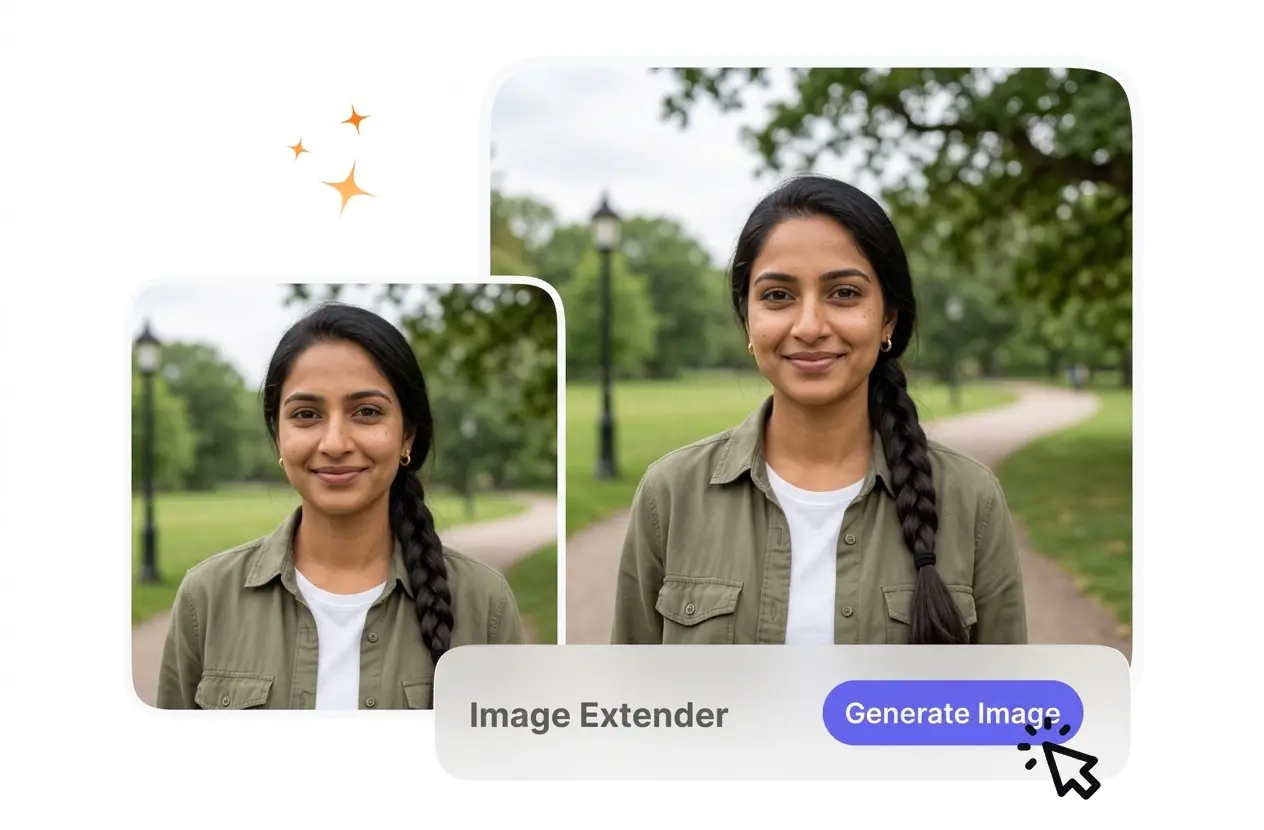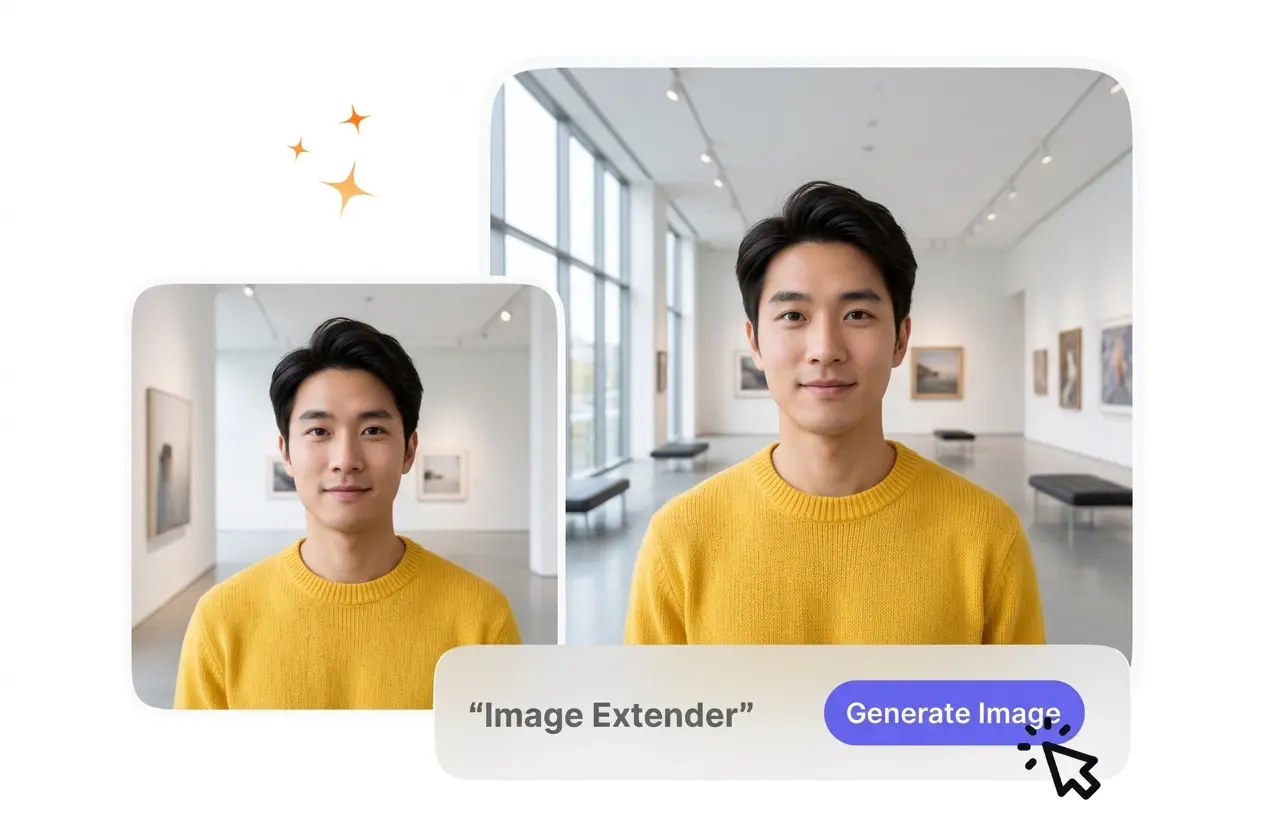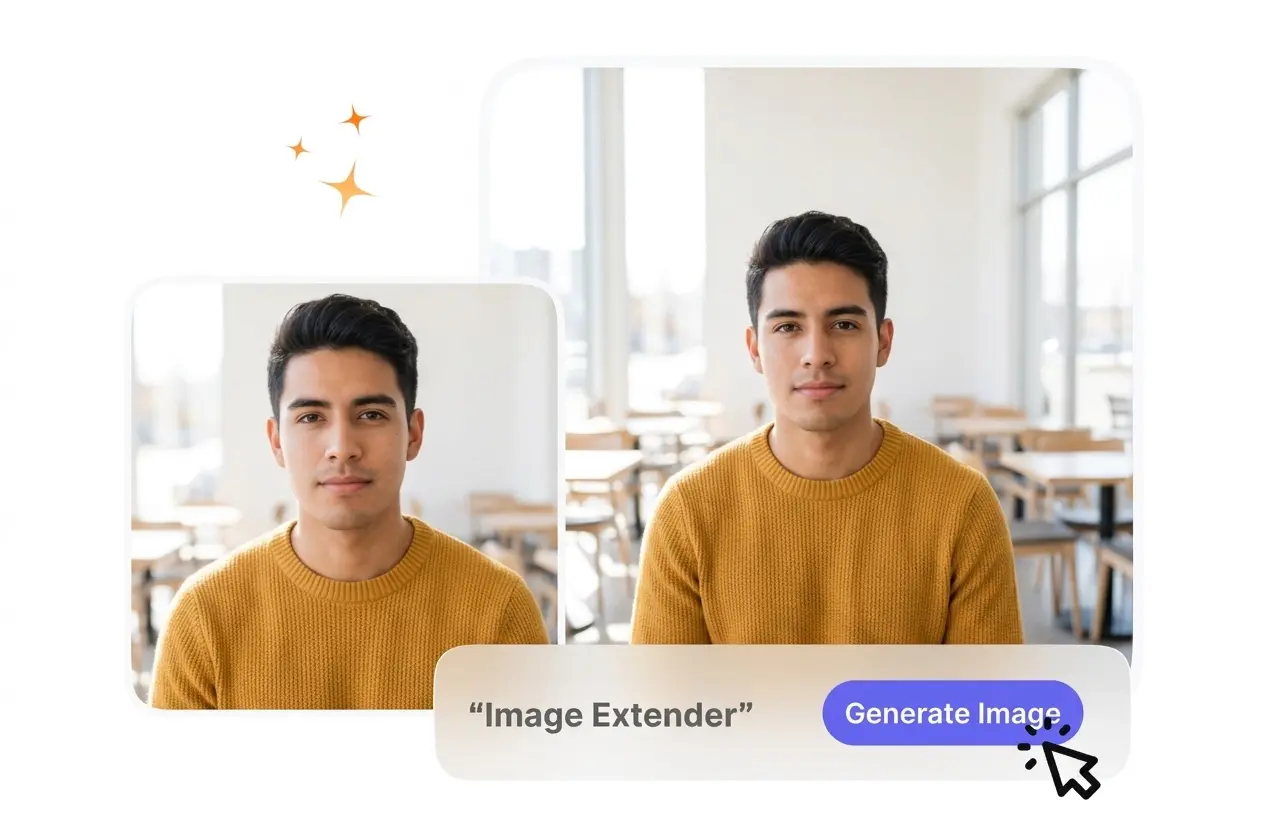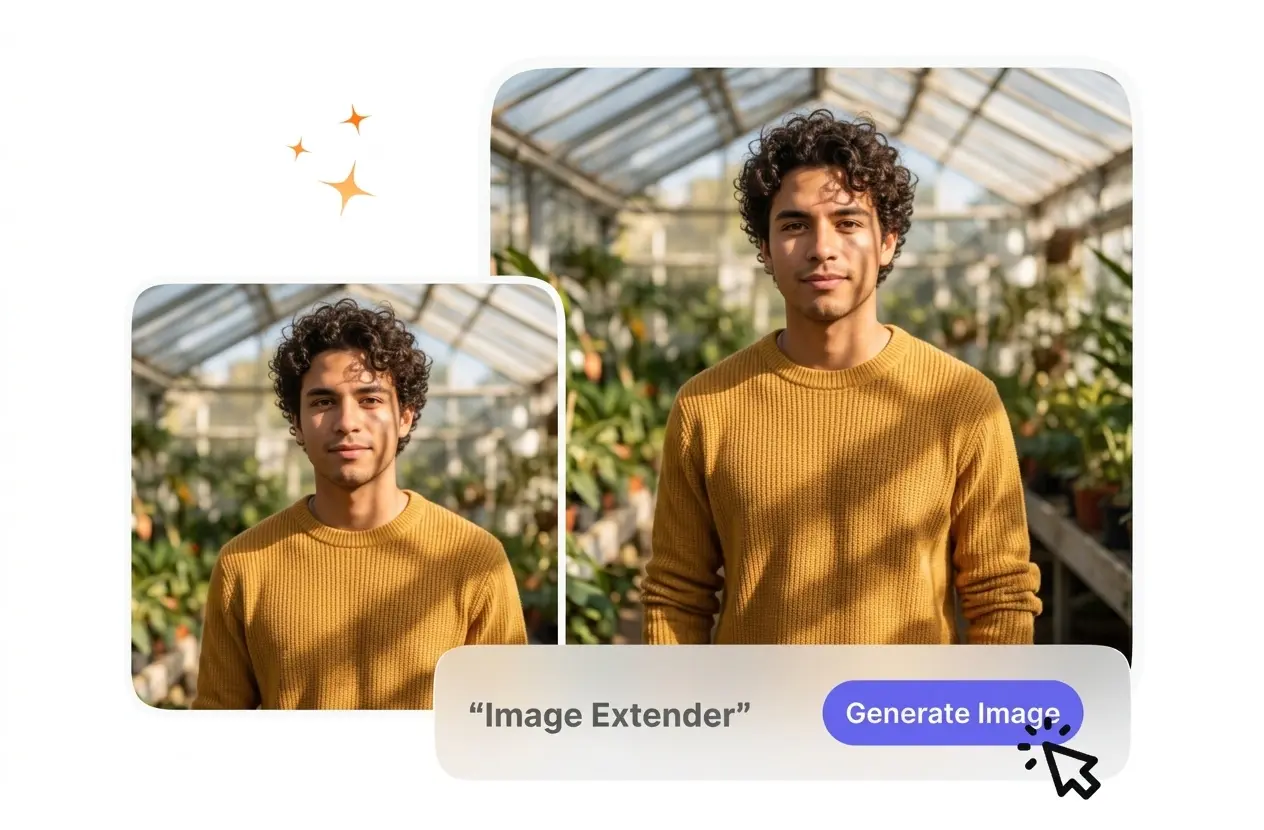
AI Image Extender

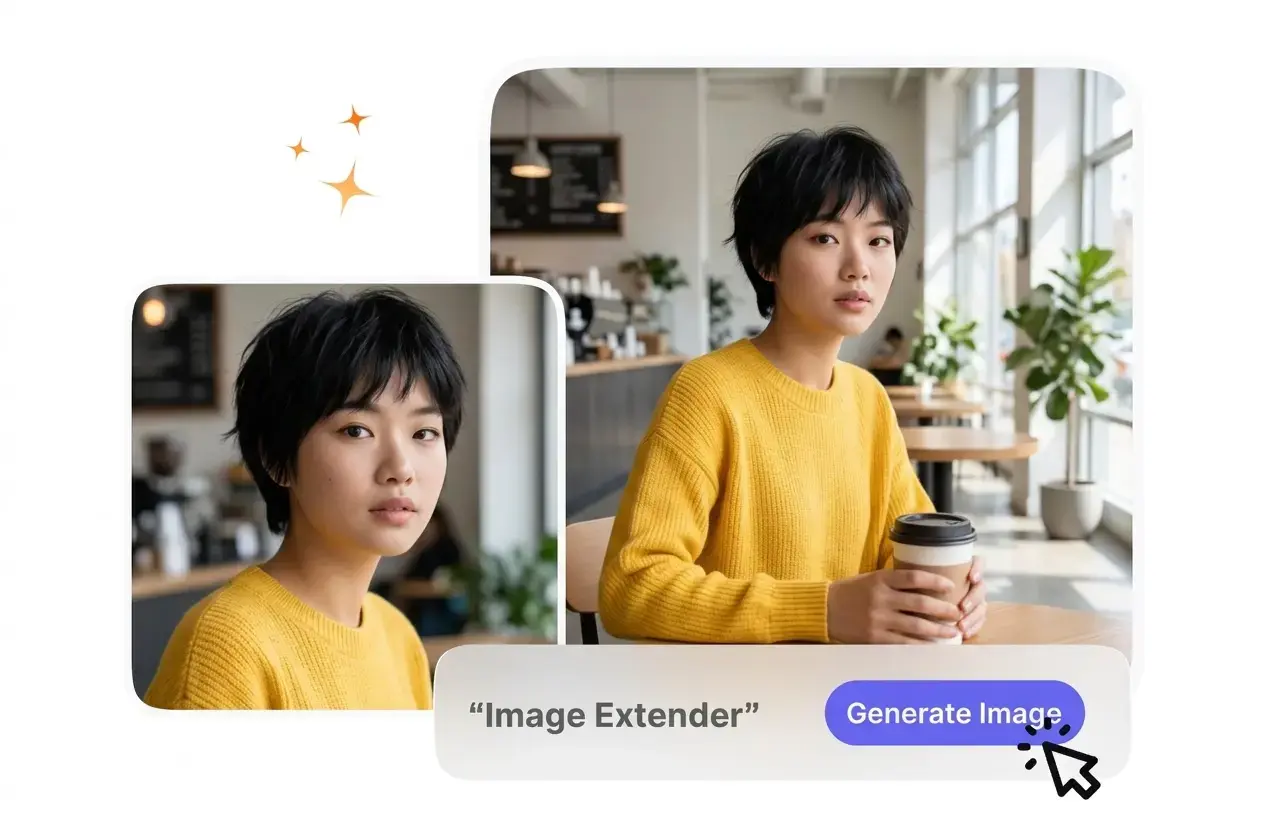
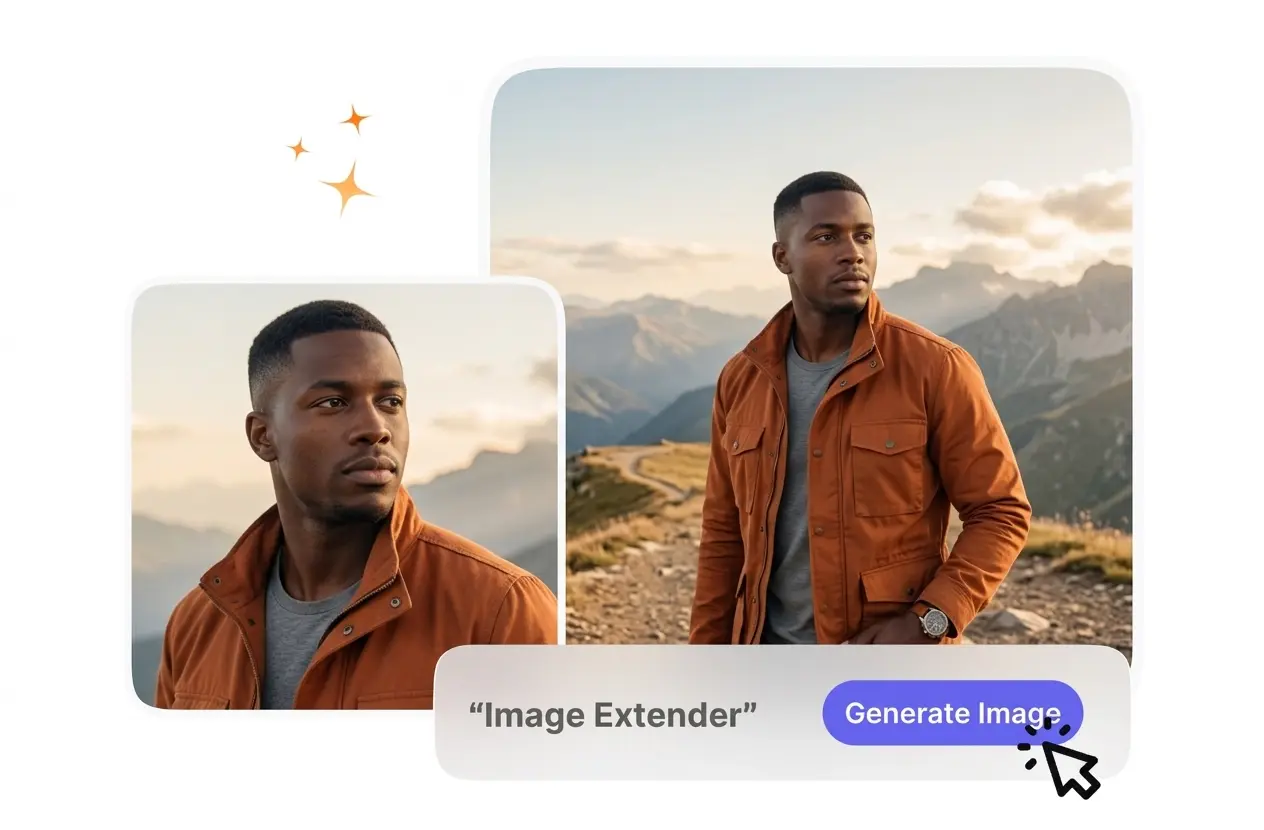
The Image Extender builds new pixels outside your original borders to fit wider layouts. For best results, upload a high-resolution reference image.

Banner preview

Image Extender for Any Layout

VideoAI reads your reference image and generates matching background details. The Image Extender gives you a wider canvas without stretching the original subject.

Who Uses the Image Extender

Different platforms require specific aspect ratios for optimal viewing. The Image Extender helps creators adapt single images into multiple formats quickly and cleanly.

Social manager using Image Extender for campaigns

Social Media Managers

Vertical posts often need horizontal versions for different feeds. VideoAI adds realistic background space to extend image borders naturally. You can repurpose one campaign asset across every platform without scheduling a new photoshoot or cropping.
Store owner applying Image Extender to products

Online Store Owners

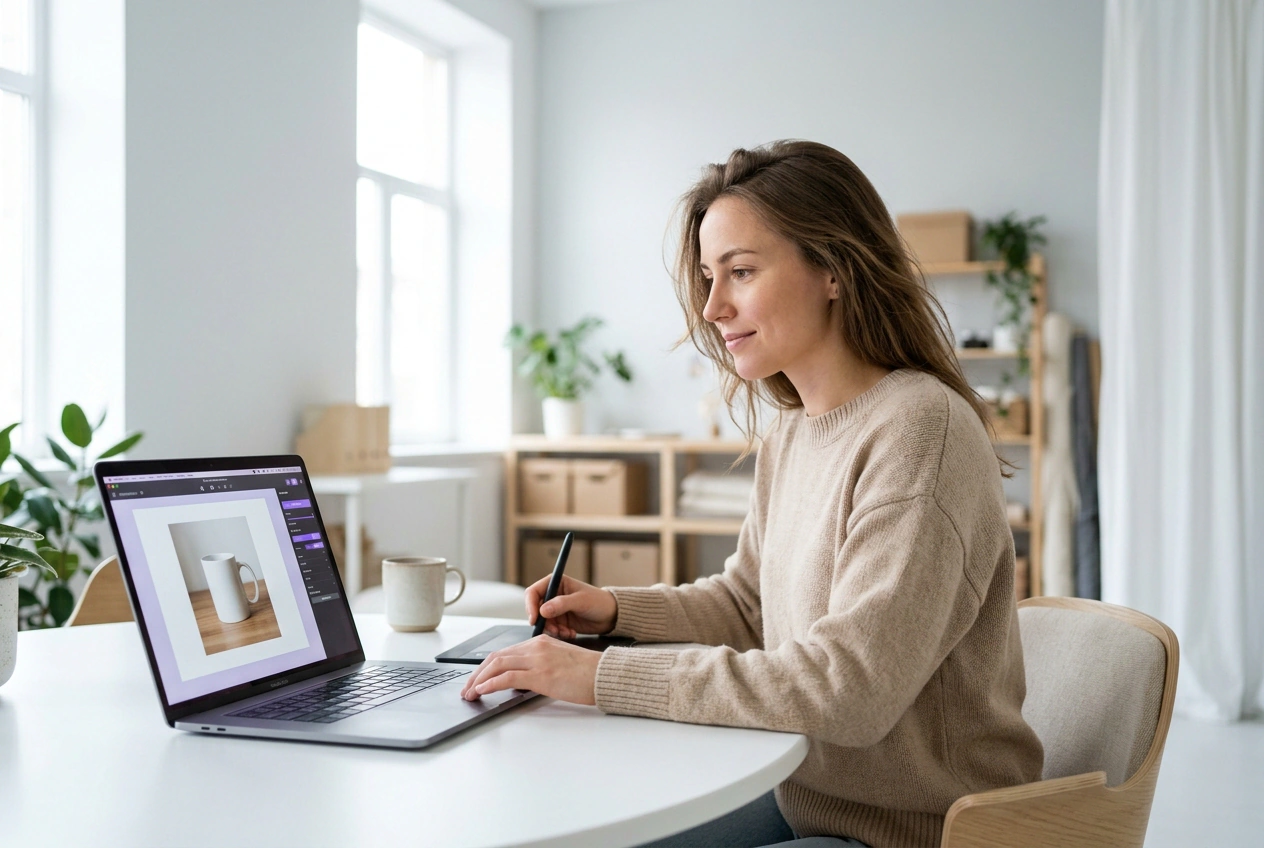
Product photos usually need empty space for text overlays and price tags. The AI Image Extender builds clean buffer zones around your items. Your final banners look professional and leave plenty of room for promotional copy.

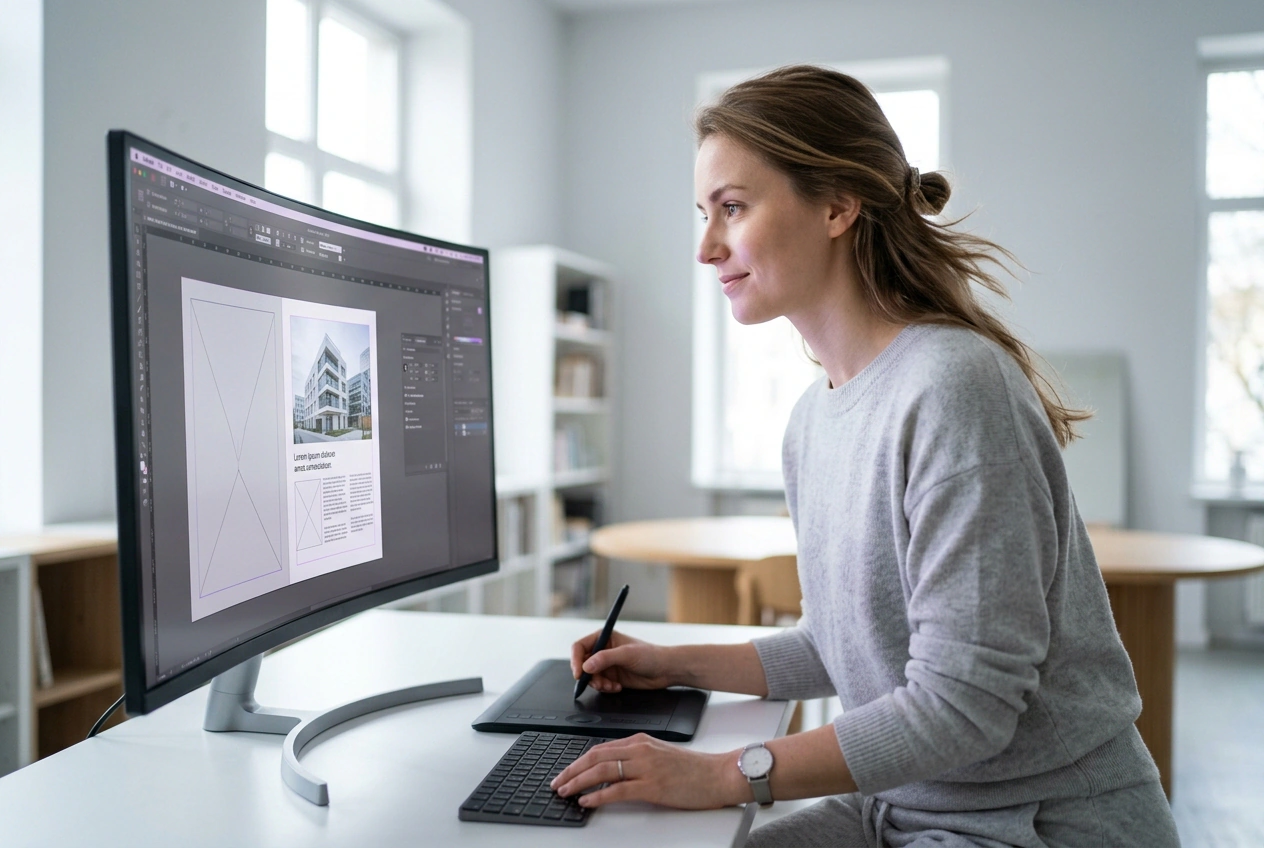
Designer expanding canvas with Image Extender tool

Digital Layout Designers

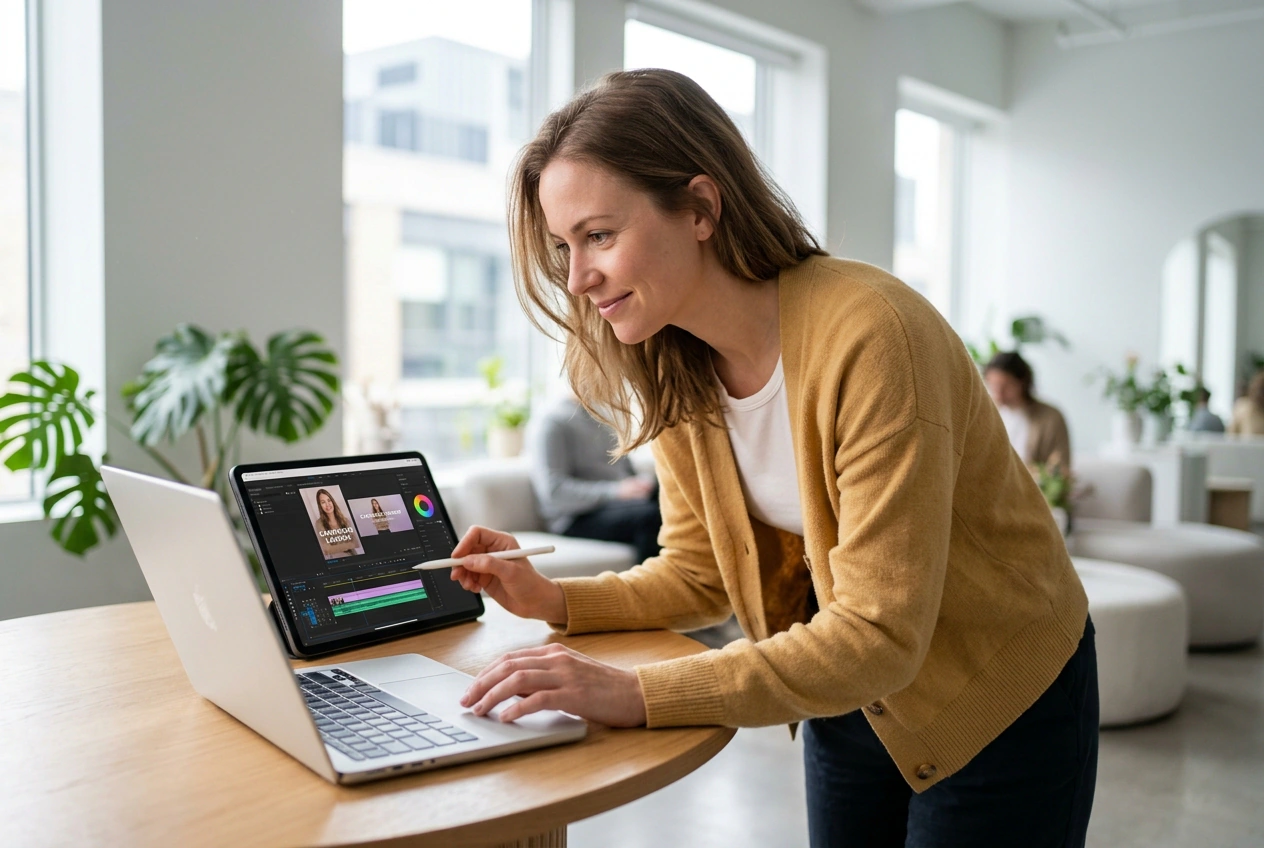
Client assets rarely arrive in the exact dimensions you need. You upload the reference image and let VideoAI expand the canvas. This workflow saves hours of manual cloning while keeping the original lighting and texture intact.

How to Use the Image Extender

The Image Extender setup process requires just a few clicks before generation. You define the new dimensions and VideoAI handles the background expansion.

Step 1

Upload Reference Image

You start by uploading a clear source file into the workspace. VideoAI analyzes the existing lighting and textures, so the model understands exactly what to match during the expansion phase.

Step 2

Set Target Dimensions

If your target platform requires a specific ratio, select it from the settings menu. VideoAI calculates the missing areas, then prepares to generate new pixels outside the original image borders.

Step 3

Generate and Export

You confirm the settings and VideoAI generates the expanded background. After that, you review the final output and download the high-resolution file for immediate use in your daily marketing campaigns.

Core Image Extender Capabilities

VideoAI focuses on maintaining visual consistency across the new canvas. You get predictable results that match your original source file perfectly.

Smart Background Generation

VideoAI scans your uploaded file and generates matching textures for the new space. You simply choose the expansion direction. The AI expand image tool works best with clear subjects, while highly abstract backgrounds might require multiple attempts.

Smart background generation using Image Extender tool

Custom Aspect Ratios

The system adapts your square photos into wide banners or tall social stories. You select the exact dimensions needed for your project. The AI image expander maintains the original subject scale without applying any awkward stretching.

Custom aspect ratios from Image Extender tool

Text Overlay Buffers

When you need room for typography, VideoAI builds clean negative space around the subject. You avoid covering important visual details with text. This function provides excellent results for e-commerce headers, though busy textures may blend less smoothly.

Text overlay buffers created by Image Extender

Consistent Lighting Match

The engine reads the shadows and highlights from your reference image before expanding. You do not have to manually color-correct the new edges. The AI photo expander blends the lighting naturally, keeping the entire scene cohesive.

Consistent lighting match with Image Extender tool

Common Image Extender Questions

Sure, you can use the generated files for commercial campaigns. The system grants full rights to your expanded outputs. Many small business owners rely on this to prepare product shots for paid advertising and social media feeds.

Try the Image Extender Today

Upload your first reference image and see how the Image Extender adapts it. You can generate a wider canvas in just a few minutes.

Get Started