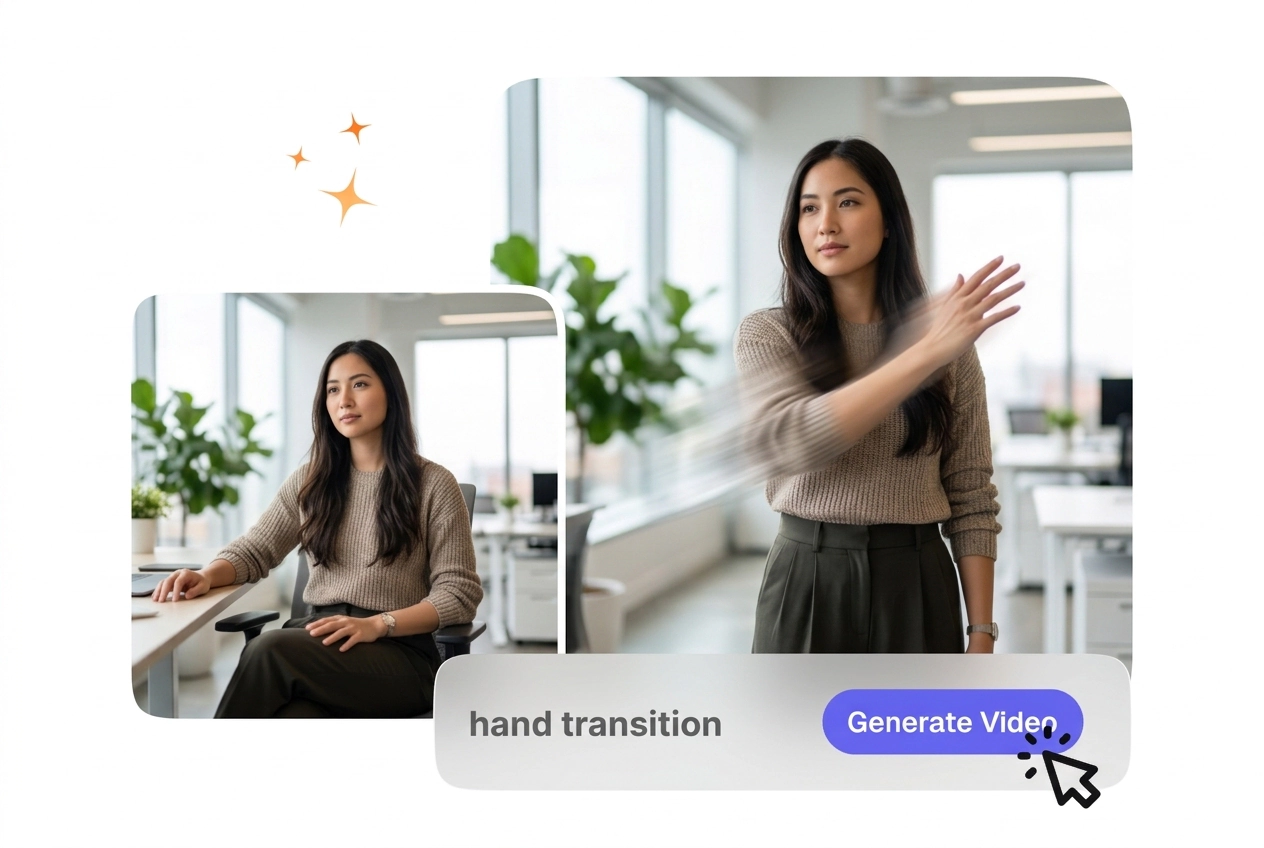
Free Hand Transition Video Generator
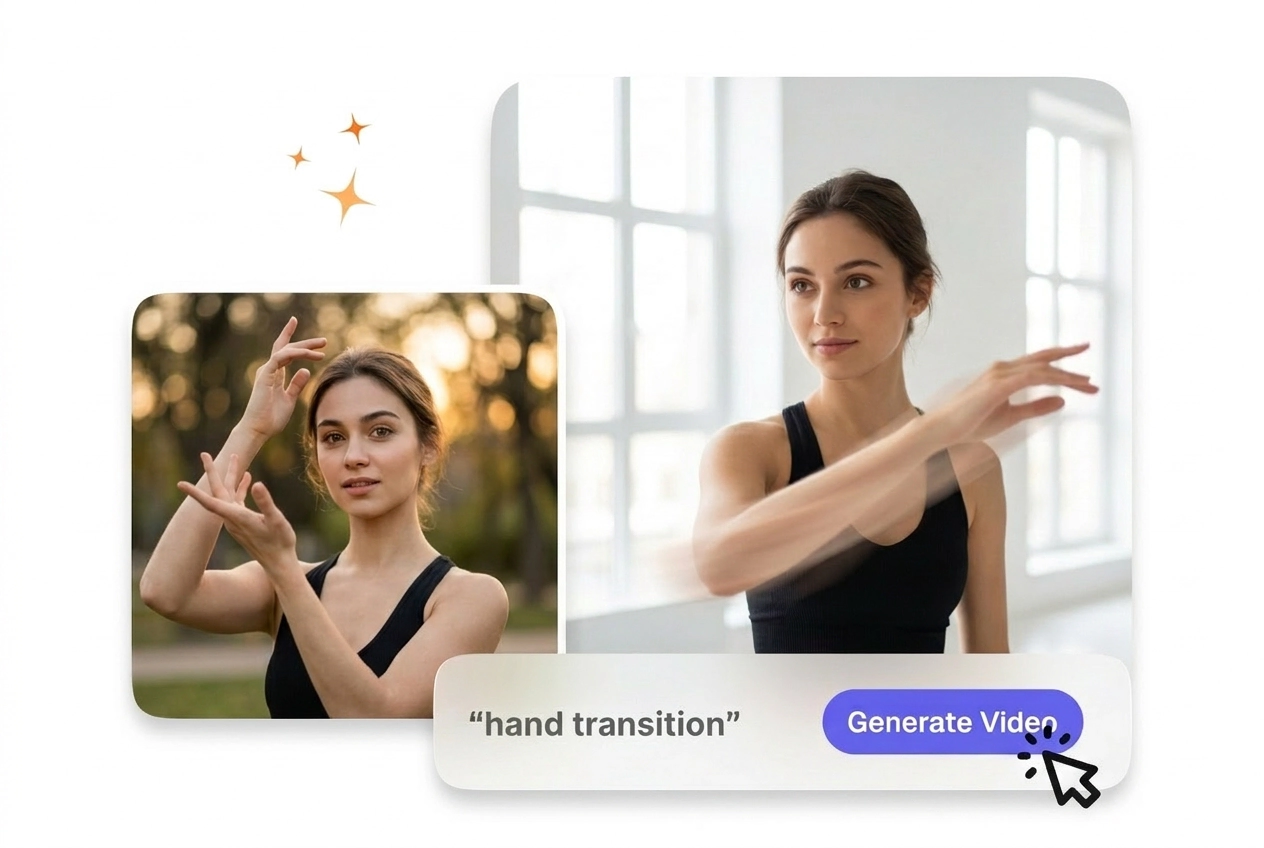
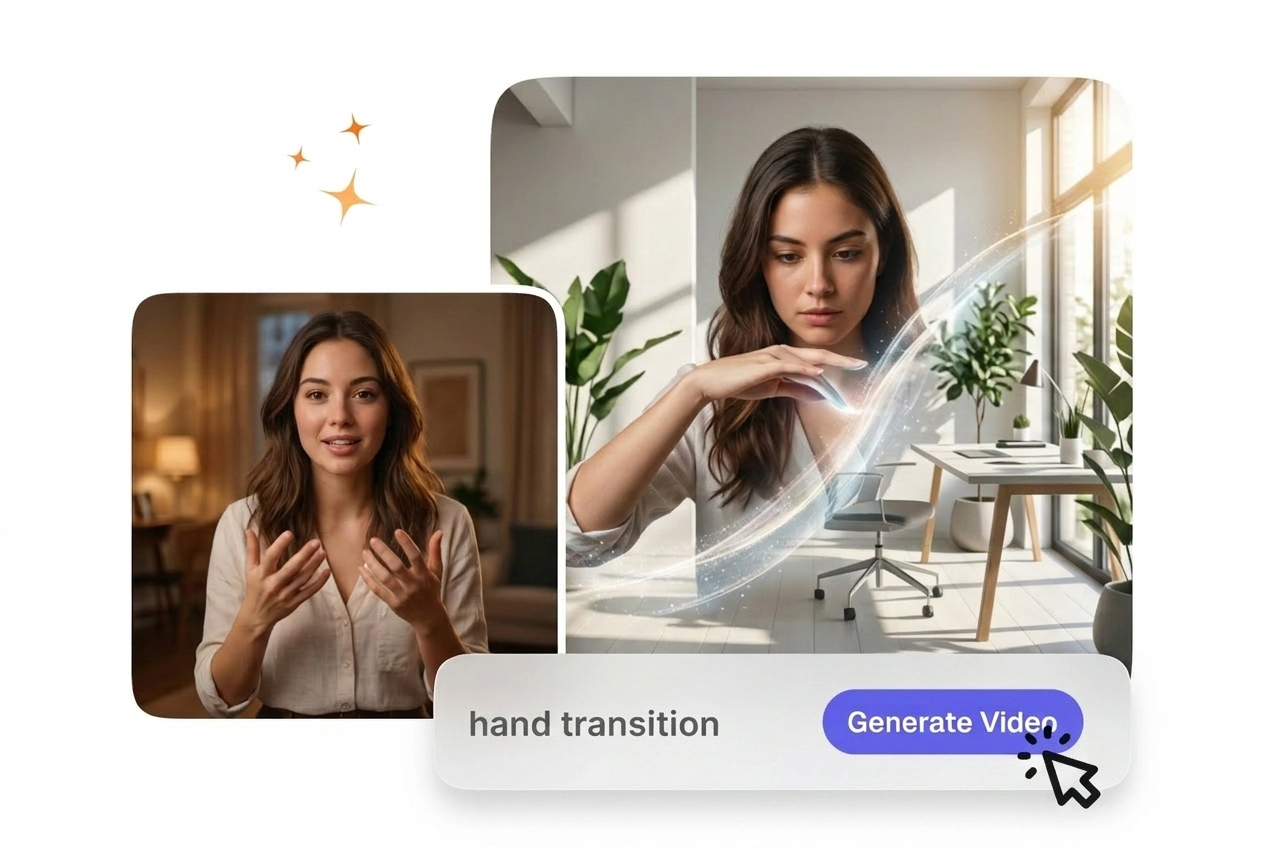
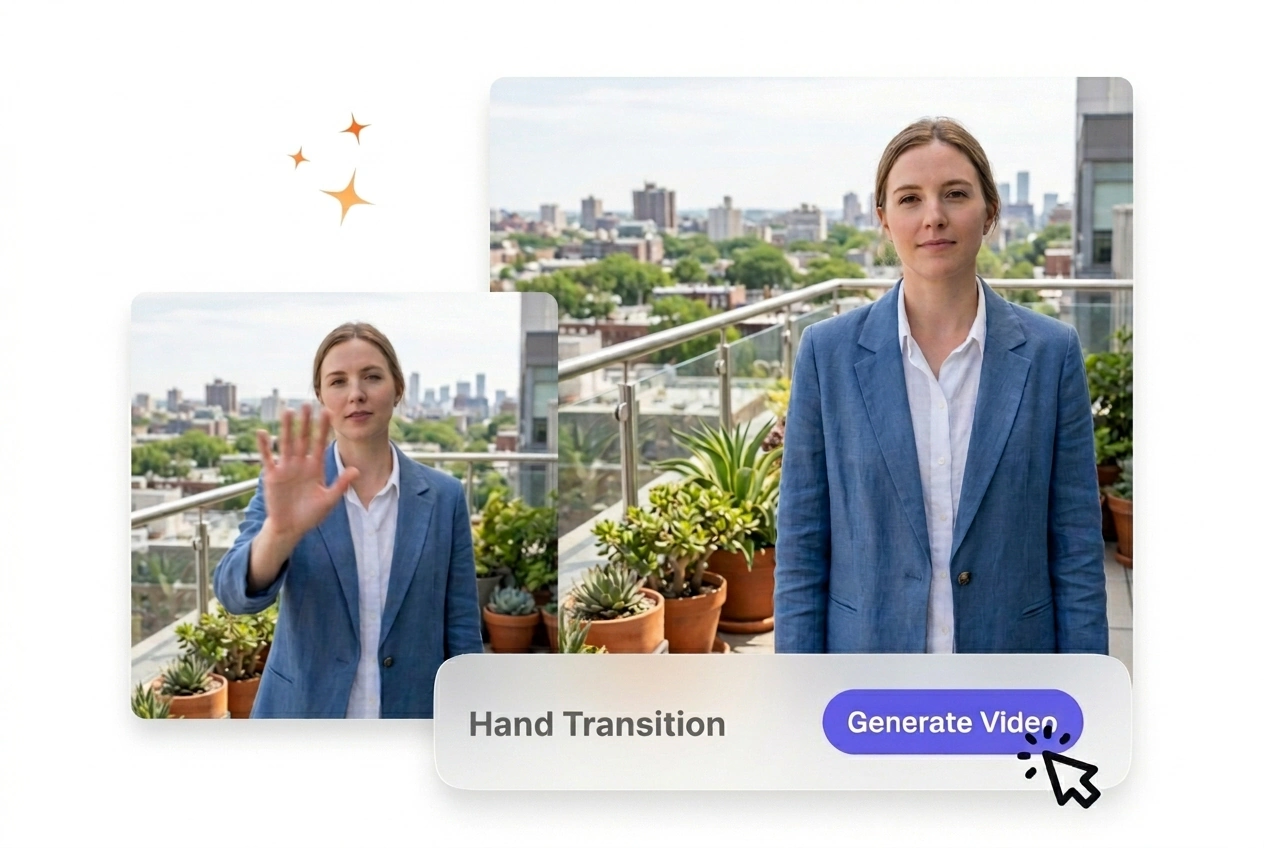
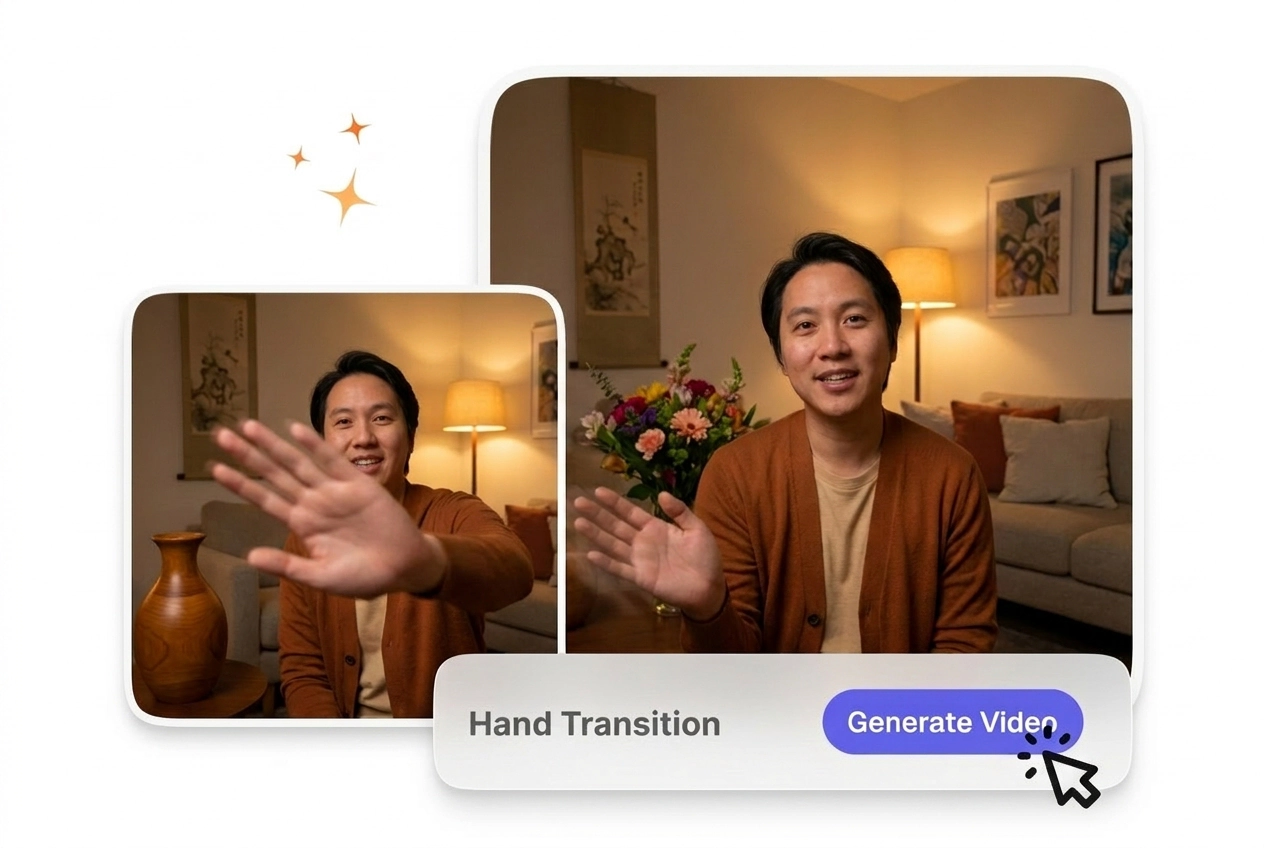
Hand Transition adds a hand led scene change that moves your clip from one moment to the next with a clear visual handoff. Clips with steady framing and simple foreground subjects usually preview more accurately and export with cleaner output.
Create a Clean Hand Transition
VideoAI builds a smooth hand wipe video transition from your frames and prompt. This effect works best with clear foreground subjects.

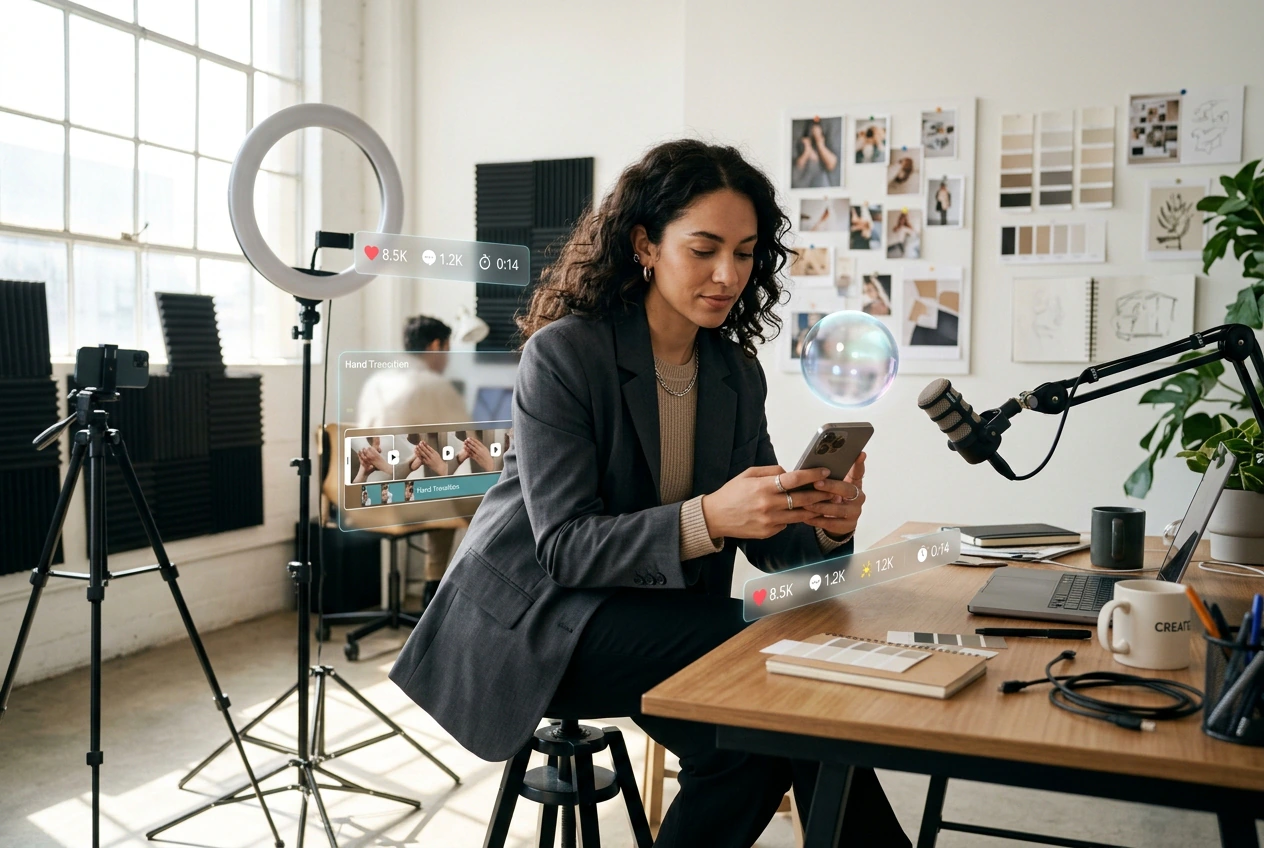
Educators, small business owners, and first-time creators use this tool to connect scenes. Predictable motion keeps your audience focused entirely.

Teachers need visual changes that support the lesson without distracting students. You apply a simple hand swipe transition between slides or examples. The controlled pacing keeps movement steady across the sequence for better viewer retention.
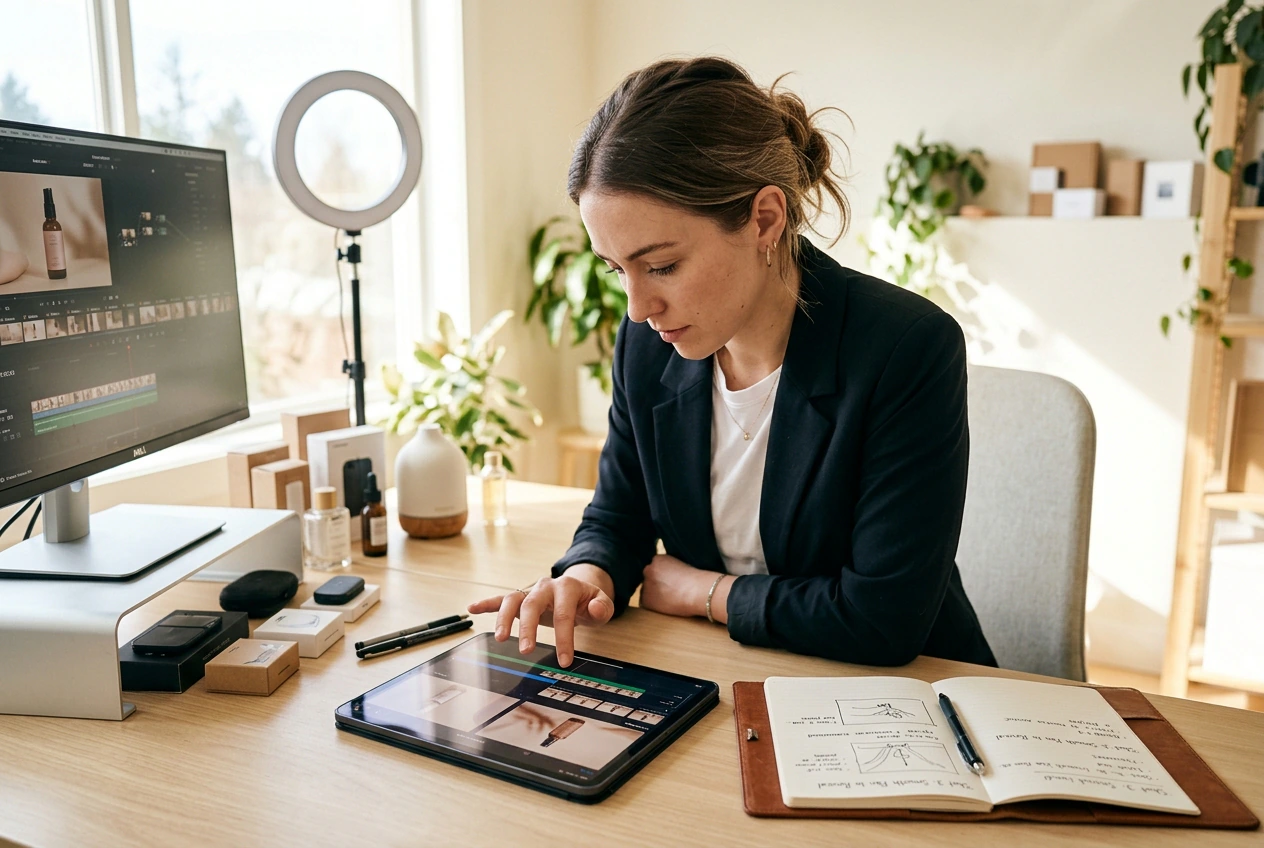

Small business owners posting product clips rarely have time for complex editing software. You pick a palm transition AI style and export quickly. Most weekly promotional posts reach a postable file in under ten minutes.

New users often freeze on settings they do not understand yet. VideoAI opens with a recommended preset for your hand transition tiktok project. You adjust from a sane baseline and export a clean file easily.
How the Hand Transition Works
Follow these steps to generate your AI hand transition. You provide the reference frames, and the system builds the connecting motion.
Step 1
Upload Your Frames
You upload a start frame and an optional end frame to define the scene. VideoAI reads the visual data to prepare the workspace. Clear lighting helps the system identify the main subject accurately.
Step 2
Write the Prompt
If your prompt specifies a direction, the movement follows that path. You type a description of the desired gesture. The system uses this text to shape the free hand transition effect.
Step 3
Export the Video
VideoAI renders the final sequence based on your inputs. You review the preview, then download the file. The resulting clip is ready to drop into your timeline for immediate publishing.
Hand Transition Effect Features
Understand how the tool processes your inputs to create creative hand transitions. Each feature gives you specific control over the final output.

Directional Motion Control
When you upload a clear starting frame, the engine maps the gesture precisely. You define the swipe angle in your text prompt. This works well for revealing new products, though abstract images might require adjustments.

Pacing and Speed Adjustment
The system reads your prompt to determine how fast the hand reveal transition moves. You select a duration setting before generating the file. Slower speeds suit educational content, while fast wipes fit energetic social posts.

Custom Gesture Generation
VideoAI interprets your text to create a specific finger wipe transition or palm movement. You describe the exact hand shape needed for the scene. Complex gestures require highly descriptive prompts to ensure the generated motion looks completely natural.

Style Matching Engine
The AI video Transition generator analyzes your reference image to match lighting and color. You do not need to manually color grade the output. This ensures visual consistency, provided your initial frames are well lit.
Hand Transition Common Questions
Why does the hand swipe in my transition look blurry, and what can I change to fix it?
If the gesture looks blurry, try using a reference image with sharper contrast. The system needs distinct edges to render clean motion. This adjustment helps creators achieve professional results without needing external image enhancement tools.
Can I control how fast the hand wipe transition plays before I generate the video?
Absolutely, you control the duration through your initial settings before generating. Extremely fast transitions might lose some finger detail during the movement. Adjusting the speed helps educators match the visual change to their speaking pace.
Does the hand transition generator support vertical, square, and other aspect ratios for social posts?
Sure, the tool supports vertical aspect ratios perfectly for mobile content. You must select the correct dimensions before uploading your starting frames. This feature saves time for marketers building a hand motion transition video for various social platforms.
Do I need prior video editing experience to create a hand transition in VideoAI?
No prior timeline experience is strictly necessary to use this generator. You simply need a clear idea of your desired start and end points. This straightforward process allows beginners to produce an AI transition free from complex software.
What happens to the transition if my start frame and end frame have very different lighting or exposure?
The system attempts to blend the lighting between your two uploaded frames. Drastic exposure differences might cause a noticeable flicker during the wipe. Keeping your reference images visually similar ensures the most natural looking final output.
Upload your frames and see how VideoAI handles your images. Set up your prompt once, export a clean file, and review the final motion.