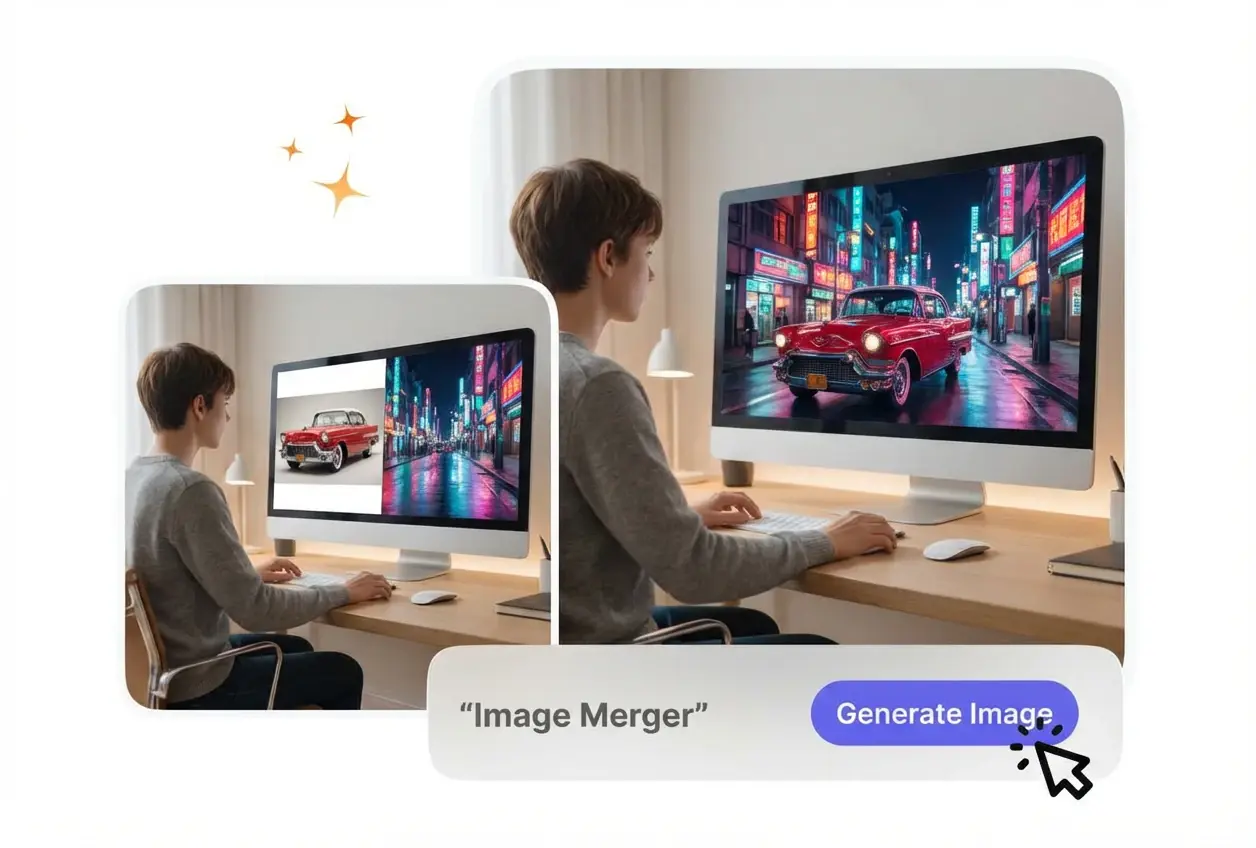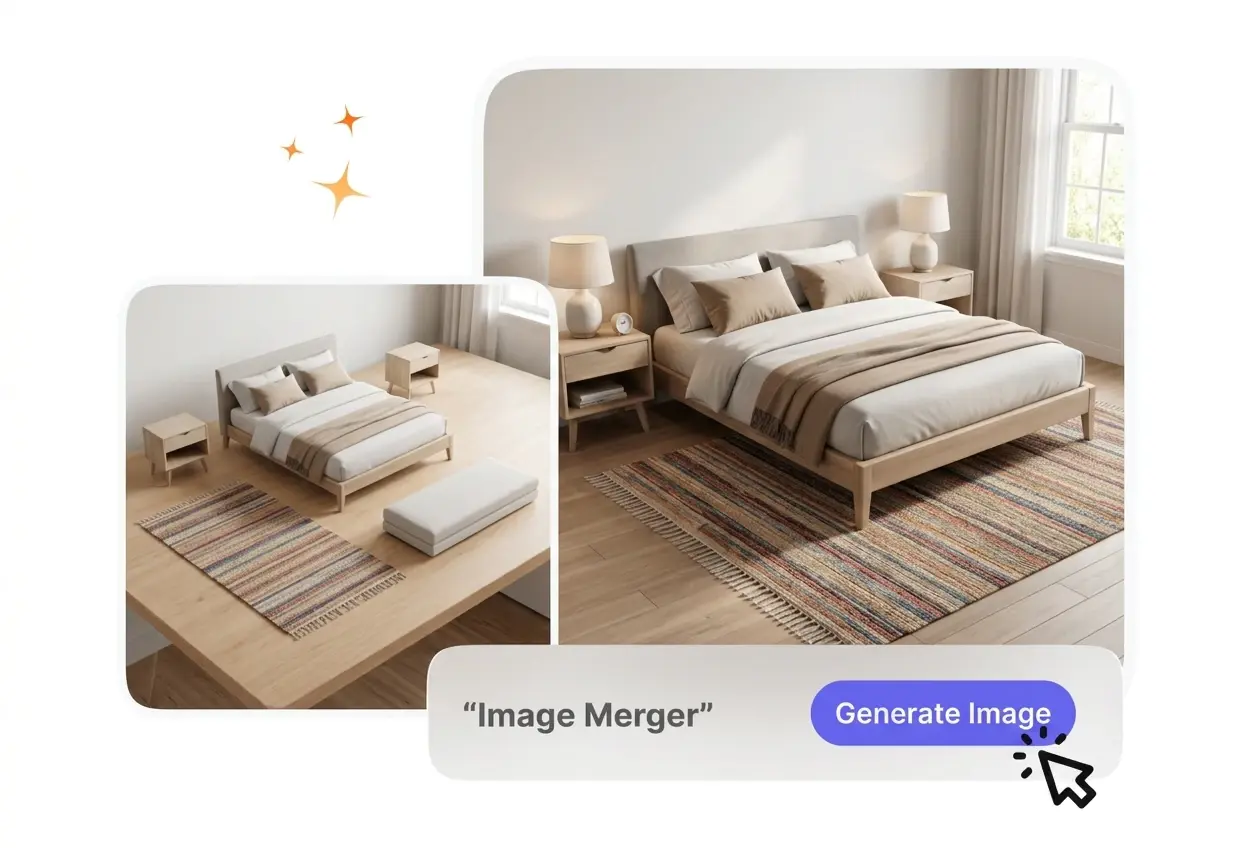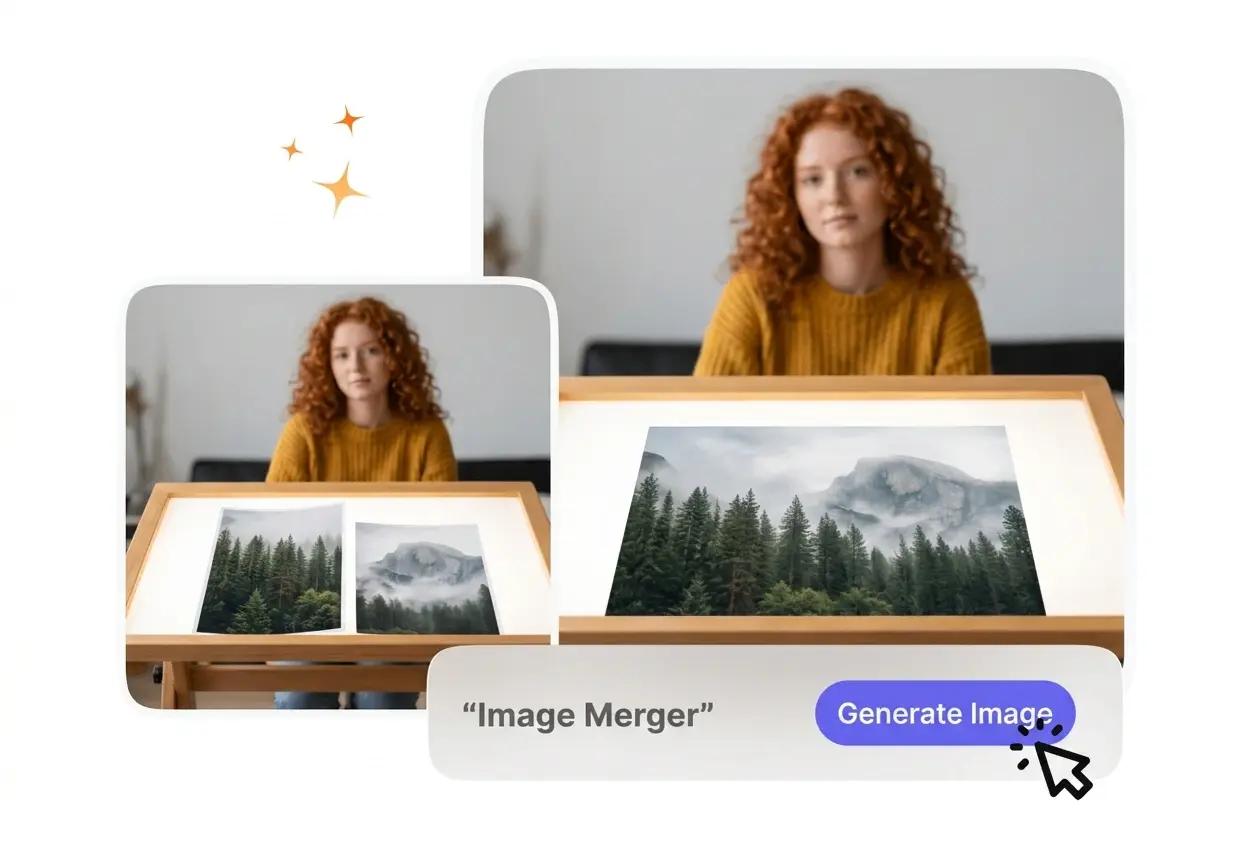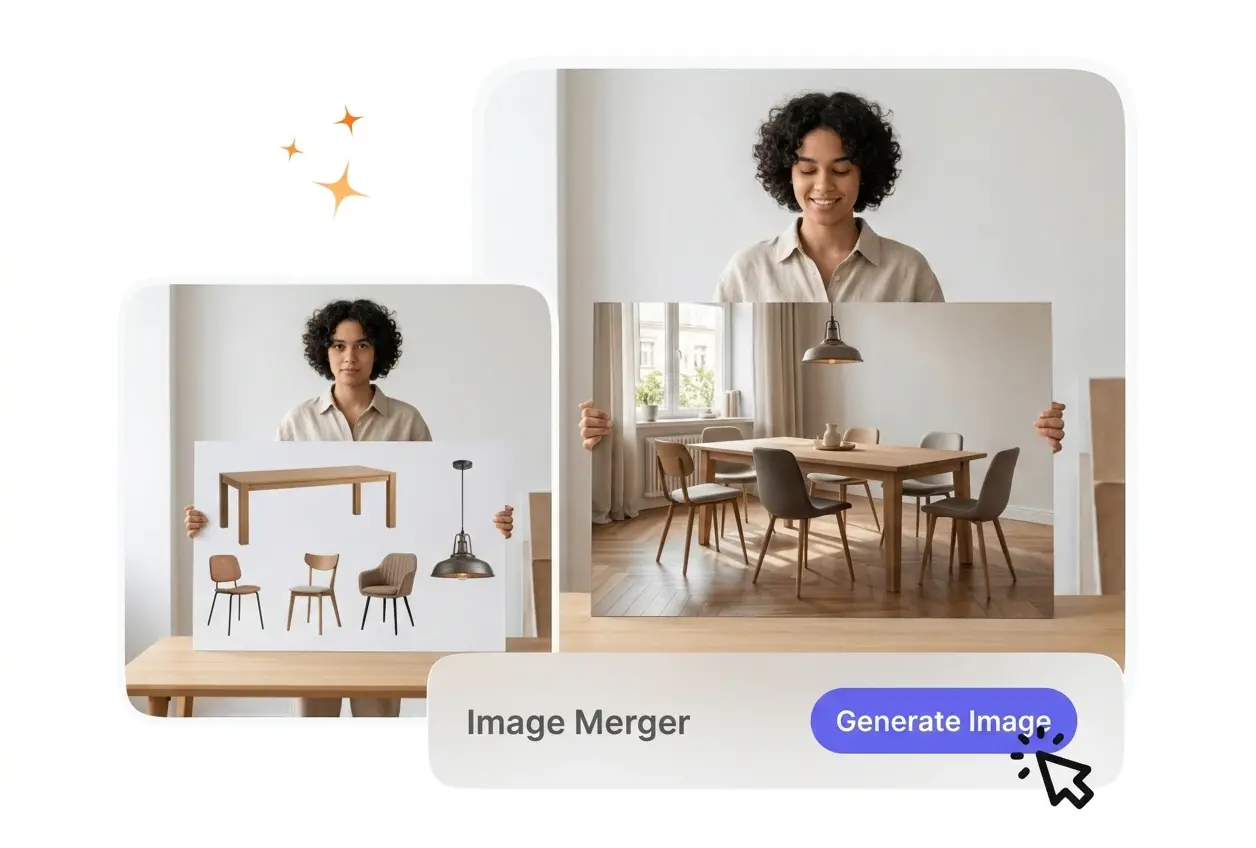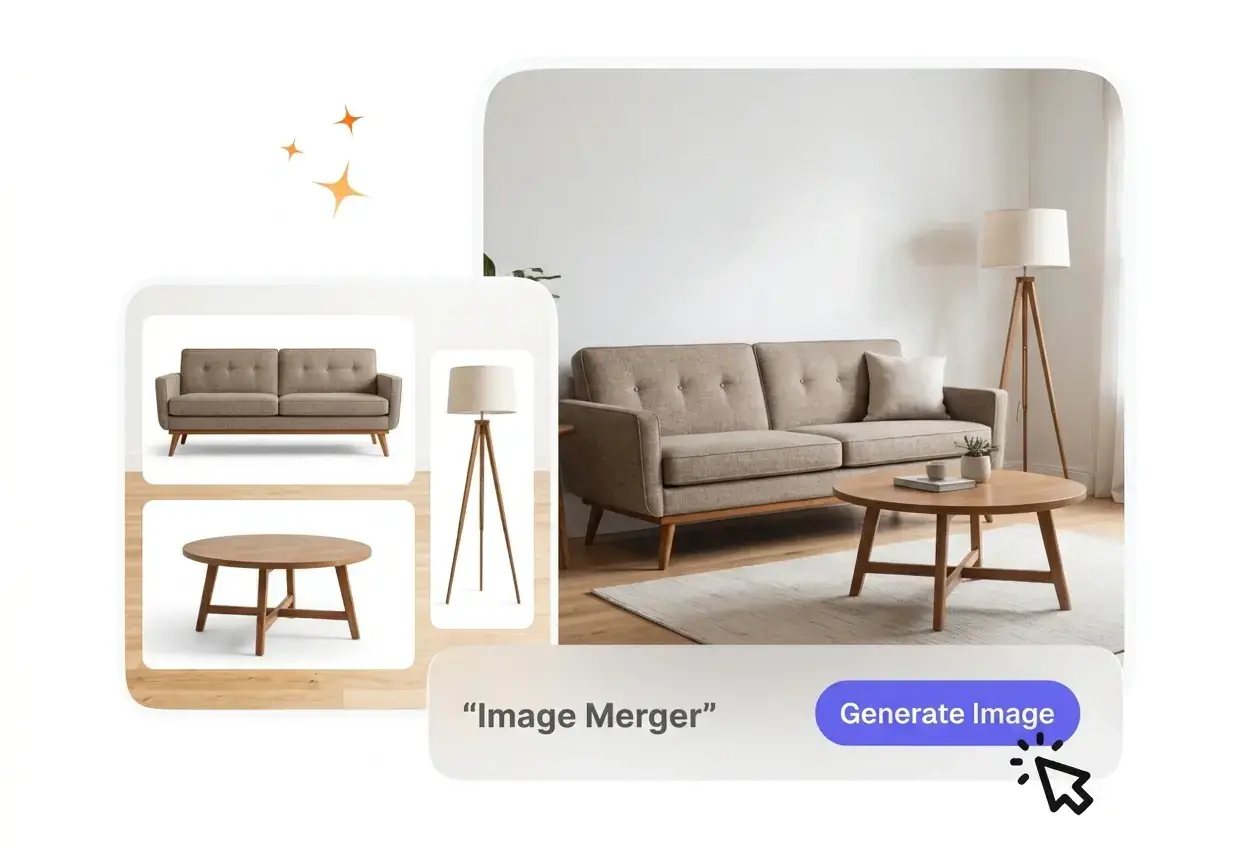
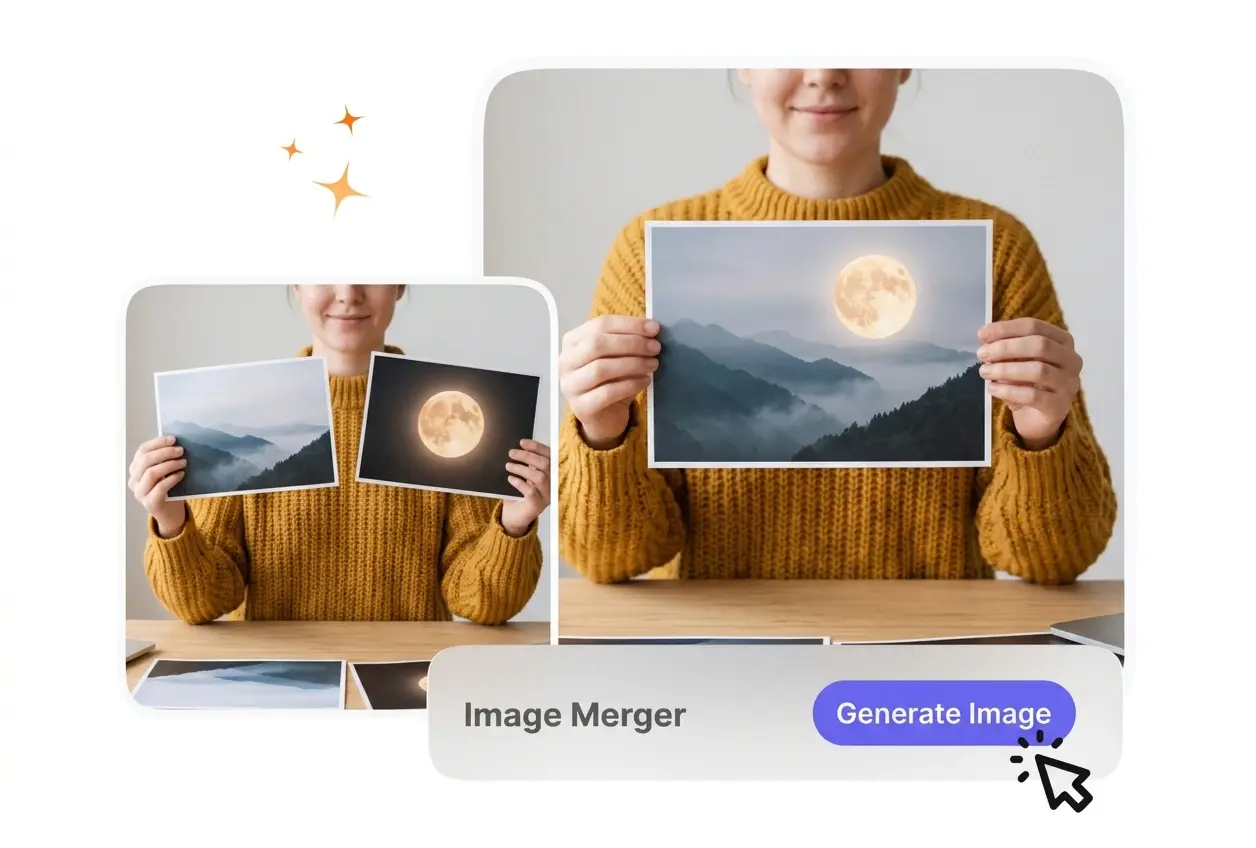
AI Image Merger

Image Merger aligns multiple pictures into one cohesive final file. For best results, upload source files with similar lighting and resolution.

Banner preview

Clear Image Merger For Your Visuals

Use this Image Merger to combine images online quickly. You control the layout, so your final file looks organized and professional.

Who Benefits From This Image Merger

Different creators use this ai image merger to organize visual assets. Clear layouts help your audience understand your message faster.

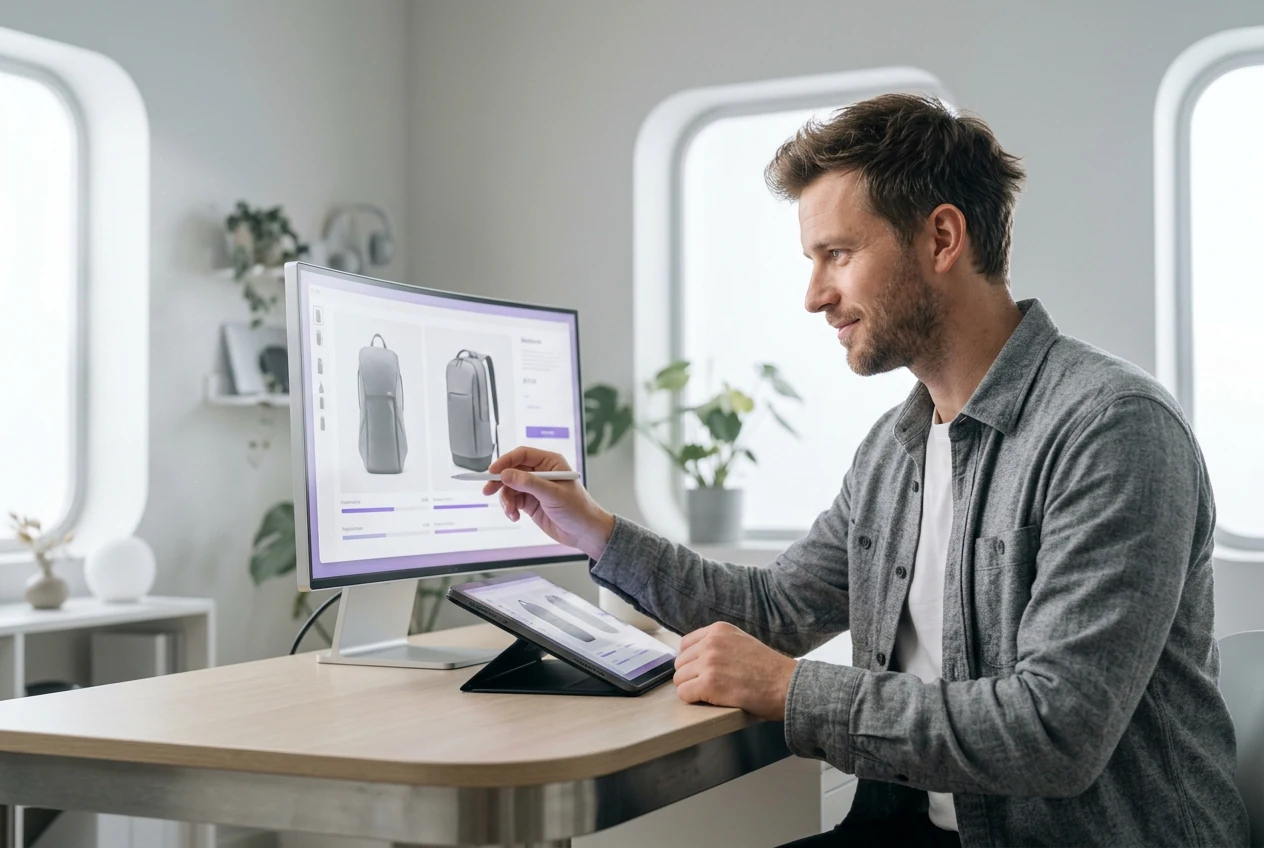
Store owner using Image Merger for products

E-commerce Store Owners

Product listings often require detailed comparison shots. You can merge two images into one to show different angles side by side. This Image Merger keeps your catalog neat, though extreme size differences may require manual cropping first.
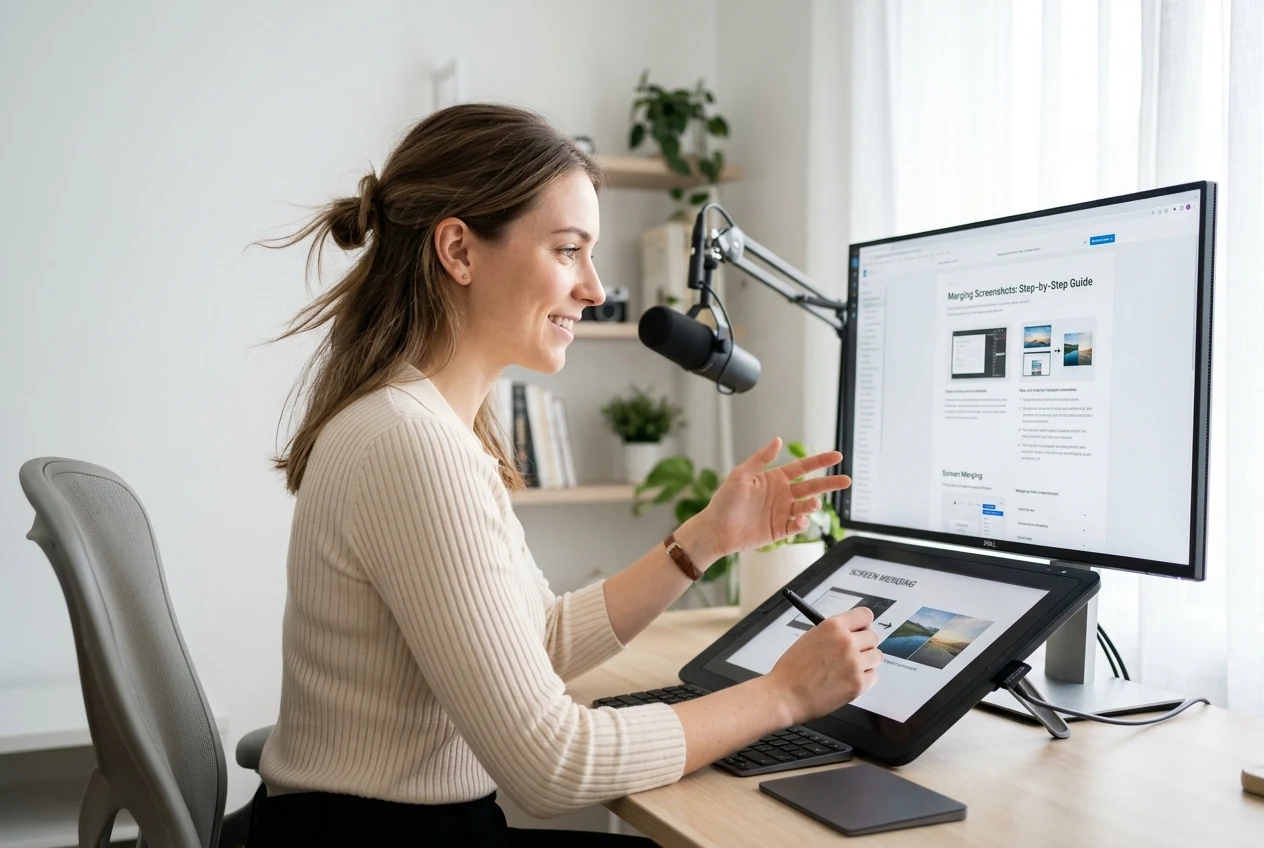

Educator using Image Merger for tutorial steps

Tutorial Content Creators

Explainer documents need clear step-by-step visuals to guide learners effectively. You can join two images to illustrate a process clearly. The Image Merger aligns your screenshots, so students focus on the lesson instead of messy formatting.

Manager using Image Merger for social posts

Social Media Managers

Campaign posts perform better with engaging collages. You can combine 2 images to build a quick promotional graphic. The layout stays consistent across your feed, helping you maintain brand standards without opening heavy design software.

How To Use The Image Merger

Follow these steps to merge multiple images online using the Image Merger. The process is straightforward, giving you a clean result quickly.

Step 1

Upload Your Files

Select your source files and upload them to the photo joiner. The Image Merger reads your files and prepares them for the layout grid, so you can start arranging them immediately.

Step 2

Choose A Layout

Pick a horizontal or vertical alignment for your visual project. VideoAI adjusts the borders and spacing, ensuring your pictures sit evenly next to each other without overlapping or awkward gaps.

Step 3

Export The Result

If the preview looks correct, export your final file directly to your local device. You can then share the graphic online or insert it into your presentation deck for immediate use.

Core Image Merger Capabilities Explained

Review how this Picture Combiner and Image Merger handles your files. Each feature helps you build a structured visual layout without requiring extensive manual adjustments.

Fast Multi-Image Merging

When you upload multiple files, the Image Merger adjusts their dimensions for a clean fit. You select the desired order, and the system builds the grid. This works best for files with similar aspect ratios and subjects.

Image Merger fast multi-image merging interface

Flexible Layout Options

The Image Joiner provides both horizontal and vertical alignment settings. You click your preferred orientation, and the canvas updates instantly. Tall screenshots fit well vertically, while product comparisons usually look better in a horizontal layout.

Image Merger flexible layout orientation settings

Smart Size Adaptation

This ai image combiner and Image Merger scales your uploads to match along the shared edge. You avoid manual cropping, saving time on repetitive formatting tasks. Extreme resolution differences might still cause slight blurring on the smaller file.

Image Merger smart size adaptation preview

Natural Edge Blending

The system can merge two photos in one background for a unified look. You apply the blend setting, and the borders soften to connect the scenes. This requires similar lighting across both original source files.

Image Merger natural edge blending result

Common Image Merger Questions

You simply upload your files, select a layout, and click export. The Image combiner and Image Merger handles the alignment and sizing for you. This straightforward process helps beginners create professional graphics quickly without learning complex editing software.

Start Using The Image Merger Today

Upload your files to this Image combiner online free right now. The tool provides a structured layout, helping you finalize your visual projects efficiently.

Get Started