
Course Instructors
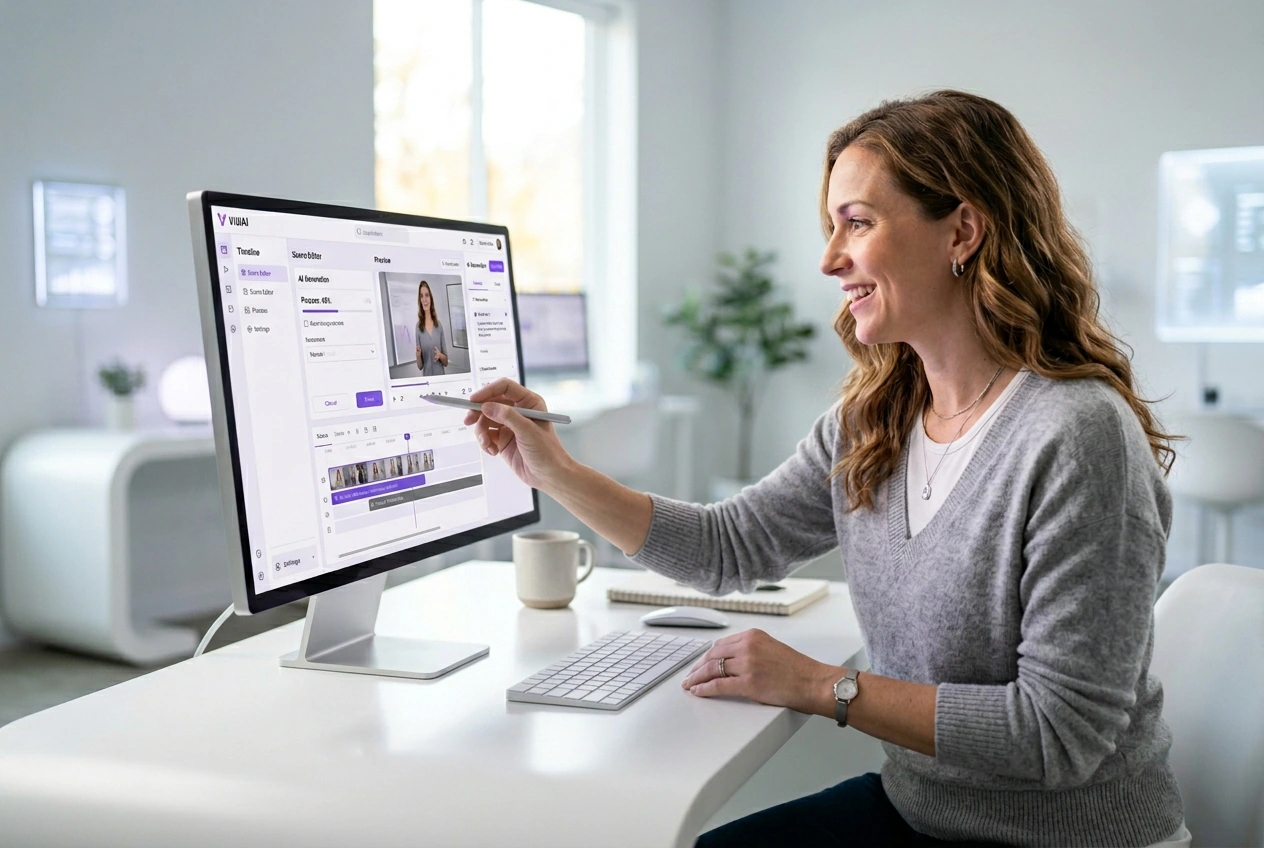
Teachers need clear AI generated images to explain complex topics. You type a specific prompt and select a clean style preset. The output keeps students focused on the lesson material instead of distracting background artifacts.
Create detailed and expressive visuals with advanced AI models. Bring your ideas into vivid and refined images.
The VideoAI AI Image Generator builds clear visuals from your text prompts or reference photos. You set the style parameters and export predictable files.
Different projects require different visual controls. VideoAI gives you a structured setup inside this AI Image Generator so your final export matches your initial concept.
Teachers need clear AI generated images to explain complex topics. You type a specific prompt and select a clean style preset. The output keeps students focused on the lesson material instead of distracting background artifacts.

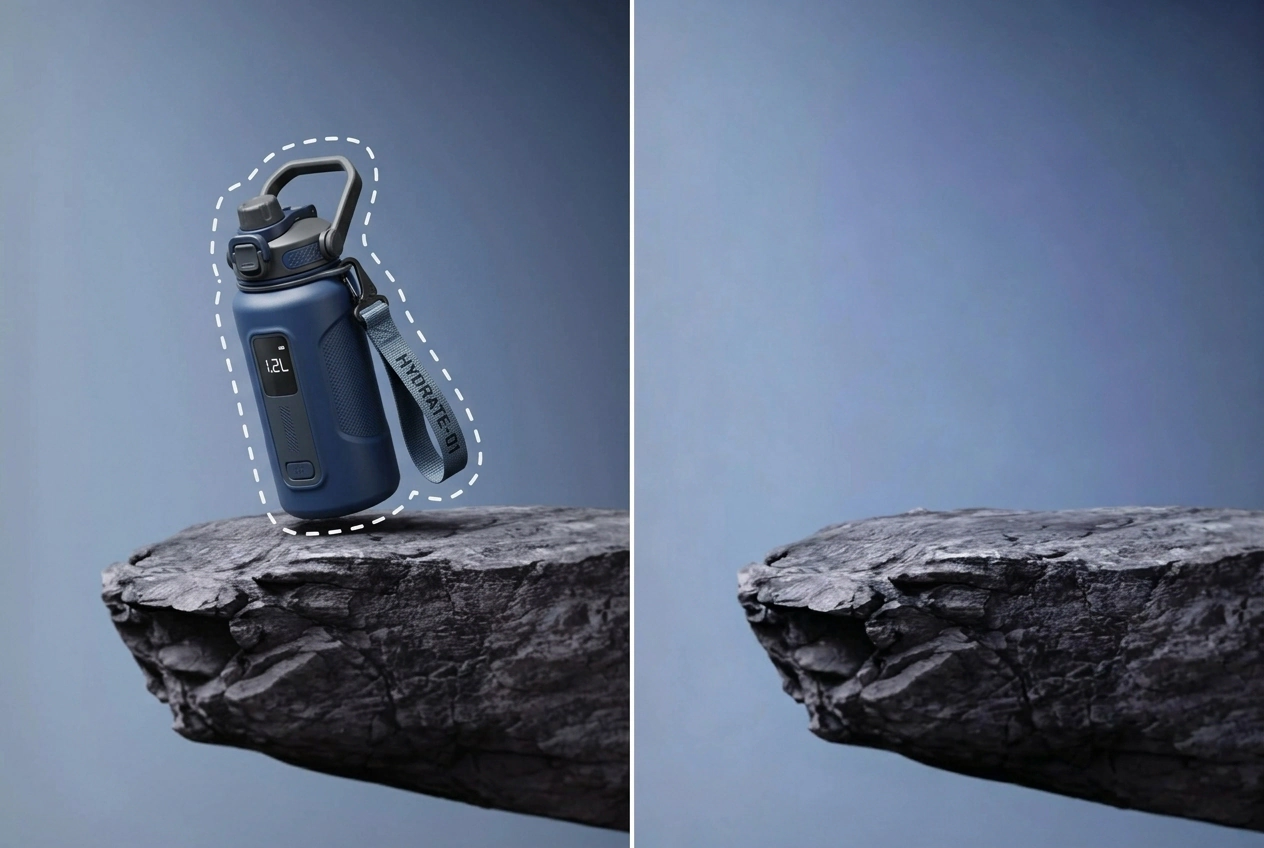
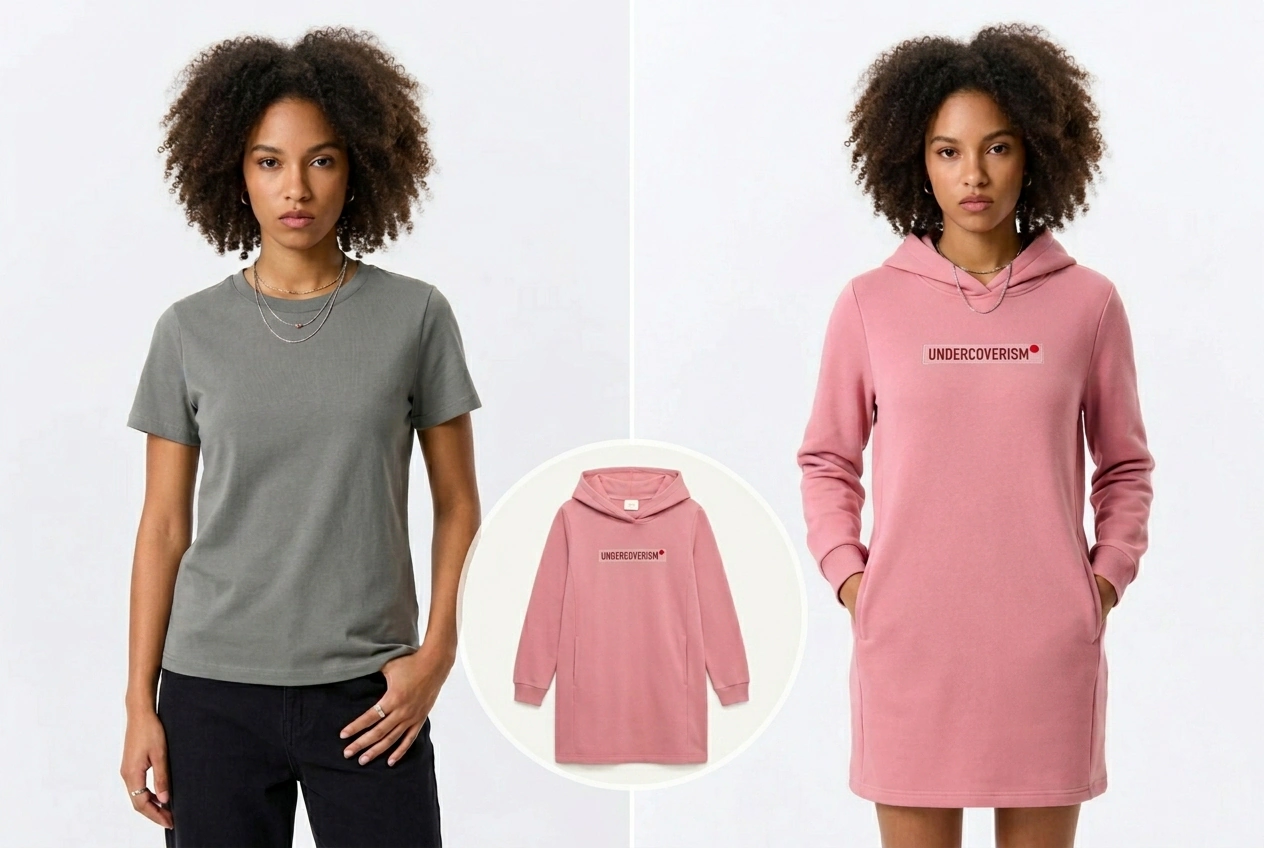
Retailers use this AI product photo generator to build marketing assets fast. You upload a base photo ai generator reference and apply brand colors. The final file looks professional enough for social posts and campaigns.

Beginners want the Best AI photo generator without confusing settings. VideoAI provides a sane baseline based on your text input. You adjust simple sliders to refine the look before downloading your finished asset to your device.
You control the generation process from the first text input to the final download. VideoAI processes your request and provides a clear preview.
You type descriptive text into the Text to Image AI field for Test to image conversion. VideoAI analyzes your words to establish the core subject before applying any specific style adjustments.
You upload a base picture for the image to image process. VideoAI reads the structural data from your file, so the new generation maintains the original layout while updating the visual style.
The Image creator displays your generated results in the preview window. You check the details for accuracy, then download the final file directly to your computer for immediate project use.
VideoAI provides specific tools to guide your visual output. You adjust these settings to ensure the generated file meets your exact project requirements.
This AI photo generator from text builds scenes based on your exact words. You write a detailed description of your subject and setting. Complex abstract concepts may require multiple prompt adjustments to achieve a clean result.
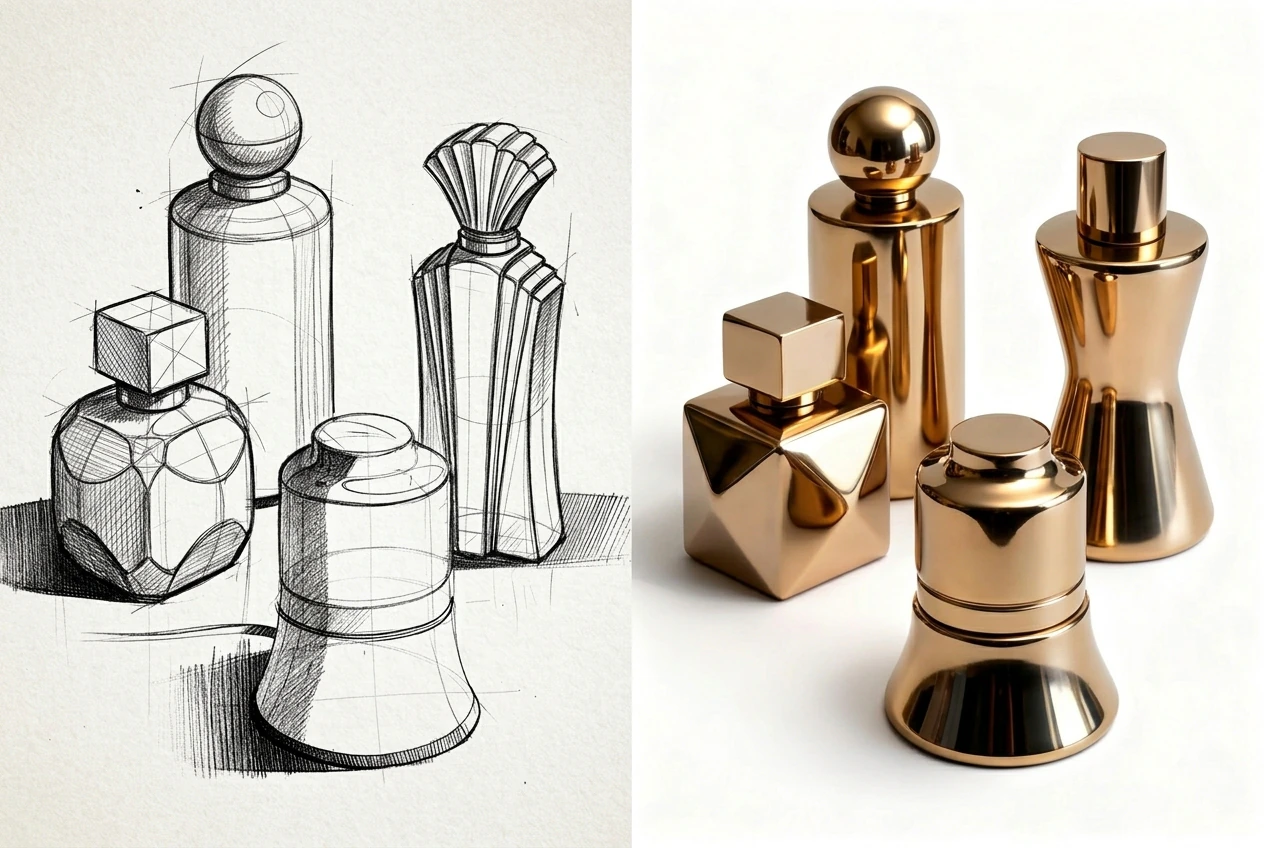
The Text to Image Generator applies consistent lighting, unlike an unpredictable AI photo generator Nano Banana. You pick a specific look from the menu before generating. Works best when your base prompt focuses on subjects.
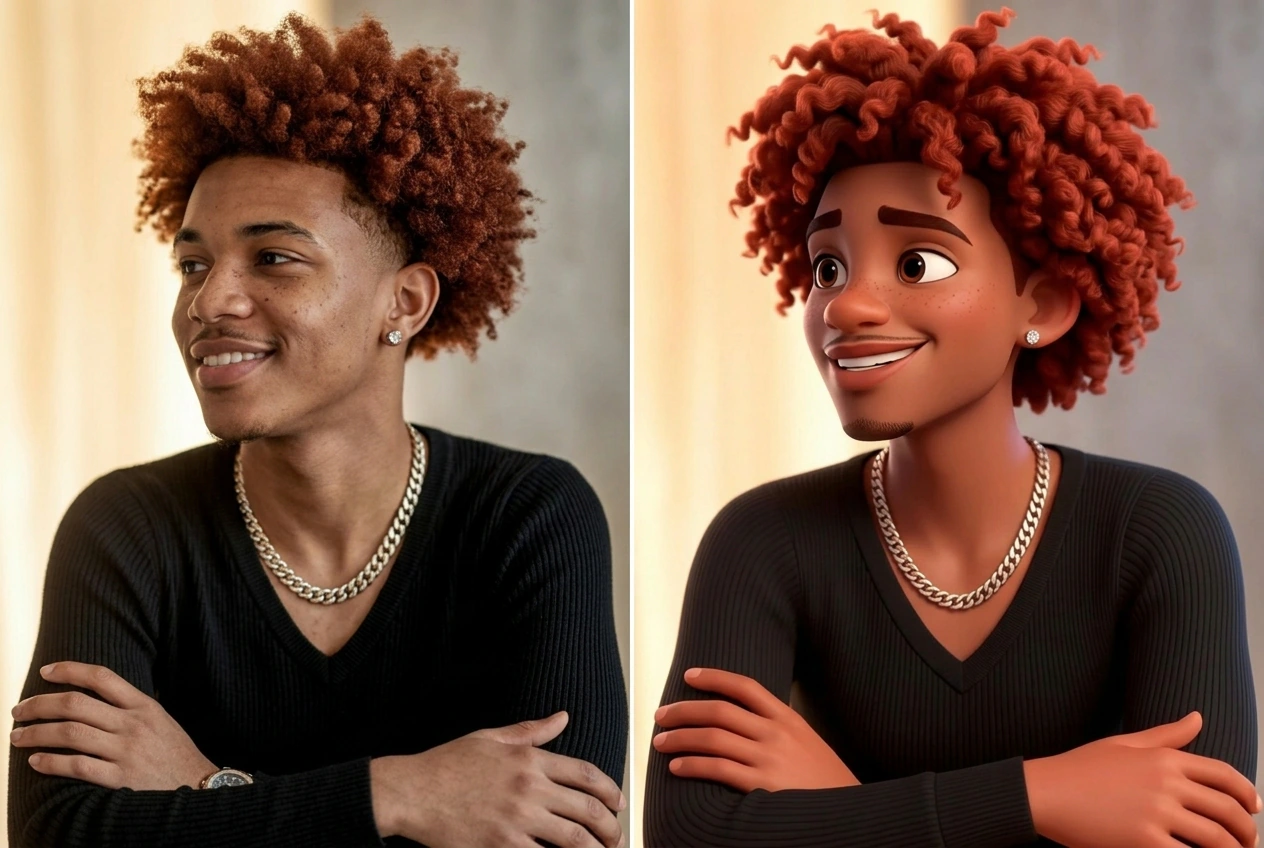
The Text to Image AI Online system increases the pixel count of your final file. You click the upscale button after approving the initial preview. High resolution exports take slightly longer to process on standard connections.
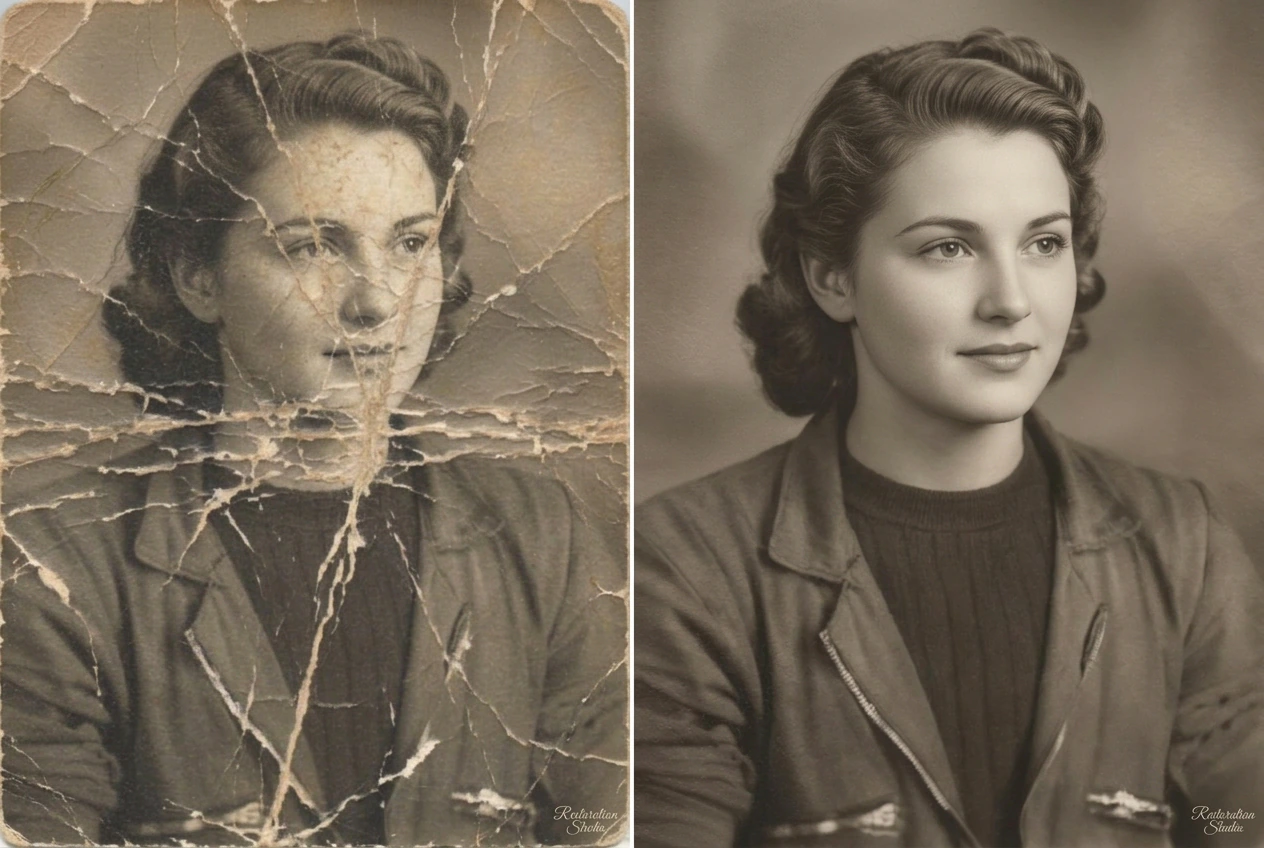
VideoAI offers a structured interface that helps new users learn the basics. If you want an ai art generator free of complex menus, this tool provides a solid starting point. Most users create usable assets on their first attempt.
Upload your first reference photo or type a descriptive prompt today. VideoAI helps you build clear visuals with predictable controls and straightforward export options.
Get Started