Step 1Upload Source File
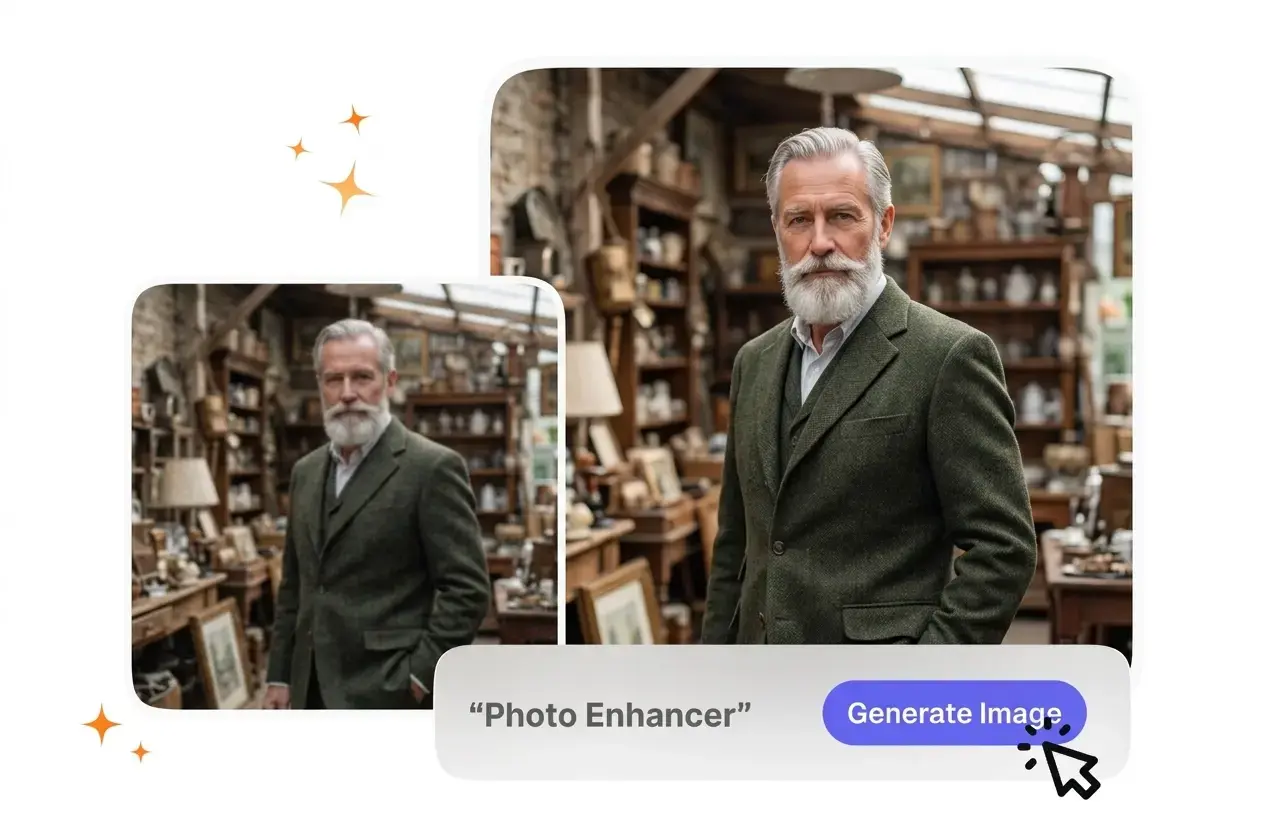
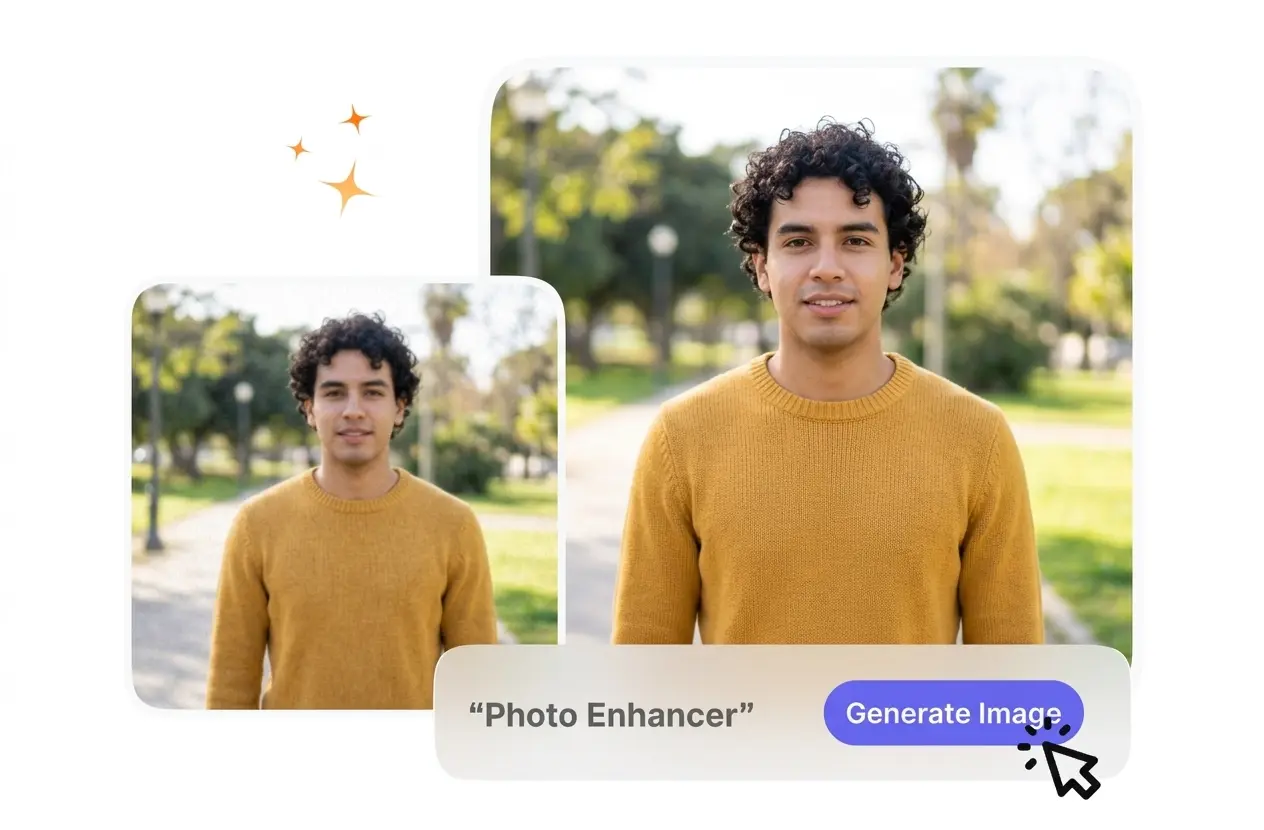
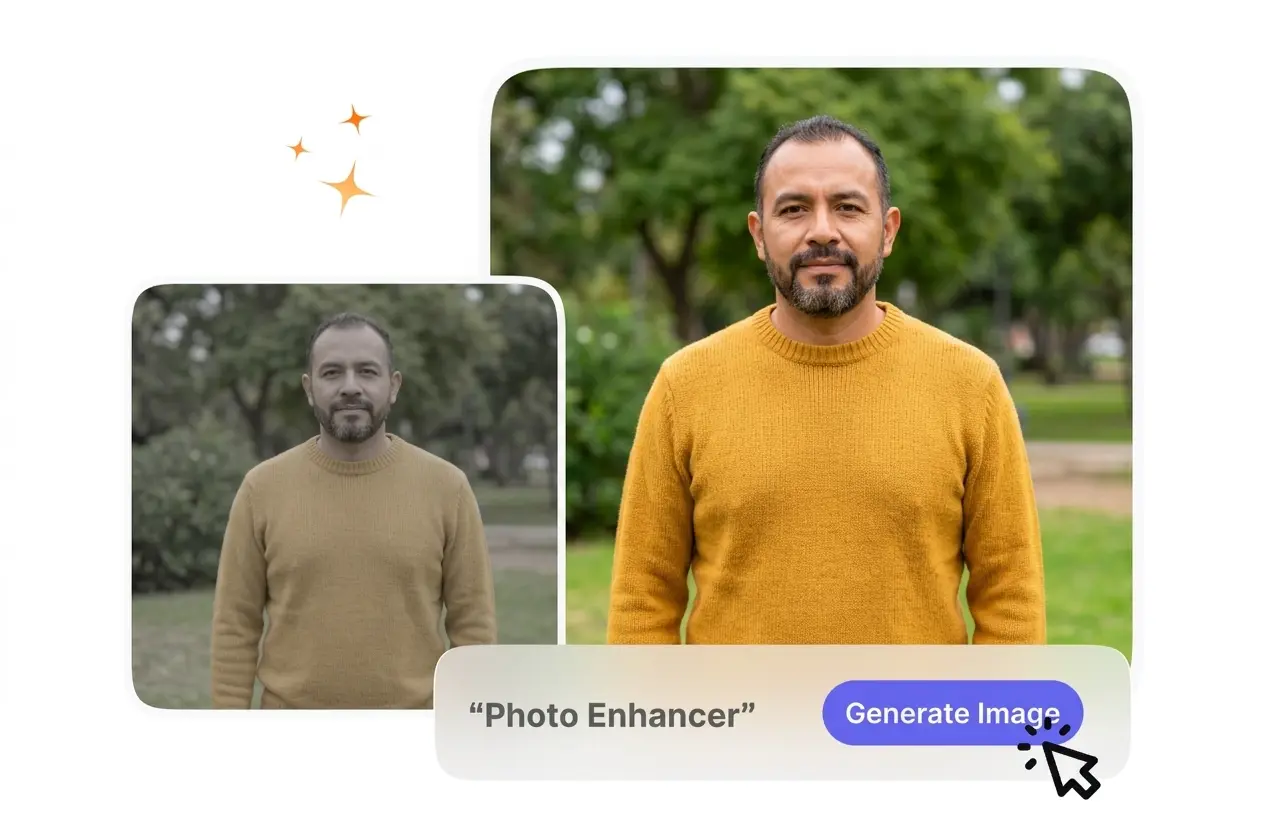
You upload your reference image and select the desired output resolution. VideoAI reads the current pixel density to determine exactly how much sharpening and color correction the source file requires.
Review AI Adjustments
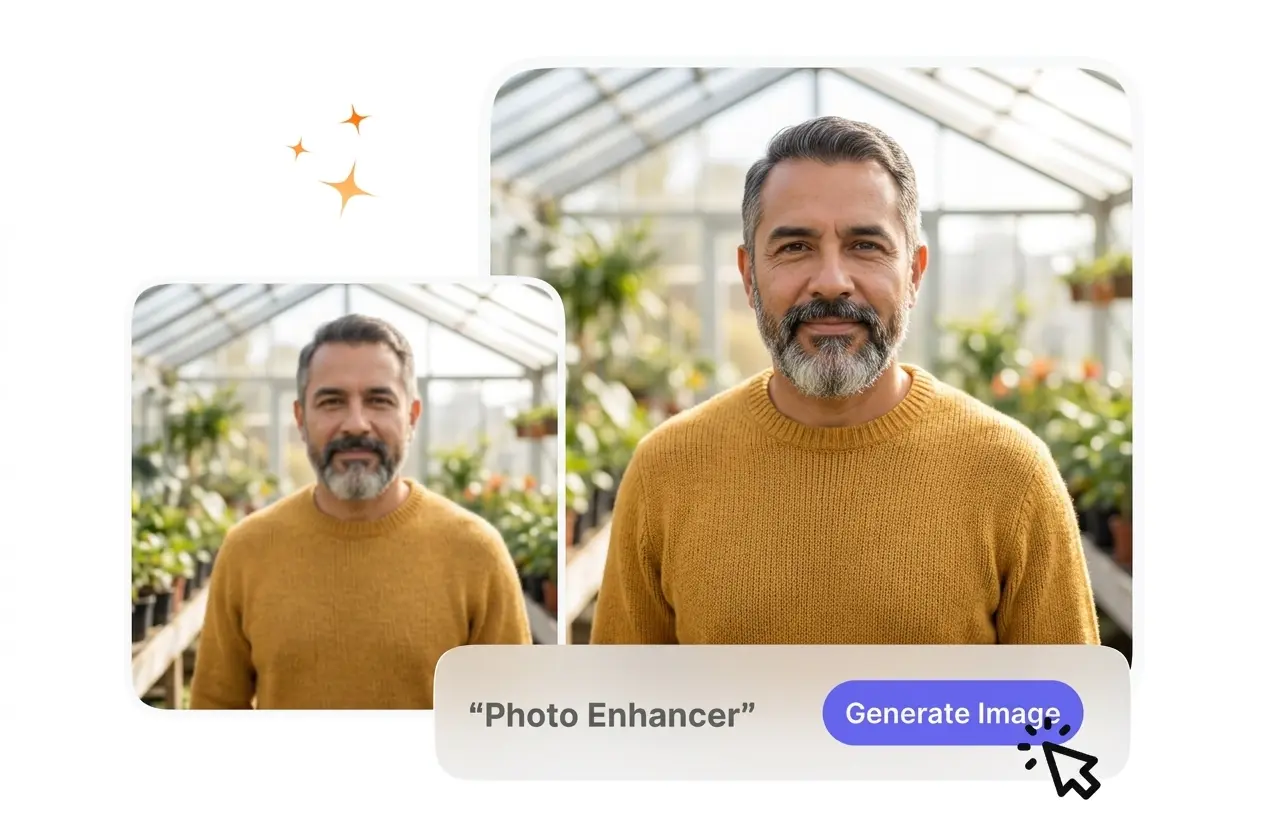
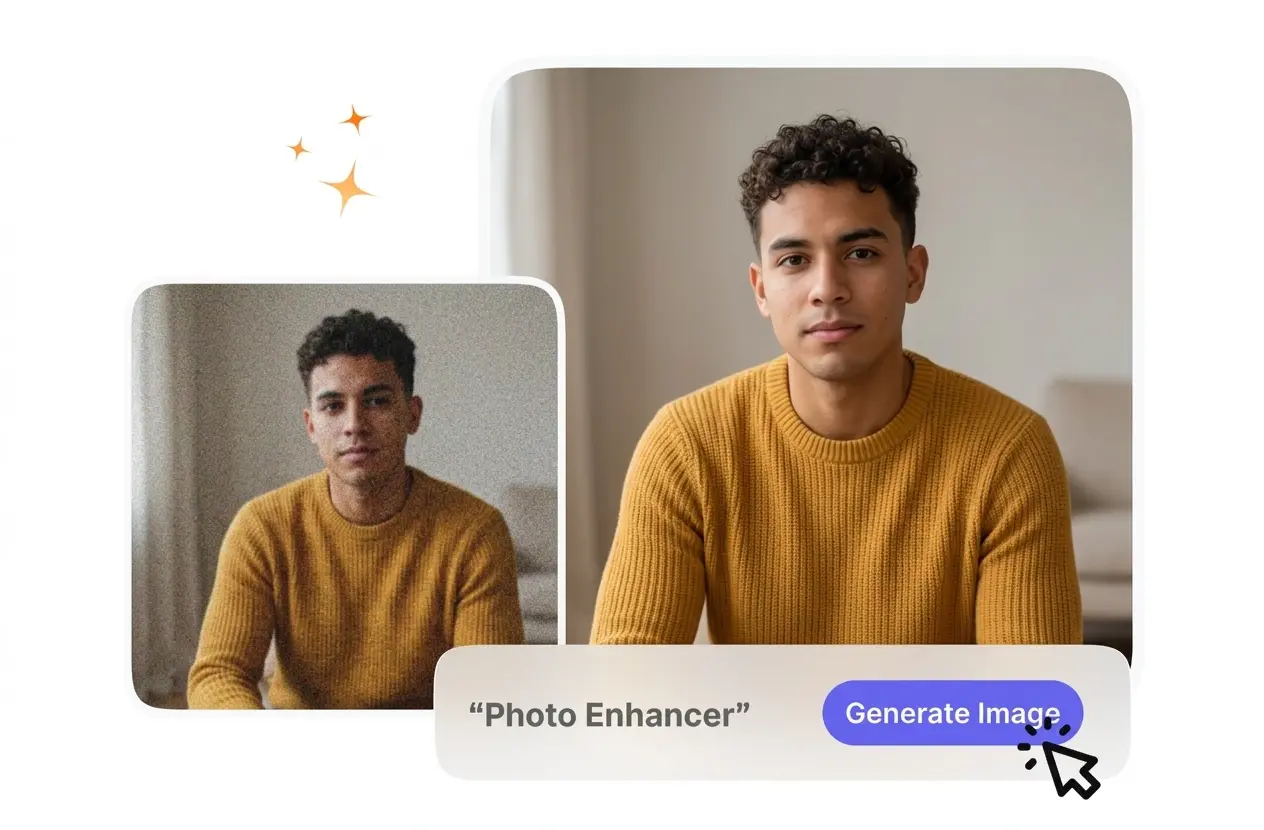
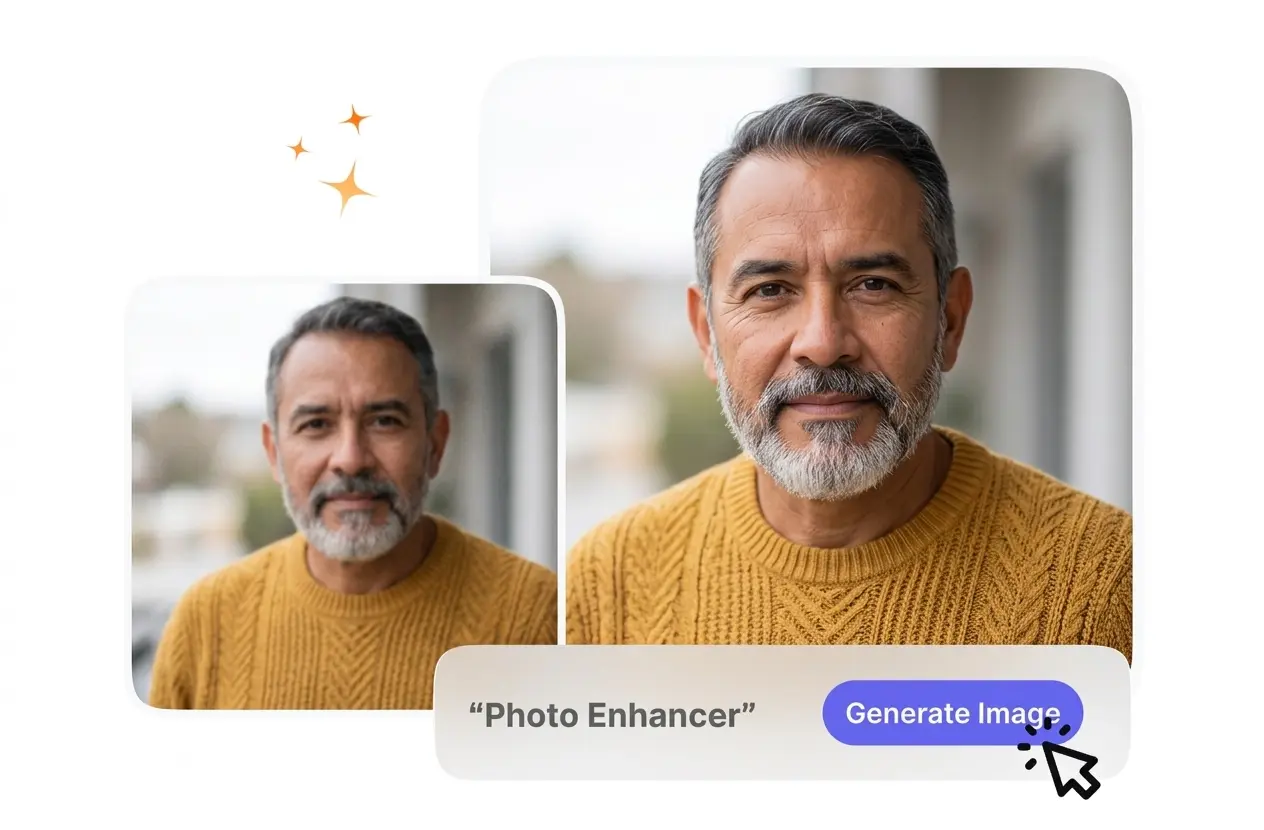
When you upload your reference image, the system analyzes the pixel structure to identify areas needing refinement. VideoAI applies the initial corrections, so you can preview the changes before exporting.
Fine-Tune and Export
You adjust brightness, contrast, or saturation to match your specific requirements. After that, you export the final file, securing a clean result that maintains its integrity across different viewing platforms.