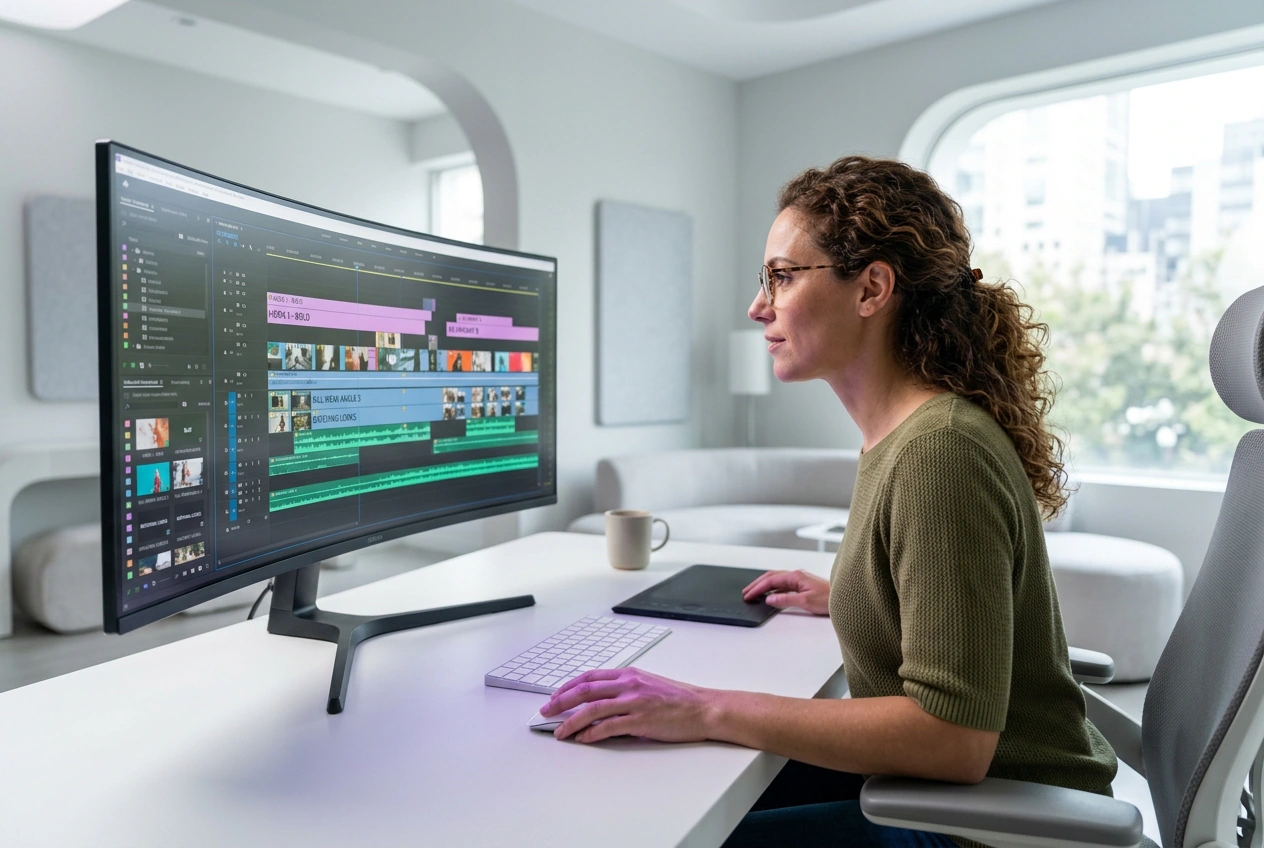
AI Video Generator
Transform ideas into cinematic videos with intelligent generation. Create smooth and visually rich storytelling with ease.
AI Video Generator for Every Creator
Input a text prompt or reference images, choose your settings, and export a finished video. VideoAI handles the generation so you focus on your message.
Whether you're new to video creation or managing content solo, VideoAI removes the technical barrier. Upload your input, review the output, export clean.

If you're new to AI video generator, starting with a text prompt is the clearest path. VideoAI suggests recommended settings based on your input type, so you don't need to guess. Most first-time videos look good without adjusting anything, and you can always refine and regenerate if needed.
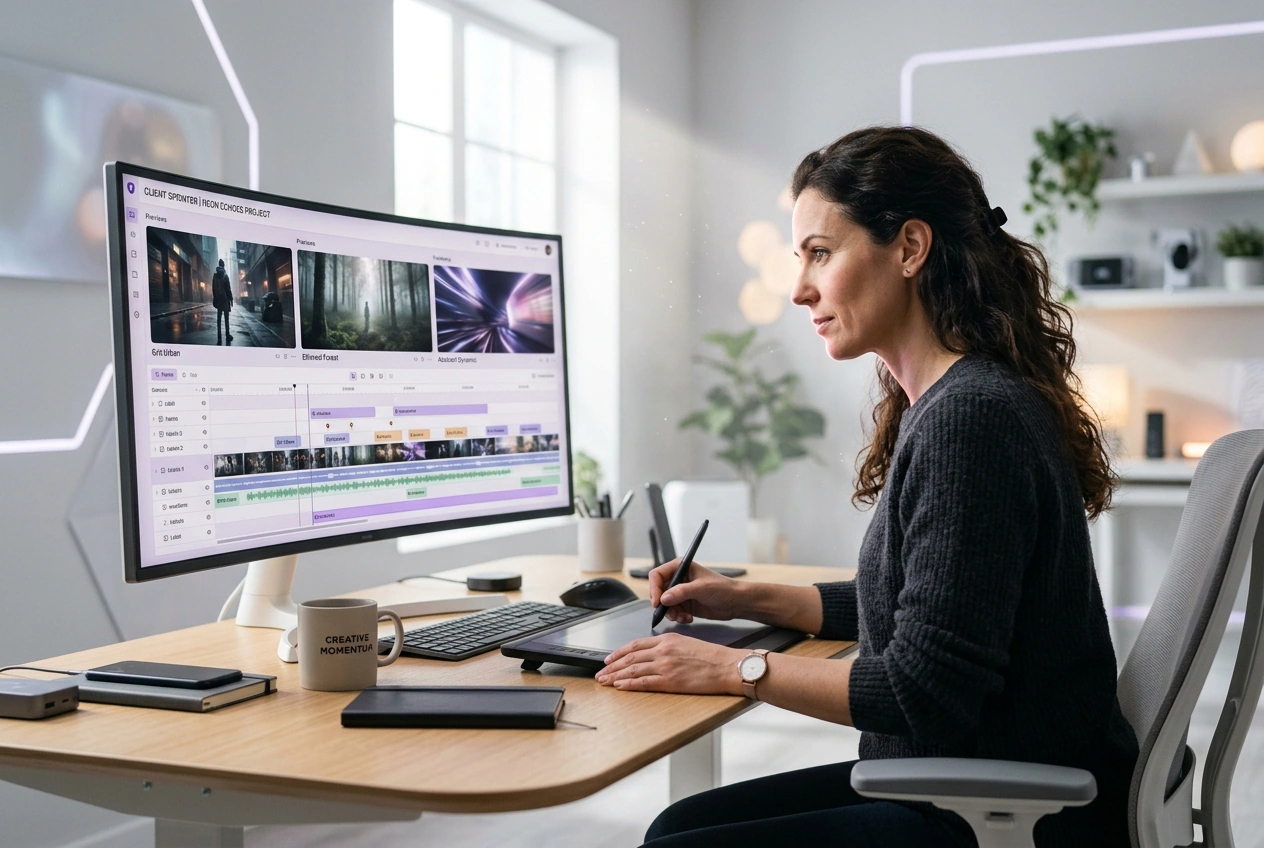

When you need product or service videos for social media but don't have a video team, this AI video generator saves time and cost. Upload a reference image or describe what you want, and VideoAI generates a polished video ready to post. No editing experience required, and turnaround is under 10 minutes.

If you're building tutorial or educational content, this AI video generator lets you generate consistent visuals to support your teaching. Input a text description of the concept you're covering, and VideoAI produces a video that matches your style. Perfect for supplementing walkthroughs without distraction.
How to Generate Video with AI
Three steps from input to export. Write your prompt or upload reference frames, configure your output, and download your video file ready to use.
Step 1
Input Your Prompt
Write a text description of the video you want, or upload start and end frames as reference. VideoAI reads your input and prepares the AI video generator parameters. Be specific about mood, pacing, and subject so the output matches your vision.
Step 2
Choose Settings
Select your video length, resolution, and style from the preset options. VideoAI shows you a preview of how these settings affect the output. Adjust if needed, or use the recommended defaults for your input type.
Step 3
Export Your Video
Click generate and VideoAI creates your video. Once ready, download the file in your chosen format. Most AI video generator in under five minutes, and you can use them immediately on social, in presentations, or in longer edits.
Features Built for AI Video Generator
VideoAI gives you control over input, output quality, and style so your generated video matches your intent from the start.
Text-to-Video Generation
Write a detailed text prompt describing the video you want, and AI Video generator crates it end-to-end. The more specific your description mood, motion, subject, pacing the closer the output matches your vision. This works best for conceptual or illustrative content where you have a clear idea but no source footage.
Image-to-Video Creation
Upload a reference image or start and end frames, and VideoAI generates video that bridges them smoothly. This AI Video Generator is ideal when you have a specific visual style or brand look you want to maintain. The tool reads your frames and produces motion that feels natural and on-brand.
Resolution & Format Control
Choose your output resolution, 720p, 1080p, or higher, and file format before generating. VideoAI exports in MP4 or WebM so you can use the video immediately on social, in presentations, or in further editing. Higher resolution takes slightly longer but gives you flexibility for different platforms.
Preset Styles & Presets
This AI video generator includes preset generation styles, like cinematic, minimal, energetic, educational. Select a style that matches your content type, and VideoAI applies consistent visual language to your output. You can also customize presets if you need a specific look.
Common AI Video Generator Questions
Can I use VideoAI if I've never made a video before?
Yes. VideoAI is built for first time users. Start with a simple text prompt describing what you want to see, and this AI Video generator handles the generation. The interface shows recommended settings based on your input, so you don't need to know technical details. Most creators get usable output on their first try without adjusting anything.
What's the difference between text and image input?
Text input works best when you have an idea but no source material describe the scene and AI Video Generator makes it. Image input works when you have reference frames or a specific visual style you want to maintain. If you're building branded content, image input gives you more control over the final look and consistency.
How long does it take to generate a video?
Most videos generate in two to five minutes depending on length and resolution. Longer videos or higher resolutions take slightly more time. You can start another project while waiting, and VideoAI notifies you when your video is ready. Export happens instantly once generation completes.
Can I edit or adjust the video after it's generated?
Yes. VideoAI exports a standard video file you can download and edit in any AI video generator. If you want to regenerate with different settings, you can run the same prompt again with adjusted parameters. Most users either use the output as-is or make minor cuts and color adjustments in their preferred editor.
What happens if the output doesn't match my vision?
Refine your prompt with more specific details about mood, motion, and subject, then regenerate. If you used text input, try uploading reference images instead. VideoAI learns from your adjustments, so your second attempt usually lands closer. This is normal, iteration is part of the process, and each regeneration helps you understand what works.
Try VideoAI with a text prompt or reference image. No credit card required. See what your first AI Video Generator looks like in minutes.