
AI Background Changer

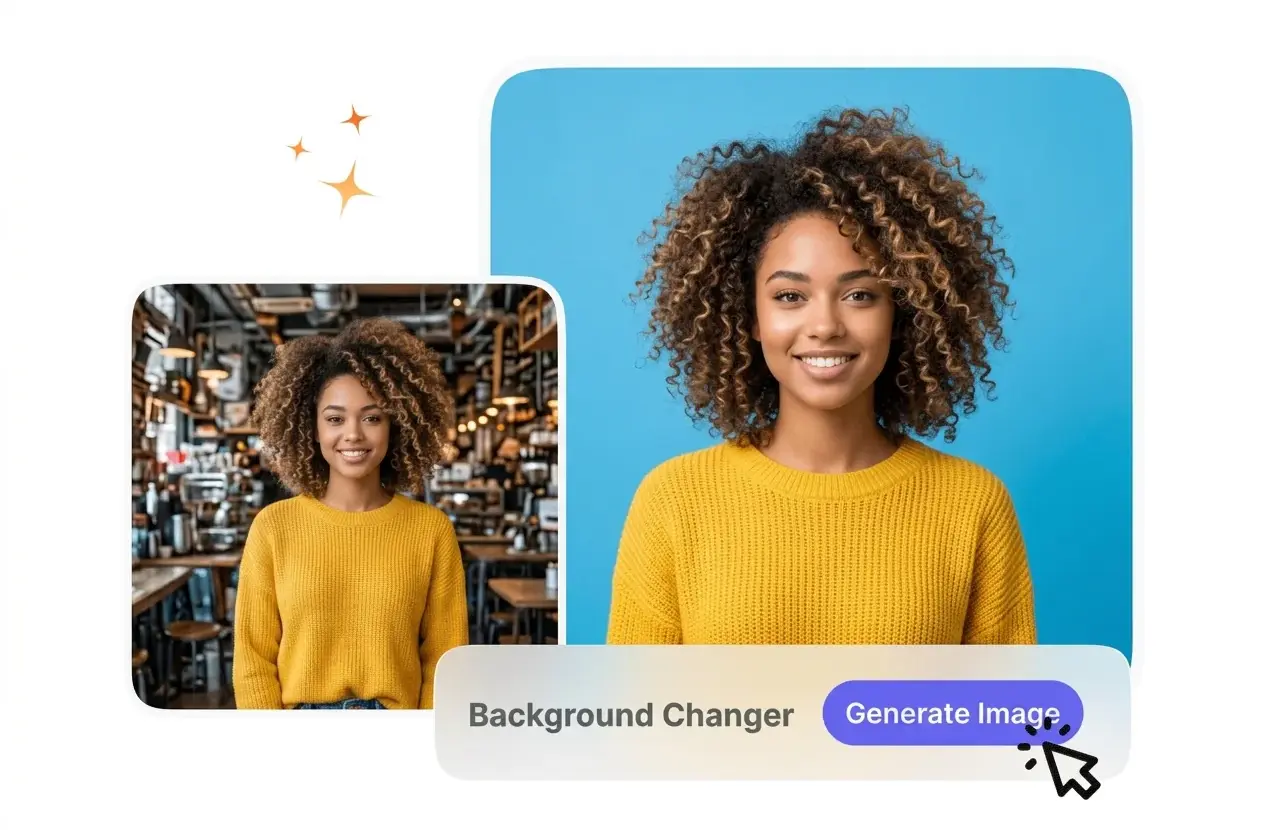
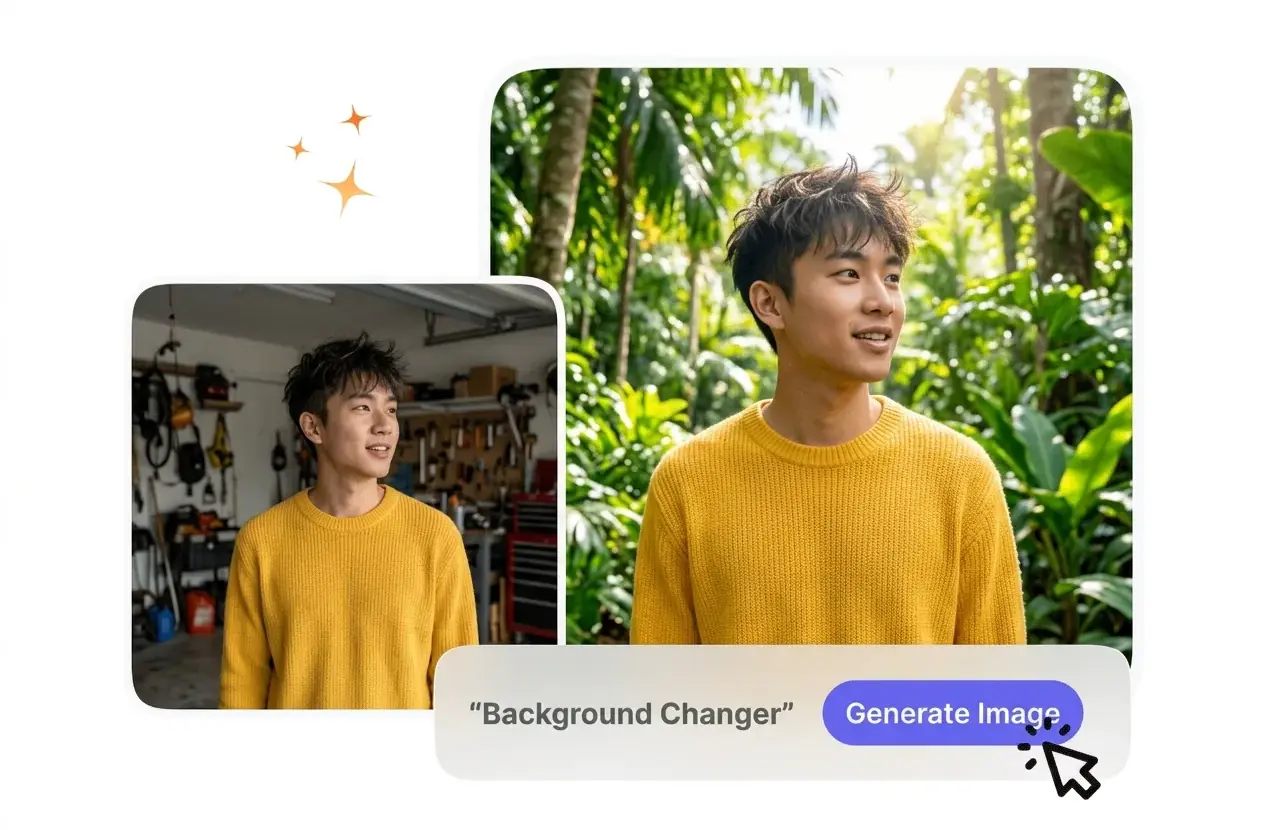
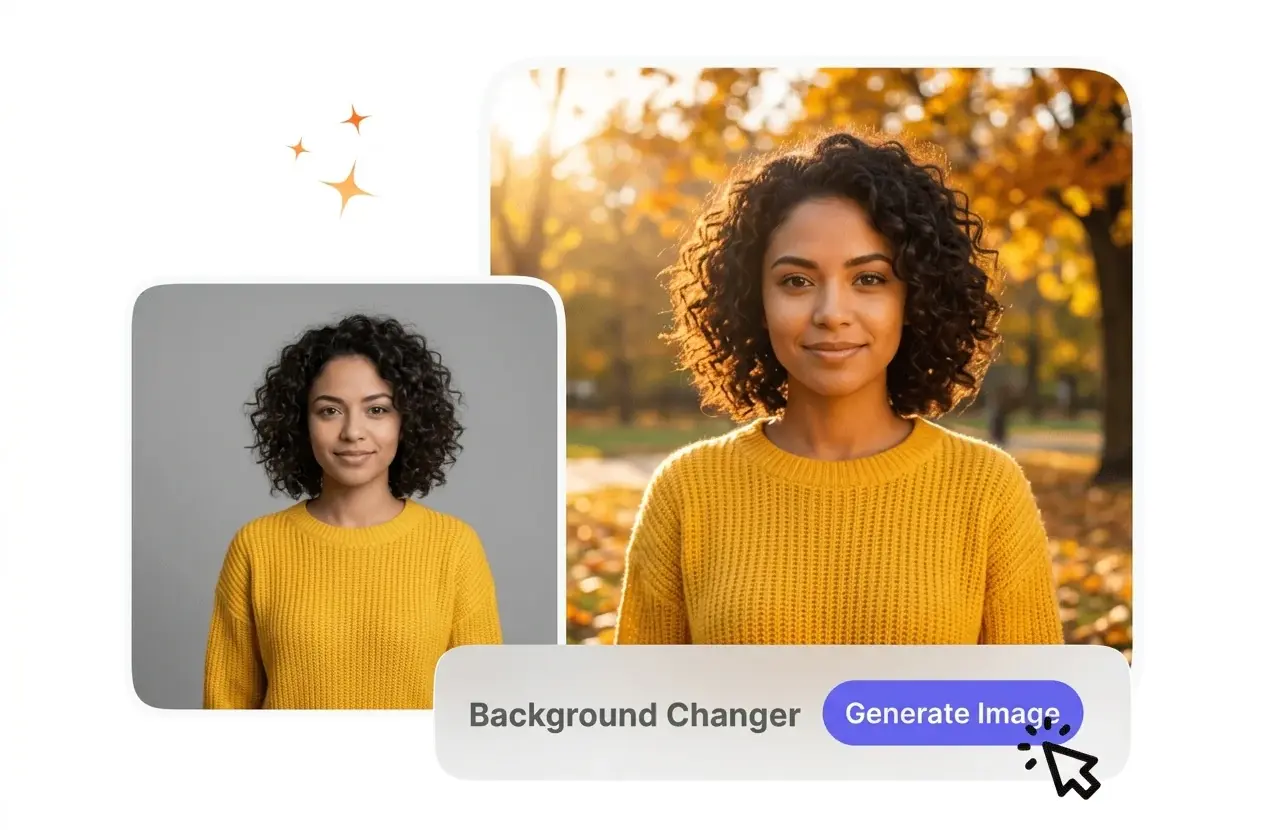
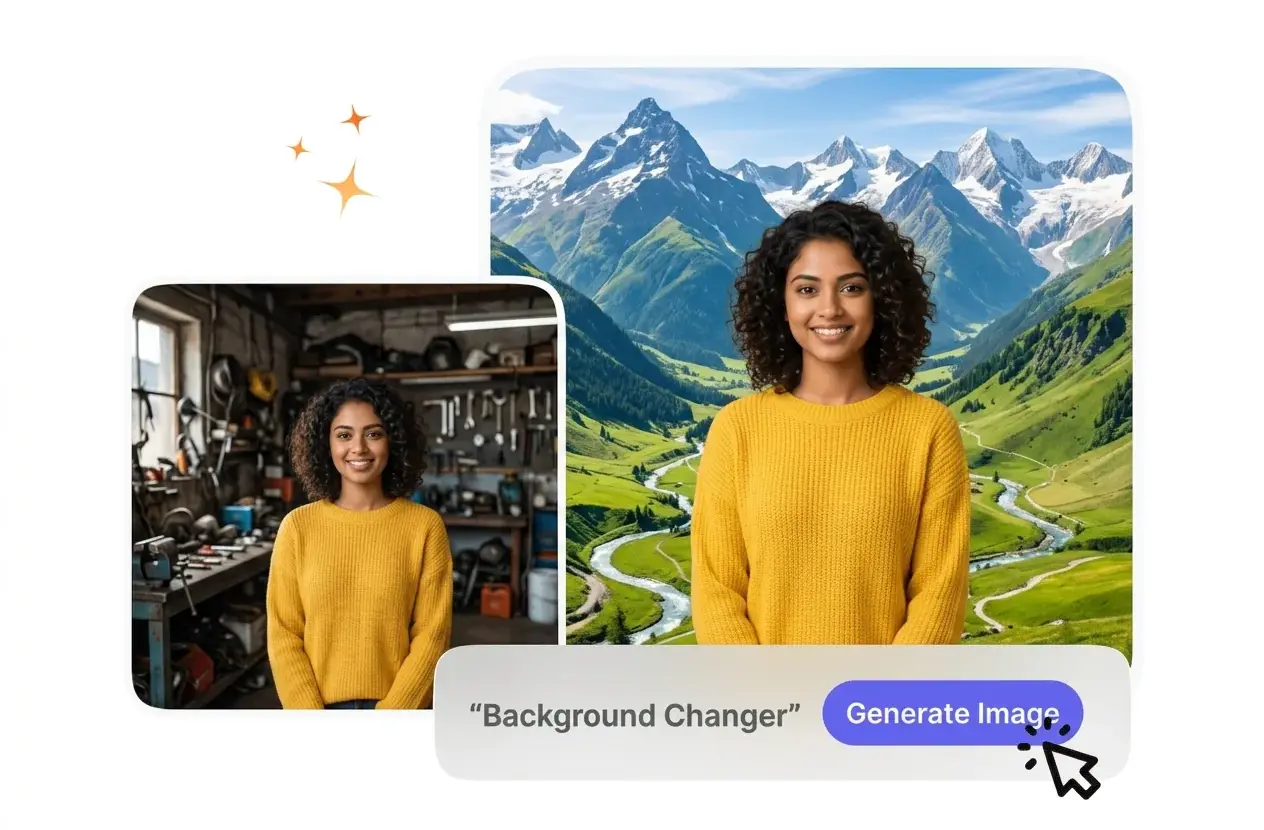
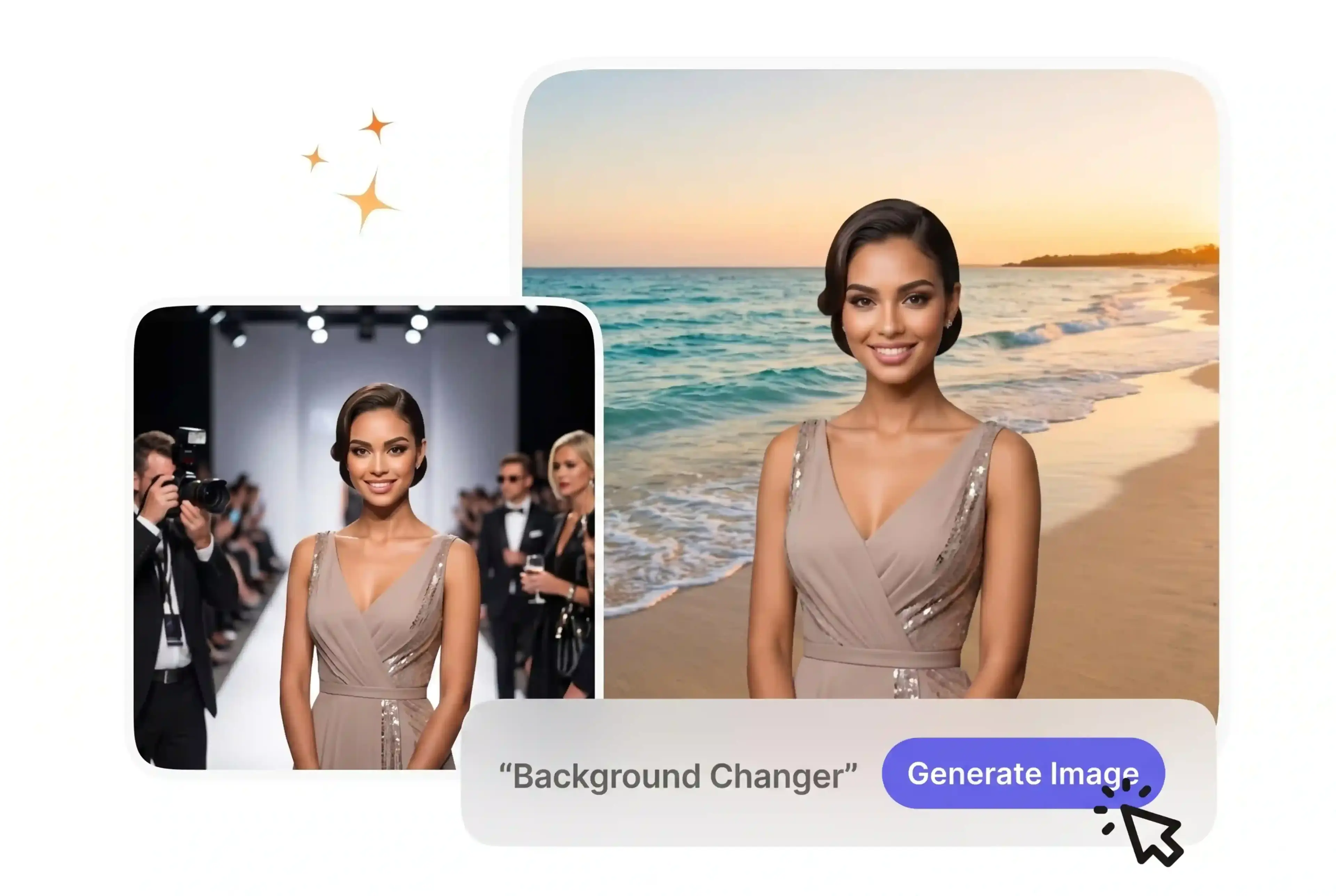
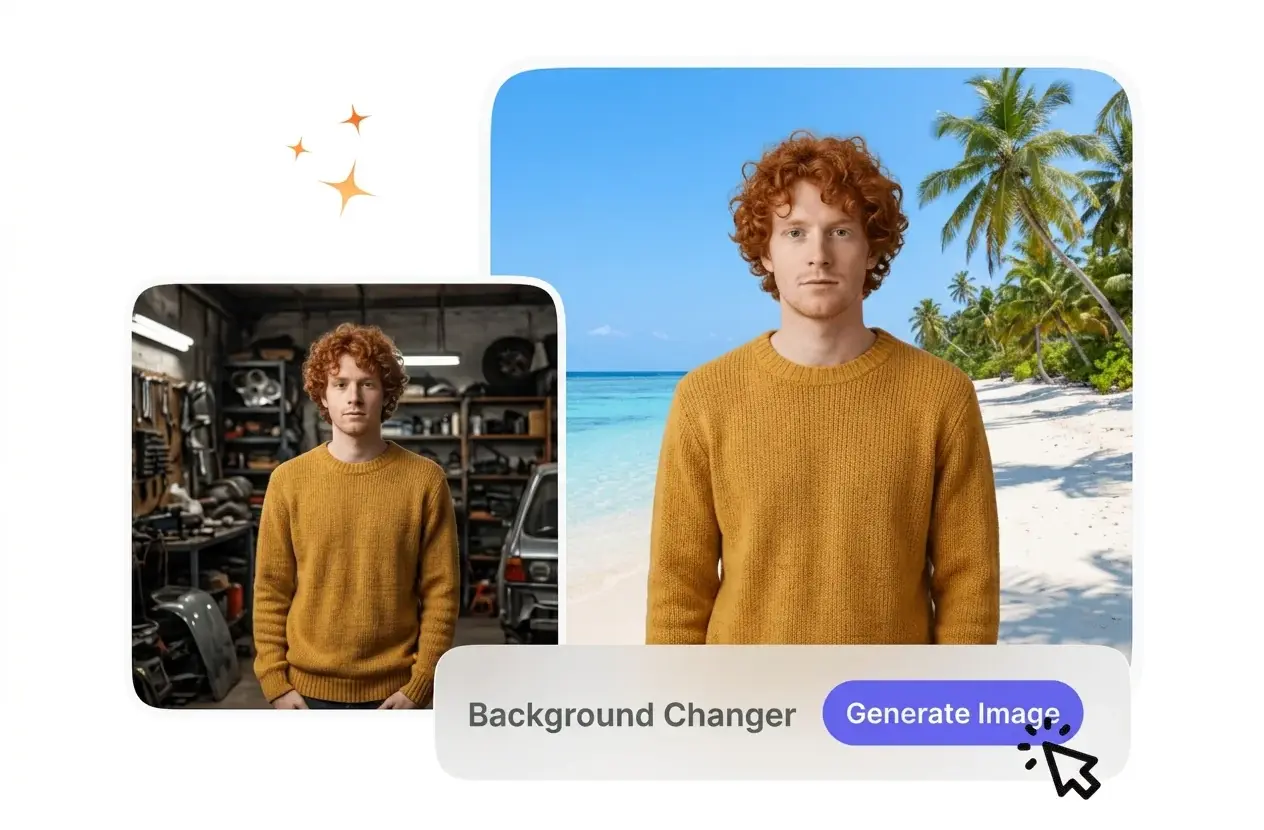
This Background Changer isolates your subject and replaces the setting based on your requirements. For best results, upload images with clear subject contrast.

Banner preview

Online Background Changer for Clear Images

VideoAI isolates your subject and applies a new setting instantly. This Background Changer works well for product shots and social media profiles.

Who Uses This Background Changer

Different creators need specific environments for their subjects. VideoAI provides a predictable Background Changer to match your exact visual requirements.

Store owner using Background Changer for products

E-commerce Store Owners

Product listings require clean visuals to meet strict marketplace standards. You can change background on photo files to pure white or specific brand colors. This keeps your entire catalog consistent without scheduling expensive studio reshoots.
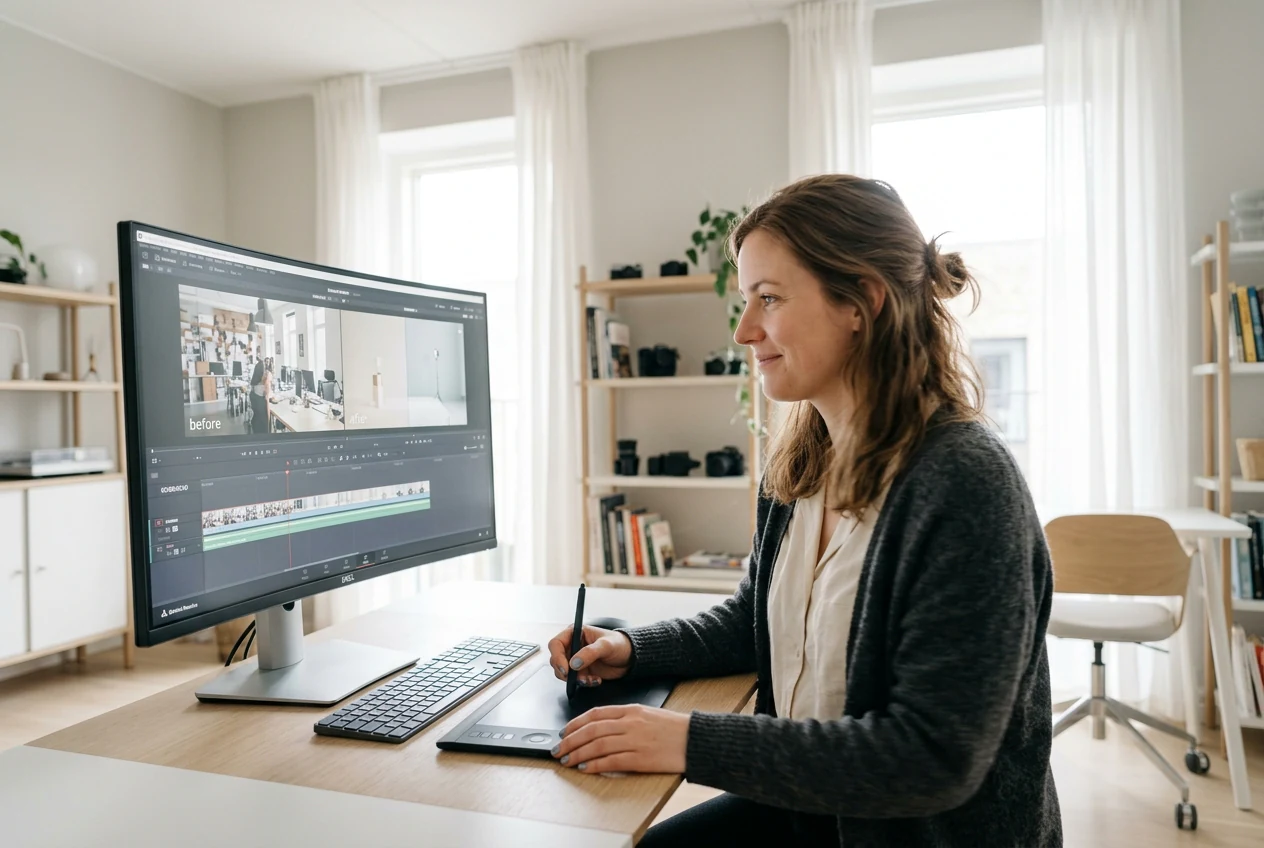

Educator applying Background Changer to lesson graphics

Educational Content Creators

Teachers need clear visuals that do not distract from the main lesson. You can change background in photo assets to minimal studio settings. The clean output helps students focus entirely on your core instructional material.

Manager editing social posts with Background Changer

Social Media Managers

Daily posts demand varied aesthetics to capture audience attention quickly. You can use this photo background changer to place subjects in fresh environments. The fast export process helps you maintain a consistent daily publishing schedule.

How the Background Changer Operates

VideoAI processes your upload and separates the subject from its original setting. You review the Background Changer preview before finalizing the new environment.

Step 1

Upload Reference Image

You provide a clear source file featuring your main subject. The Background Changer scans the image to identify complex edges and separates the foreground from the original setting to prepare for the replacement.

Step 2

Define New Setting

When you select a solid color or provide scene details, VideoAI builds the new environment around your subject. The system matches lighting and color tones to ensure the composite looks natural.

Step 3

Review and Export

You check the generated preview to confirm the subject blends well with the new environment. After that, you download the final file in high resolution to use across your specific project needs.

Core Background Changer Capabilities

VideoAI gives you precise control over your subject environments. You can change photo background styles quickly while maintaining the original subject integrity.

Smart Edge Detection

The Background Changer identifies complex boundaries around your subject during the initial scan. You do not need to trace outlines manually before applying the new setting. This works best with high contrast between the subject and original environment.

Background Changer detecting complex subject edge details

Flexible Environment Generation

The system accepts solid color selections or descriptive text details for the new scene. You choose the method that fits your current project workflow. The generated output matches your specific brand colors or custom visual requirements.

Flexible environment options in Background Changer interface

Lighting and Color Match

If your reference image has complex lighting, the system adjusts the new environment to match those tones. You review the blended result in the preview window. This prevents the subject from looking disconnected from the scene.

Background Changer matching lighting on subject perfectly

High Resolution Export

The Background Changer processes the final composite without reducing the original file quality. You export the finished image directly to your local device. The resulting file remains sharp enough for professional printing or detailed digital marketing campaigns.

High resolution export from VideoAI Background Changer

Background Changer Common Questions

You upload your source file and let the Background Changer isolate the subject. Then, you select a solid color or describe a new scene. This straightforward process helps creators update visuals quickly without learning complex editing software.

Try the Background Changer Today

See how VideoAI handles your subject extraction. Upload a reference image and explore different environments to match your project needs.

Get Started