
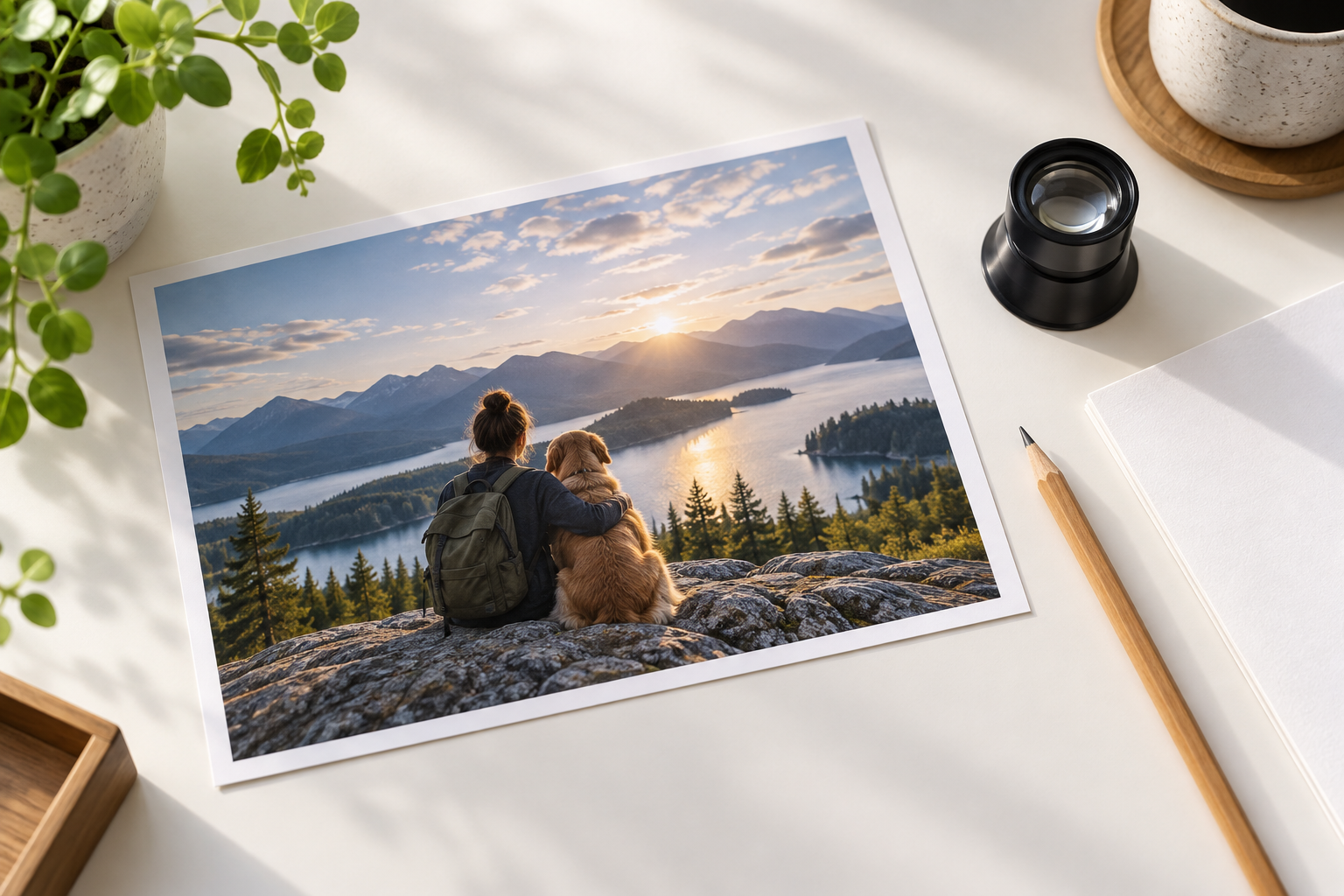
Step 01
Upload an Image
Choose a clear JPEG, PNG, or WebP file and open it in the browser. The free image editor reads the source image, so a larger file with visible detail usually gives you more room to review the edit.

Use this free image editor to handle practical changes in one browser workflow. Upload a photo or graphic, choose the edit you need, and review the result before you download it. This free image editor online supports common tasks such as retouching, object removal, background replacement, and composition preparation. Start with a good source file, keep the original, and check the result at full size so small edge, crop, and color problems do not reach the final layout.
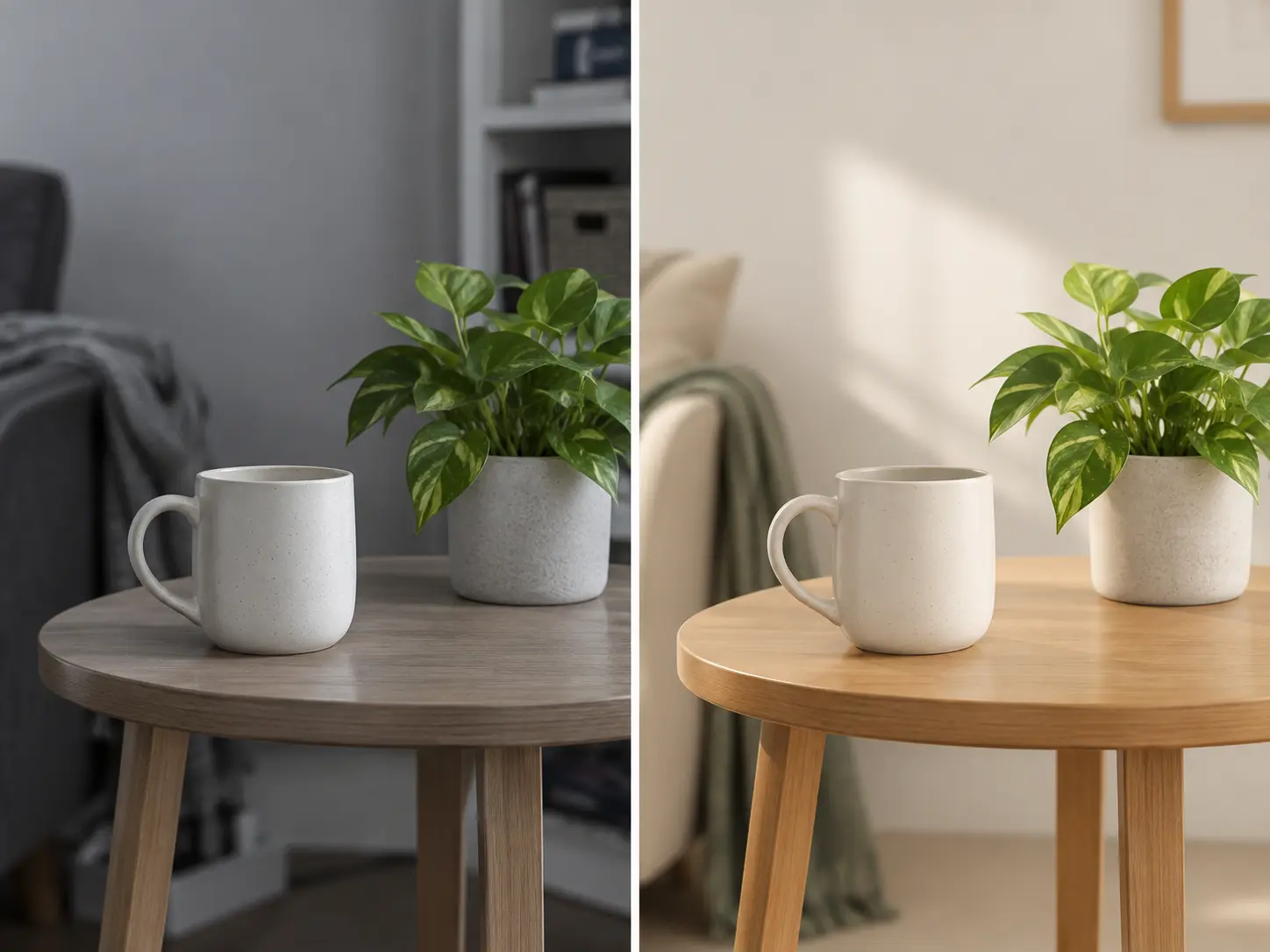
Use the free image editor for focused changes that improve how an image looks and fits its next placement.
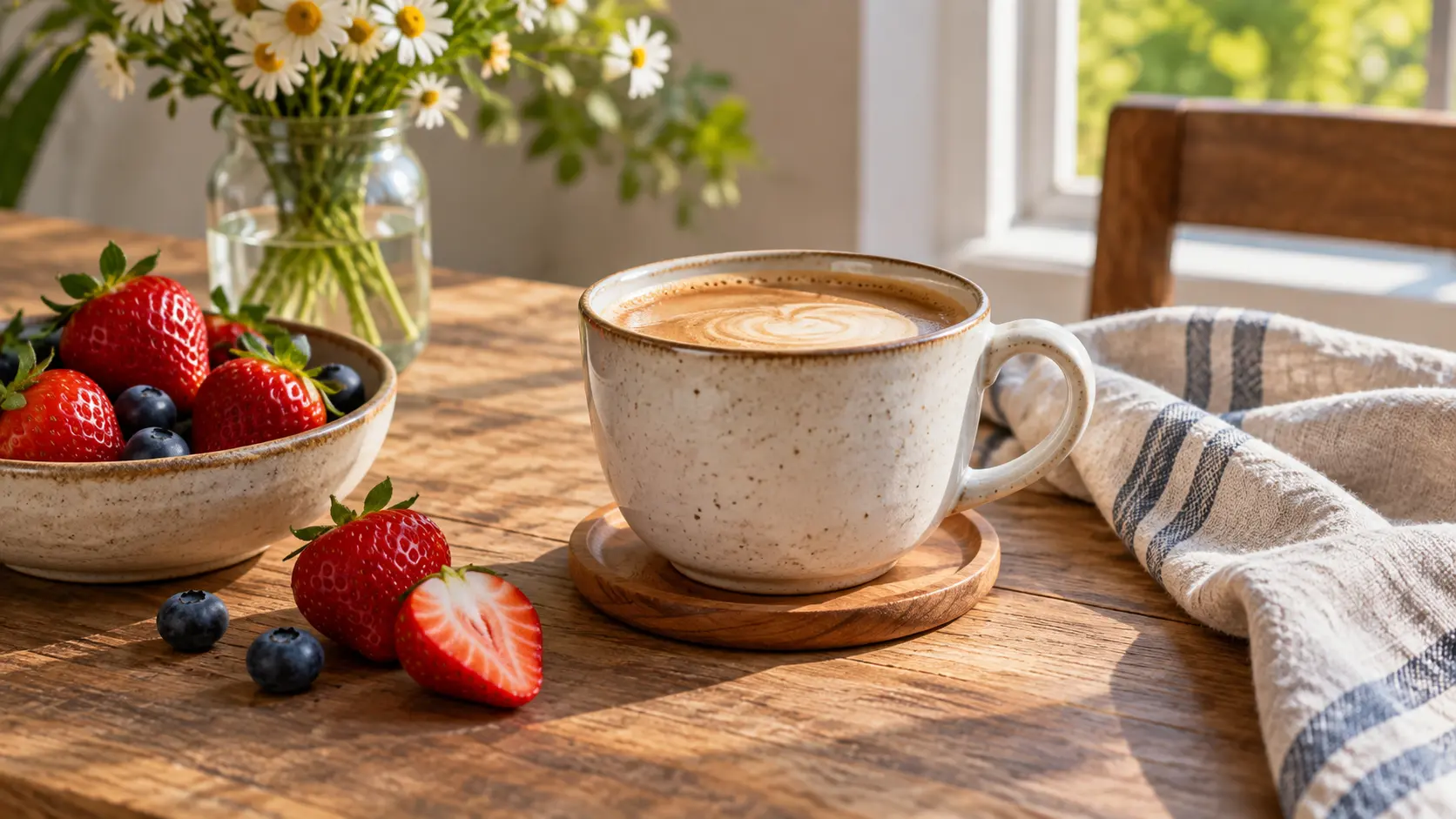
Adjust light, color balance, small blemishes, texture, and distracting details in a photo. The free image editor keeps the task direct, so you can review one visible change before moving to the next. Preserve the original file and avoid over-processing faces, products, or fine patterns.
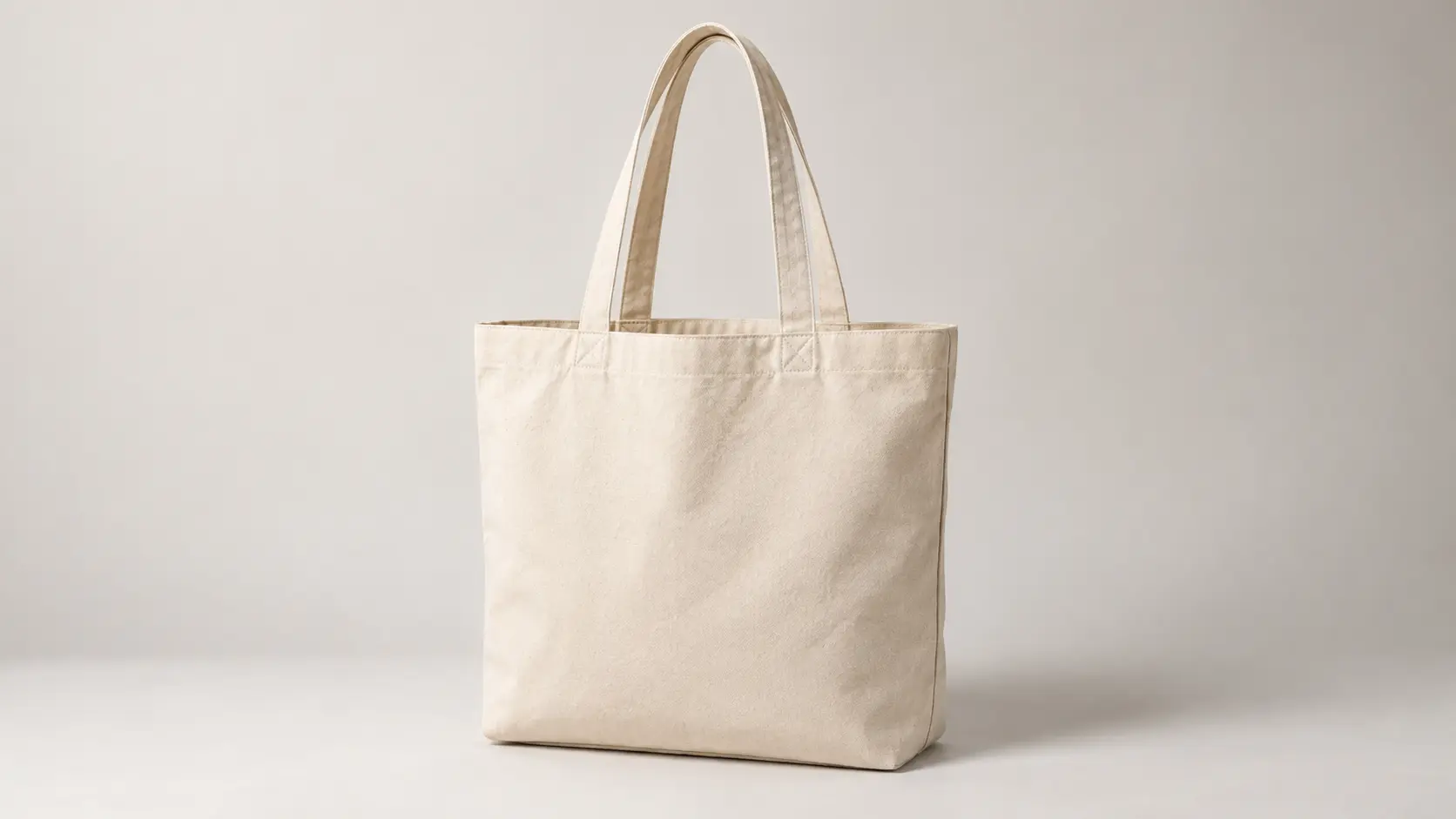
Remove an unwanted object, replace a distracting background, or create a cleaner product setting from an uploaded image. The free image editor online rebuilds the surrounding area, while you check reflections, contact shadows, and subject edges for consistency.
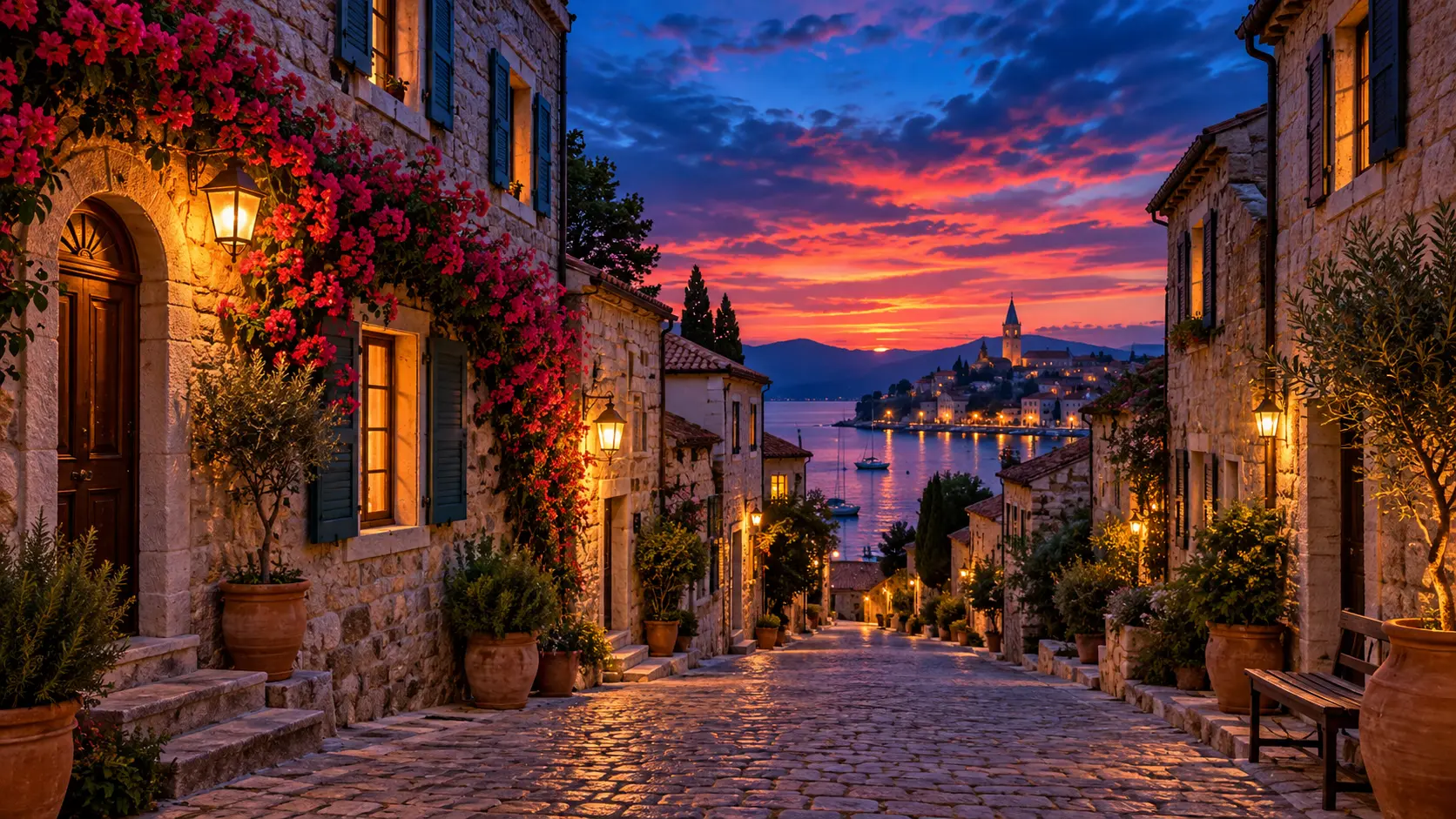
Describe the result you want in plain language when you need to shift a mood, change a color story, or add a simple visual idea. A free image editor gives you a fast direction to review, but precise text, logos, and exact brand colors still need a controlled design workflow.
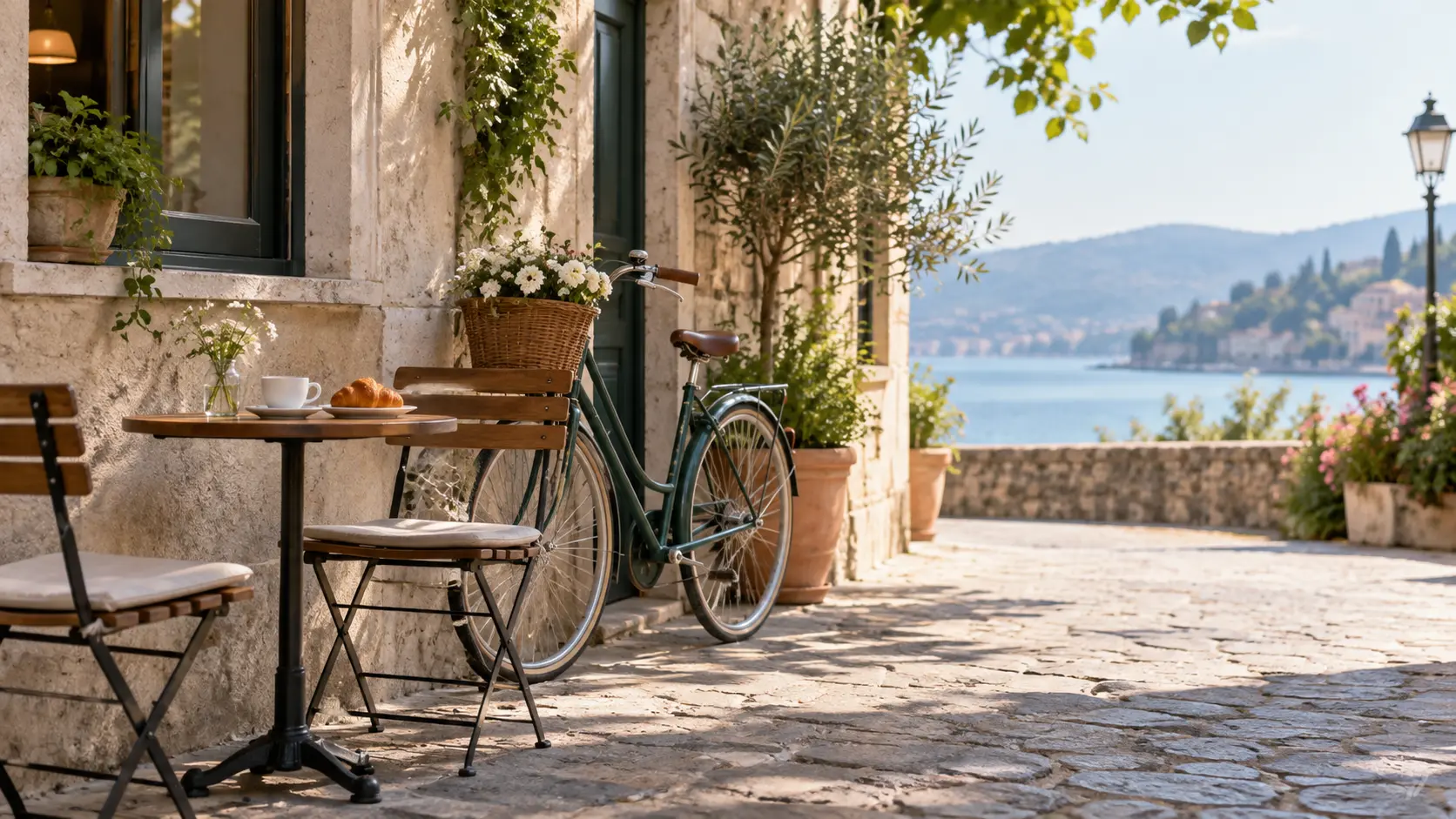
Prepare an image for a social post, listing, slide, cover, or presentation by changing its visual proportions and surrounding space. Use the free image editor online to explore the crop, then check resolution, subject position, and safe areas before export.
Upload a source, define one useful change, and compare the result before you use it.
Step 01
Choose a clear JPEG, PNG, or WebP file and open it in the browser. The free image editor reads the source image, so a larger file with visible detail usually gives you more room to review the edit.
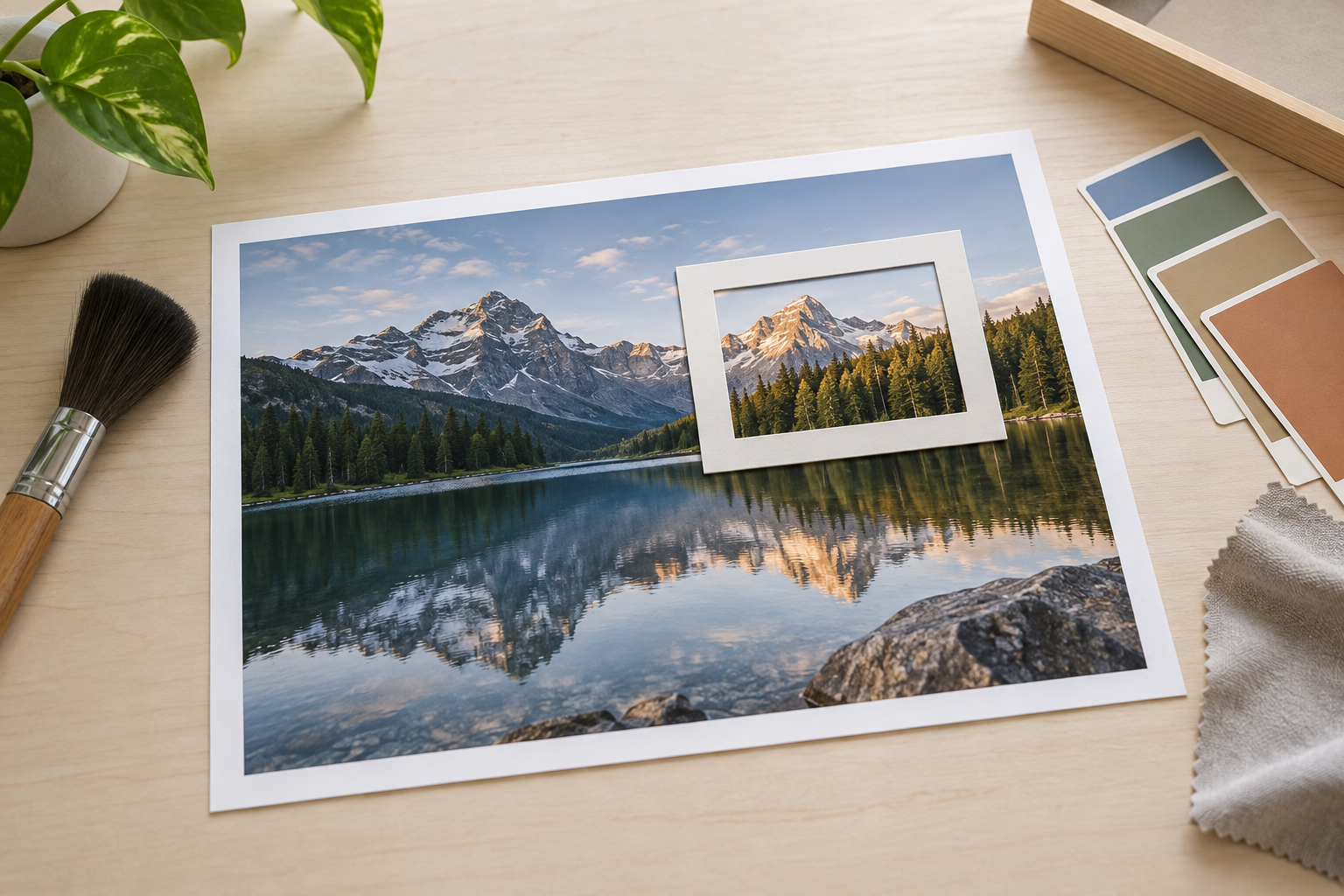
Step 02
Describe one change or select the relevant image workflow. Name the subject, area, and desired result rather than combining several unrelated requests. The free image editor online can then produce a clearer direction to inspect.
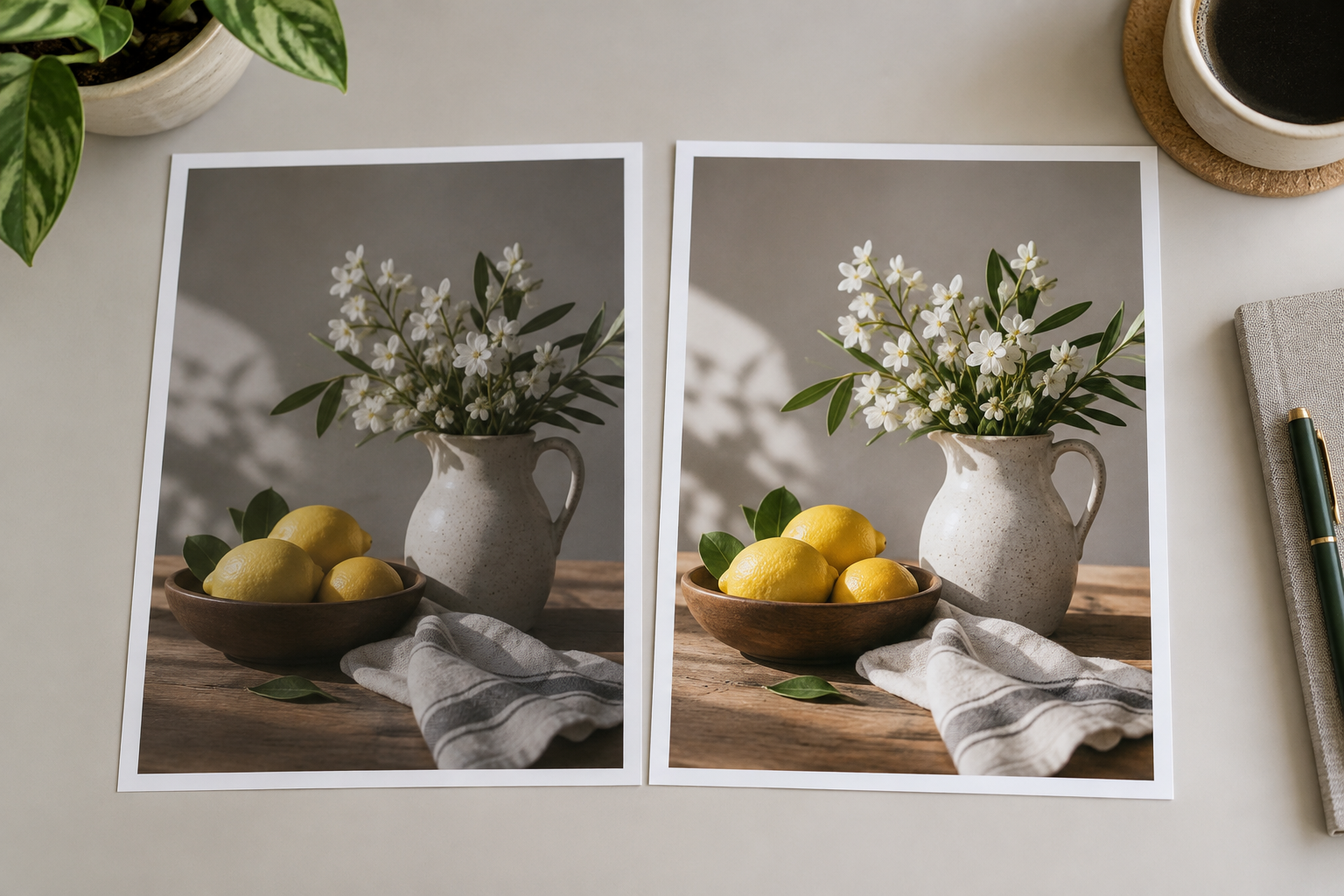
Step 03
Compare the edited image with the original at full size. Check identity, edges, shadows, color, and composition, then make one refinement if needed. Download the version that stays faithful to the source and fits its intended use.
The page is built for common image tasks across product, marketing, social, and personal projects.
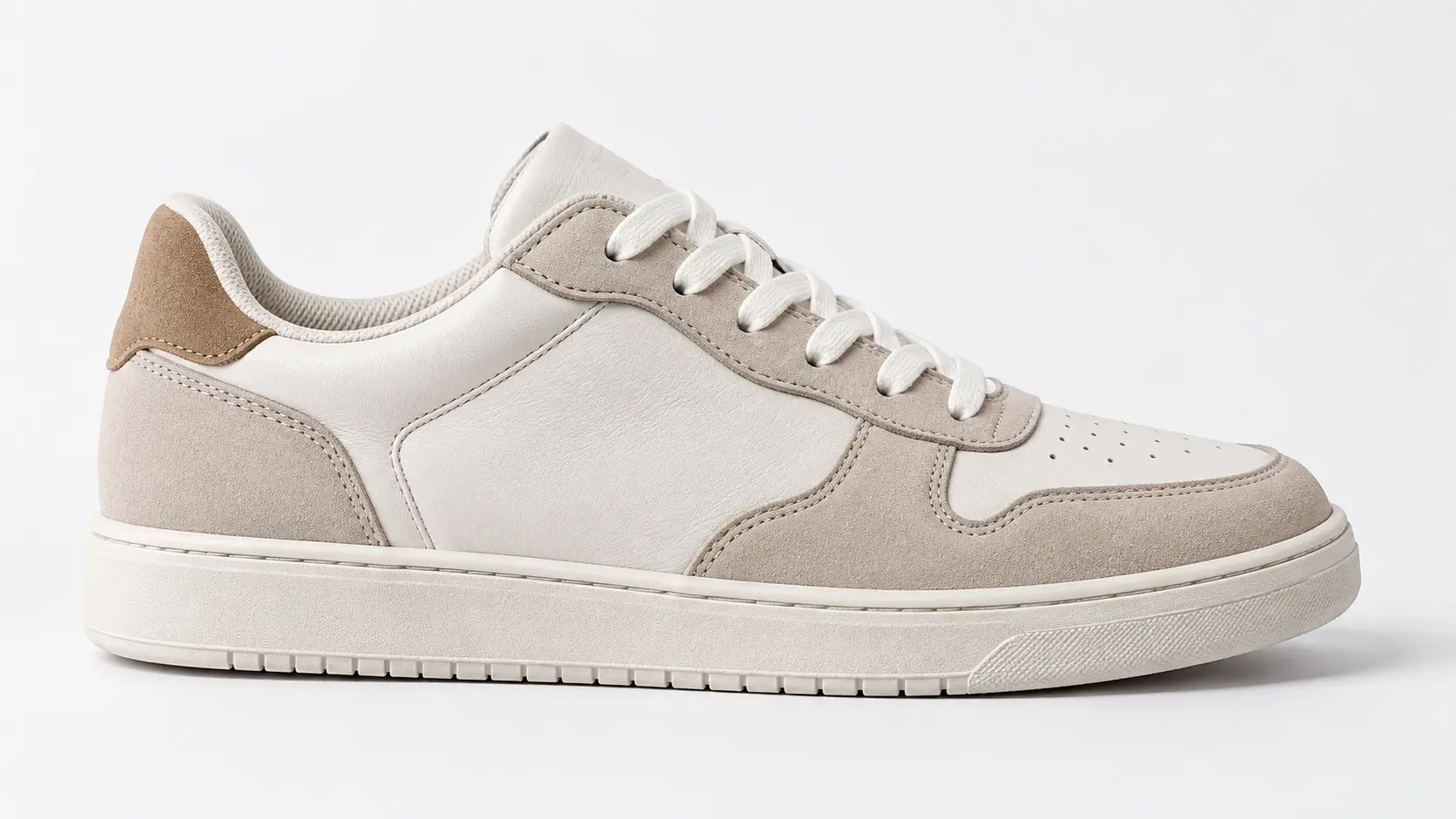
Remove small distractions, improve the background, or prepare a consistent catalog image for a shop and marketplace. The free image editor helps create a cleaner presentation, while you still check product shape, labels, and color accuracy.
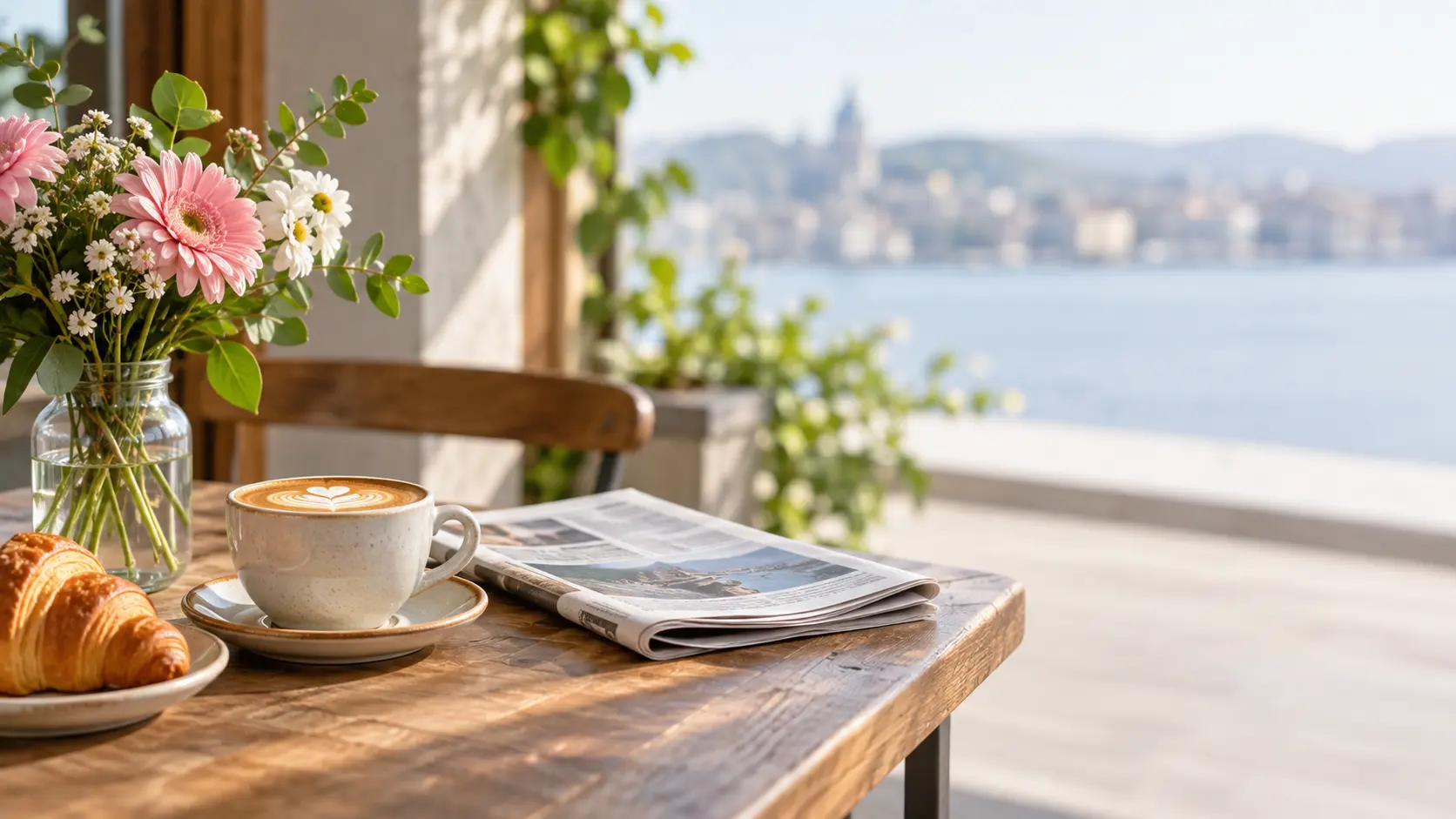
Reframe a photo, change its visual mood, or create more space for a caption and campaign element. A free image editor online is useful for testing a direction quickly, then reviewing safe areas for each social placement.
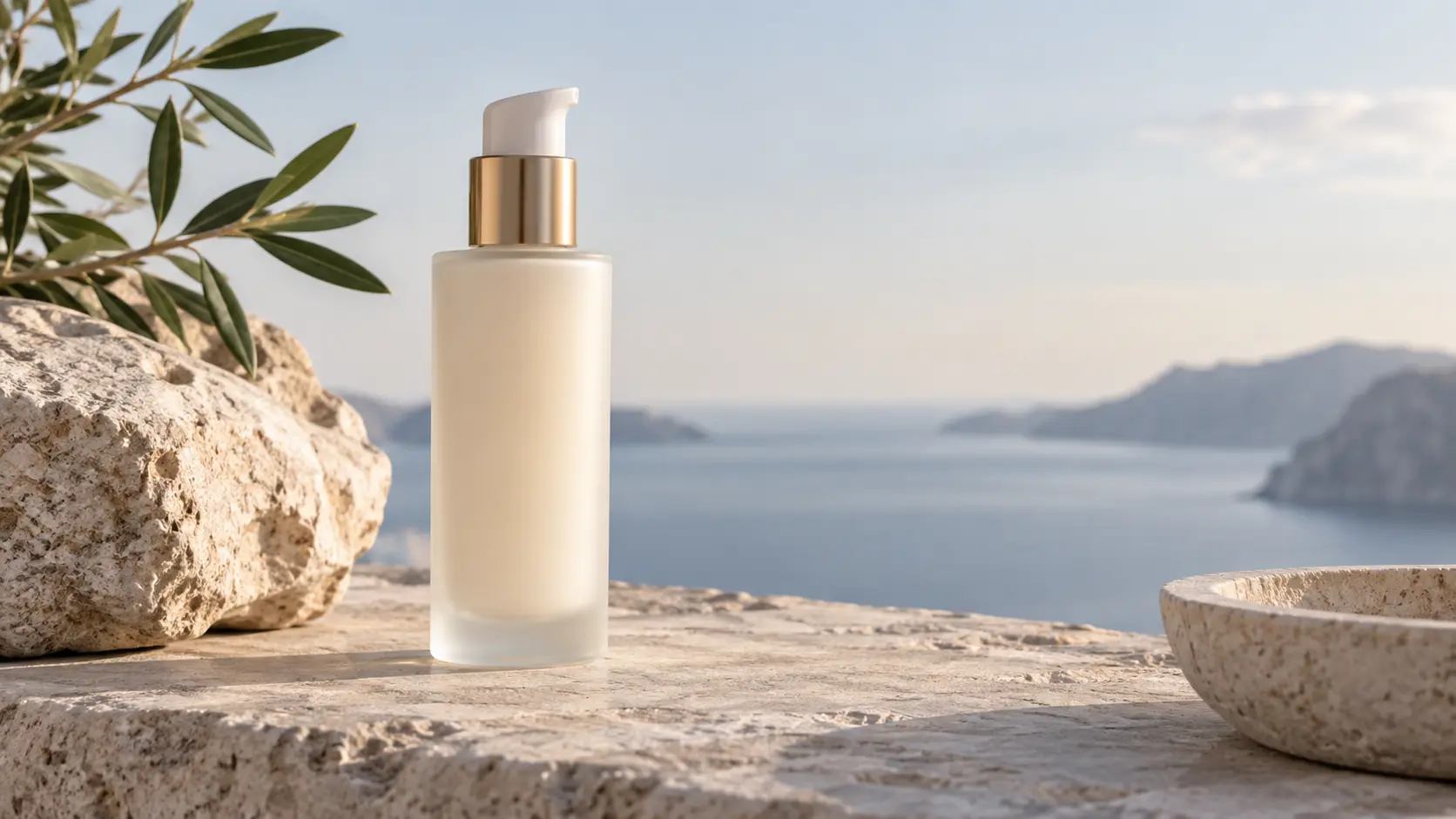
Clean up a campaign photo, extend a background, or create a simpler visual for a webpage, email, or presentation. The free image editor keeps common adjustments nearby so a small fix does not require a full design rebuild.
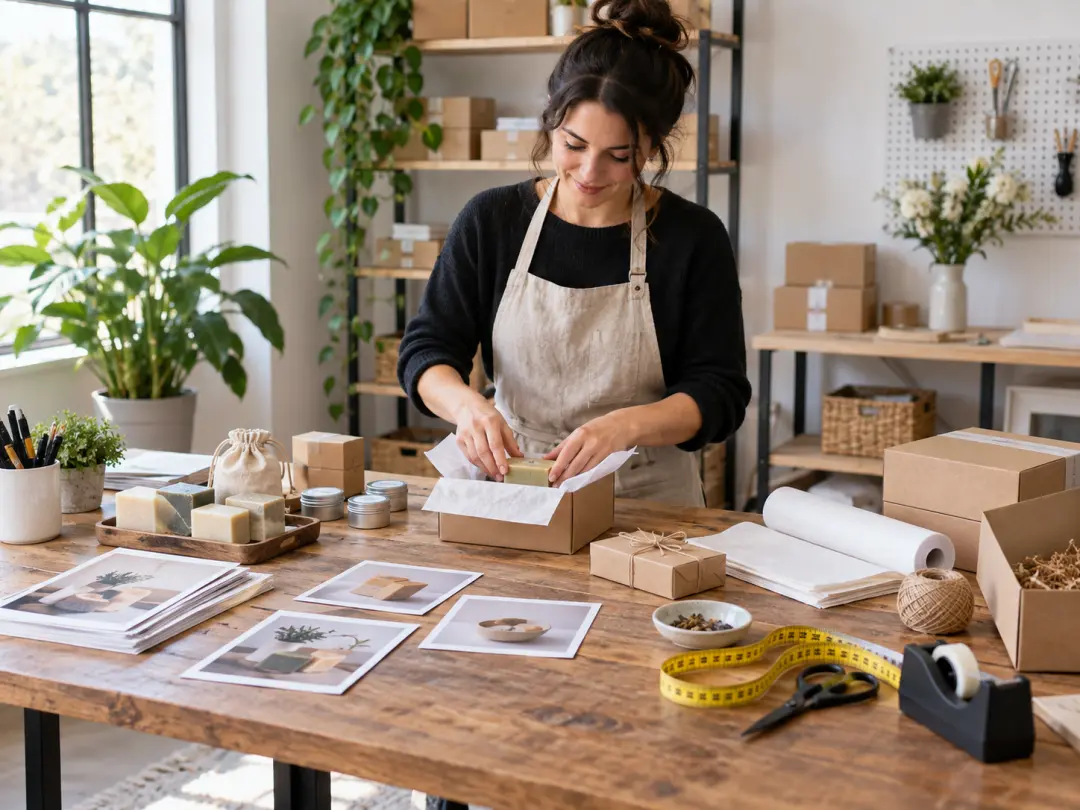
Clean small distractions, simplify a background, and prepare a consistent image for a product listing. Always compare the result with the original when accurate color and shape matter.

Adapt one strong image for several post formats by changing composition, extending the scene, or refining the visual mood. Keep each crop readable before publishing.
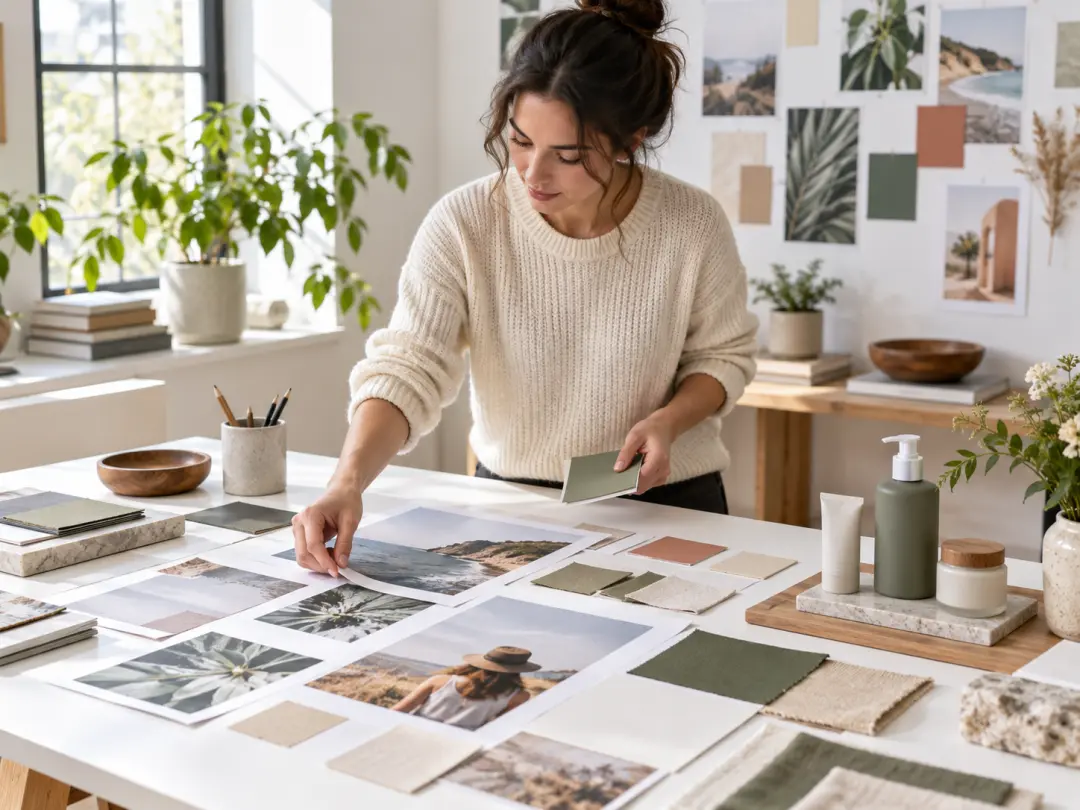
Create cleaner photos for websites, email, and presentations without opening a full design suite. Use focused edits and keep brand-critical colors under review.
A browser workflow can cover routine edits without adding a long setup step.
Open the editor, upload a file, and work from the browser. This keeps a quick image task accessible when a desktop editing suite is unnecessary.
Work with familiar JPEG, PNG, and WebP images, then export the result for its next use. Check the destination's file and size requirements.
Clean a small distraction, adjust a background, or improve a visual before a campaign deadline. Keep the original so every change can be compared.
Create a cleaner source image that can be cropped for a listing, social post, slide, or article. Review each placement separately.
A free image editor should support review, not hide the source. Compare identity, text, color, and crop before accepting a result.
Name the change you want and inspect the outcome. A focused instruction is easier to evaluate than a bundle of unrelated edits.
Upload a photo or graphic and use this free image editor to create a cleaner result for your next layout.
Get Started